 Italian Brainrot: Animals Merge Puzzle
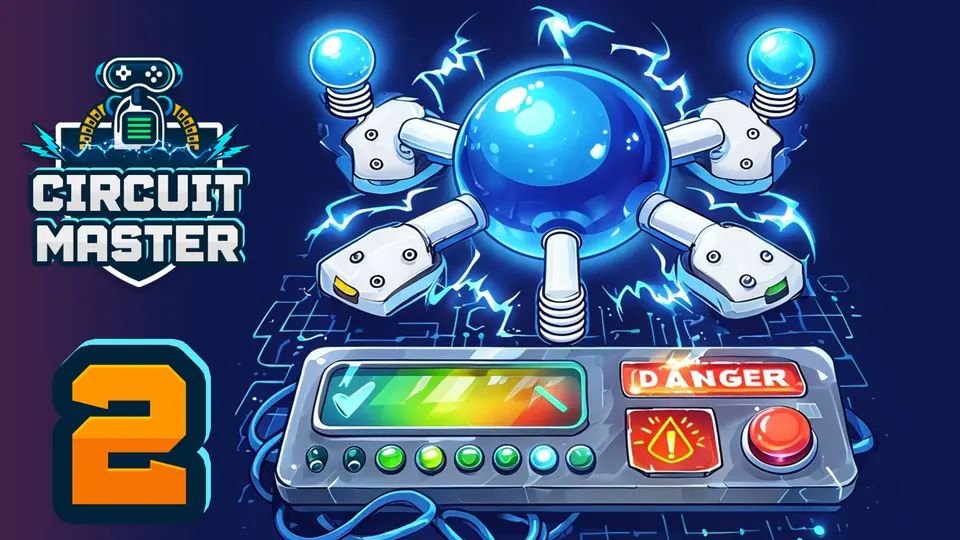
Circuit Master 2
Provided by Playgama
Circuit Master 2via Playgama
Italian Brainrot: Animals Merge Puzzle Block Puzzle Tropical Story
 Slide Block Jam
 Wood Blocks Jam
 Simple Words
 Wednesday Addams Merge Drop Puzzle
 Bridge Builder
 Snake to Eat
 Heart Box
 Screw Jam Puzzle
 Jigsaw Puzzles
 Slinky Color Sort
 Square Sort
 Super Candy Jewels
 Hook Pin Jam
 Nullify - Merge Math
 Tap Gallery
 Cats Block Puzzle
 Tile Match
 Run The Electricity
 Cube Drop Puzzle
 DOP Puzzle: Displace One Part
 Blasting Marbles
 Merge Fruit Characters
 Jigmerge Puzzles
 Shape Jam
 Connect: Monsters
 Color Fall
 Draw or Delete LoveStory
 Stack the Blocks
 Draw & Drop
 Bomber Quest
 Merge Mushroom
 DOP2: Draw Love
 Emoji Memory: Find a Pair
 Block Sort Puzzle
 Emoji Sort
 Balls Animal
 Erase the extra element
 Dot and Dot
 Italian Brainrot Find the Difference
 Italian Brainrot Difference
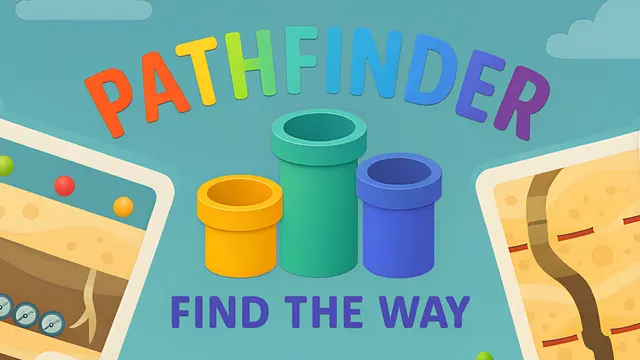 PathFinder
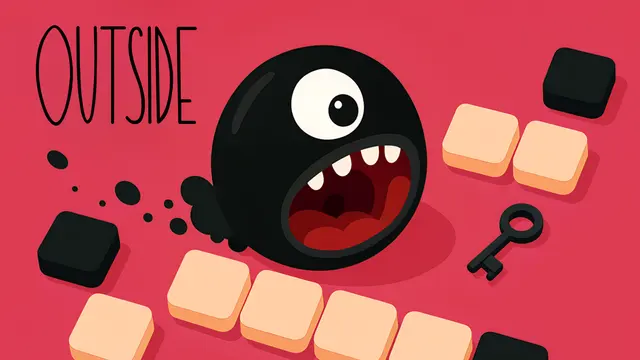 OUTSIDE
 Playful Cup
 Logic Islands
 Cargo Path Puzzle
 Jigsaw Puzzle - Anime
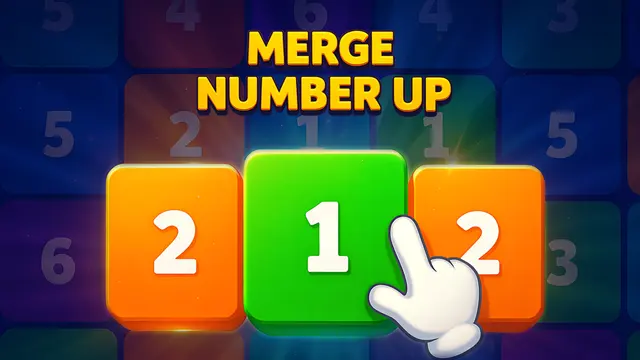 Merge number up
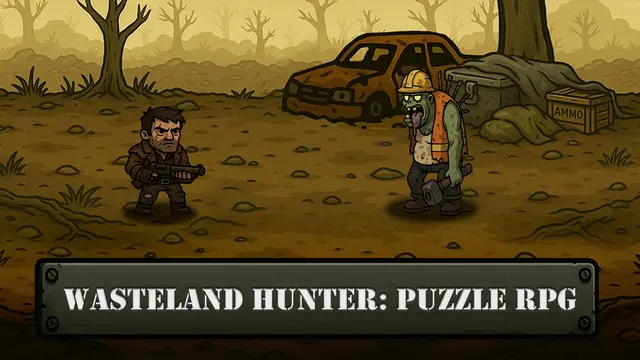 Wasteland Hunter: puzzle RPG
 Cookie Match
 Cut It All 3D
 Fun Sorting Through The Shelves
 Satisdom
 Animal Blocks
 Flag Merging Game - Puzzle Game
 Unstack Tower
 Jenny's Math Puzzle
 Bricks Buster
 Path Control
 Liquid Sort Puzzle
 Move Emoji
 Rings Untie
 Coin Color Sort
 Rotate Cups
 Pop Tap
 Unravel Eggs Puzzle
 Eating Simulator The Italian Animals Brainrot
 Connect Line
 Slinger
 Maths Puzzle
 Sorting Ball Puzzle
 Hexa Block Puzzle
Play Circuit Master 2 online
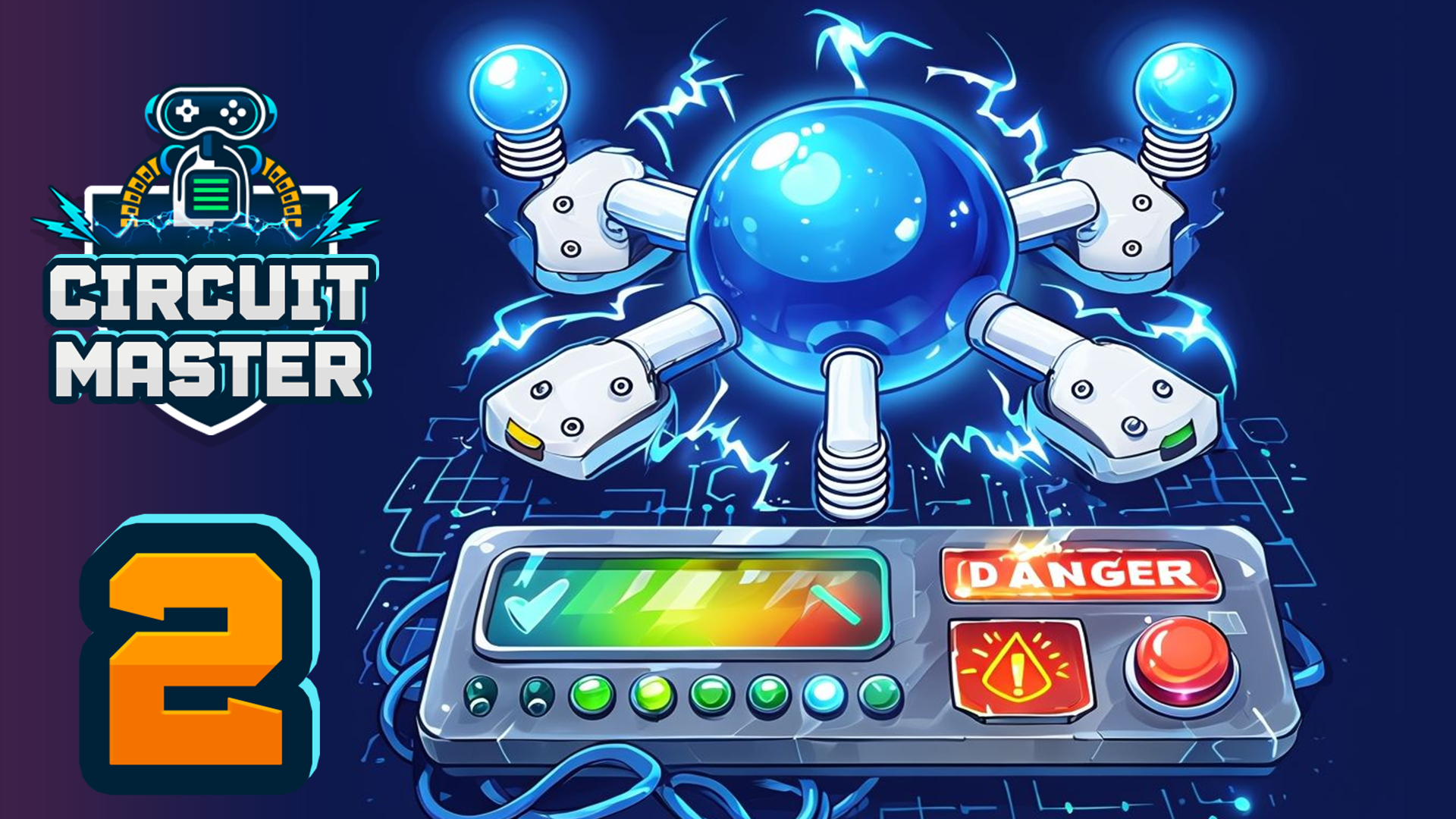
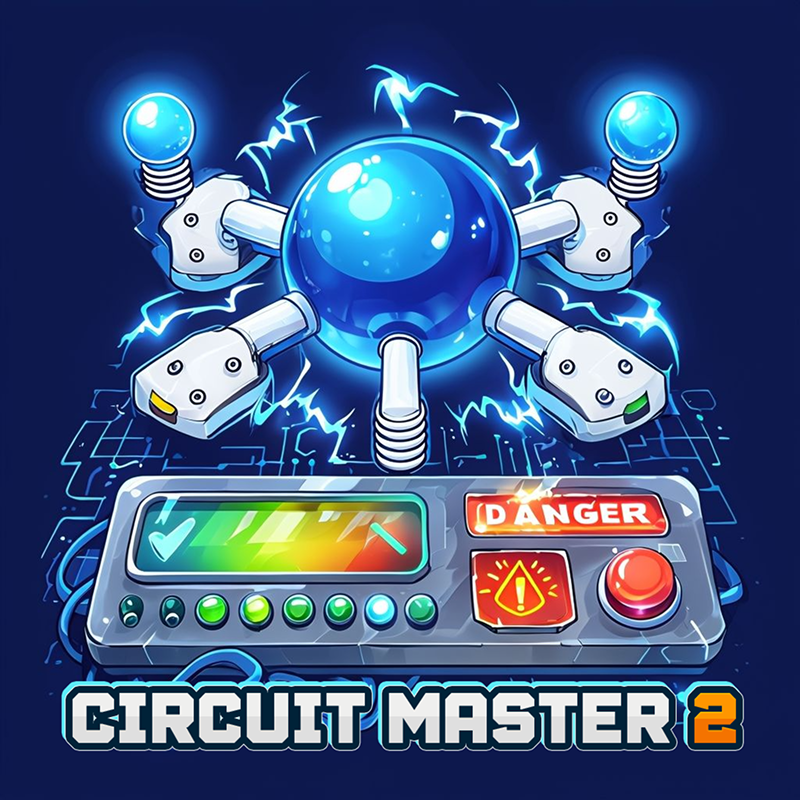
Arrange the wires, fans, and machines in the right places, then turn on the power button to see the electricity flow. Only the correctly connected components will make the green light shine.
Study the current puzzle and use the rules to decide your next action. Look for the objective and any restrictions before making a move. Drag-and-drop interactions are part of the controls.
How to play Circuit Master 2
Controls and instructions
Place all components at the right places on grid, each component has unique properties and it is needed to be placed where it is supposed to be. Use hint for additional help
Desktop:
Drag and drop the components on to the grid and then click on red power button to power up the circuit using mouse.
Mobile:
Drag and drop the components on to the grid and then tap on red power button to power up the circuit using screen touch.
Getting started with Circuit Master 2
- Check the goal and any move or time limit shown in the game.
- Check the destination before releasing an item you are dragging.
About this game
- Platform
- Web browser
- Supported devices
- Android, iOS, Desktop
- Screen orientation
- Landscape and Portrait
- Languages
- American English, Chinese (China), German (Germany), French (France), Italian (Italy), European Portuguese
- Genres
- Puzzle, Mobile
- In-game purchases
- None listed by the provider
- Provider
- Playgama
- Provider audience
- Male, Female
Game features and tags
- Iphone
- Fullscreen
- 1 Player
- Borwser
- Android
Circuit Master 2 images
Questions about Circuit Master 2
How do I start playing?
Choose Play now in the game window above to load Circuit Master 2 through Playgama. Read the controls and instructions above before you start.
Which devices can I play on?
The provider lists support for Android, iOS, Desktop. Play in your web browser using the controls described above.
Which languages does the game support?
American English, Chinese (China), German (Germany), French (France), Italian (Italy), European Portuguese.
Does the game have in-game purchases?
The provider lists no in-game purchases for this game. Games may display advertisements.
Related game categories
Game facts and artwork supplied by Playgama. Descriptions adapted and getting-started guidance added by LookBear. Game content, ads and purchases are provided by Playgama and the game provider.