 Bridge Builder
CubeGate
Provided by Playgama
CubeGatevia Playgama


 Hard Puzzle
 Erase the extra element
 Dot and Dot
 Logic Islands
 Jigsaw Puzzle - Anime
 Jenny's Math Puzzle
 The Fill
 Liquid Sort Puzzle
 Push The Box
 Unravel Eggs Puzzle
 Connect Line
 Screw Puzzle
 Number Sums
 Maths Puzzle
 Sorting Ball Puzzle
 Block Puzzle Magic
 Pics 2 Word
 Arrows Escape
 Color Sort Puzzle
 Brain Test: IQ Challenge
 Sudoku Block Puzzle
 Catch the Bear
 Brain Line Connect
 Cryptograms: Secret Text
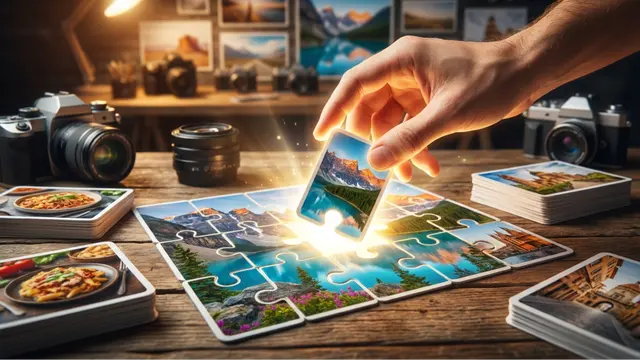 Solitaire Picture Puzzles
 Tangram Puzzle 2
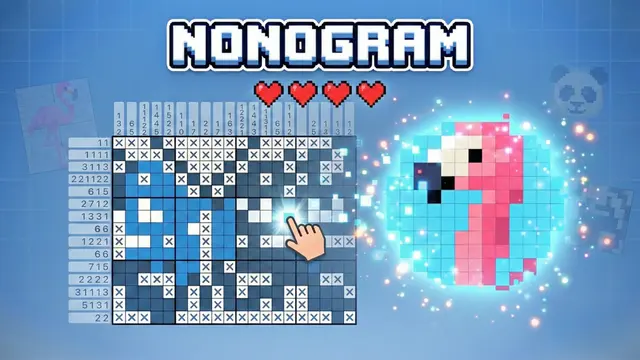 Nonogram
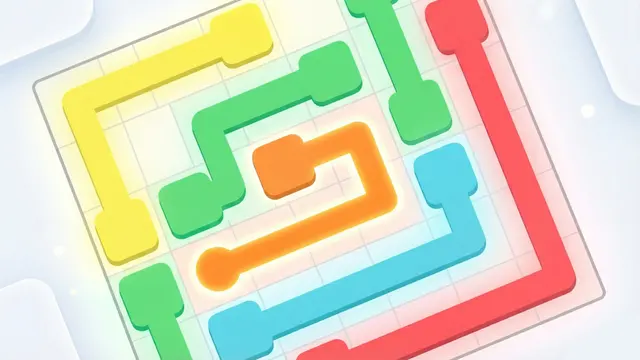 Hard Puzzle: Color Lines
 Love Story: Find the Piece
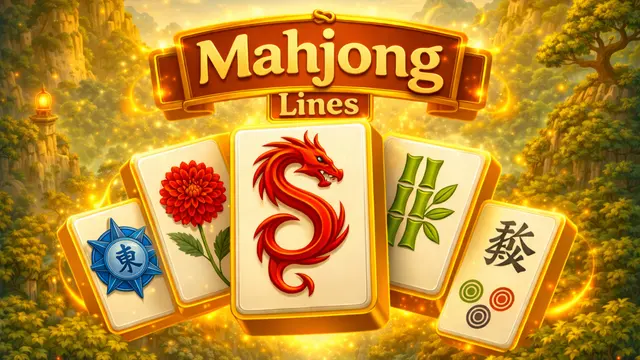 Mahjong Lines
 Escaping Arrows
 4 Clues 1 Word
 Tile Matcher Triple Fun
 Code Breaker Deluxe
 Tangram Triangle
 Fillblox
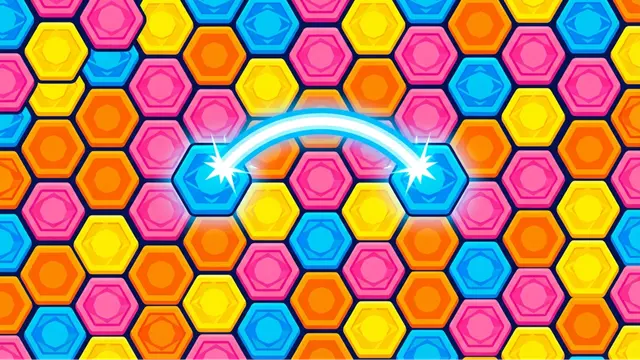 HEX Connect
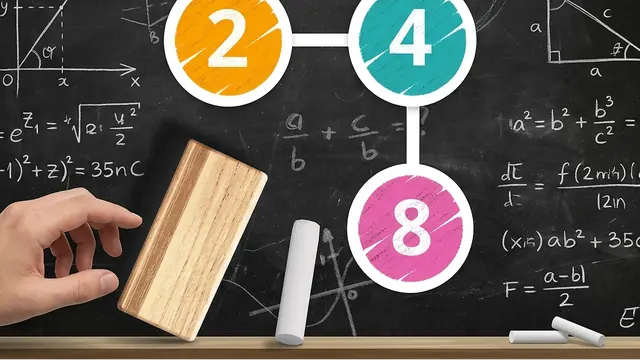 248 Scribble
 Arrows Out!
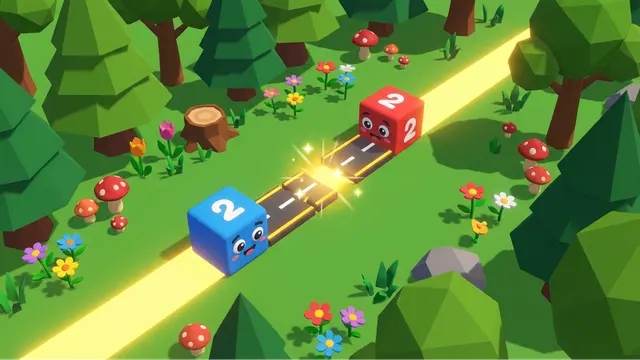 Traffic Puzzle Game Linky
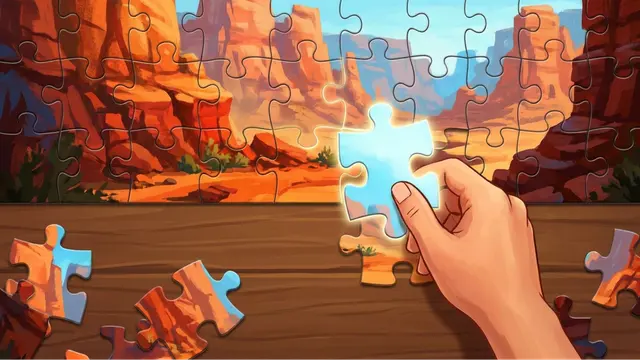 Jixora – Jigsaw Solitaire Puzzle
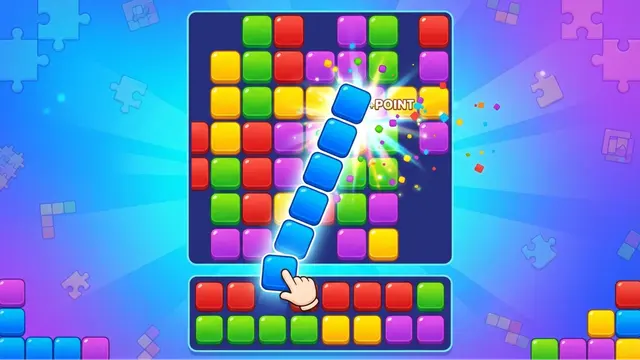 Criss Cross Colors
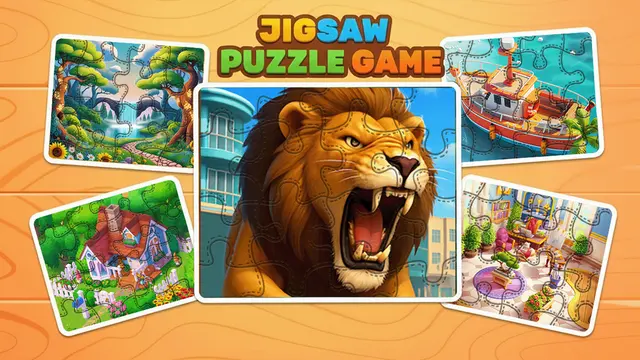 Jigsaw Puzzle Game
 Liquid Sort
 Dig & Flow - Save Water
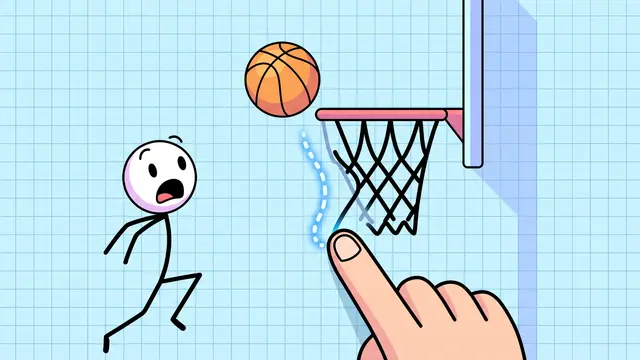 Draw Dot Picture Game
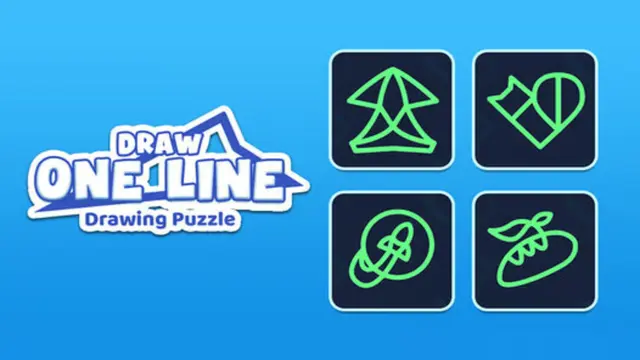 Draw One Line: Drawing Puzzle
 Color Cube Puzzle
 The Goopies: Slime Puzzle
 Kinetic Puzzle
 Shikaku Puzzle
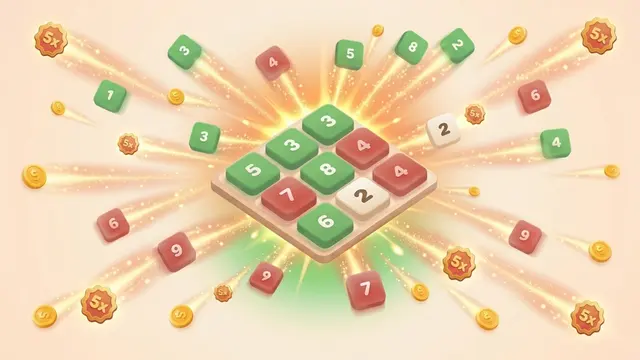 SUM+SUM
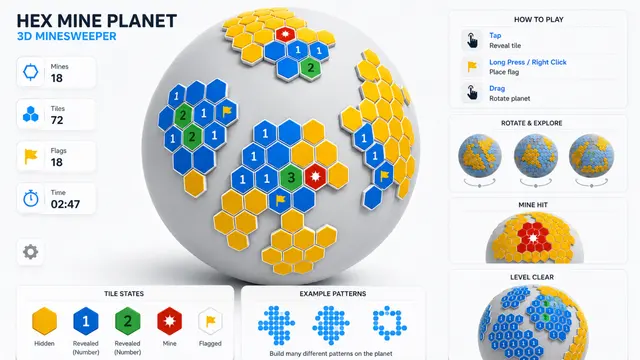 Hex Mine 3D
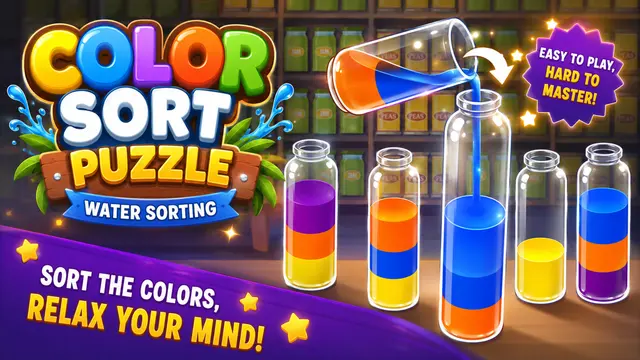 Color Sort Puzzle Milk Tea Sorting
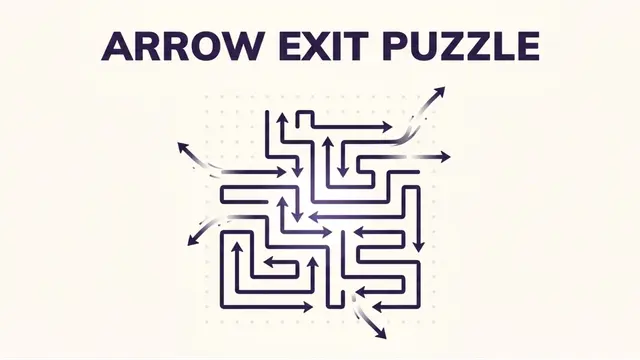 Arrow Exit Puzzle
 Block Master Gem Puzzle
 Help Me: Tricky Puzzle Games
 Cyber Arrows: Brain Puzzle Game
 Draw path to home
 Trick Your Brain Puzzle
 Catdoku Sudoku Puzzle
 3D Dots
 Help Me: Tricky Story of Puzzles
 Sort Puzzle
Play CubeGate online
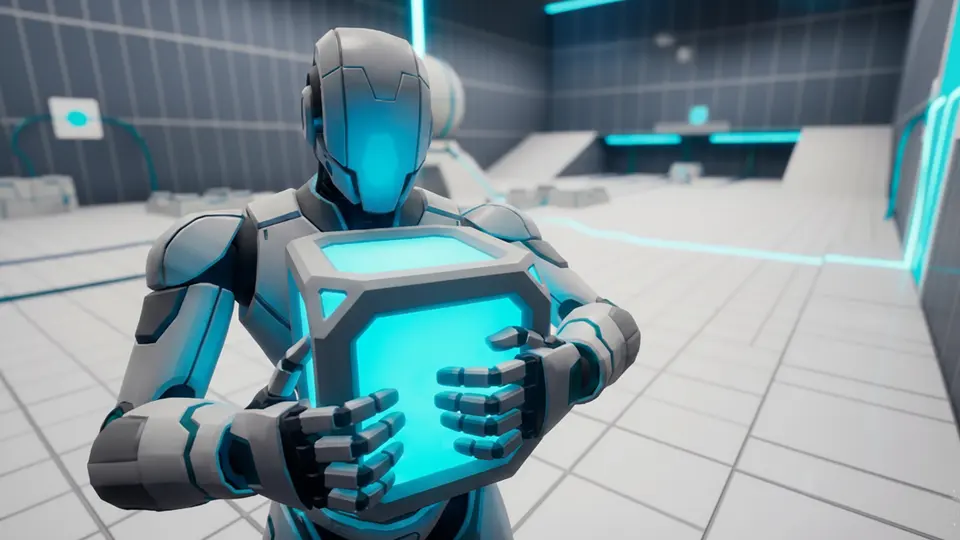
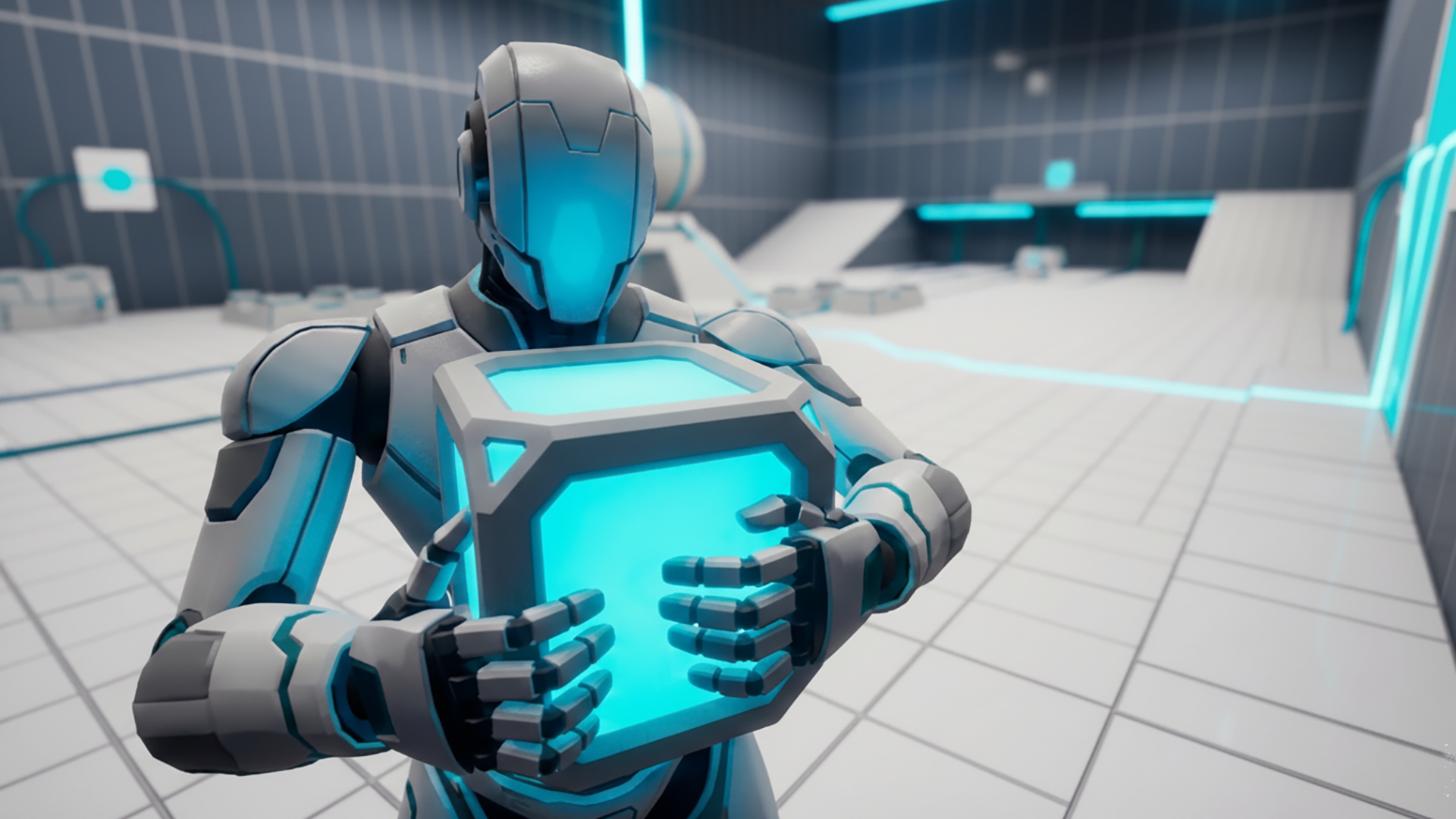
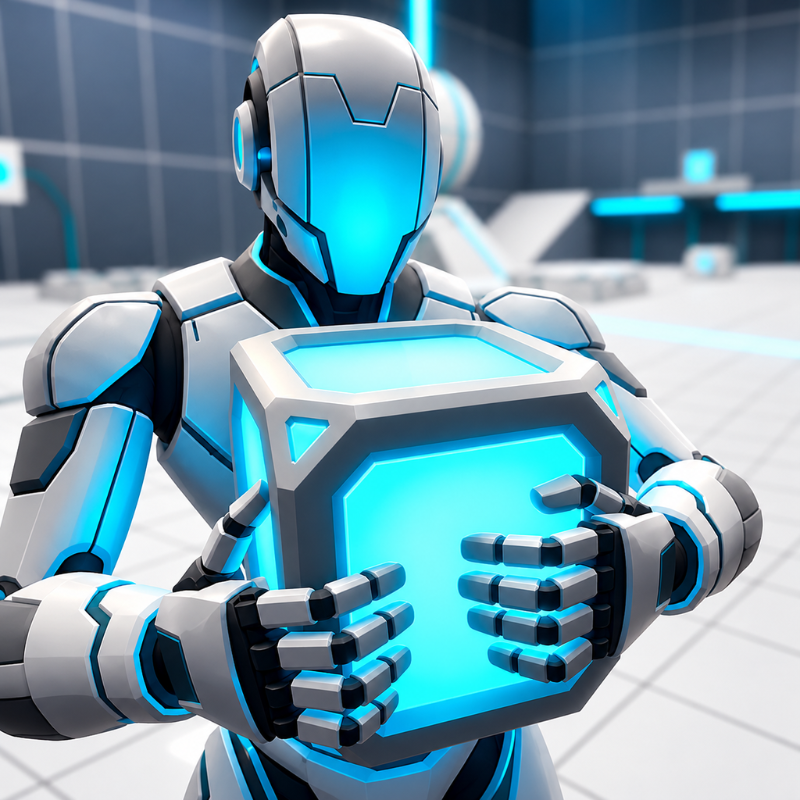
Puzzle-platformer inspired by portal-style test chambers. Move through clean sci-fi rooms, pick up glowing cubes and place them on pressure plates to power doors, bridges, and elevators. Every room is a mini-logic task: sometimes one cube isn’t enough, sometimes the order matters, and sometimes you’ll have to jump first, then power the gate.
Navigate the platforms and obstacles using the movement controls provided. Learn how movement and jumping work together before attempting a difficult gap. The listed controls include WASD input.
How to play CubeGate
Controls and instructions
Goal: place cubes on the marked plates, power the logic gates, and open the doors to the next area. Action order, power distance, and precise jumping matter.
W, A, S, D, Q, Z Arrow Keys — move
E, Left Mouse Button — pick up / put down cube
Space, Right Mouse Button — jump
Shift — sprint
Escape — menu (restart level, sound on/off)
Tips:
Floor markings and highlights will show where to place the cubes.
If you get stuck, open the menu and choose restart, then try a different sequence.
When carrying a cube, plan your route in advance.
For distant platforms, sprint first and jump from the edge.
Getting started with CubeGate
- Test a short movement or jump first, then judge the next obstacle.
- Check the action mappings as well as movement; extra actions may use different keys.
About this game
- Platform
- Web browser
- Supported devices
- Android, iOS, Desktop
- Screen orientation
- Landscape and Portrait
- Languages
- American English, Azerbaijani (Azerbaijan), Chinese (China), German (Germany), Dutch (Netherlands), European Spanish, French (France), Indonesian (Indonesia), Italian (Italy), Japanese (Japan), Korean (South Korea), Kazakh (Kazakhstan), Polish (Poland), European Portuguese, Russian (Russia), Turkish (Türkiye), Ukrainian (Ukraine), Uzbek (Uzbekistan), Vietnamese (Vietnam)
- Genres
- Puzzle, Platform, Brain, Logic
- In-game purchases
- None listed by the provider
- Provider
- Playgama
- Provider audience
- Male, Female
Game features and tags
- Cube
- Brain Training
- Jumping
- Gravity
- 1 Player
- Sci Fi
CubeGate images
Questions about CubeGate
How do I start playing?
Choose Play now in the game window above to load CubeGate through Playgama. Read the controls and instructions above before you start.
Which devices can I play on?
The provider lists support for Android, iOS, Desktop. Play in your web browser using the controls described above.
Which languages does the game support?
American English, Azerbaijani (Azerbaijan), Chinese (China), German (Germany), Dutch (Netherlands), European Spanish, French (France), Indonesian (Indonesia), Italian (Italy), Japanese (Japan), Korean (South Korea), Kazakh (Kazakhstan), Polish (Poland), European Portuguese, Russian (Russia), Turkish (Türkiye), Ukrainian (Ukraine), Uzbek (Uzbekistan), Vietnamese (Vietnam).
Does the game have in-game purchases?
The provider lists no in-game purchases for this game. Games may display advertisements.
Related game categories
Game facts and artwork supplied by Playgama. Descriptions adapted and getting-started guidance added by LookBear. Game content, ads and purchases are provided by Playgama and the game provider.