 Pet Maze Escape
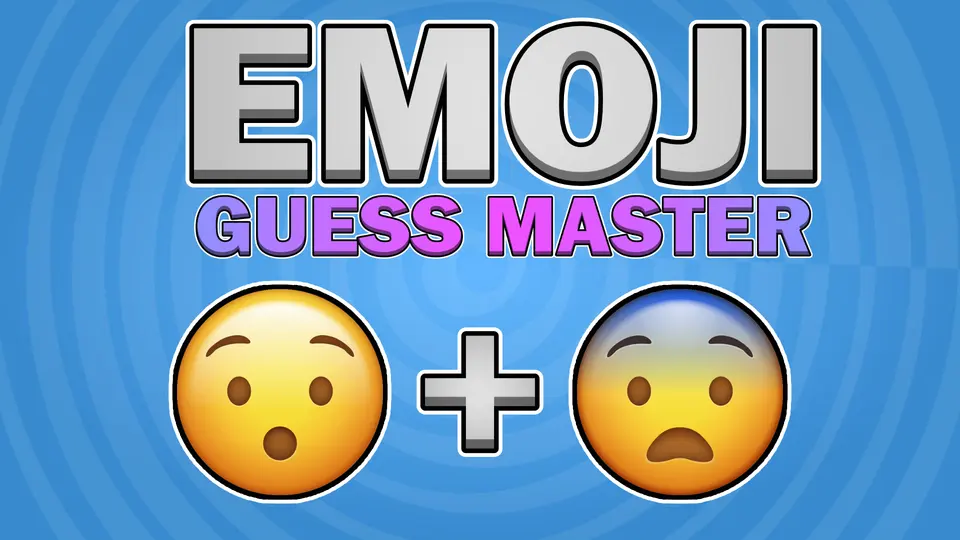
Emoji Guess Master
Provided by Playgama
Emoji Guess Mastervia Playgama


 Help Me: Tricky Puzzle Games
 DOP Fun: Delete One Part
 Match The Brainrot
 Help Me: Tricky Story of Puzzles
 Words and Bubbles
 Brain Crazy: IQ Challenge Puzzle
 Ragdoll Rescue: Physics Puzzle
 Toilet Dash Run
 CrossTile
 Game Mania
 Avocado Yard: Ragdoll Sandbox
 BOMB BANANA
 Tricky Story Friendly Help
 Say Cheese!
 Save Nemo
 Six Seven: Count Fast
 Sneaky Draw
 Wordaire: Word Solitaire
 Rowly: Word Association
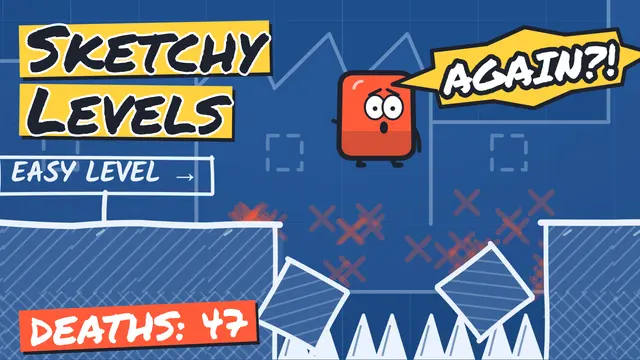 Sketchy Levels
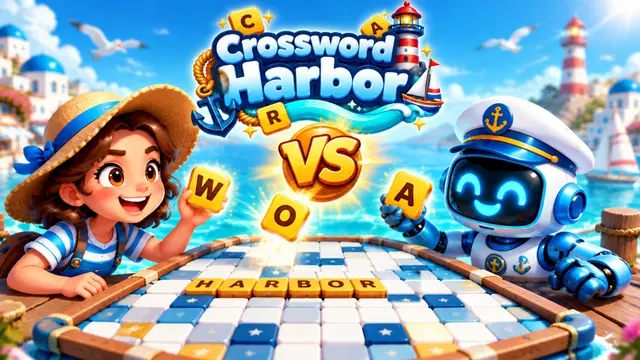 Crossword Harbor
 Cube Smash
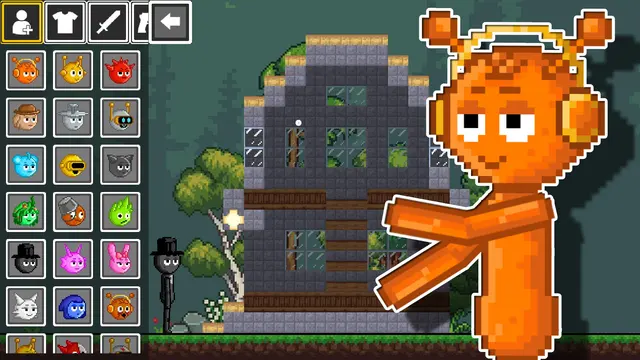 BEAR PICKSprunki Sandbox: Ragdoll Playground Mode
 Popping Candies
 Fruit Merge: Juicy Drop Game
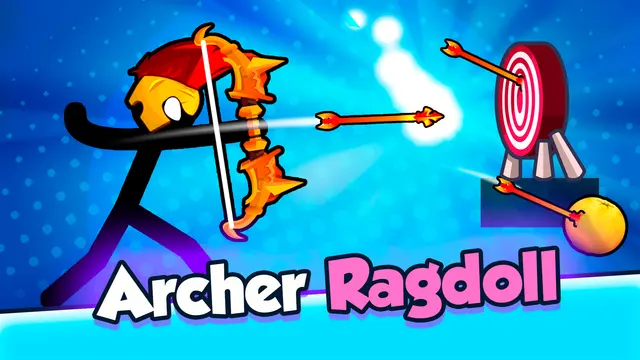 Archer Ragdoll
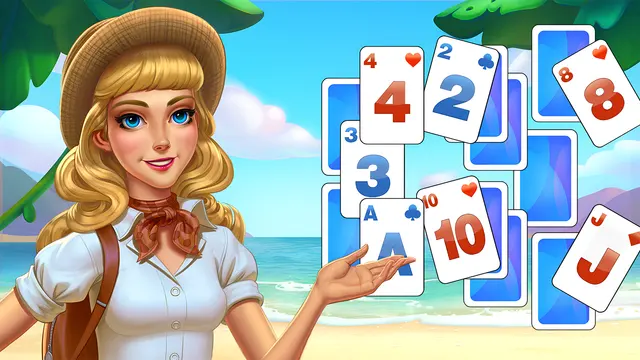 Emily's Hotel Solitaire
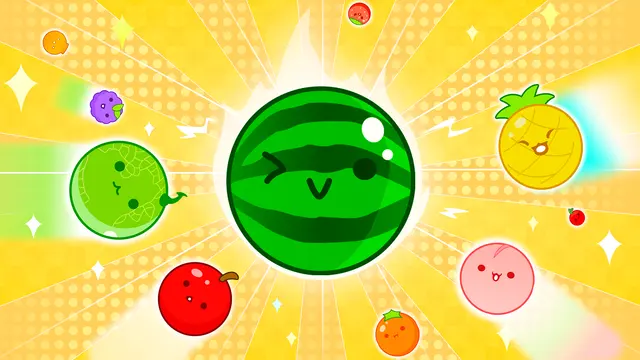 Watermelon Game
 Rolling In Gears
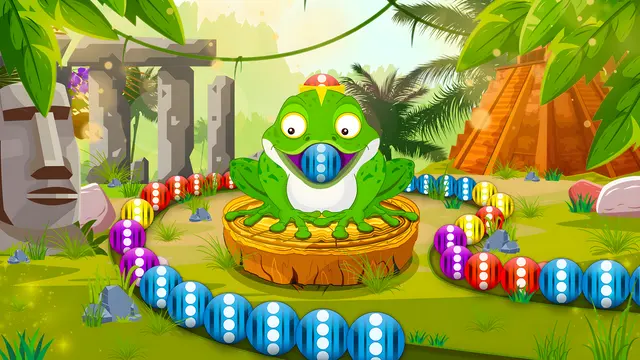 Frogtastic Marble Adventure
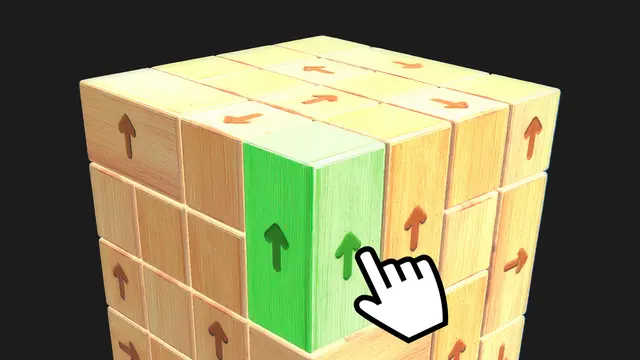 Tap 3D Wood Block Away
 Piece of Cake: Merge & Bake
 Find Match 3D
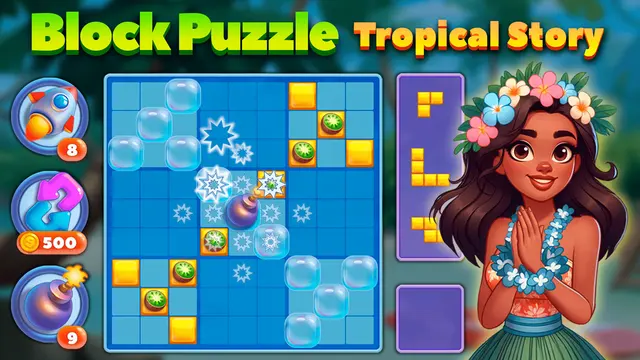 Block Puzzle Tropical Story
 Mystery of the Old House: Hidden Objects
 Slide Block Jam
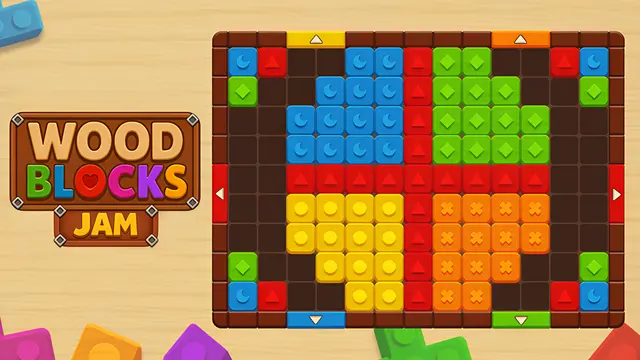 Wood Blocks Jam
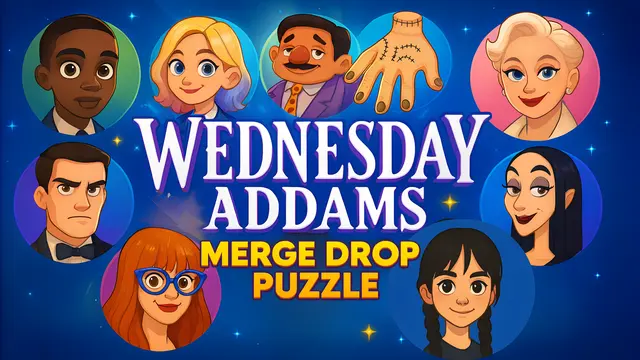 Wednesday Addams Merge Drop Puzzle
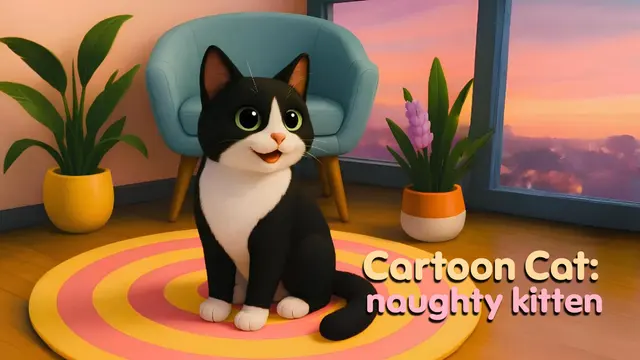 Cartoon cat: naughty kitten
 Bridge Builder
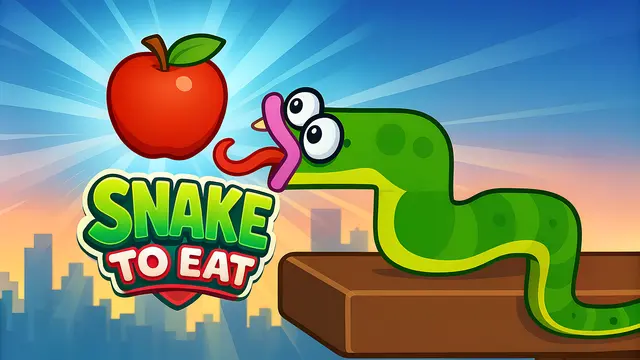 Snake to Eat
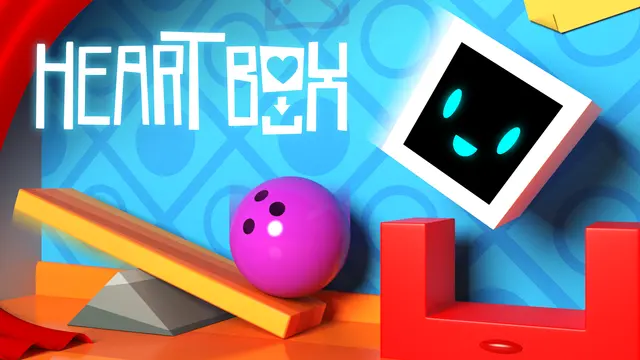 Heart Box
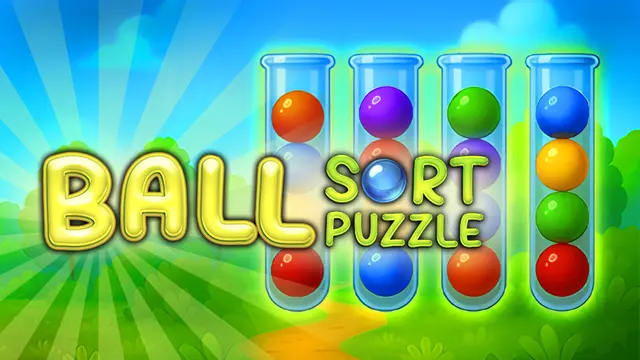 Ball Sort Puzzle
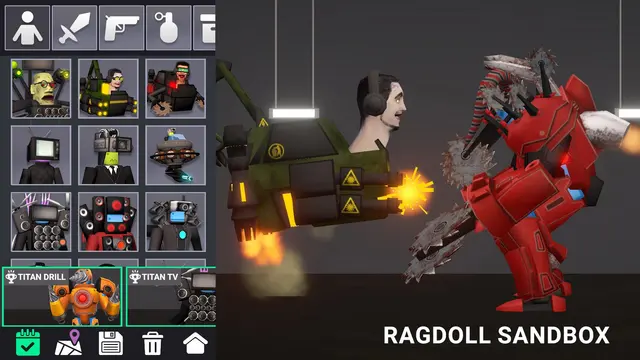 Last Play: Ragdoll Sandbox
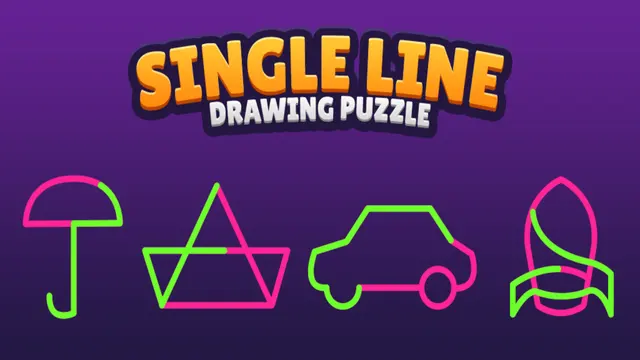 Single Line Drawing Puzzle
 Yarn Fever! Unravel Puzzle
 Syntagma
 Draw Bridge - Brain Game
 Build and Fly Obby
 Favorite Puzzles
 Baby Brainrots - Multiplayer with Friends!
 Card Sort: Challenge
 Soccer Random
 Wood Nuts Master: Screw Puzzle
 Nuts & Bolts Game: Wood Puzzle
 Good Sort Master: Triple Match
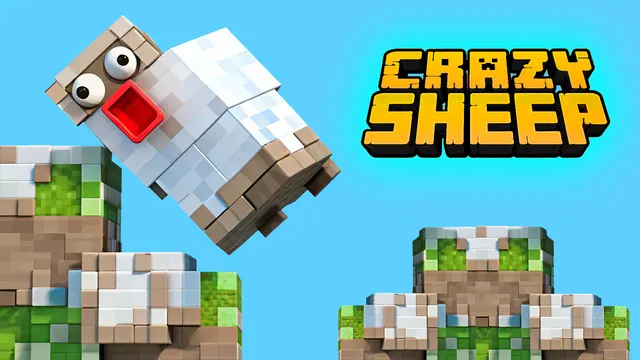 Crazy Sheep
 PopCats: Merge the cats!
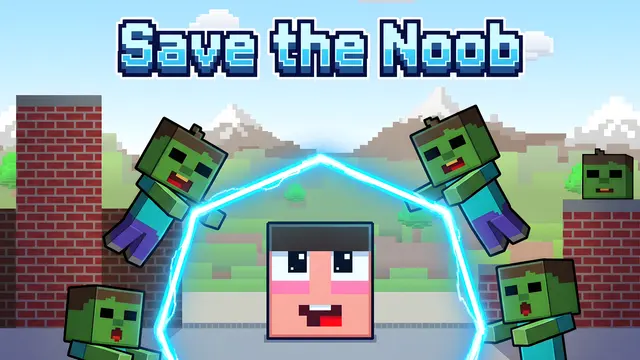 Save the Noob
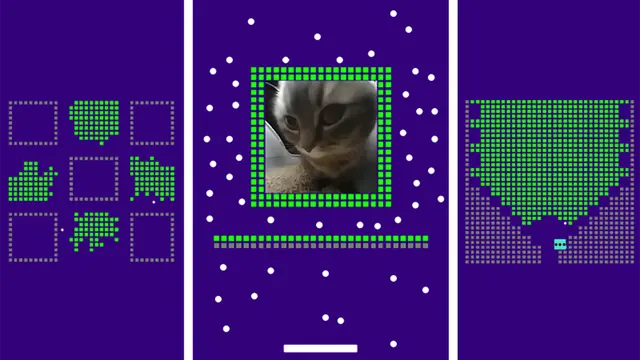 Brick Breaker Chipi Chipi Chapa Chapa Cat
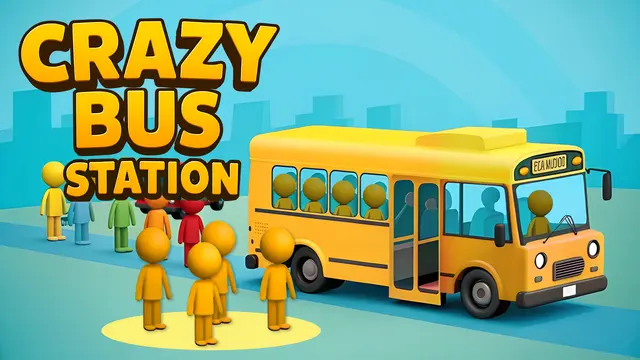 Crazy Bus Station!
 Ragdoll Soccer
 Ragdoll Crash-Test: Throw and Break!
 Screw Out Jam Puzzle
Play Emoji Guess Master online
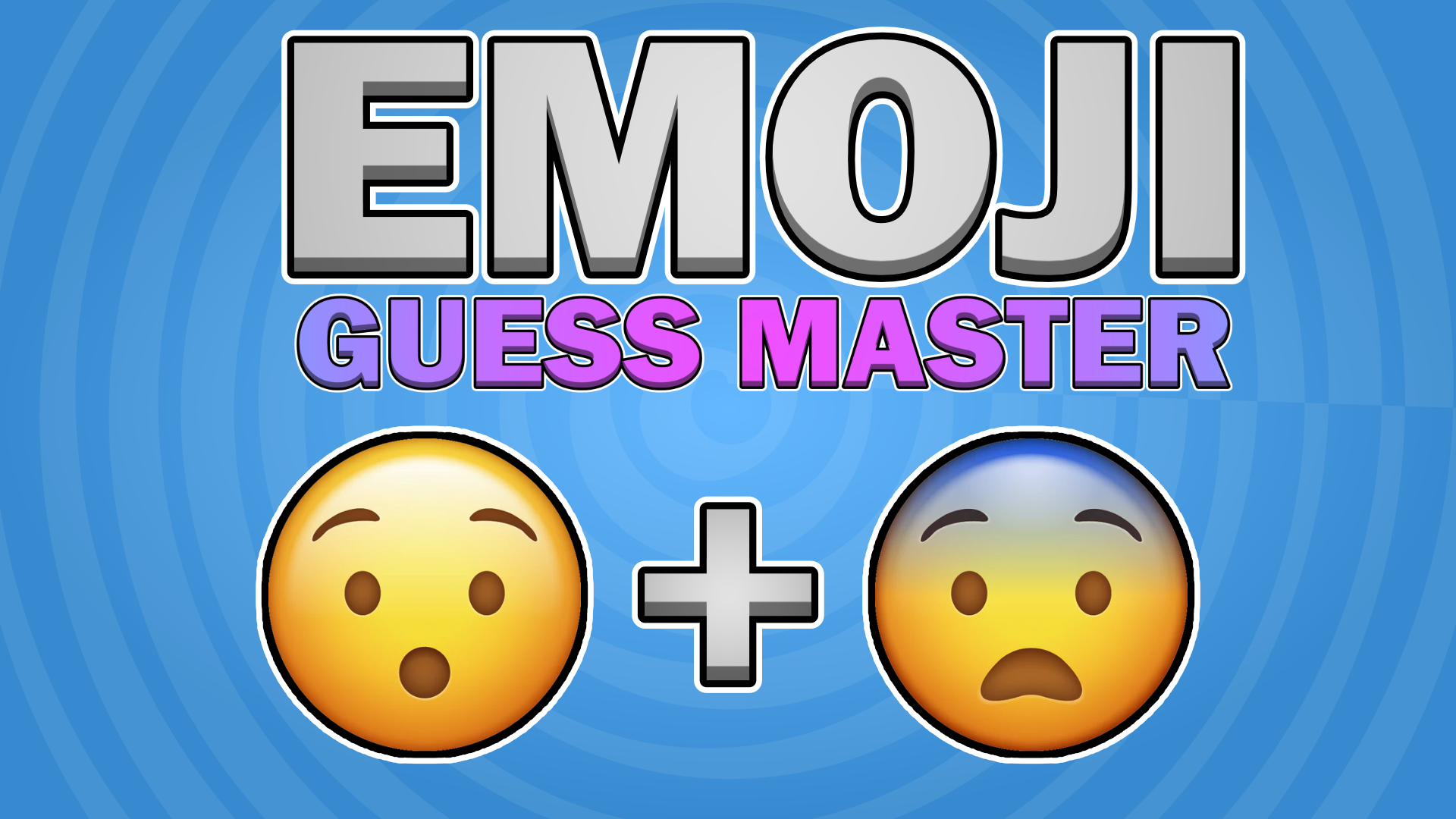
is a fun-filled adventure that tests your creativity and quick thinking. Match two emojis to a given word, challenging your knowledge and intuition. With engaging gameplay, a variety of difficulty levels, and visuals, you’ll improve your cognitive skills while having a blast.
Study the current puzzle and use the rules to decide your next action. Look for the objective and any restrictions before making a move.
How to play Emoji Guess Master
Controls and instructions
Mobile: Tap your screen to interact with the UI and select Emojis.
PC: Use the Left Mouse Button (LMB) to click UI elements and select Emojis.
Getting started with Emoji Guess Master
- Check the goal and any move or time limit shown in the game.
About this game
- Platform
- Web browser
- Supported devices
- Android, iOS, Desktop
- Screen orientation
- Landscape
- Languages
- American English
- Genres
- Puzzle, Funny, Words
- In-game purchases
- None listed by the provider
- Provider
- Playgama
- Provider audience
- Male, Female
Game features and tags
- Brain Training
- Mind
- 1 Player
Emoji Guess Master images
Questions about Emoji Guess Master
How do I start playing?
Choose Play now in the game window above to load Emoji Guess Master through Playgama. Read the controls and instructions above before you start.
Which devices can I play on?
The provider lists support for Android, iOS, Desktop. Play in your web browser using the controls described above.
Which languages does the game support?
American English.
Does the game have in-game purchases?
The provider lists no in-game purchases for this game. Games may display advertisements.
Related game categories
Game facts and artwork supplied by Playgama. Descriptions adapted and getting-started guidance added by LookBear. Game content, ads and purchases are provided by Playgama and the game provider.