 Popping Candies
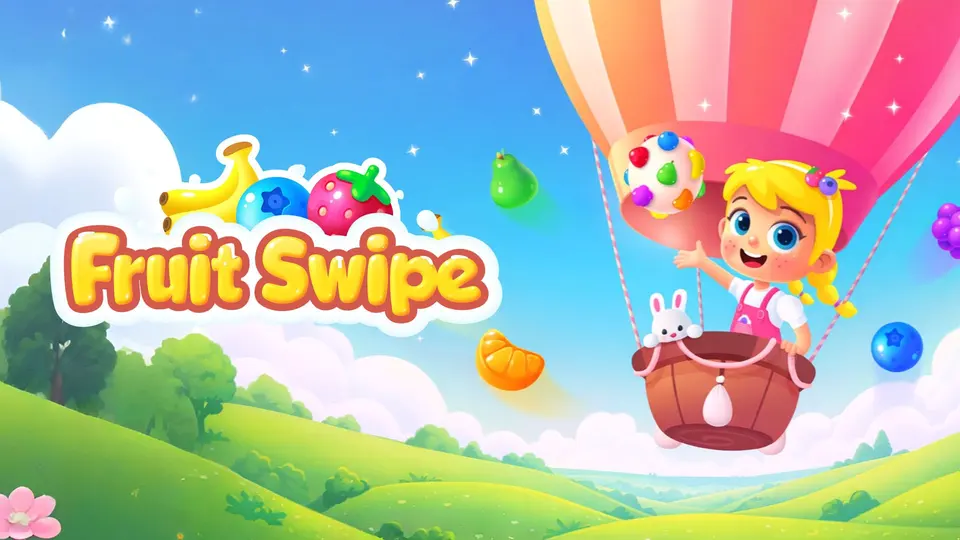
Fruite Swipe
Provided by Playgama

Fruite Swipevia Playgama




 HexaSort
 Word Puzzle Connect Words and Letters
 Stack Swipe
 Wood Color Block
 Tower Tap
 Sheep Sort
 Tile Stack
 Home Design: Decorate House
 Screw Jam Puzzle
 Pinata Color Smash
 Slinky Color Sort
 Square Sort
 Super Candy Jewels
 Tap Gallery
 Magic Circus - Match 3
 Tile Match
 Bubble Tower
 Sort And Style: Back To School
 Foxy Eco Sort
 Onet Puzzle - Tile Match Game
 Bus Parking Out
 Shape Jam
 Heroes of the Dungeons: Match-3 RPG
 Tile Valley
 Pretty Tidy - ASMR Organizing
 Sorting Nuts and Bolts by Color: Home Repair
 Nuts Puzzle: Sort By Color
 Pop Them!
 Mahjong 3D Match
 Sheep Escape: Farm Sorting Challenge
 Screw & Pin: Puzzle Levels
 Kitty Jewel Quest
 Hexa Master 3D: Sort Puzzle
 Mahjong Puzzle: Tile Match
 Cook Soups: 3 in a Bowl
 Miner Jam
 Connect: Monsters
 Master of 3 Tiles
 Onet Animals
 Fit Master 3D
 Screw Color Puzzle
 Mahjong Magic Islands
 Funny Cubes 2048
 Sticker Jam: Peel Off & Match
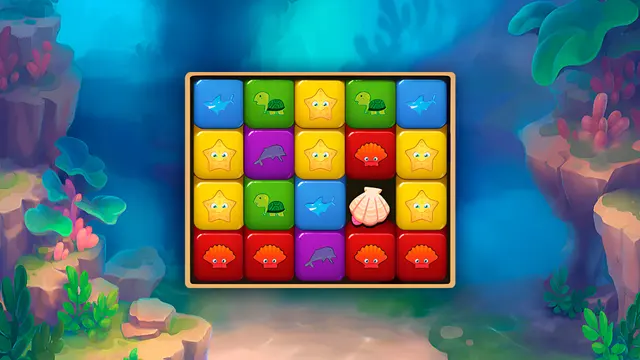 Sea Legends - Match 3
 Happy jelly
 DD Bubble Up
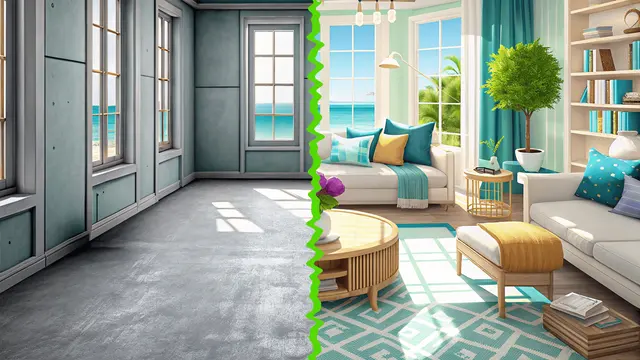 Home Design - Match 3
 Pool Shoot Tournament
 Merge Mushroom
 Emoji Memory: Find a Pair
 Block Sort Puzzle
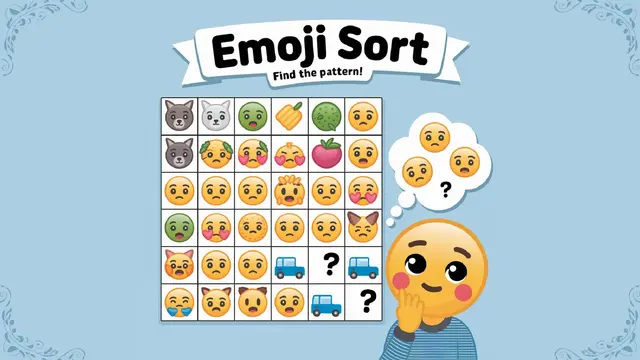 Emoji Sort
 Balls Animal
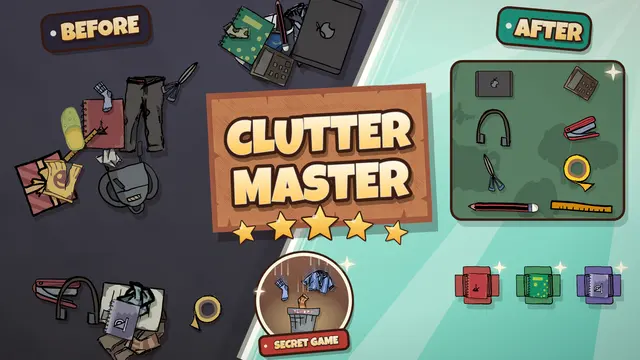 CLUTTER MASTER
 Fun Sorting Through The Shelves
 Satisdom
 Mega Sweet Fruits - Popper
 Pop Puzzle
 Animal Blocks
 Sort Master
 Color Dots Challenge
 Unstack Tower
 Sugar Blast: Snowy Pop
Play Fruite Swipe online
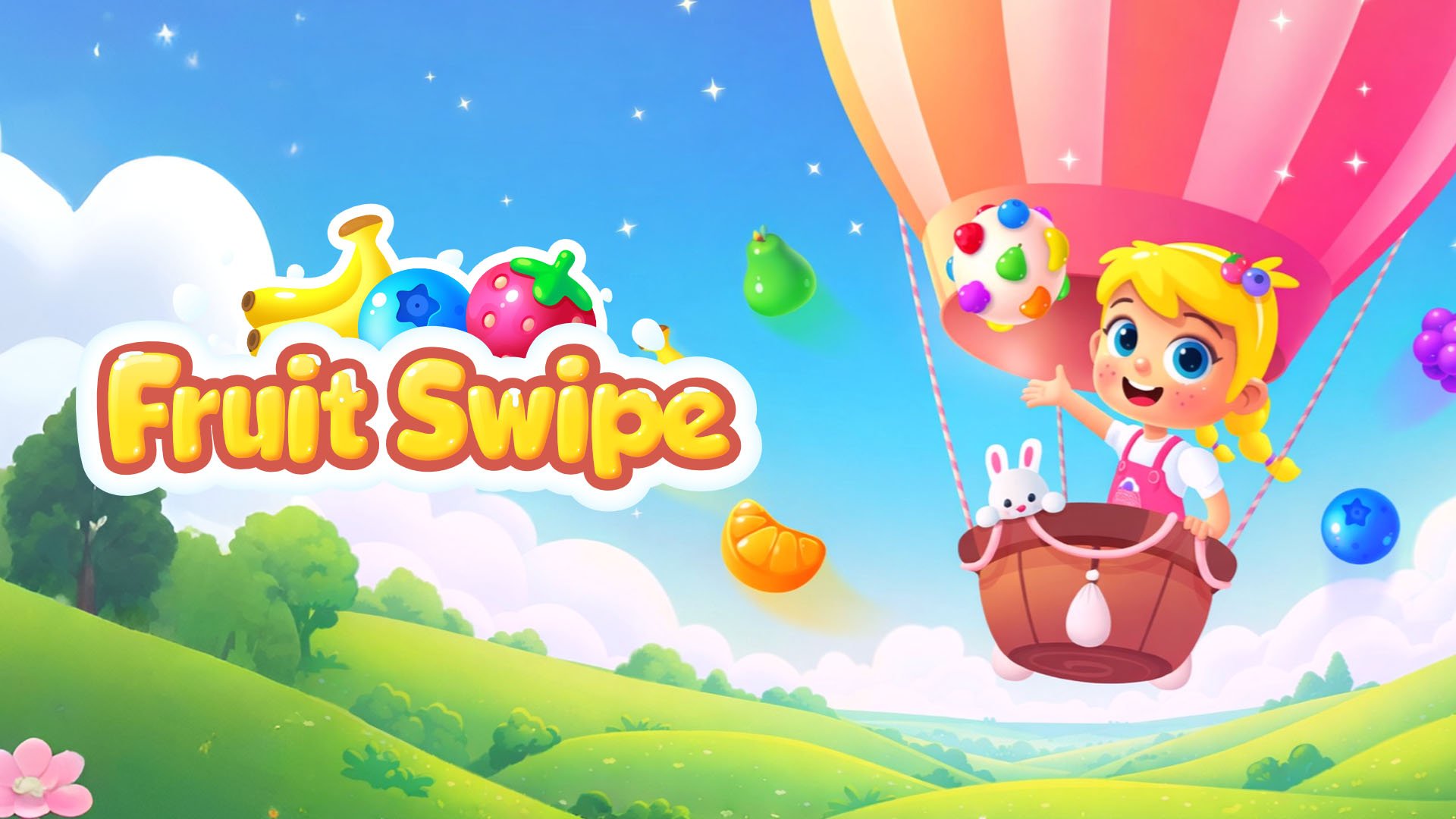
Get ready for a juicy adventure with Fruit Swipe Match, Swipe and match colorful fruits to solve puzzles and unlock fantastic rewards. With hundreds of challenging levels, stunning graphics, and smooth gameplay, this match-3 game will keep you entertained for hours. Compete with friends, discover hidden treasures, and master fun power-ups.
Look for matching pieces and work toward the board’s stated objective. The most useful match is the one that helps the current task. Matching groups of three is part of the board’s puzzle rules. Searching for hidden objects or characters is one of the activities described.
How to play Fruite Swipe
Controls and instructions
Connect the same fruit and release the button to make a match using LMB "Left Mouse Button".
same for Mobile but use Finger instead!
Getting started with Fruite Swipe
- Read the current objective before choosing a match.
- Look at the objective before choosing which group to clear.
- Look over the visible area before moving on to a new one.
About this game
- Platform
- Web browser
- Supported devices
- Android, iOS, Desktop
- Screen orientation
- Landscape and Portrait
- Languages
- American English
- Genres
- Matching
- In-game purchases
- Available
- Provider
- Playgama
- Provider audience
- Male, Female
Game features and tags
- Fruits
- Casual
- Addictive
Fruite Swipe images

Questions about Fruite Swipe
How do I start playing?
Choose Play now in the game window above to load Fruite Swipe through Playgama. Read the controls and instructions above before you start.
Which devices can I play on?
The provider lists support for Android, iOS, Desktop. Play in your web browser using the controls described above.
Which languages does the game support?
American English.
Does the game have in-game purchases?
The provider lists optional in-game purchases. Any available purchases are handled inside the game. Games may display advertisements.
Related game categories
Game facts and artwork supplied by Playgama. Descriptions adapted and getting-started guidance added by LookBear. Game content, ads and purchases are provided by Playgama and the game provider.