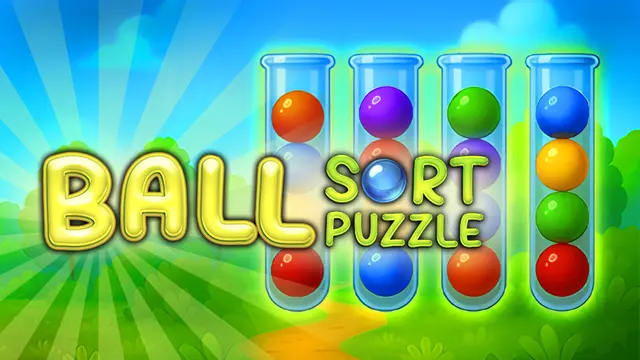
 Ball Sort Puzzle

Oddly Sorted: Color Sort
Provided by Playgama

Oddly Sorted: Color Sortvia Playgama





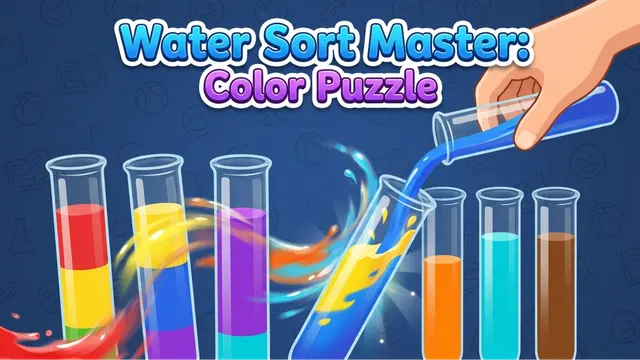 Water Sort Master: Color Puzzle
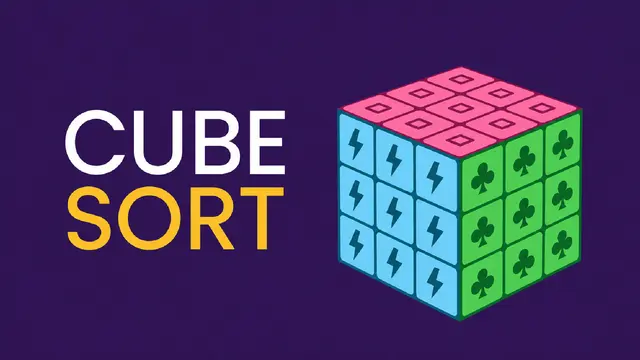 Cube Sort
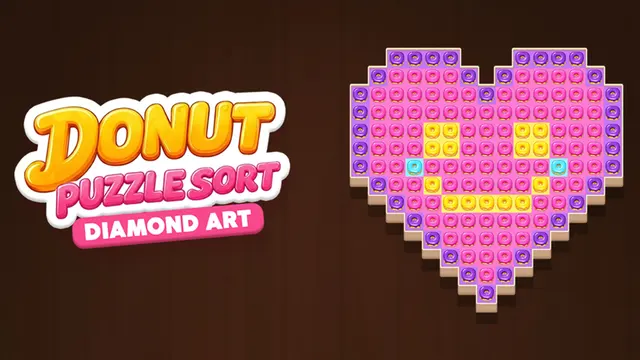 Donut Art: Puzzle Diamond Game
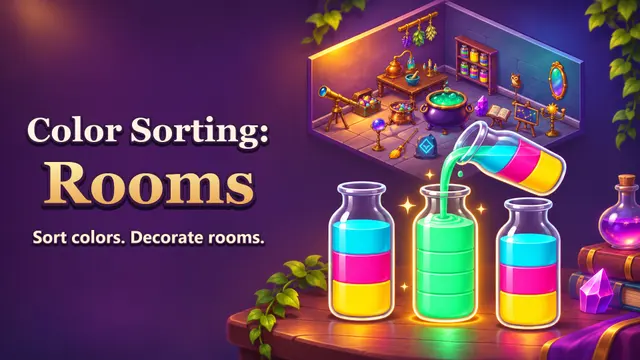 Color Sorting: Rooms
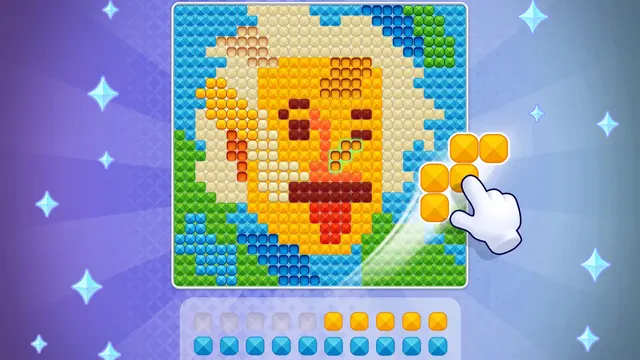 Pixel Paint Sort
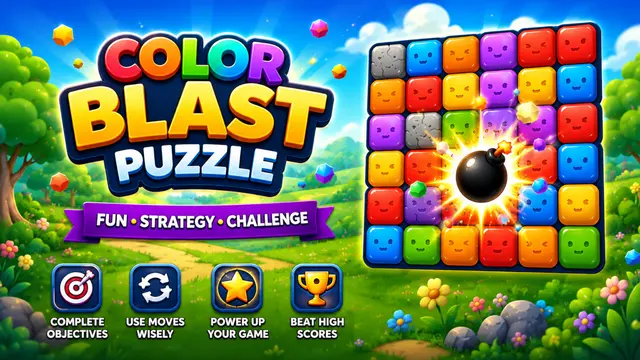 Color Blast Puzzle
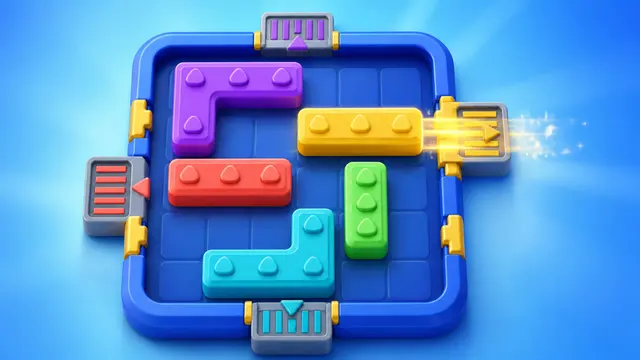 ExitBlocks: Color Match Puzzle
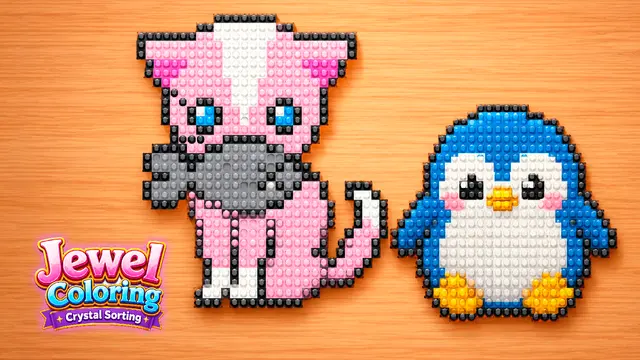 Jewel Coloring: Crystal Sorting
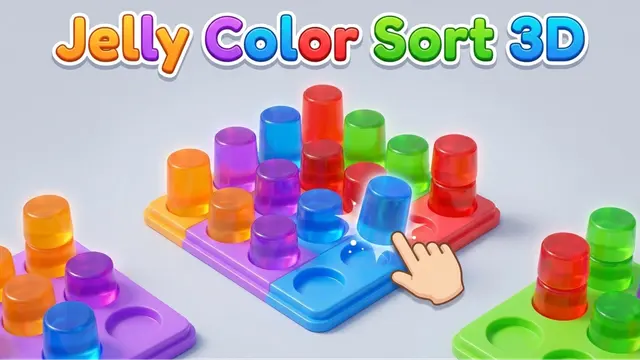 Jelly Color Sort 3D
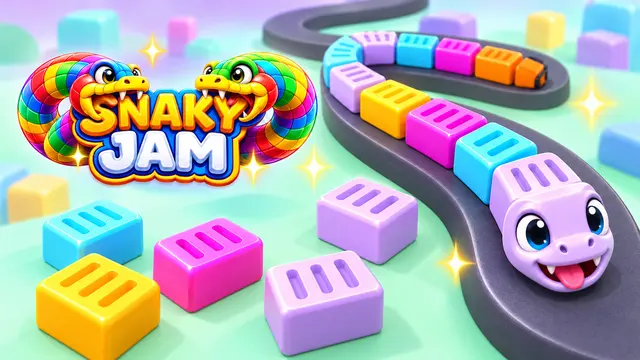 Snaky Jam
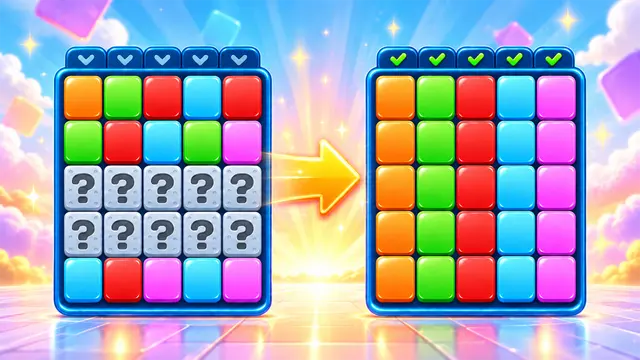 Tile Sort: Color Columns
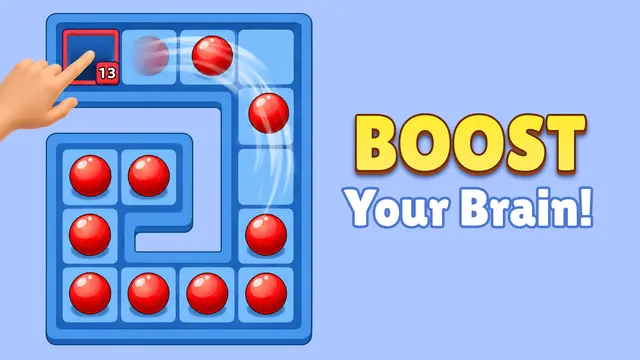 Color Ball Escape
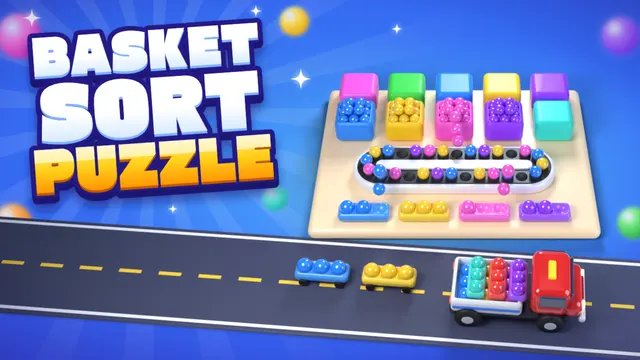 Basket Sort Puzzle
 Cargo Sort: Color Puzzle
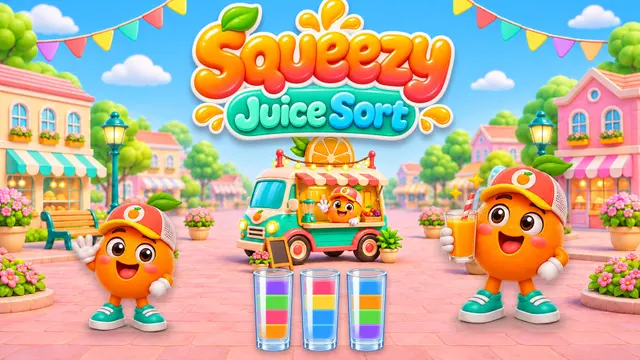 Squeezy: Juice Sort
 Popping Candies
 Fruit Merge: Juicy Drop Game
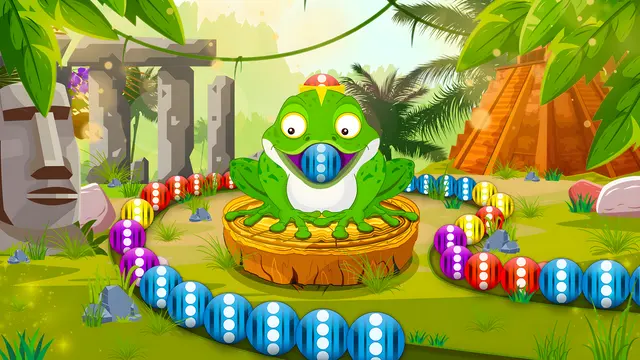 Frogtastic Marble Adventure
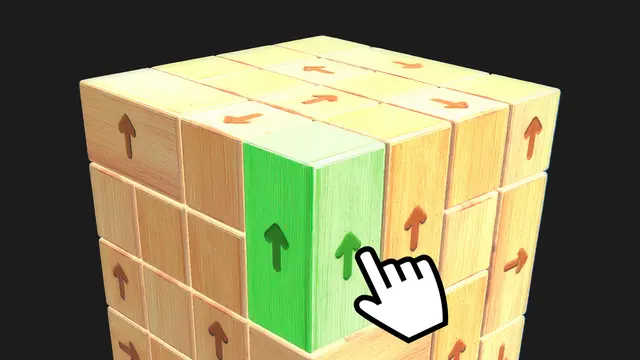 Tap 3D Wood Block Away
 Find Match 3D
 Slide Block Jam
 Wood Blocks Jam
 Wednesday Addams Merge Drop Puzzle
 Card Sort: Challenge
 Good Sort Master: Triple Match
 Crazy Bus Station!
 Screw Out Jam Puzzle
 SORTY BOLTY
 JuicyJong
 Brain Coloring Puzzle
 Tile Match Puzzle
 HexaSort
 Word Puzzle Connect Words and Letters
 Stack Swipe
 Tower Tap
 Tile Stack
 Home Design: Decorate House
 Screw Jam Puzzle
 Pinata Color Smash
 Art Master Puzzle
 Super Candy Jewels
 Tap Gallery
 Tile Match
 Color Roll 3D
 Onet Puzzle - Tile Match Game
 Cube Drop Puzzle
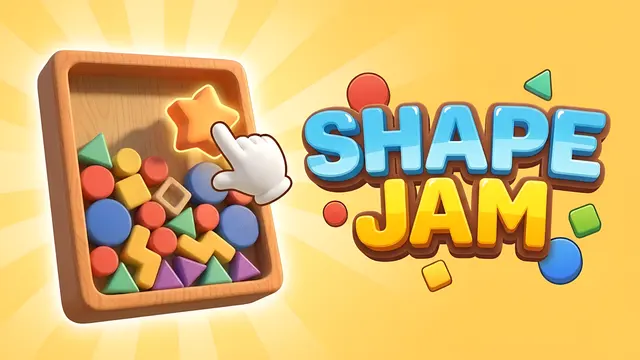 Shape Jam
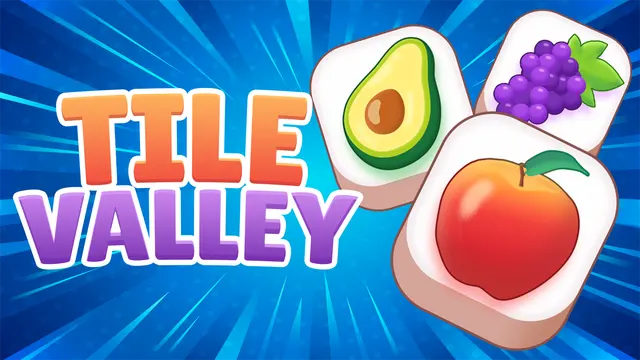 Tile Valley
 Pretty Tidy - ASMR Organizing
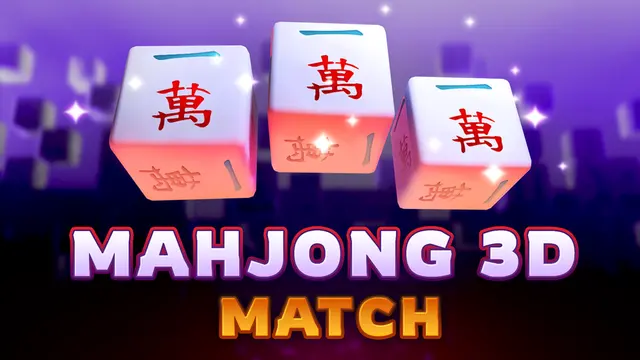 Mahjong 3D Match
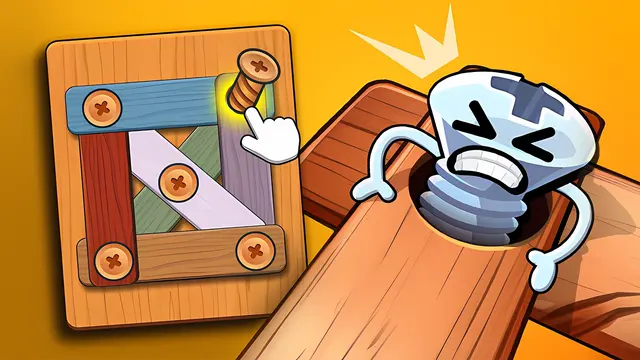 Screw & Pin: Puzzle Levels
 Hexa Master 3D: Sort Puzzle
 Mahjong Puzzle: Tile Match
 Miner Jam
 Connect: Monsters
 Colors&Forms
 Amaze!
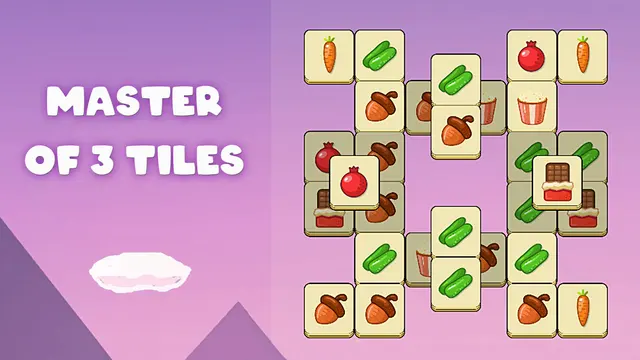 Master of 3 Tiles
 Onet Animals
 Color Fall
 Fit Master 3D
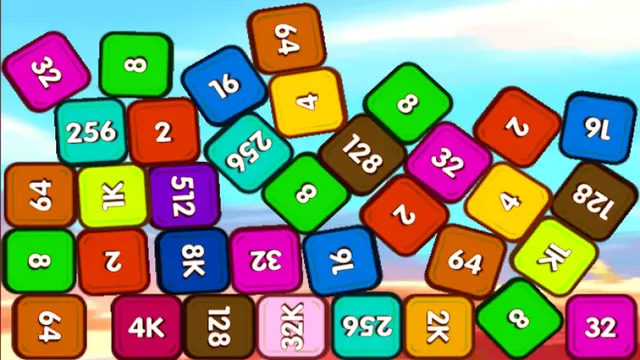 Funny Cubes 2048
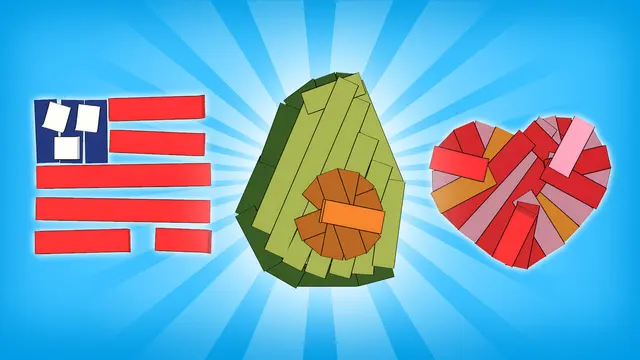 Sticker Jam: Peel Off & Match
 Sticker Book Puzzle: Color By Number
Play Oddly Sorted: Color Sort online
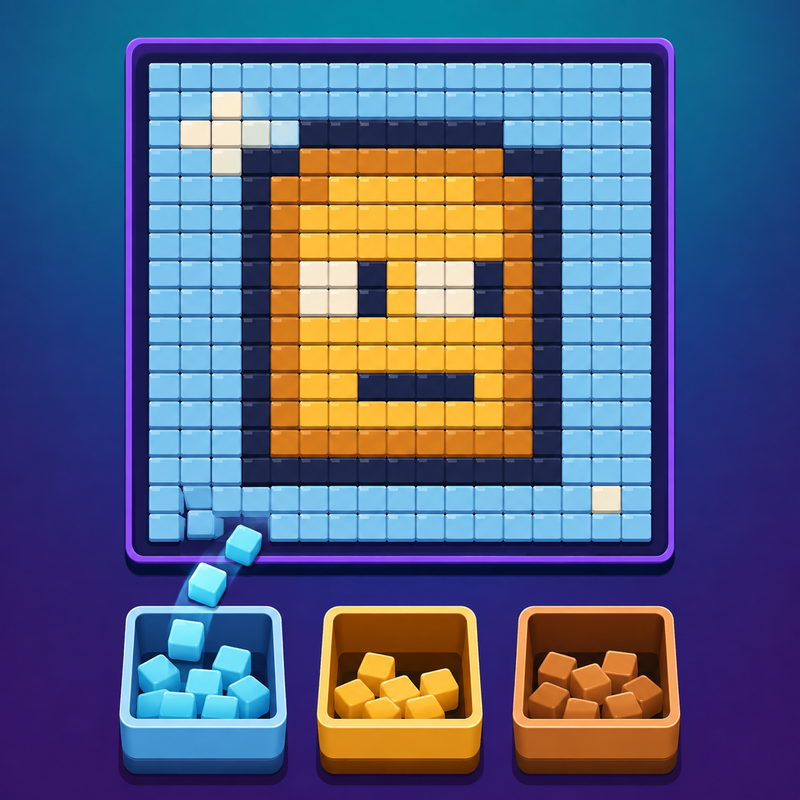
Sort colorful blocks into matching boxes and uncover 49 original pixel-art reactions. Plan the front-box order, manage your slots, and clear each portrait. AI tools assisted code, procedural art and sound, localization, and promotional artwork; no generative AI runs during gameplay.
Look for matching pieces and work toward the board’s stated objective. The most useful match is the one that helps the current task. The instructions include an undo option for correcting a move.
How to play Oddly Sorted: Color Sort
Controls and instructions
Tap or click a front box to collect reachable blocks of its color. On desktop, press the queue number instead. Clear the portrait without filling every slot. Undo, shuffle, hints and extra slots are free. Open Settings to pause or change sound.
Getting started with Oddly Sorted: Color Sort
- Read the current objective before choosing a match.
- Use the listed undo control when you want to reconsider an action.
About this game
- Platform
- Web browser
- Supported devices
- Android, iOS, Desktop
- Screen orientation
- Landscape and Portrait
- Languages
- American English, Russian (Russia)
- Genres
- Puzzle, Matching, Color
- In-game purchases
- None listed by the provider
- Provider
- Playgama
- Provider audience
- Male, Female
Game features and tags
- Sorting
- Color Matching
- 1 Player
Oddly Sorted: Color Sort images

Questions about Oddly Sorted: Color Sort
How do I start playing?
Choose Play now in the game window above to load Oddly Sorted: Color Sort through Playgama. Read the controls and instructions above before you start.
Which devices can I play on?
The provider lists support for Android, iOS, Desktop. Play in your web browser using the controls described above.
Which languages does the game support?
American English, Russian (Russia).
Does the game have in-game purchases?
The provider lists no in-game purchases for this game. Games may display advertisements.
Related game categories
Game facts and artwork supplied by Playgama. Descriptions adapted and getting-started guidance added by LookBear. Game content, ads and purchases are provided by Playgama and the game provider.