 Happy Coloring Book
Pixel Color Quest
Provided by Playgama
Pixel Color Questvia Playgama







 4 Colors
 Ball Sort Puzzle
 Single Line Drawing Puzzle
 Yarn Fever! Unravel Puzzle
 Draw Bridge - Brain Game
 Color Brawls
 Village of Colors
 SORTY BOLTY
 Make the glass happy
 Stand on the Right Color, Robby!
 Stack Swipe
 Wood Color Block
 Sheep Sort
 Home Design: Decorate House
 Pinata Color Smash
 Slinky Color Sort
 Square Sort
 Fill The Lines
 Happy Glass - Draw to Fill
 Color Roll 3D
 Cube Drop Puzzle
 Lady Rescue
 Ball Jump Switch The Colors
 Sorting Nuts and Bolts by Color: Home Repair
 Nuts Puzzle: Sort By Color
 Pop Them!
 Rush Run: Need to Pee – Toilet Dash Runner Game
 Colors&Forms
 Color Fall
 Arkanoid For Painters
 Screw Color Puzzle
 Draw or Delete LoveStory
 Draw & Drop
 Pool Shoot Tournament
 DOP2: Draw Love
 Draw One Line Bridge Puzzle
 Block Sort Puzzle
 Dot and Dot
 4 Color Card Game
 Chroma Trek
 Sort Master
 Color Dots Challenge
 Sticker Art Book Puzzle
 Bus Color Jam
 Liquid Sort Puzzle
 Coin Color Sort
 Brain Draw Line
 Screw Match
 Sorting Ball Puzzle
 Smash & Merge Balls
 Color Dash - Chameleon Runner
 Hexa Sort Master
 Color Sort Puzzle
 Coffee Color Blocks
 Color Hole
 Paint Pop 3D
 Doodle Halloween Momo Cat : Sea Magic
 DIY Phone Case Maker
 Tangram Puzzle 2
 Bottle Color Match Challenge
 Draw and Guess Online
 Cars Vs Blocks
 Copy the Drawing
 Criss Cross Colors
Play Pixel Color Quest online
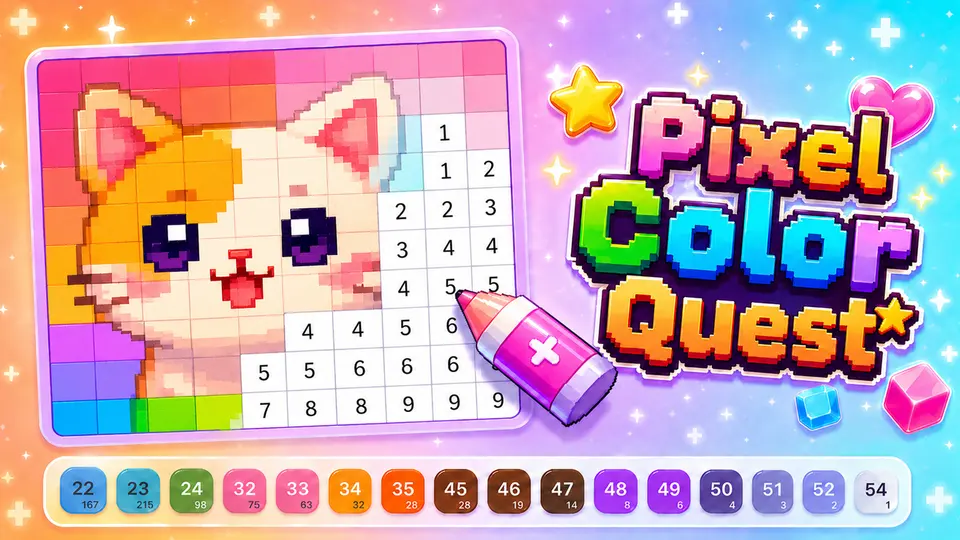
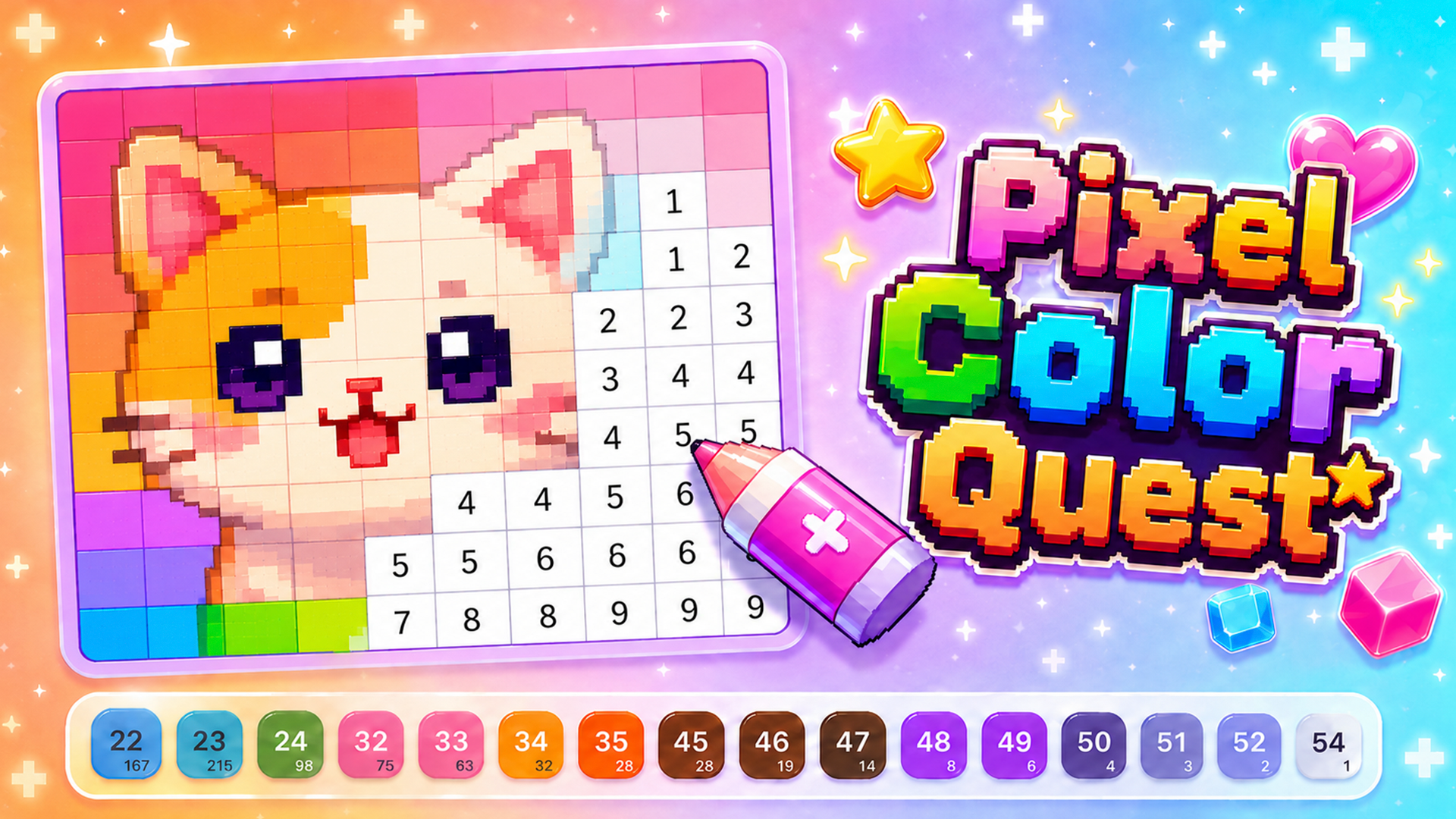
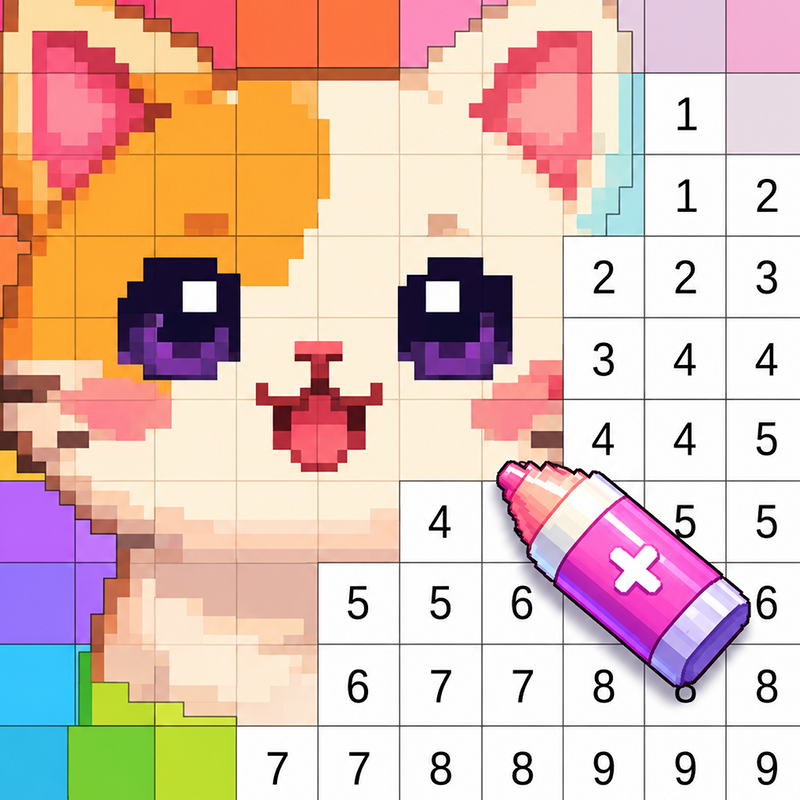
Choose a picture you like and turn a blank field into a bright pixel artwork. Pick the required colors and carefully fill the cells by following their numbers. Start with simple images or test your attention on large, detailed levels.
Use the drawing tools and follow the picture’s requirements. Check how the game handles lines, colors and finishing an image before you begin.
How to play Pixel Color Quest
Controls and instructions
Goal: completely color the selected picture. Find the number inside a cell, choose the color with the same number, and fill every matching cell. The picture is complete when every section has the correct color.
Desktop:
Left mouse button — select a picture or color.
Left mouse button on a cell — fill it with the selected color.
Phone and tablet:
Tap a picture or color to select it.
Tap the required cell to fill it.
Getting started with Pixel Color Quest
- Try a small stroke first to understand how the drawing input responds.
About this game
- Platform
- Web browser
- Supported devices
- Android, iOS, Desktop
- Screen orientation
- Portrait
- Languages
- American English, Russian (Russia)
- Genres
- Drawing, Color
- In-game purchases
- Available
- Provider
- Playgama
- Provider audience
- Male, Female
Game features and tags
- Relaxing
- Painting
- Art
- Color Matching
- 1 Player
Pixel Color Quest images
Questions about Pixel Color Quest
How do I start playing?
Choose Play now in the game window above to load Pixel Color Quest through Playgama. Read the controls and instructions above before you start.
Which devices can I play on?
The provider lists support for Android, iOS, Desktop. Play in your web browser using the controls described above.
Which languages does the game support?
American English, Russian (Russia).
Does the game have in-game purchases?
The provider lists optional in-game purchases. Any available purchases are handled inside the game. Games may display advertisements.
Related game categories
Game facts and artwork supplied by Playgama. Descriptions adapted and getting-started guidance added by LookBear. Game content, ads and purchases are provided by Playgama and the game provider.