 Fun Toy Pals

Candy for capybara
Provided by Playgama

Candy for capybaravia Playgama



 Back To School: Uniforms Edition
 Dice Puzzle
 Nullify - Merge Math
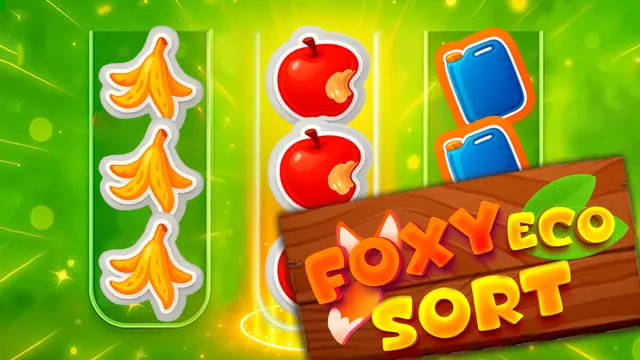 Foxy Eco Sort
 DreamBlox
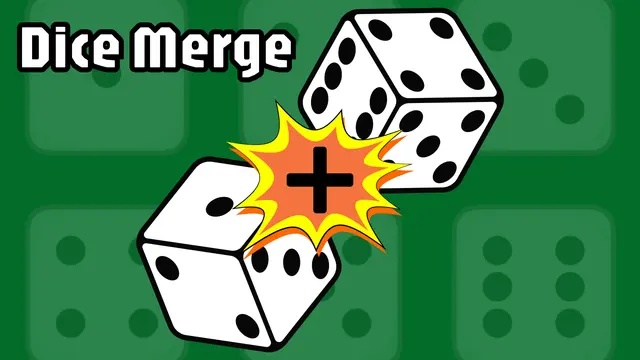 Dice Merge
 Merge Fruit Characters
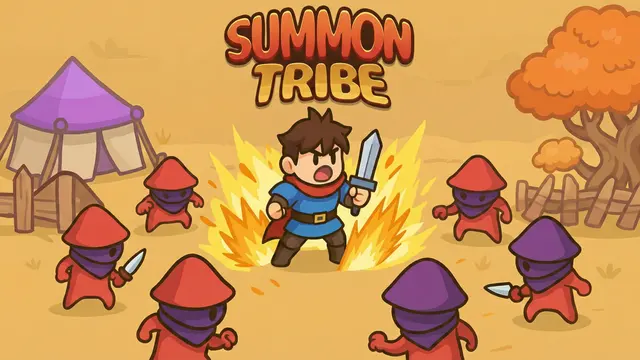 Summon Tribe
 Winter Tale: Secrets and Mergings
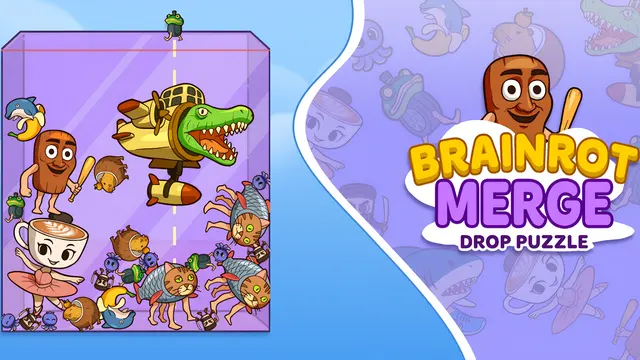 Brainrot Merge: Drop Puzzle
 3D Acrylic Nail: Nail Art Game
 Golf Orbit
 Ball Jump Switch The Colors
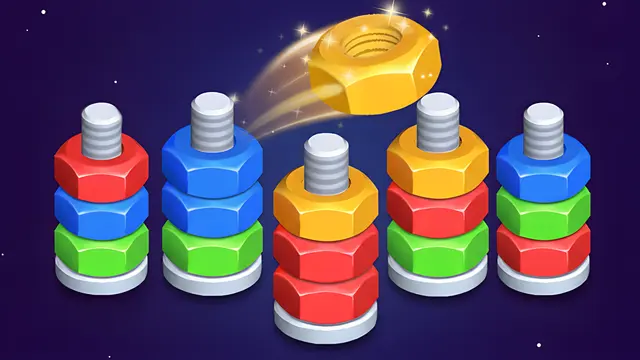 Sorting Nuts and Bolts by Color: Home Repair
 2048 Merge Blocks
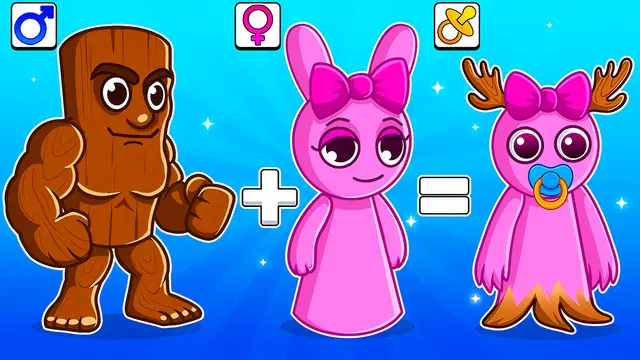 Trend Family: Merge Arena
 Merge World
 Squad Assembler: Merge
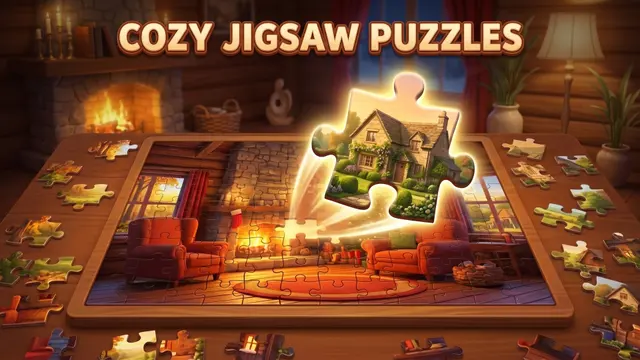 Cozy Jigsaw Puzzles
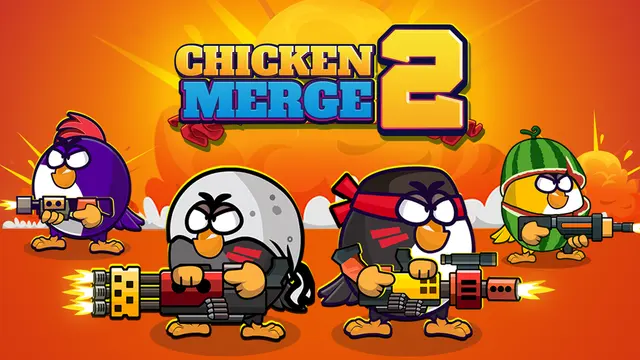 Chicken Merge 2
 My Castle. Merge & Story
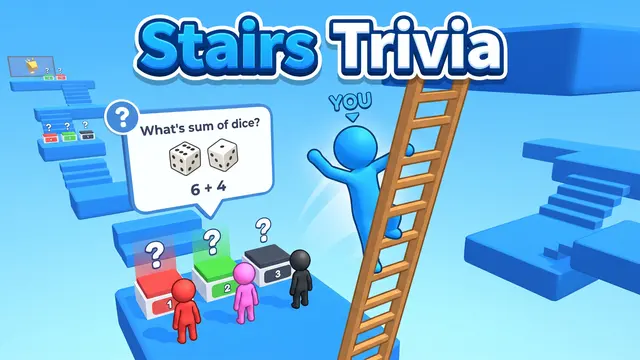 Stairs Trivia
 Connect: Monsters
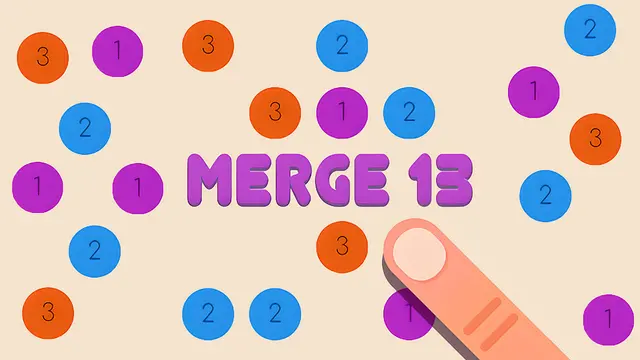 Merge 13
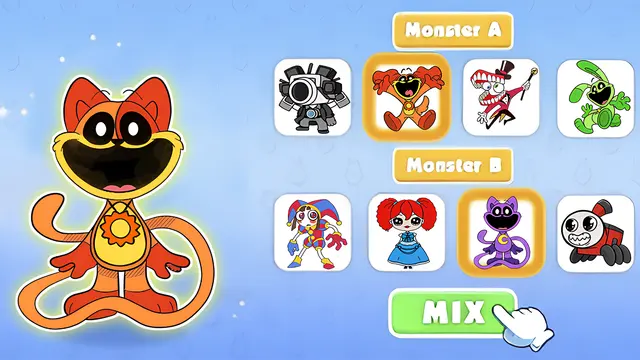 Mix Monsters: Fun Merge
 Monster Merge: Legends Alive
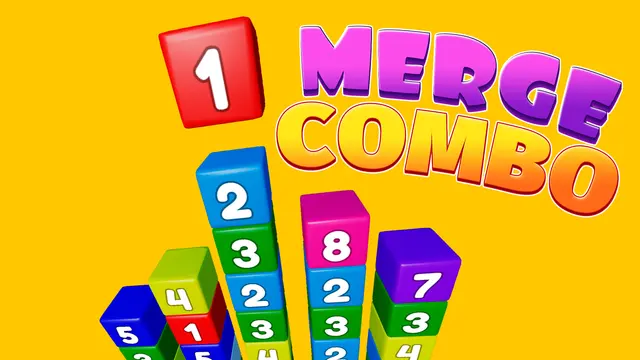 Merge Combo
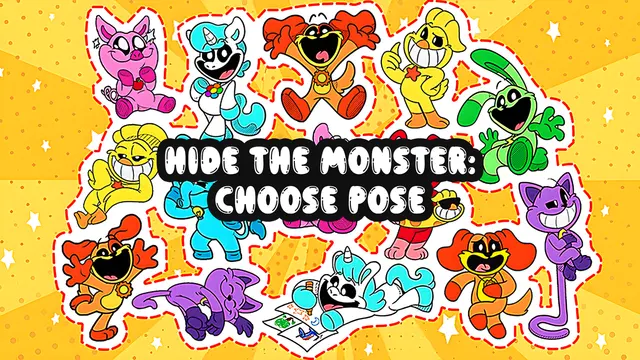 Hide the Monster: Choose Pose
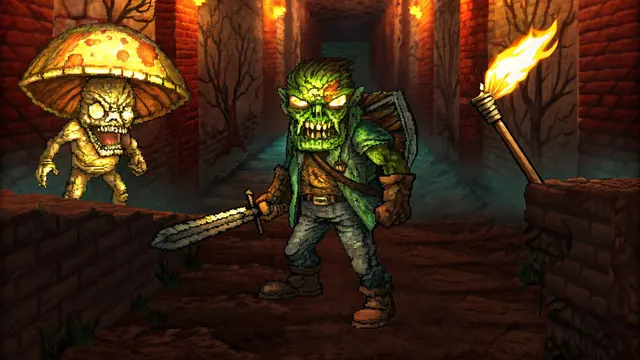 Monster Slayer: Merge & Survive
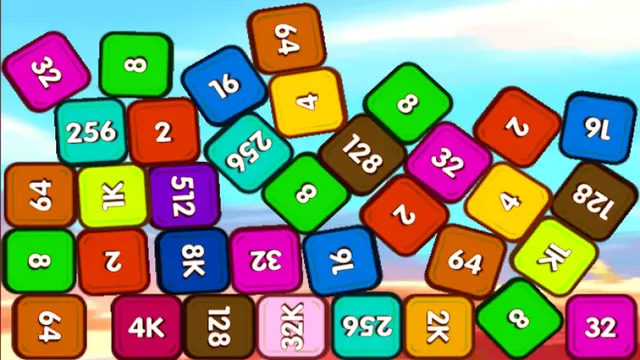 Funny Cubes 2048
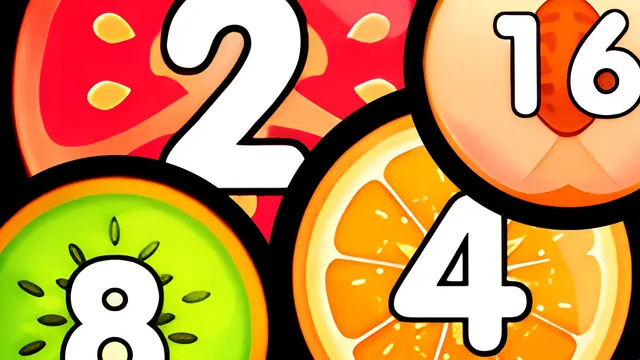 Merge Balls Shooter 2048 Connect Fruits
 Easy Obby Parkour
 Homo Evolution
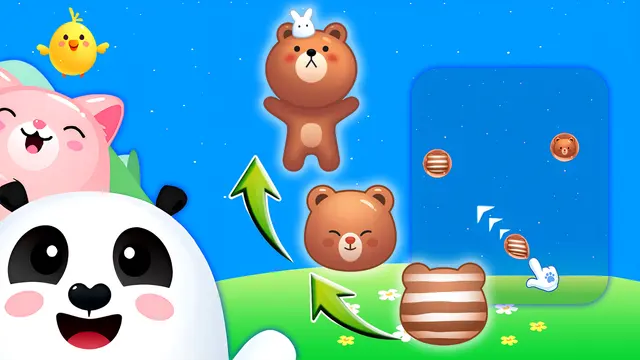 Animal Merge
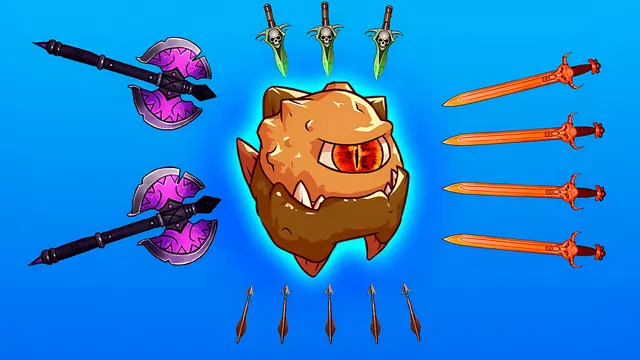 Weaponsmith Evolution - Weapon Merge
 Merge Mushroom
 Hero Merge
 Easter Rabbit Style
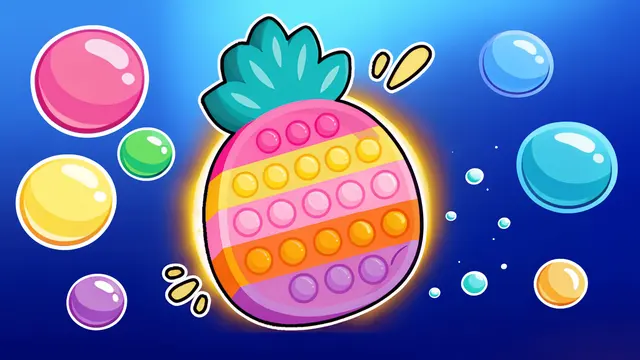 Pop It 3D
 Emoji Memory: Find a Pair
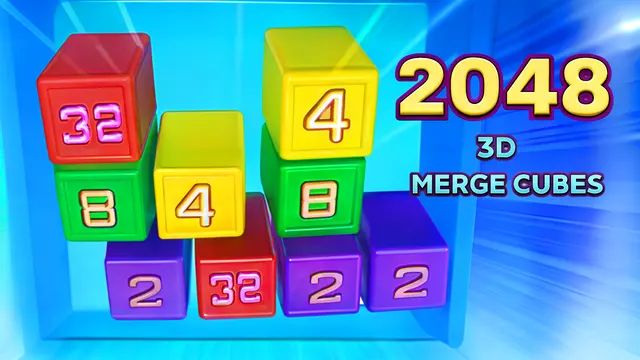 2048 3D: Merge Cubes
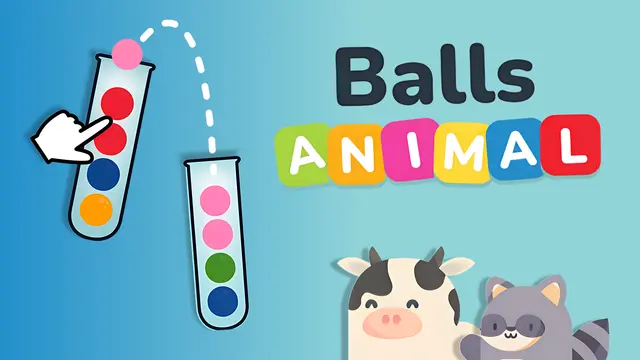 Balls Animal
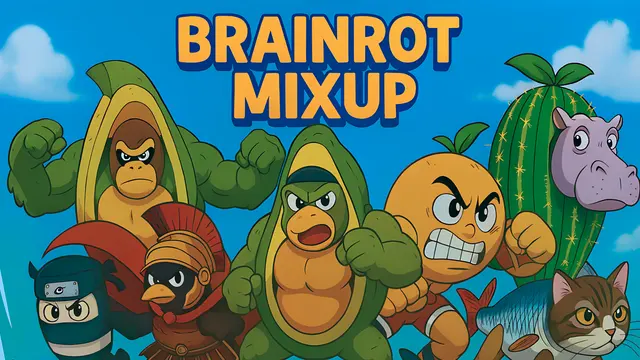 Brainrot Mixup
 Idle Pop Merge
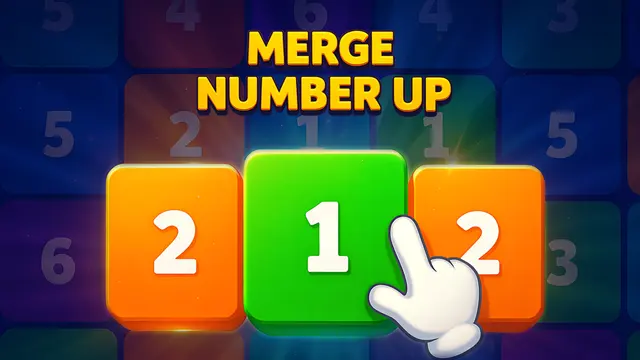 Merge number up
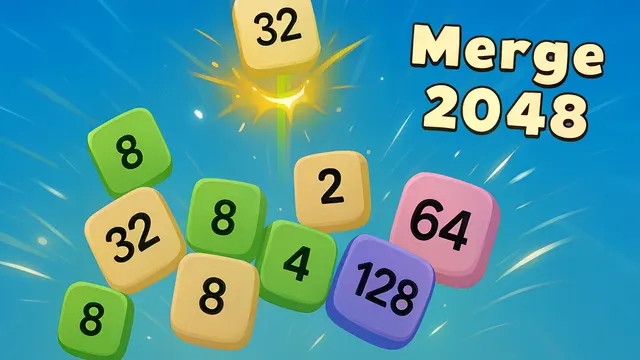 Merge 2048
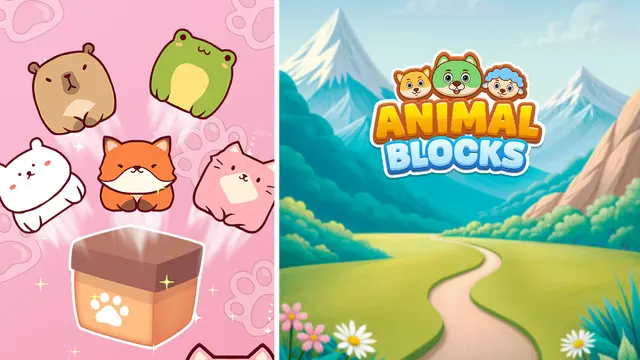 Animal Blocks
 Flag Merging Game - Puzzle Game
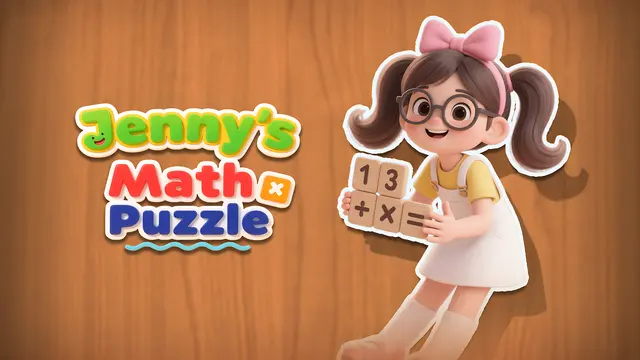 Jenny's Math Puzzle
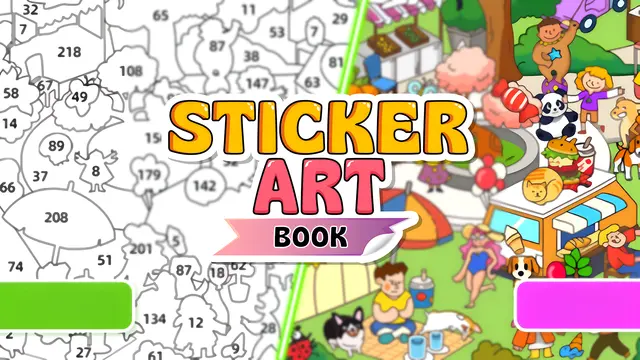 Sticker Art Book Puzzle
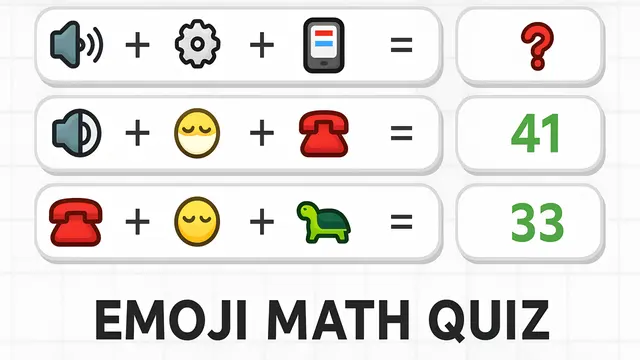 Emoji Math Quiz
 Ocean Pop
 Match Master
 Tap tap Swing
 Stack Up
 Toytopia
 Match Story : Animals
 Maths Puzzle
 Money Maker
 Smash & Merge Balls
 Number Merge 10
 World Flags Quiz
 Iconic Halloween Costumes
 Fruit Madness
Play Candy for capybara online
Match identical marmalades to create bigger candies and earn coins. Use the crane to grab delicious treats for your capybara! Endless high-score mode – compete with friends for the best candy-matching skills.
Bring matching pieces together and consider how each combination changes your available space or resources. The instructions explain which items can be combined. Drag-and-drop interactions are part of the controls. Coins appear in the game’s progression or objectives.
How to play Candy for capybara
Controls and instructions
How to Play:
Marmalade Candy Control:
Mobile:
Touch & drag to move candies – release to drop them.
Desktop:
Mouse: Click & drag, release to throw.
Keyboard: Arrow keys (← → ↑ ↓) + Space to drop.
Crane Control:
Mobile:
Slide your finger to move the crane – release to grab candy.
Desktop:
Mouse: Move cursor + click to grab.
Keyboard: Arrow keys (← →) + Space to capture.
Getting started with Candy for capybara
- Check the matching requirements before combining pieces.
- Check the destination before releasing an item you are dragging.
- Check what the game lets you do with coins before spending them.
About this game
- Platform
- Web browser
- Supported devices
- Android, iOS, Desktop
- Screen orientation
- Landscape
- Languages
- American English
- Genres
- Kids, Merge, Easy
- In-game purchases
- None listed by the provider
- Provider
- Playgama
- Provider audience
- Male, Female
Game features and tags
- Capybara
- Endless
- Jelly
- Cute
- Unity Games Online
- Capybara Clicker
Candy for capybara images


Questions about Candy for capybara
How do I start playing?
Choose Play now in the game window above to load Candy for capybara through Playgama. Read the controls and instructions above before you start.
Which devices can I play on?
The provider lists support for Android, iOS, Desktop. Play in your web browser using the controls described above.
Which languages does the game support?
American English.
Does the game have in-game purchases?
The provider lists no in-game purchases for this game. Games may display advertisements.
Related game categories
Game facts and artwork supplied by Playgama. Descriptions adapted and getting-started guidance added by LookBear. Game content, ads and purchases are provided by Playgama and the game provider.