 Kitten Never Dies
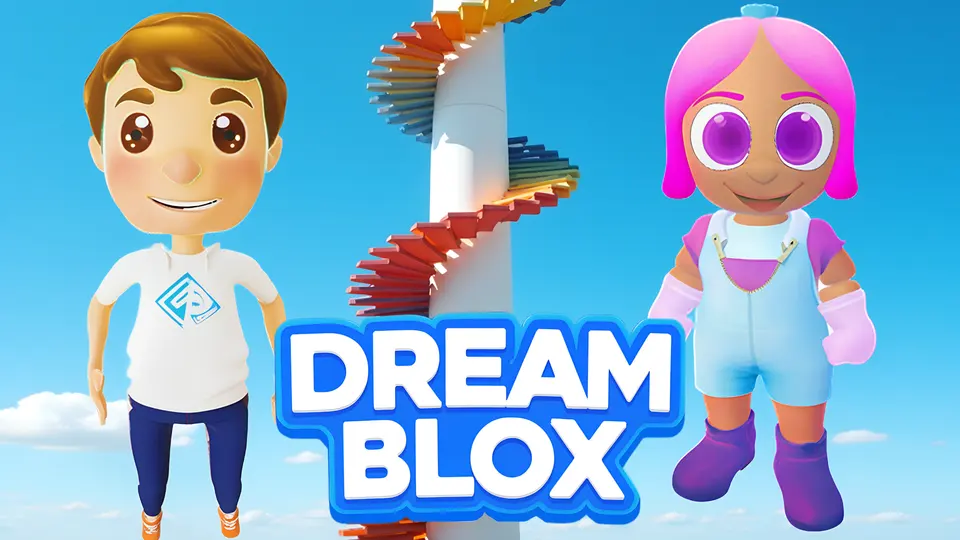
DreamBlox
Provided by Playgama

DreamBloxvia Playgama



 Cat Life Simulator: Devil Cat
 Dead Land: Survival
 Online Car Destruction Simulator 3D
 Melon Maker : Fruit Game
 Fix The Hoof
 Kinder Garden
 Hotel Manager Simulator
 Bus Jam: Pick up them all!
 Your Obby Labyrinth
 Find the Frog - Hidden Objects
 Brain Coloring Puzzle
 Constructor Bricks
 Word Puzzle Connect Words and Letters
 Sheep Sort
 Foxy Eco Sort
 Millionaire Life
 Mars Colony
 Squishy Sheep
 Playground Ragdoll Sandbox
 Tall io
 Ultimate Lawn Mowing Simulator: Mower Master
 Warrior Bee Apocalypse
 Snake Arena
 Pregnant Mother Simulator
 Animal Care Tycoon
 Gas Station - Stick Simulator
 Animal Evolution Simulator
 Stairs Trivia
 Bunny Escape
 Strategy of war: Tanks and helicopters
 Finger Soccer Tournament
 Destruction Simulator
 Furry Kung Fu
 Mouse Survivor
 Legions: Way of War
 Idle Cinema Tycoon
 Find The Dog
 Emoji Memory: Find a Pair
 Snake of Balls
 ZAP
 Pow
 Winged Wheels 2
 Click Kitty Idle
 Jenny's Math Puzzle
 Prásino
 Animal Basketball
 Ocean Pop
 Fun Toy Pals
 Eating Simulator The Italian Animals Brainrot
 Tiny Delivery
 Maths Puzzle
 99 Nights In The Forest - Survival Simulator
 My Dogy Virtual Pet
 Kind Shelter - Animal Care and Treatment
 Cool Tuning - Paint the Car
 Drag Racing Club
 Froggy Hop
 Santa Holiday Adventure Game
 Santa Gift Delivery Christmas Game
 Nubiks build a defense vs zombies
 Tornado: Fury of the elements
 Jig Snap Puzzles
 Italian Brainrot GT Highway Racing
 Cooking in the City of Winds
Play DreamBlox online
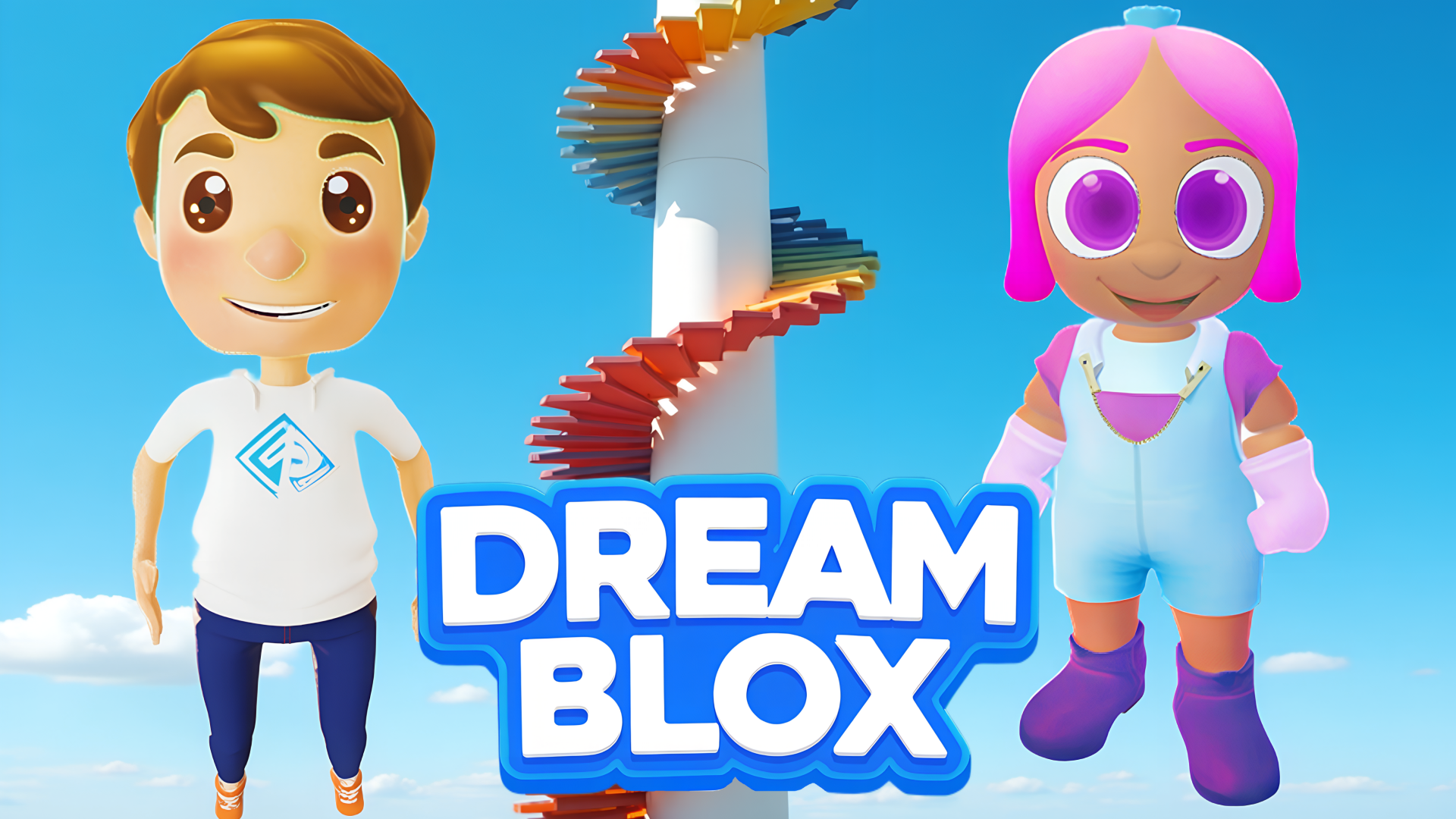
Join a multiplayer game where you can earn coins, buy accessories and cute pets, and train them in various tricks at a special school.
Explore the activity being simulated and learn which parts you can control. Read the instructions to understand how each interaction affects your next step. Coins appear in the game’s progression or objectives.
How to play DreamBlox
Controls and instructions
Collect coins and explore the world! Use your earned coins to purchase pets and various accessories in the shops.
Take your pets to a special school to teach them different tricks.
Explore all locations and discover new entertainment opportunities.
Getting started with DreamBlox
- Try the main interaction first, then review the options it opens.
- Check what the game lets you do with coins before spending them.
About this game
- Platform
- Web browser
- Supported devices
- Android, iOS, Desktop
- Screen orientation
- Landscape
- Languages
- American English, Russian (Russia)
- Genres
- Simulation, Kids, Multiplayer, Animals, Mobile
- In-game purchases
- None listed by the provider
- Provider
- Playgama
- Provider audience
- Male, Female
Game features and tags
- Pet
- Cute
- Collecting
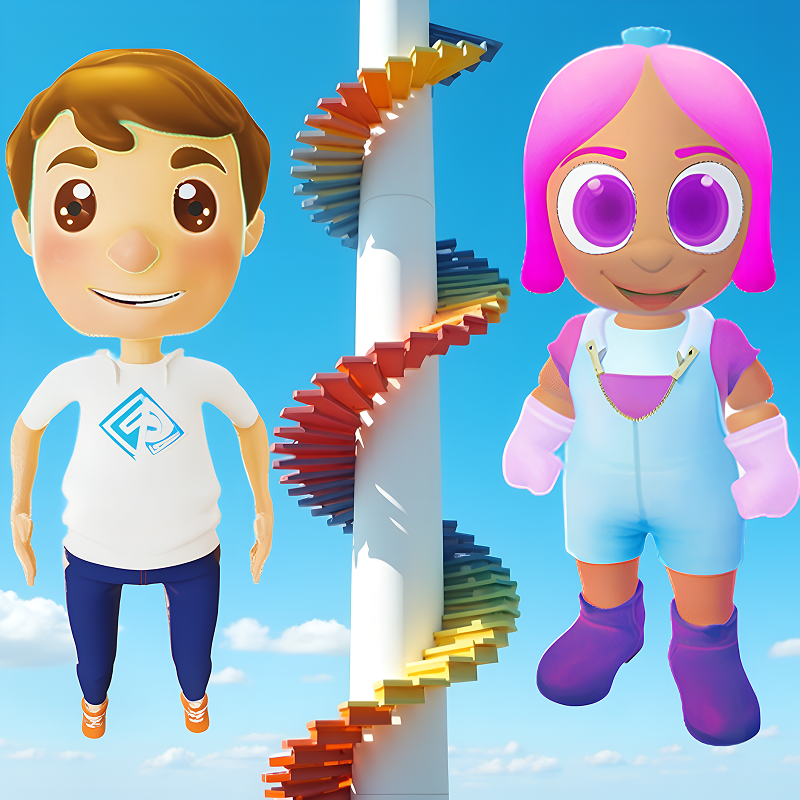
DreamBlox images
Questions about DreamBlox
How do I start playing?
Choose Play now in the game window above to load DreamBlox through Playgama. Read the controls and instructions above before you start.
Which devices can I play on?
The provider lists support for Android, iOS, Desktop. Play in your web browser using the controls described above.
Which languages does the game support?
American English, Russian (Russia).
Does the game have in-game purchases?
The provider lists no in-game purchases for this game. Games may display advertisements.
Related game categories
Game facts and artwork supplied by Playgama. Descriptions adapted and getting-started guidance added by LookBear. Game content, ads and purchases are provided by Playgama and the game provider.