 Dice Puzzle
Picture Shift
Provided by Playgama
Picture Shiftvia Playgama


 Tap 3D Wood Block Away
 Find Match 3D
 Block Puzzle Tropical Story
 Slide Block Jam
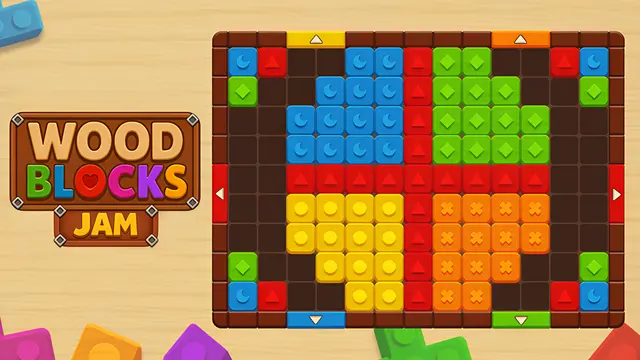 Wood Blocks Jam
 Bridge Builder
 Heart Box
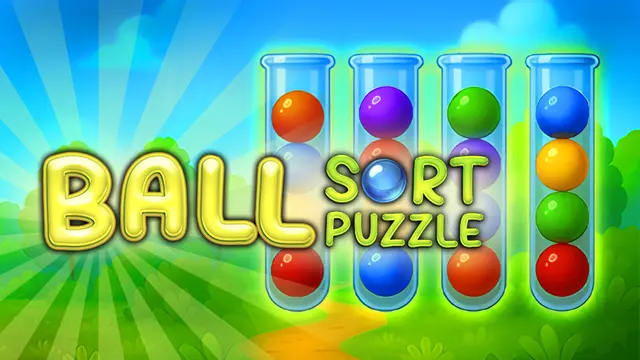 Ball Sort Puzzle
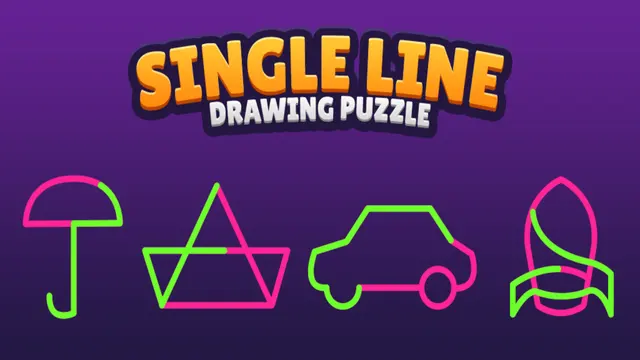 Single Line Drawing Puzzle
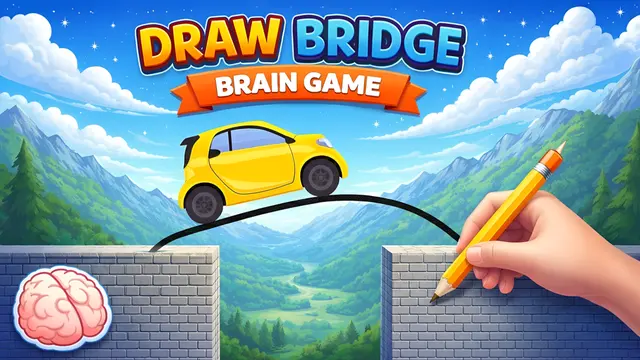 Draw Bridge - Brain Game
 Favorite Puzzles
 Card Sort: Challenge
 Wood Nuts Master: Screw Puzzle
 Nuts & Bolts Game: Wood Puzzle
 Screw Out Jam Puzzle
 Twisted Rope 3D
 Jewel Blocks
 Help Tricky Story A Complicated Story
 TetraDice–Merge & Blast Blocks
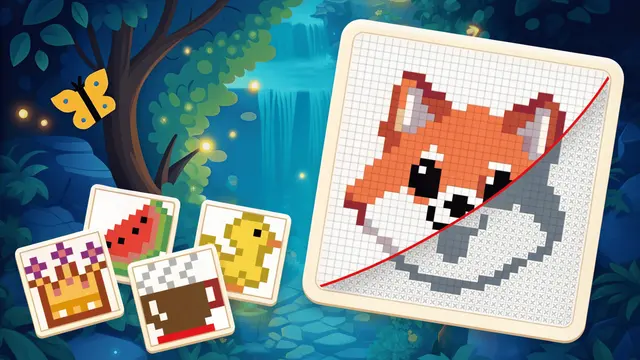 Grid Odyssey: Nonograms
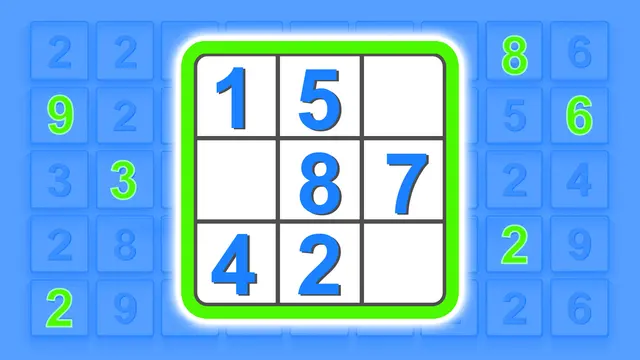 Sudoku
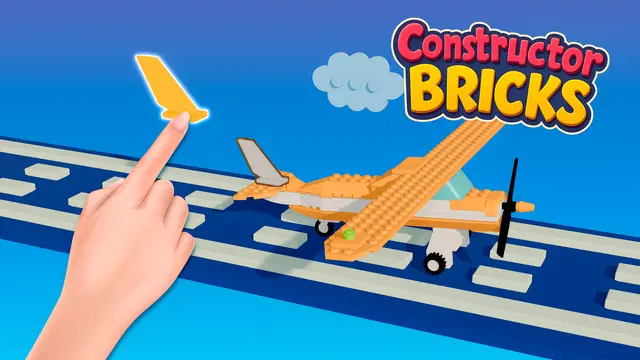 Constructor Bricks
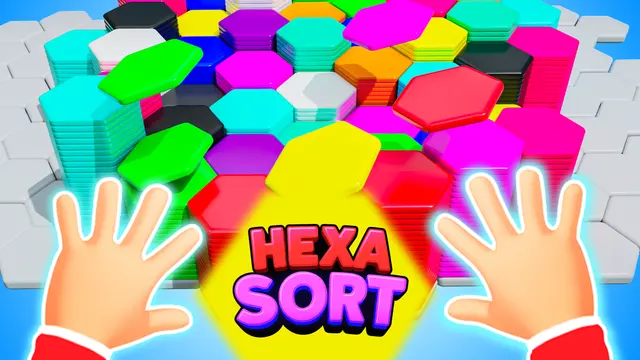 HexaSort
 Snake Out
 Wood Color Block
 Tower Tap
 Tile Stack
 Screw Jam Puzzle
 Hook Pin Jam
 Nullify - Merge Math
 Cats Block Puzzle
 Fill The Lines
 DOP Puzzle: Displace One Part
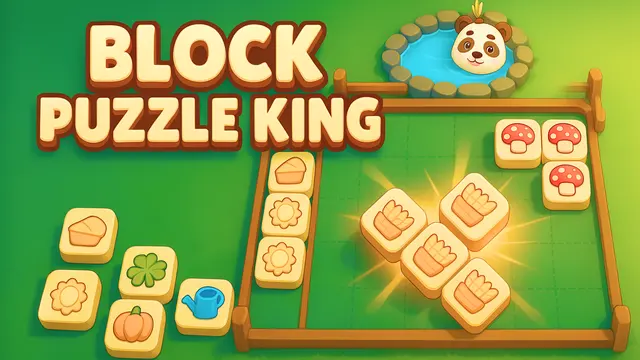 Block Puzzle King
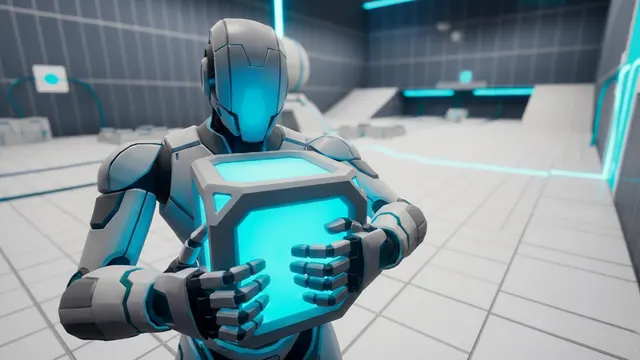 CubeGate
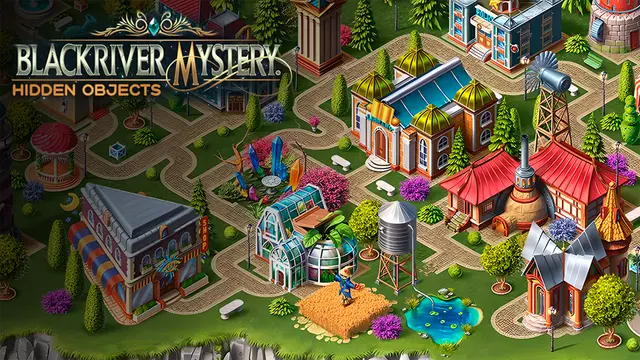 Blackriver Mystery. Hidden Objects
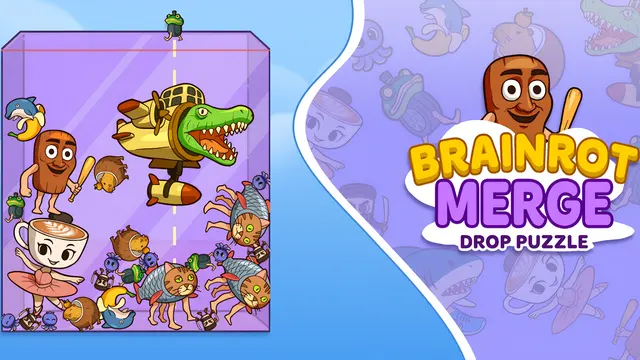 Brainrot Merge: Drop Puzzle
 2048 Merge Blocks
 Rat's House - Nonogram
 Screw & Pin: Puzzle Levels
 Block Puzzle: Prize Mania
 Mahjong Puzzle: Tile Match
 Connect: Monsters
 Merge 13
 Onet Animals
 Merge Combo
 Screw Color Puzzle
 Eco Block Puzzle
 Block Combo Blast
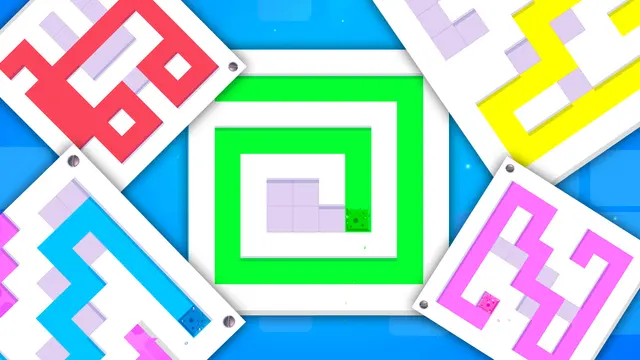 Paint Sponges Puzzle
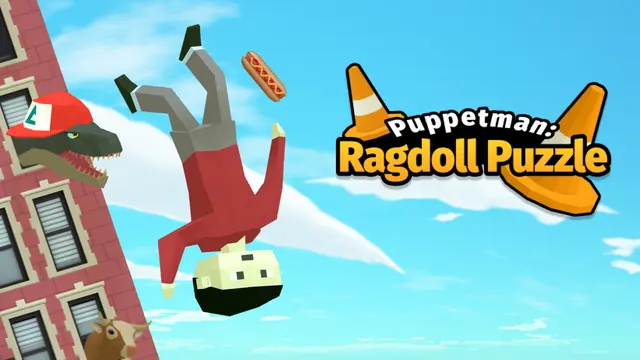 Puppetman: Ragdoll Puzzle
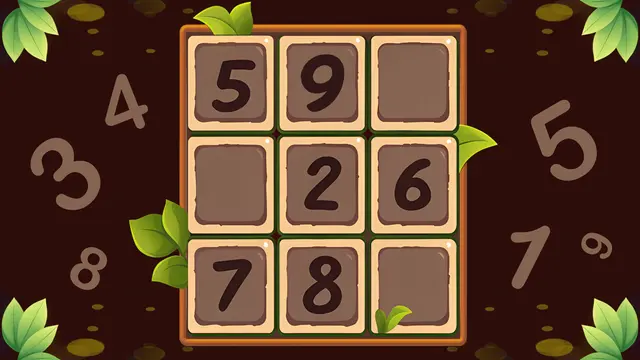 Sudoku - Number Games
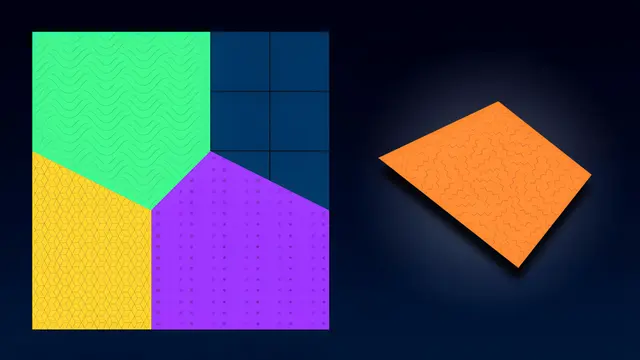 Hard Puzzle
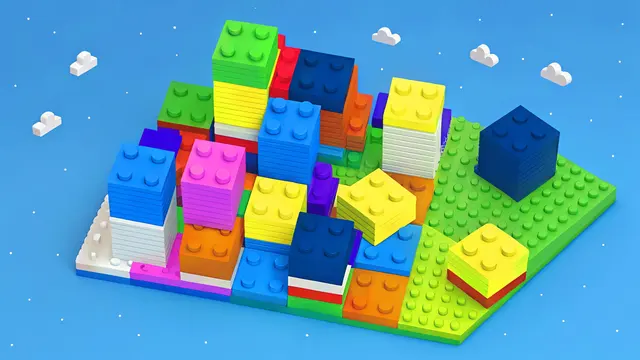 Block Sort Puzzle
 Erase the extra element
 Dot and Dot
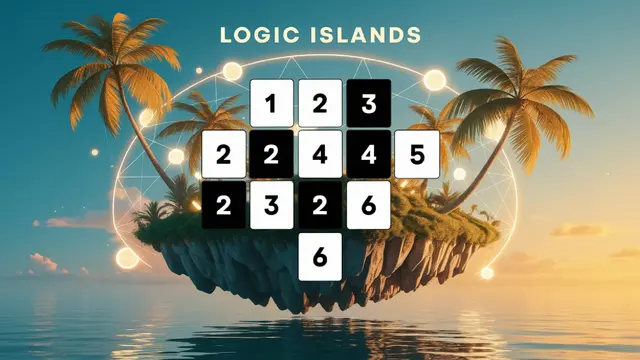 Logic Islands
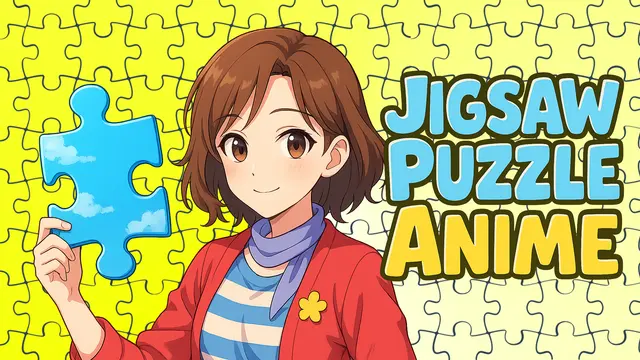 Jigsaw Puzzle - Anime
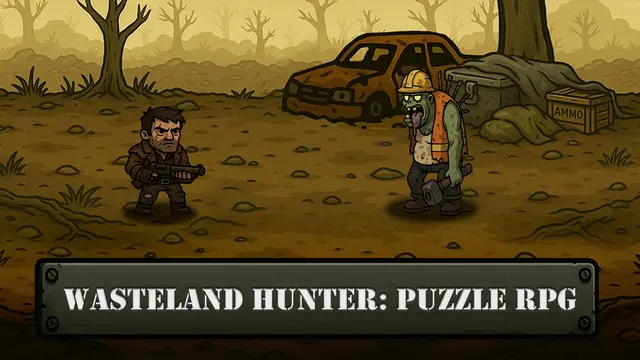 Wasteland Hunter: puzzle RPG
 Pop Puzzle
 Animal Blocks
 Block Builder Jam
 Unstack Tower
 Jenny's Math Puzzle
Play Picture Shift online
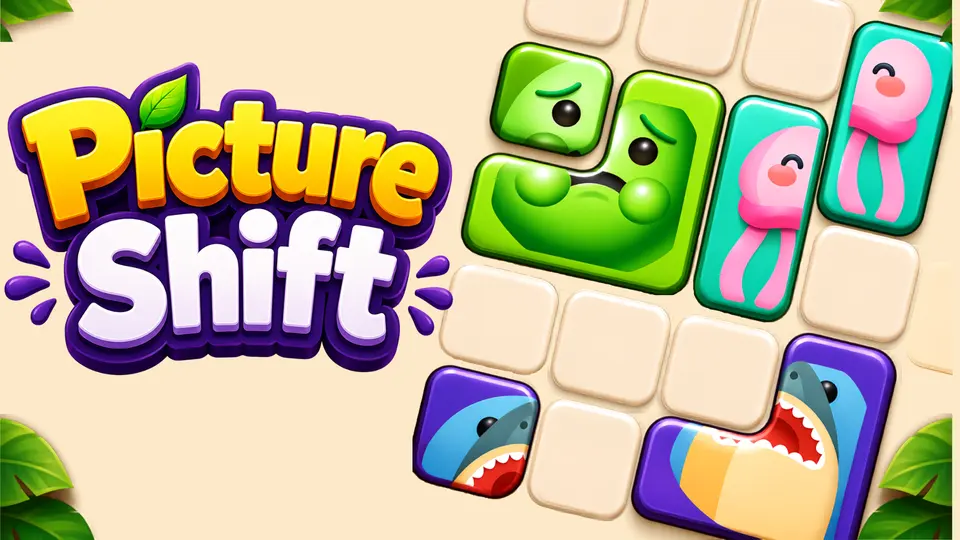
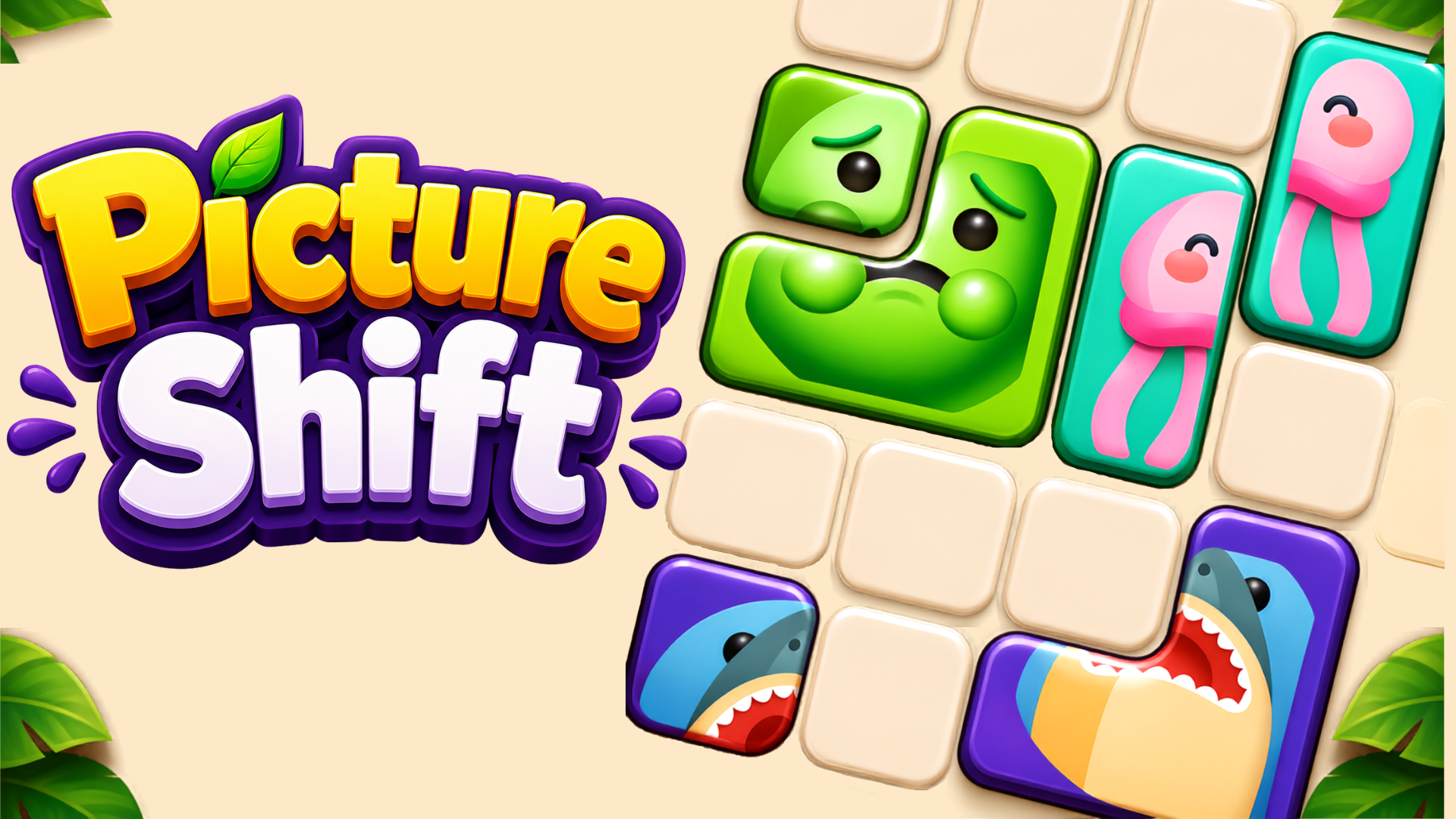
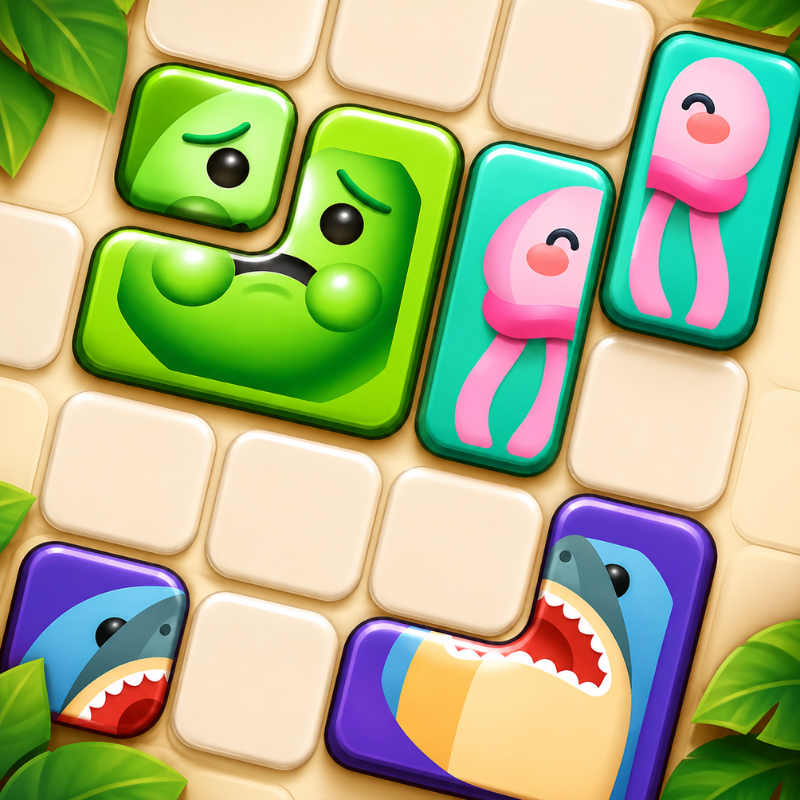
Somewhere in that mess is a cute little cow. It's been torn into pieces and scattered across the grid — and the only way to see it again is to slide those blocks back into place. Blocks come as squares, lines, L-bends, T-shapes, zigzags, crosses — and they only slide through gaps big enough to take them.
Study the current puzzle and use the rules to decide your next action. Look for the objective and any restrictions before making a move.
How to play Picture Shift
Controls and instructions
Goal — Rebuild every picture before the timer hits zero. Targets sit at the top; their pieces are scattered across several blocks. Line them up correctly relative to each other and the picture snaps together on its own. They don't have to be in any particular spot on the board — just in the right formation.
Controls — Drag a block. That's it. Blocks slide through empty space only. For boosters: tap the booster → tap your target (valid blocks glow).
You lose if the timer runs out or a bomb hits zero. Costs a life — but you can revive on the spot.
Tips — Think backwards (which block moves last?). Shrink, don't shove (Hammer beats rearranging). Kill bombs early. Chase pictures, not tidiness — every completed picture clears blocks and thaws ice.
Getting started with Picture Shift
- Check the goal and any move or time limit shown in the game.
About this game
- Platform
- Web browser
- Supported devices
- Android, iOS, Desktop
- Screen orientation
- Landscape and Portrait
- Languages
- American English
- Genres
- Puzzle, Logic, Blocks
- In-game purchases
- Available
- Provider
- Playgama
- Provider audience
- Male, Female
Game features and tags
- Casual
- Sliding
- 1 Player
Picture Shift images
Questions about Picture Shift
How do I start playing?
Choose Play now in the game window above to load Picture Shift through Playgama. Read the controls and instructions above before you start.
Which devices can I play on?
The provider lists support for Android, iOS, Desktop. Play in your web browser using the controls described above.
Which languages does the game support?
American English.
Does the game have in-game purchases?
The provider lists optional in-game purchases. Any available purchases are handled inside the game. Games may display advertisements.
Related game categories
Game facts and artwork supplied by Playgama. Descriptions adapted and getting-started guidance added by LookBear. Game content, ads and purchases are provided by Playgama and the game provider.