 MR RACER - Car Racing
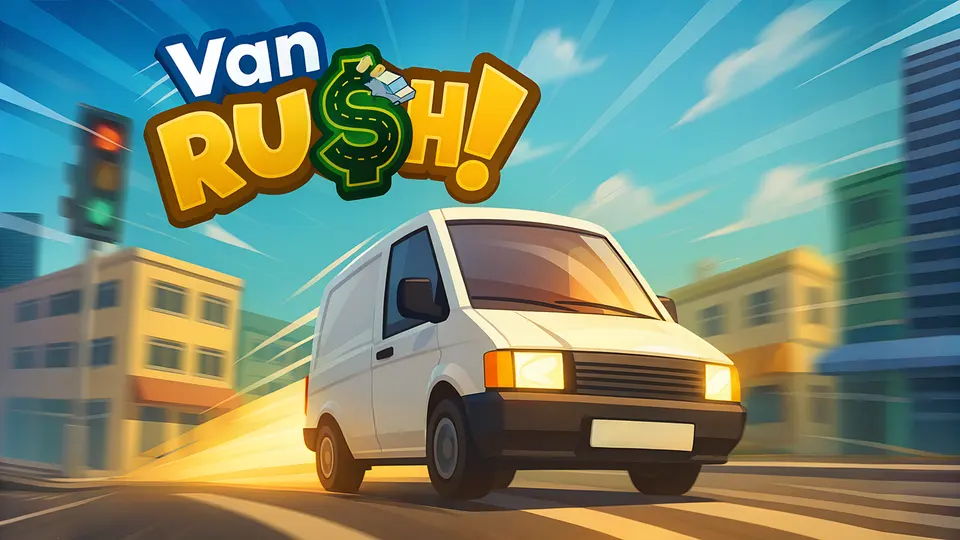
Van Rush!
Provided by Playgama
Van Rush!via Playgama
 Stunsteval Siderollers
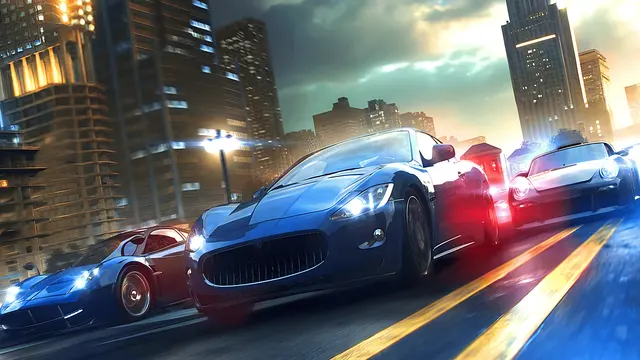 Turbo Racer Extreme
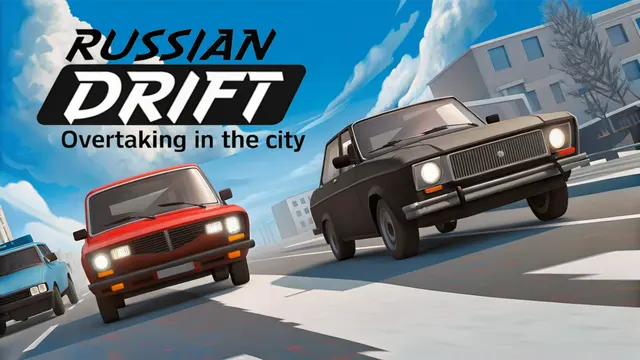 Russian Drift: Overtaking in the City
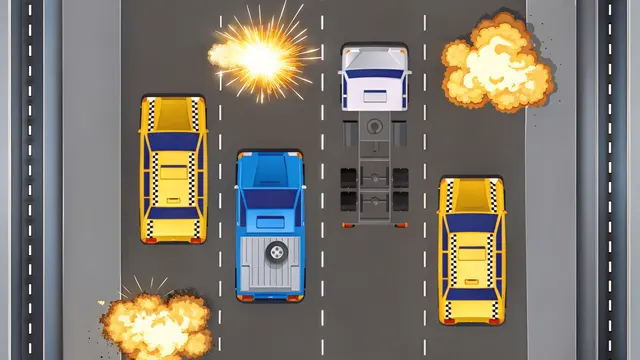 Cars
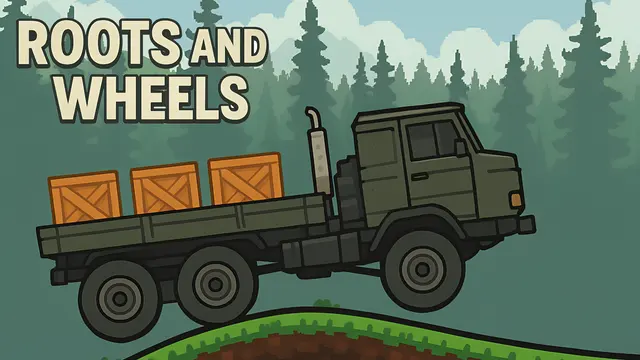 Roots and Wheels
 Parking Boom
 Drifting Car Master
 Mr.Reckless Car Chase Simulator
 Police Chase Simulator
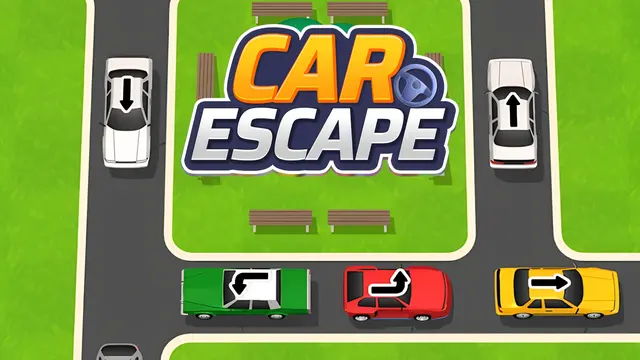 Car Escape
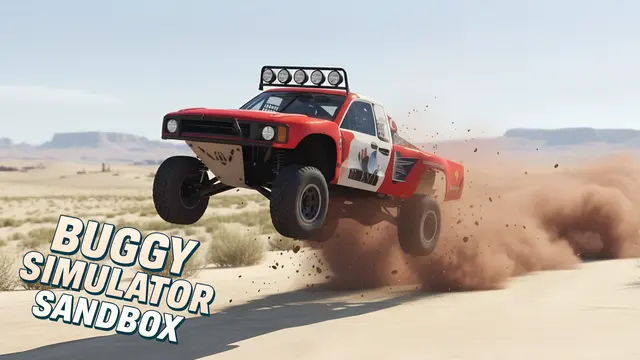 Buggy Simulator Sandbox 3D
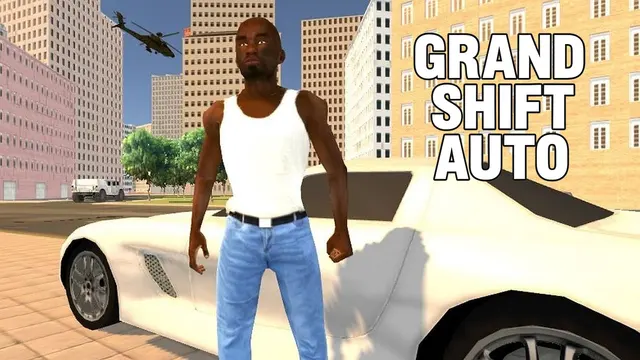 Grand Shift Auto
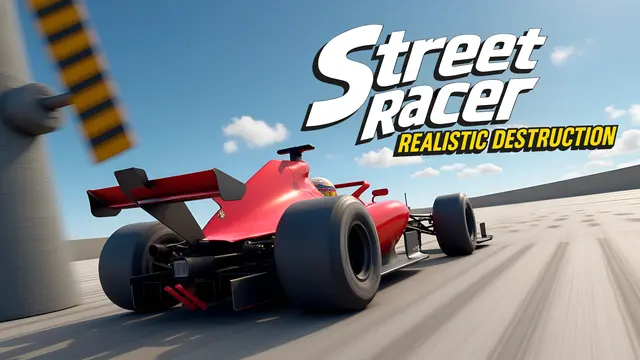 StreetRacer: Realistic Destruction
 Racing: Destruction and Chase
 Clash of Cars: Arena
 Simulator GT Motorsport
 Cool Tuning - Paint the Car
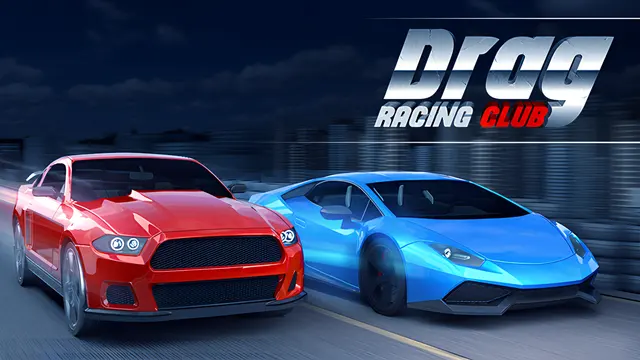 Drag Racing Club
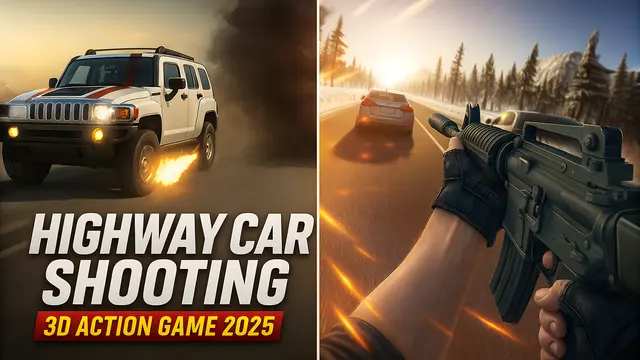 Highway Car Shooting 3D Action Game 2025
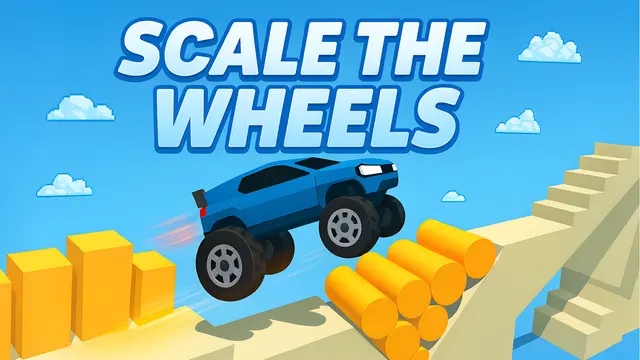 Scale the wheels
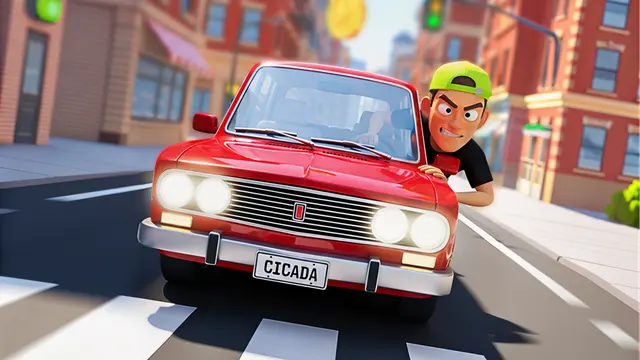 Mini Car Racing Master 3D
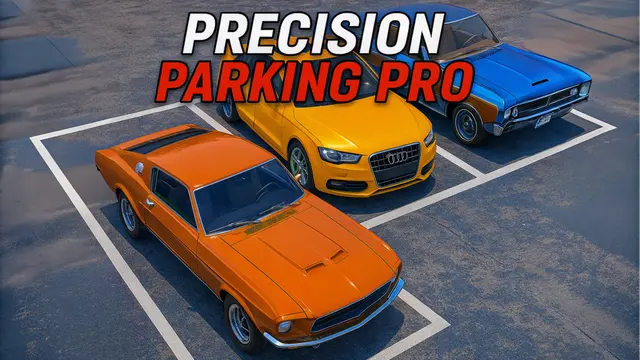 Precision Parking Pro
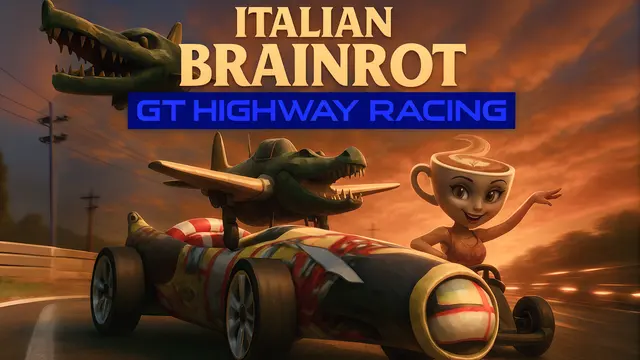 Italian Brainrot GT Highway Racing
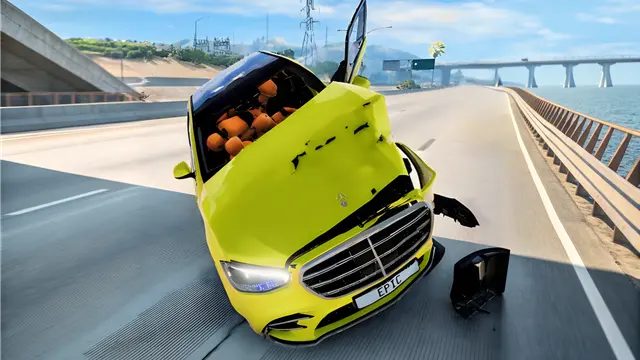 BMG Crash Test
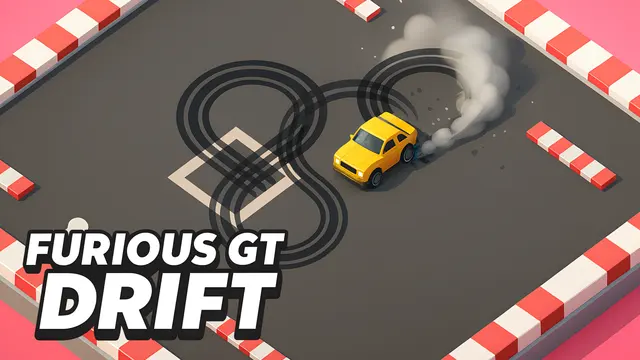 Furious GT Drift
 Circle Car Crash 3D
 USA Luxury 4x4 SUV Offroad Driving Simulator
 Eggy Car
 Crashy Chasy
 Crime and Vice City Police
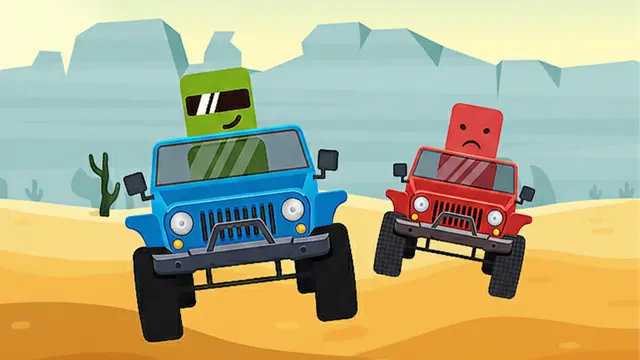 Car Collision Master
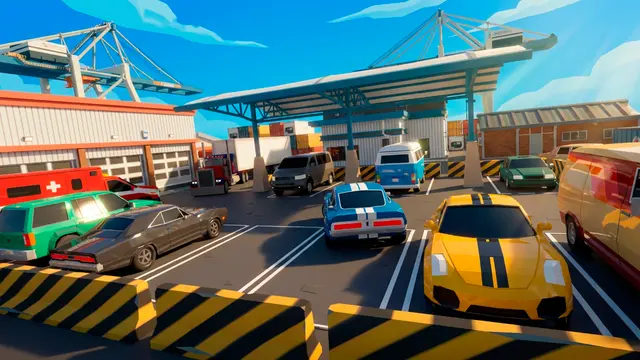 Car Parking Simulator
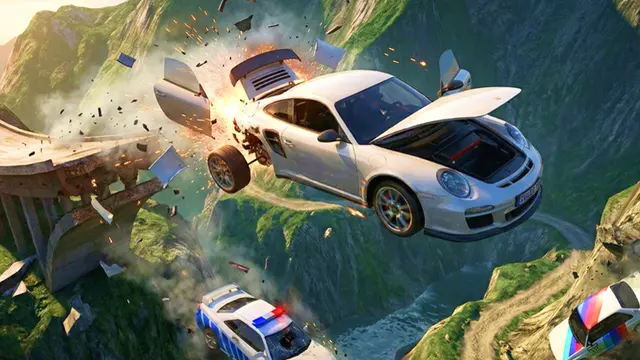 A deadly car crash
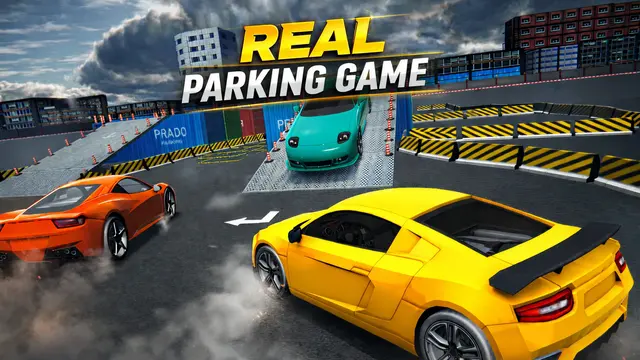 Real Parking Game
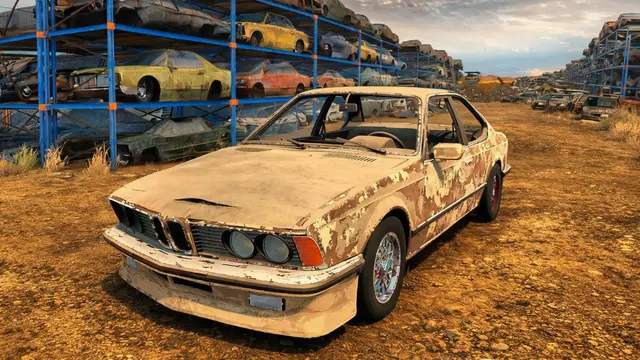 Mechanic Simulator: Car Repair
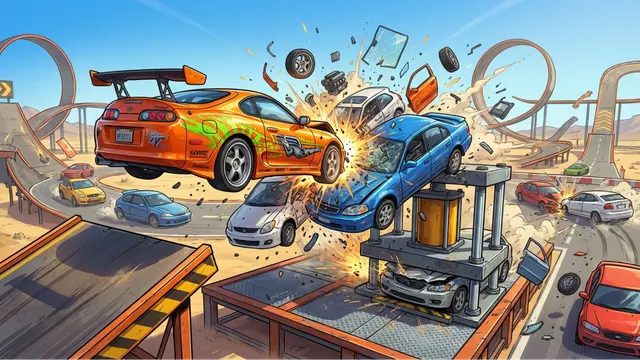 Smash & Speed
 Obby: +1 Speed Car Escape
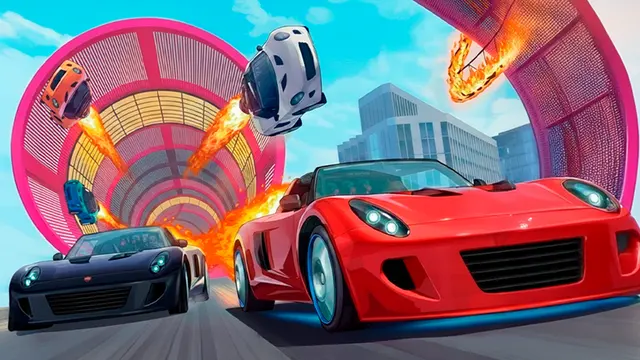 Mega Car Stunts
 Car Parking 3D
 Mega Ramp Car
 Car And Truck Parking Game
 Break The Car Completely
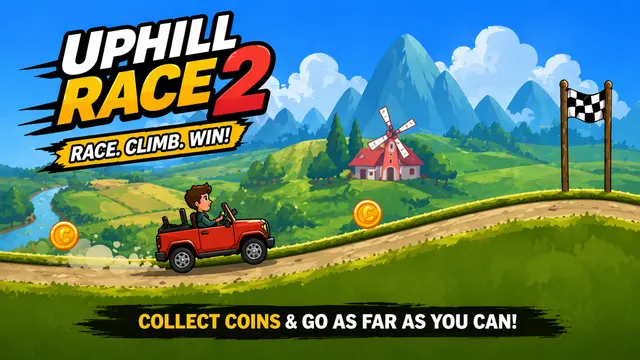 Uphill Racer2
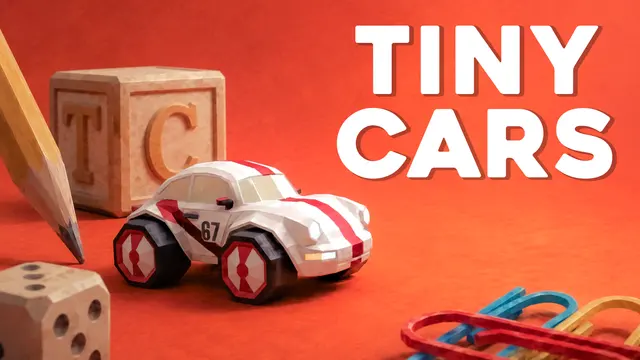 Tiny Cars
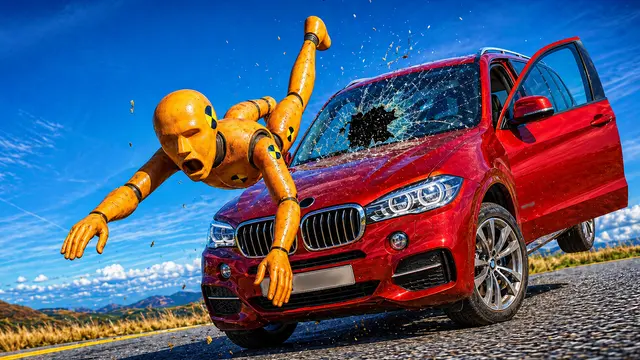 Realistic Car Crash King
 City Tuk Tuk Rickshaw Game Auto Games
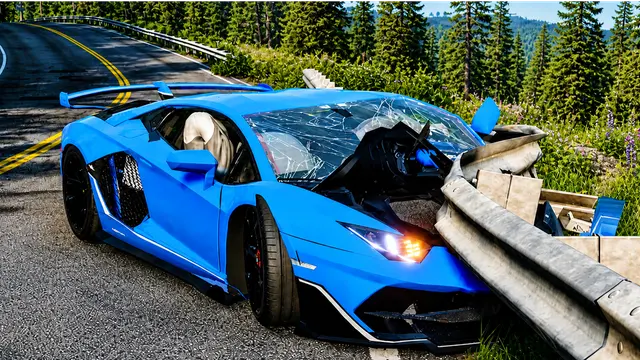 Crash Test Simulator 3d
 Car Crash Sandbox
 Monster Truck Stunt Game Racing Games
 Drift Idle Drift Earn Upgrade
 Car Runner
 Build Your Dream Car
 Drive & Crash Sandbox
 Inner City Drive
 Police Drift Escape
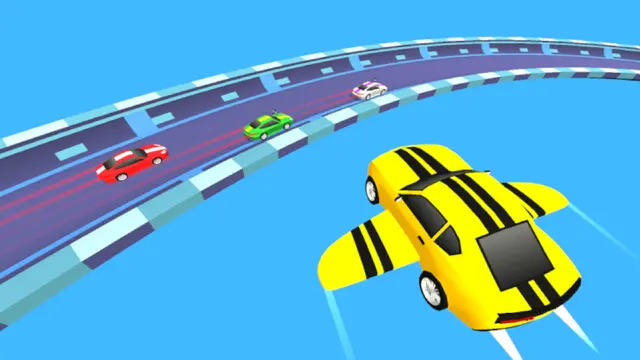 Crazy Flying Car
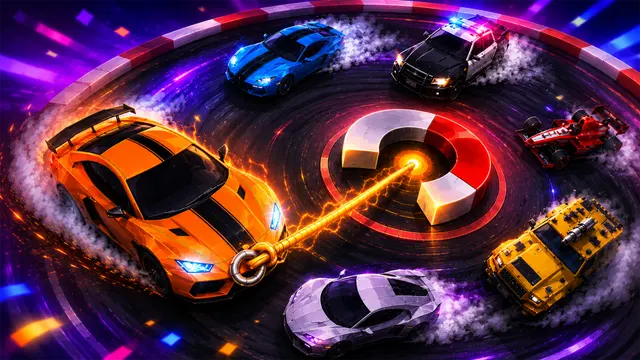 Driftbound: Race in the Grip of Drift!
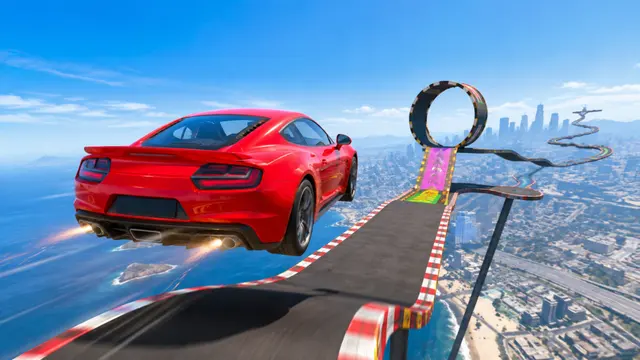 Car Stunts Driving
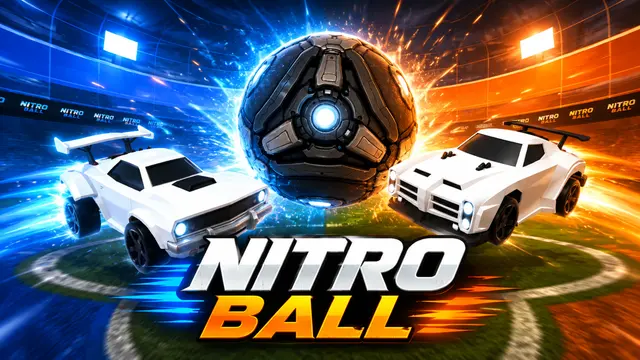 Nitro Ball
 EVADE
 Obby Car Keyboard Parkour
 Road Fury - Racing
 Car Parking Driving School
 City Chase: Escape Police
Play Van Rush! online
Drive, pass puzzle, deliver deliveries, load packages, earn money and buy offers.
Get familiar with the vehicle and the route ahead. Read the movement controls and the game’s objective before setting off.
How to play Van Rush!
Controls and instructions
Attention
Recomended to play in fullscreen.
You can change cursor vibility state by pressing "C" it helps to switch fast between selecting order and driving van.
Tutorial
Drive van to the orange platform and wait 3 seconds, after that loading puzzle will open, after finishing puzlle press Finish and deliveries will appear in the deliveries menu, click on the delivery to take. After taking delivery on map will appear green circle that's the place where you need to deliver package, package can be took from the van back.
Controls
W/A/S/D - Movement
W/A/S/D - Car Controls
Space - Brake
E - Take Package
E - Deliver Package
M - Open/Close big map
O - Open/Close offers menu
C - Change Cursor Visibility
Tab - Open/Close Deliveries Menu
P - Pause
Getting started with Van Rush!
- Check whether steering, acceleration and braking use separate controls.
About this game
- Platform
- Web browser
- Supported devices
- Desktop
- Screen orientation
- Landscape
- Languages
- American English
- Genres
- Car, Driving
- In-game purchases
- Available
- Provider
- Playgama
- Provider audience
- Male, Female
Game features and tags
- Delivery
- Time Management
- Gam Supported
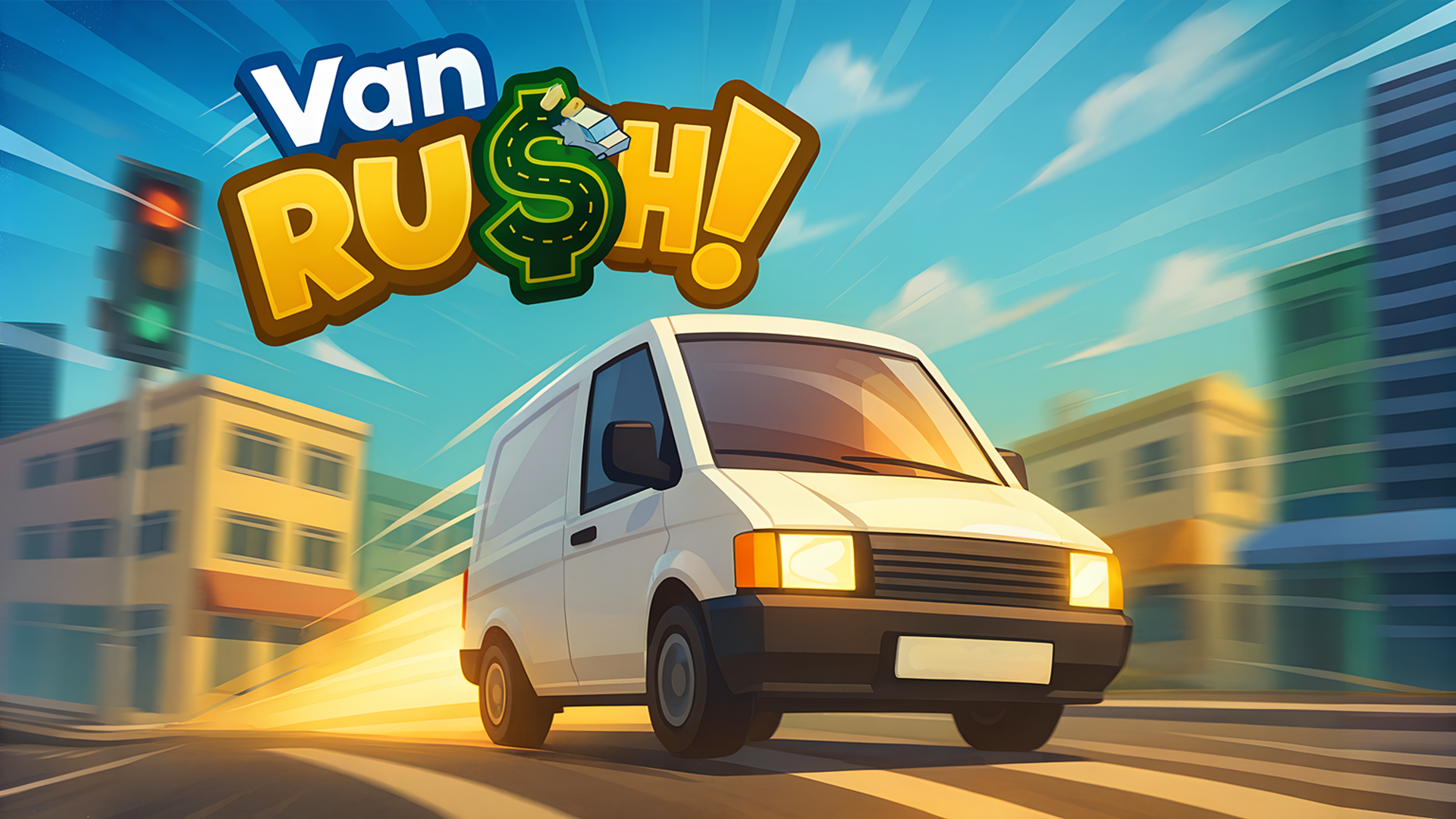
Van Rush! images
Questions about Van Rush!
How do I start playing?
Choose Play now in the game window above to load Van Rush! through Playgama. Read the controls and instructions above before you start.
Which devices can I play on?
The provider lists support for Desktop. Play in your web browser using the controls described above.
Which languages does the game support?
American English.
Does the game have in-game purchases?
The provider lists optional in-game purchases. Any available purchases are handled inside the game. Games may display advertisements.
Related game categories
Game facts and artwork supplied by Playgama. Descriptions adapted and getting-started guidance added by LookBear. Game content, ads and purchases are provided by Playgama and the game provider.