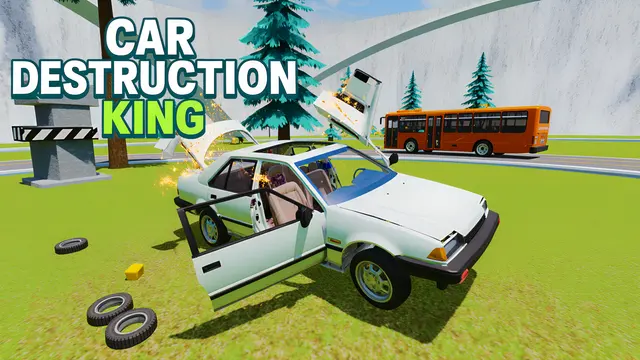
 Car Destruction King
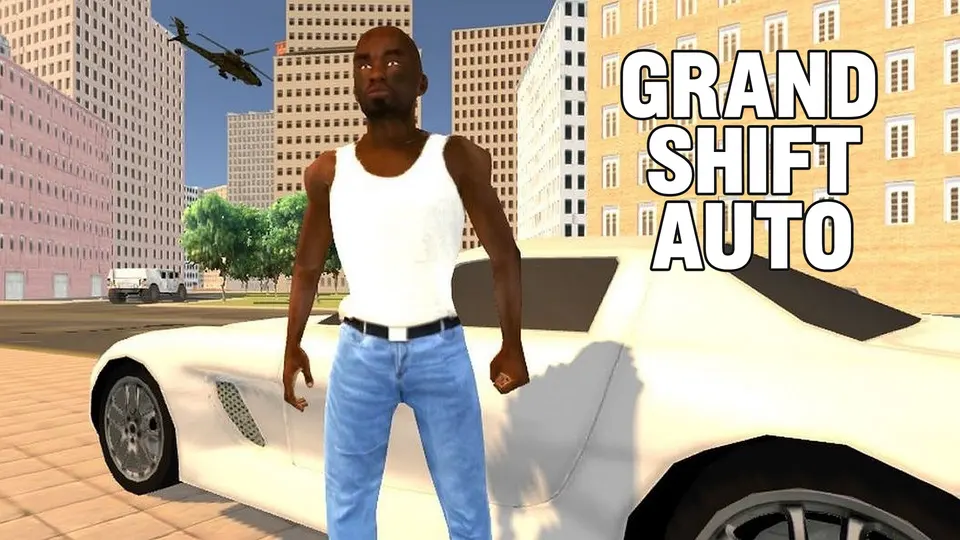
Grand Shift Auto
Provided by Playgama
Grand Shift Autovia Playgama


 Cars vs Zombies
 Police Mom Simulator
 City Husle
 Heist Escape: City Lockdown
 Car Crash Tricks Simulator Crazy Stunts
 Extreme Police Chase
 Sunny Bay Heroes
 Build Car for Kill Zombies
 City Pop Drive
 Master Car Destruction
 Cliff Crash
 Mad City Racings Big City Openworld
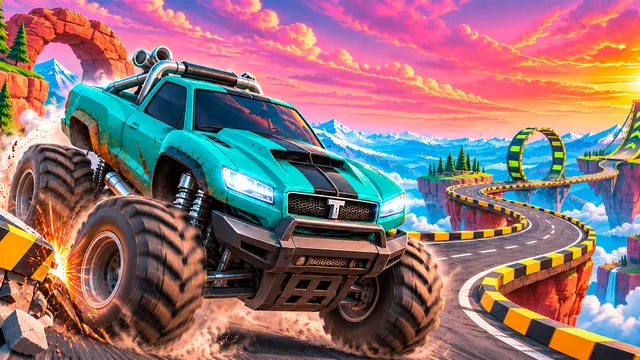 Car Crash: Mountain Stunts 3D
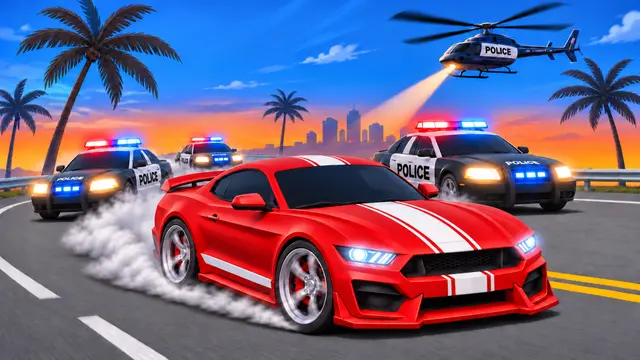 Escape Chase
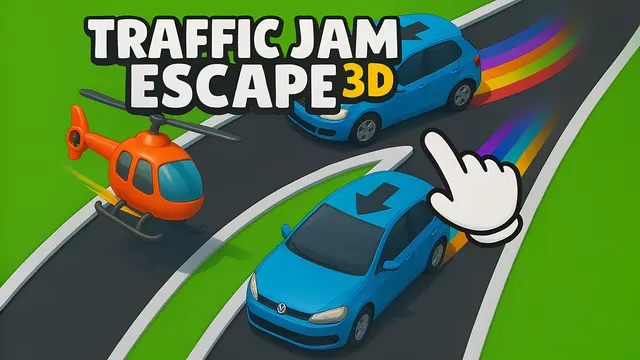 TRAFFIC JAM ESCAPE 3D
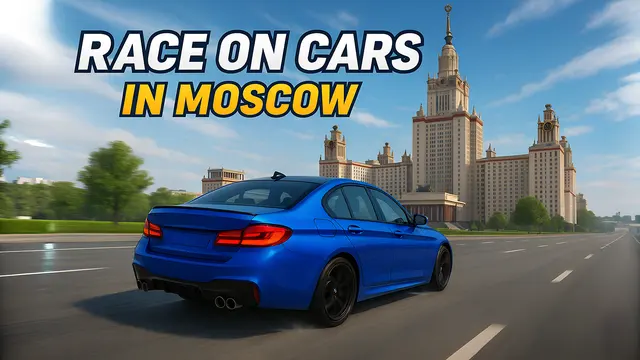 Race On Cars in Moscow
 Hyper Cars Ramp Crash
 FPS Gun Shooting Game 3D
 Online Car Destruction Simulator 3D
 Deadly Descent
 Left 4 Die
 Parking Master: Urban Challenges
 Stalker 2033: The Path of the Survivor
 Dronner 3D
 Turbo Stunt Racing
 Echolocation Shooter
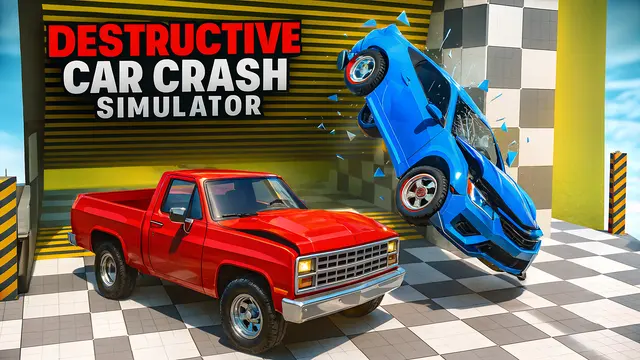 Destructive Car Crash Simulator
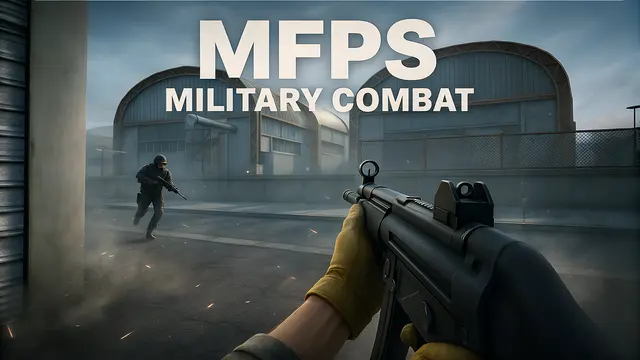 MFPS:Military Combat
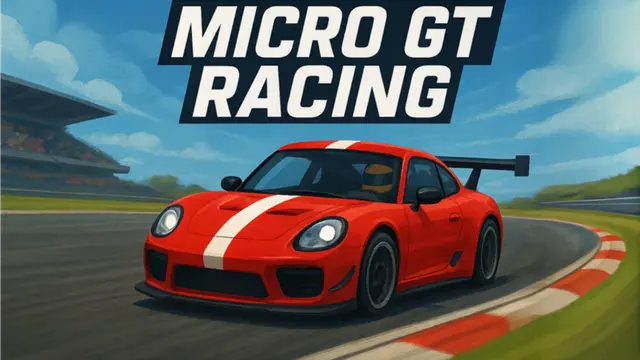 Micro GT Racing
 Blocks Shooter 3D! Run, Shoot, Merge Weapons!
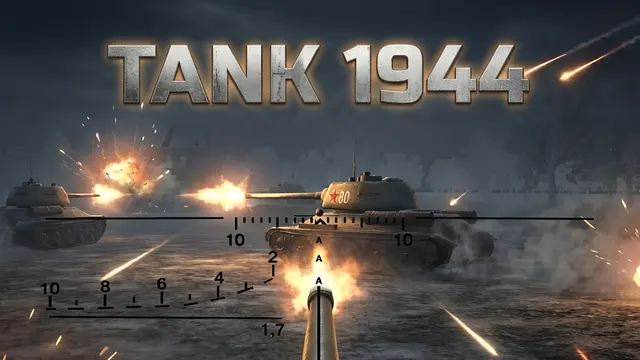 Tank 1944
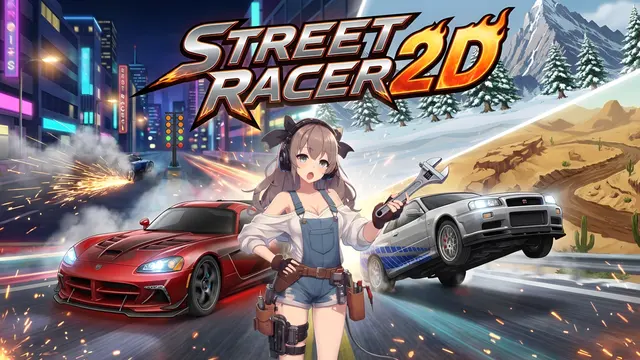 Street Racer 2D
 Car Stunt Racing Game 3D : Car Games
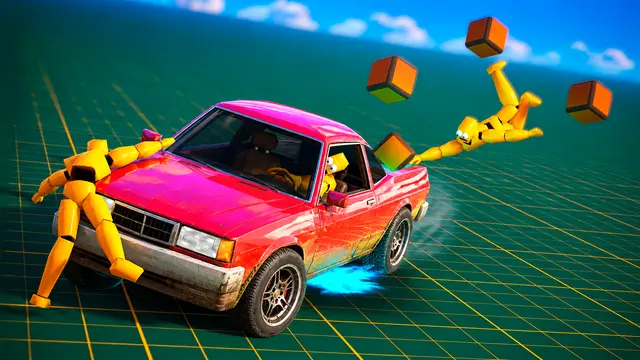 BMG: Ragdoll Car Race
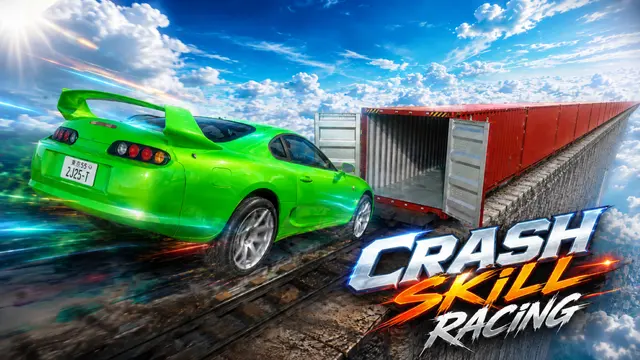 Crash Skill Racing
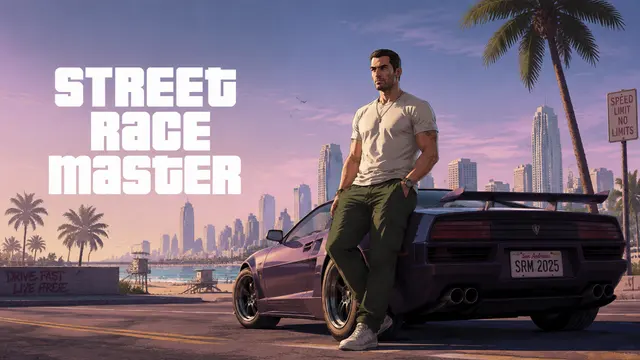 Street Race Master
 Extreme Car Racing
 SlowMo Sniper
 Rift of Hell - Demons War
 Beam Drive Car Crash Test Simulator
 Stunsteval Siderollers
 Turbo Racer Extreme
 Weapon Upgrade
 Shoot & Sprint: Warfare
 Parking Boom
 Mr.Reckless Car Chase Simulator
 Buggy Simulator Sandbox 3D
 StreetRacer: Realistic Destruction
 Road Madness
 Car Crash Test: Abandoned City
 Simulator GT Motorsport
 Cool Tuning - Paint the Car
 Gravity Shift Sky Racers GT
 Mini Car Racing Master 3D
 Cube shooter
 BMG Crash Test
 Furious GT Drift
 Real COD Strike
 Project: Survival
 Super Car Soccer Arena
 USA Luxury 4x4 SUV Offroad Driving Simulator
 TANKNAROK
 Eggy Car
 Crashy Chasy
Play Grand Shift Auto online
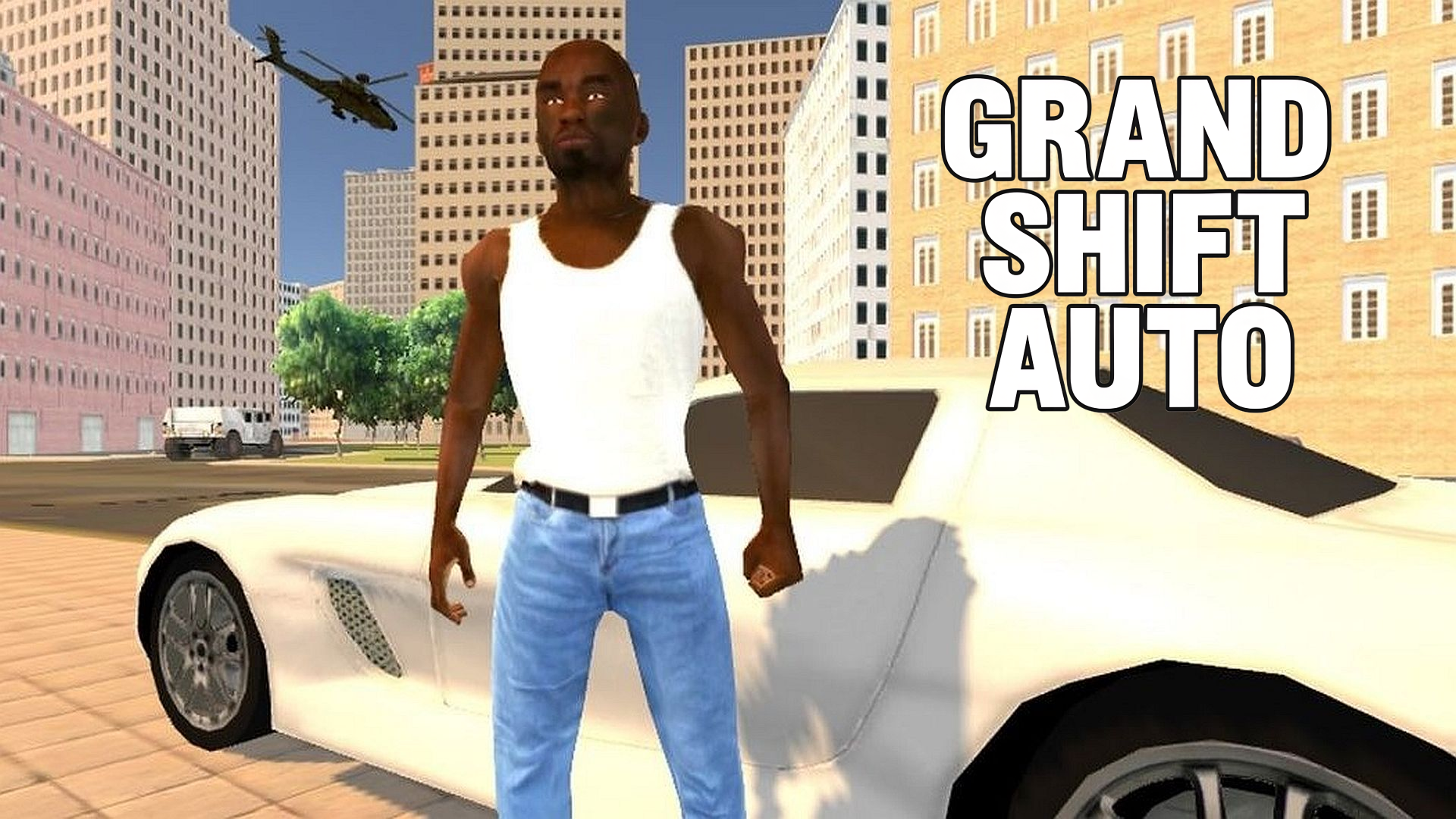
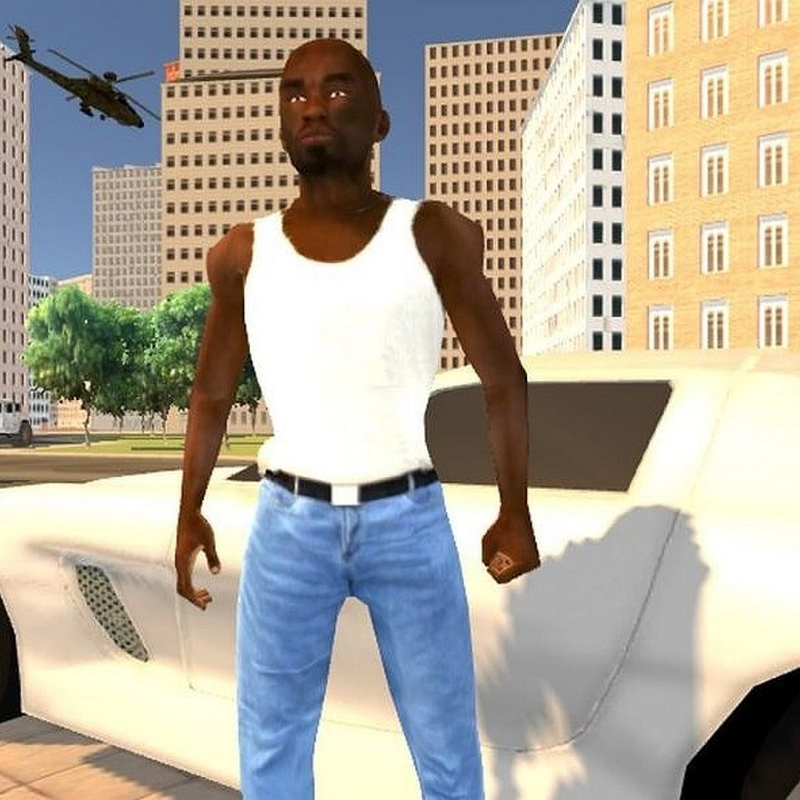
Gangster gameplay in the city location. There are three missions in the game. Take your best guns, rifles, shotgun, machine guns and make chaos in the city.
Get familiar with the vehicle and the route ahead. Read the movement controls and the game’s objective before setting off. The listed controls include WASD input.
How to play Grand Shift Auto
Controls and instructions
Desktop control:
WASD: - Move
Space: - Jump
Shift: - Run
Left Mouse Click: - Shoot
Middle Mouse: - Change weapon
F: - Enter vehicle
Tab: - Weapon shop
P: - Menu
L: - lock cursor
R: - Restart
C: - Change camera on the car
E: - Light
Getting started with Grand Shift Auto
- Check whether steering, acceleration and braking use separate controls.
- Check the action mappings as well as movement; extra actions may use different keys.
About this game
- Platform
- Web browser
- Supported devices
- Desktop
- Screen orientation
- Landscape
- Languages
- American English
- Genres
- Action, Boys, 3d, Car, Shooting, Gta, Driving
- In-game purchases
- None listed by the provider
- Provider
- Playgama
- Provider audience
- Male
Game features and tags
- Mission
- Mafia
- Crime
- Gangster
- 1 Player
- Third Person Shooter
- Open World
- Action Rpg
Grand Shift Auto images
Questions about Grand Shift Auto
How do I start playing?
Choose Play now in the game window above to load Grand Shift Auto through Playgama. Read the controls and instructions above before you start.
Which devices can I play on?
The provider lists support for Desktop. Play in your web browser using the controls described above.
Which languages does the game support?
American English.
Does the game have in-game purchases?
The provider lists no in-game purchases for this game. Games may display advertisements.
Related game categories
Game facts and artwork supplied by Playgama. Descriptions adapted and getting-started guidance added by LookBear. Game content, ads and purchases are provided by Playgama and the game provider.