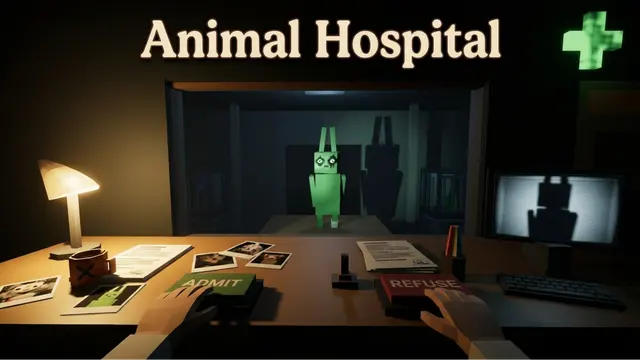
 Animal Hospital
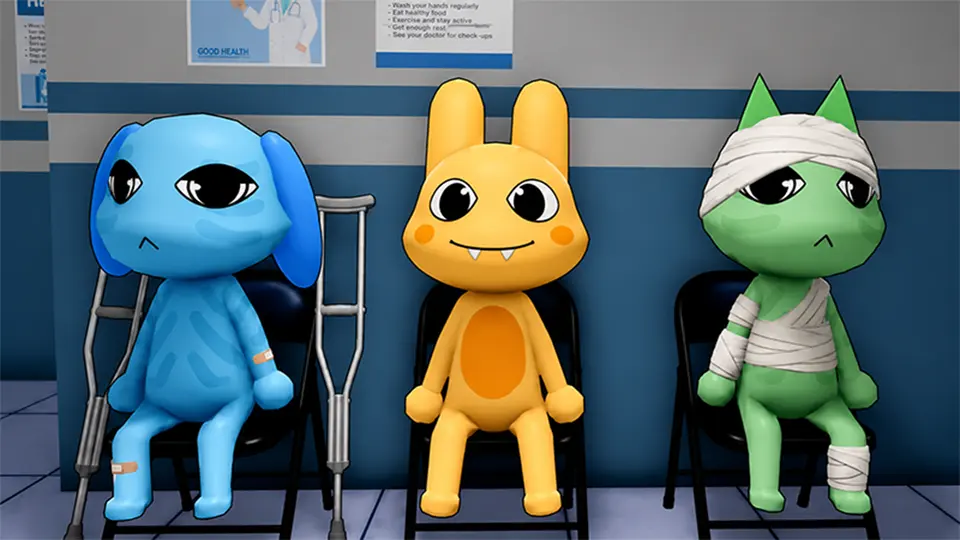
Animal Hospital Anomaly (Online)
Provided by Playgama
Animal Hospital Anomaly (Online)via Playgama




 Fruitsland: Escape from the Amusement Park
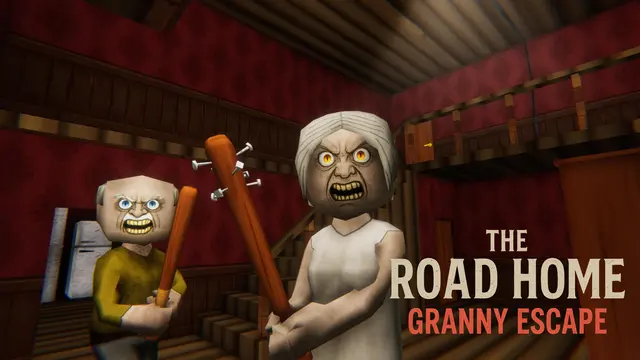 The Road Home: Granny Escape
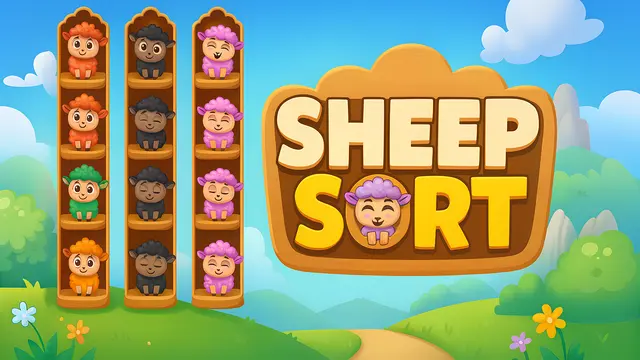 Sheep Sort
 A Long Way Home
 DreamBlox
 Squishy Sheep
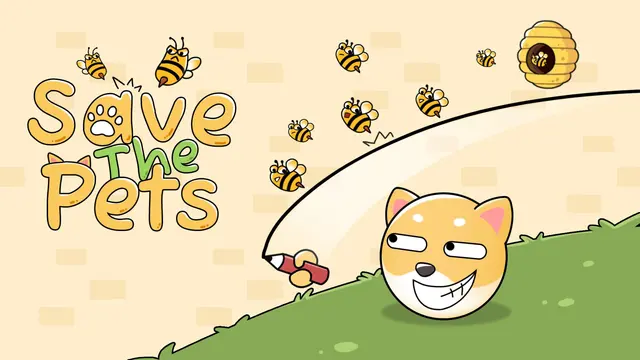 Save The Pets
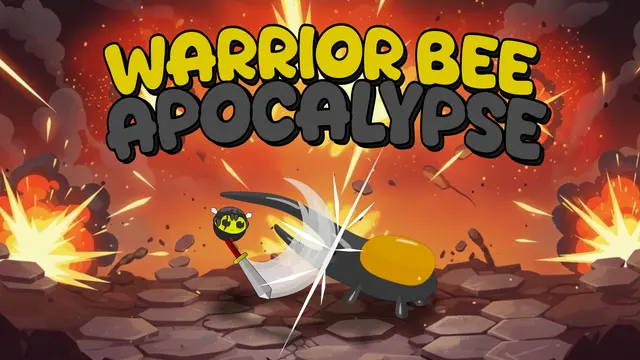 Warrior Bee Apocalypse
 Meow Captcha
 Animal Evolution Simulator
 Sorcerers Refuge
 The Tall Man
 Imposter 3D
 Onet Animals
 Bunny Escape
 Rift of Hell - Demons War
 Spider Evolution
 Eco Block Puzzle
 Lift Defender Zombie Carnage
 Farmers vs. Aliens
 Animal Merge
 Furry Kung Fu
 Creepy playtime
 Mouse Survivor
 Obby Pet Simulator X
 Same Room Same Day
 Sprunk: Playtime a Poppy
 Patagonians
 Stick Doors and Island
 Find The Dog
 Balls Animal
 Pow
 Madness: Ward number 6
 Click Kitty Idle
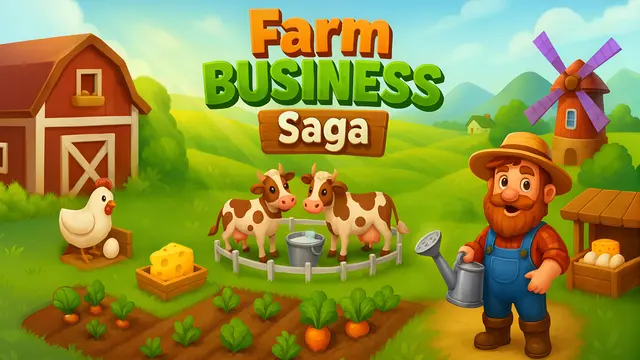 Farm Business Saga
 Schoolboy Runaway: room escape
 Schoolboy Escape: Runaway
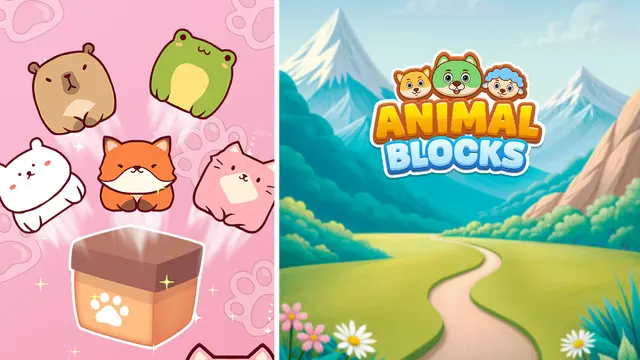 Animal Blocks
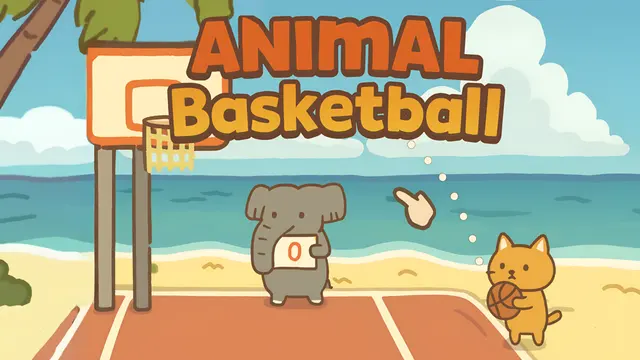 Animal Basketball
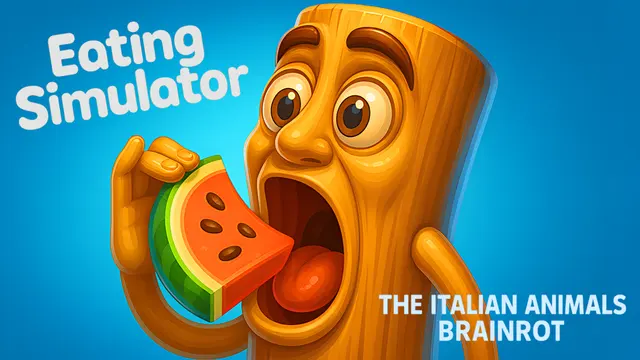 Eating Simulator The Italian Animals Brainrot
 The Depth of the Limbo
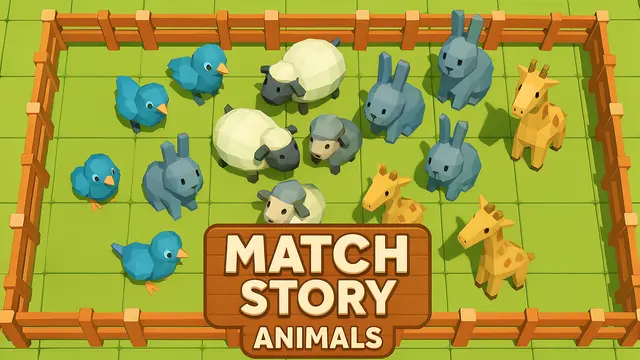 Match Story : Animals
 99 Nights In The Forest - Survival Simulator
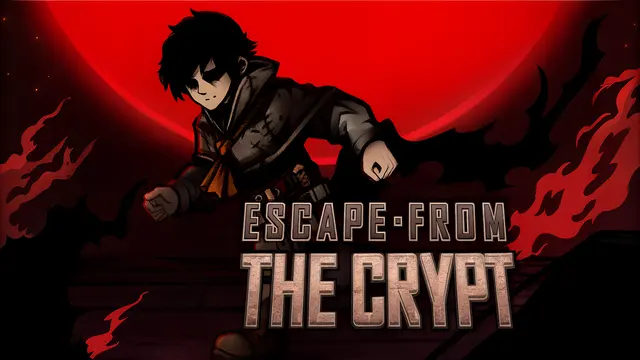 Escape From The Crypt
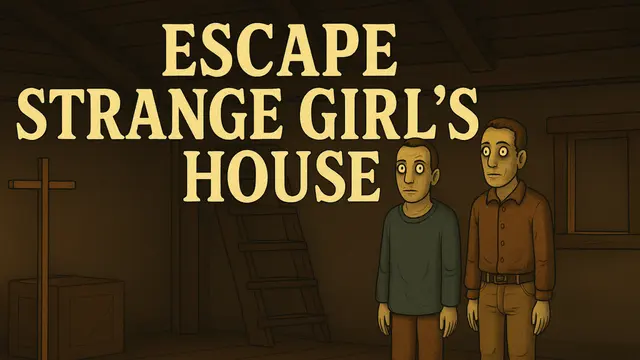 Escape Strange Girl’s House
 Hero Sheep
 Locked in Grandma’s Basement 2: Revenge - Horror Escape
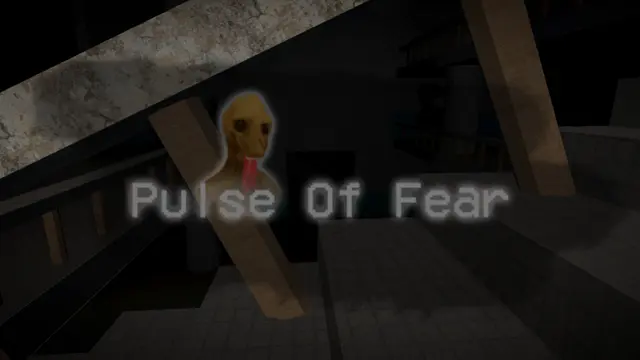 Pulse Of Fear
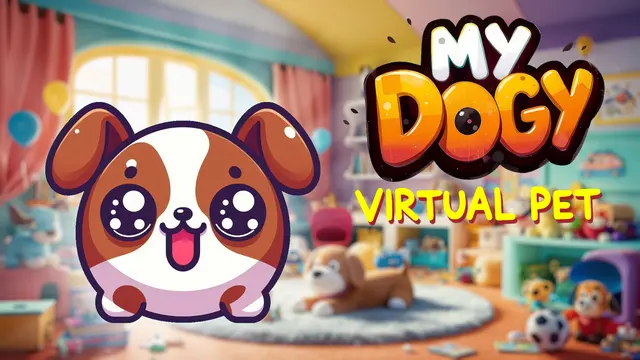 My Dogy Virtual Pet
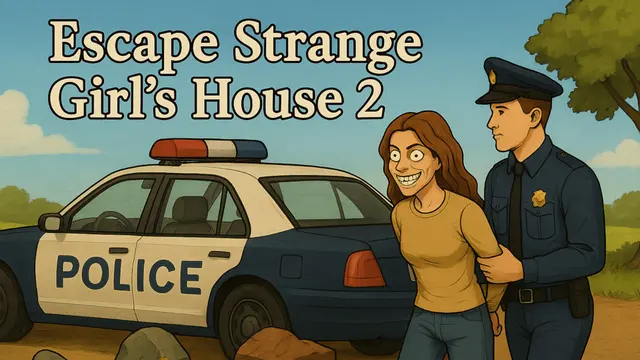 Escape Strange Girl’s House 2
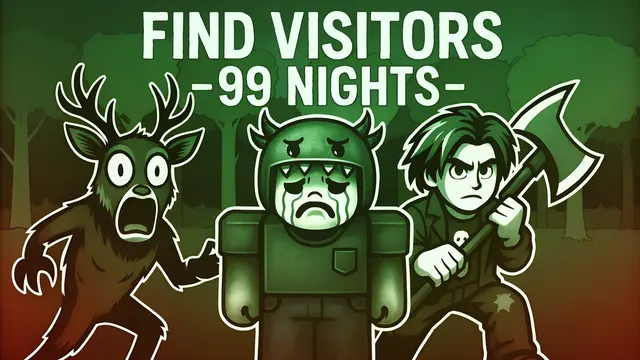 Find Visitors - 99 Nights
 Froggy Hop
 Family Squid Challenge
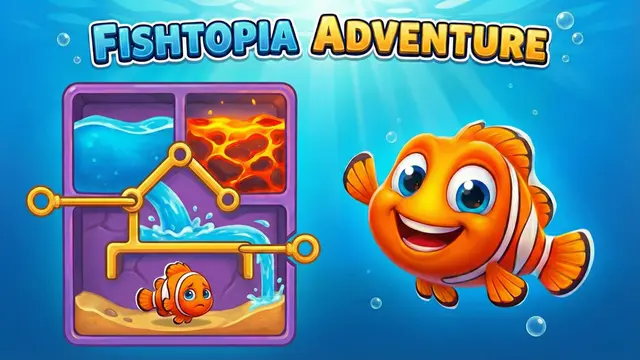 Fishtopia
 The cow of the apocalypse
 Survival Sandbox for 99 Nights
 Brainrot Hide and Seek Classic
 Love Sheep
 Cats Go!
 Groomy Island
 LAST NIGHT!
 Five Nights at Christmas
 99 Nights In The Forest
 Animals Battle
Play Animal Hospital Anomaly (Online) online
Check in patients, stamp forms, take photos, and treat them carefully. Stay sharp: anomalies hide among cute animals. Protect your sanity, finish shifts, and keep the hospital from falling apart.
Read the objective and learn the game’s main interaction before you begin. The instructions below explain the available actions. The controls include access to an inventory. The instructions describe joystick input.
How to play Animal Hospital Anomaly (Online)
Controls and instructions
Desktop controls:
WASD — move
Hold RMB — look around
Space — jump
E — interact (or press the on-screen prompt)
1–9 — select inventory item
LMB — use item / weapon; during an anomaly attack, press LMB to break free
Security cameras (while viewing)
Q — previous camera
E — next camera
Space or Esc — exit cameras
Touch controls:
Left joystick — move
Swipe on the right — look around
Jump button — jump
Press the on-screen interact button
In cameras — use on-screen previous / next / exit buttons
Clinic workflow
Talk to the patient at the desk
Stamp the forms
Take a photo
Use the registration computer
Print the badge, take it, and place it
Escort the patient to a room
Run tests, treat them, and watch for anything strange
Tip: anomalies can look almost normal. Look twice, protect your sanity, and finish the shift quota!
Getting started with Animal Hospital Anomaly (Online)
- Try the main input before starting a longer attempt.
- Check the listed inventory input when you need to review what you are carrying.
- Start with a short joystick movement to judge how the character responds.
About this game
- Platform
- Web browser
- Supported devices
- Android, iOS, Desktop
- Screen orientation
- Landscape and Portrait
- Languages
- American English, German (Germany), European Spanish, Russian (Russia), Turkish (Türkiye)
- Genres
- Horror, Animals, Hospital, Doctor
- In-game purchases
- Available
- Provider
- Playgama
- Provider audience
- Male, Female
Game features and tags
- Brain Training
- Pet
- 1 Player
Animal Hospital Anomaly (Online) images
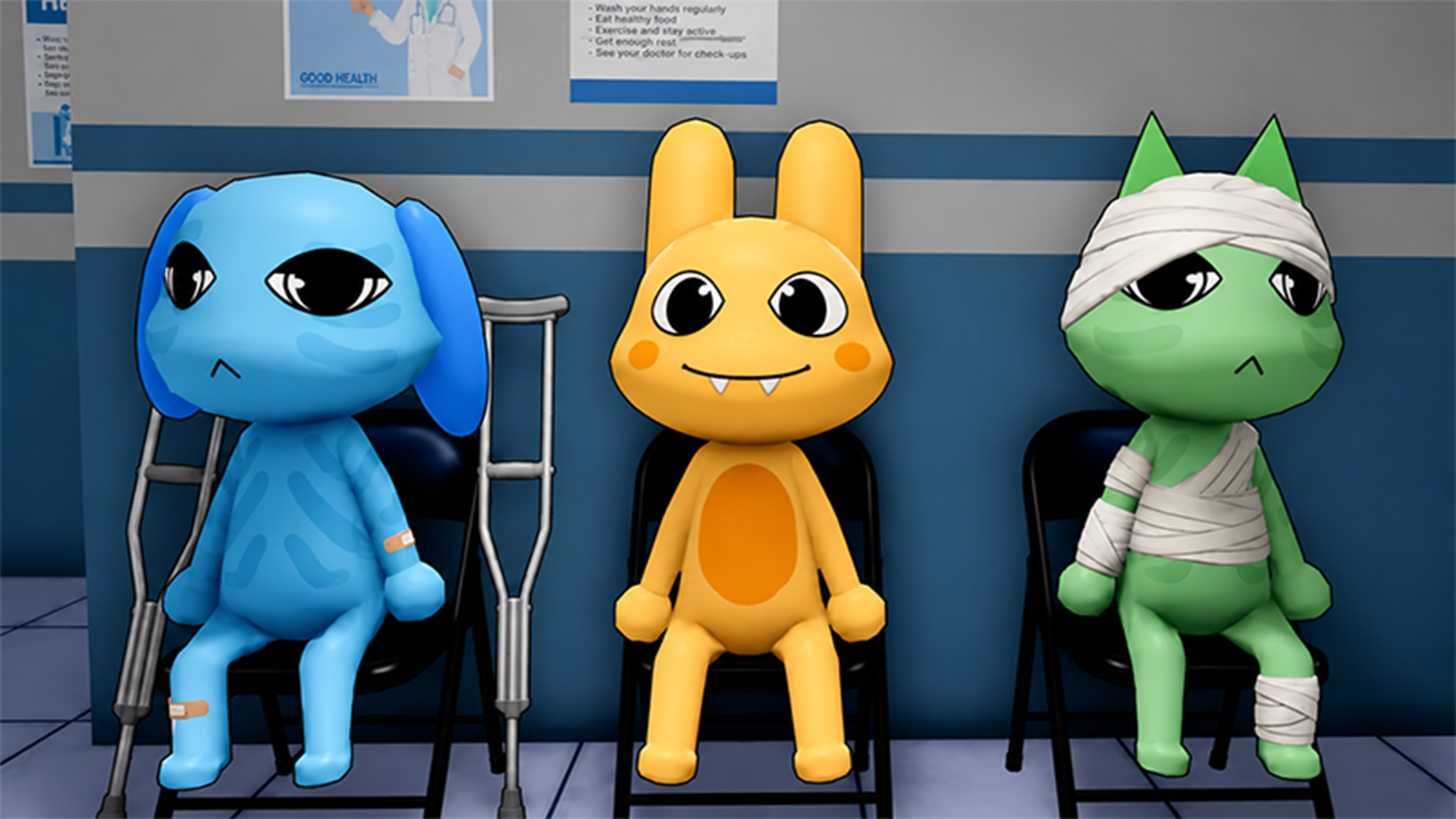
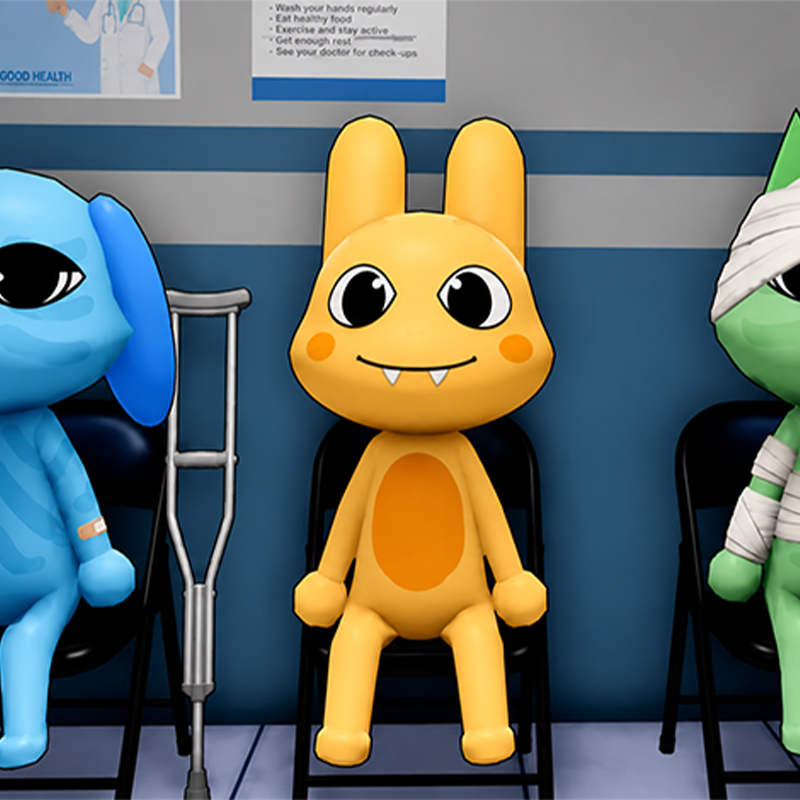
Questions about Animal Hospital Anomaly (Online)
How do I start playing?
Choose Play now in the game window above to load Animal Hospital Anomaly (Online) through Playgama. Read the controls and instructions above before you start.
Which devices can I play on?
The provider lists support for Android, iOS, Desktop. Play in your web browser using the controls described above.
Which languages does the game support?
American English, German (Germany), European Spanish, Russian (Russia), Turkish (Türkiye).
Does the game have in-game purchases?
The provider lists optional in-game purchases. Any available purchases are handled inside the game. Games may display advertisements.
Related game categories
Game facts and artwork supplied by Playgama. Descriptions adapted and getting-started guidance added by LookBear. Game content, ads and purchases are provided by Playgama and the game provider.