 Imposter 3D

Family Squid Challenge
Provided by Playgama

Family Squid Challengevia Playgama








 Brick Breaker Chipi Chipi Chapa Chapa Cat
 Tsunami Race
 Robby The Lava Tsunami
 Abandoned Mansion
 Radial 3D
 Crash Control
 Happy Swing
 Room 45
 Leap and Avoid 2
 Break Stick Completely
 Climb Up!
 Obby Easy Grow!
 Stack Ball 3D
 Stalker 2033: The Path of the Survivor
 Turbo Stunt Racing
 Balls: Pixel Art
 Jump in Rhythm to the Hit! Cat Disco!
 Bubble Shooter: Tap & Pop
 FILL THE HEART
 Ball Bounce: Try It
 Stealth robbery of a house together
 Planet 404. Episode 1
 School Of Basketball
 Geometry Maze Maps V2
 Carvivor Ops
 Check Wednesday Phone!
 Stand on the Right Color, Robby!
 Fruitsland: Escape from the Amusement Park
 The Road Home: Granny Escape
 Mr Shooter
 A Block Too Many
 Tower Colour Crash
 Knife vs Fruits
 Slice & Soar
 We Are In A Simulation Simulator
 A Long Way Home
 Jim's World: Adventure Games
 Save the Balloon: Road to the Stars!
 Stack Master
 Squishy Sheep
 Resize Stickman
 Micro GT Racing
 Catoom! - Bomb Barrel
 Fristailo Granny!
 Parkour Runner 3D
 Santa Stunt Racer Christmas Delivery
 Space Blast
 Blocks Shooter 3D! Run, Shoot, Merge Weapons!
 Uncle Hit: Punch the Dummy
 On Fire Basketball Shots
 Street Racer 2D
 Summer Rider 3D
 Ball Jump Switch The Colors
 Snake Rush
 +1 Speed per Step | Obby Mode
 RIVALS FPS: Online Shooter
 Sorcerers Refuge
 Sworded io - Spin and Rub
 Obby Parkour: Sleeping Brainrots
 Soccer Legends 2026
 Cow Cow Run
 Dinosaur Shifting Run
 Obby: Save the Brainrots Online
 Rush Run: Need to Pee – Toilet Dash Runner Game
Play Family Squid Challenge online
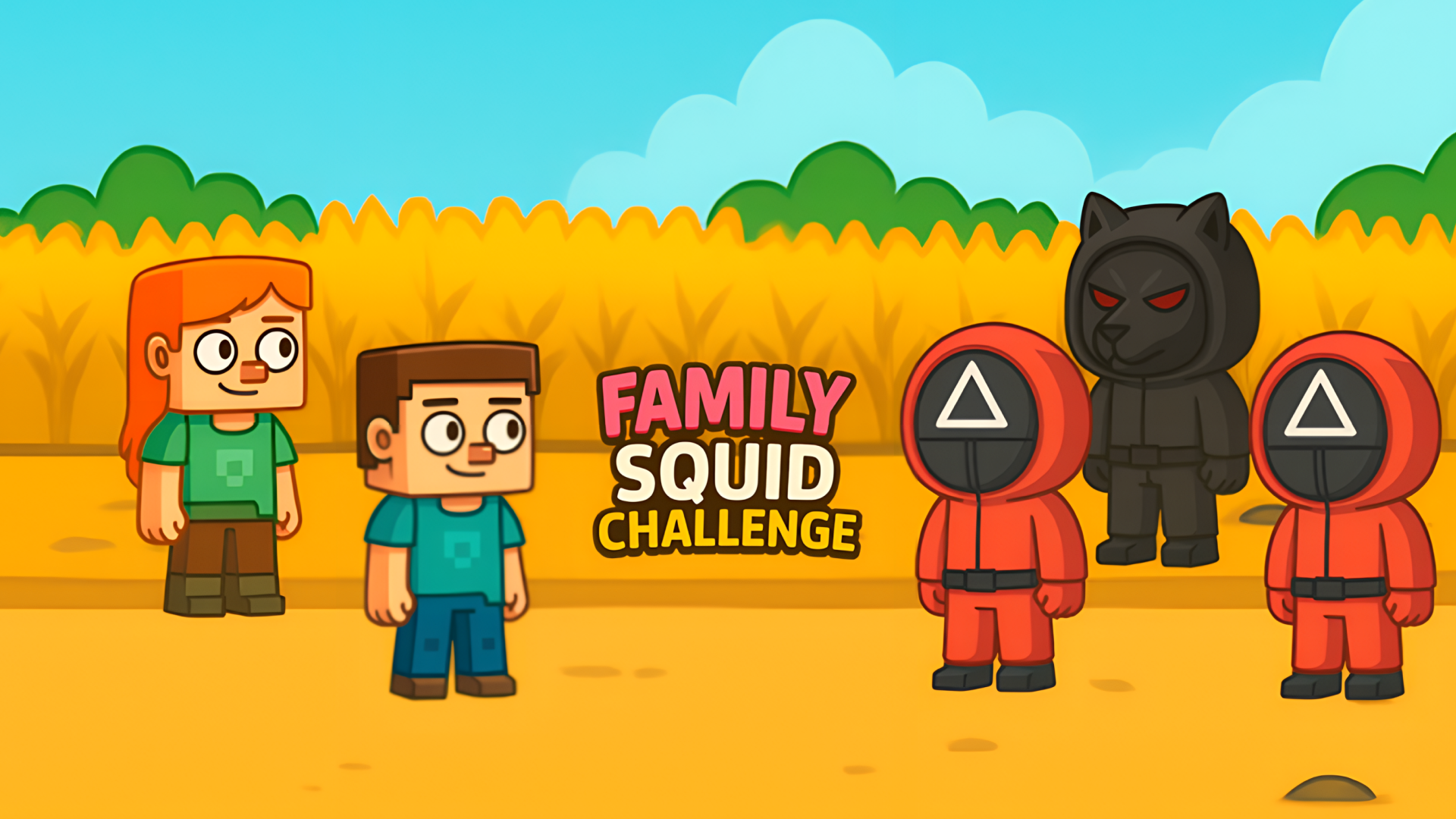
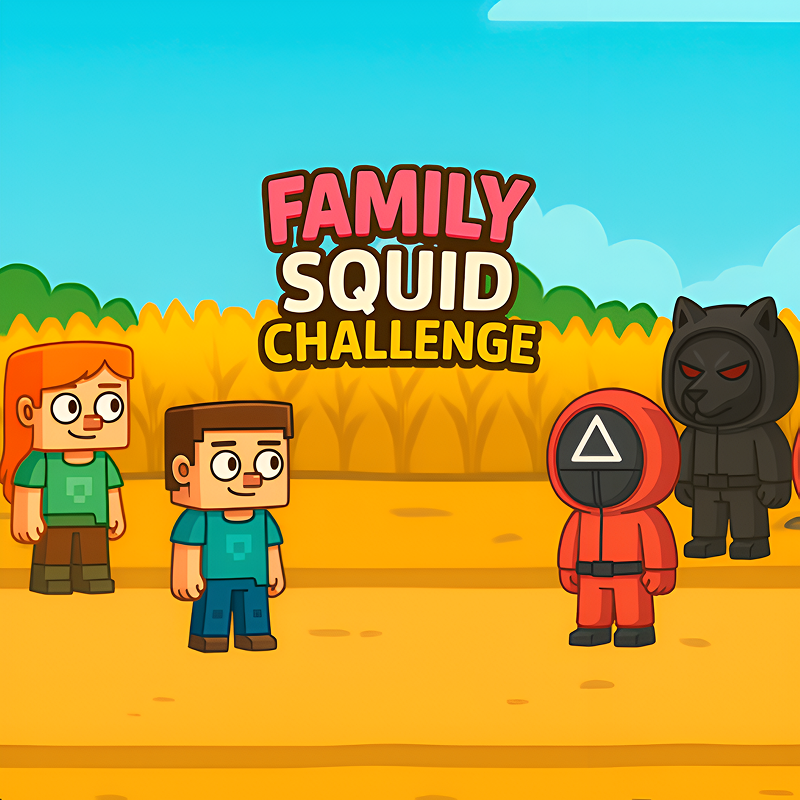
Hey Player, bring your friend along and team up in this Squid adventure! There are black and red masked men everywhere, so you must be very careful. Run from them and collect the keys to complete the level.
Focus on the current challenge and learn the timing of its main interaction. The instructions describe what counts as progress and what ends an attempt. The listed controls include WASD input.
How to play Family Squid Challenge
Controls and instructions
*Use the WASD and Arrow keys to move. *Jump on enemies to defeat them. *Collect the blue and red keys!
Getting started with Family Squid Challenge
- Use the first attempt to learn the controls and the game’s feedback.
- Check the action mappings as well as movement; extra actions may use different keys.
About this game
- Platform
- Web browser
- Supported devices
- Android, iOS, Desktop
- Screen orientation
- Landscape
- Languages
- American English
- Genres
- Arcade, Horror
- In-game purchases
- None listed by the provider
- Provider
- Playgama
- Provider audience
- Male, Female
Game features and tags
- Challenge
- 2 Player Platform
Family Squid Challenge images
Questions about Family Squid Challenge
How do I start playing?
Choose Play now in the game window above to load Family Squid Challenge through Playgama. Read the controls and instructions above before you start.
Which devices can I play on?
The provider lists support for Android, iOS, Desktop. Play in your web browser using the controls described above.
Which languages does the game support?
American English.
Does the game have in-game purchases?
The provider lists no in-game purchases for this game. Games may display advertisements.
Related game categories
Game facts and artwork supplied by Playgama. Descriptions adapted and getting-started guidance added by LookBear. Game content, ads and purchases are provided by Playgama and the game provider.