 Hexa Sort
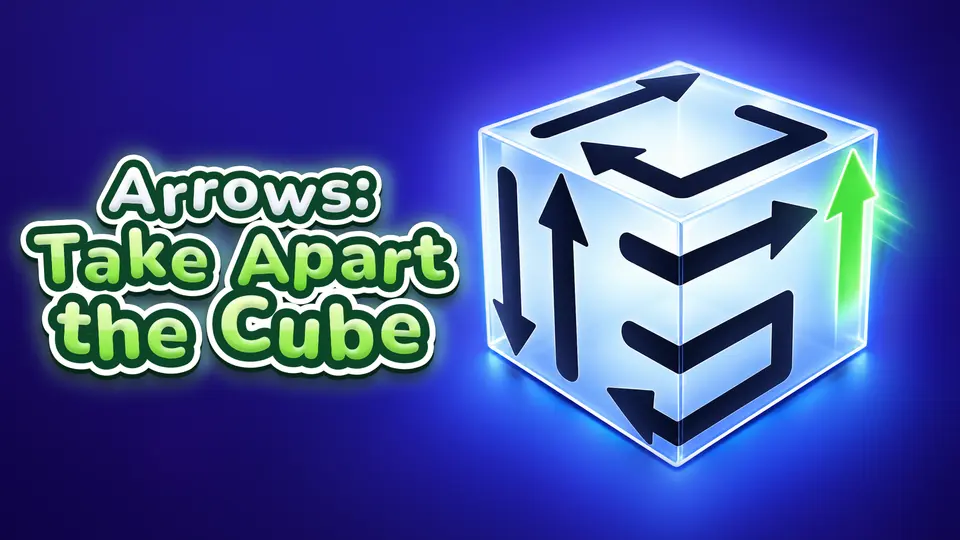
Arrows Cube
Provided by Playgama

Arrows Cubevia Playgama

 Tile Matcher Triple Fun
 HEX Connect
 Arrows Out!
 Criss Cross Colors
 Liquid Sort
 Color Cube Puzzle
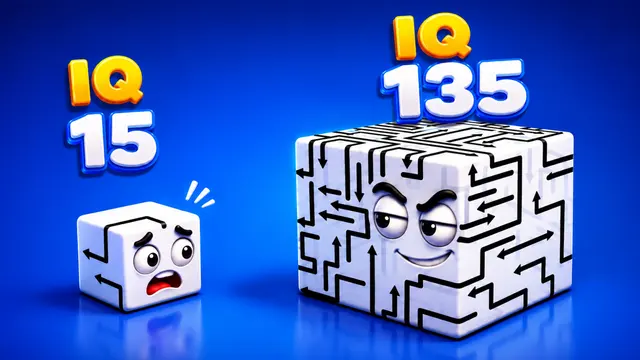 Arrow Cube 3D
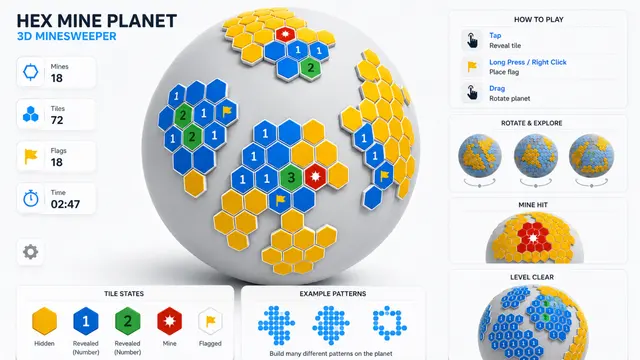 Hex Mine 3D
 Color Sort Puzzle Milk Tea Sorting
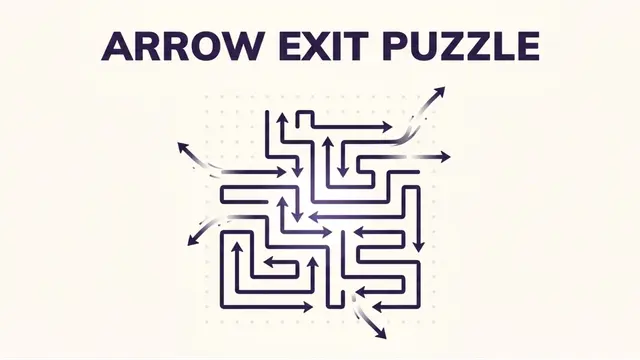 Arrow Exit Puzzle
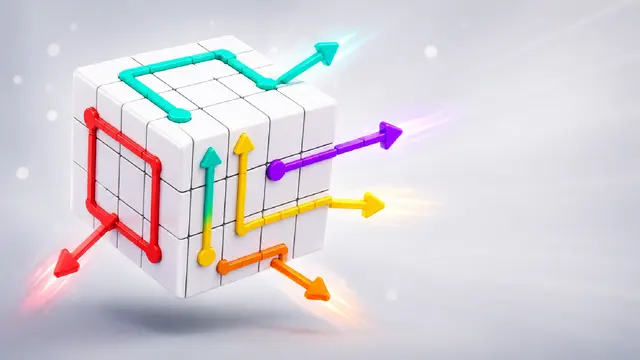 Arrow Escape 3D
 Screw Sort 3D
 Cyber Arrows: Brain Puzzle Game
 3D Dots
 Sort Puzzle
 Diamond Sort: Picture Puzzle
 Pixel Paint Sort
 Words and Bubbles
 Collection Shuffle
 Fruit Mahjong
 3D Triple Match
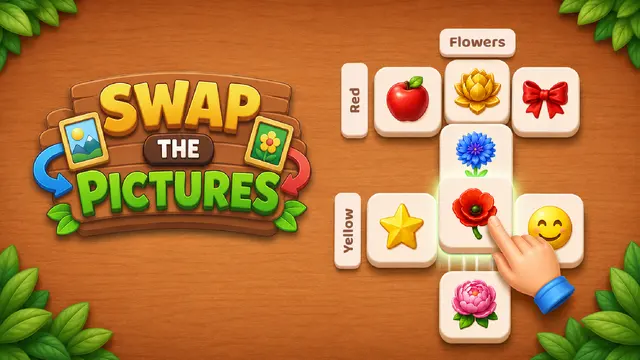 Swap The Pictures
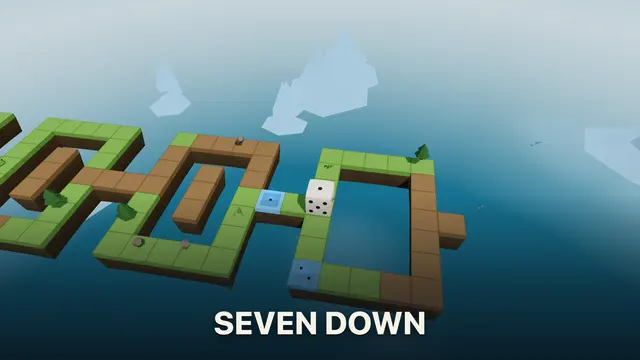 Seven Down
 Rings and Dot!
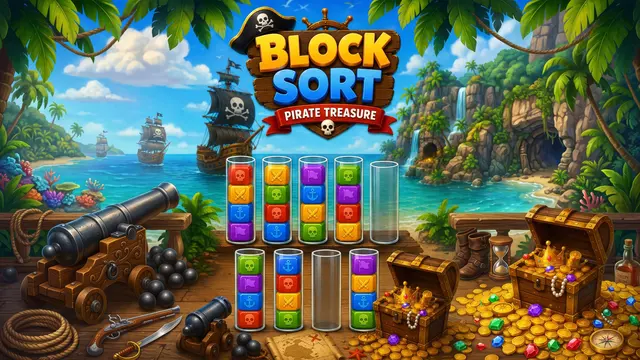 Block Sort Pirate Treasure
 Bus n Ball Jam
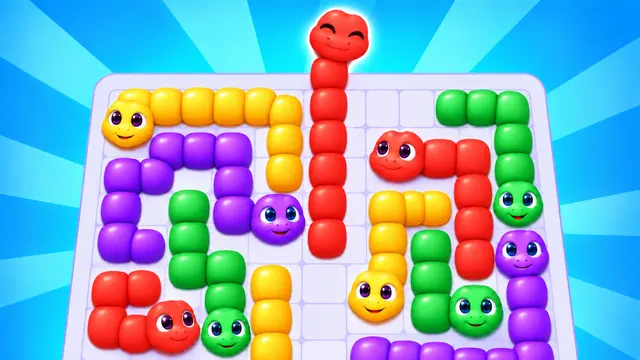 Arrows: Make It Cozy!
 Mini Chess 3D
 Snaky Jam
 Blast Jam
 Bus Jam
 Voxel Atelier
 Sheeps: Herd Them All!
 Not Before Bed 01
 Lantern Canals
 Sand Tap! Sorting Puzzle
 Color Ball Escape
 None Shall Get Through: Save Cappuccina!
 PLUMBY
 Jelly Bottle Sort
 Baggage Out!
 Knots Jam: Thread Puzzle 3D
 Cork & Cauldron
 ArrowShift:Classic
 Rowly: Word Association
 Yarn to Art: Arrow Puzzle
 Screw Master: Nuts & Pin Jam
 Basket Sort Puzzle
 Cargo Sort: Color Puzzle
 Arrow Out Puzzle Escape
 ColorPicker
 Squeezy: Juice Sort
 2048 Gem Forge
 Solitaire: Word Sort
 Juice Sort Fever: Water Puzzle
 FunnySort
 Mahjong Tile Club
 Sky Rush Traffic Puzzle
 Snowprints
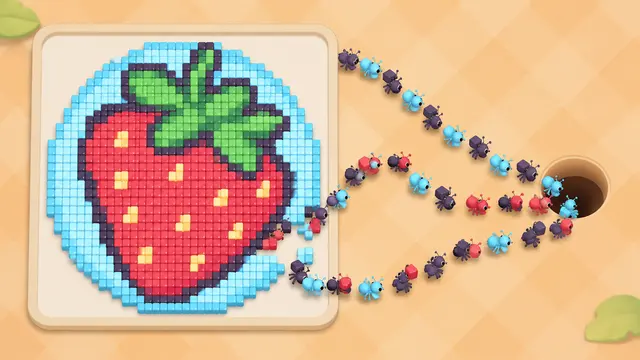 Ants: Color Puzzle
 Slide Block Jam
 Wood Blocks Jam
 Single Line Drawing Puzzle
 Yarn Fever! Unravel Puzzle
Play Arrows Cube online
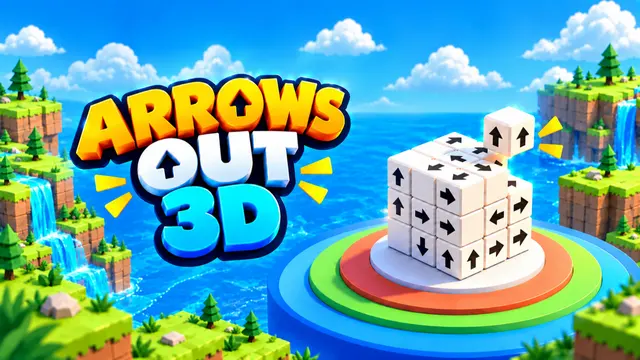
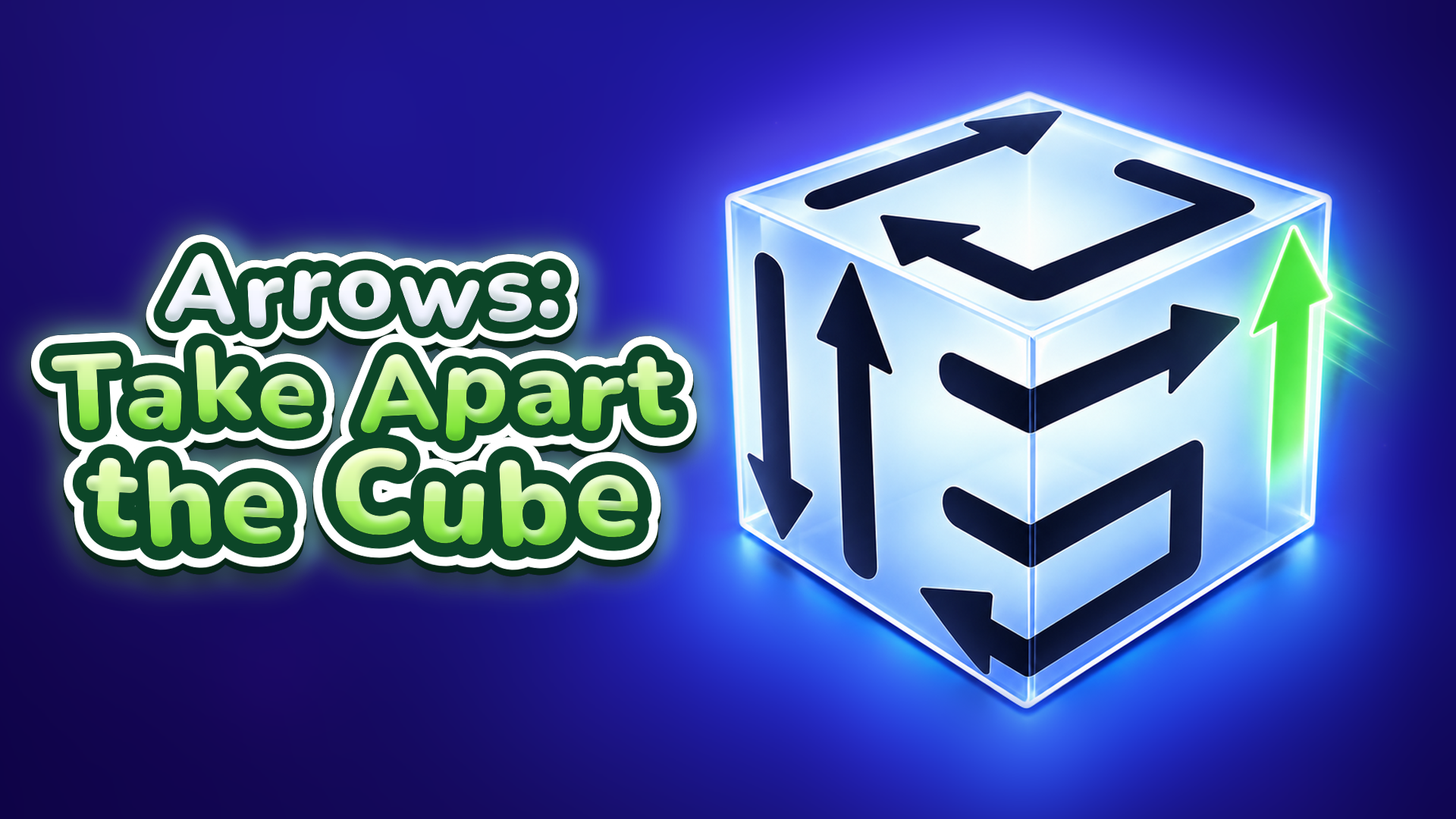
Take a 3D cube apart, one arrow at a time. The whole cube is covered in arrows: each one flies only the way it points, and only if its path is clear. Tap the wrong one and it bumps into a neighbour.
Look for matching pieces and work toward the board’s stated objective. The most useful match is the one that helps the current task. The instructions include an undo option for correcting a move. Coins appear in the game’s progression or objectives.
How to play Arrows Cube
Controls and instructions
Goal: clear every arrow from the cube.
1. Tap an arrow and it flies the way its head points
2. If another arrow is in the way, it bumps into it and stays put. Look for arrows with a clear path
3. Rotate the cube: swipe on a phone or tablet, drag with the mouse on a computer. The free arrow is often hiding on the back
4. Moves are limited, so don't tap at random: free the arrows that block the others first
5. Stuck? A hint highlights an arrow that can leave. You can also undo a move or restart the level
6. New mechanics arrive step by step, and the game shows each one before you need it
7. Beat levels, collect coins and stars, and light up the constellations in the sky
Getting started with Arrows Cube
- Read the current objective before choosing a match.
- Use the listed undo control when you want to reconsider an action.
- Check what the game lets you do with coins before spending them.
About this game
- Platform
- Web browser
- Supported devices
- Android, iOS, Desktop
- Screen orientation
- Landscape and Portrait
- Languages
- American English, Russian (Russia), Turkish (Türkiye), European Spanish, Brazilian Portuguese, German (Germany), French (France), Italian (Italy), Polish (Poland), Dutch (Netherlands), Indonesian (Indonesia)
- Genres
- Puzzle, 3d, Mouse, Matching, Brain, Logic
- In-game purchases
- Available
- Provider
- Playgama
- Provider audience
- Male, Female
Game features and tags
- Cube
- Casual
- Relaxing
- Brain Training
- Addictive
- Challenging
- Mind
- Arrows
- 1 Player
- Timing
- Simple
Arrows Cube images

Questions about Arrows Cube
How do I start playing?
Choose Play now in the game window above to load Arrows Cube through Playgama. Read the controls and instructions above before you start.
Which devices can I play on?
The provider lists support for Android, iOS, Desktop. Play in your web browser using the controls described above.
Which languages does the game support?
American English, Russian (Russia), Turkish (Türkiye), European Spanish, Brazilian Portuguese, German (Germany), French (France), Italian (Italy), Polish (Poland), Dutch (Netherlands), Indonesian (Indonesia).
Does the game have in-game purchases?
The provider lists optional in-game purchases. Any available purchases are handled inside the game. Games may display advertisements.
Related game categories
Game facts and artwork supplied by Playgama. Descriptions adapted and getting-started guidance added by LookBear. Game content, ads and purchases are provided by Playgama and the game provider.