 All Aboard: Bus Puzzle

VIZAVI
Provided by Playgama

VIZAVIvia Playgama


 Liquid Sort Puzzle
 Screw Puzzle
 Sorting Ball Puzzle
 Arrows Escape
 Color Sort Puzzle
 Tap Away Block Puzzle 3D
 Mahjong Lines
 Escaping Arrows
 Tile Matcher Triple Fun
 HEX Connect
 Arrows Out!
 Criss Cross Colors
 Liquid Sort
 Color Cube Puzzle
 Arrow Cube 3D
 Hex Mine 3D
 Color Sort Puzzle Milk Tea Sorting
 Arrow Exit Puzzle
 Arrow Escape 3D
 Screw Sort 3D
 Cyber Arrows: Brain Puzzle Game
 3D Dots
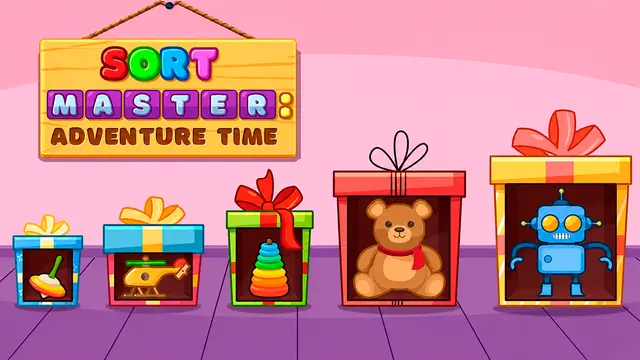 Sort Puzzle
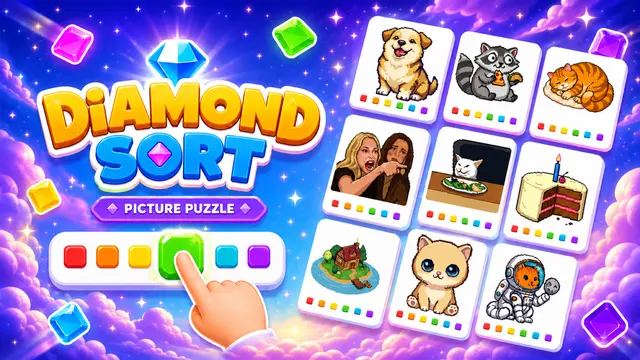 Diamond Sort: Picture Puzzle
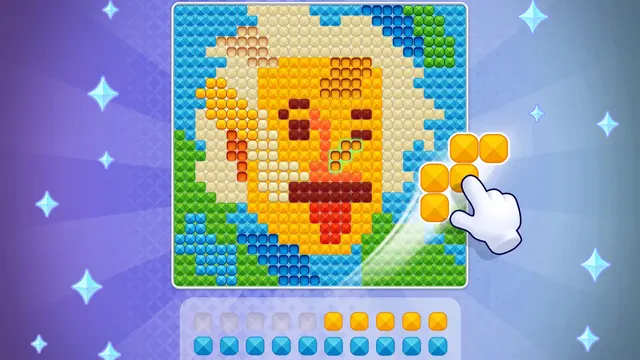 Pixel Paint Sort
 Words and Bubbles
 Collection Shuffle
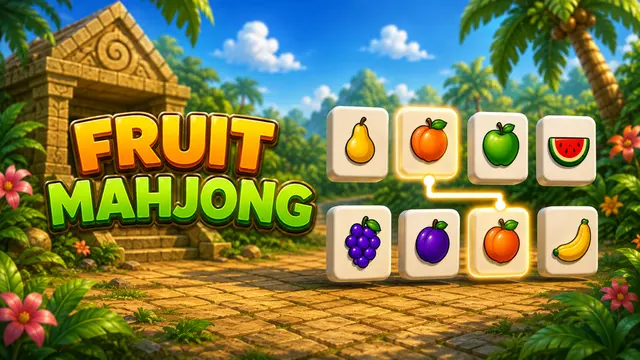 Fruit Mahjong
 3D Triple Match
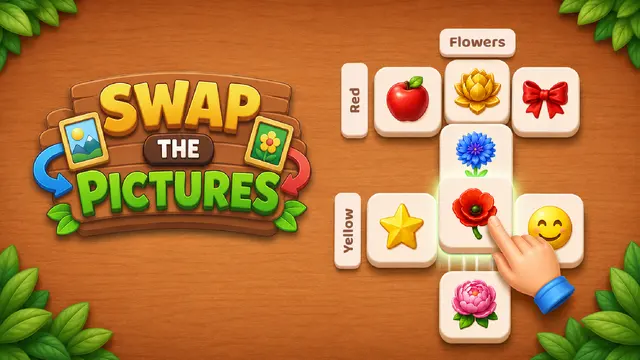 Swap The Pictures
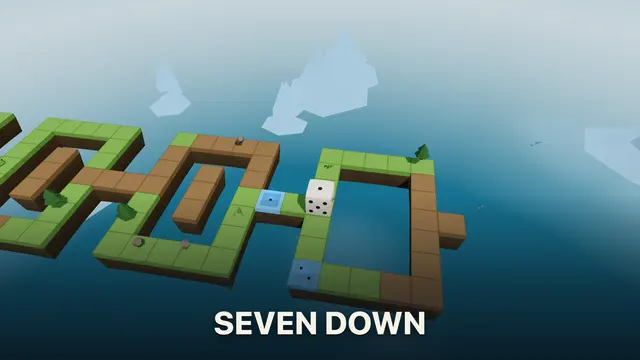 Seven Down
 Rings and Dot!
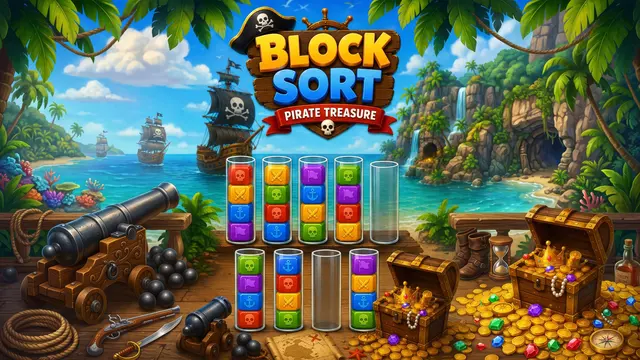 Block Sort Pirate Treasure
 Bus n Ball Jam
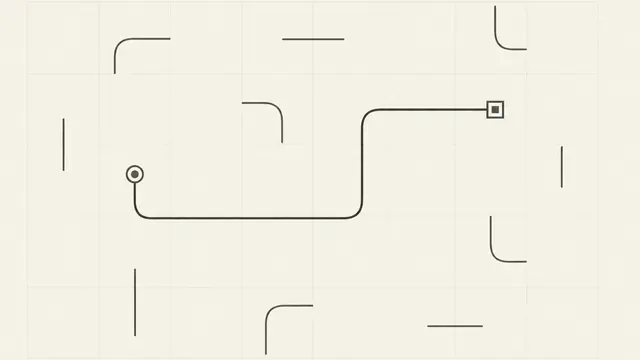 Turnline: Relaxing Puzzle
 Mini Chess 3D
 Truck Jam Puzzle
 Tasty Out Arrow Puzzle
 Brick Slide
 Akagram
 Lanternward
 Binary Drop
 Jelly Path
 BOMB BANANA
 Not Before Bed 01
 Picky Parking
 Trimino
 Nonograms: Pixel Garden
 Blockivo
 Ant Moving Simulator
 Paws & Paths
 Fill Line: Cover Every Cell
 Mochi Rescue
 Tricky Story Friendly Help
 MonkeySweeper: Mines puzzles
 Tidewell
 Dreamy Home
 Sand Tap! Sorting Puzzle
 Color Ball Escape
 FAKE HUNTER
 None Shall Get Through: Save Cappuccina!
 Jelly Bottle Sort
 Baggage Out!
 Knots Jam: Thread Puzzle 3D
Play VIZAVI online
The program runs in emulation mode. VIZAVI is the operating program of a link table, written at a Japanese institute for sessions with the other side. The table, a board of dice, is not connected.
Look for matching pieces and work toward the board’s stated objective. The most useful match is the one that helps the current task. A move limit makes each action part of the puzzle. The listed controls include WASD input.
How to play VIZAVI
Controls and instructions
OPERATING PROCEDURE
1. Roll. You stand on a die and roll it: a side face comes up on top. Into an empty cell the die rolls with you. Onto a die next to you, you simply step. Opposite faces make seven: under a 1 lies a 6.
2. Combo. As many dice side by side as their top face has pips: two 2s, three 3s, six 6s. A finished combo leaves.
3. Chain. A combo does not leave at once. While it is leaving, roll one more die with the same face up to it: it leaves with the combo. A leaving die can be walked over. Roll over it, and your die takes its place; if the face matches, it joins the chain.
4. Ones. A 1 makes no combo. Bring a 1 to a leaving combo, and every other 1 on the board leaves.
5. Floor. If the die under you leaves, you are on the floor. From the floor dice are pushed: a pushed die slides one cell and does not turn.
LEVELS. Clear every die off the board. The faces in the corner are the ones to put together. Nothing comes up and there is no clock: the board moves only when a die moves. A step is not a move. From the floor, the only way up is a leaving die. Stars by the number of moves. Z - take a move back. R - start the board again.
PROTOCOL. Dice come up by themselves. A chain multiplies the score. From the floor, climb onto a die that is coming up or leaving, or onto one that cannot be pushed. The board fills up and stays full: the session is over.
Keyboard: arrow keys or WASD. Touch screen: swipe up, down, left or right. Enter - confirm. Esc - pause. SYSTEM - sound, motion, language, on-screen buttons instead of swipes.
Getting started with VIZAVI
- Read the current objective before choosing a match.
- Favor actions that advance the stated objective when moves are limited.
- Check the action mappings as well as movement; extra actions may use different keys.
About this game
- Platform
- Web browser
- Supported devices
- Android, iOS, Desktop
- Screen orientation
- Landscape and Portrait
- Languages
- American English, Russian (Russia), European Spanish, Brazilian Portuguese, Turkish (Türkiye), German (Germany), French (France)
- Genres
- Puzzle, Arcade, 3d, Matching, Brain, Logic
- In-game purchases
- None listed by the provider
- Provider
- Playgama
- Provider audience
- Male, Female
Game features and tags
- Japanese
- Casual
- Brain Training
- Addictive
- Connect
- Mind
- Touchscreen
- 1 Player
VIZAVI images


Questions about VIZAVI
How do I start playing?
Choose Play now in the game window above to load VIZAVI through Playgama. Read the controls and instructions above before you start.
Which devices can I play on?
The provider lists support for Android, iOS, Desktop. Play in your web browser using the controls described above.
Which languages does the game support?
American English, Russian (Russia), European Spanish, Brazilian Portuguese, Turkish (Türkiye), German (Germany), French (France).
Does the game have in-game purchases?
The provider lists no in-game purchases for this game. Games may display advertisements.
Related game categories
Game facts and artwork supplied by Playgama. Descriptions adapted and getting-started guidance added by LookBear. Game content, ads and purchases are provided by Playgama and the game provider.