 Pencil Jam

Arrows: Make It Cozy!
Provided by Playgama

Arrows: Make It Cozy!via Playgama








 Screw Puzzle
 Sorting Ball Puzzle
 Arrows Escape
 Color Sort Puzzle
 Mahjong Lines
 Escaping Arrows
 Tile Matcher Triple Fun
 HEX Connect
 Arrows Out!
 Jixora – Jigsaw Solitaire Puzzle
 Criss Cross Colors
 Liquid Sort
 Color Cube Puzzle
 Color Sort Puzzle Milk Tea Sorting
 Arrow Exit Puzzle
 Cyber Arrows: Brain Puzzle Game
 Sort Puzzle
 Petdoku: Cozy Puzzle Games
 Color Sorting: Rooms
 Diamond Sort: Picture Puzzle
 Pixel Paint Sort
 Words and Bubbles
 Hexa Sort
 Jewel Gem Puzzle
 Swap The Pictures
 Sort The Beads
 Rings and Dot!
 Capybas
 Block Sort Pirate Treasure
 Arrow Free 3D
 Turnline: Relaxing Puzzle
 Truck Jam Puzzle
 Tasty Out Arrow Puzzle
 Snaky Jam
 Akagram
 Binary Drop
 Blast Jam
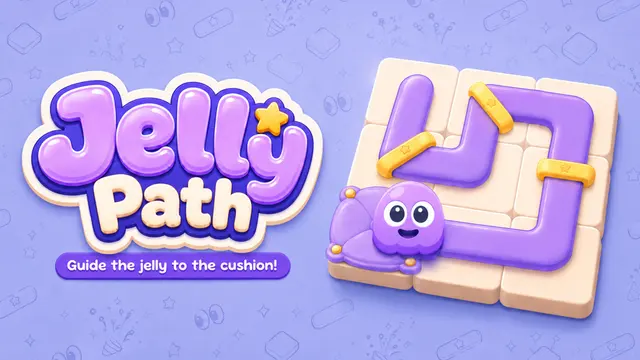 Jelly Path
 Happy Zoo: Mahjong Triple Match
 Swarm Picnic
 Tile Match Guard Baby
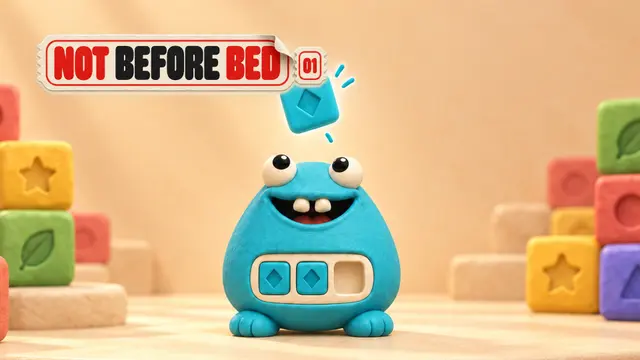 Not Before Bed 01
 Picky Parking
 Trimino
 Sunny Farm: Match 3
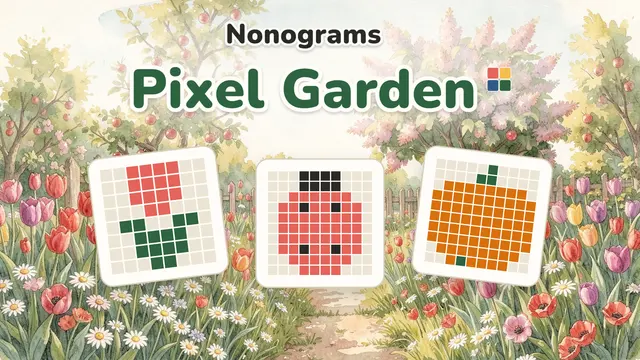 Nonograms: Pixel Garden
 Blockivo
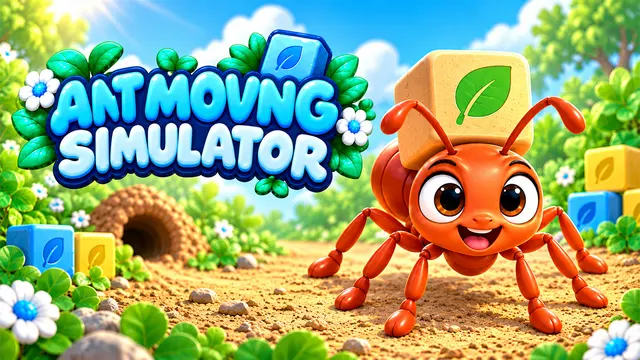 Ant Moving Simulator
 Garden Snakes
 Paws & Paths
 Huskeydoku
 Fill Line: Cover Every Cell
 Almost Infinite
 Candy Cats
 Mochi Rescue
 Grazing Giraffe
 Tricky Story Friendly Help
 BeadHouse
 MonkeySweeper: Mines puzzles
 Arrows Out 3D
 Lanternbloom
 Wiggly Worm Snake Puzzle
 Sand Tap! Sorting Puzzle
 Color Ball Escape
Play Arrows: Make It Cozy! online
Colorful arrows are tangled up on the board — help them find a way out! Tap on arrows to send them sliding off the grid, but be careful: collisions cost lives, and the clock is ticking. Every level is a puzzle where sequence and speed matter.
Look for matching pieces and work toward the board’s stated objective. The most useful match is the one that helps the current task. The provider describes a ranking or leaderboard feature.
How to play Arrows: Make It Cozy!
Controls and instructions
Tap an arrow — it will slide straight in the direction it points. If the path is clear, the arrow escapes. If another arrow is in the way — they collide and you lose a life. You have 3 lives per level and limited time . Free all the arrows before you run out!
On PC: click on an arrow with the mouse.
On mobile: tap the arrow with your finger.
Boosters:
1. Hint — highlights the path of one arrow that can safely leave the field.
2. Compass — reveals all arrow paths on the level until it's completed.
Chain combos! Send arrows off in a row without collisions and within 10 seconds between moves — combo points go to the leaderboard.
Getting started with Arrows: Make It Cozy!
- Read the current objective before choosing a match.
- Read what contributes to the ranking rather than assuming it is based on time.
About this game
- Platform
- Web browser
- Supported devices
- Android, iOS, Desktop
- Screen orientation
- Portrait
- Languages
- American English, Russian (Russia)
- Genres
- Puzzle, Arcade, Decoration, Cozy, Matching, Brain, Logic
- In-game purchases
- None listed by the provider
- Provider
- Playgama
- Provider audience
- Male, Female
Game features and tags
- 2d
- Customization
- Casual
- Relaxing
- Brain Training
- Addictive
- Color Matching
- 1 Player
Arrows: Make It Cozy! images
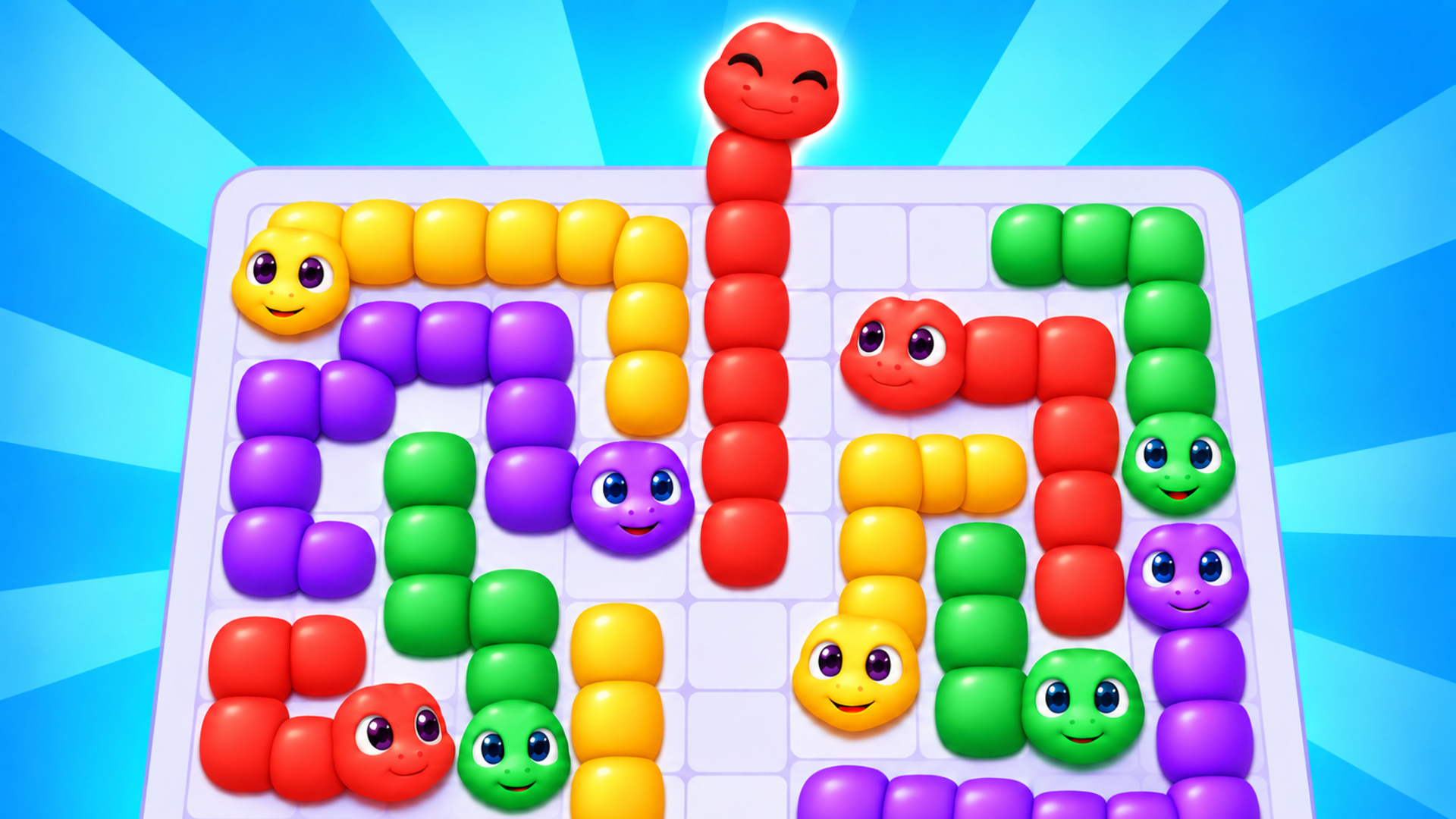

Questions about Arrows: Make It Cozy!
How do I start playing?
Choose Play now in the game window above to load Arrows: Make It Cozy! through Playgama. Read the controls and instructions above before you start.
Which devices can I play on?
The provider lists support for Android, iOS, Desktop. Play in your web browser using the controls described above.
Which languages does the game support?
American English, Russian (Russia).
Does the game have in-game purchases?
The provider lists no in-game purchases for this game. Games may display advertisements.
Related game categories
Game facts and artwork supplied by Playgama. Descriptions adapted and getting-started guidance added by LookBear. Game content, ads and purchases are provided by Playgama and the game provider.