 3D Pool Mania

Billiards 3D: Russian Pyramid
Provided by Playgama

Billiards 3D: Russian Pyramidvia Playgama





 Only Jump RPG
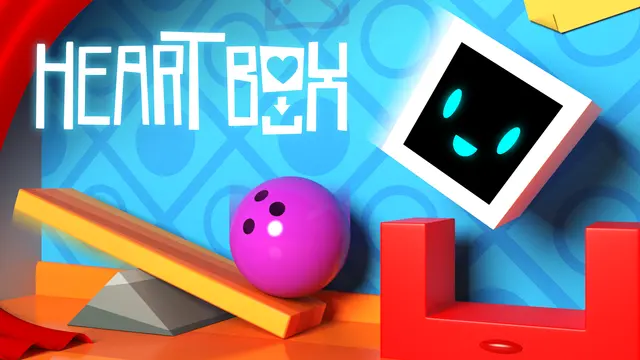 Heart Box
 MR RACER Stunt Mania
 Hyper Cars Ramp Crash
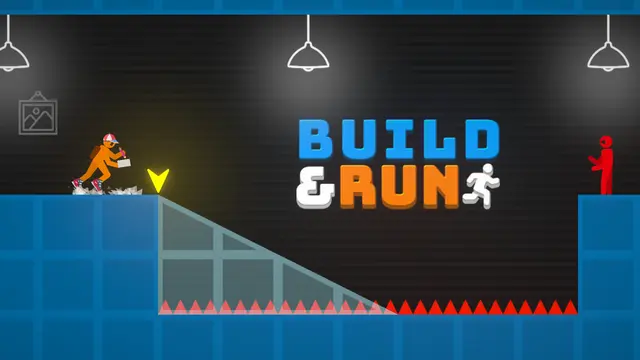 Build And Run
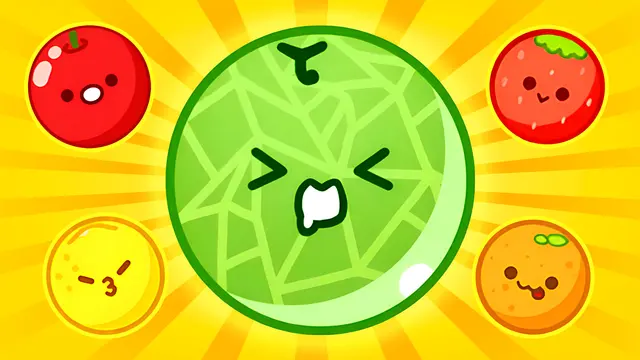 Melon Maker : Fruit Game
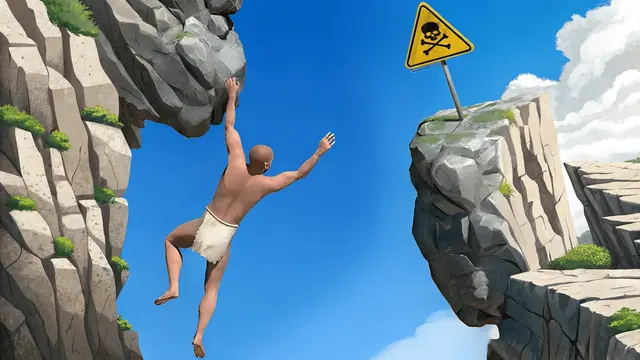 Climb Up!
 Turbo Stunt Racing
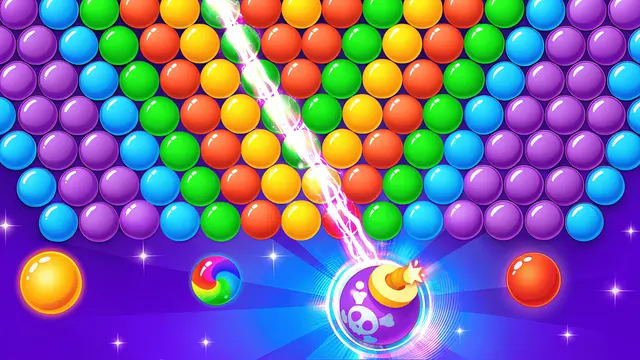 Bubble Shooter: Tap & Pop
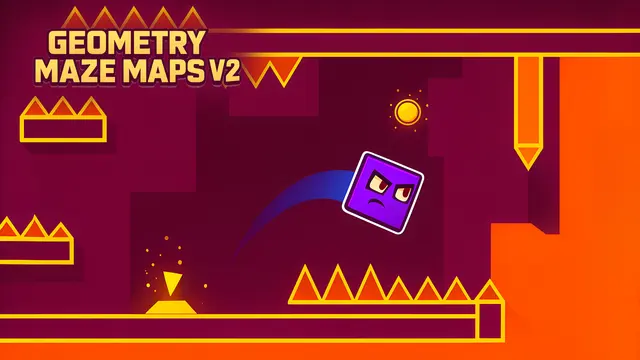 Geometry Maze Maps V2
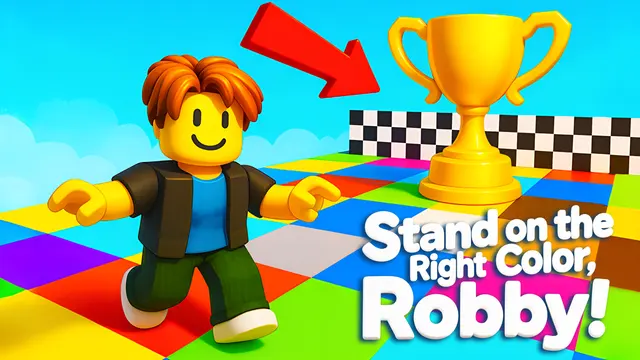 Stand on the Right Color, Robby!
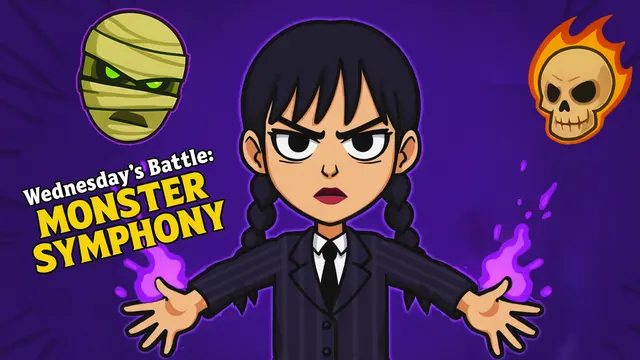 Wednesday’s Battle: Monster Symphony
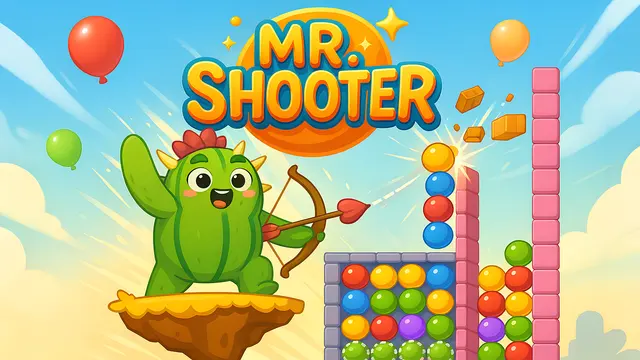 Mr Shooter
 Bubble Tower
 Slice & Soar
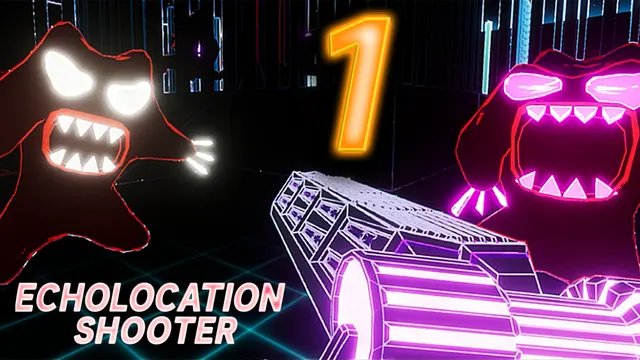 Echolocation Shooter
 Your Obby Parkour
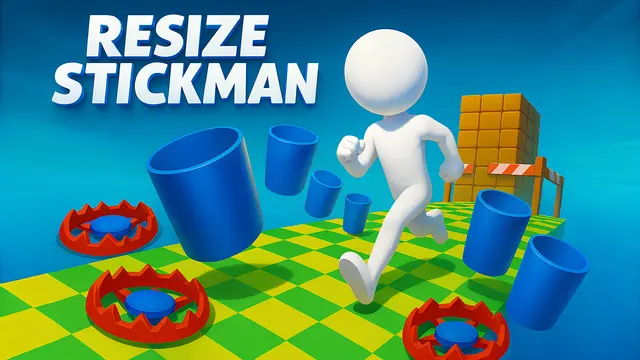 Resize Stickman
 Drift King Racing Multiplayer
 Catoom! - Bomb Barrel
 Adventure Crazy Ramp Bike Stunt Game
 Blocks Shooter 3D! Run, Shoot, Merge Weapons!
 Pregnant Mother Simulator
 Shape Jam
 Obby Football Soccer 3D
 Impossible Parkour 3D
 On Fire Basketball Shots
 Cricket Mania
 Super Bowling Mania
 SlowMo Sniper
 Block Mine Fuse TNT
 Finger Soccer Tournament
 Destruction Simulator
 Mouse Survivor
 Bomber Quest
 Russian Drift: Overtaking in the City
 Pop It 3D
 Shoot & Sprint: Warfare
 Duck Hunter
 Blade & Bedlam
 Snake of Balls
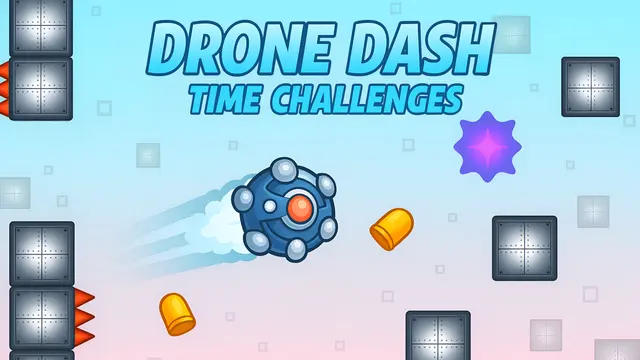 Drone Dash - Time Challenges!
 Soccer Training
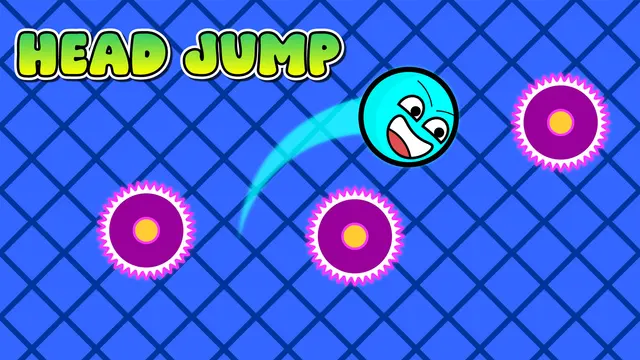 Head Jump
 Winged Wheels 2
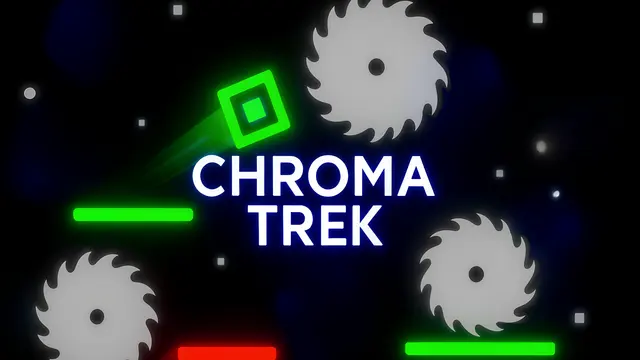 Chroma Trek
 Steve parkour in mine
 Cosmic Dash
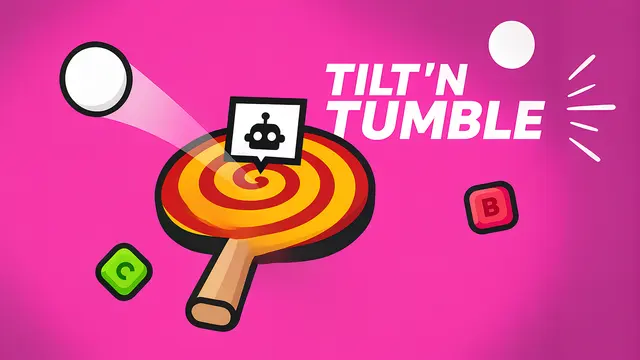 Tilt & Tumble
 Rolling Balls 3D
 Bricks Balls Breaker
 Ball Attack
 Mini Golf Battle
 Bricks Buster
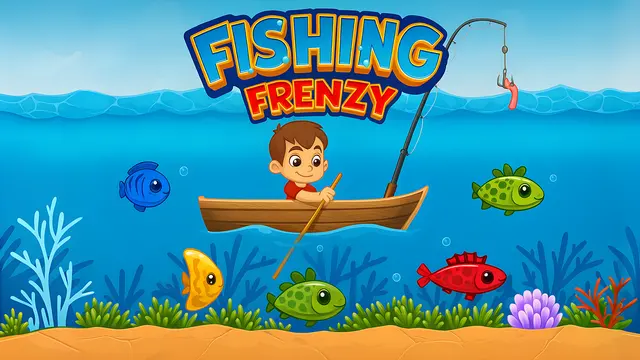 Fishing Frenzy
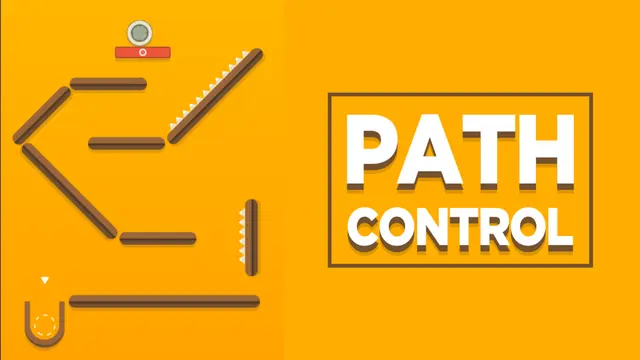 Path Control
 Geometry Vibes
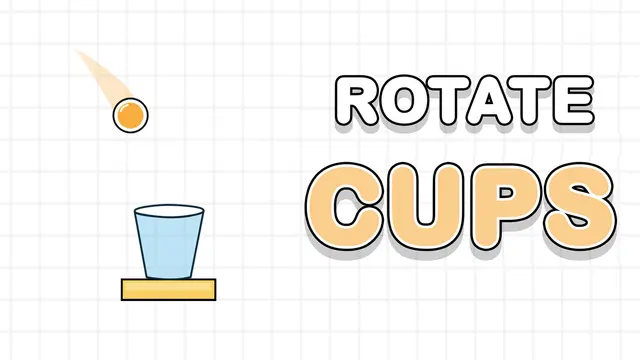 Rotate Cups
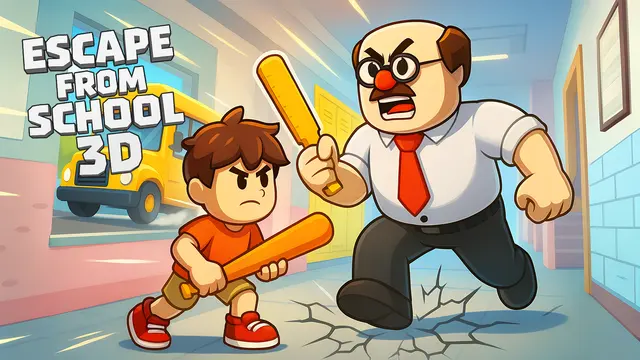 Escape from School 3D
 Pop Tap
 Balls: Ricochet!
 Fruit Chopper
 Tiny Delivery
 Tap tap Swing
Play Billiards 3D: Russian Pyramid online
Play a realistic online billiards game against virtual opponents of varying difficulty. Customize AI skill levels to match your ability and improve your game. Enjoy lifelike tables of different sizes and refine your strategy in this billiards experience!
Learn the sport-specific controls and follow the current match or challenge objective. Check whether movement and the main sporting action use different inputs.
How to play Billiards 3D: Russian Pyramid
Controls and instructions
For aiming click anywhere on the table and rotate the cue
For precise aiming, turn the precision aim wheel on the right side of the screen, or aim the cue while holding down the Shift button if you play on PC
To hit, click on the cue on the left side of the screen and pull towards the desired force of the blow, then release
For screws, click on the ball icon with a dot in the upper right part of the screen, move the impact point and confirm the installation of the point by clicking on the green button. If you're playing on a PC, you can hold down the X button on your keyboard while aiming to move the point of impact
To change the inclination of the cue, click on the cue ball icon at the top of the screen. In this mode, tap anywhere on the screen and raise the cue to the desired angle, then confirm the change by pressing the green button. If you play on a computer, you can hold down the Z button while aiming, this will also change the tilt of the cue.
Getting started with Billiards 3D: Russian Pyramid
- Practice the main input before trying to combine it with movement.
About this game
- Platform
- Web browser
- Supported devices
- Android, iOS, Desktop
- Screen orientation
- Landscape
- Languages
- American English
- Genres
- Sports, Skill, 3d, Pool, Mobile
- In-game purchases
- None listed by the provider
- Provider
- Playgama
- Provider audience
- Male, Female
Game features and tags
- Russian
- Billiards
- 2 Player Pool
- Unity Games Online
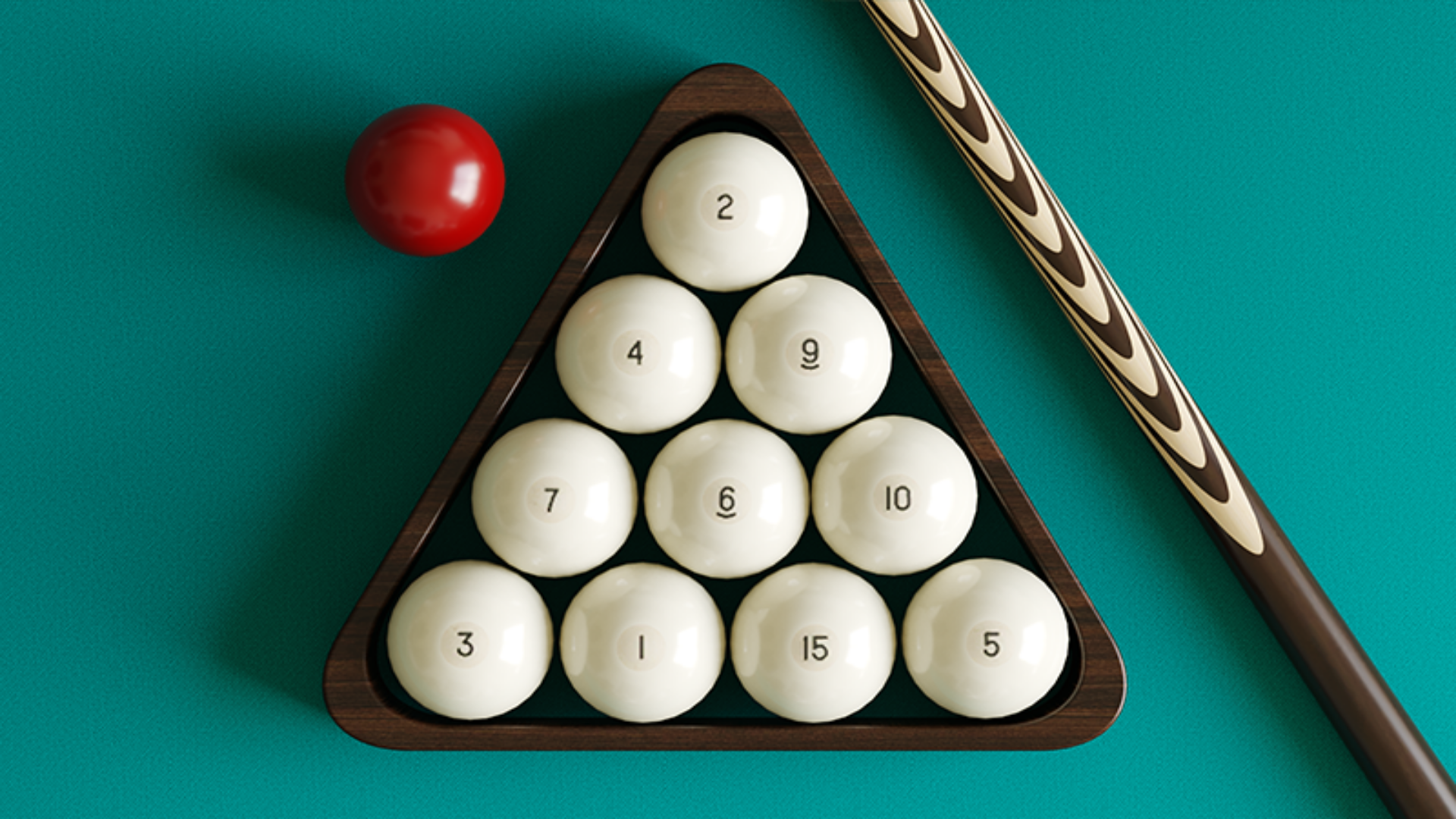
Billiards 3D: Russian Pyramid images

Questions about Billiards 3D: Russian Pyramid
How do I start playing?
Choose Play now in the game window above to load Billiards 3D: Russian Pyramid through Playgama. Read the controls and instructions above before you start.
Which devices can I play on?
The provider lists support for Android, iOS, Desktop. Play in your web browser using the controls described above.
Which languages does the game support?
American English.
Does the game have in-game purchases?
The provider lists no in-game purchases for this game. Games may display advertisements.
Related game categories
Game facts and artwork supplied by Playgama. Descriptions adapted and getting-started guidance added by LookBear. Game content, ads and purchases are provided by Playgama and the game provider.