 Stack Ball 3D
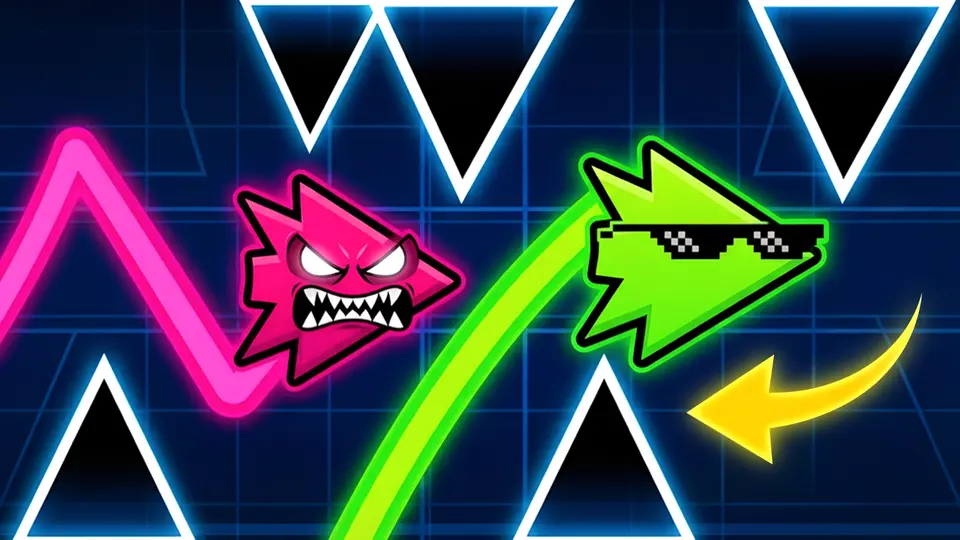
Geometry Vibes
Provided by Playgama
Geometry Vibes via Playgama


 Drone Dash - Time Challenges!
 Head Jump
 Winged Wheels 2
 Chroma Trek
 Cut It 3D
 Super Fruit Runner - Hyper Casual
 Mega Sweet Fruits - Popper
 Cosmic Dash
 Tilt & Tumble
 Bricks Balls Breaker
 Ball Attack
 Bricks Buster
 Fishing Frenzy
 Animal Basketball
 Balls: Ricochet!
 Fruit Chopper
 Tiny Delivery
 Basketball Tap
 Tap tap Swing
 Fruit Slicer
 Hit & Knock Down
 Smash & Merge Balls
 Fluffy Jump
 SpeedMatch Competition
 Halloween Fruit Slice
 Moving Balls - Going Sphere
 Froggy Hop
 Tornado: Fury of the elements
 Mini Car Racing Master 3D
 PolyBounce Tycoon
 Stickman Jump
 Astro Shooter
 Pim Path
 STAIR BALL
 Doodle Boba Bubble Tea.
 Hoppy Bird
 Rolling Balancer Ball
 Dancing Road
 Latto-Latto
 Wash Master
 Orbital
 BEAR PICKSprunki
 Rolling In Gears
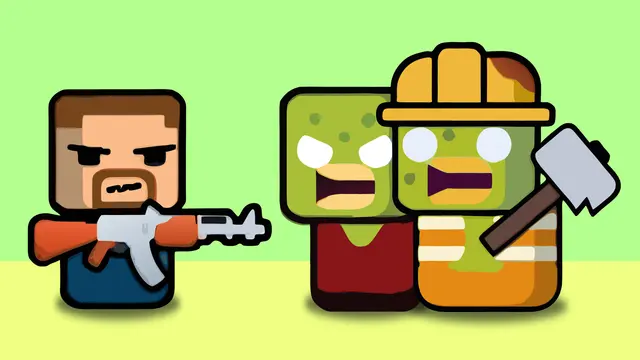 Zombie Horde: Build & Survive
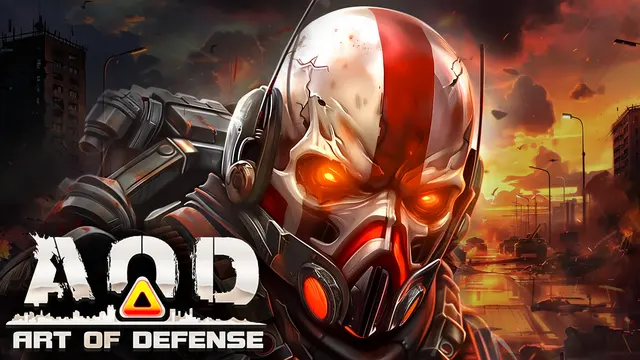 AOD - Art Of Defense
 Bridge Builder
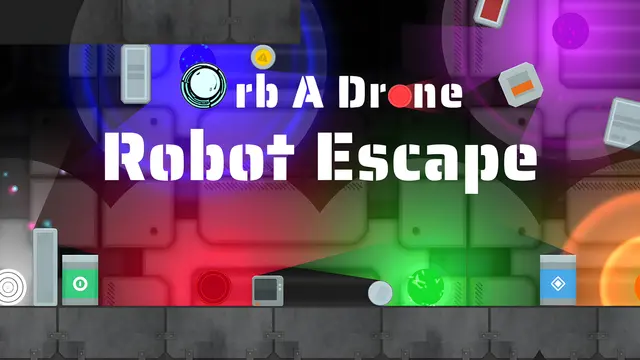 OrbaDrone - Robot Escape
 Basketball Stars
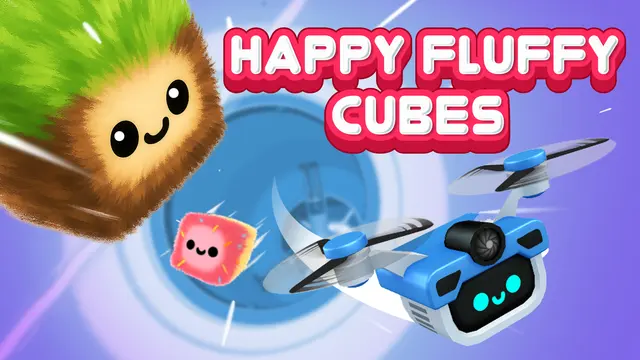 Happy Fluffy Cubes
 Heart Box
 MR RACER Stunt Mania
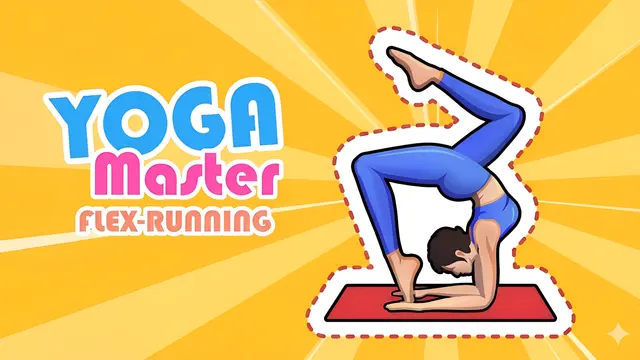 Yoga Master - Flex Running
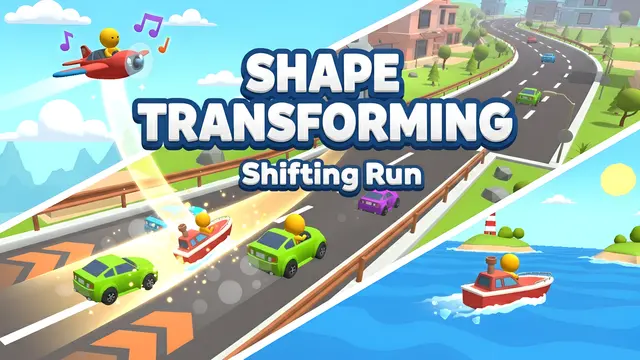 Shape Transforming: Shifting Run
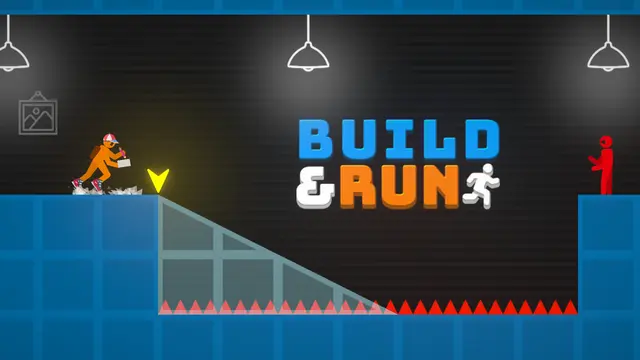 Build And Run
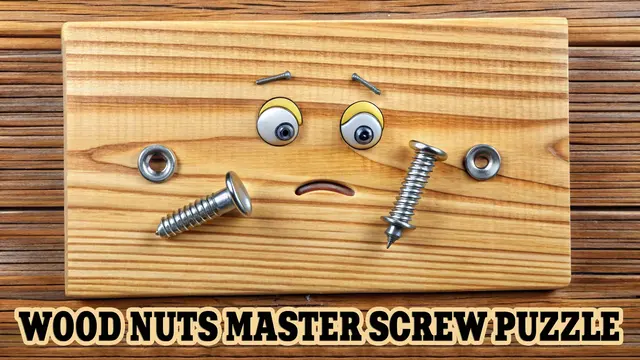 Wood Nuts Master: Screw Puzzle
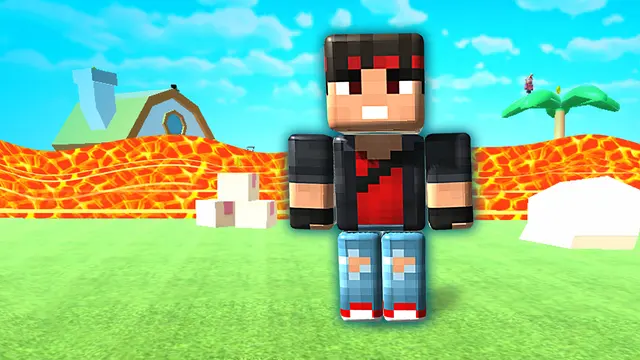 Robby The Lava Tsunami
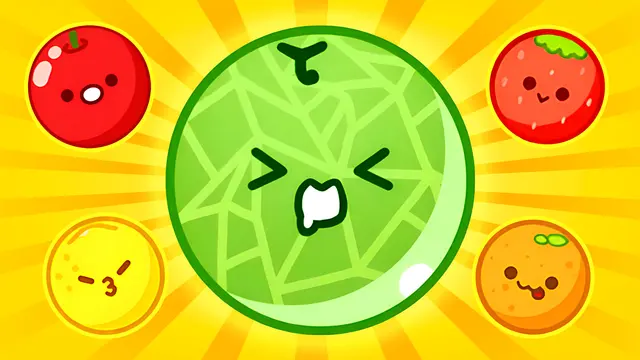 Melon Maker : Fruit Game
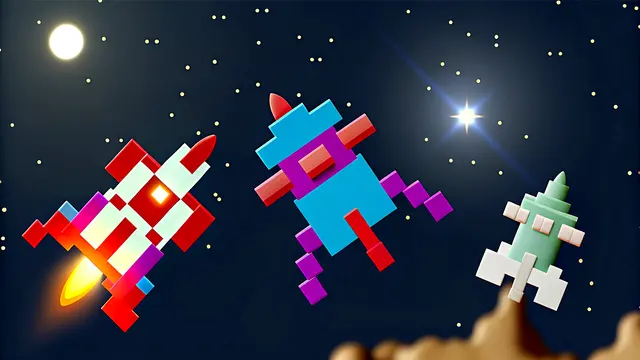 Radial 3D
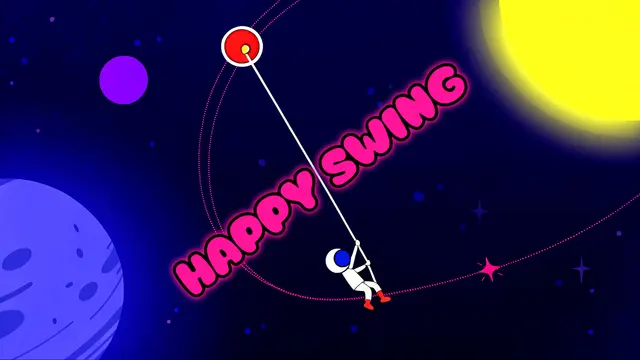 Happy Swing
 Leap and Avoid 2
 Billiards 3D: Russian Pyramid
 Turbo Stunt Racing
 Balls: Pixel Art
 Jump in Rhythm to the Hit! Cat Disco!
Play Geometry Vibes online
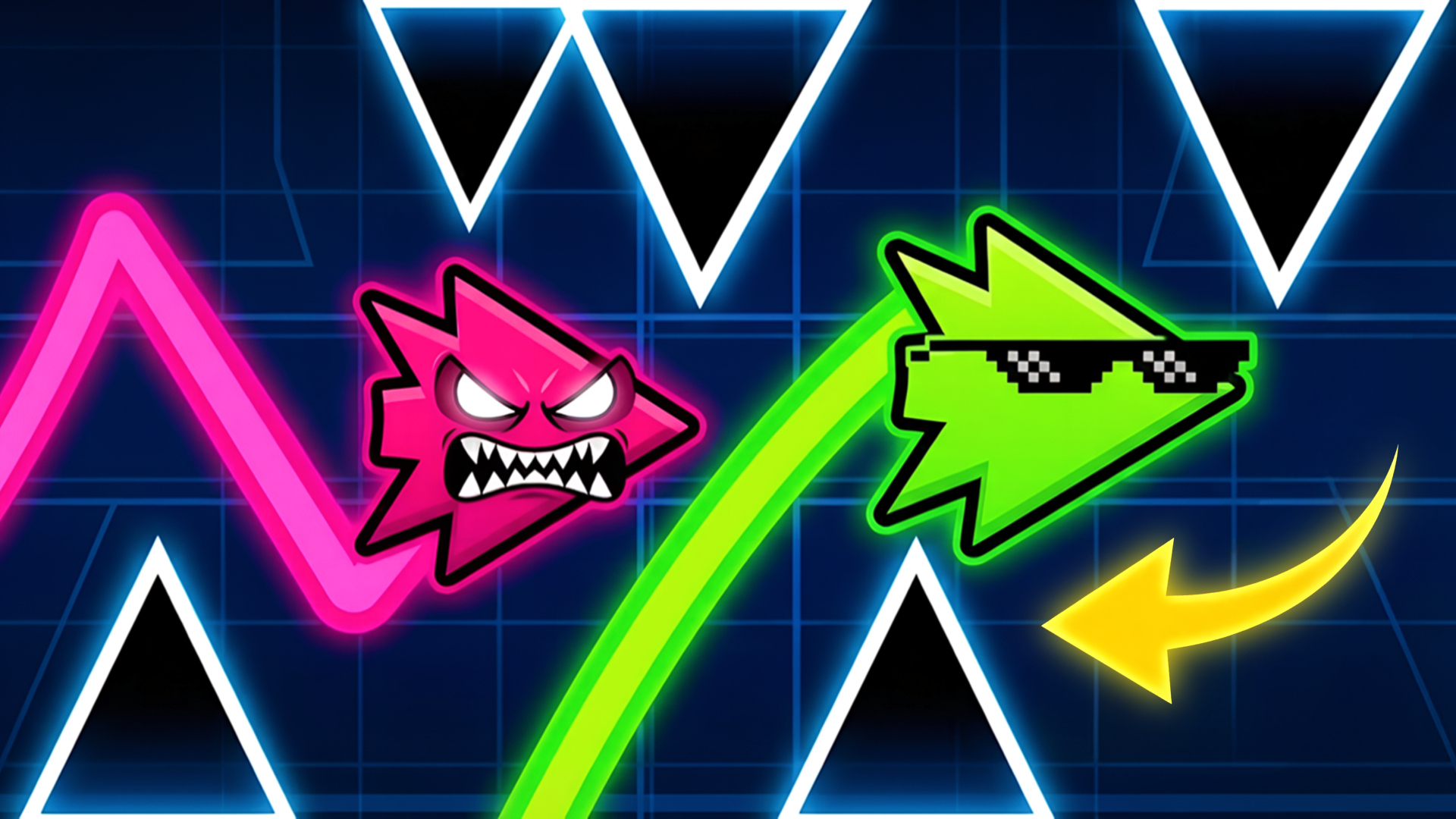
Geometry Vibes is a reaction-based arcade game where you avoid obstacles, traps and spikes that come at you in waves. Your goal in the game is to keep your arrow on the route and take it as far as possible. Geometry Vibes, where the excitement never ends, invites you to challenge.
Build a sound mix or follow the musical interactions described in the instructions. Listen to what each change adds before combining more elements. Traps are among the hazards described in the game.
How to play Geometry Vibes
Controls and instructions
How to Play Geometry Vibes?
The game is quite simple to play, but difficult to master.
Try to continue without hitting obstacles.
Click to "MOUSE LEFT-CLICK" or "UP ARROW" and hold to fly up.
Release the button to dive down.
In 2,3,4 Player game modes, players are controlled with "UP ARROW", "H" and "L". (MOUSE LEFT-CLICK and SPACE keys can also be used instead of W.)
Getting started with Geometry Vibes
- Try one sound or interaction first, then add another so you can hear the difference.
- Look at a trap’s position before approaching it.
About this game
- Platform
- Web browser
- Supported devices
- Android, iOS, Desktop
- Screen orientation
- Landscape
- Languages
- American English
- Genres
- Arcade, Skill, Popular, Music, Mobile
- In-game purchases
- None listed by the provider
- Provider
- Playgama
- Provider audience
- Male, Female
Game features and tags
- Reaction
- Fast Paced
- Dodge
- Endless
- Geometry
Geometry Vibes images
Questions about Geometry Vibes
How do I start playing?
Choose Play now in the game window above to load Geometry Vibes through Playgama. Read the controls and instructions above before you start.
Which devices can I play on?
The provider lists support for Android, iOS, Desktop. Play in your web browser using the controls described above.
Which languages does the game support?
American English.
Does the game have in-game purchases?
The provider lists no in-game purchases for this game. Games may display advertisements.
Related game categories
Game facts and artwork supplied by Playgama. Descriptions adapted and getting-started guidance added by LookBear. Game content, ads and purchases are provided by Playgama and the game provider.