 Head Jump
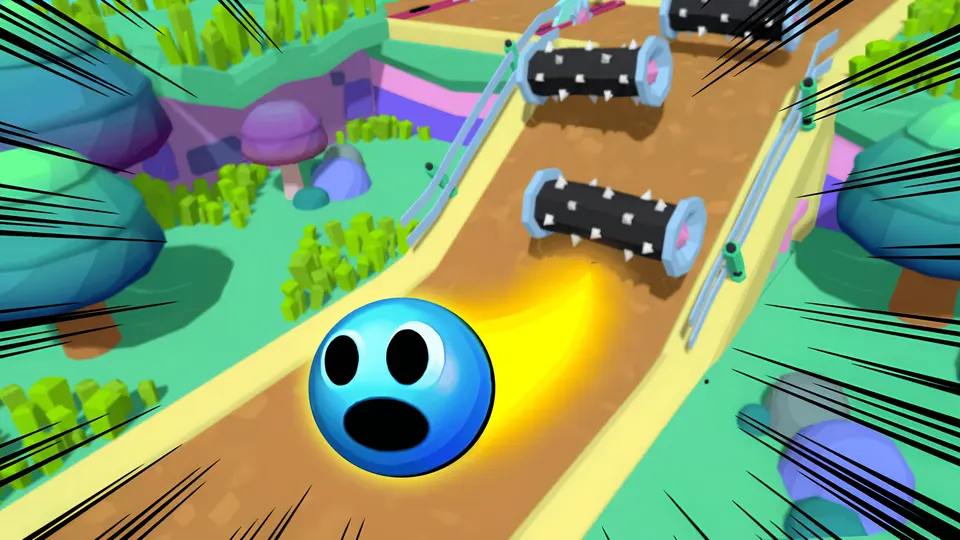
Ball: Path Through Obstacles
Provided by Playgama

Ball: Path Through Obstaclesvia Playgama




 Chroma Trek
 Cut It 3D
 Cosmic Dash
 Rolling Balls 3D
 Bricks Buster
 Path Control
 Basketball Tap
 Tap tap Swing
 Hit & Knock Down
 Smash & Merge Balls
 Fluffy Jump
 Froggy Hop
 Mini Car Racing Master 3D
 Pim Path
 Sky Golf
 Extreme Balancer
 Bouncy Ball
 Rolling Balls Sea Race
 Cube Trap
 Roll Rush
 Bridge Bounce: Jump Challenge
 Backflip Master: Parkour Stunts
 Freekick Hero
 Super Basketball
 Obby Up: Parkour Run
 Obby: +1 Jump with Brainrot
 VOID ROLLER
 Football Free Kick
 Stampede Evolution
 +1 Strength for escape
 Obby Ultimate Parkour
 Obby Keyboard Worlds: +1 Speed & Jump
 Obby: Steal an Egg - The Great Escape
 Smash and Steal an Egg!
 Sky Islands Obby
 Don't Look Down, Kitty!
 Build a Skyscraper!
 Keyboard Rush
 Steal an Egg 3D
 Frutiger Friends IO
 Obby Dont Splash He Knows
 Bonk Royale
 Obby: Keyboard Run +1 Speed
 +1 Wings Escape
 +1 Wings Keyboard Speed
 Casual Party Games
 Rolling In Gears
 Soccer Dash
 Bridge Builder
 Obby: Click and Grow
 Obby: +1 Jump per Click
 Obby: Mini-Games
 MR RACER Stunt Mania
 Build And Run
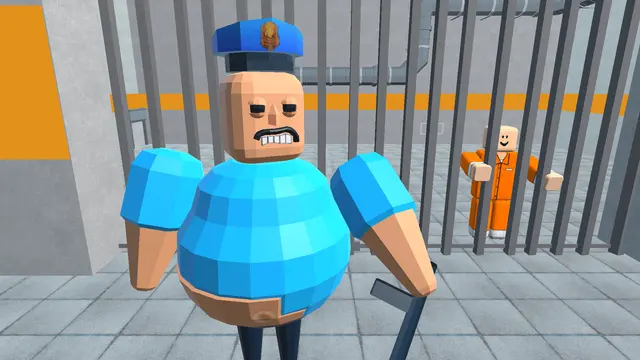 Barry Prison: Parkour Escape!
 Billiards 3D: Russian Pyramid
 Turbo Stunt Racing
 Balls: Pixel Art
 Bubble Shooter: Tap & Pop
 Your Obby Labyrinth
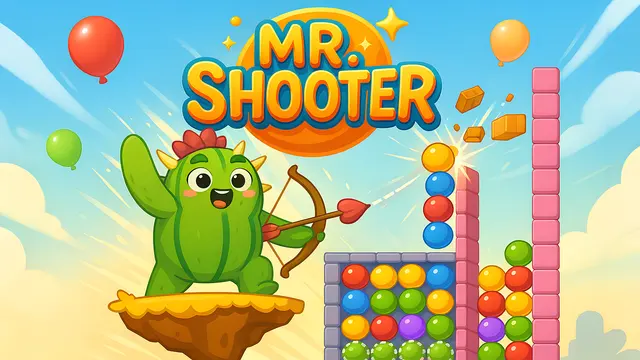 Mr Shooter
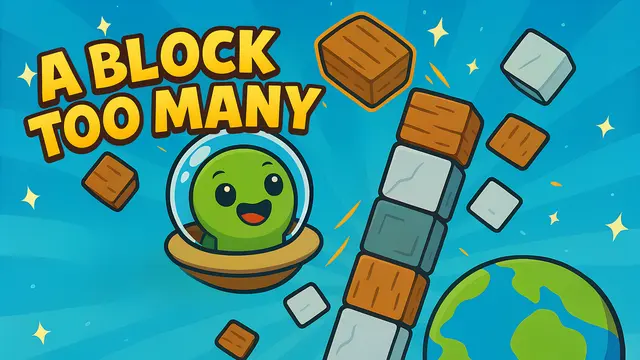 A Block Too Many
 Slice & Soar
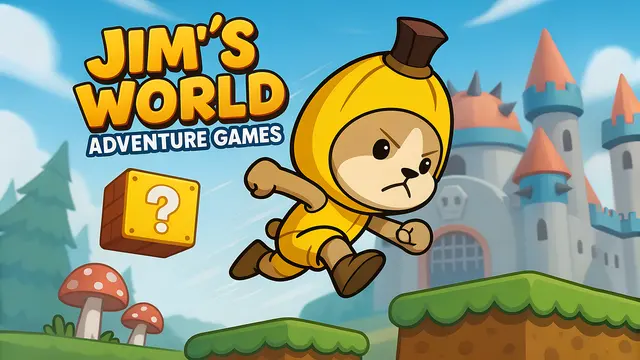 Jim's World: Adventure Games
Play Ball: Path Through Obstacles online
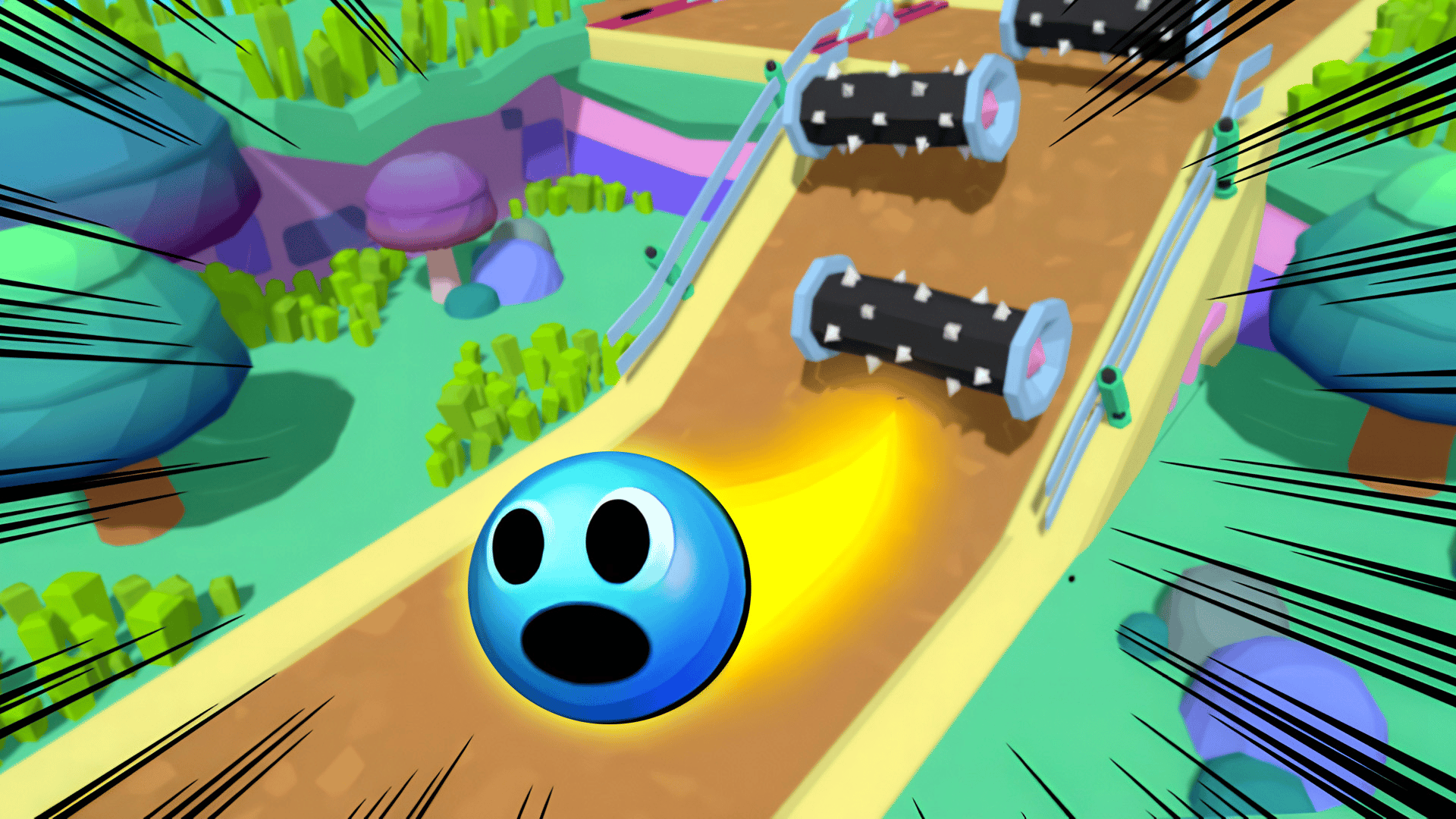
Roll through an obstacle course playing as a ball. Avoid traps and collect coins to unlock new skins
Navigate the platforms and obstacles using the movement controls provided. Learn how movement and jumping work together before attempting a difficult gap. Traps are among the hazards described in the game. Coins appear in the game’s progression or objectives.
How to play Ball: Path Through Obstacles
Controls and instructions
The game controls depend on the device you are playing on.
On PC:
Control the ball using WASD keys.
W (up) — moving forward.
A (left) — turn left.
S (down) is a backward movement.
D (right) — turn to the right.
The space bar is a jump.
To use the improvements, click on the improvement icon on the left side of the screen.
To buy a skin, click on the store icon in the menu.
On a smartphone/tablet:
On touch devices, control is performed using a virtual joystick located in the lower left part of the screen. Move your finger across the screen to control the movement of the ball.
To jump, click on the button in the lower right part of the screen.
To use the improvements, click on the improvement icon on the left side of the screen.
To buy a skin, click on the store icon in the menu.
Getting started with Ball: Path Through Obstacles
- Test a short movement or jump first, then judge the next obstacle.
- Look at a trap’s position before approaching it.
- Check what the game lets you do with coins before spending them.
About this game
- Platform
- Web browser
- Supported devices
- Android, iOS, Desktop
- Screen orientation
- Portrait
- Languages
- American English
- Genres
- Arcade, Skill, 3d, Flash, Platform, Obby, Ball, Classic, Difficult, Mobile
- In-game purchases
- None listed by the provider
- Provider
- Playgama
- Provider audience
- Male, Female
Game features and tags
- Willie
- Avoid
- Obstacles
- Trap
- Rolling
- Unity Games Online
Ball: Path Through Obstacles images

Questions about Ball: Path Through Obstacles
How do I start playing?
Choose Play now in the game window above to load Ball: Path Through Obstacles through Playgama. Read the controls and instructions above before you start.
Which devices can I play on?
The provider lists support for Android, iOS, Desktop. Play in your web browser using the controls described above.
Which languages does the game support?
American English.
Does the game have in-game purchases?
The provider lists no in-game purchases for this game. Games may display advertisements.
Related game categories
Game facts and artwork supplied by Playgama. Descriptions adapted and getting-started guidance added by LookBear. Game content, ads and purchases are provided by Playgama and the game provider.