 Rooftop Run

FILL THE HEART
Provided by Playgama

FILL THE HEARTvia Playgama




 Uncle Hit: Punch the Dummy
 PLAYMUSIC
 Bunny Escape
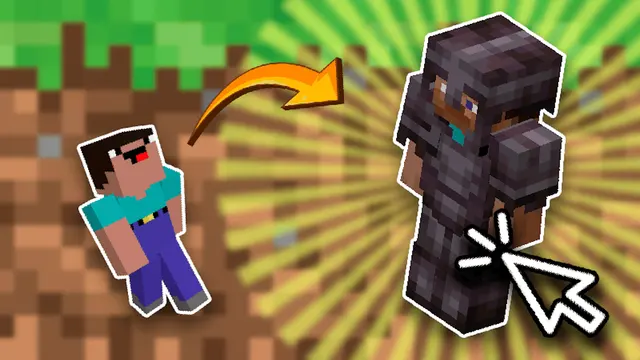 Steve Evolution Mega Clicker
 BouncePop Quest
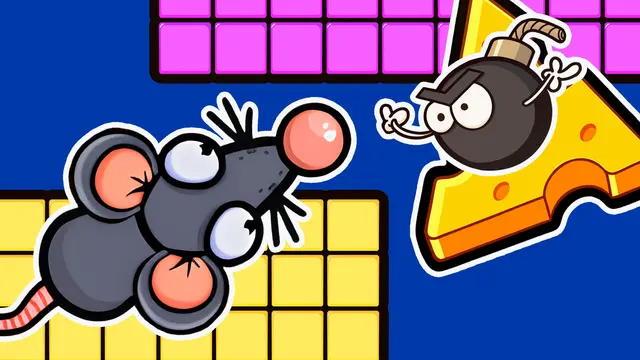 Mouse Survivor
 Money Pong
 Golf Invaders
 Ball: Path Through Obstacles
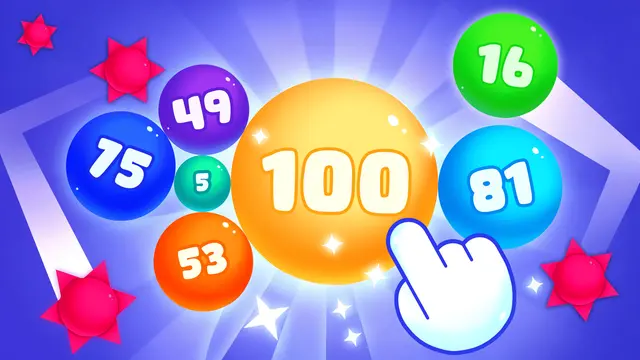 Bubble Gum
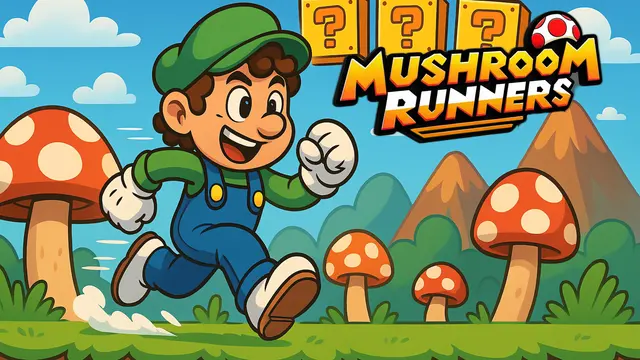 Mushroom Runners
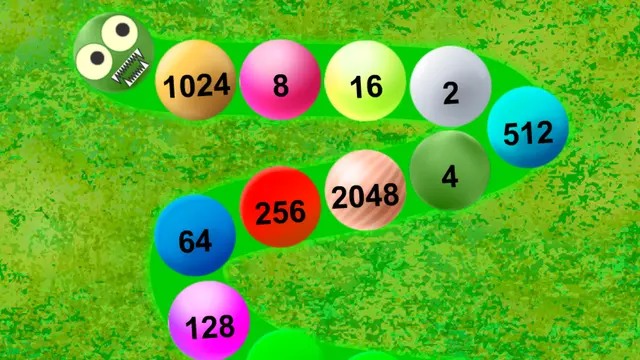 Snake of Balls
 StickerBall
 Drone Dash - Time Challenges!
 Neko's Adventure
 Cup Quest
 Head Jump
 Winged Wheels 2
 Super Frog Adventure
 JUMPER
 Chroma Trek
 Cut It 3D
 Squid Game Ultimate Challenge!
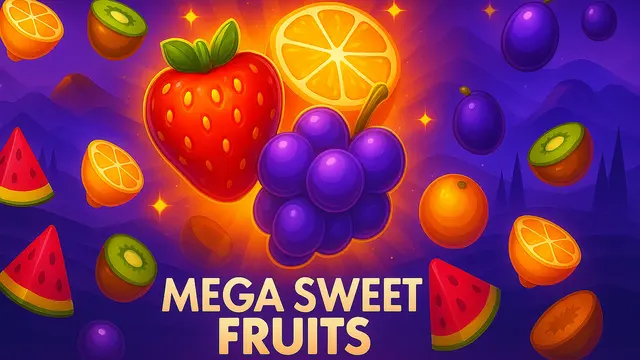 Mega Sweet Fruits - Popper
 Cosmic Dash
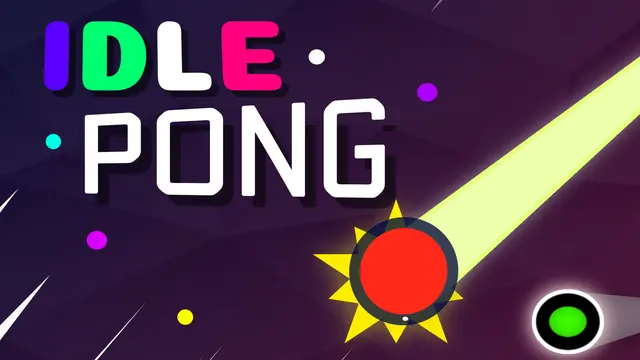 Idle Pong
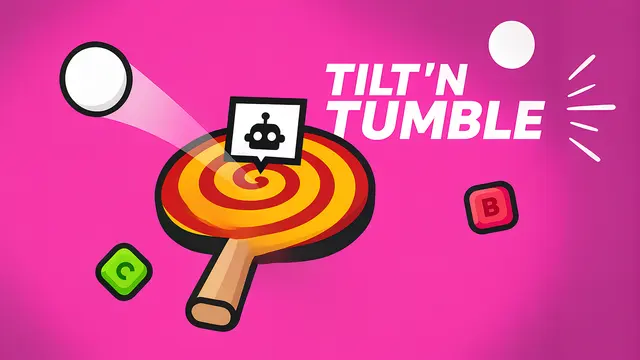 Tilt & Tumble
 Rolling Balls 3D
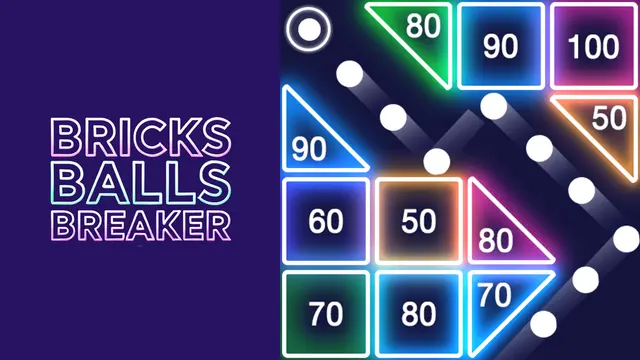 Bricks Balls Breaker
 Ball Attack
 Bricks Buster
 Fishing Frenzy
 CrowdGate
 Geometry Vibes
 The Mad Cow
 Ocean Pop
 Pop Tap
 Balls: Ricochet!
 Fruit Chopper
 Tiny Delivery
 Basketball Tap
 Tap tap Swing
 Fruit Slicer
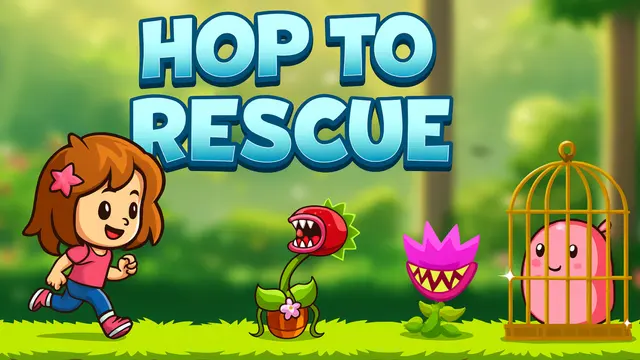 Hop To Rescue
 Hit & Knock Down
 Slap Master
 Go Up
 Smash & Merge Balls
 Fluffy Jump
 SpeedMatch Competition
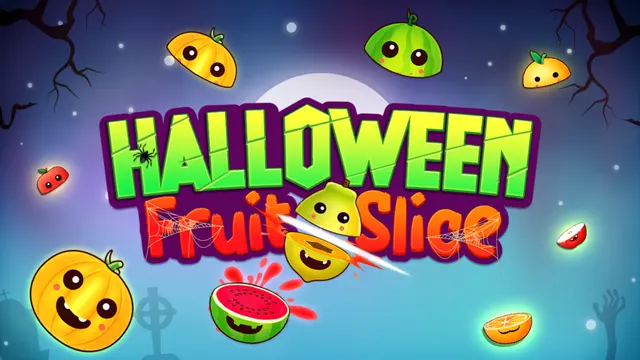 Halloween Fruit Slice
 Italian Brainrot: Popper Crazy
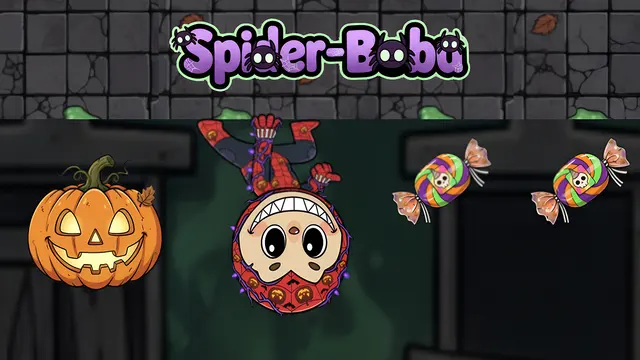 Spider-Bubu
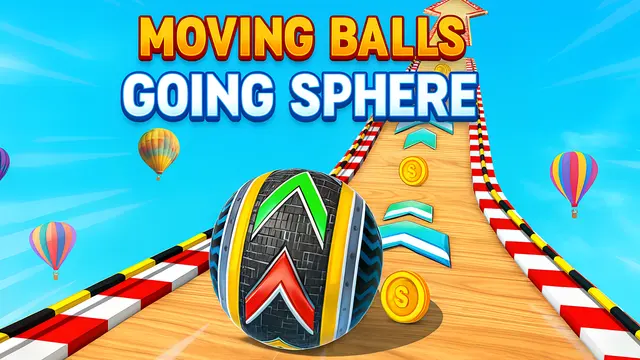 Moving Balls - Going Sphere
 Froggy Hop
 Santa Holiday Adventure Game
 Mini Car Racing Master 3D
 PolyBounce Tycoon
 Stickman Jump
 Space Obby
 Astro Shooter
 Color Dash - Chameleon Runner
 Pim Path
 Annoying Cousins Punch Game
Play FILL THE HEART online
///////////////////////////////////////////////////////////////////////////////////////////////////////////////////////////////////////////////////////////////////////
Focus on the current challenge and learn the timing of its main interaction. The instructions describe what counts as progress and what ends an attempt.
How to play FILL THE HEART
Controls and instructions
Desktop Controls:
↑ (Up Arrow) / W: Move upward.
↓ (Down Arrow) / S: Move downward.
← (Left Arrow) / A: Move left.
→ (Right Arrow) / D: Move right.
R: Restart.
Q: To Menu.
M: Mute.
Mobile Controls:
On-screen Swipe: Move.
Getting started with FILL THE HEART
- Use the first attempt to learn the controls and the game’s feedback.
About this game
- Platform
- Web browser
- Supported devices
- Android, iOS, Desktop
- Screen orientation
- Landscape
- Languages
- American English
- Genres
- Arcade, Mobile
- In-game purchases
- None listed by the provider
- Provider
- Playgama
- Provider audience
- Male, Female
Game features and tags
- Unity Games Online
FILL THE HEART images


Questions about FILL THE HEART
How do I start playing?
Choose Play now in the game window above to load FILL THE HEART through Playgama. Read the controls and instructions above before you start.
Which devices can I play on?
The provider lists support for Android, iOS, Desktop. Play in your web browser using the controls described above.
Which languages does the game support?
American English.
Does the game have in-game purchases?
The provider lists no in-game purchases for this game. Games may display advertisements.
Related game categories
Game facts and artwork supplied by Playgama. Descriptions adapted and getting-started guidance added by LookBear. Game content, ads and purchases are provided by Playgama and the game provider.