 Grid Odyssey: Nonograms
Hex Mine 2D
Provided by Playgama
Hex Mine 2Dvia Playgama
 Favorite Puzzles
 Wood Nuts Master: Screw Puzzle
 Nuts & Bolts Game: Wood Puzzle
 Screw Out Jam Puzzle
 Help Tricky Story A Complicated Story
 Dice Puzzle
 Screw Jam Puzzle
 Hook Pin Jam
 Nullify - Merge Math
 Cube Drop Puzzle
 DOP Puzzle: Displace One Part
 CubeGate
 Blackriver Mystery. Hidden Objects
 Brainrot Merge: Drop Puzzle
 Screw & Pin: Puzzle Levels
 Mahjong Puzzle: Tile Match
 Connect: Monsters
 Merge 13
 Onet Animals
 Screw Color Puzzle
 Paint Sponges Puzzle
 Stack the Blocks
 Puppetman: Ragdoll Puzzle
 Block Blast
 Hard Puzzle
 Erase the extra element
 Dot and Dot
 Jigsaw Puzzle - Anime
 Jenny's Math Puzzle
 The Fill
 Liquid Sort Puzzle
 Push The Box
 Unravel Eggs Puzzle
 Connect Line
 Screw Puzzle
 Maths Puzzle
 Sorting Ball Puzzle
 Block Puzzle Magic
 Pics 2 Word
 Arrows Escape
 Color Sort Puzzle
 Brain Test: IQ Challenge
 Catch the Bear
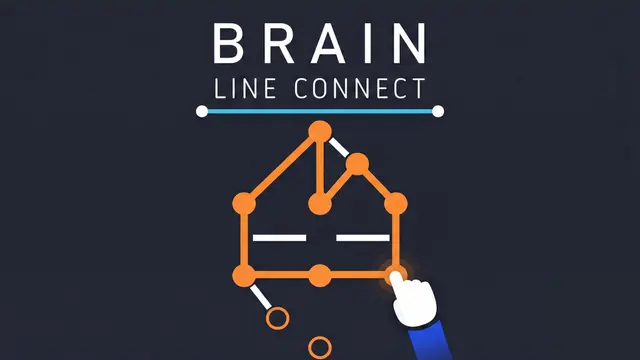 Brain Line Connect
 Cryptograms: Secret Text
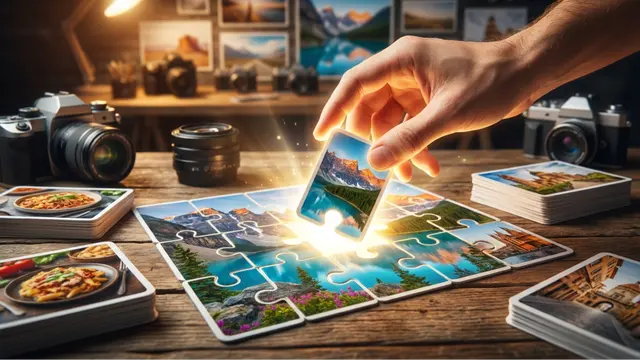 Solitaire Picture Puzzles
 Tangram Puzzle 2
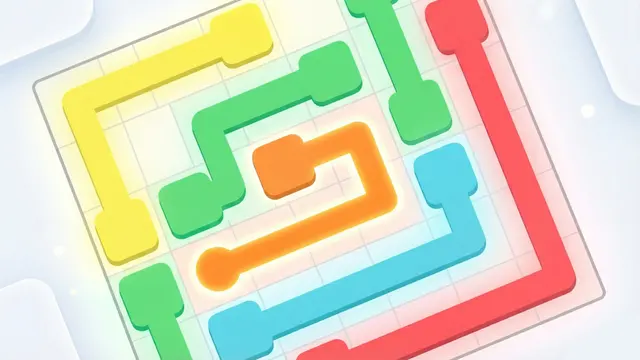 Hard Puzzle: Color Lines
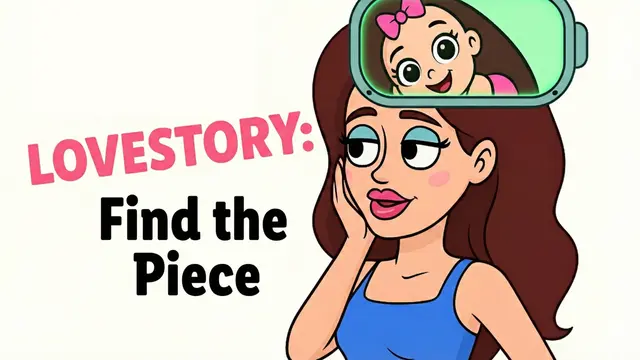 Love Story: Find the Piece
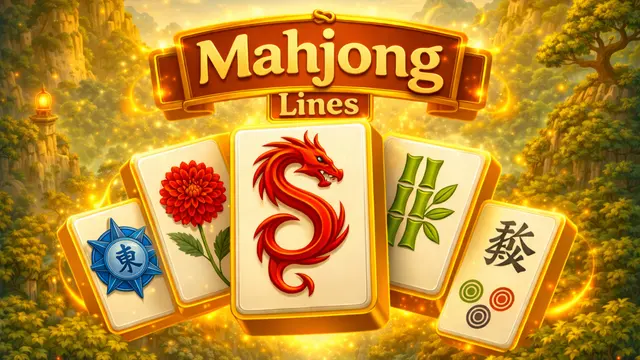 Mahjong Lines
 Escaping Arrows
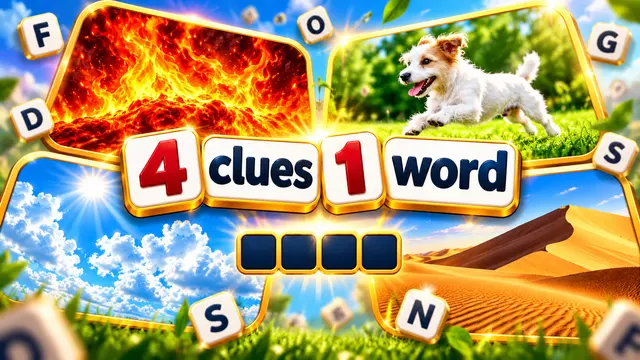 4 Clues 1 Word
 Tile Matcher Triple Fun
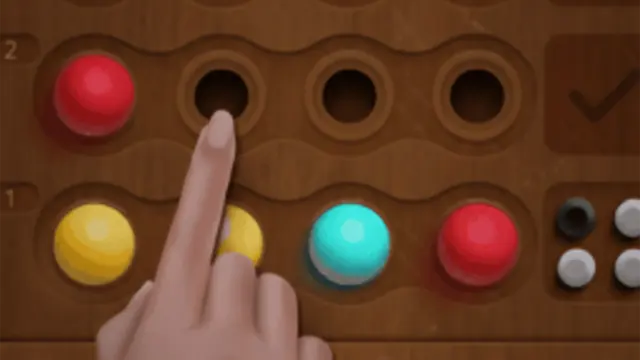 Code Breaker Deluxe
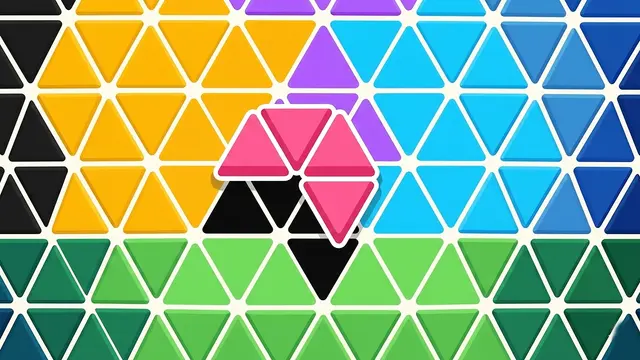 Tangram Triangle
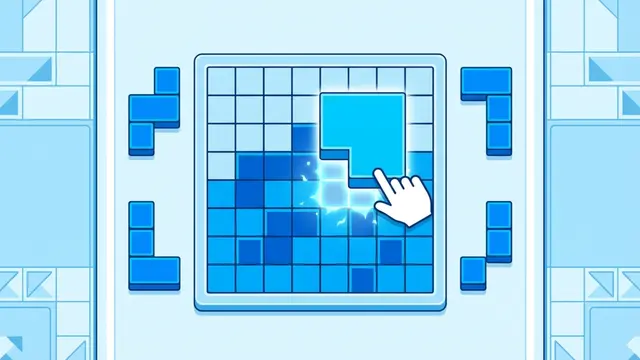 Fillblox
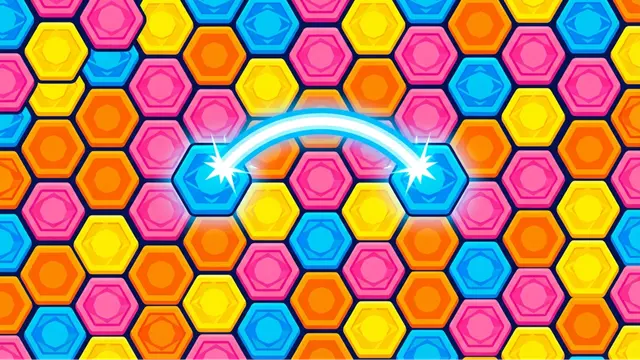 HEX Connect
 248 Scribble
 Arrows Out!
 Traffic Puzzle Game Linky
 Jixora – Jigsaw Solitaire Puzzle
 Criss Cross Colors
 Jigsaw Puzzle Game
 Liquid Sort
Play Hex Mine 2D online
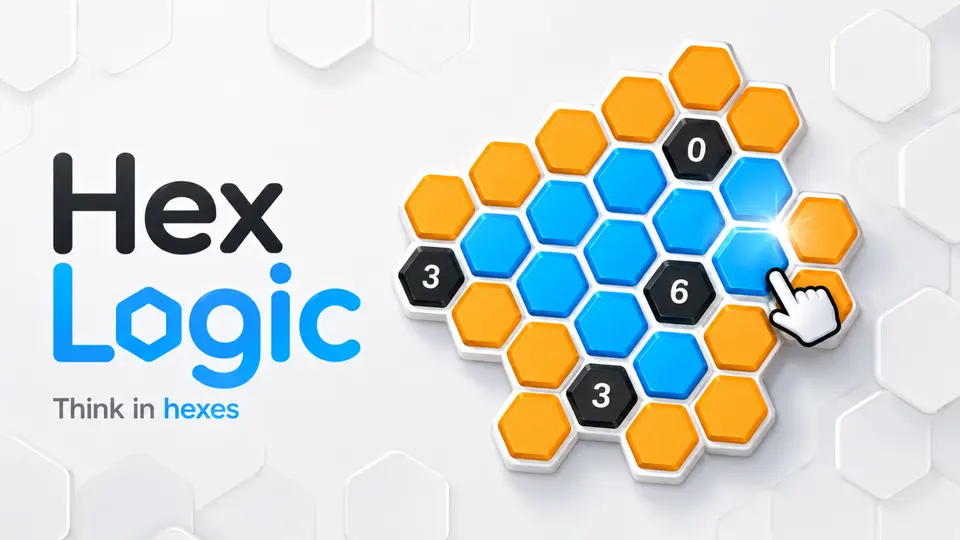
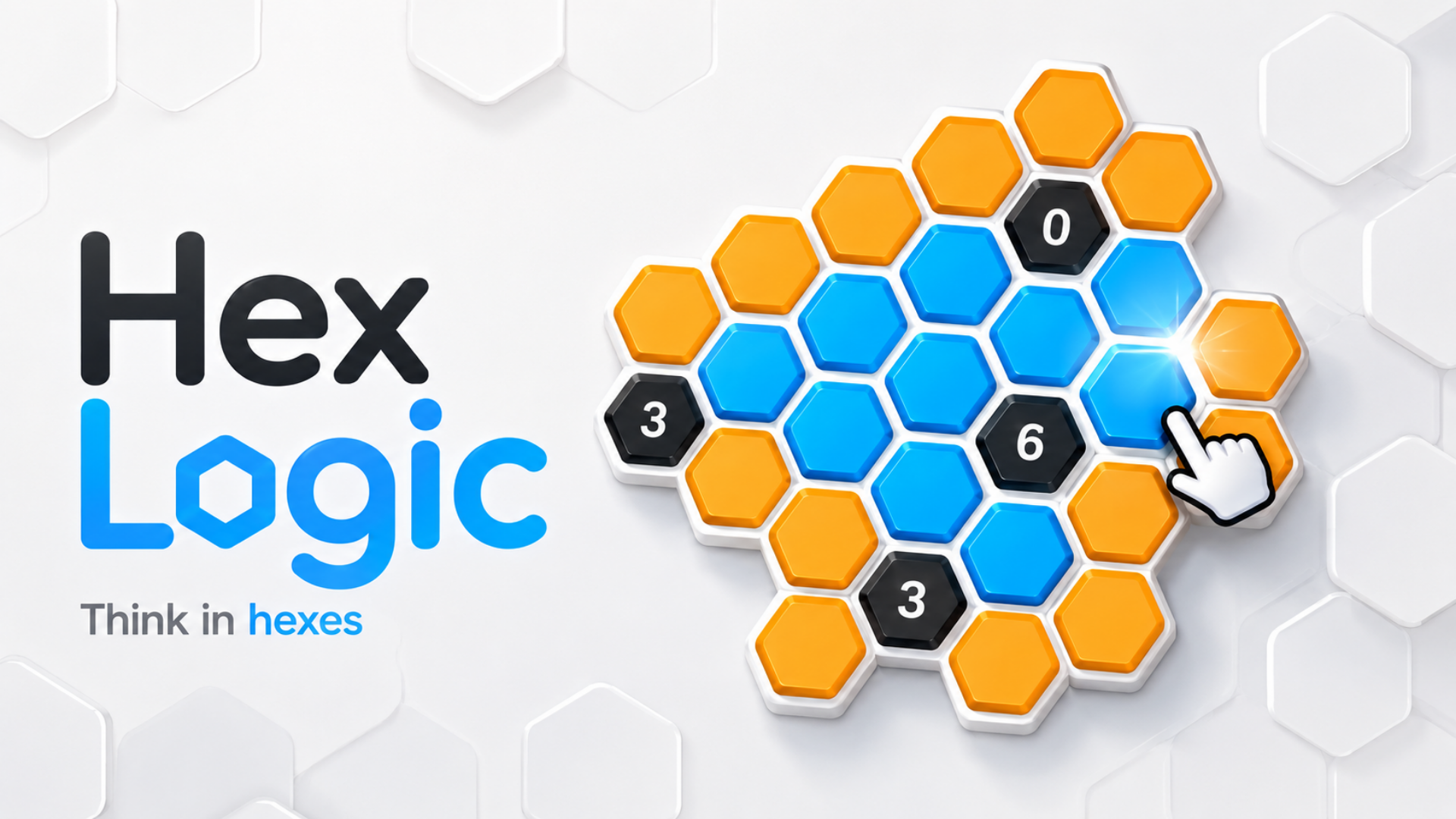
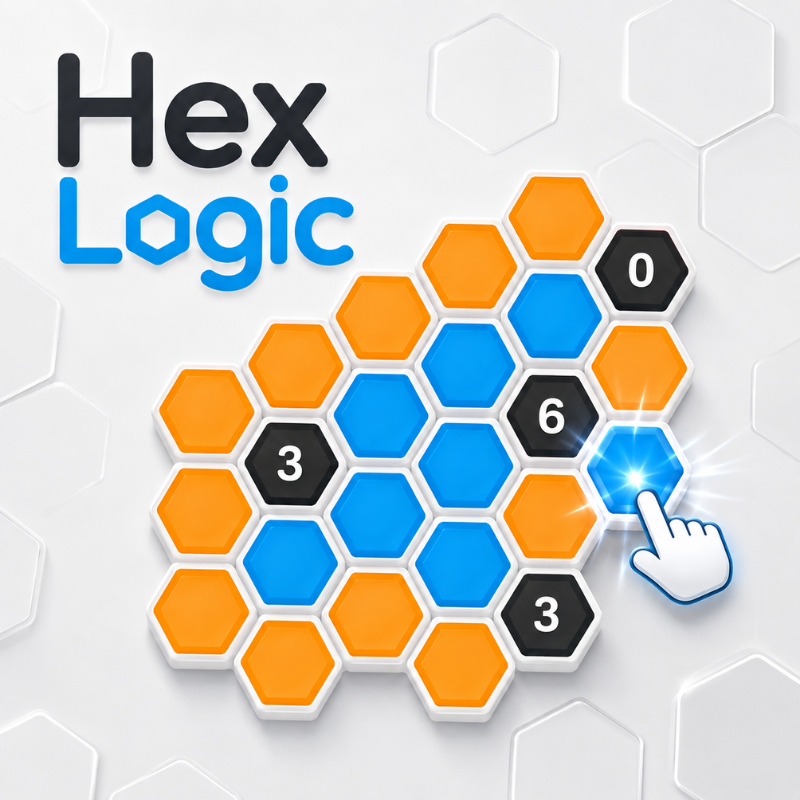
Test your logic in a clean and relaxing hexagonal puzzle experience. Each orange hexagon hides one of two states: blue or black. Use the numbered clues to determine the correct state of every cell.
Study the current puzzle and use the rules to decide your next action. Look for the objective and any restrictions before making a move. The instructions include an undo option for correcting a move.
How to play Hex Mine 2D
Controls and instructions
Your goal is to correctly mark every orange hexagon as either blue or black.
A number inside a dark clue cell shows how many adjacent cells are blue.
Identify the correct state of each orange cell using clues together.
Mark all required blue cells and eliminate the remaining cells as black.
Complete the puzzle when no orange cells remain.
Controls
Desktop
Left-click: Mark a cell blue
Right-click: Mark a cell black
Click the same cell again: Undo that mark
U or Ctrl + Z: Undo
R: Restart
H: Hint
Esc: Pause
Mobile
Tap: Mark a cell blue
Long-press: Mark a cell black
Some versions may also include separate Blue and Black selection buttons.
Clue Examples
0: None of the neighboring cells are blue.
6: All six neighboring cells are blue.
3: Exactly three neighboring cells are blue.
Special clue symbols may indicate that blue cells must be consecutive, separated, or located along a specific direction.
Use deduction, compare overlapping clues, and solve every board without guessing.
Getting started with Hex Mine 2D
- Check the goal and any move or time limit shown in the game.
- Use the listed undo control when you want to reconsider an action.
About this game
- Platform
- Web browser
- Supported devices
- Android, iOS, Desktop
- Screen orientation
- Landscape and Portrait
- Languages
- American English
- Genres
- Puzzle, Sudoku, Brain, Logic
- In-game purchases
- None listed by the provider
- Provider
- Playgama
- Provider audience
- Male, Female
Game features and tags
- 2d
- Mind
- 1 Player
Hex Mine 2D images
Questions about Hex Mine 2D
How do I start playing?
Choose Play now in the game window above to load Hex Mine 2D through Playgama. Read the controls and instructions above before you start.
Which devices can I play on?
The provider lists support for Android, iOS, Desktop. Play in your web browser using the controls described above.
Which languages does the game support?
American English.
Does the game have in-game purchases?
The provider lists no in-game purchases for this game. Games may display advertisements.
Related game categories
Game facts and artwork supplied by Playgama. Descriptions adapted and getting-started guidance added by LookBear. Game content, ads and purchases are provided by Playgama and the game provider.