 Ball Sort Puzzle
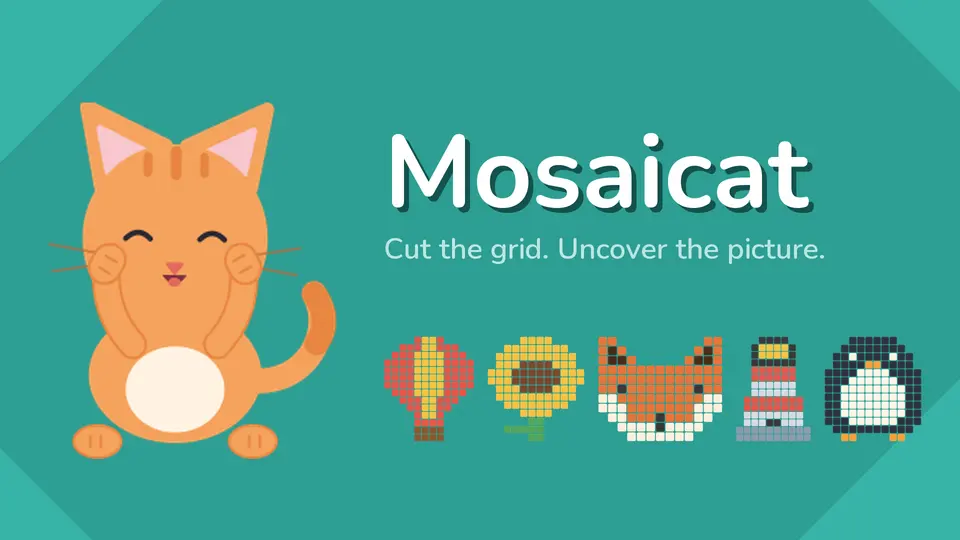
Mosaicat
Provided by Playgama
Mosaicatvia Playgama


 Lanternward
 Picky Parking
 Nonograms: Pixel Garden
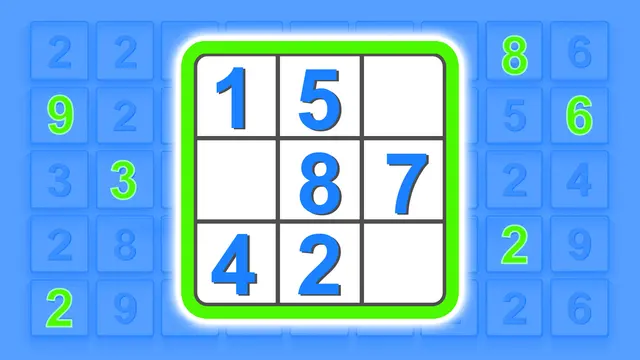
 Huskeydoku
 Pets and Paints: Logic Puzzle
 Math Crosswords
 Color Ball Escape
 Nonograph
 Basket Sort Puzzle
 ColorPicker
 Squeezy: Juice Sort
 Marble Sudoku: Color Puzzle
 Bodoku
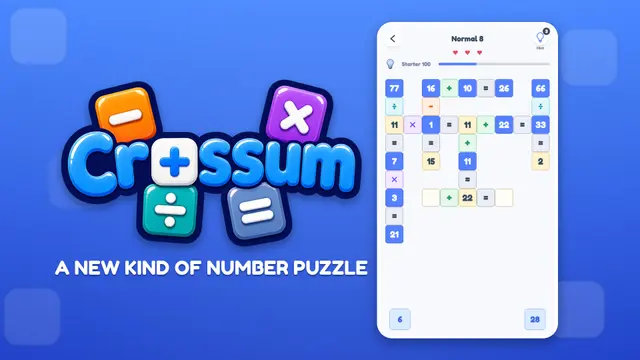 Crossum
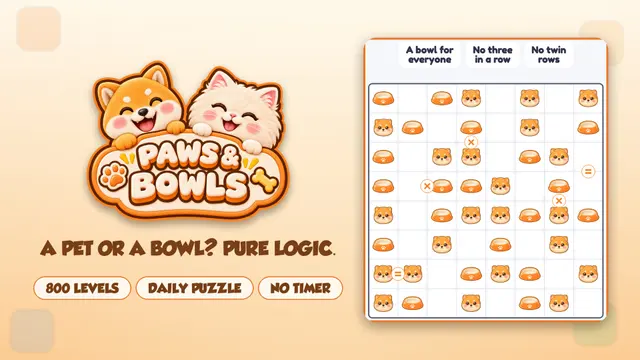 Paws & Bowls: Logic Puzzle
 Bridge Builder
 Single Line Drawing Puzzle
 Yarn Fever! Unravel Puzzle
 Draw Bridge - Brain Game
 Favorite Puzzles
 Wood Nuts Master: Screw Puzzle
 Nuts & Bolts Game: Wood Puzzle
 Screw Out Jam Puzzle
 Help Tricky Story A Complicated Story
 Brain Coloring Puzzle
 Dice Puzzle
 Screw Jam Puzzle
 Slinky Color Sort
 Square Sort
 Art Master Puzzle
 Hook Pin Jam
 Nullify - Merge Math
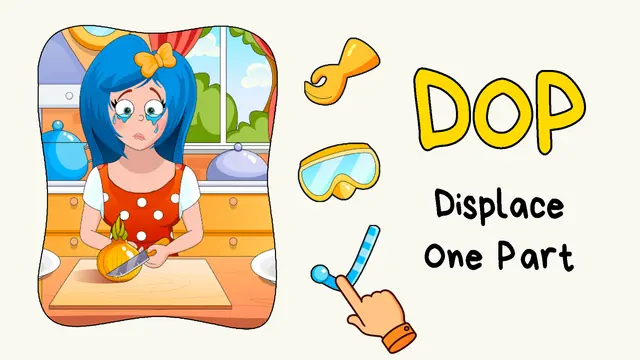 DOP Puzzle: Displace One Part
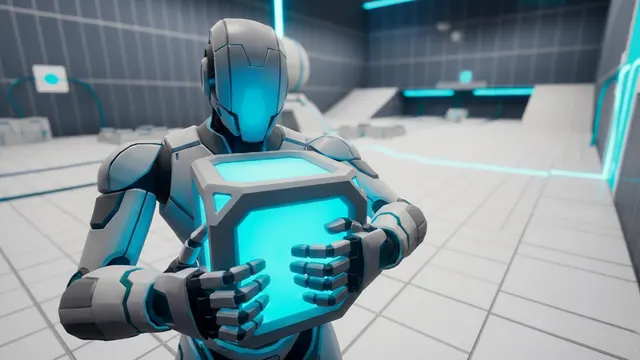 CubeGate
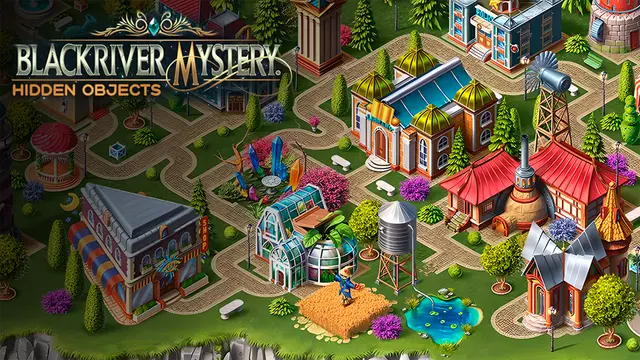 Blackriver Mystery. Hidden Objects
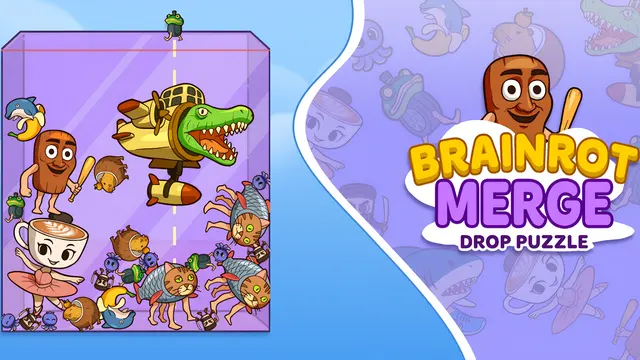 Brainrot Merge: Drop Puzzle
 Screw & Pin: Puzzle Levels
 Mahjong Puzzle: Tile Match
 Connect: Monsters
 Merge 13
 Colors&Forms
 Onet Animals
 Stack the Blocks
 Puppetman: Ragdoll Puzzle
 Block Blast
 Hard Puzzle
 Erase the extra element
 Jigsaw Puzzle - Anime
 Sort Master
 Jenny's Math Puzzle
 The Fill
 Push The Box
 Coin Color Sort
 Unravel Eggs Puzzle
 Connect Line
 Screw Puzzle
 Maths Puzzle
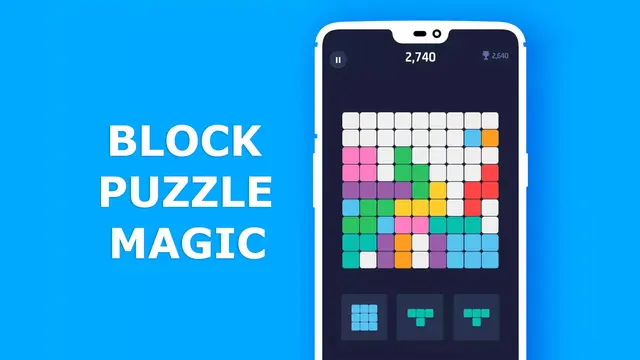 Block Puzzle Magic
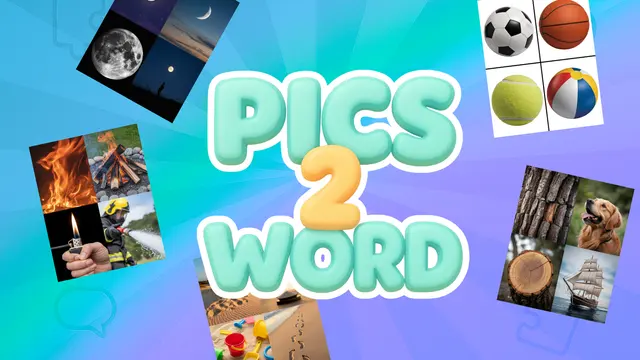 Pics 2 Word
 Arrows Escape
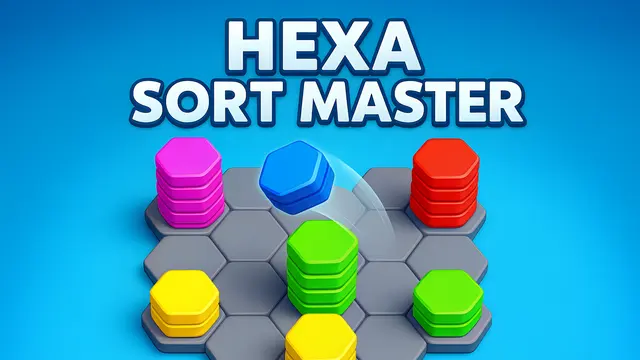 Hexa Sort Master
 Brain Test: IQ Challenge
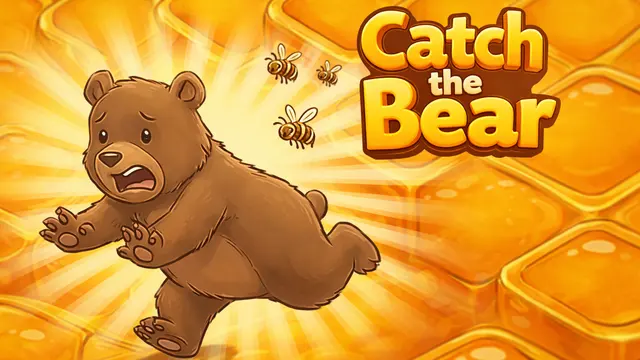 Catch the Bear
 Brain Line Connect
Play Mosaicat online
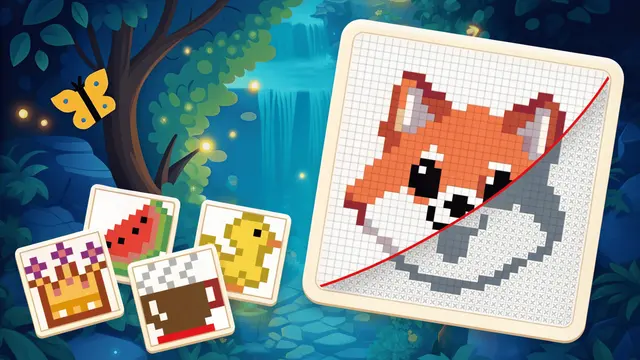
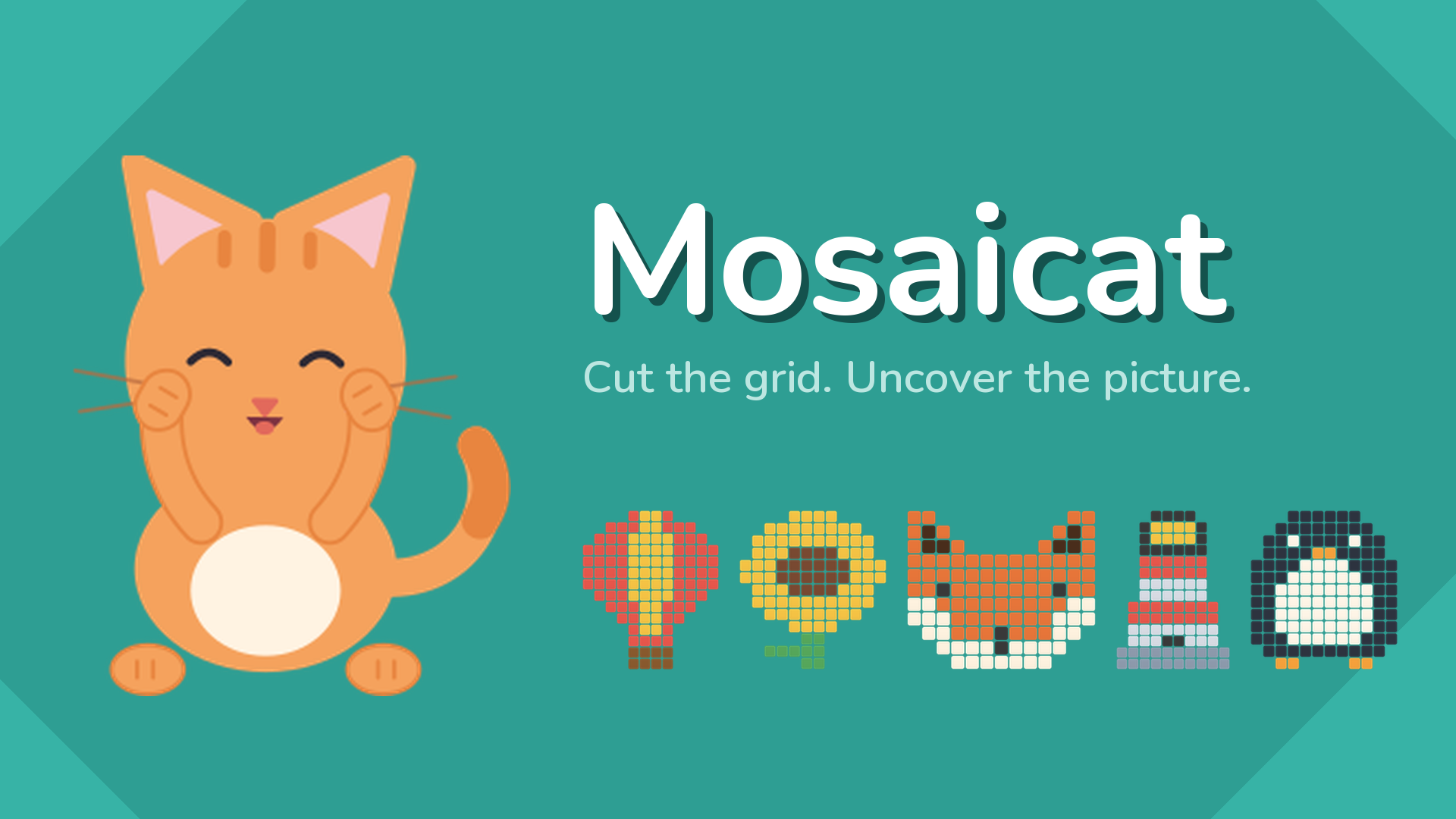
Cut the grid into rectangles and uncover the picture hiding underneath. Every number on the board is the size of the rectangle it belongs to. A 6 sits inside a rectangle of six squares.
Work with the colors and tools described in the instructions. Pay attention to what the picture or puzzle asks for before filling an area.
How to play Mosaicat
Controls and instructions
The board is covered in tiles, and some of them carry a number. Every number is
the size of the rectangle it belongs to.
1. Find a number and work out where its rectangle can fit. A 6 needs six
squares: 1x6, 2x3, 3x2 or 6x1.
2. Drag across the grid to draw that rectangle, and release to place it.
3. The tiles it covered turn into part of the hidden picture.
4. Repeat until every square on the board is inside a rectangle.
Rules:
Each rectangle covers exactly one number.
That number is how many squares the rectangle covers.
Rectangles never overlap.
Every square ends up inside one.
A rectangle that does not belong is refused. Nothing is lost and nothing is
counted against you - draw another one.
Stuck? The hint button opens one rectangle for you. You have three, and after
that a short video buys another.
Desktop Controls:
Mouse drag: Hold the left button and drag across the grid to draw a rectangle.
Release: Place the rectangle.
Hint button: Opens one rectangle for you.
Restart button: Clears the board and starts the same puzzle again.
Settings button: Sound, music, and ten colour themes.
Mobile Controls:
Touch drag: Press and drag across the grid to draw a rectangle.
Lift your finger: Place the rectangle.
Hint button: Tap to open one rectangle.
Getting started with Mosaicat
- Check the selected color and target area before applying it.
About this game
- Platform
- Web browser
- Supported devices
- Android, iOS, Desktop
- Screen orientation
- Landscape and Portrait
- Languages
- American English
- Genres
- Puzzle, Sudoku, Brain, Logic, Color
- In-game purchases
- Available
- Provider
- Playgama
- Provider audience
- Male, Female
Game features and tags
- 2d
- Mind
- 1 Player
Mosaicat images
Questions about Mosaicat
How do I start playing?
Choose Play now in the game window above to load Mosaicat through Playgama. Read the controls and instructions above before you start.
Which devices can I play on?
The provider lists support for Android, iOS, Desktop. Play in your web browser using the controls described above.
Which languages does the game support?
American English.
Does the game have in-game purchases?
The provider lists optional in-game purchases. Any available purchases are handled inside the game. Games may display advertisements.
Related game categories
Game facts and artwork supplied by Playgama. Descriptions adapted and getting-started guidance added by LookBear. Game content, ads and purchases are provided by Playgama and the game provider.