 Collection Shuffle

Lanternbloom
Provided by Playgama

Lanternbloomvia Playgama






 Onet Animals
 Screw Color Puzzle
 CLUTTER MASTER
 Liquid Sort Puzzle
 Screw Puzzle
 Sorting Ball Puzzle
 Arrows Escape
 Color Sort Puzzle
 Mahjong Lines
 Escaping Arrows
 Tile Matcher Triple Fun
 HEX Connect
 Arrows Out!
 Jixora – Jigsaw Solitaire Puzzle
 Criss Cross Colors
 Aqua Sort: Water Color Puzzle
 Liquid Sort
 Smash the Blocks! Puzzle Challenge
 Color Cube Puzzle
 Neon Maze
 Flows
 Arrow Cube 3D
 Knit Loop: Yarn Jam Puzzle
 Category Match
 Color Sort Puzzle Milk Tea Sorting
 Arrow Exit Puzzle
 Arrow Escape 3D
 Magic Water Sort
 Screw Sort 3D
 Wordeck: Associations
 Donut Art: Puzzle Diamond Game
 Cyber Arrows: Brain Puzzle Game
 Sorting Cute Animals
 Sort Puzzle
 Petdoku: Cozy Puzzle Games
 Color Sorting: Rooms
 Diamond Sort: Picture Puzzle
 Capybara-HexaSort
 Pixel Paint Sort
 Goods Master
 Words and Bubbles
 Hexa Sort
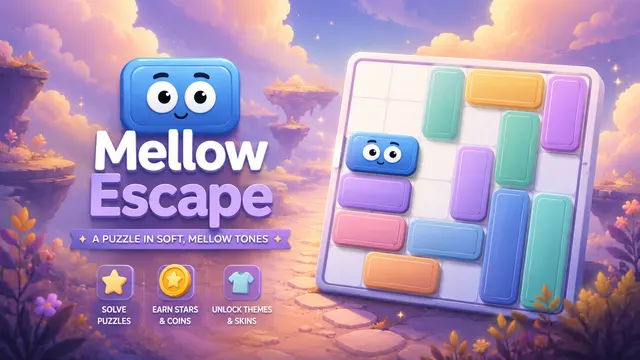 Mellow Escape
 ExitBlocks: Color Match Puzzle
 Jewel Coloring: Crystal Sorting
 Jelly Color Sort 3D
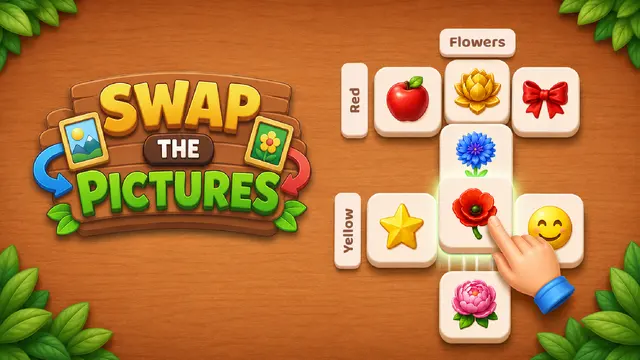 Swap The Pictures
 Sort The Beads
 Vacation Overload
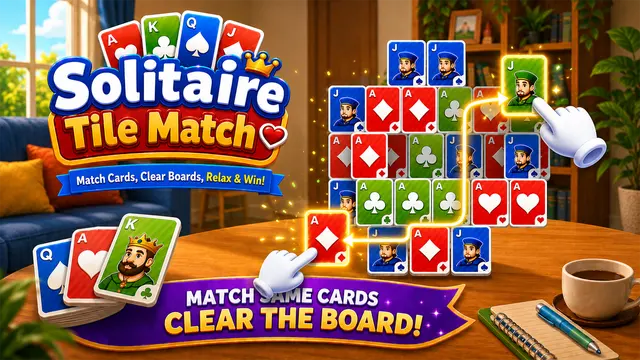 Solitaire Tile Match
 Rings and Dot!
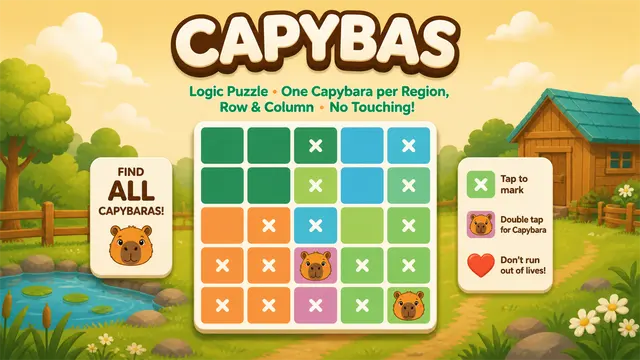 Capybas
 Block Sort Pirate Treasure
 Arrow Free 3D
 Truck Jam Puzzle
 Tasty Out Arrow Puzzle
 Snaky Jam
 Lanternward
 Blast Jam
 Happy Zoo: Mahjong Triple Match
 ArrowGami: Arrow Puzzle
 Tile Match Guard Baby
 Bus Jam
 Voxel Atelier
Play Lanternbloom online
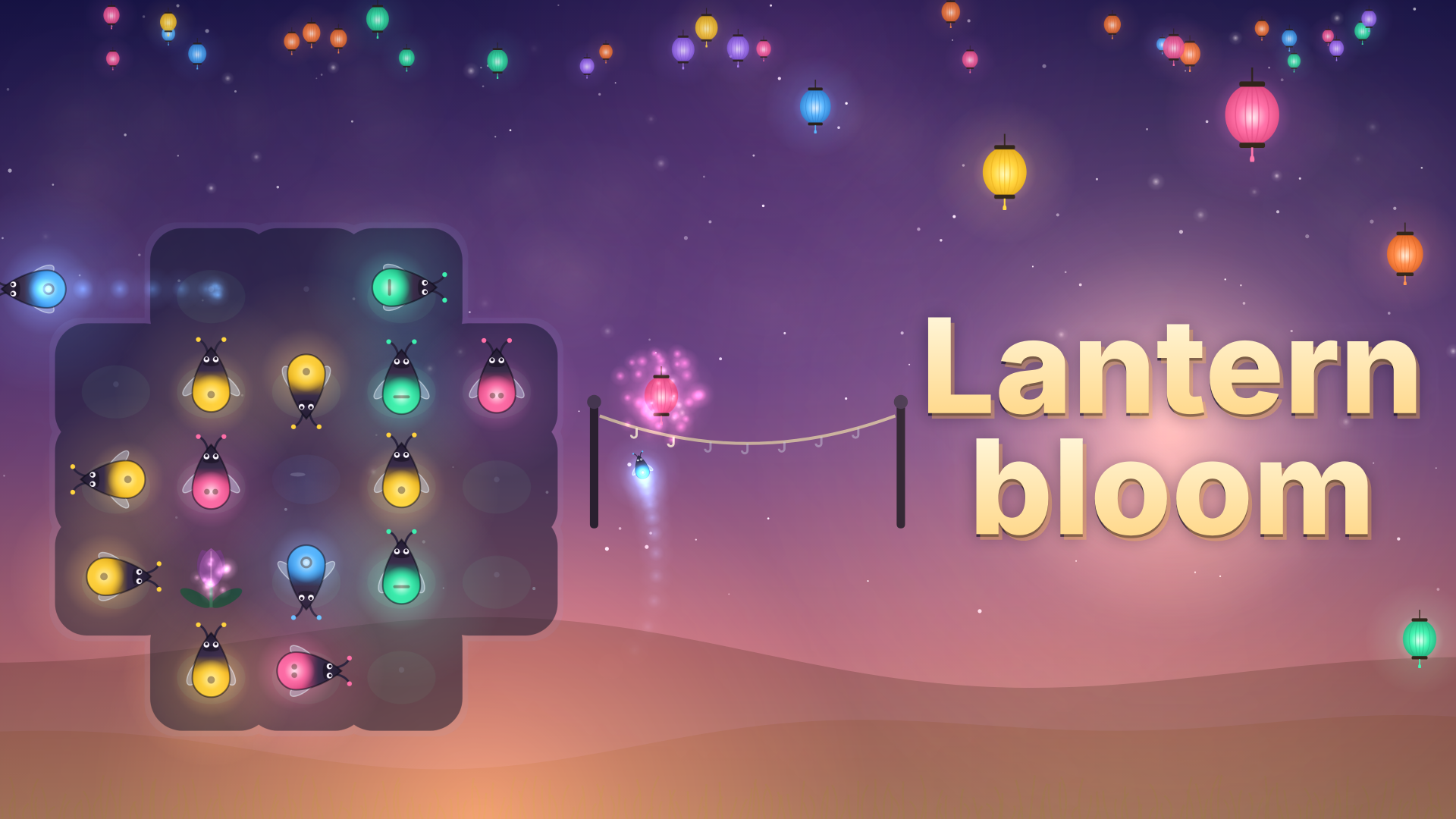
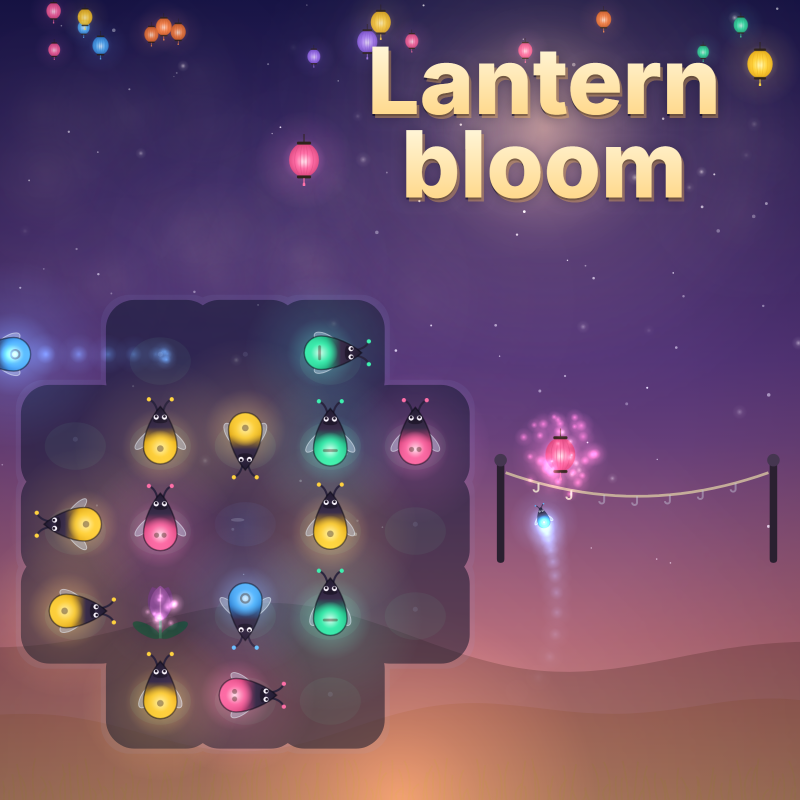
Tap a firefly to send it to the lantern string. Three of a colour light a lantern, but seven waiting ends the night.
Look for matching pieces and work toward the board’s stated objective. The most useful match is the one that helps the current task. The instructions include an undo option for correcting a move.
How to play Lanternbloom
Controls and instructions
Mouse: click a firefly to send it flying. The buttons around the string undo, restart and show a hint; the sound button (top right) opens the Music and Effects switches, and the menu button (top left) leads back.
Touch: tap a firefly; tap the same buttons.
Keyboard:
In a level: arrow keys or W/A/S/D move a highlight over the board, and Enter or Space sends the highlighted firefly. U, Z or Backspace undo; R restarts; H shows a hint; M mutes.
On a panel: Enter or Space picks the first button that is not an ad (the keyboard never starts an ad); R retries or replays; Escape closes the hint offer.
Title screen: Enter or Space plays, L opens the levels, D the daily meadow. Level select: ←/→ turn the chapter, Enter plays the newest level, Backspace goes back.
Getting started with Lanternbloom
- Read the current objective before choosing a match.
- Use the listed undo control when you want to reconsider an action.
About this game
- Platform
- Web browser
- Supported devices
- Android, iOS, Desktop
- Screen orientation
- Landscape and Portrait
- Languages
- American English
- Genres
- Puzzle, Cozy, Matching, Logic
- In-game purchases
- None listed by the provider
- Provider
- Playgama
- Provider audience
- Male, Female
Game features and tags
- Casual
- Brain Training
- Hyper Casual
- Color Matching
- 1 Player
- Timing
Lanternbloom images
Questions about Lanternbloom
How do I start playing?
Choose Play now in the game window above to load Lanternbloom through Playgama. Read the controls and instructions above before you start.
Which devices can I play on?
The provider lists support for Android, iOS, Desktop. Play in your web browser using the controls described above.
Which languages does the game support?
American English.
Does the game have in-game purchases?
The provider lists no in-game purchases for this game. Games may display advertisements.
Related game categories
Game facts and artwork supplied by Playgama. Descriptions adapted and getting-started guidance added by LookBear. Game content, ads and purchases are provided by Playgama and the game provider.