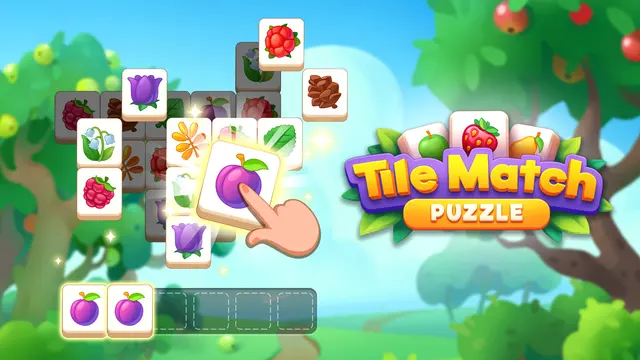
 Tile Match Puzzle
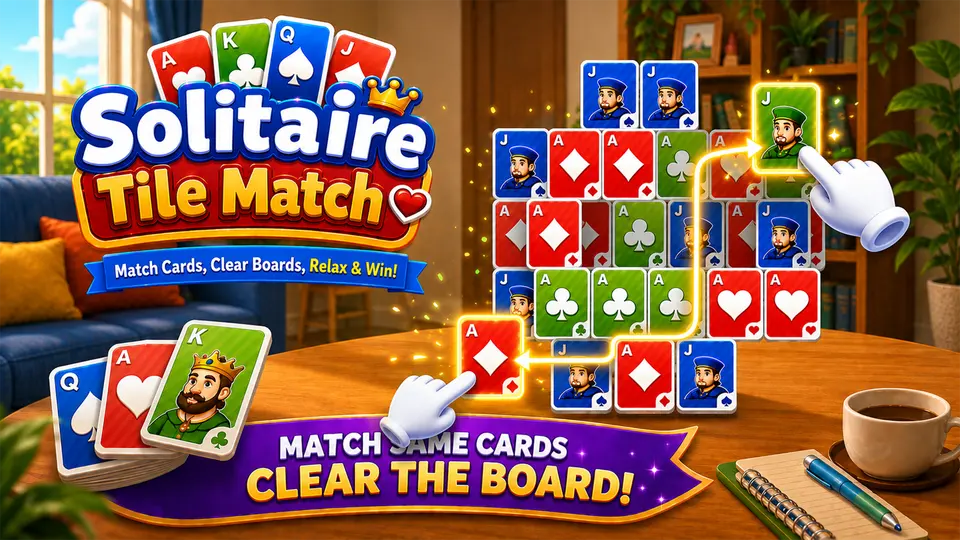
Solitaire Tile Match
Provided by Playgama
Solitaire Tile Matchvia Playgama

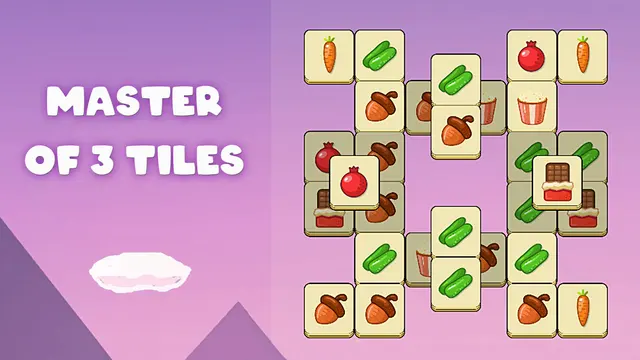




 Mahjong 3D Match
 Screw & Pin: Puzzle Levels
 Connect: Monsters
 Onet Animals
 Screw Color Puzzle
 Happy jelly
 Pop Puzzle
 Zen Garden Match
 Goods Sort 3D
 Liquid Sort Puzzle
 Screw Puzzle
 Match Master
 Sorting Ball Puzzle
 Mahjong Match
 Puzzle Match Kit
 The Queen's Jewels
 King of Mahjong: Connecting Tiles
 Arrows Escape
 Color Sort Puzzle
 Mahjong Solitaire Zodiac
 Snack Sort
 Mahjong Pirate Plunder Quest
 Escaping Arrows
 Arrows Out!
 Mahjong Tower: Puzzles
 Criss Cross Colors
 Pirates Tiles Challenge
 Aqua Sort: Water Color Puzzle
 Eat Donuts
 Matching Tiles 3D
 Liquid Sort
 Mahjong Chef
 Mahjong Sweet Connection Easter
 Candy Mahjong 3D
 Smash the Blocks! Puzzle Challenge
 Color Cube Puzzle
 Neon Maze
 Flows
 Tile Match Explorer
 Arrow Cube 3D
 Knit Loop: Yarn Jam Puzzle
 Crystalia
 Category Match
 Color Sort Puzzle Milk Tea Sorting
 Arrow Exit Puzzle
 Arrow Escape 3D
 Fix Pizza: Food Sorting
 Screw Sort 3D
 Bubble Smash
 Tile Harvest 3D
 Wordeck: Associations
 Cyber Arrows: Brain Puzzle Game
 Match The Brainrot
 Sort Puzzle
 Diamond Sort: Picture Puzzle
 Monster Tile Party
 Capybara-HexaSort
 Pixel Paint Sort
 Goods Master
 Words and Bubbles
 Hexa Sort
 Collection Shuffle
 Yummy Shelf
 ExitBlocks: Color Match Puzzle
Play Solitaire Tile Match online
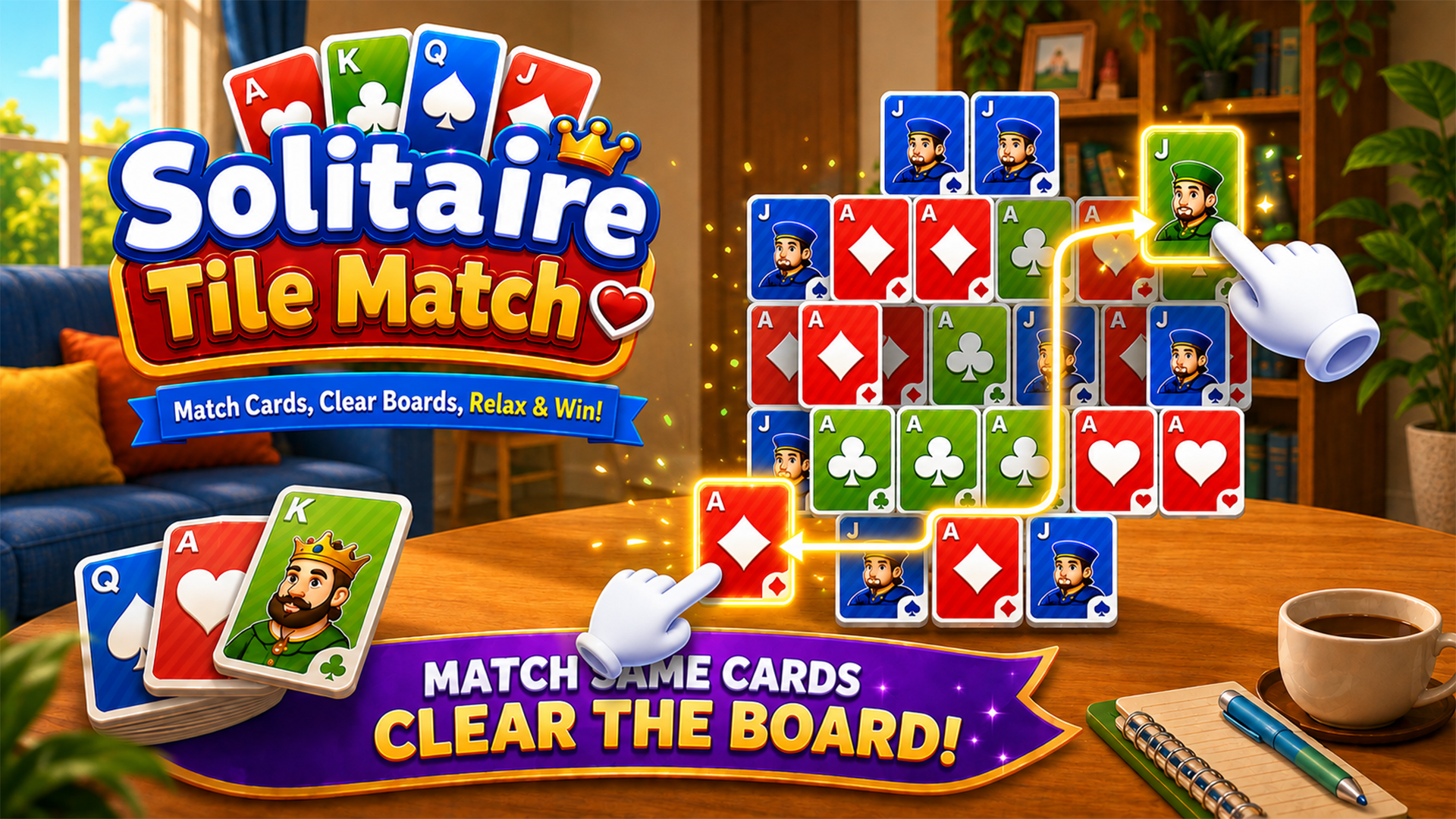
Solitaire Tile Match is a cozy, endlessly satisfying tile-matching puzzle. Tap tiles from the board to send them to your dock — line up three identical tiles and they vanish. Simple to pick up, but every level adds new layouts and tighter dock space, so one careless tap can fill your dock and end the run.
Look for playable tile pairs and think about which removals open up the board. Check the game’s matching rules before choosing your next pair. The instructions include an undo option for correcting a move. Coins appear in the game’s progression or objectives.
How to play Solitaire Tile Match
Controls and instructions
Tap tiles on the board to send them to your dock, and collect three matching tiles to clear them. Tiles are layered, so clearing the ones on top reveals new tiles hidden underneath. Your dock only has a few slots, though — if it fills up before you can make a match, the level is over. When you're in a tight spot, use a power-up to save yourself: Undo a pick, Shuffle the board, grab a Hint, or add an Extra Slot. Clear levels to earn coins and gems, unlock new chapters, and check back daily for login rewards.
Getting started with Solitaire Tile Match
- Check which tiles are available before committing to a match.
- Use the listed undo control when you want to reconsider an action.
- Check what the game lets you do with coins before spending them.
About this game
- Platform
- Web browser
- Supported devices
- Android, iOS, Desktop
- Screen orientation
- Landscape and Portrait
- Languages
- American English
- Genres
- Puzzle, Match 3, Matching, Mahjong, Logic
- In-game purchases
- Available
- Provider
- Playgama
- Provider audience
- Male, Female
Game features and tags
- Casual
- Mind
- 1 Player
- Tiles
Solitaire Tile Match images
Questions about Solitaire Tile Match
How do I start playing?
Choose Play now in the game window above to load Solitaire Tile Match through Playgama. Read the controls and instructions above before you start.
Which devices can I play on?
The provider lists support for Android, iOS, Desktop. Play in your web browser using the controls described above.
Which languages does the game support?
American English.
Does the game have in-game purchases?
The provider lists optional in-game purchases. Any available purchases are handled inside the game. Games may display advertisements.
Related game categories
Game facts and artwork supplied by Playgama. Descriptions adapted and getting-started guidance added by LookBear. Game content, ads and purchases are provided by Playgama and the game provider.