 Smash & Merge Balls
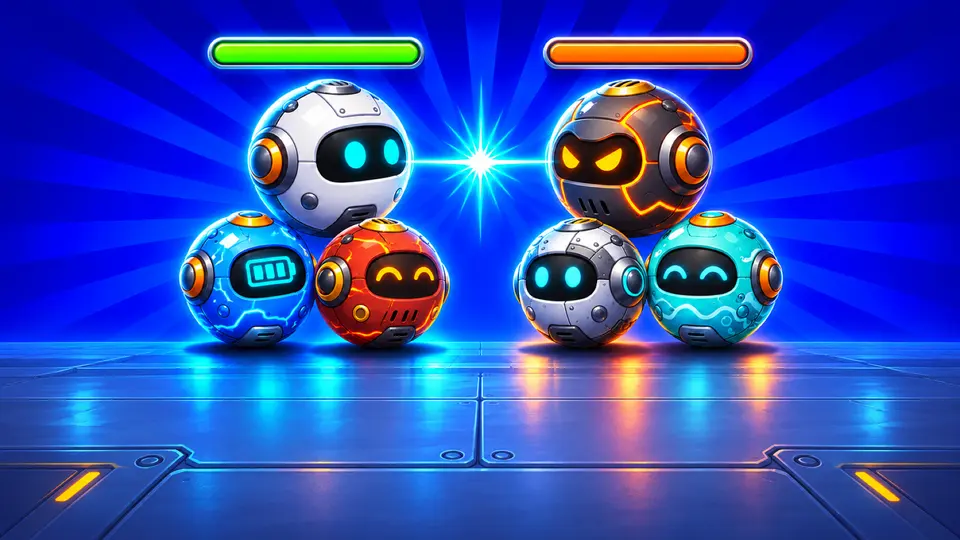
Robot Merge: Arena
Provided by Playgama

Robot Merge: Arenavia Playgama



 Epicrolla
 Canyon Drifter
 SlowMo Sniper
 Stunsteval Siderollers
 Robbie: TikTak Slot Machines
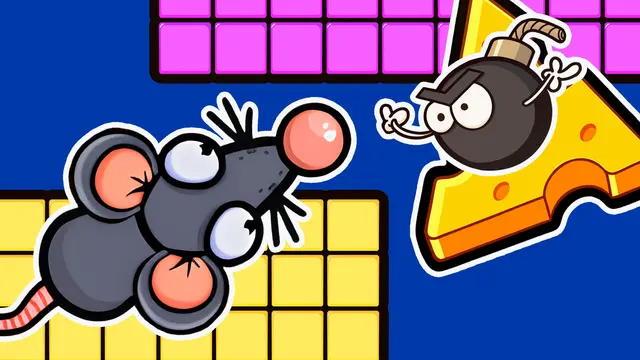 Mouse Survivor
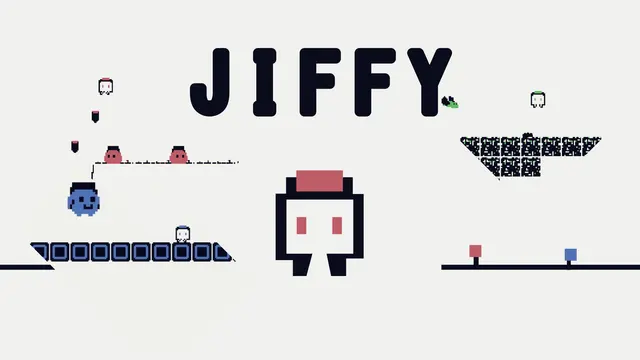 Jiffy
 Turbo Racer Extreme
 Golf Invaders
 Zigzag Snow Adventure
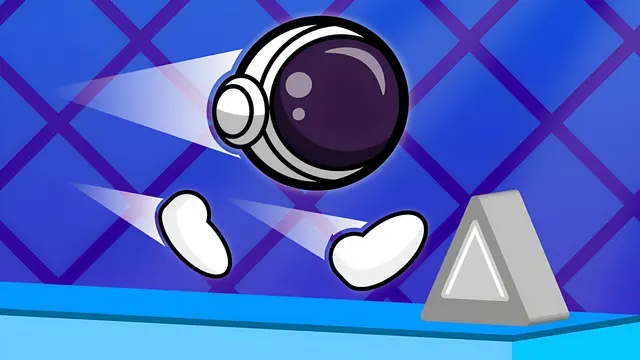 Gravity Speed Run
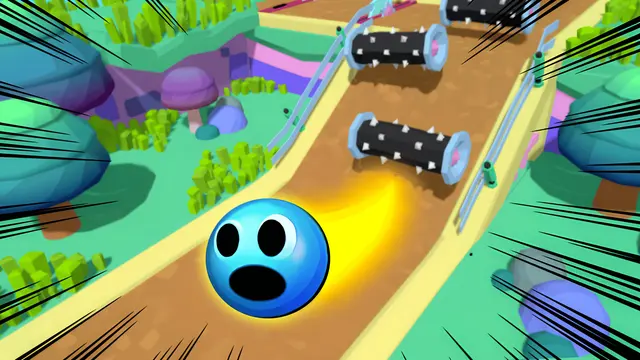 Ball: Path Through Obstacles
 Snowball Dash
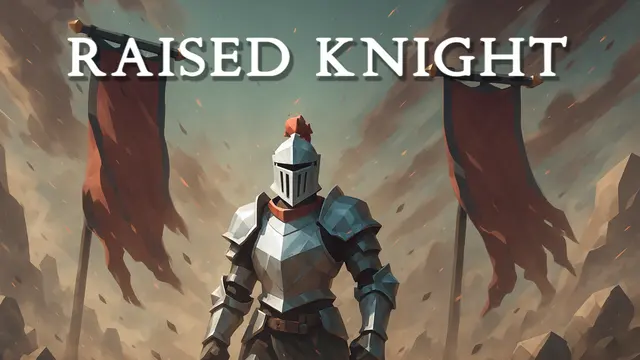 Raised Knight
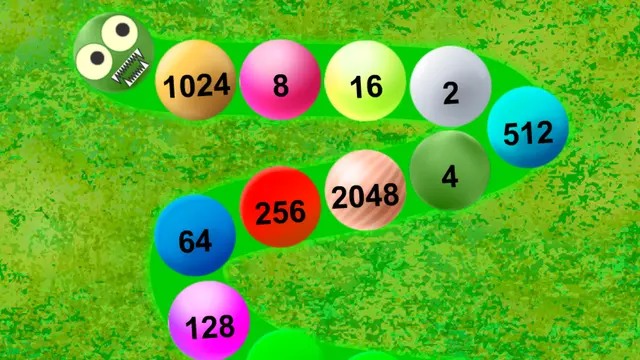 Snake of Balls
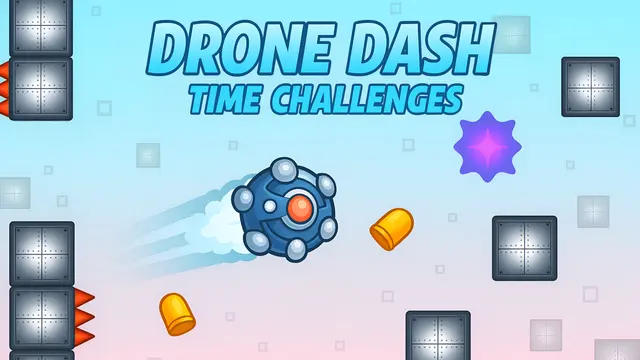 Drone Dash - Time Challenges!
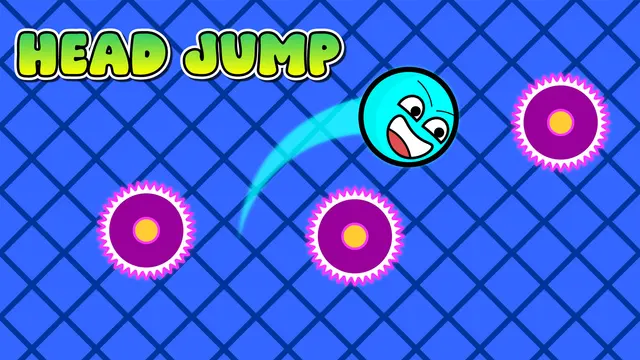 Head Jump
 Winged Wheels 2
 Chroma Trek
 Cut It 3D
 Steve parkour in mine
 Super Fruit Runner - Hyper Casual
 Cosmic Dash
 Tilt & Tumble
 Bricks Balls Breaker
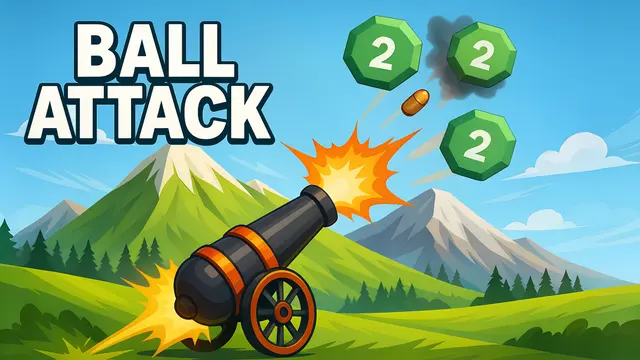 Ball Attack
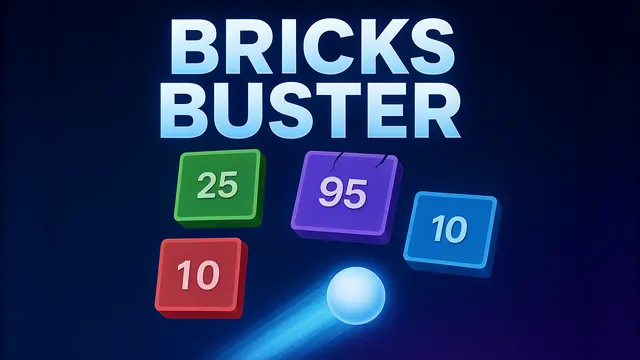 Bricks Buster
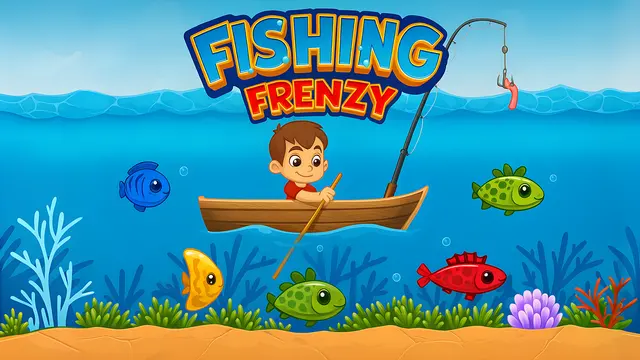 Fishing Frenzy
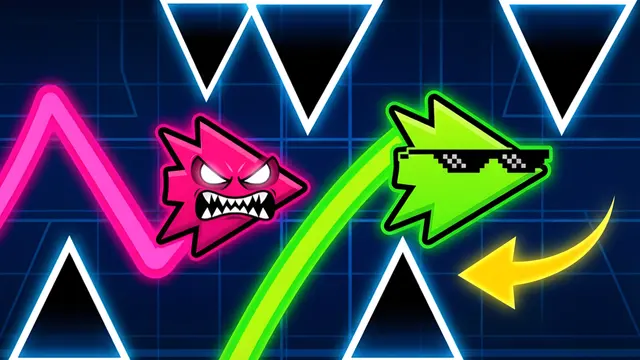 Geometry Vibes
 Pop Tap
 Balls: Ricochet!
 Fruit Chopper
 Tiny Delivery
 Basketball Tap
 Tap tap Swing
 Fruit Slicer
 Hit & Knock Down
 Slap Master
 Fluffy Jump
 SpeedMatch Competition
 Halloween Fruit Slice
 Twisty Planet
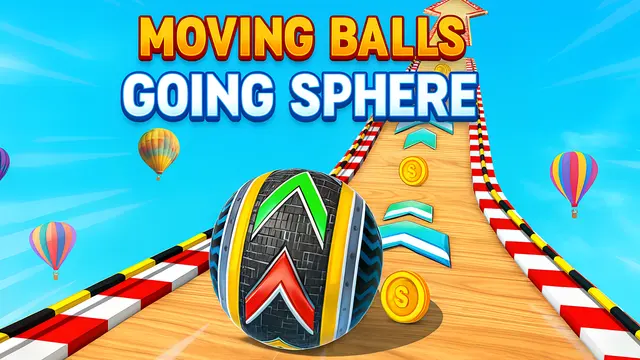 Moving Balls - Going Sphere
 Froggy Hop
 Mini Car Racing Master 3D
 Flippin Coins
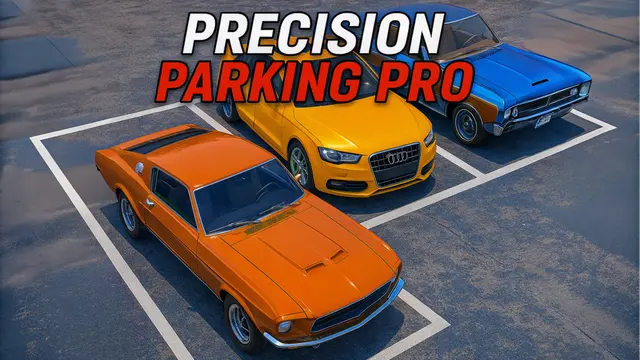 Precision Parking Pro
 Stickman Jump
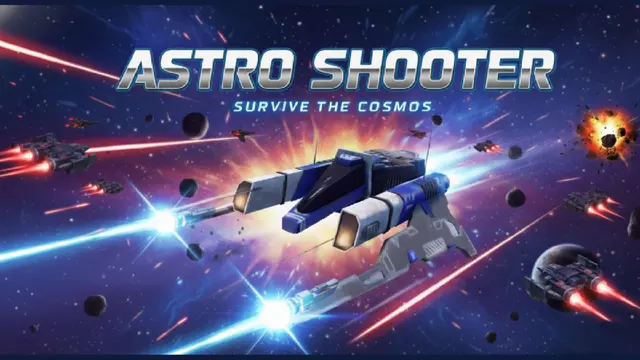 Astro Shooter
 Pim Path
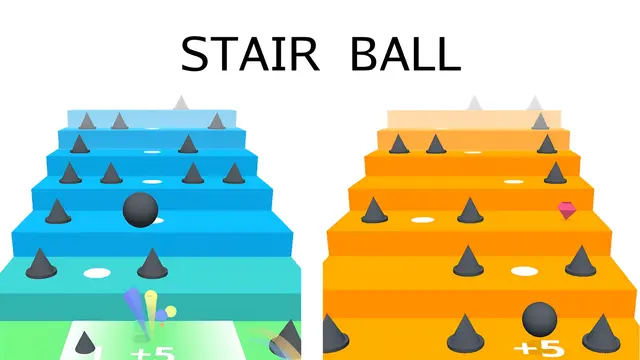 STAIR BALL
 Neon Ball Slope
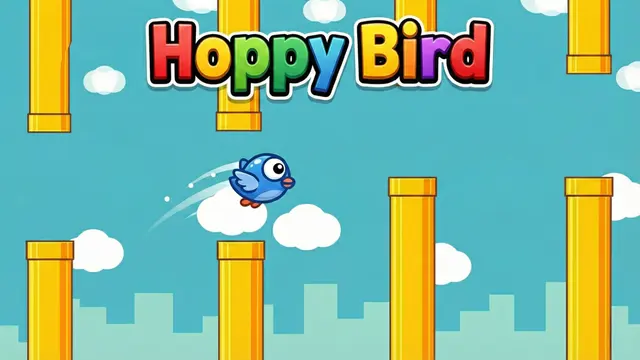 Hoppy Bird
 Stickman Archer Kick
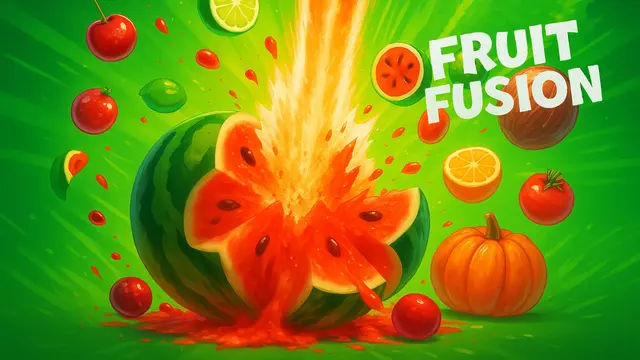 Fruit Fusion
 RECOIL
 Eggy Car
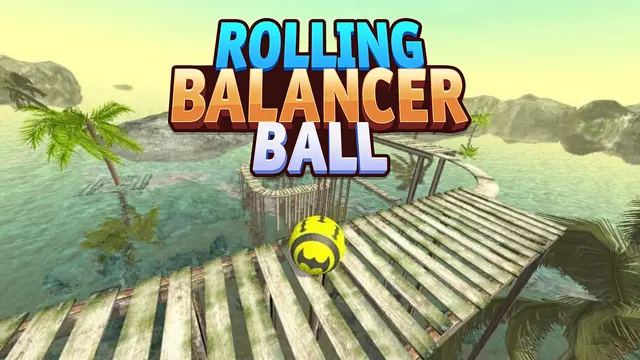 Rolling Balancer Ball
 Geometry Dash: Infinity
 Snow Rush 3D
 Extreme Balancer
 Neon Goal
 Dont Get Crashed by 67
 Bottle Bottle
Play Robot Merge: Arena online
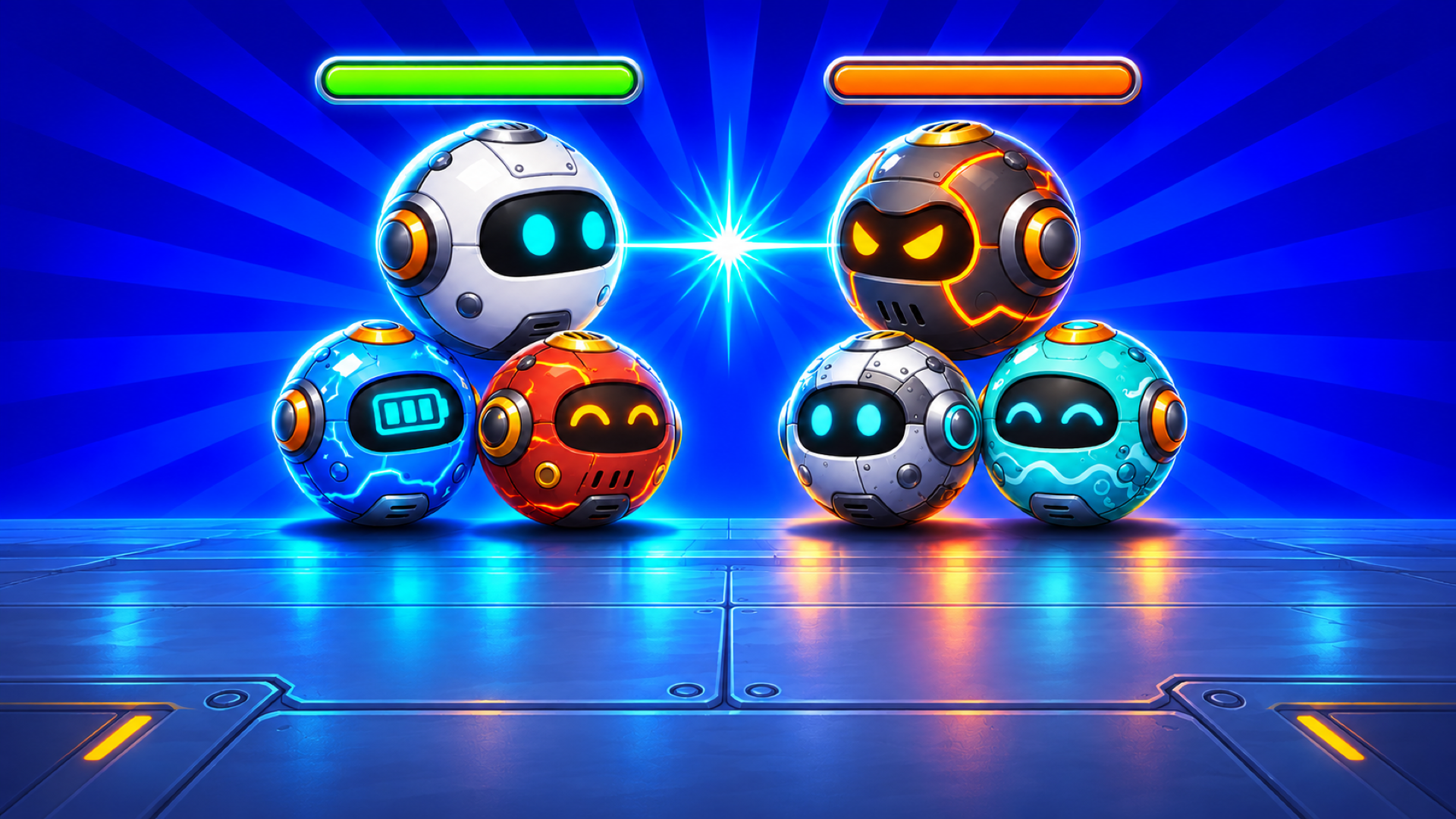
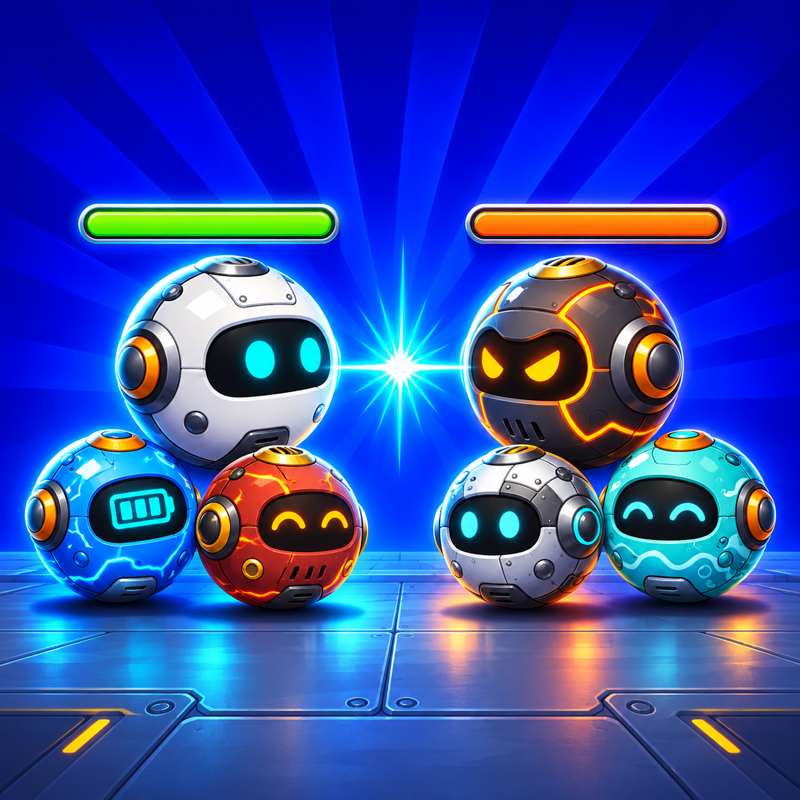
Выполняй поставки из мастерской, чтобы пополнять отряд. Проходи волны в автобою и открывай новые модели для коллекции из 60 роботов.
Bring matching pieces together and consider how each combination changes your available space or resources. The instructions explain which items can be combined. Drag-and-drop interactions are part of the controls.
How to play Robot Merge: Arena
Controls and instructions
Desktop: Move the mouse over the playfield to aim, then click and release to drop a robot.
Mobile: Touch and drag to aim, then lift your finger to drop.
Two matching robots merge when they touch. Keep the pile below the dashed line: settled robots reaching the line end the attempt.
Orders: Collect the robots shown in the order, then press Send. They leave the field, freeing space and earning order points. Complete more orders to unlock decorations.
Magnet: Press the magnet button, then select a robot to remove. The number shows your remaining charges.
Open the Catalog to view discovered robots. Use Appearance to choose unlocked workshop themes. After an attempt ends, choose Retry to start again; your collection and unlocked decorations are kept.
Getting started with Robot Merge: Arena
- Check the matching requirements before combining pieces.
- Check the destination before releasing an item you are dragging.
About this game
- Platform
- Web browser
- Supported devices
- Android, iOS, Desktop
- Screen orientation
- Landscape and Portrait
- Languages
- American English, Russian (Russia)
- Genres
- Arcade, Skill, Merge, Robot
- In-game purchases
- None listed by the provider
- Provider
- Playgama
- Provider audience
- Male, Female
Game features and tags
- 2d
- Casual
- Arena
- Webgl
- Defense
- Collecting
- 1 Player
Robot Merge: Arena images
Questions about Robot Merge: Arena
How do I start playing?
Choose Play now in the game window above to load Robot Merge: Arena through Playgama. Read the controls and instructions above before you start.
Which devices can I play on?
The provider lists support for Android, iOS, Desktop. Play in your web browser using the controls described above.
Which languages does the game support?
American English, Russian (Russia).
Does the game have in-game purchases?
The provider lists no in-game purchases for this game. Games may display advertisements.
Related game categories
Game facts and artwork supplied by Playgama. Descriptions adapted and getting-started guidance added by LookBear. Game content, ads and purchases are provided by Playgama and the game provider.