 Mahjong 3D Match
Candy Mahjong 3D
Provided by Playgama

Candy Mahjong 3Dvia Playgama




 Arrow Escape 3D
 Box Tap Sort
 Screw Sort 3D
 Tile Harvest 3D
 Magic Block Sort
 Goods Sort 3D - Triple Puzzle
 Cube Sort
 Block Match 3D
 Mahjong 3
 Hexa Sort
 Yummy Shelf
 3D Triple Match
 Sort The Beads
 Marble Factory
 Solitaire Tile Match
 Tile Pair Jam: Mahjong Master
 Bus n Ball Jam
 Arrow Free 3D
 Snaky Jam
 Blast Jam
 Happy Zoo: Mahjong Triple Match
 Fresh Drop: Triple Match
 Sheeps: Herd Them All!
 Not Before Bed 01
 Fill the Hopper
 Arrows Out 3D
 Sand Tap! Sorting Puzzle
 Mahjong Tide
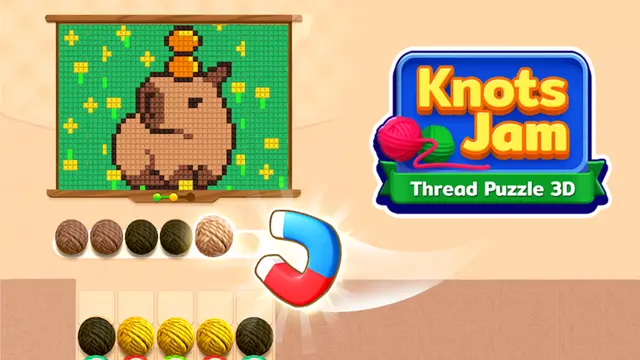 Knots Jam: Thread Puzzle 3D
 Wrench and Roll
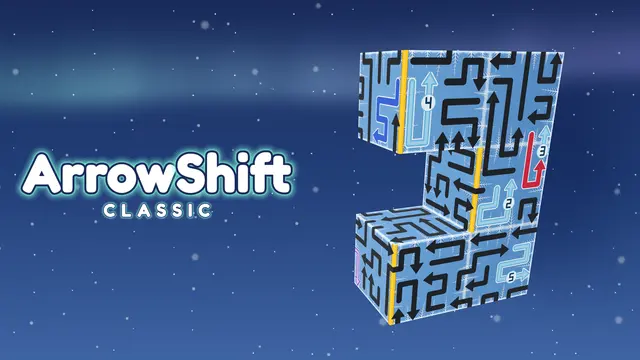 ArrowShift:Classic
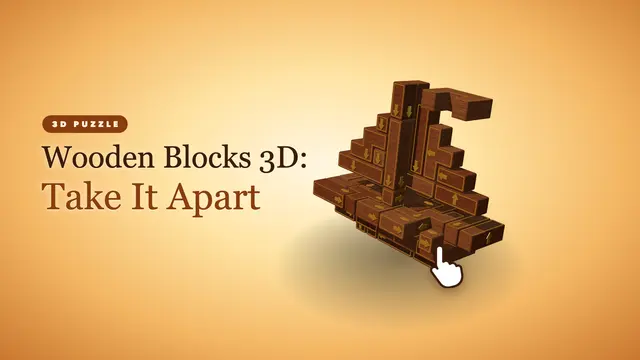 Wooden Blocks 3D: Take It Apart
 VIZAVI
 Cargo Sort: Color Puzzle
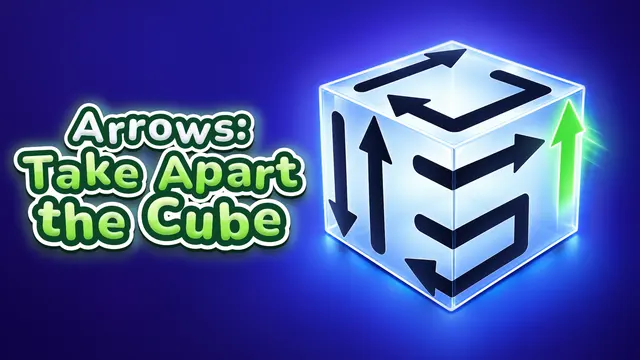 Arrows Cube
 All Aboard: Bus Puzzle
 Mahjong Tile Club
 Sky Rush Traffic Puzzle
 Popping Candies
 Fruit Merge: Juicy Drop Game
 Frogtastic Marble Adventure
 Slide Block Jam
 Wood Blocks Jam
 Wednesday Addams Merge Drop Puzzle
 Bridge Builder
 TRAFFIC JAM ESCAPE 3D
 Ball Sort Puzzle
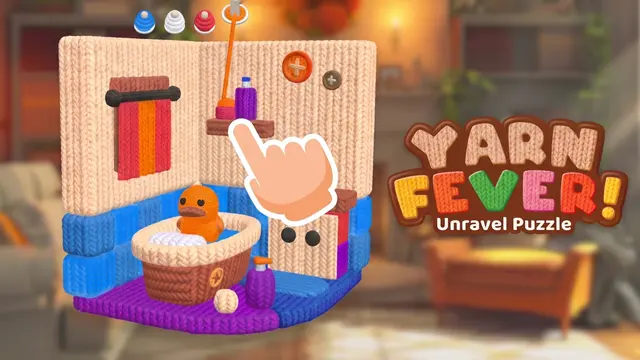 Yarn Fever! Unravel Puzzle
 Mahjong Unlimited
 Card Sort: Challenge
 Mahjong Classic
 Good Sort Master: Triple Match
 Crazy Bus Station!
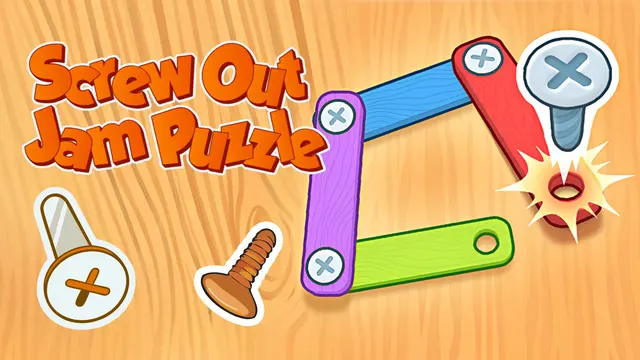 Screw Out Jam Puzzle
 Twisted Rope 3D
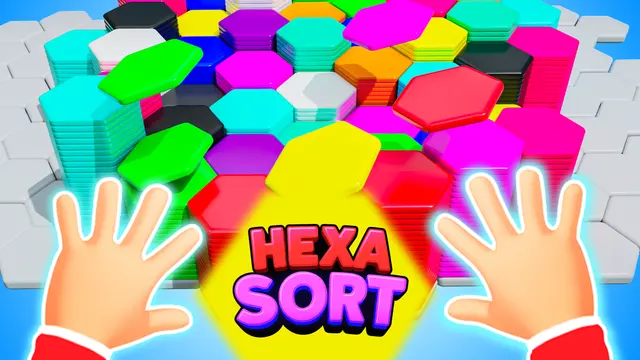 HexaSort
 Word Puzzle Connect Words and Letters
 Wood Color Block
 Tower Tap
 Sheep Sort
 Tile Stack
 Screw Jam Puzzle
 Slinky Color Sort
 Square Sort
Play Candy Mahjong 3D online
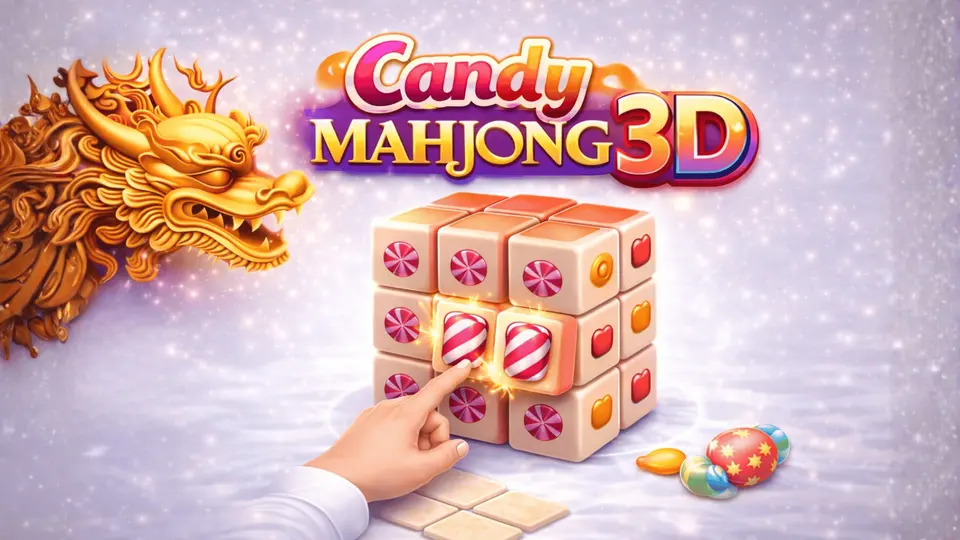
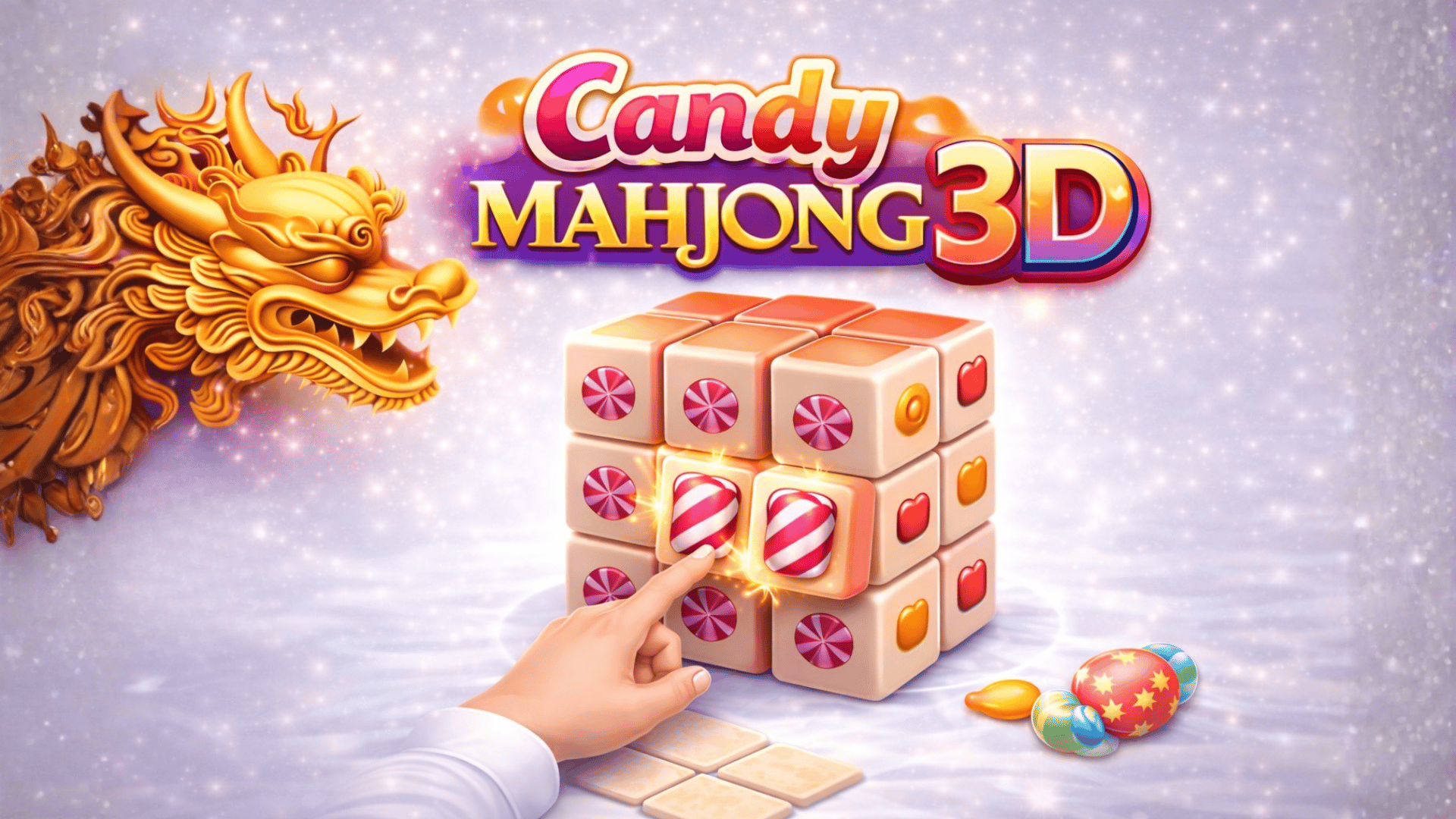
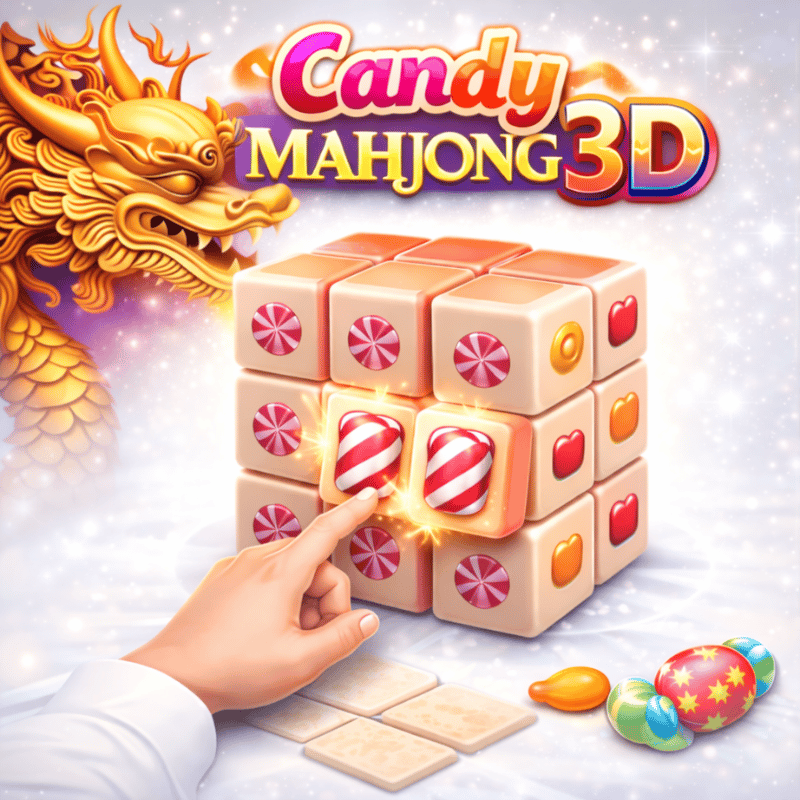
In Candy Mahjong 3D, match two identical candy tiles to clear them from the board. Rotate the full scene in 360° to explore every angle and reveal hidden pieces stacked behind others. You can also zoom in and out to control your view, making it easier to spot matches and plan your moves.
Look for playable tile pairs and think about which removals open up the board. Check the game’s matching rules before choosing your next pair.
How to play Candy Mahjong 3D
Controls and instructions
Mobile: tap to select tiles, swipe to rotate the board freely, and pinch to zoom in or out for better visibility.
PC: click to select tiles, drag with the mouse to rotate the board in any direction, and use the scroll wheel to zoom in and out.
Getting started with Candy Mahjong 3D
- Check which tiles are available before committing to a match.
About this game
- Platform
- Web browser
- Supported devices
- Android, iOS, Desktop
- Screen orientation
- Portrait
- Languages
- American English
- Genres
- Puzzle, 3d, Matching, Mahjong
- In-game purchases
- None listed by the provider
- Provider
- Playgama
- Provider audience
- Male, Female
Game features and tags
- Casual
- Brain Training
- 1 Player
- Tiles
- Mahjong Solitaire Online
- Mahjong Dimensions
- 3d Mahjong
- Pyramid Mahjong
- Mahjong Candy
Candy Mahjong 3D images
Questions about Candy Mahjong 3D
How do I start playing?
Choose Play now in the game window above to load Candy Mahjong 3D through Playgama. Read the controls and instructions above before you start.
Which devices can I play on?
The provider lists support for Android, iOS, Desktop. Play in your web browser using the controls described above.
Which languages does the game support?
American English.
Does the game have in-game purchases?
The provider lists no in-game purchases for this game. Games may display advertisements.
Related game categories
Game facts and artwork supplied by Playgama. Descriptions adapted and getting-started guidance added by LookBear. Game content, ads and purchases are provided by Playgama and the game provider.