 Blast Jam
Tile Harvest 3D
Provided by Playgama
Tile Harvest 3Dvia Playgama

 The Queen's Jewels
 Hexa Sort Master
 Tap Away Block Puzzle 3D
 Find a Pair 3D
 Snack Sort
 Eat Donuts
 Matching Tiles 3D
 Deconstruct Cube: Create Hotel
 Candy Mahjong 3D
 Color Water Sort 3D
 Arrow Cube 3D
 The Sort Agency
 Crystalia
 Hexa Master
 Arrow Escape 3D
 Fix Pizza: Food Sorting
 Box Tap Sort
 Screw Sort 3D
 Bubble Smash
 Magic Block Sort
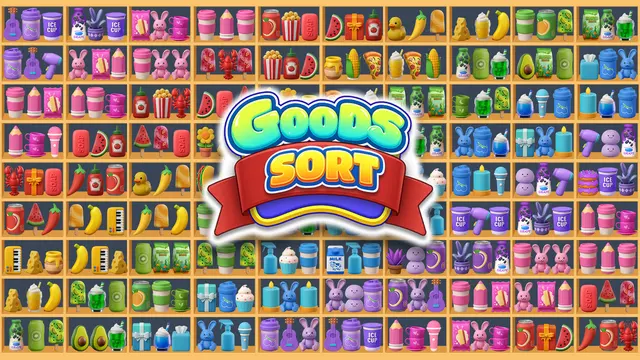 Goods Sort 3D - Triple Puzzle
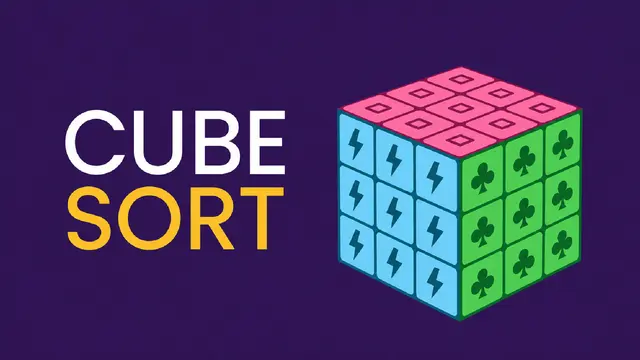 Cube Sort
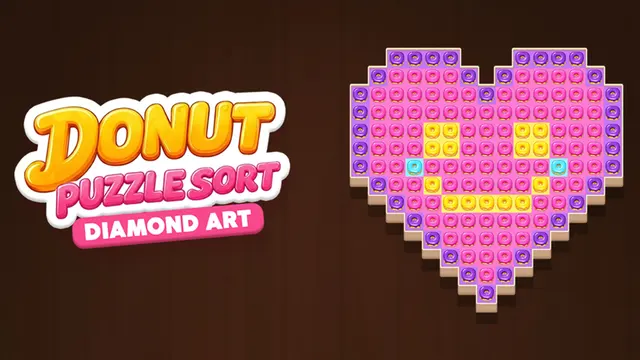 Donut Art: Puzzle Diamond Game
 Block Match 3D
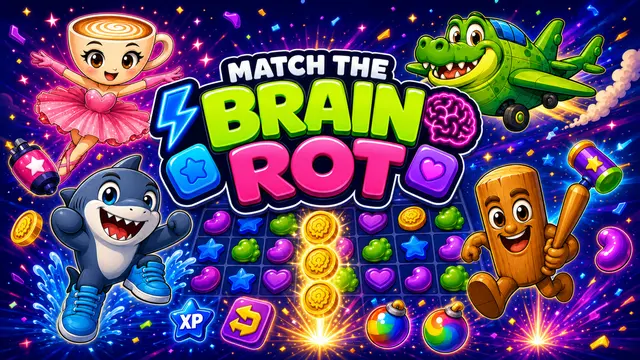 Match The Brainrot
 Mahjong 3
 Monster Tile Party
 Words and Bubbles
 Hexa Sort
 Fruit Mahjong
 Candy Pop Mania
 3D Triple Match
 Pool Blast: Merge Balls
 Sort The Beads
 Marble Factory
 Solitaire Tile Match
 NumMerge Clash
 Bus n Ball Jam
 Arrow Free 3D
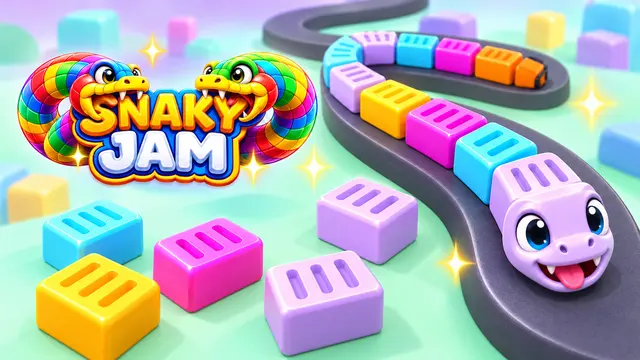 Snaky Jam
 Fruit Drop 3D
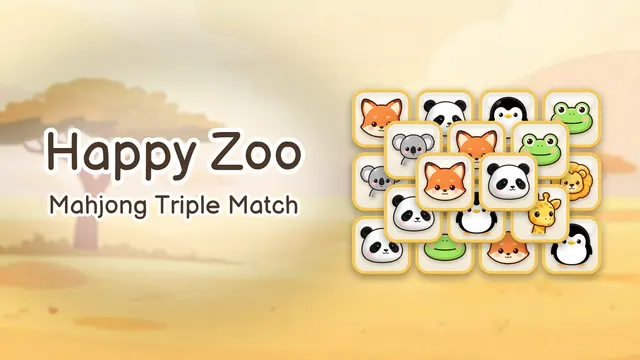 Happy Zoo: Mahjong Triple Match
 Lantern Alley: Match 3
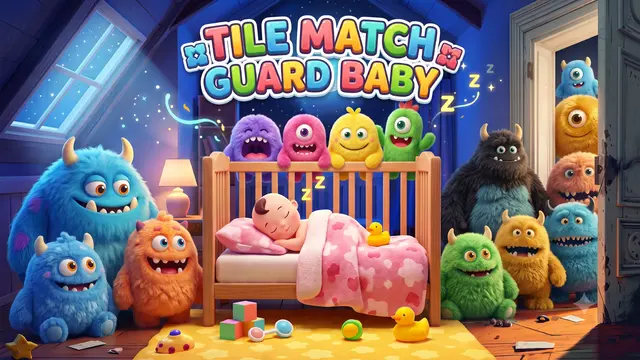 Tile Match Guard Baby
 Sheeps: Herd Them All!
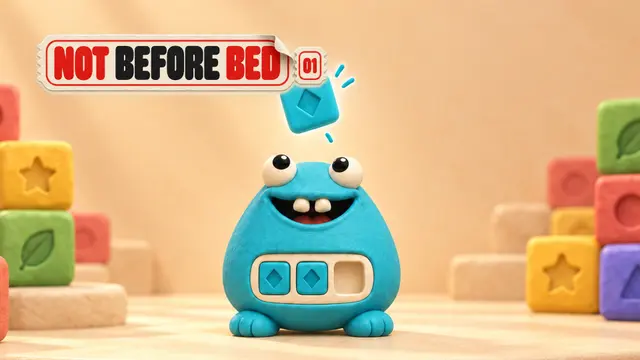 Not Before Bed 01
 Sunny Farm: Match 3
 Candy Cascade
 Story of Alcana
 Paws & Paths
 Fever Cubes: Drop Number 2048
 Tidewell
 Arrows Out 3D
 Lucky Dice
 Sand Tap! Sorting Puzzle
 Dream Castle
 Ball Run 2048 Space
 ArrowShift:Classic
 Wooden Blocks 3D: Take It Apart
 VIZAVI
 Plop
 Octo Stickers : Merge & Stick
 Cargo Sort: Color Puzzle
 Arrows Cube
Play Tile Harvest 3D online
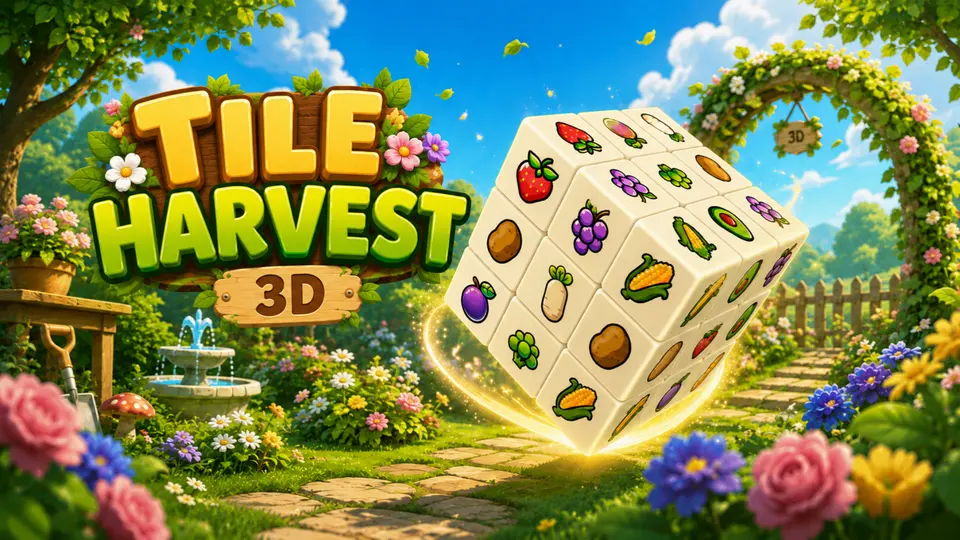
Tile Harvest 3D is a 3D tile-matching puzzle game with a satisfying merge twist. Clear a towering stack of colorful 3D tiles by collecting matching sets and chaining them into powerful merges. With unlimited levels, escalating challenge, and a set of special boosters to save you in a pinch, every puzzle is a fresh brain-teaser.
Bring matching pieces together and consider how each combination changes your available space or resources. The instructions explain which items can be combined.
How to play Tile Harvest 3D
Controls and instructions
Your goal: Clear every tile from the 3D board to win the level.
1. Pick matching tiles
Tap any accessible tile on the 3D stack. When you tap 3 tiles of the same type, they are collected and sent to your Factory Belt — a row of slots at the bottom of the screen.
2. Watch your Factory Belt
The Factory Belt holds the tiles you've collected. When 3 identical items sit in the belt at the same time they automatically merge into a brand-new, higher-tier item — clearing those slots and making room for more.
3. Rotate & zoom the board
The tiles are stacked in 3D. Swipe to rotate the board and expose hidden tiles underneath. Pinch to zoom in or out. Uncovering the right tiles at the right time is the key to a clean chain of merges.
4. Don't run out of space
If your Factory Belt fills up with tiles that can't merge, you're stuck — and the level is lost. Think ahead, plan your picks, and keep the belt flowing.
5. Use boosters wisely
Four boosters help you out of tight spots:
Throwback — Send the last tile in the belt back to the board.
Whirlwind — Shuffle the tiles on the board for a fresh look.
Magnifier — Highlights a set of 3 matching tiles for you.
Hammer — Smash and remove a single tile from the board.
Getting started with Tile Harvest 3D
- Check the matching requirements before combining pieces.
About this game
- Platform
- Web browser
- Supported devices
- Android, iOS, Desktop
- Screen orientation
- Landscape and Portrait
- Languages
- American English
- Genres
- Puzzle, Match 3, 3d, Merge, Matching
- In-game purchases
- None listed by the provider
- Provider
- Playgama
- Provider audience
- Male, Female
Game features and tags
- Relaxing
- 1 Player
- Tiles
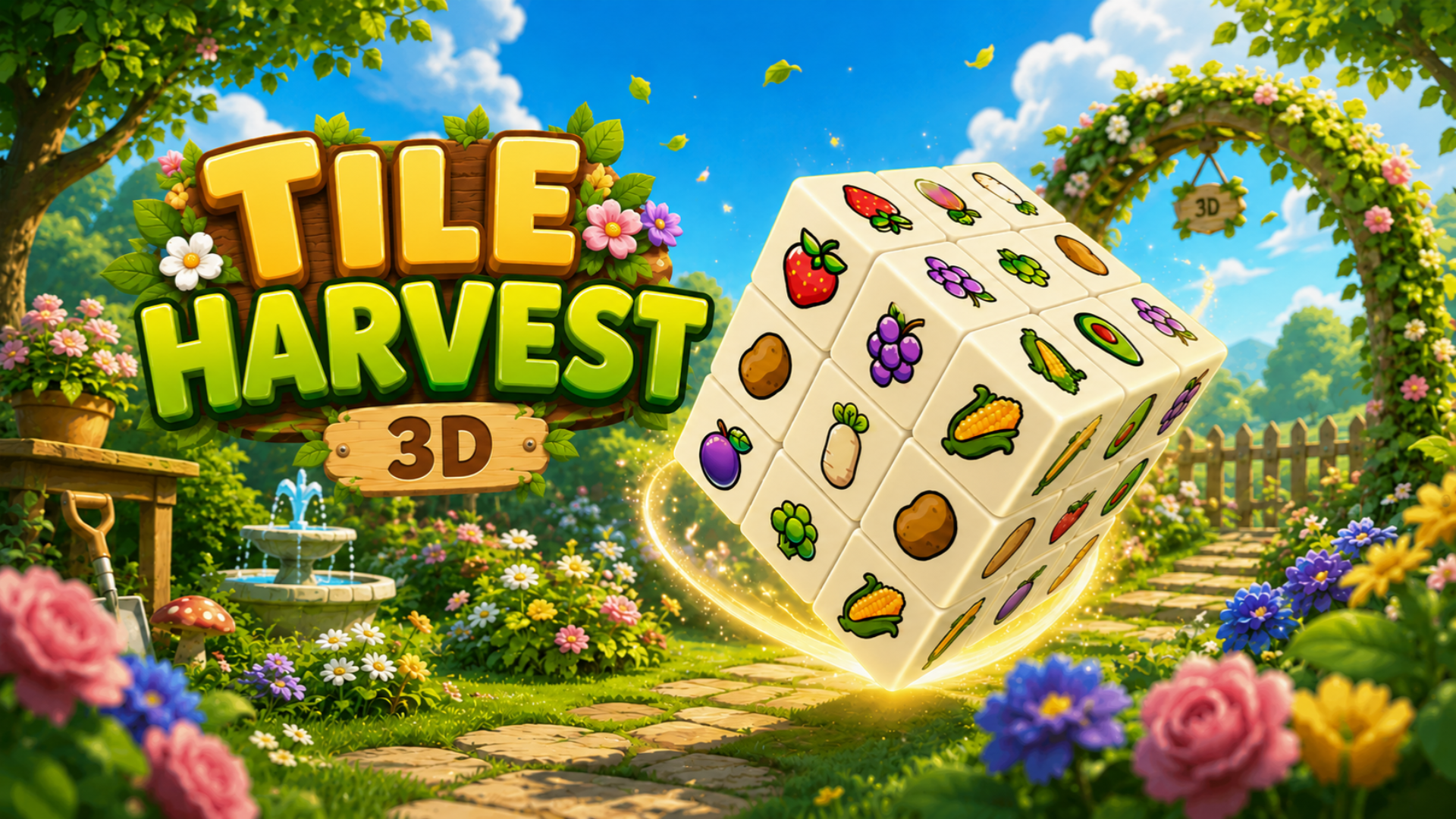
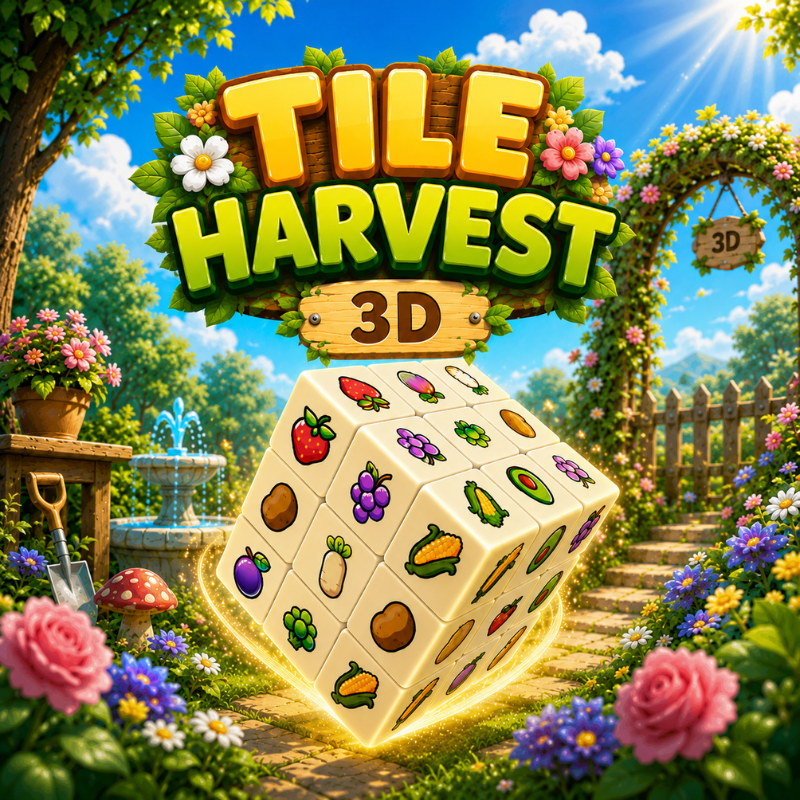
Tile Harvest 3D images
Questions about Tile Harvest 3D
How do I start playing?
Choose Play now in the game window above to load Tile Harvest 3D through Playgama. Read the controls and instructions above before you start.
Which devices can I play on?
The provider lists support for Android, iOS, Desktop. Play in your web browser using the controls described above.
Which languages does the game support?
American English.
Does the game have in-game purchases?
The provider lists no in-game purchases for this game. Games may display advertisements.
Related game categories
Game facts and artwork supplied by Playgama. Descriptions adapted and getting-started guidance added by LookBear. Game content, ads and purchases are provided by Playgama and the game provider.