 Street Race Master
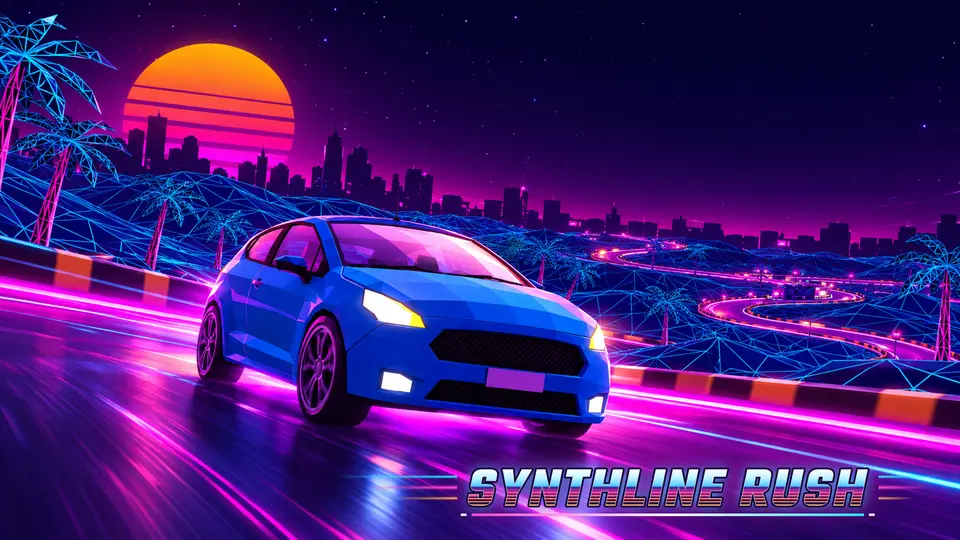
SYNTHLINE RUSH
Provided by Playgama

SYNTHLINE RUSHvia Playgama






 Gravity Shift Sky Racers GT
 Italian Brainrot GT Highway Racing
 Circle Car Crash 3D
 USA Luxury 4x4 SUV Offroad Driving Simulator
 Tiny Cars
 Police Drift Escape
 Crazy Flying Car
 Road Fury - Racing
 Supercar Battle Arena
 Nitro Racing Gear
 Speed chaos: Crazy race
 Cars vs Zombies
 Throttle Rivals
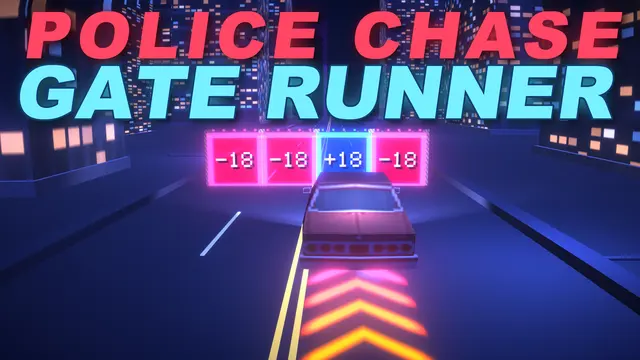 Police Chase Gate Runner
 Car Crash Tricks Simulator Crazy Stunts
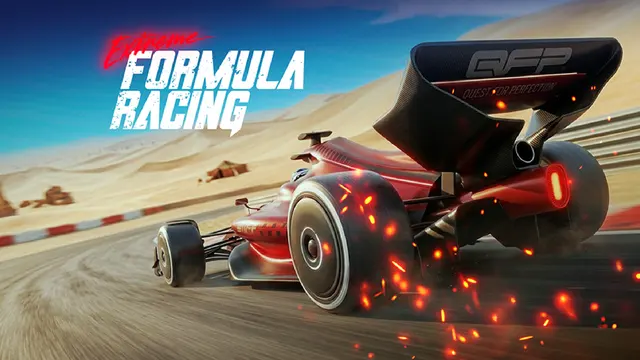 Extreme Formula Racing
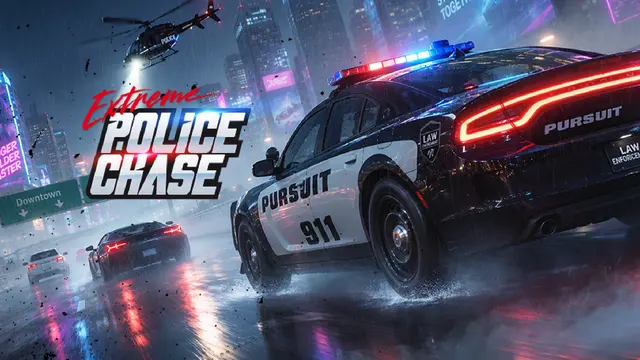 Extreme Police Chase
 Sunny Bay Heroes
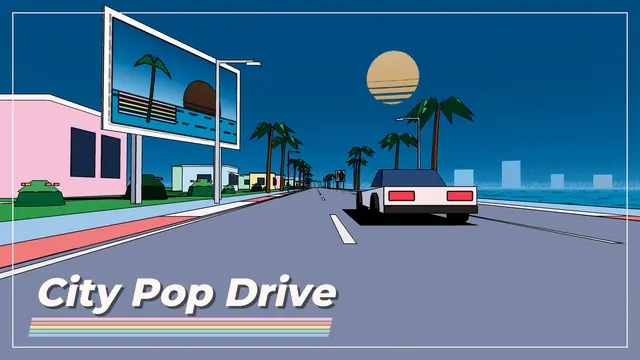 City Pop Drive
 CarMania.io
 Interceptor: Police Pursuit
 Master Car Destruction
 City Driver: Traffic Drive Out
 Escape Chase
 Bouncy Motors
 Zombie Derby
 Race On Cars in Moscow
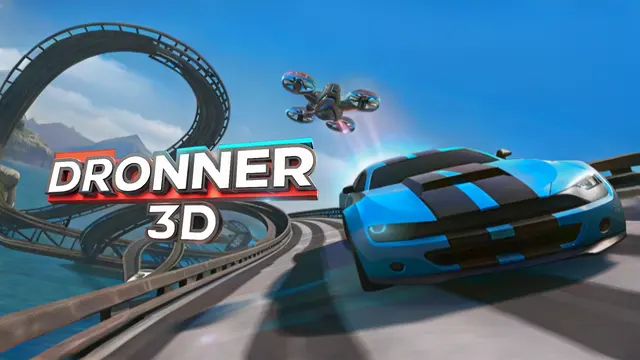 Dronner 3D
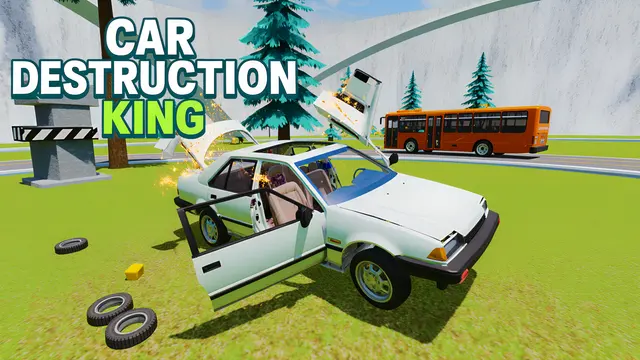 Car Destruction King
 Car Battle
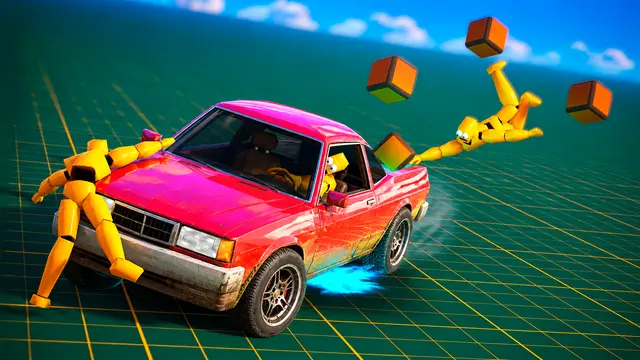 BMG: Ragdoll Car Race
 Driver Club: Highway Racing
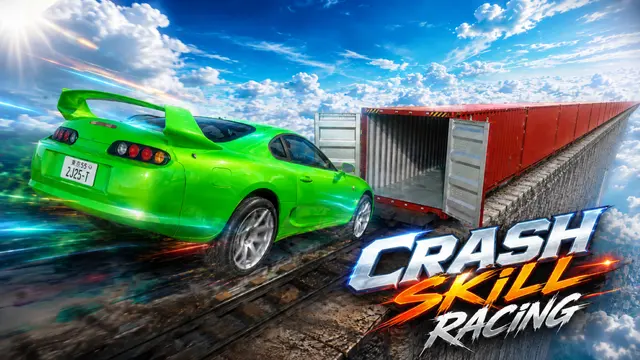 Crash Skill Racing
 Stunsteval Siderollers
 Cars
 Mr. Drifter: Car Chase Simulator
 Police Chase Simulator
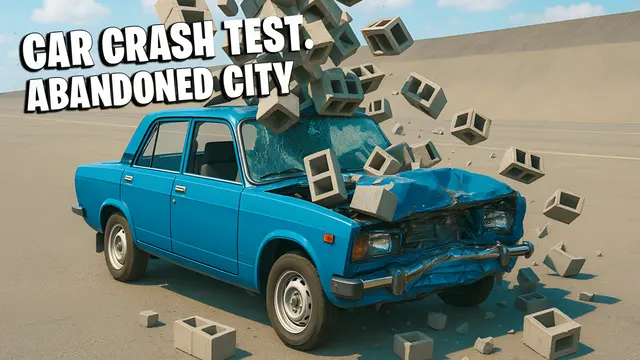 Car Crash Test: Abandoned City
 Drag Racing Club
 Highway Car Shooting 3D Action Game 2025
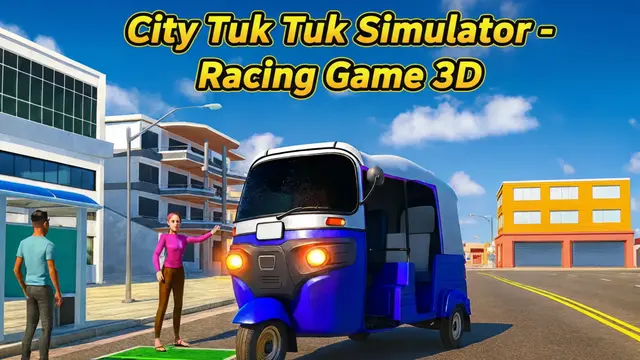 City Tuk Tuk Simulator: Racing Game 3D
 Super Car Soccer Arena
 Eggy Car
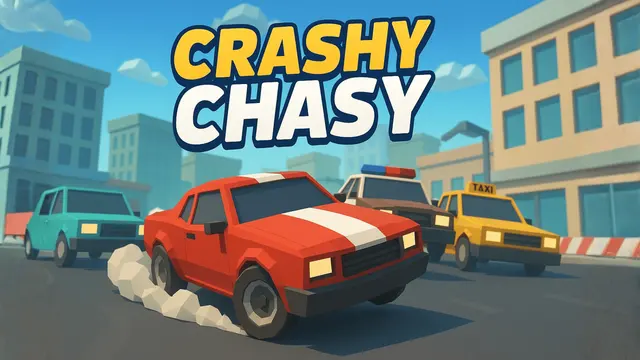 Crashy Chasy
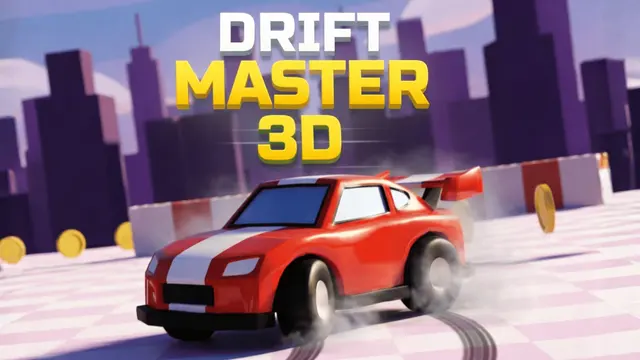 Drift Master 3D
 Traffic Racer 3D
 Car Runner
 Build Your Dream Car
 Inner City Drive
 Car Stunts Driving
 Hungry Cars
 Offroad Jeep Driving Mountain Climb
 Hill Ride 3D
 TRAFFIC Rush Online
 Open City SUV Car Stunts
 Hill Climber
 Formula Apex Rush
 Drift Tycoon
 Police Mom Simulator
 Horizon Racer
 Bike Rivals
 City Husle
 Mini Car: Room Parkour
 Rush Rivals
Play SYNTHLINE RUSH online
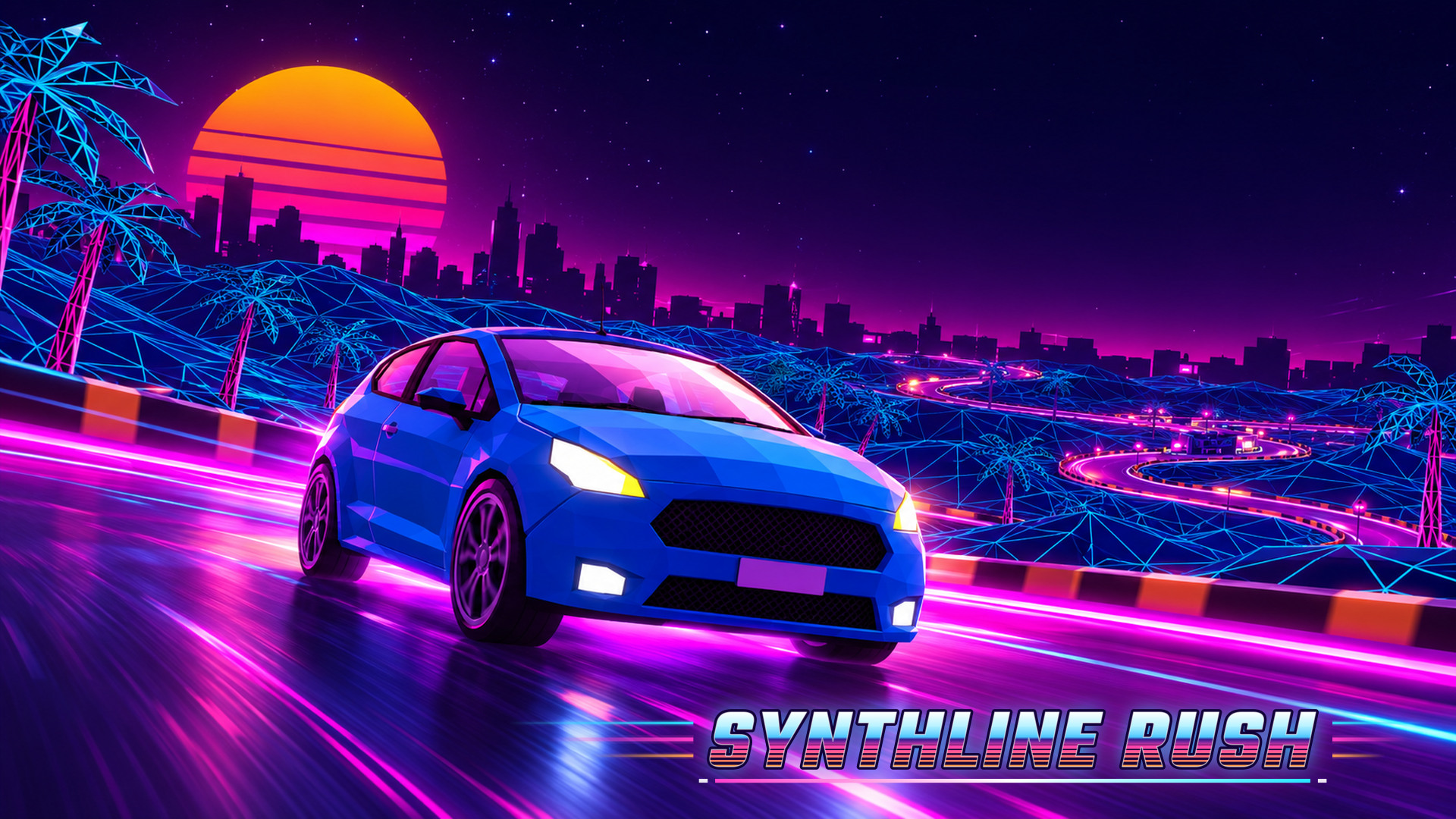
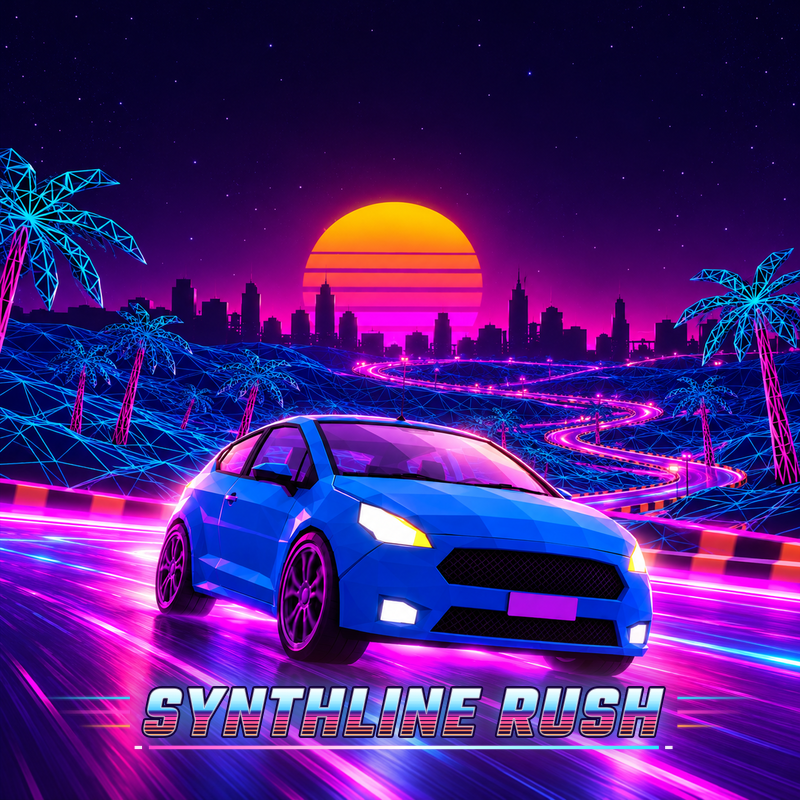
SYNTHLINE RUSH is a neon synthwave arcade racer. Cruise around an open paddock, drive into any of the tracks and set your fastest lap, then race the ghost of your own best run. Every lap earns Watts, which unlock new tracks and let you buy and customise faster cars.
Take control of your vehicle and work through the driving challenge. Learn the acceleration, steering and braking inputs before pushing for a faster run. The listed controls include WASD input.
How to play SYNTHLINE RUSH
Controls and instructions
Drive to a track in the paddock and cross the green line to start a lap. Finish the lap as fast as you can to set a best time, then beat your own ghost to earn more Watts. Spend Watts on new tracks and faster cars in the garage and shop. Controls: W A S D or arrow keys to drive, Space to handbrake, Shift for nitro, hold R to reset the car, G to switch the guide line target, M to mute, P to pause. On phones, use the on-screen buttons.
Getting started with SYNTHLINE RUSH
- Spend the opening moments learning how sharply the vehicle turns.
- Check the action mappings as well as movement; extra actions may use different keys.
About this game
- Platform
- Web browser
- Supported devices
- Android, iOS, Desktop
- Screen orientation
- Landscape
- Languages
- American English
- Genres
- Racing, Arcade, 3d, Car, Car Racing, Driving, Drifting
- In-game purchases
- None listed by the provider
- Provider
- Playgama
- Provider audience
- Male, Female
Game features and tags
- Games For Pc
- Race
- Iphone
- Fast Paced
- Casual
- Fullscreen
- Speed
- Webgl
- Touchscreen
- Desktop
- 1 Player
- Arcade Car
- Ai
SYNTHLINE RUSH images
Questions about SYNTHLINE RUSH
How do I start playing?
Choose Play now in the game window above to load SYNTHLINE RUSH through Playgama. Read the controls and instructions above before you start.
Which devices can I play on?
The provider lists support for Android, iOS, Desktop. Play in your web browser using the controls described above.
Which languages does the game support?
American English.
Does the game have in-game purchases?
The provider lists no in-game purchases for this game. Games may display advertisements.
Related game categories
Game facts and artwork supplied by Playgama. Descriptions adapted and getting-started guidance added by LookBear. Game content, ads and purchases are provided by Playgama and the game provider.