 Sunny Bay Heroes
City Pop Drive
Provided by Playgama
City Pop Drivevia Playgama
 Crashy Chasy
 Tiny Cars
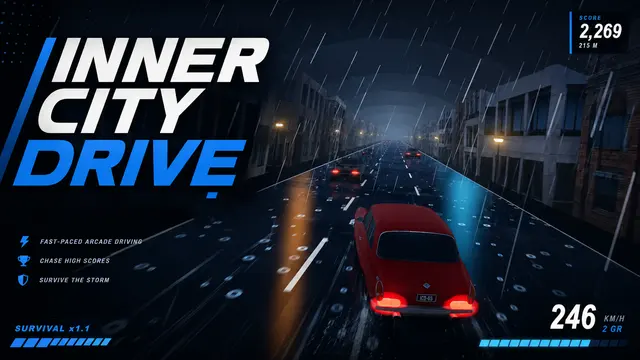 Inner City Drive
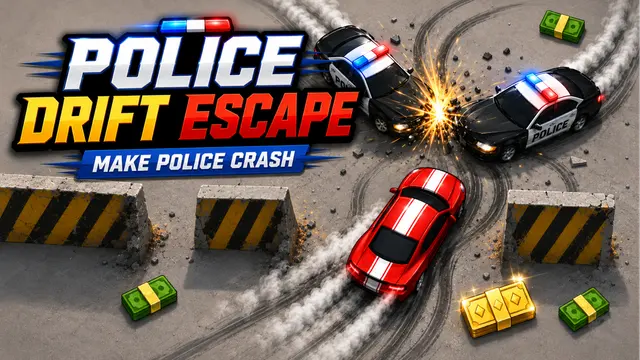 Police Drift Escape
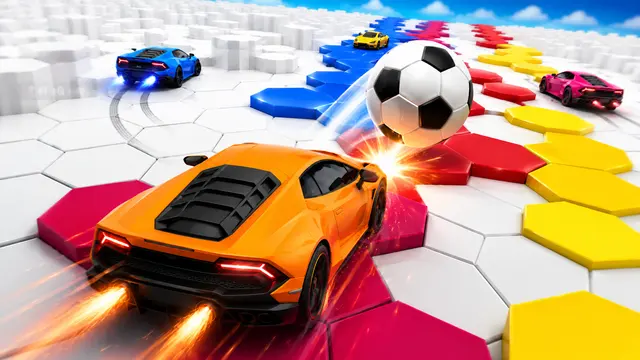 Supercar Battle Arena
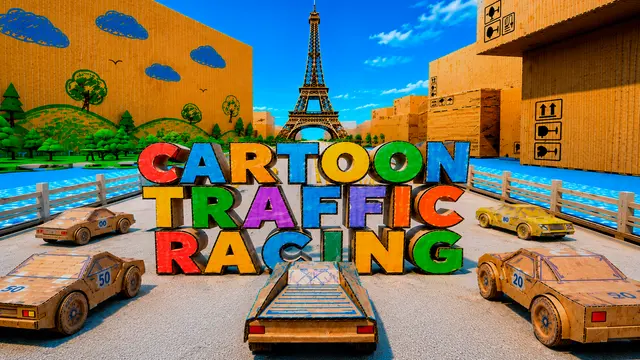 Cartoon Traffic Racing Paper Derby
 Race Through Traffic
 Speed chaos: Crazy race
 Police Mom Simulator
 Rocket Rush
 Horizon Racer
 Heist Escape: City Lockdown
 Throttle Rivals
 Road Gunner 3D
 Police Chase Gate Runner
 Relic Rush 3D
 Pocket Mart
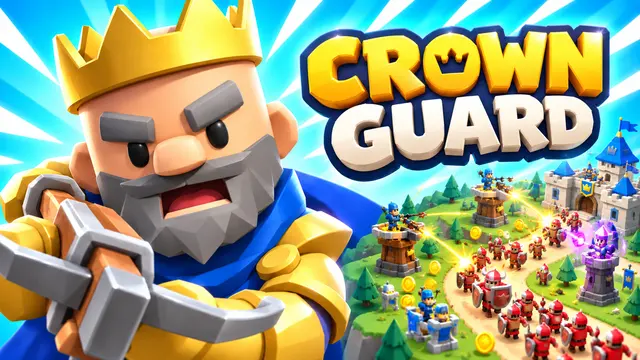 Crown Guard
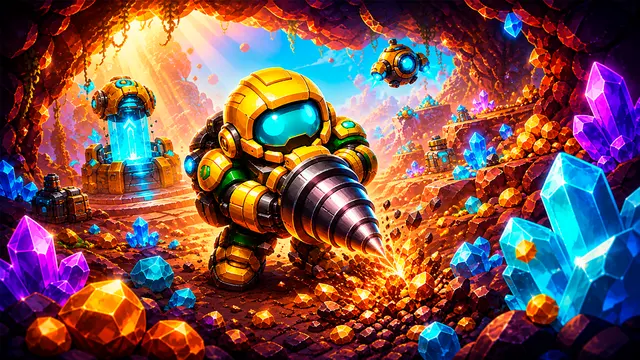 Deep Drill Run
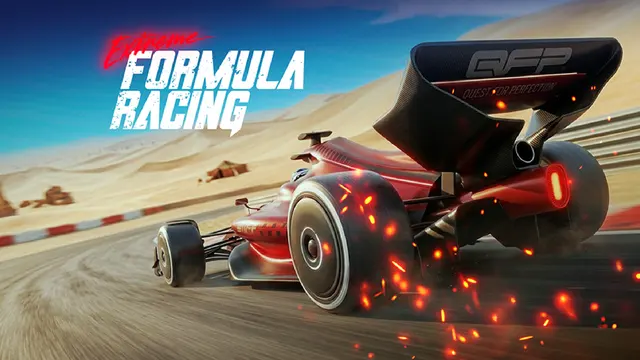 Extreme Formula Racing
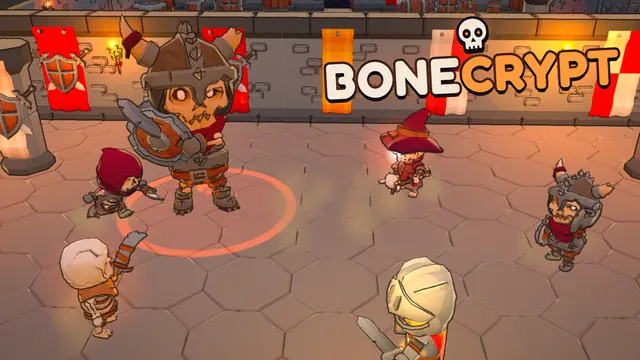 Bonecrypt
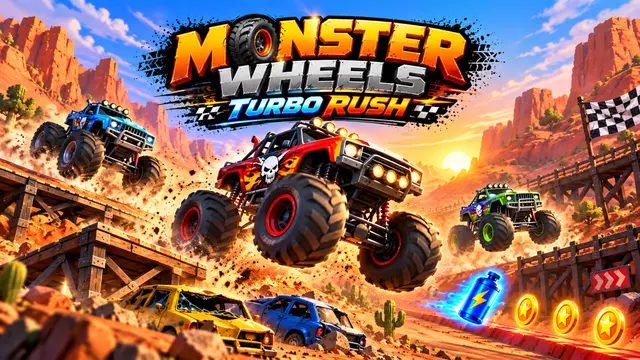 Monster Wheels Turbo Rush
 Obby: Steal an Egg - The Great Escape
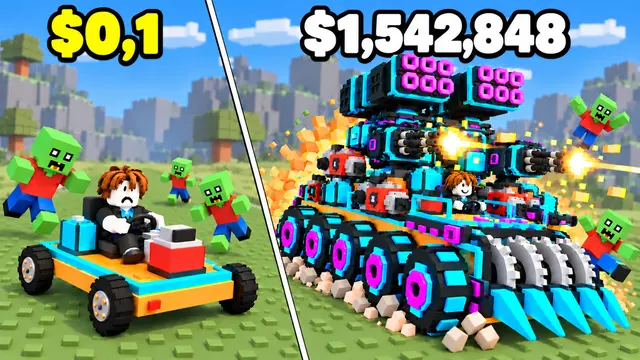 Build Car for Kill Zombies
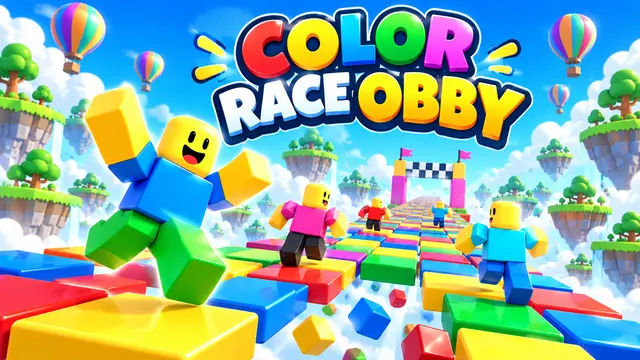 Color Race Obby
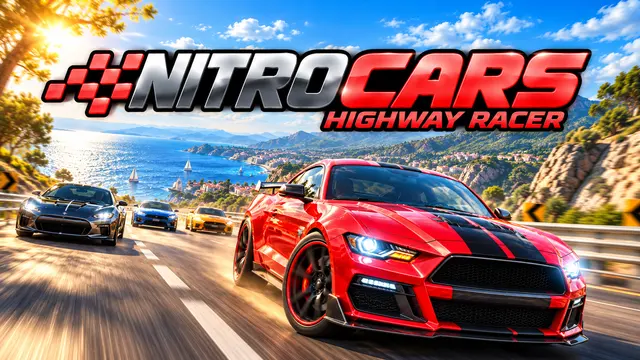 Nitro Cars: Highway Racer
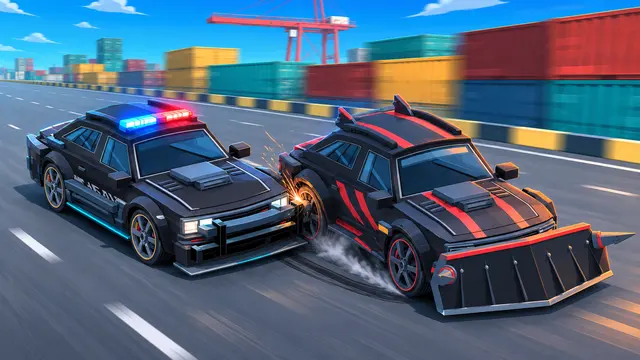 Interceptor: Police Pursuit
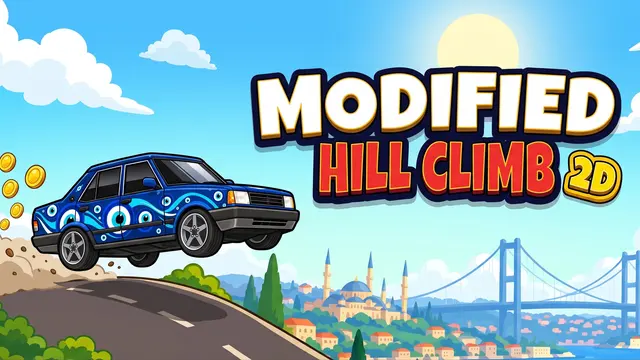 Modified Hill Climb 2D
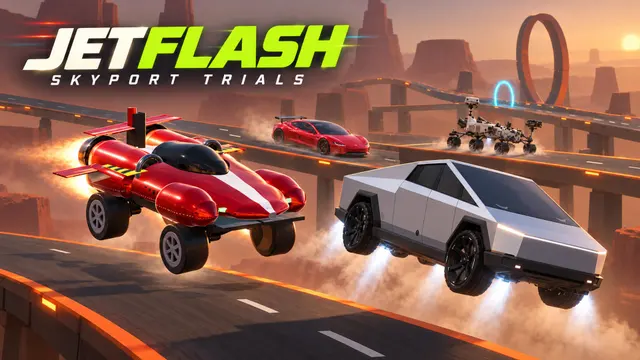 JETFLASH: Skyport Trials
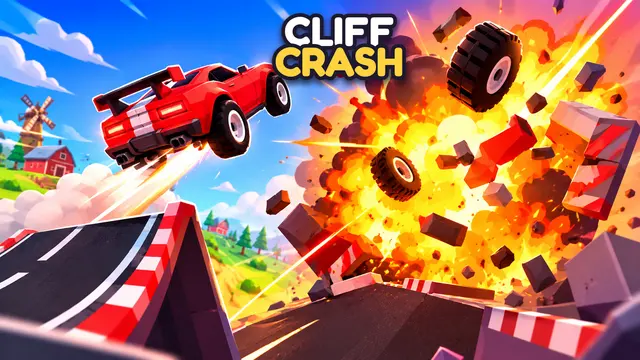 Cliff Crash
 SYNTHLINE RUSH
 Curb Rush
 Downhill Frenzy
 Toy Ramps
 City Driver: Traffic Drive Out
 Bouncy Motors
 Hyper Cars Ramp Crash
 Dronner 3D
 Mr Shooter
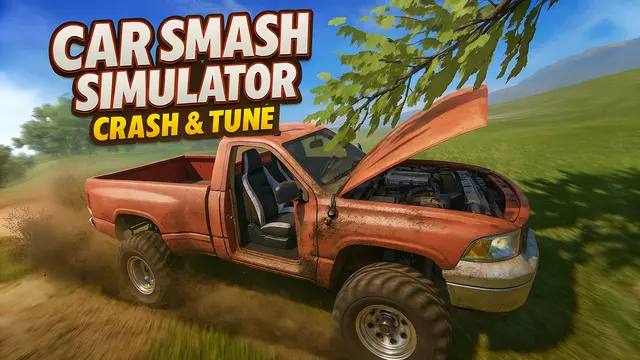 Car Smash Simulator: Crash & Tune
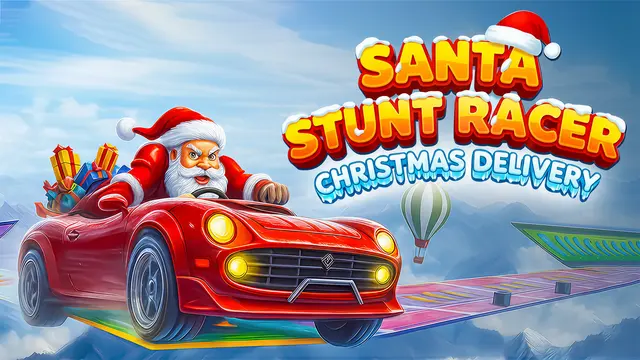 Santa Stunt Racer Christmas Delivery
 Car Stunt Racing Game 3D : Car Games
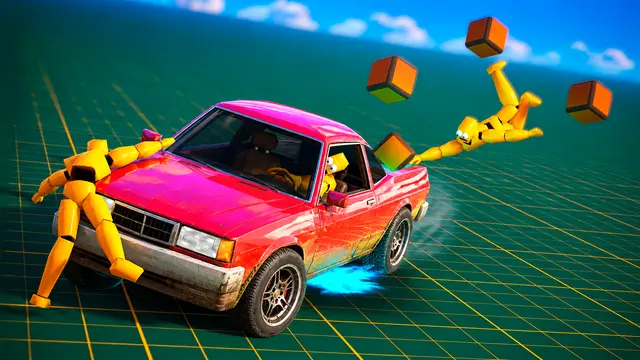 BMG: Ragdoll Car Race
 Driver Club: Highway Racing
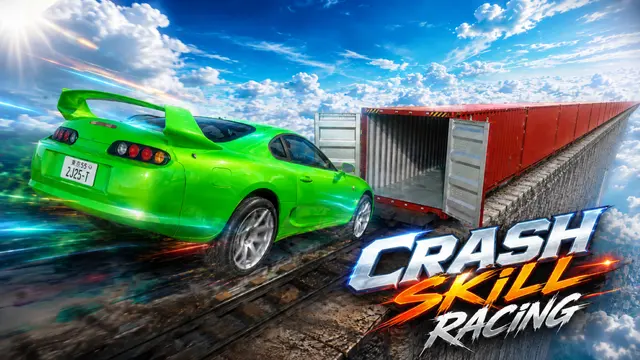 Crash Skill Racing
 Extreme Car Racing
 SlowMo Sniper
 Mr. Drifter: Car Chase Simulator
 Drifting Car Master
 Mr.Reckless Car Chase Simulator
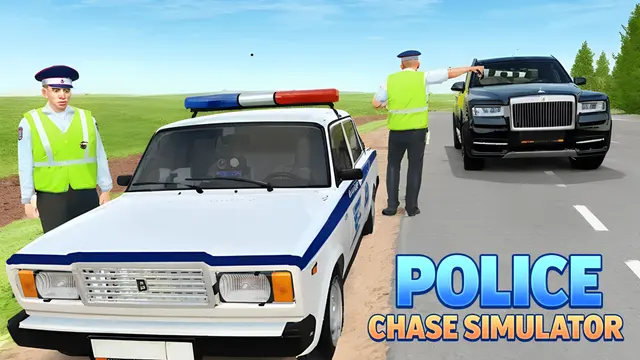 Police Chase Simulator
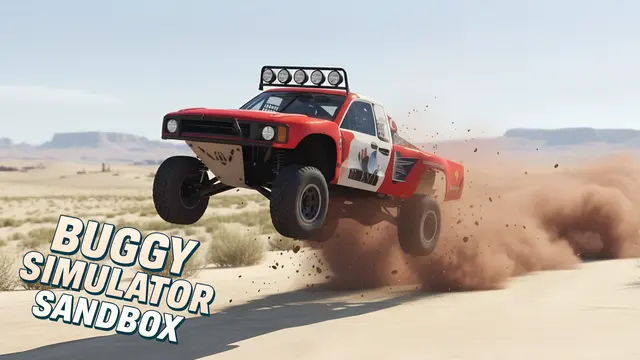 Buggy Simulator Sandbox 3D
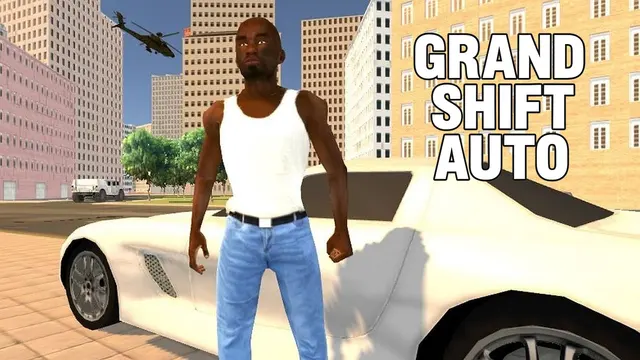 Grand Shift Auto
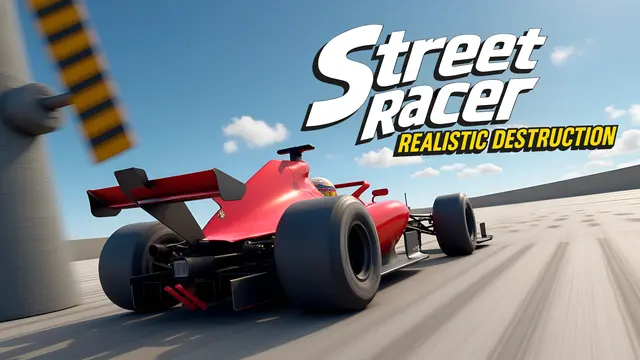 StreetRacer: Realistic Destruction
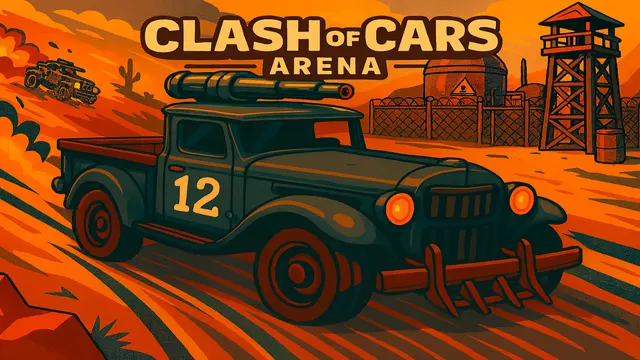 Clash of Cars: Arena
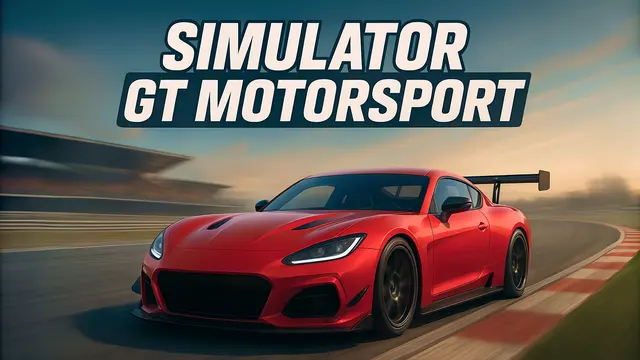 Simulator GT Motorsport
 Scale the wheels
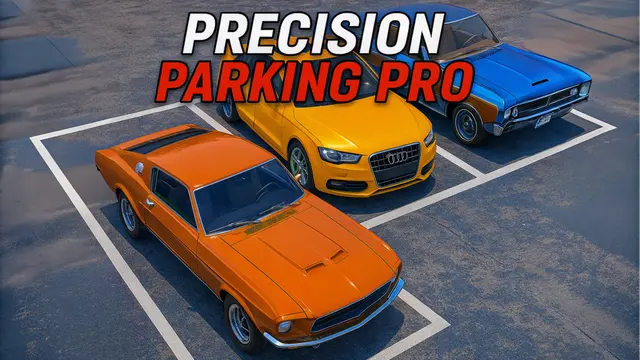 Precision Parking Pro
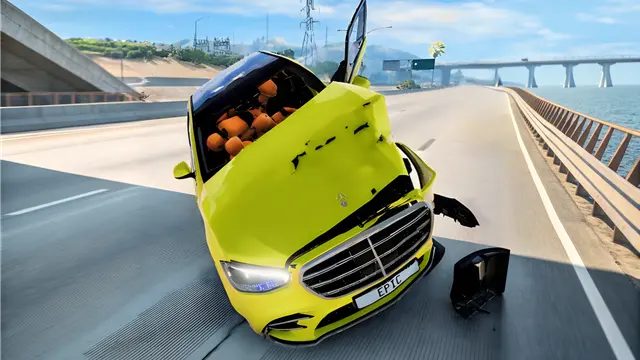 BMG Crash Test
 Super Car Soccer Arena
 USA Luxury 4x4 SUV Offroad Driving Simulator
 A deadly car crash
 Drift Master 3D
 Car Parking 3D
Play City Pop Drive online
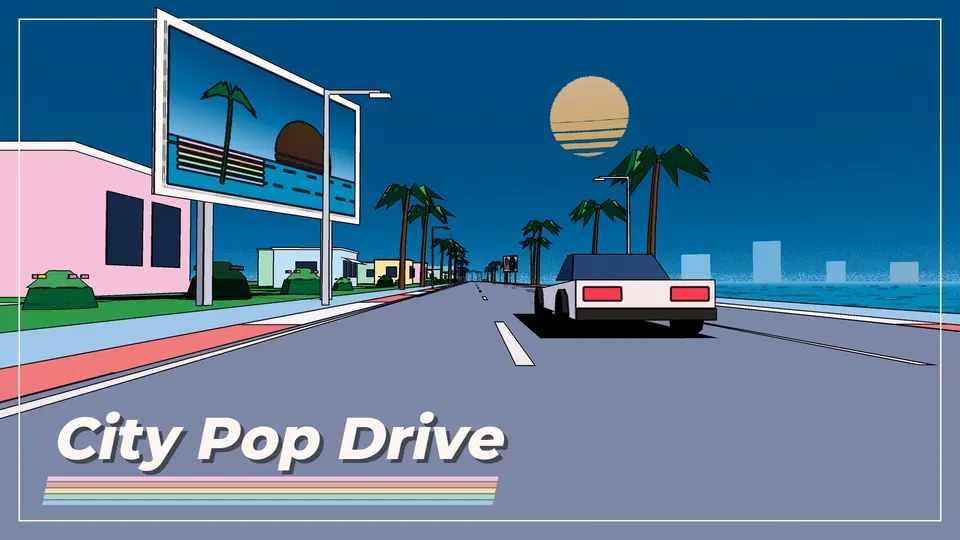
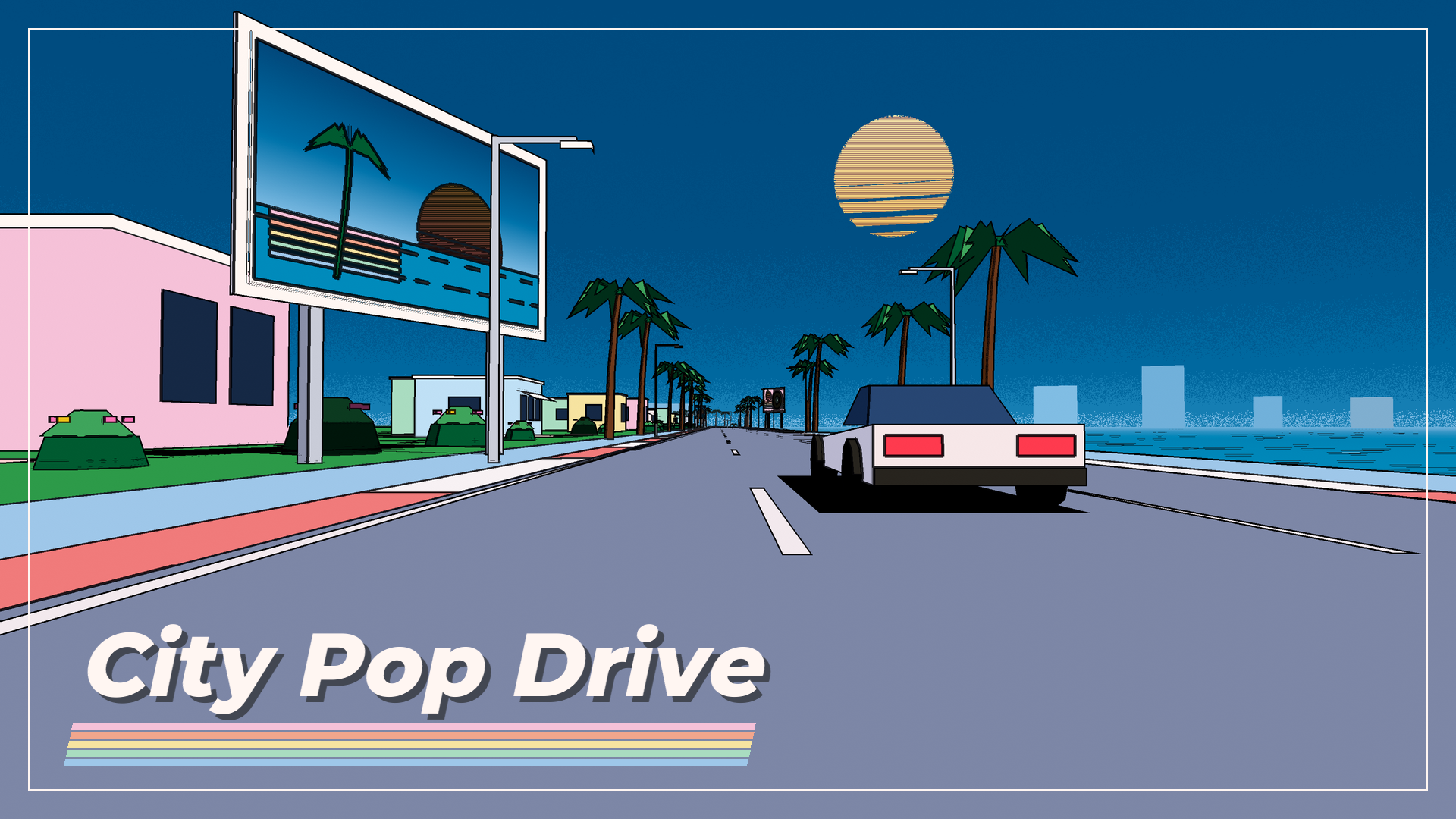
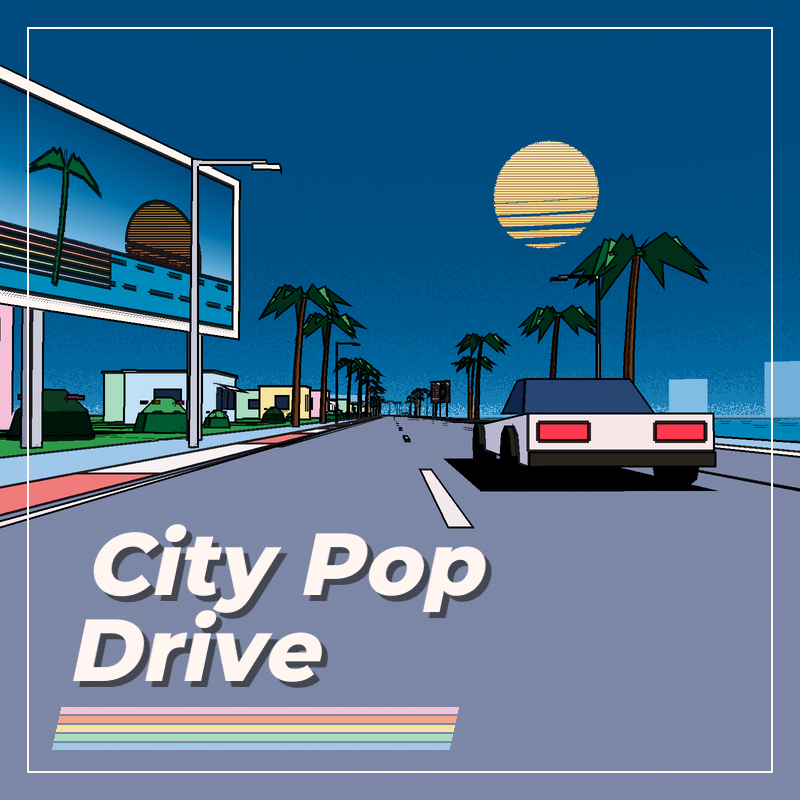
City Pop Drive is a one-thumb arcade drive through pastel 80s city pop scenery. Pass traffic close to fill the Breeze meter and boost, reach each checkpoint before the timer runs out, and choose the scenic or the express road at every fork. Five maps (Seaside, Midnight Expressway, Crossing City, Maple Pass, Snow Resort), each with its own twist and adaptive music that changes with your route, and 25 record-sleeve covers to collect.
Take control of your vehicle and work through the driving challenge. Learn the acceleration, steering and braking inputs before pushing for a faster run.
How to play City Pop Drive
Controls and instructions
Tap to start, then drag left or right to steer (mouse drag, arrow keys or A and D on desktop; P pauses).
The car accelerates by itself.
Pass close to traffic for near misses: they add time and fill the Breeze meter, and a full meter starts a Boost that knocks cars aside.
Reach each checkpoint before the timer ends and pick a side at every fork.
Reach a goal to collect its cover.
Spend Miles on upgrades, cars and new maps.
Getting started with City Pop Drive
- Spend the opening moments learning how sharply the vehicle turns.
About this game
- Platform
- Web browser
- Supported devices
- Android, iOS, Desktop
- Screen orientation
- Landscape and Portrait
- Languages
- American English, Arabic (Egypt), Azerbaijani (Azerbaijan), Chinese (China), German (Germany), Dutch (Netherlands), European Spanish, French (France), Hindi (India), Indonesian (Indonesia), Italian (Italy), Japanese (Japan), Korean (South Korea), Kazakh (Kazakhstan), Polish (Poland), European Portuguese, Russian (Russia), Thai (Thailand), Turkish (Türkiye), Ukrainian (Ukraine), Uzbek (Uzbekistan), Vietnamese (Vietnam)
- Genres
- Action, Racing, Arcade, Adventure, Skill, 3d, Car, Retro, Driving
- In-game purchases
- None listed by the provider
- Provider
- Playgama
- Provider audience
- Male, Female
Game features and tags
- Race
- Fast Paced
- Casual
- Hyper Casual
- Addictive
- Dash
- Endless
- Collecting
- Desktop
- 1 Player
- Swipe
- Traffic
- Arcade Car
- Retro Car
City Pop Drive images
Questions about City Pop Drive
How do I start playing?
Choose Play now in the game window above to load City Pop Drive through Playgama. Read the controls and instructions above before you start.
Which devices can I play on?
The provider lists support for Android, iOS, Desktop. Play in your web browser using the controls described above.
Which languages does the game support?
American English, Arabic (Egypt), Azerbaijani (Azerbaijan), Chinese (China), German (Germany), Dutch (Netherlands), European Spanish, French (France), Hindi (India), Indonesian (Indonesia), Italian (Italy), Japanese (Japan), Korean (South Korea), Kazakh (Kazakhstan), Polish (Poland), European Portuguese, Russian (Russia), Thai (Thailand), Turkish (Türkiye), Ukrainian (Ukraine), Uzbek (Uzbekistan), Vietnamese (Vietnam).
Does the game have in-game purchases?
The provider lists no in-game purchases for this game. Games may display advertisements.
Related game categories
Game facts and artwork supplied by Playgama. Descriptions adapted and getting-started guidance added by LookBear. Game content, ads and purchases are provided by Playgama and the game provider.