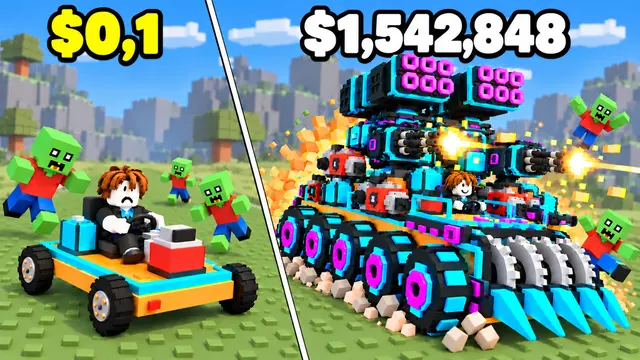
 Build Car for Kill Zombies
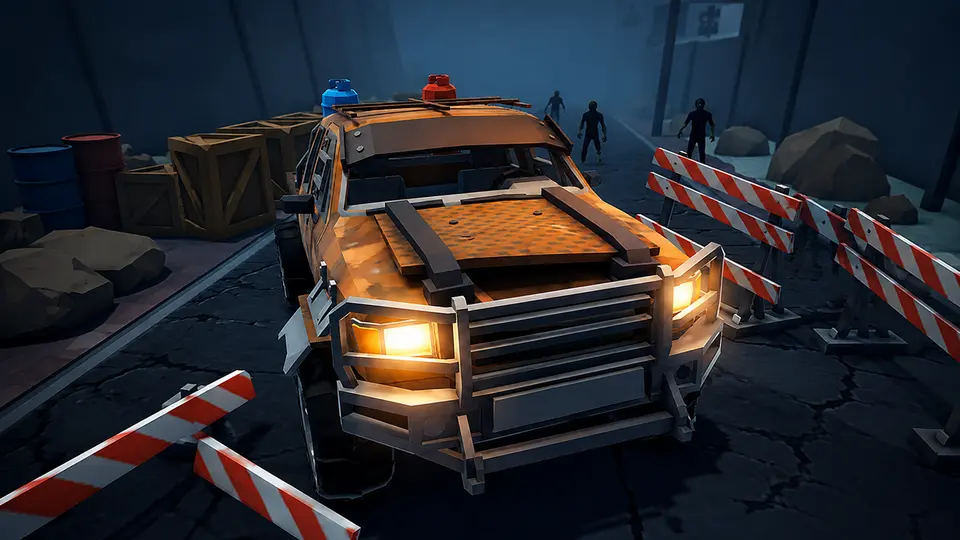
Cars vs Zombies
Provided by Playgama
Cars vs Zombiesvia Playgama
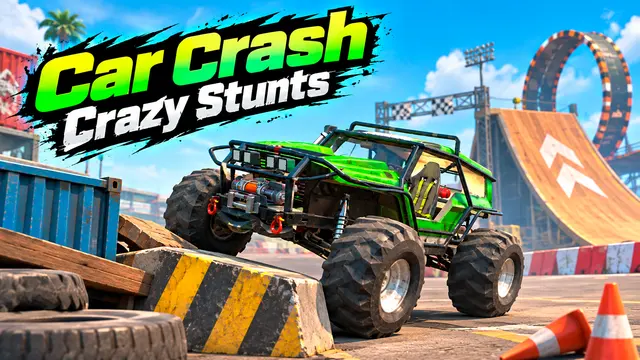






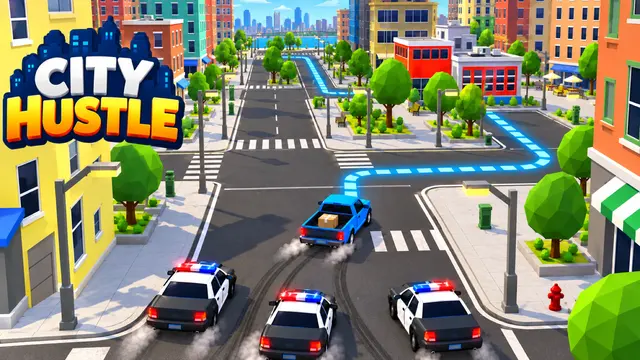 City Husle
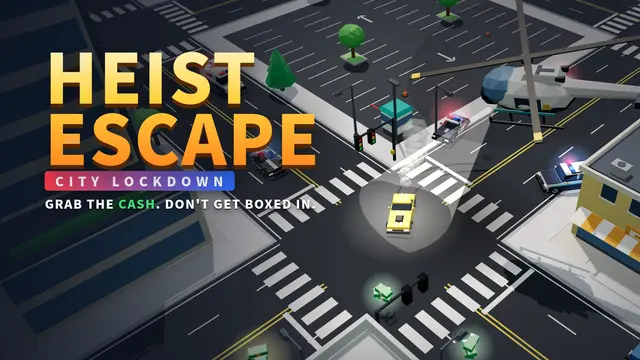 Heist Escape: City Lockdown
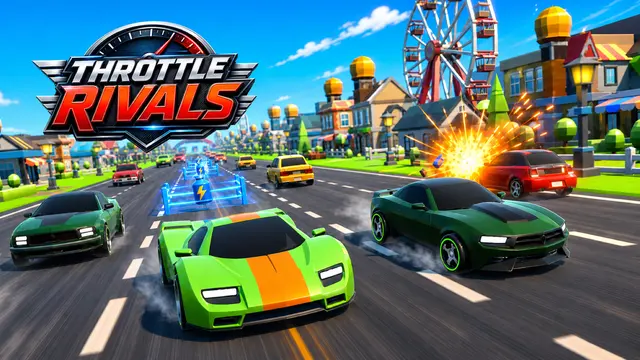 Throttle Rivals
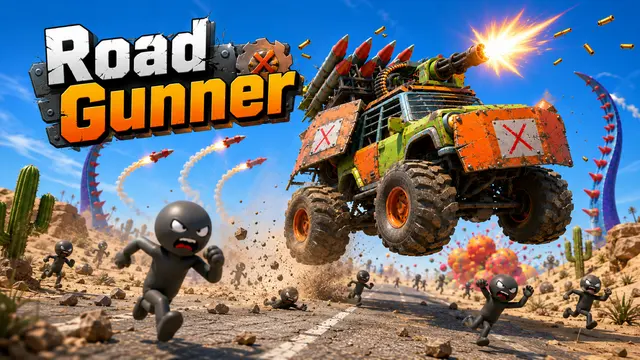 Road Gunner 3D
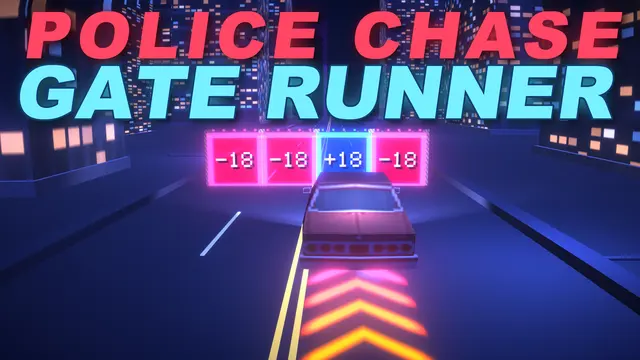 Police Chase Gate Runner
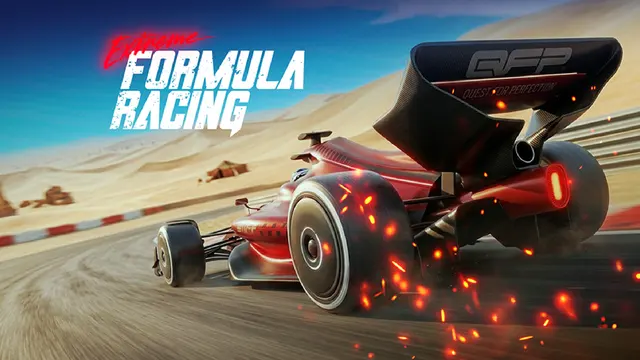 Extreme Formula Racing
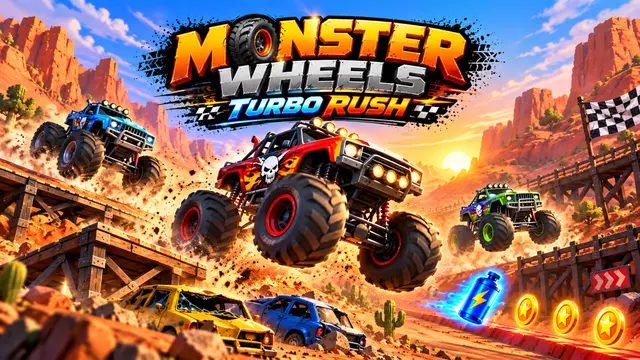 Monster Wheels Turbo Rush
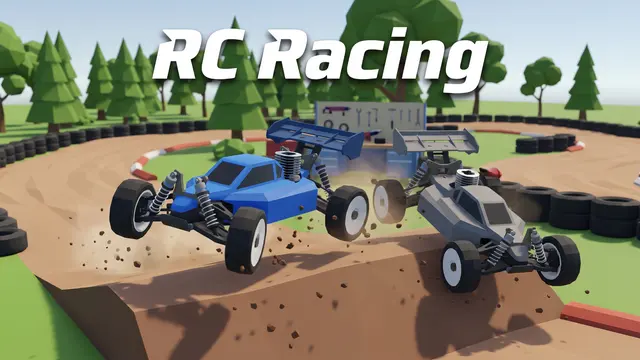 RC Racing
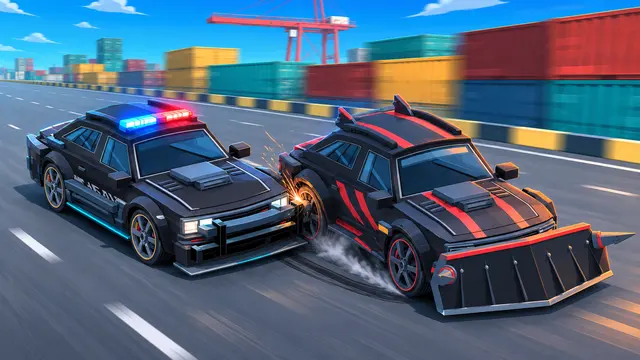 Interceptor: Police Pursuit
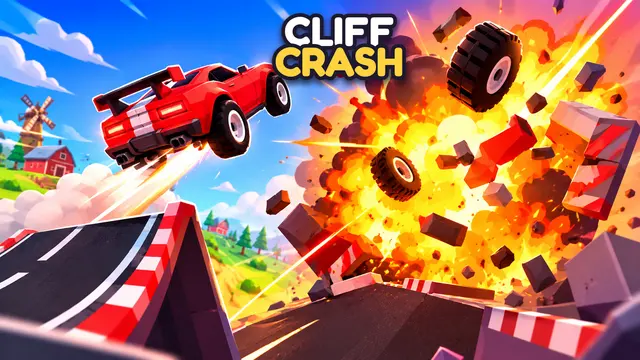 Cliff Crash
 SYNTHLINE RUSH
 Sky Stunt Races
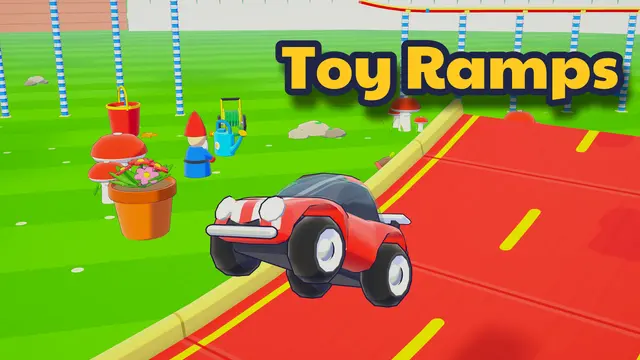 Toy Ramps
 City Driver: Traffic Drive Out
 Bouncy Motors
 Zombie Derby
 Drive Quest
 Left 4 Die
 Stalker 2033: The Path of the Survivor
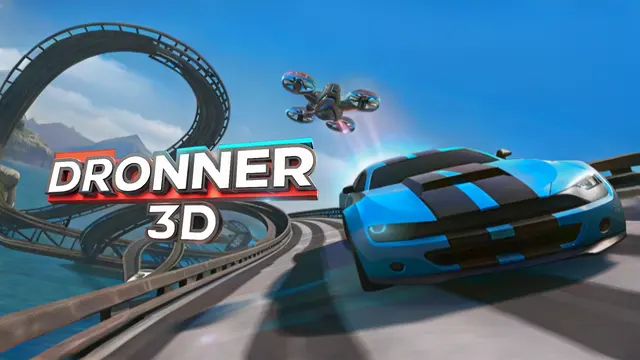 Dronner 3D
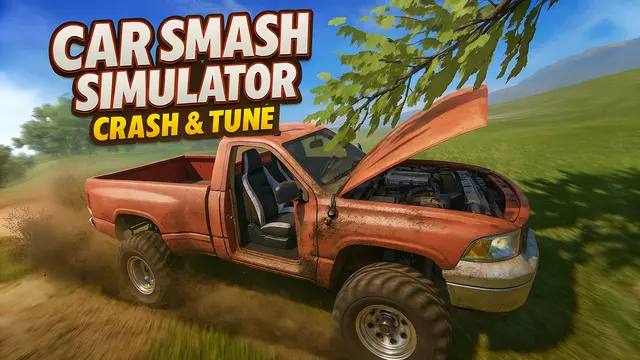 Car Smash Simulator: Crash & Tune
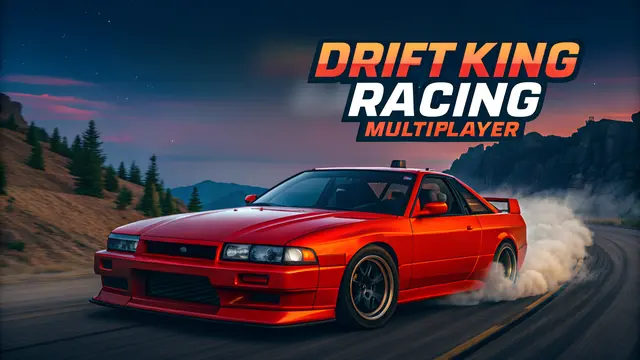 Drift King Racing Multiplayer
 Santa Stunt Racer Christmas Delivery
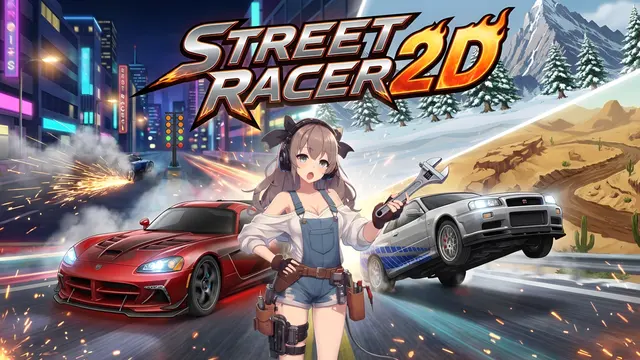 Street Racer 2D
 Car Stunt Racing Game 3D : Car Games
 Driver Club: Highway Racing
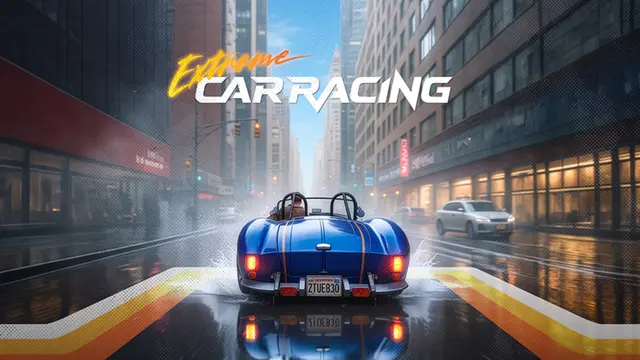 Extreme Car Racing
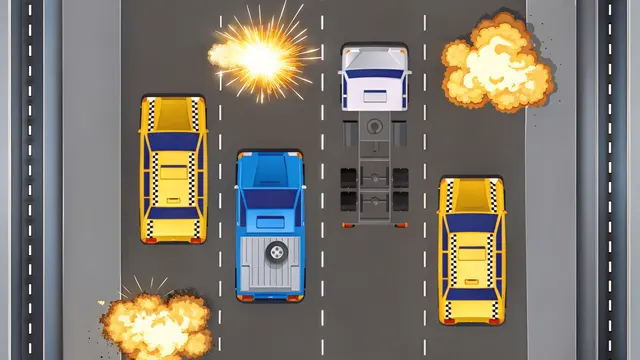 Cars
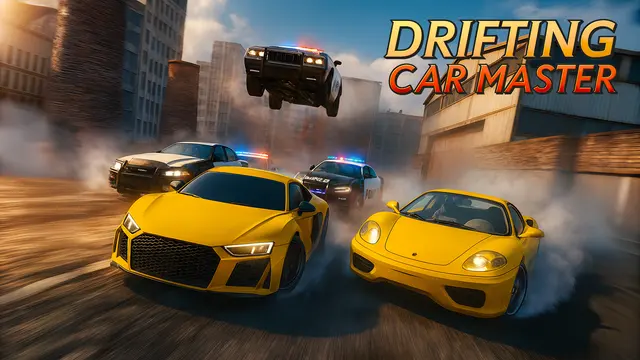 Drifting Car Master
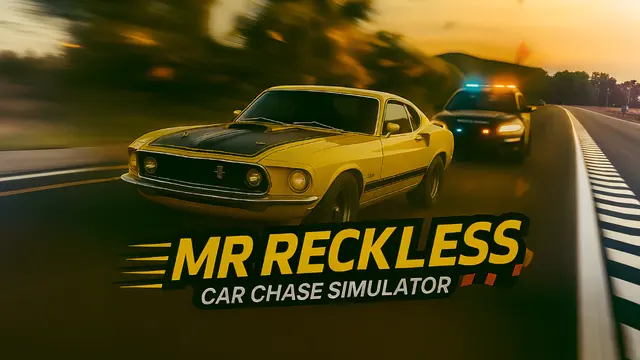 Mr.Reckless Car Chase Simulator
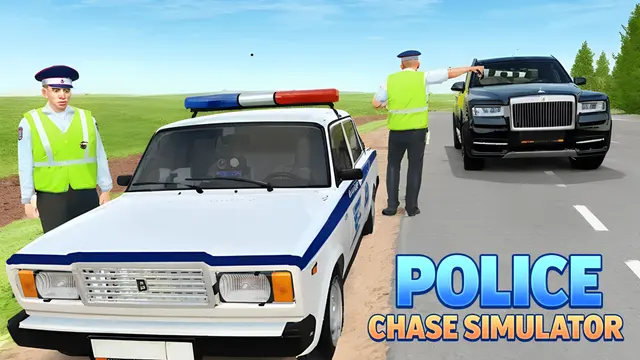 Police Chase Simulator
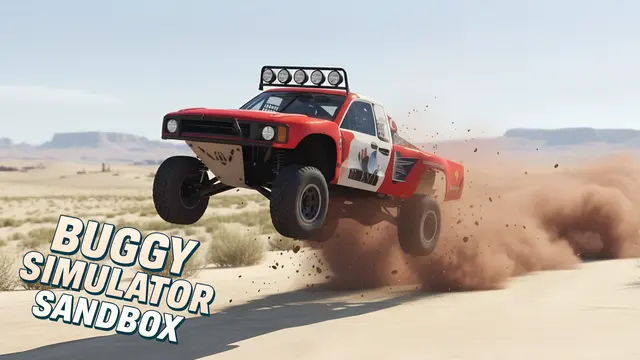 Buggy Simulator Sandbox 3D
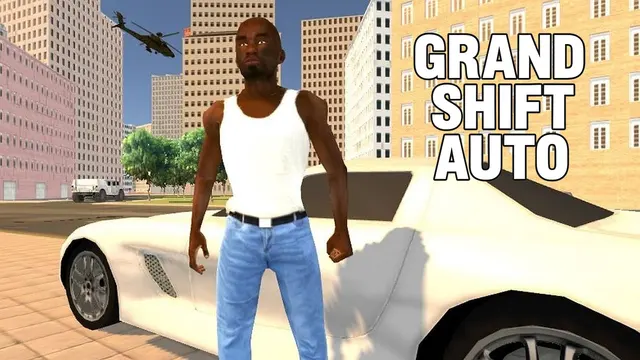 Grand Shift Auto
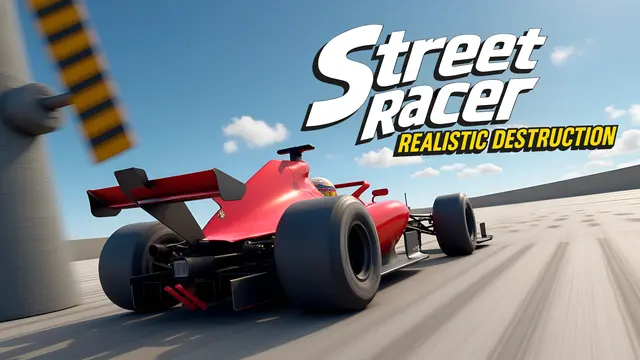 StreetRacer: Realistic Destruction
 Clash of Cars: Arena
 Simulator GT Motorsport
 Furious GT Drift
 Circle Car Crash 3D
 Project: Survival
 Super Car Soccer Arena
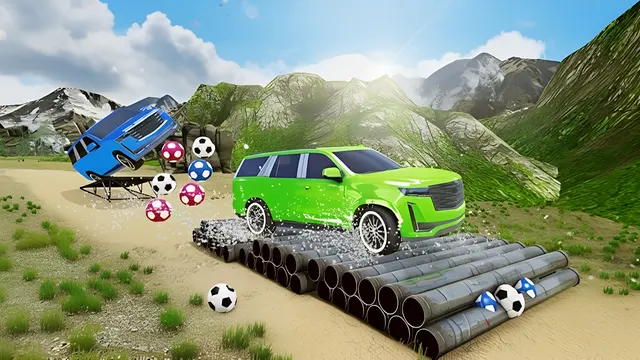 USA Luxury 4x4 SUV Offroad Driving Simulator
 Eggy Car
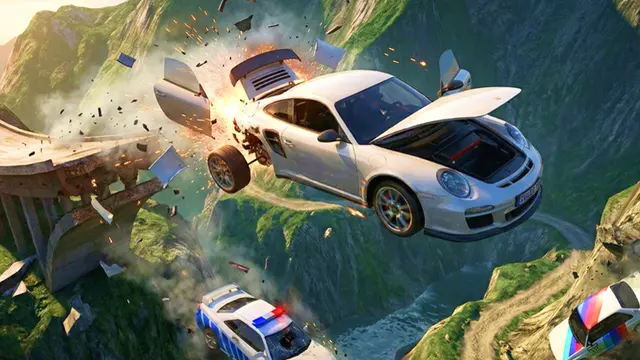 A deadly car crash
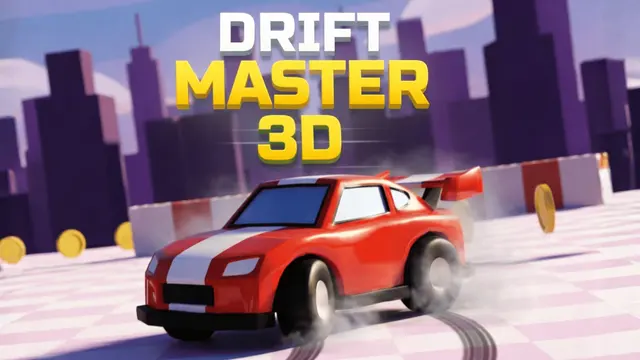 Drift Master 3D
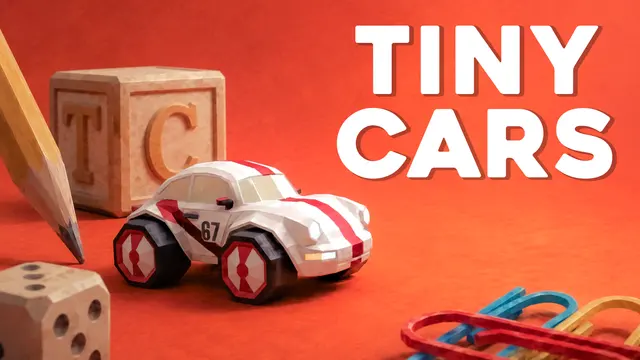 Tiny Cars
 Car Runner
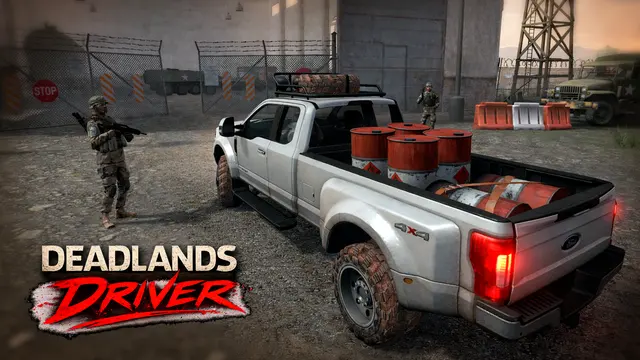 Dead Lands Driver Open World
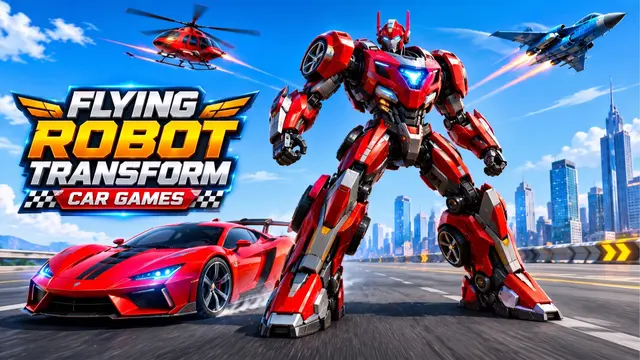 Flying Robot Transform Car Games
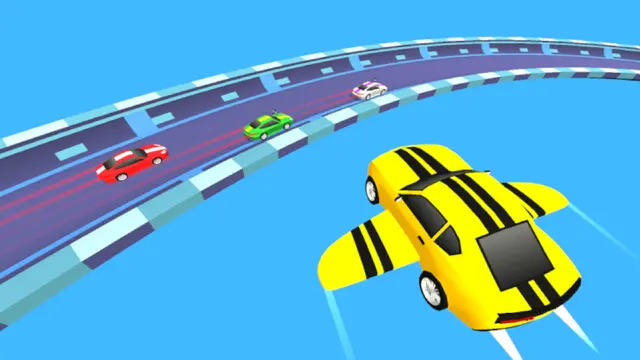 Crazy Flying Car
 Driftbound: Race in the Grip of Drift!
 Car Stunts Driving
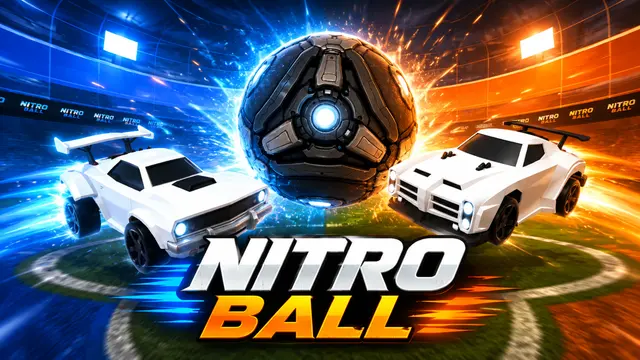 Nitro Ball
 Road Fury - Racing
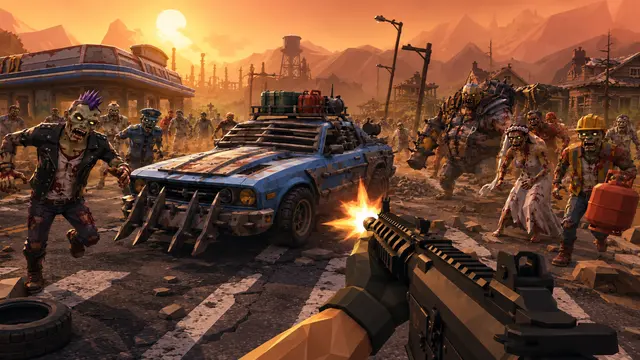 Zombie defence
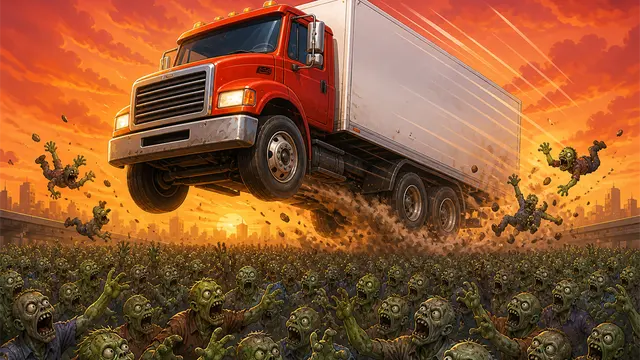 Crush Hour
 Offroad Jeep Driving Mountain Climb
 Hill Ride 3D
 TRAFFIC Rush Online
 Open City SUV Car Stunts
 Hill Climber
 Nitro Racing Gear
 Wild Wolf Simulator Animal Games
 Rocket Rush
 Bike Rivals
Play Cars vs Zombies online
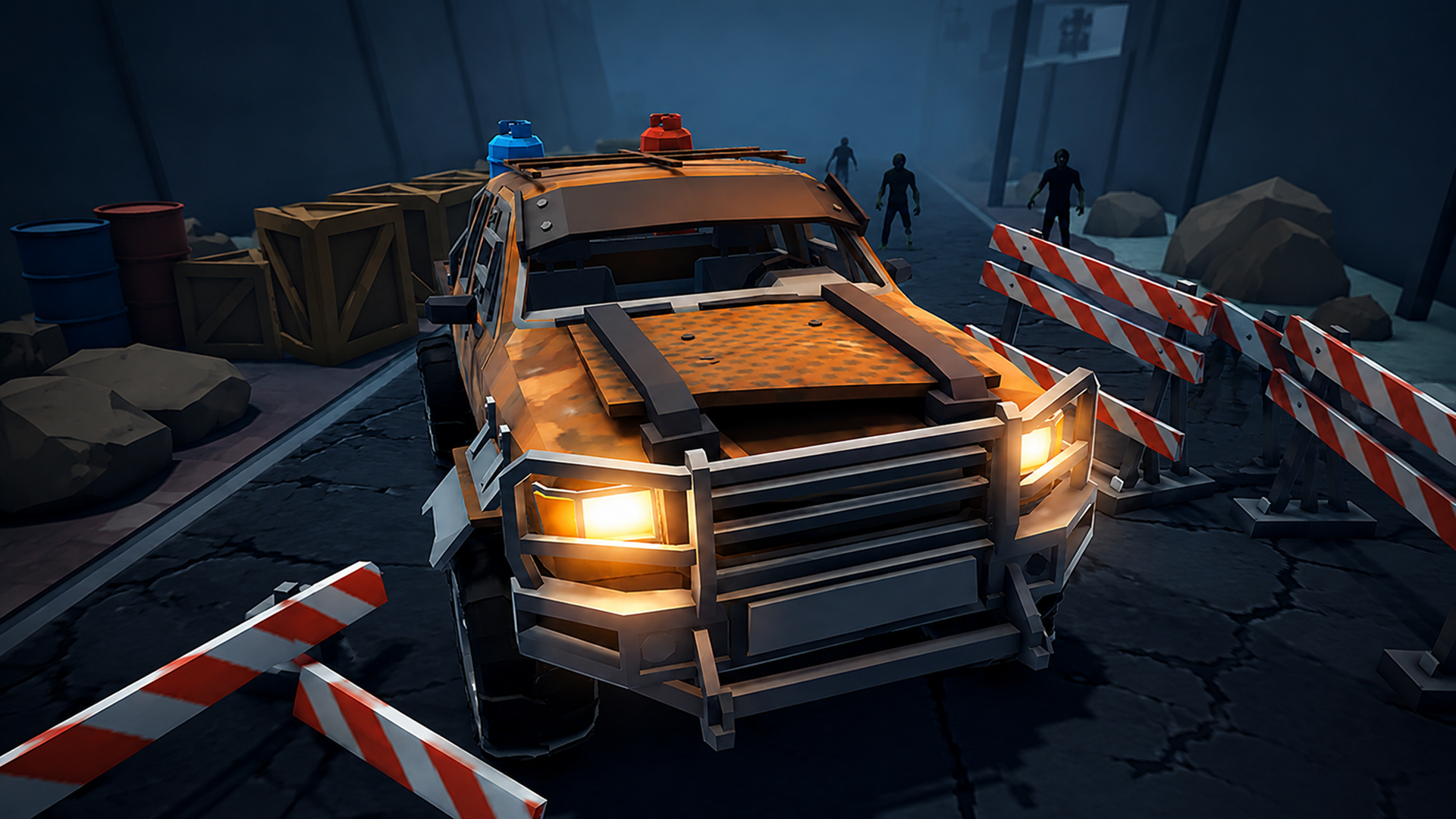
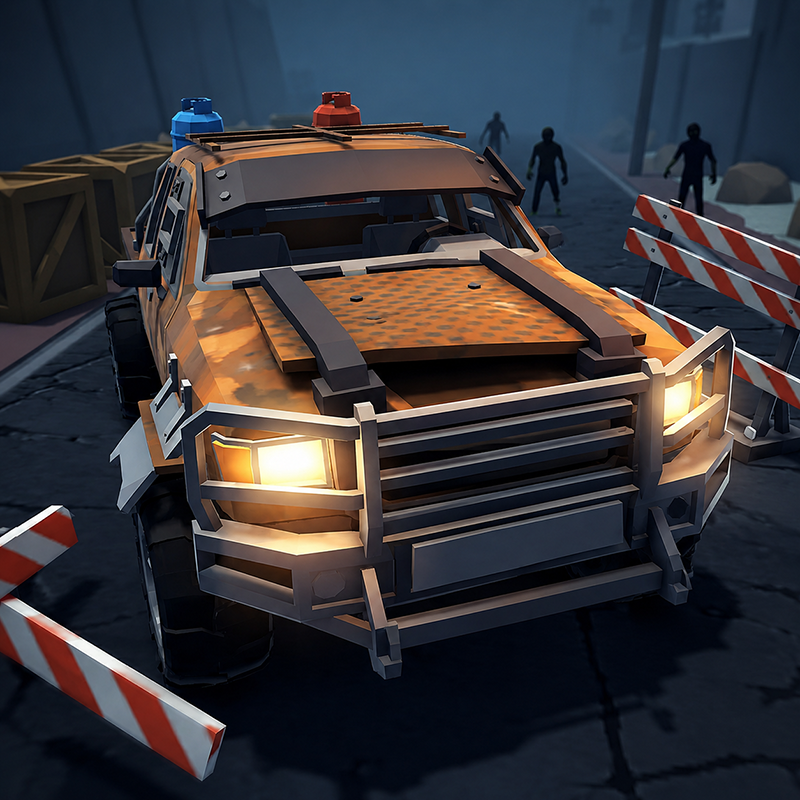
Cars vs Zombies is an arcade vehicular survival action game. Drive your car, annihilate waves of zombies, and destroy the interactive environment in the arenas. Earn resources to upgrade your vehicles in the garage: improve stats, install attachable armor, and equip boosters.
Take control of your vehicle and work through the driving challenge. Learn the acceleration, steering and braking inputs before pushing for a faster run. Upgrades are part of the progression described by the provider.
How to play Cars vs Zombies
Controls and instructions
Keyboard & Mouse Controls (Desktop / PC):
W / Up Arrow — Accelerate (Gas)
S / Down Arrow — Brake & Reverse
A / D or Left / Right Arrows — Steer and Air Balance (Tilt in flight)
Left Shift / Space — Rocket Booster (Nitro)
Left Mouse Button (LMB) — Fire Mounted Weapon
Right Mouse Button (RMB) — Trigger Slow-Mo
Esc / P / Tab — Pause Menu
Touch Controls (Mobile):
On-screen pedals — Gas & Brake/Reverse
Left / Right buttons — Steer and Air Balance
Nitro button — Activate Booster
Getting started with Cars vs Zombies
- Spend the opening moments learning how sharply the vehicle turns.
- Compare the upgrade description with your next objective before choosing it.
About this game
- Platform
- Web browser
- Supported devices
- Android, iOS, Desktop
- Screen orientation
- Landscape
- Languages
- American English, German (Germany), European Spanish, French (France), Indonesian (Indonesia), Italian (Italy), European Portuguese, Russian (Russia), Turkish (Türkiye)
- Genres
- Action, Racing, Arcade, 3d, Car, Zombie, Survival, Driving
- In-game purchases
- None listed by the provider
- Provider
- Playgama
- Provider audience
- Male, Female
Game features and tags
- Customization
- Addictive
- Vehicles
- Kill
- Apocalypse
- Desktop
- 1 Player
- Demolition
- Arcade Car
- Action Adventure
Cars vs Zombies images
Questions about Cars vs Zombies
How do I start playing?
Choose Play now in the game window above to load Cars vs Zombies through Playgama. Read the controls and instructions above before you start.
Which devices can I play on?
The provider lists support for Android, iOS, Desktop. Play in your web browser using the controls described above.
Which languages does the game support?
American English, German (Germany), European Spanish, French (France), Indonesian (Indonesia), Italian (Italy), European Portuguese, Russian (Russia), Turkish (Türkiye).
Does the game have in-game purchases?
The provider lists no in-game purchases for this game. Games may display advertisements.
Related game categories
Game facts and artwork supplied by Playgama. Descriptions adapted and getting-started guidance added by LookBear. Game content, ads and purchases are provided by Playgama and the game provider.