 Fruit Merge: Juicy Drop Game
The Flowers Merge and Sell Bouquets
Provided by Playgama

The Flowers Merge and Sell Bouquetsvia Playgama






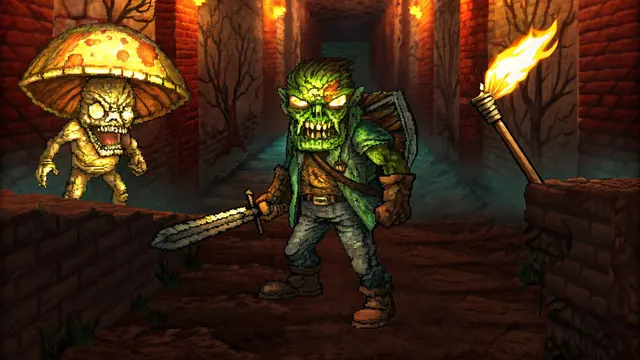 Monster Slayer: Merge & Survive
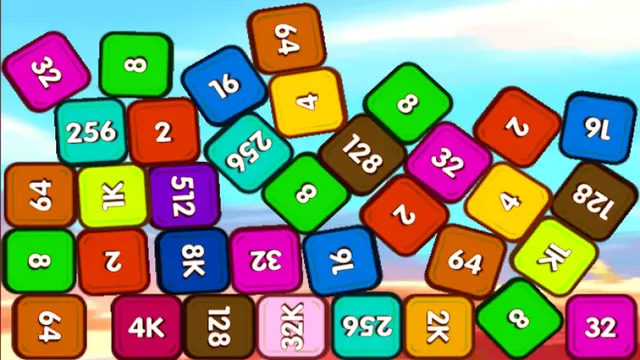 Funny Cubes 2048
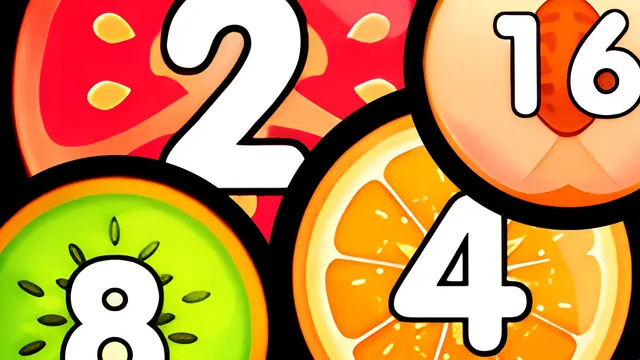 Merge Balls Shooter 2048 Connect Fruits
 Homo Evolution
 Animal Merge
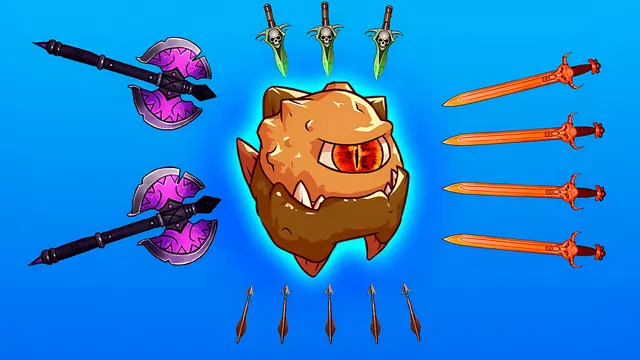 Weaponsmith Evolution - Weapon Merge
 Merge Mushroom
 Hero Merge
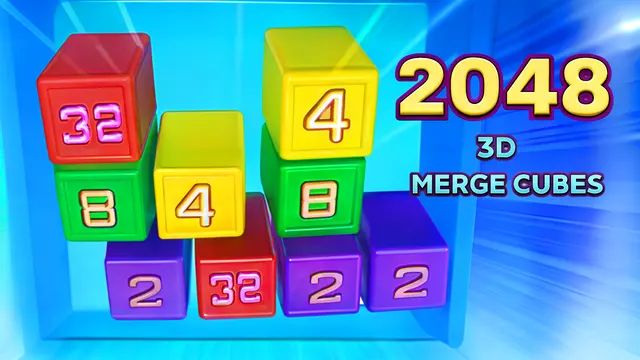 2048 3D: Merge Cubes
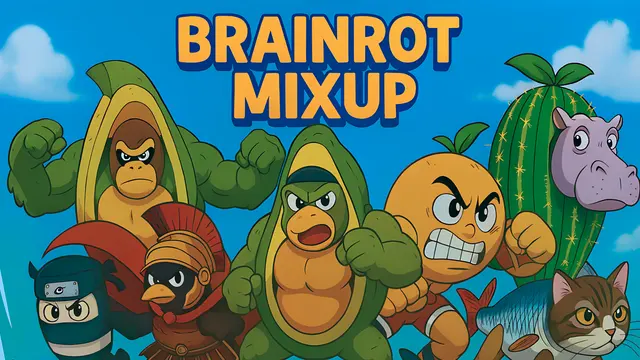 Brainrot Mixup
 Idle Pop Merge
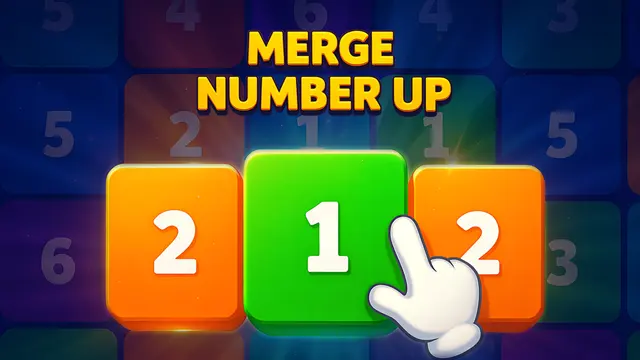 Merge number up
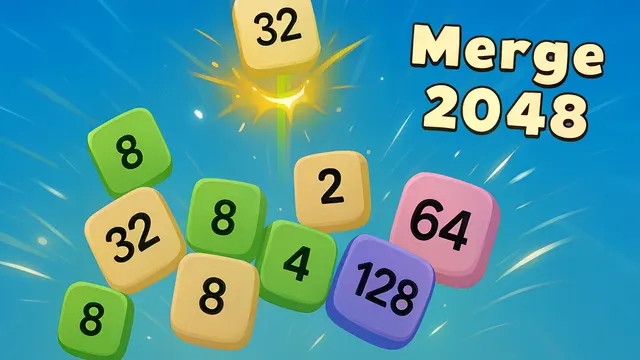 Merge 2048
 Flag Merging Game - Puzzle Game
 Fun Toy Pals
 Stack Up
 Toytopia
 Money Maker
 Smash & Merge Balls
 Number Merge 10
 Fruit Madness
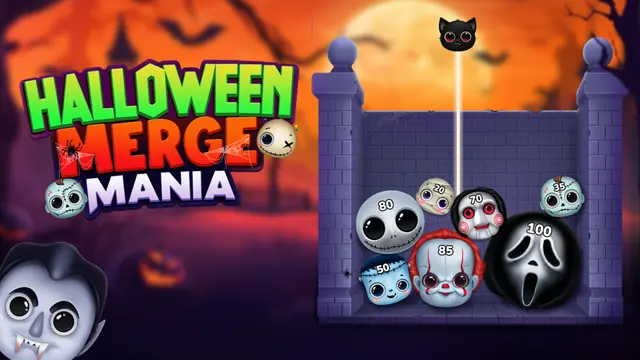 Halloween Merge Mania
 Merge Furry Monsters
 Flippin Coins
 2048 checkers
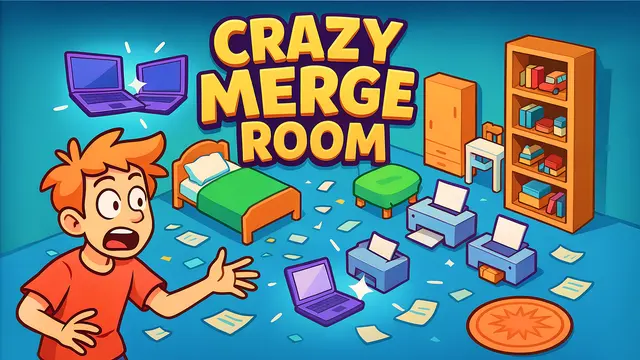 Crazy Merge Room
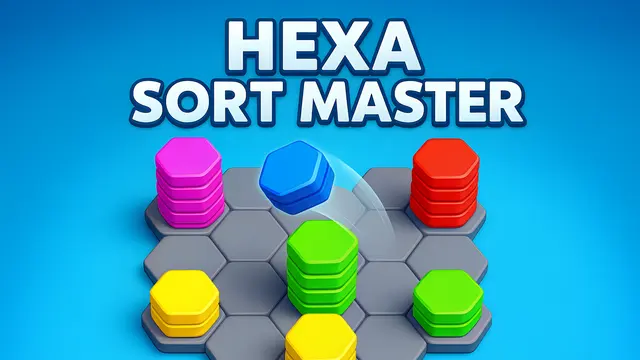 Hexa Sort Master
 MergeMaster: Dragonets
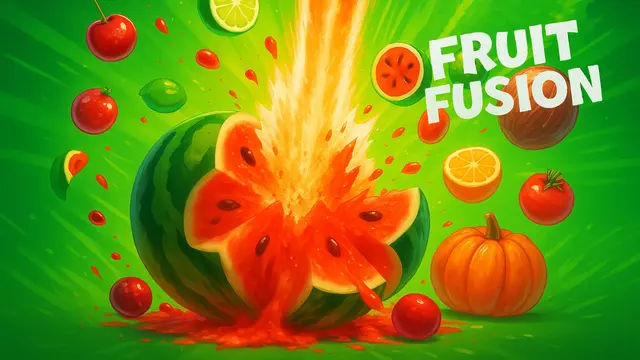 Fruit Fusion
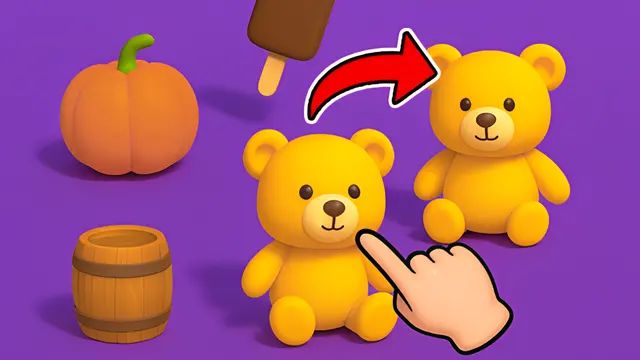 Find a Pair 3D
 Flowers: Garden Merge
 Merge Plane Tycoon
 Weapons Merge Hero
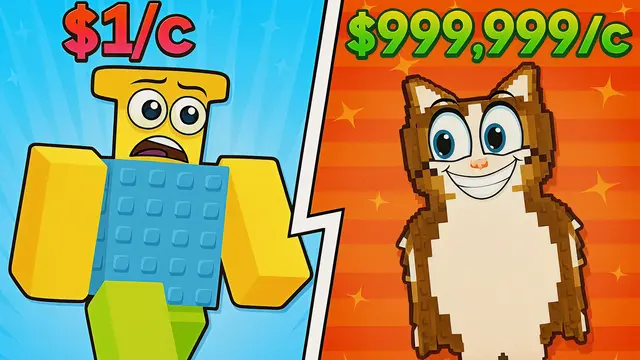 Brainrots Merge
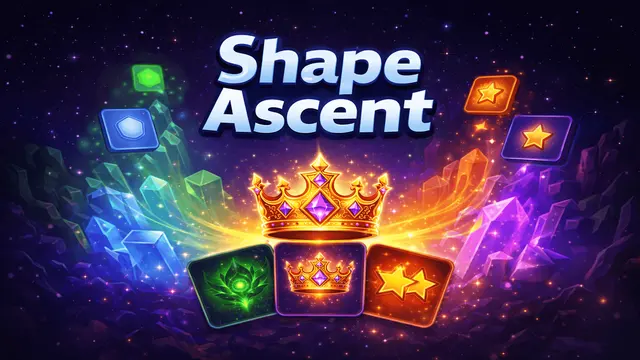 Shape Ascent - Roguelite
 Mergetopia
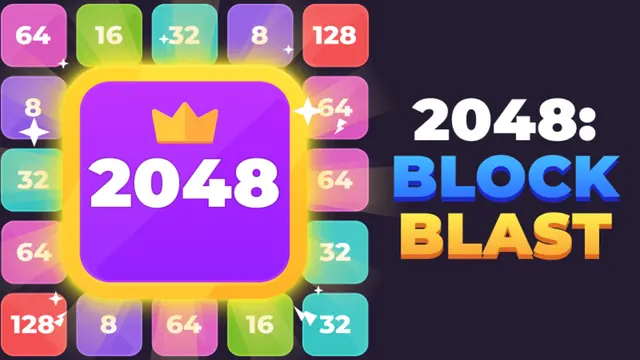 Block Blast 2048
 Kitty Cat Merge
 248 Scribble
 Merge Items Build City
 Watermelon: Falling Animals
 Squid Game Evolution: All Characters!
 Zombie Rage: Merge 3D
 Arrows Idle
 Money cutter idle
 Deconstruct Cube: Create Hotel
 Numbers Match 2448
 Poppy Playtime 5 Merge: All Characters
 Bounce Heroes
 Lucky Clash
 Mem Brawl: Merge Simulator
 Jelly Merge: Dooper
 Merge Guns: Brainrot Battle
 Brainrot Merge & Fight
 Beach Defense: Merge Tower
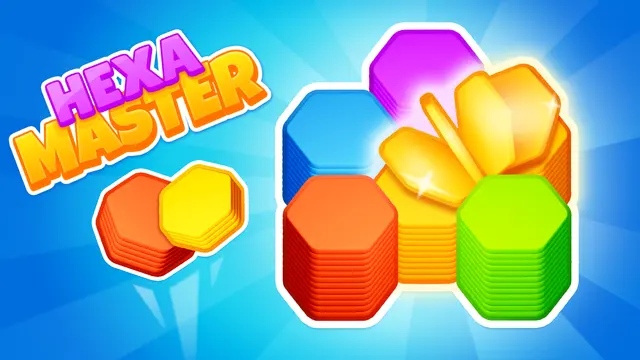 Hexa Master
 Jurassic Merge: Dino Evolution
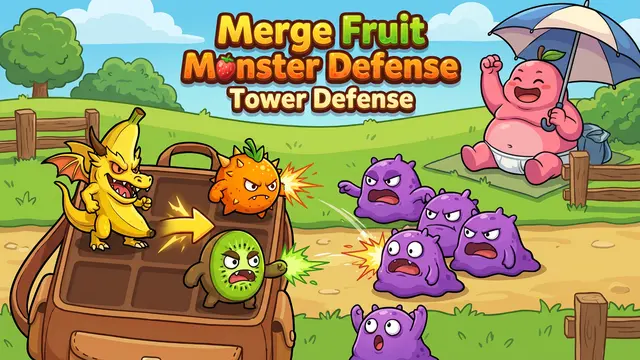 Merge Fruit Monster Defense: Tower Defense
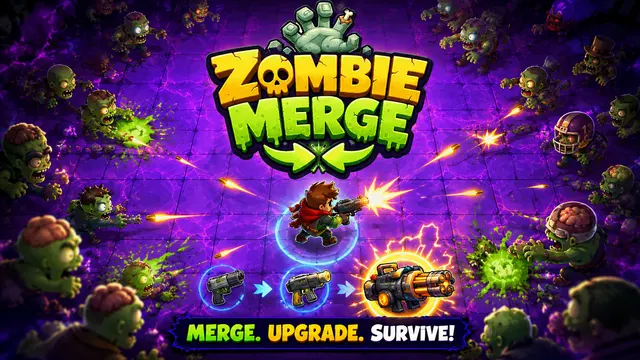 Zombie Merge
 Merge Emoji Arena
 Merge Home Ball 2048
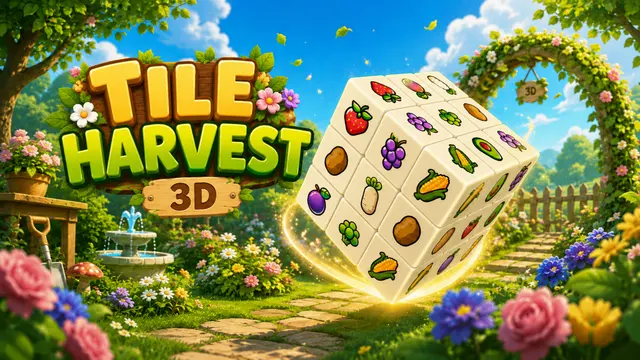 Tile Harvest 3D
 Merge Builders
 Bubble Word Jam
Play The Flowers Merge and Sell Bouquets online
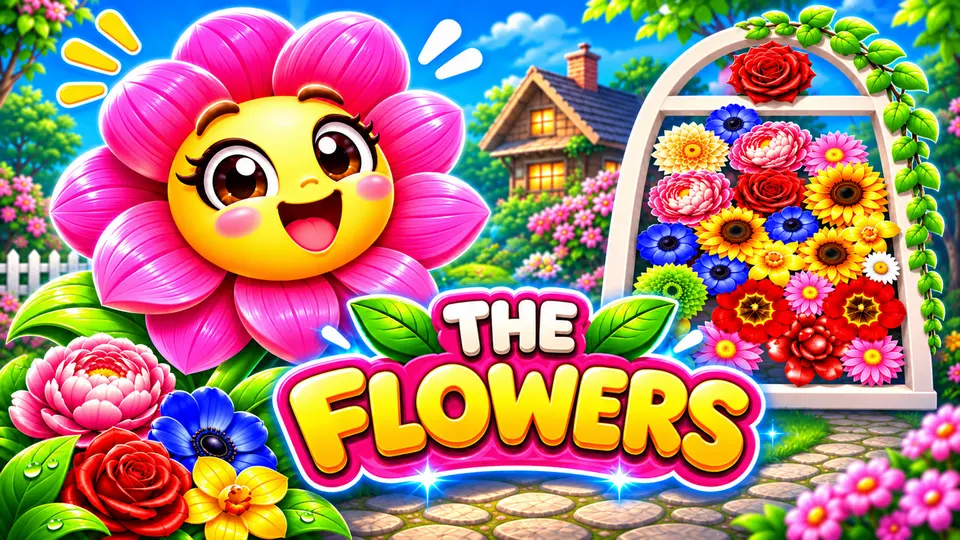
Combine flowers in the relaxing atmosphere of a summer garden and earn coins! Sell your bouquets to customers and clear your garden of unwanted flowers with your pruning shears! Earn more coins than other players to take a place on the leaderboard!
Bring matching pieces together and consider how each combination changes your available space or resources. The instructions explain which items can be combined. The provider describes a ranking or leaderboard feature. Coins appear in the game’s progression or objectives.
How to play The Flowers Merge and Sell Bouquets
Controls and instructions
1. The entire game takes place in a doorway-shaped play area.
2. A flower appears at the top, which moves with your finger or mouse cursor.
3. Release the mouse button or your finger to make the flower fly down.
4. Make the identical flowers collide and then they will join together to become another flower.
5. When the letter icon appears at the top of the screen, it means you have received an order for a new bouquet.
Getting started with The Flowers Merge and Sell Bouquets
- Check the matching requirements before combining pieces.
- Read what contributes to the ranking rather than assuming it is based on time.
- Check what the game lets you do with coins before spending them.
About this game
- Platform
- Web browser
- Supported devices
- Android, iOS, Desktop
- Screen orientation
- Landscape and Portrait
- Languages
- American English, Russian (Russia)
- Genres
- Merge
- In-game purchases
- None listed by the provider
- Provider
- Playgama
- Provider audience
- Male, Female
Game features and tags
- Casual
- Cute
The Flowers Merge and Sell Bouquets images
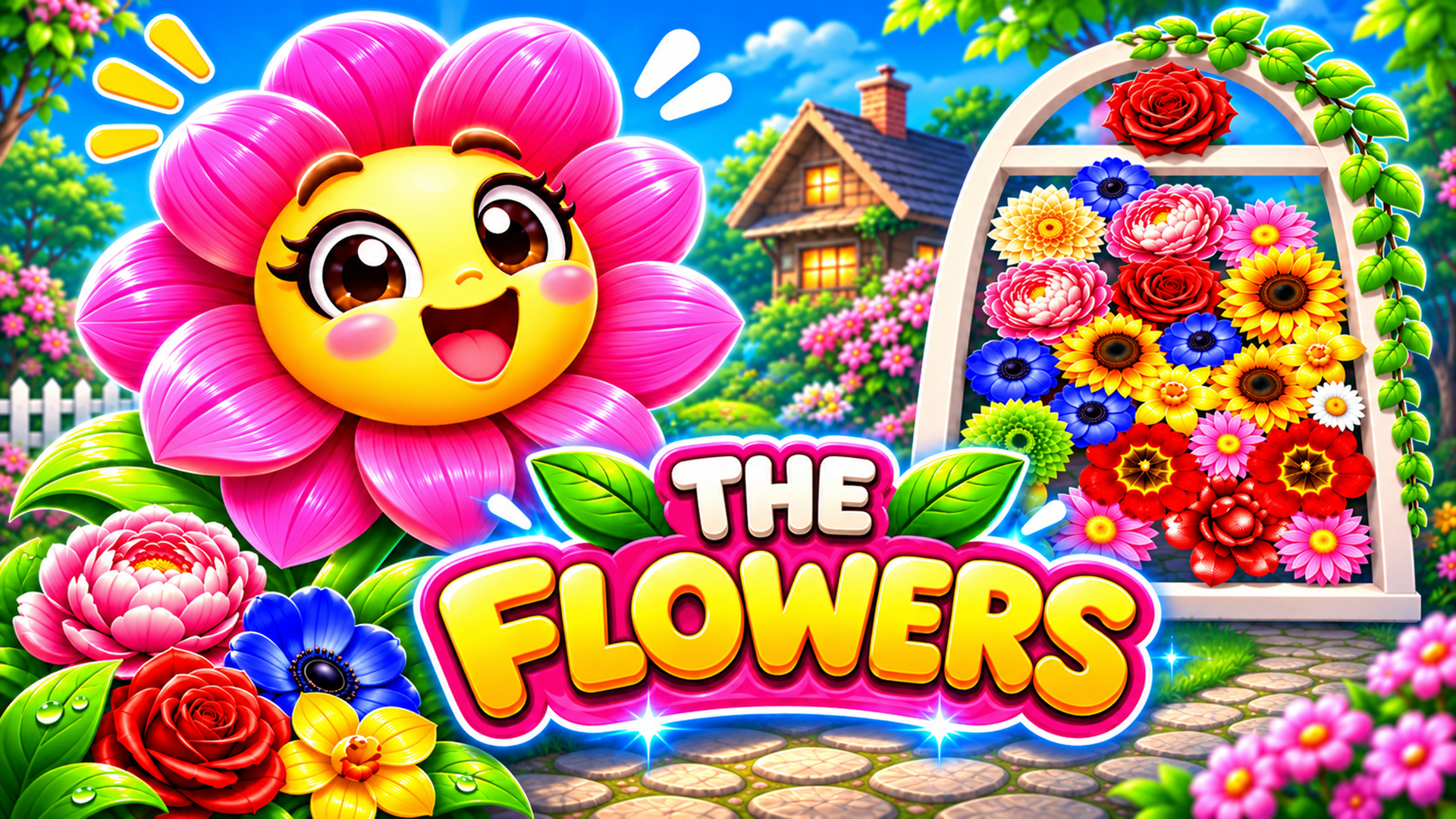
Questions about The Flowers Merge and Sell Bouquets
How do I start playing?
Choose Play now in the game window above to load The Flowers Merge and Sell Bouquets through Playgama. Read the controls and instructions above before you start.
Which devices can I play on?
The provider lists support for Android, iOS, Desktop. Play in your web browser using the controls described above.
Which languages does the game support?
American English, Russian (Russia).
Does the game have in-game purchases?
The provider lists no in-game purchases for this game. Games may display advertisements.
Related game categories
Game facts and artwork supplied by Playgama. Descriptions adapted and getting-started guidance added by LookBear. Game content, ads and purchases are provided by Playgama and the game provider.