 Drakkar Strike
The Pirate Sea. The Smuggler's Way
Provided by Playgama

The Pirate Sea. The Smuggler's Wayvia Playgama


 Help Tricky Story A Complicated Story
 Primal Druid - Kingdom of Animals
 Climb Up!
 Kitten Never Dies
 Balls: Pixel Art
 Battle Hamsters
 Your Obby Labyrinth
 Kingdom Defense
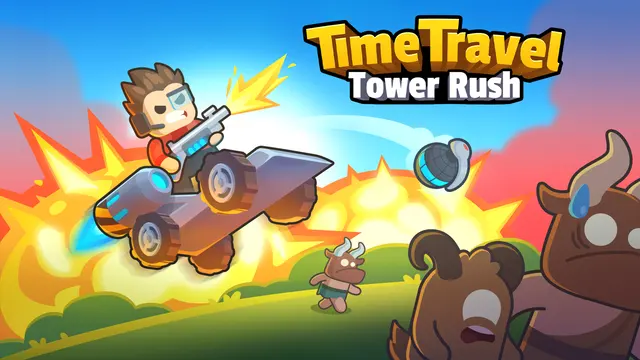 Time Travel: Tower Rush - TD
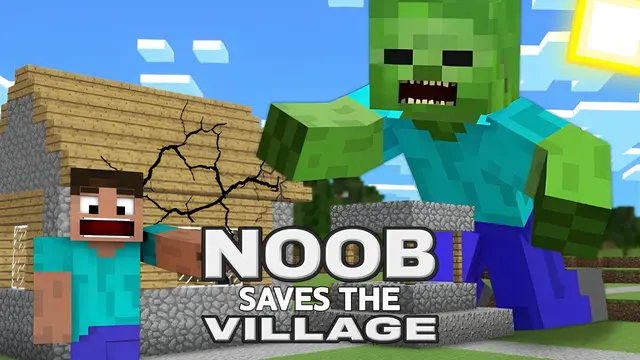 Noob saves the village
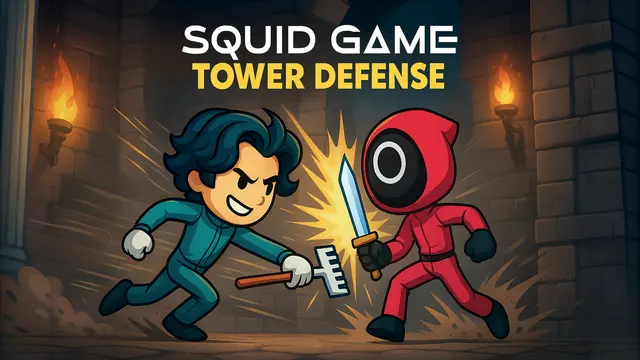 Squid Game Tower Defense
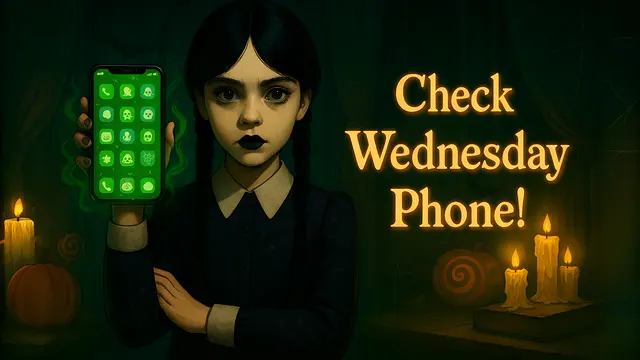 Check Wednesday Phone!
 Card Quest: 10 Minute Adventure
 Mr Shooter
 Cannon Balls
 A Block Too Many
 God Of Entropy
 Millionaire Life
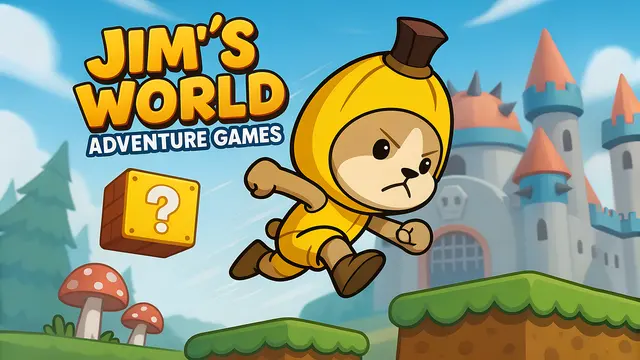 Jim's World: Adventure Games
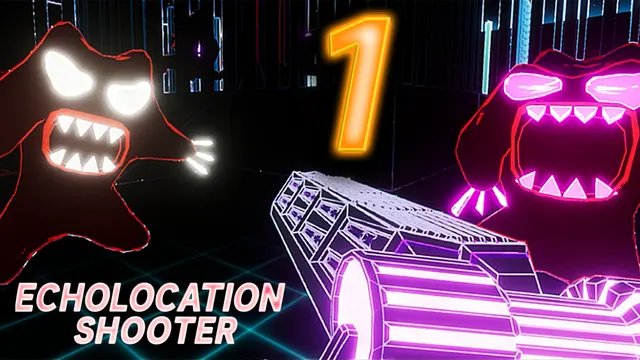 Echolocation Shooter
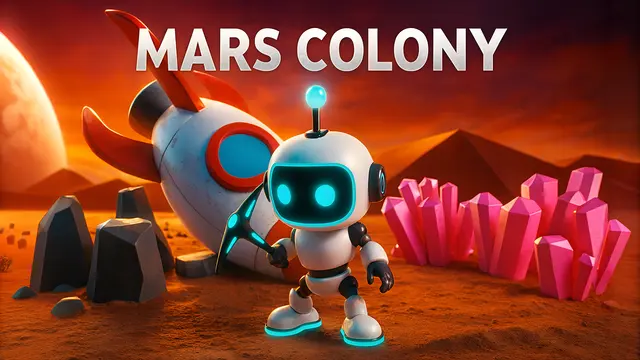 Mars Colony
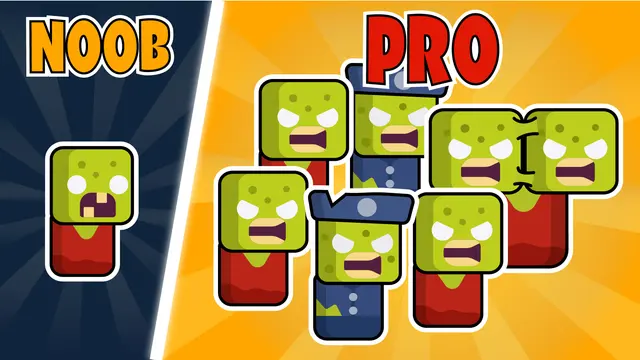 Build Your Zombie Horde
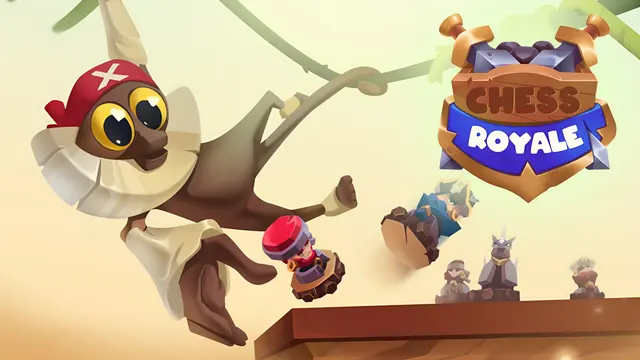 Chess Royale
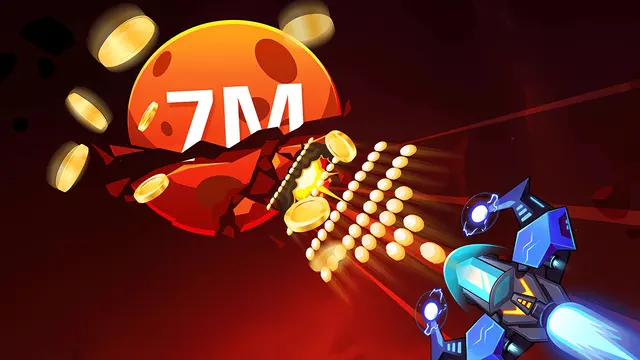 Space Blast
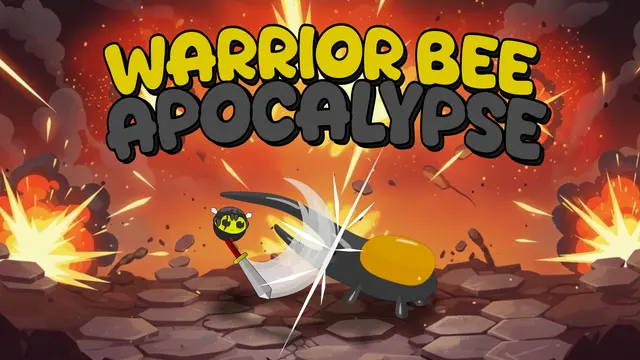 Warrior Bee Apocalypse
 Blocks Shooter 3D! Run, Shoot, Merge Weapons!
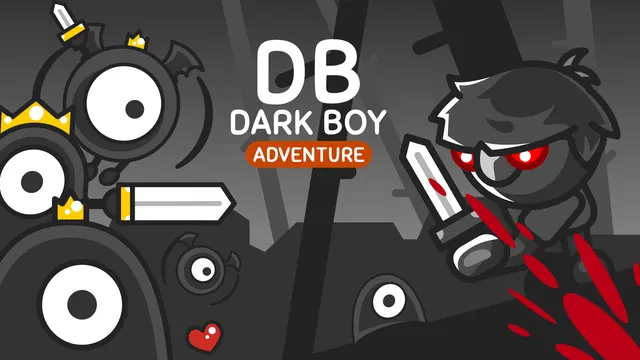 Dark Boy
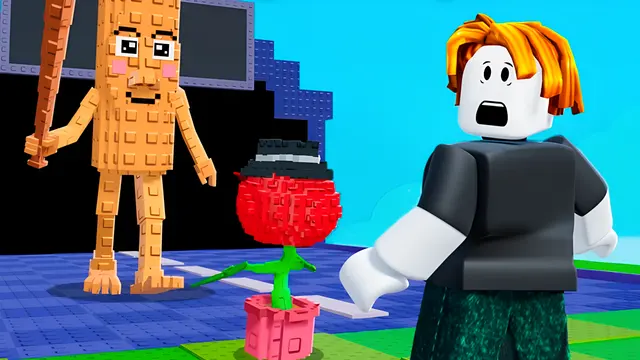 Plants Vs Steal Brainrots
 Wild Love
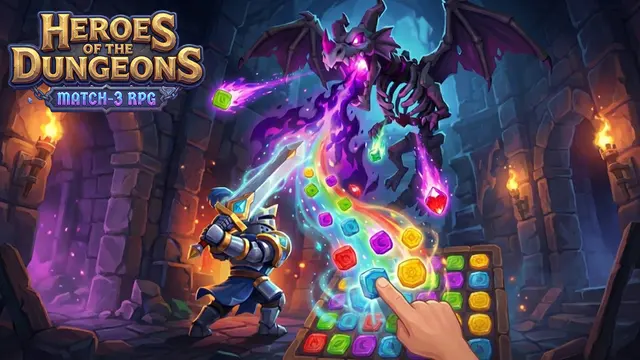 Heroes of the Dungeons: Match-3 RPG
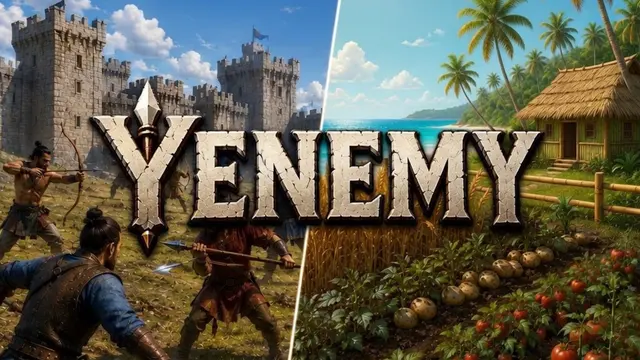 Yenemy
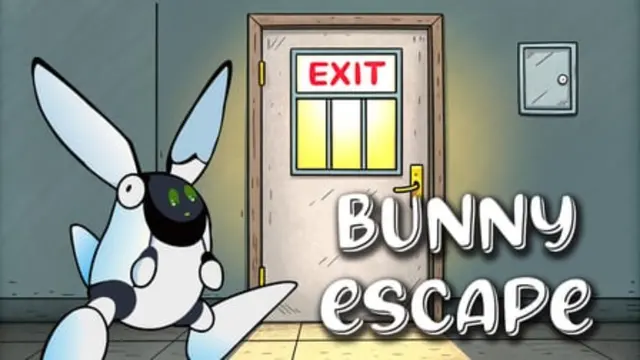 Bunny Escape
 Strategy of war: Tanks and helicopters
 Fortress of the Sinister
 Solitaire Klondike - Treasure Island
 Vikings: An Archer's Journey
 Destruction Simulator
 Stick Boy: Bazooka Ragdoll
 Sleepwalkers
 Legions: Way of War
 Golf Invaders
 Hero Merge
 Patagonians
 Limited Defense
 Shoot & Sprint: Warfare
 Vikings
 Duck Hunter
 Idle Tower Defense
 Raven Estate
 Pop Sweet Fruits
 Neko's Adventure
 OUTSIDE
 Clawler Fight
 Farm Business Saga
 Wasteland Hunter: puzzle RPG
 Schoolboy Escape: Runaway
 Satisdom
 Love Archer Hero
 Ball Attack
 CrowdGate
 Prisoners Run
 Cannon Strike
 Sins and Desires
 Escape From The Crypt
Play The Pirate Sea. The Smuggler's Way online
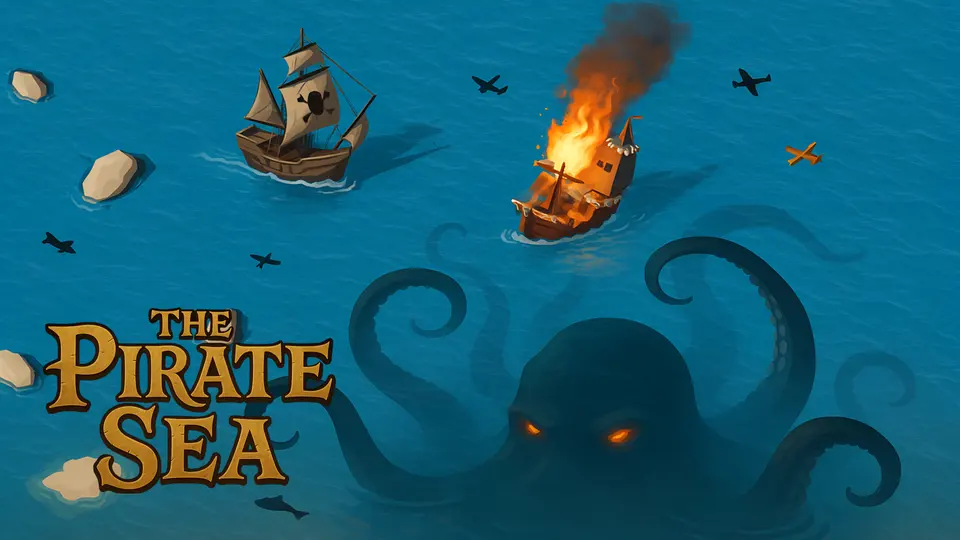
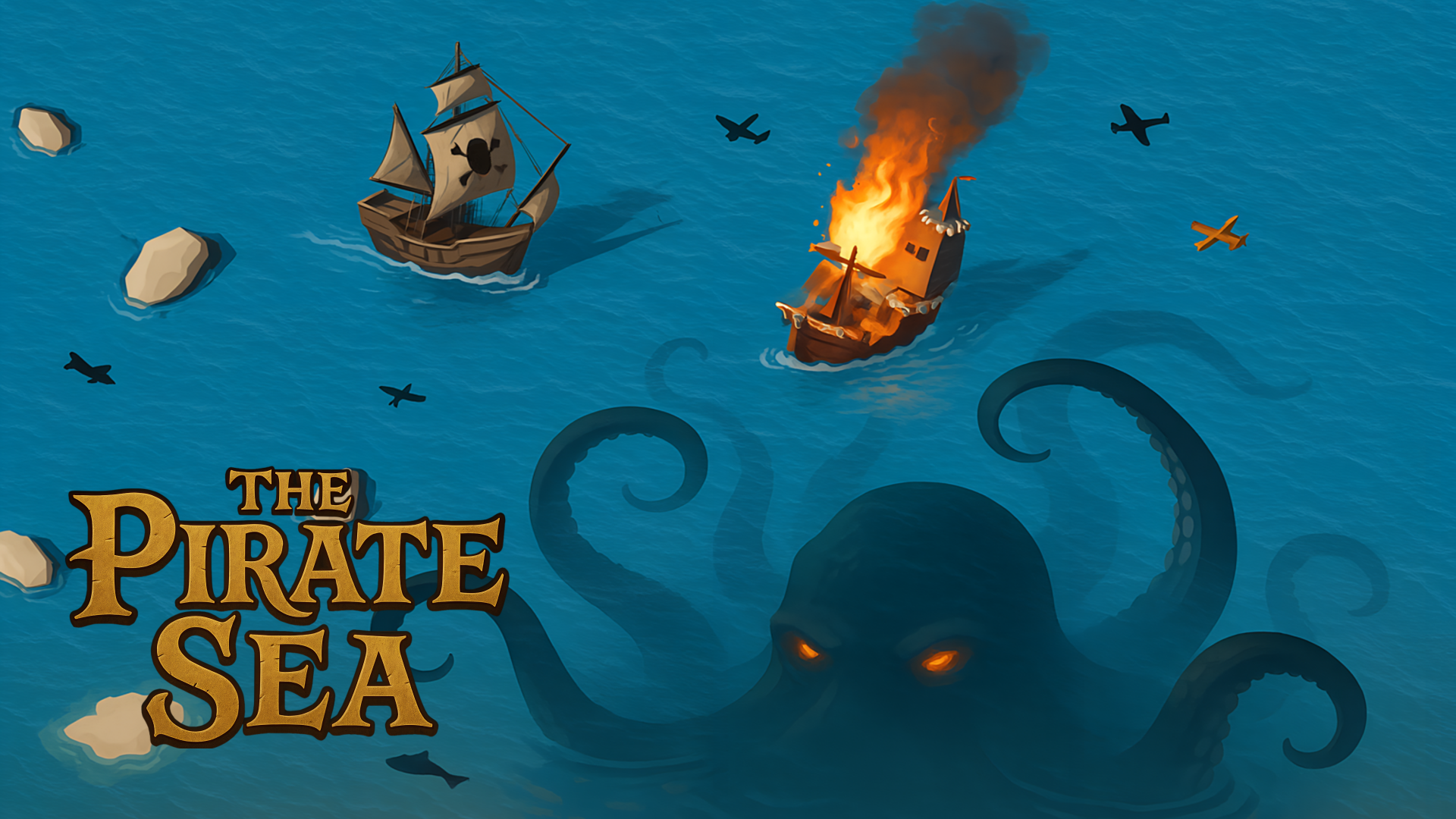
In the game you have to take on the role of a smuggler. Search for treasures, complete various tasks, destroy enemy ships, capture islands, upgrade your ship, beware of sea monsters and become the most famous smuggler.
Learn the aiming and firing controls, then follow the objective shown in the game. Movement and interaction inputs may be separate from the weapon controls. The provider describes a ranking or leaderboard feature. Upgrades are part of the progression described by the provider.
How to play The Pirate Sea. The Smuggler's Way
Controls and instructions
PC Management:
Up arrow - Straight movement
Down arrow - Backward movement
Right Arrow - Move to the right
Left Arrow - Move to the left
Key "D" - Shooting from the right side.
Key "A" - Shooting from the left side.
Left Shift - Acceleration
Management for Mobile devices:
Up arrow button - Straight movement
The down arrow button is a backward movement.
Left arrow button - Move to the left
Right arrow button - Move to the right
A button with a burning shell on the left - Shooting from the left side
A button with a burning shell on the right - Shooting from the starboard side
Red-and-white arrow button - Acceleration
For accelerated swimming, you need food, it is spent while swimming in the sea.
To set the course, open the map and click on the compass icon near the desired location.
The leaderboard shows the amount of your gold.
Getting started with The Pirate Sea. The Smuggler's Way
- Check aiming, firing and movement inputs individually before combining them.
- Read what contributes to the ranking rather than assuming it is based on time.
- Compare the upgrade description with your next objective before choosing it.
About this game
- Platform
- Web browser
- Supported devices
- Android, iOS, Desktop
- Screen orientation
- Landscape
- Languages
- American English
- Genres
- Adventure, Strategy, Shooting, Pirates, Boat, Mobile
- In-game purchases
- None listed by the provider
- Provider
- Playgama
- Provider audience
- Male, Female
Game features and tags
- Ship
- Water
- Delivery
The Pirate Sea. The Smuggler's Way images
Questions about The Pirate Sea. The Smuggler's Way
How do I start playing?
Choose Play now in the game window above to load The Pirate Sea. The Smuggler's Way through Playgama. Read the controls and instructions above before you start.
Which devices can I play on?
The provider lists support for Android, iOS, Desktop. Play in your web browser using the controls described above.
Which languages does the game support?
American English.
Does the game have in-game purchases?
The provider lists no in-game purchases for this game. Games may display advertisements.
Related game categories
Game facts and artwork supplied by Playgama. Descriptions adapted and getting-started guidance added by LookBear. Game content, ads and purchases are provided by Playgama and the game provider.