 Drakkar Strike
Tide & Powder
Provided by Playgama

Tide & Powdervia Playgama



 Road Gunner 3D
 Army Run 3D
 Jade Toss: Arrow Challenge
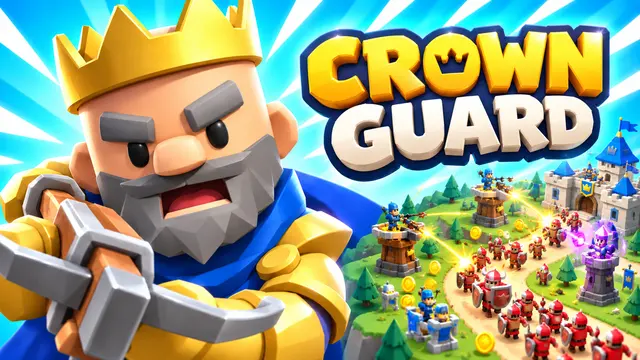 Crown Guard
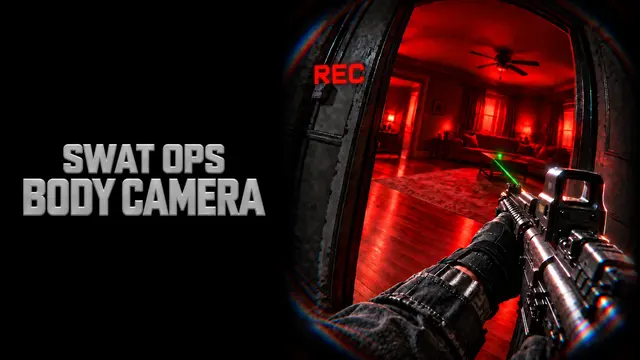 SWAT OPS: Body Camera
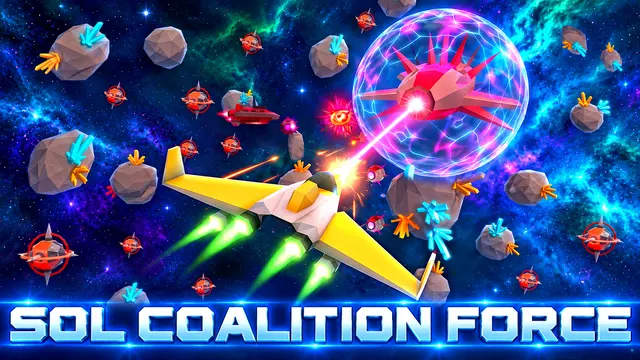 Sol Coalition Force
 TIME STOP
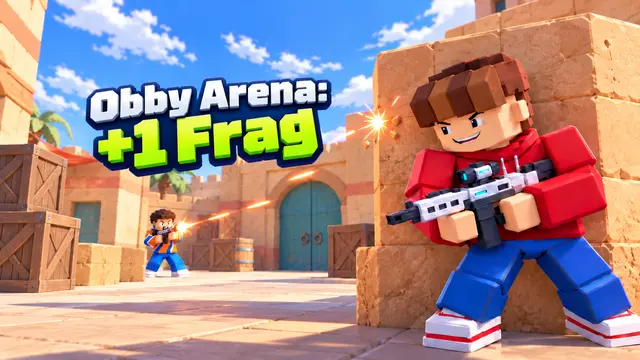 Obby Arena: +1 Frag
 Feed Them All!
 Plane Crash Ragdoll Simulator
 Robot Scrapyard Arena
 NOVAHELM - TACTICAL STRIKE
 +1 Damage Evolution
 Splash Rivals
 Angry Pets: 3D Boom!
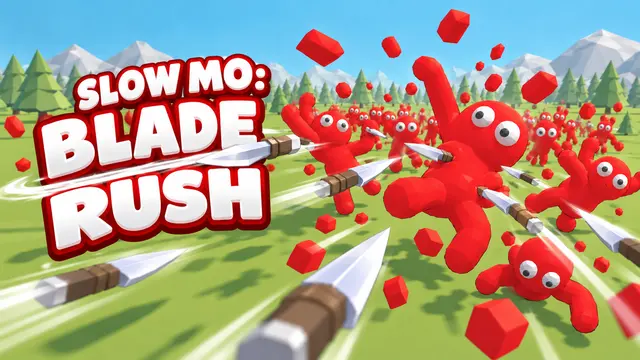 Slow Mo: Blade Rush
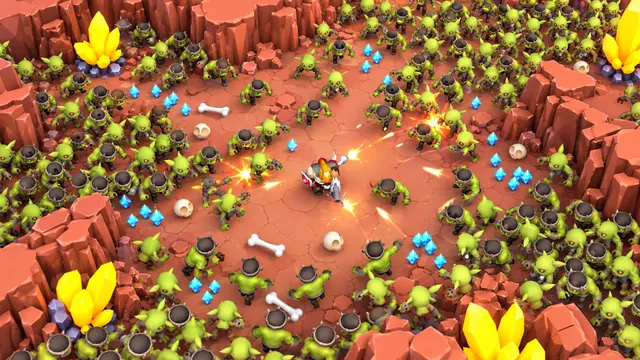 Mine And Rush Survival
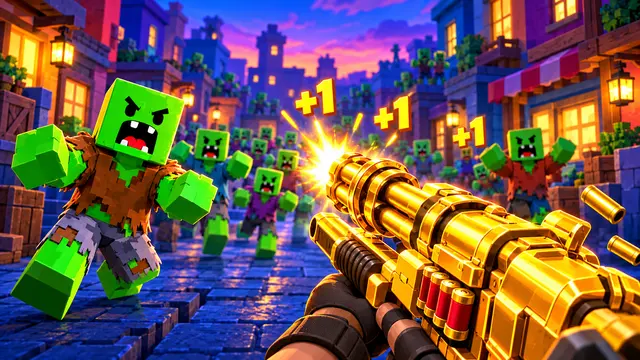 +1 Guns vs Zombies
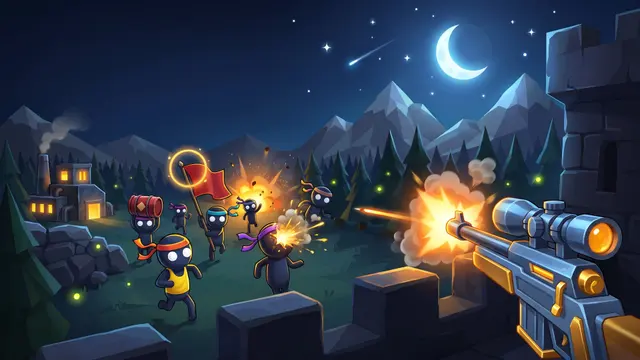 Stickman Night Defense
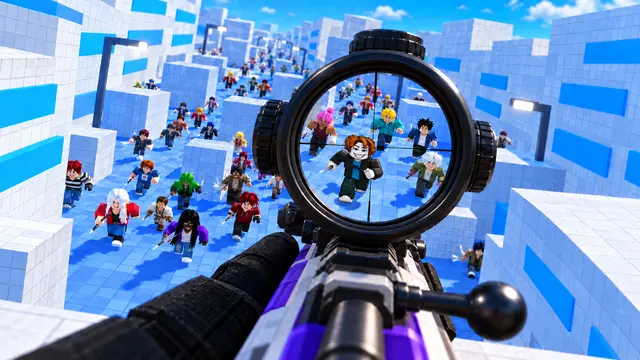 Sniper VS 99 Players
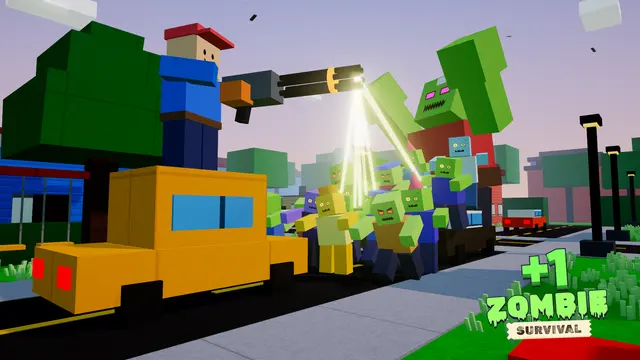 +1 Zombie Survival
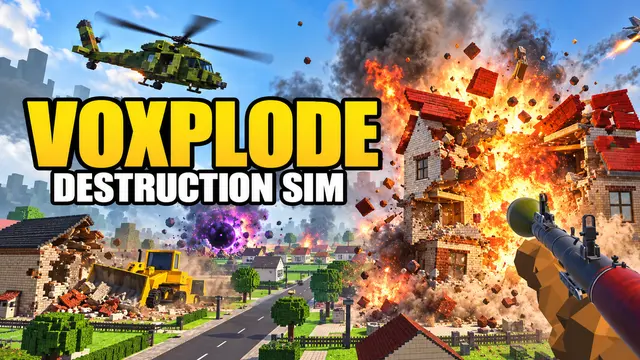 Voxplode: Destruction Sim
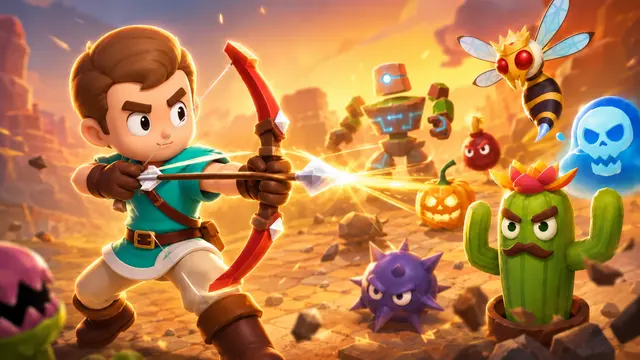 Archer: Dungeon Hero
 RoboStrike 3D
 Bug War
 Steal a Destruction Egg
 Goo Turf
 Blok Fishing
 Steel Thunder
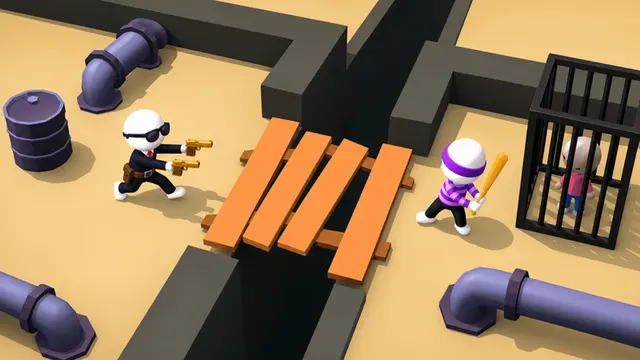 Tony Archer: Escape
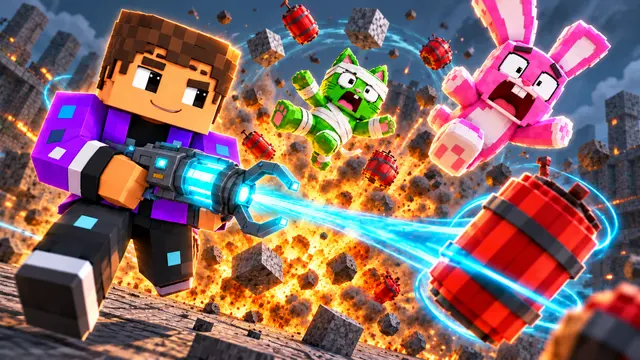 Cube Playground: Ragdoll Sandbox 3D
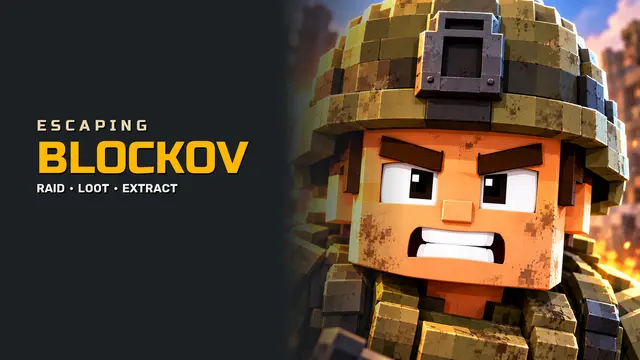 Escaping Blockov
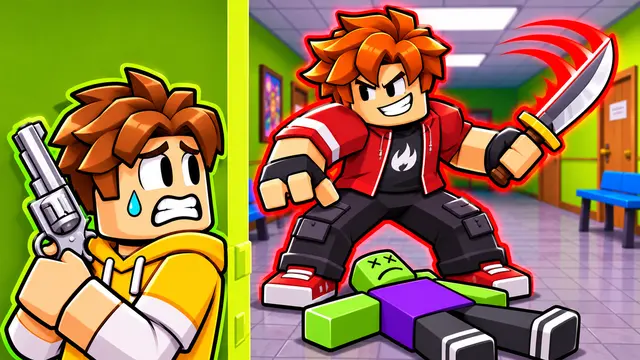 Obby: Murder Mystery 2 Online
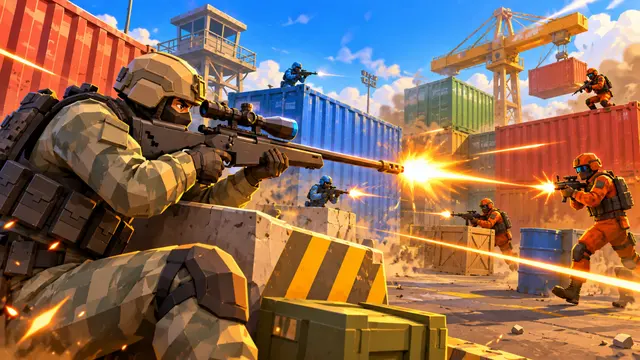 Snipers War: FPS Strike
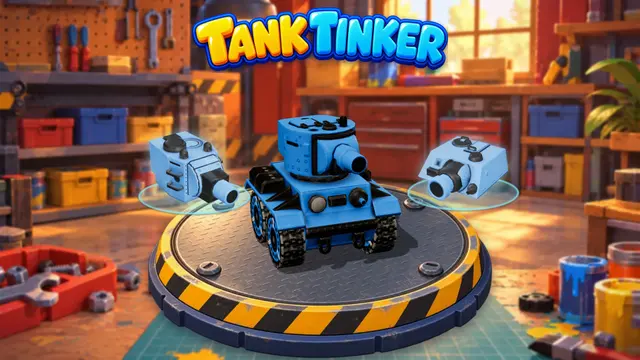 Tank Tinker
 Last Bus
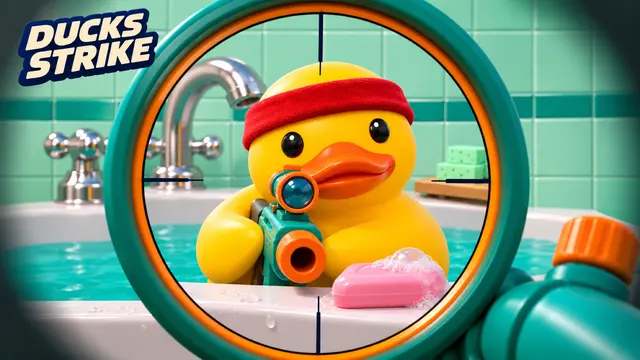 Ducks Strike
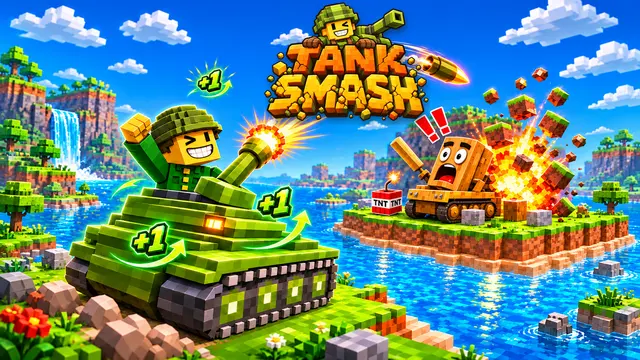 Tank Smash
 Wasteland Gas Station
 Emberwing: Skies of the Undead
 Blocky Aces
 Tapshot.io
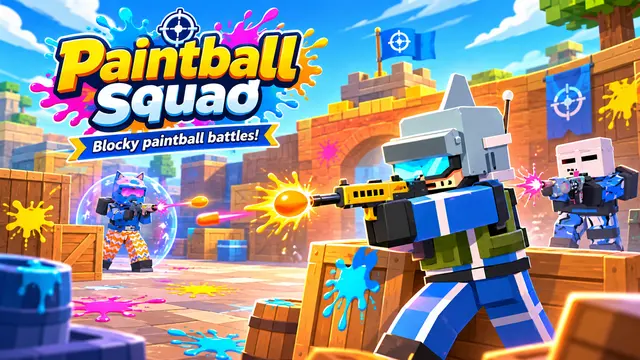 Paintball Squad
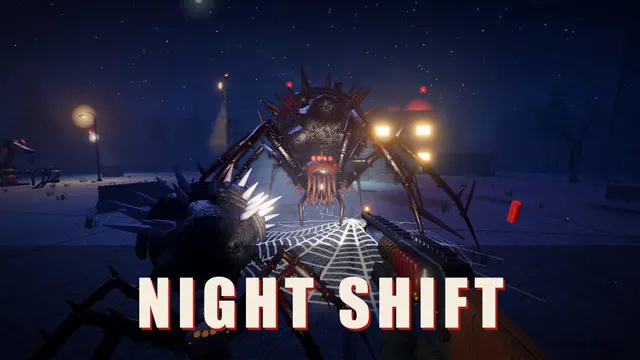 Night Shift: Blackwood Lab
 GoSplash
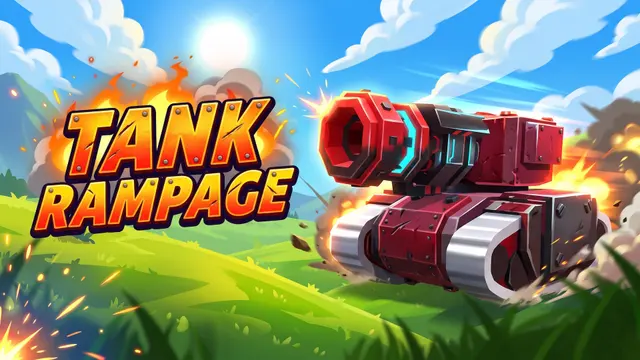 Tank Rampage
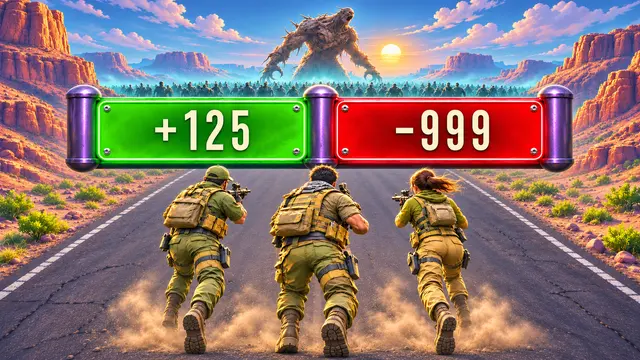 Zombie Army Rush
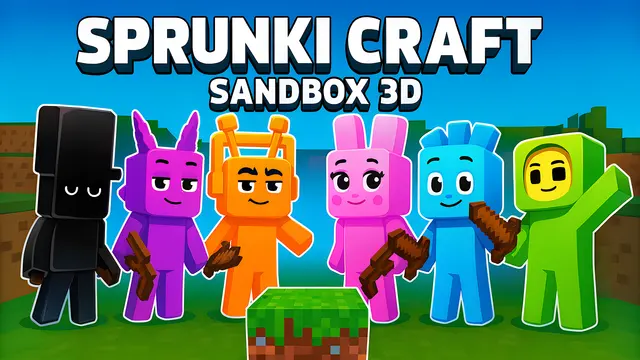 Sprunki Craft - Sandbox 3D
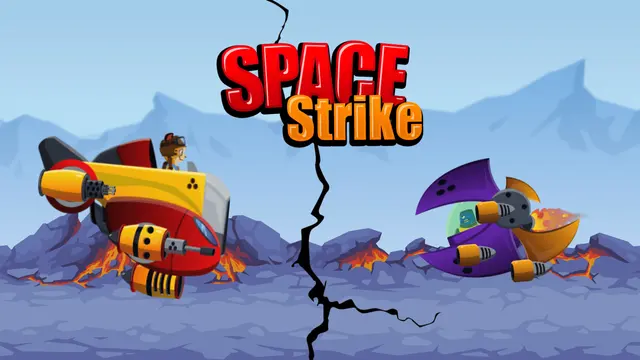 Space Strike: Galaxy Shooter
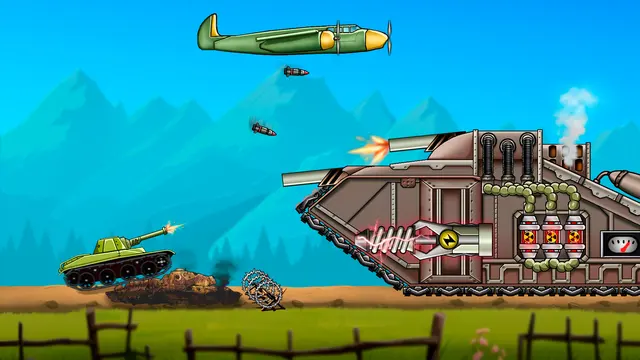 Tank Fury: Boss Battle 2D
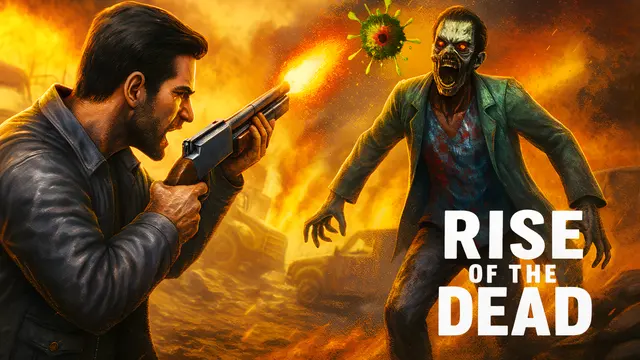 Rise of the Dead
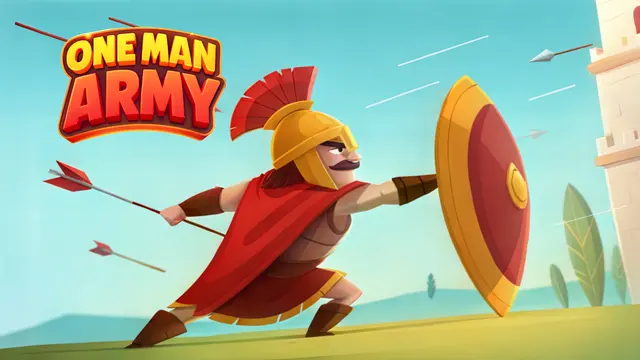 One Man Army: Battle Game
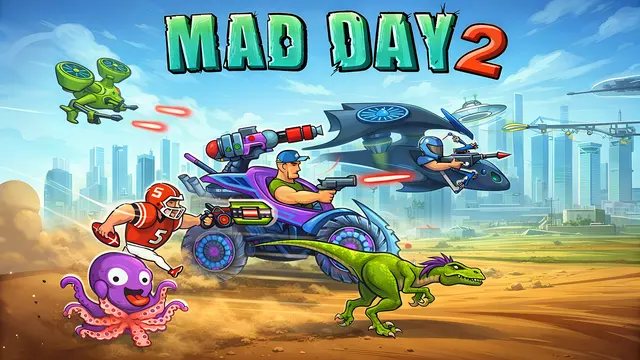 Mad Day 2 Special
 Brawl Simulator 3D
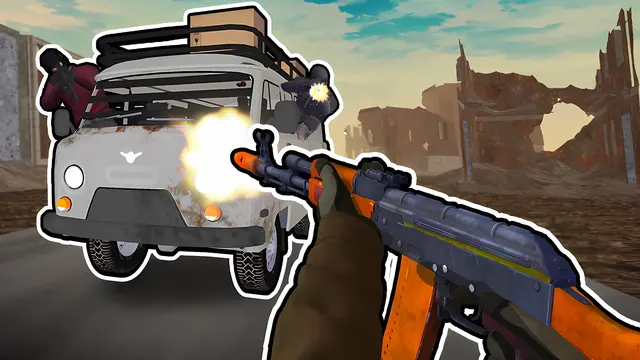 Road Chase: Shooter Realistic Guns
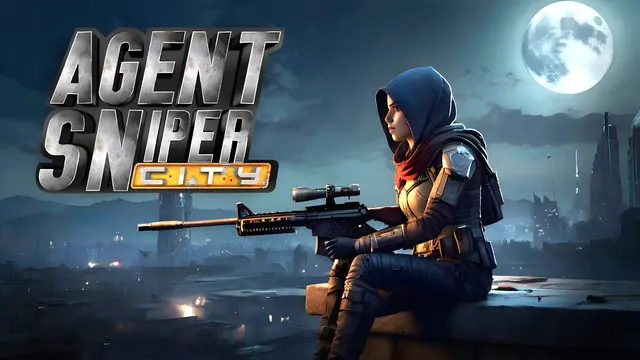 Agent Sniper City
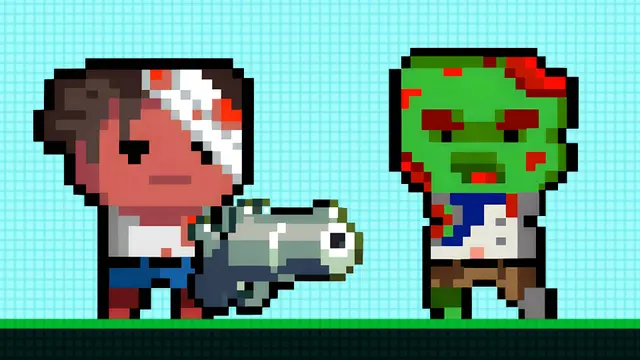 ENDLESS Z SURVIVOR
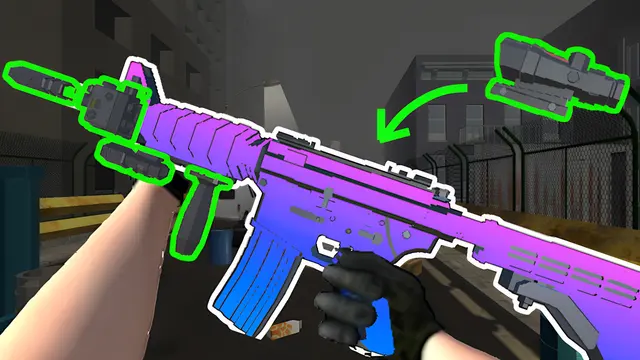 War V: Path of the Survivor!
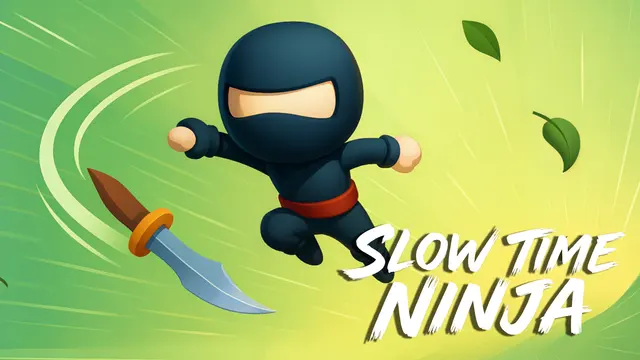 Slow Time Ninja
 Italian Brainrot Hunting 3D
 Wednesday’s Battle: Monster Symphony
 Mr Shooter
 Get Off My Farm!
 Car Destruction King
Play Tide & Powder online
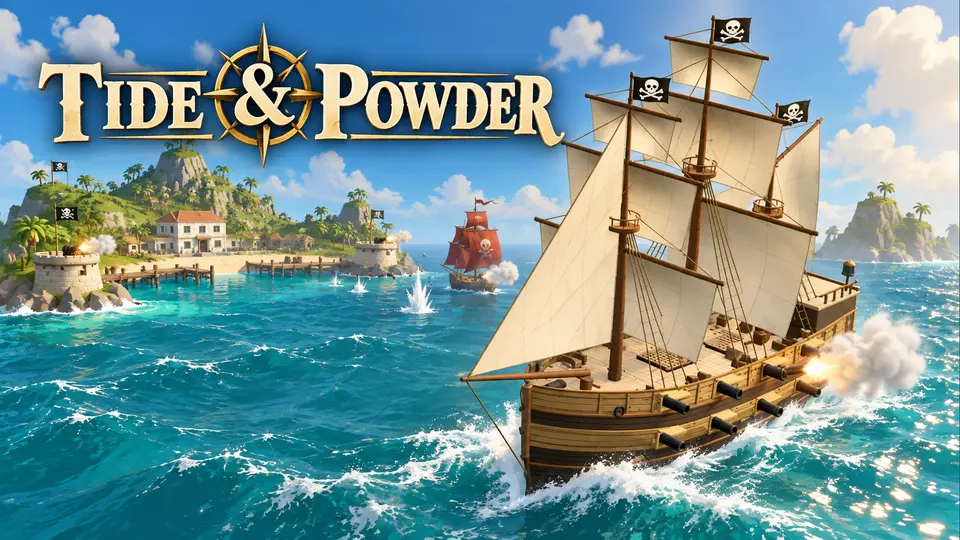
Tide & Powder is a single-player 3D pirate sailing roguelike. Command a small warship, navigate changing winds and coastal waters, and build a stronger vessel through naval combat, salvage and harbour visits. NAVAL COMBAT Turn to bring your port and starboard broadsides into position, use bow and stern guns, and time each volley around its reload.
Learn the aiming and firing controls, then follow the objective shown in the game. Movement and interaction inputs may be separate from the weapon controls. Upgrades are part of the progression described by the provider.
How to play Tide & Powder
Controls and instructions
Take command of your own pirate warship! Read the wind, steer through island waters and line up your cannons to defeat enemy ships. Sail close to their wrecks to collect gold and upgrades, then visit harbours to repair your hull and buy stronger ships. Complete the operation objectives, destroy the pirate island's defensive batteries and take down its central powder magazine to win the operation.
Desktop Controls:
A / Left Arrow: Steer left.
D / Right Arrow: Steer right.
Q: Fire the port (left) broadside.
E: Fire the starboard (right) broadside.
W: Fire the bow (front) guns.
S: Fire the stern (rear) guns.
1: Furl the sails.
2: Set half sails.
3: Set full sails.
Spacebar: Cycle between sail settings.
F: Collect nearby wrecks, enter a nearby harbour or refloat when prompted.
Esc / P: Pause the game.
Mouse: Click on-screen controls, choose upgrades and use harbour menus.
Mobile Controls:
Steering Buttons: Press and hold the left or right steering control to turn your ship.
Sail Control: Tap to cycle sail settings, or choose furled, half or full sails when the three buttons are shown.
Cannon Buttons: Tap the corresponding gun bank to fire when it is ready.
Interaction Prompt: Tap when close to a wreck or harbour to collect salvage or dock.
Upgrade Cards: Tap a card to choose an upgrade.
Harbour Menu: Tap repair or ship options to spend your gold.
Pause Button: Tap to pause, resume or change the sound setting.
Tip: Watch the wind direction and each gun bank's reload. Turn to bring your broadside into position, and keep clear of islands while manoeuvring. Progress saves automatically; select Continue to return to your voyage.
Getting started with Tide & Powder
- Check aiming, firing and movement inputs individually before combining them.
- Compare the upgrade description with your next objective before choosing it.
About this game
- Platform
- Web browser
- Supported devices
- Android, iOS, Desktop
- Screen orientation
- Landscape and Portrait
- Languages
- American English
- Genres
- Action, 3d, Shooting, Pirates, Boat
- In-game purchases
- None listed by the provider
- Provider
- Playgama
- Provider audience
- Male, Female
Game features and tags
- Ship
- Desktop
- 1 Player
- Arcade Shooter
Tide & Powder images
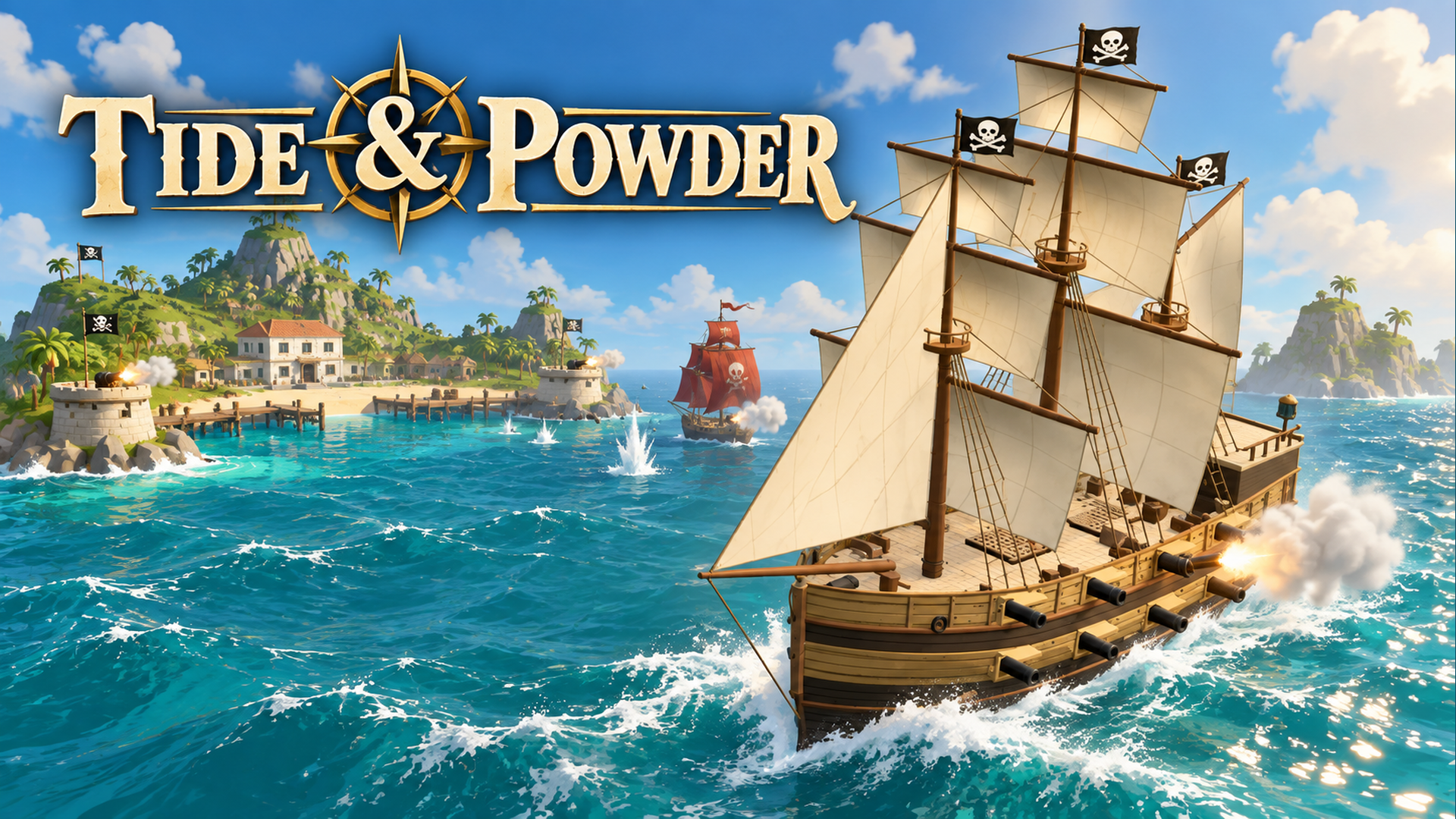
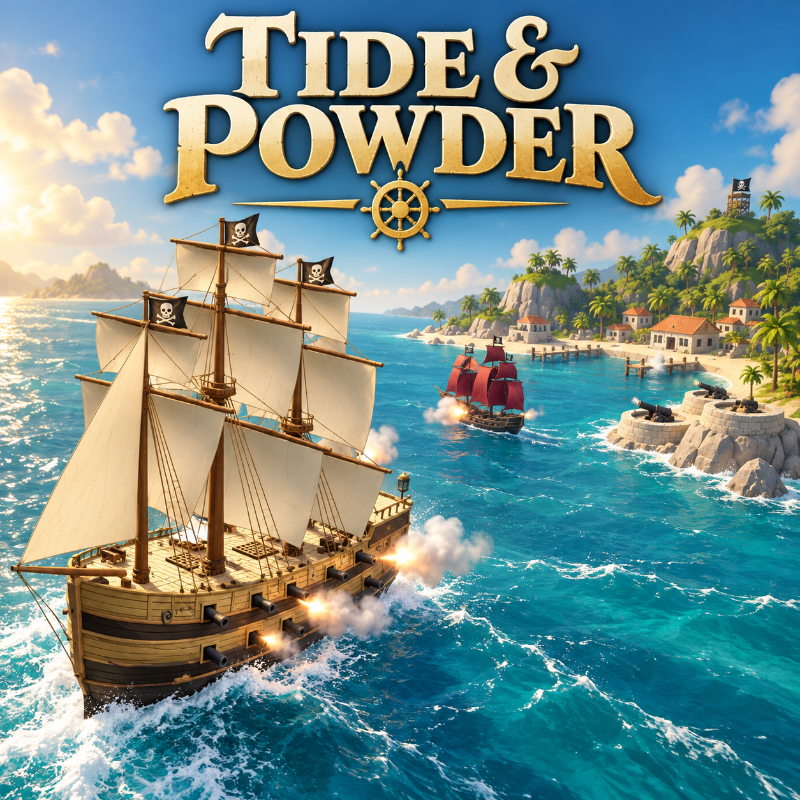
Questions about Tide & Powder
How do I start playing?
Choose Play now in the game window above to load Tide & Powder through Playgama. Read the controls and instructions above before you start.
Which devices can I play on?
The provider lists support for Android, iOS, Desktop. Play in your web browser using the controls described above.
Which languages does the game support?
American English.
Does the game have in-game purchases?
The provider lists no in-game purchases for this game. Games may display advertisements.
Related game categories
Game facts and artwork supplied by Playgama. Descriptions adapted and getting-started guidance added by LookBear. Game content, ads and purchases are provided by Playgama and the game provider.