 Dungeon Master - Cult & Craft
Mars Colony
Provided by Playgama
Mars Colonyvia Playgama





 My Phone Store
 Capi bar
 My Bakery
 Idle Zoo Tycoon
 Cooking Shawarma Idle Game
 Trash Baron
 Garage Boss
 JUICE TYCOON
 The Hustler
 Moon Potato Clicker
 Exploring the Galaxy 1: Andora
 Idle Chicken Farm
 Sell Lemons Idle
 Cozy idle village
 Gas Station 24: Simulator
 Capitalist Hunter
 Wild Manager
 My Gym Manager: Idle Tycoon
 My Little Kingdom
 Kingdom Master
 Braveward
 Mowmentum
 Wildkin Isles
 Bee Rise
 Car Wash Idle
 Restore Lab
 Wooden Vest
 Deepglow
 Grave: Necromancer Mortician
 Kickoff Academy: Football Tycoon
 Dungeon Shop Rush
 Hex Hamlet
 Needle Rush
 Cloudburg: Sky Farm
 Bank Tycoon Simulator Money Empire
 Reaper’s Graveyard Shift
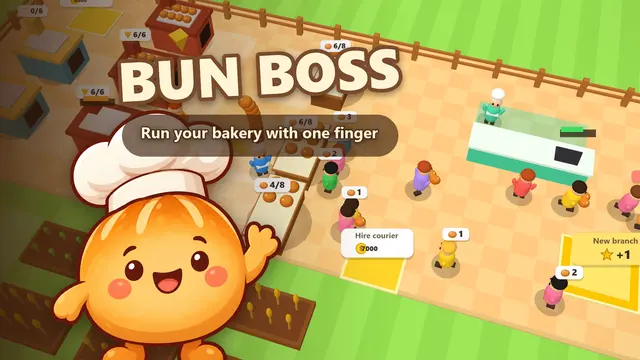 Bun Boss
 Grow the Baby
 Monster Card Shop
 Colonora: Colony Survival
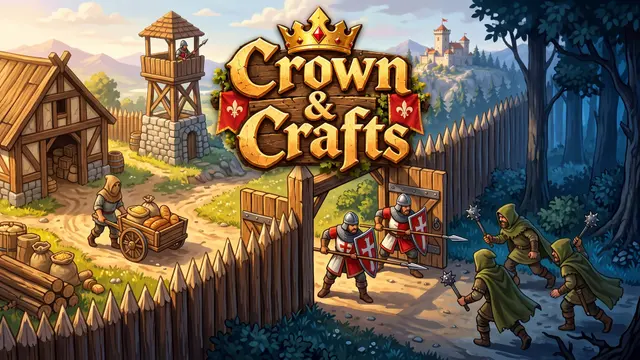 Crown & Crafts
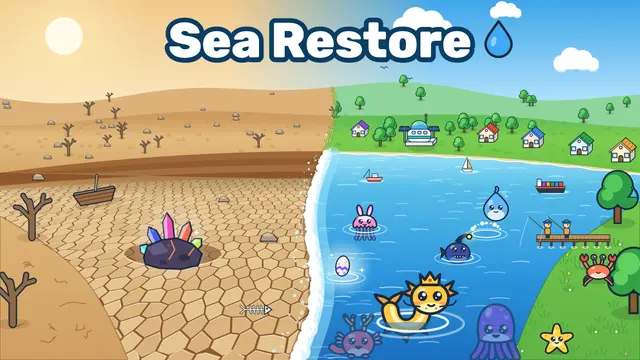 Sea Restore
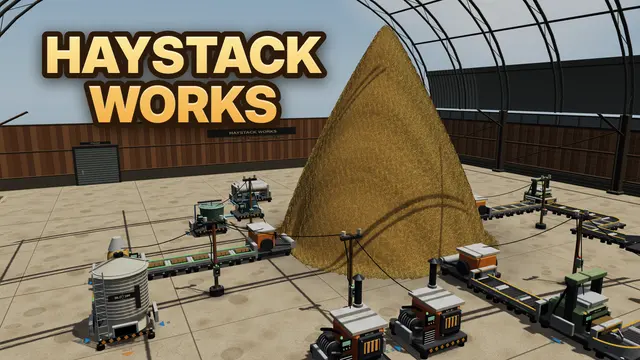 Haystack Works
 Harvest Rush
 Bribes & Stamps
 Monster Cafe: Idle Tycoon
 Restaurant Tycoon
 Rusty Park
 Event Horizon: Black Hole Idle
 Would You Like to See My Ants?
 Merch Rush
 Fish Eggs for Animals
 City Rush 2000
 Pump It Up
 Sticky Memo - Ripping Game
 My Castle
 Market Hero
 Junction Master
 Cosmic Cleaners
 Thriller Cafe
 Swim Fitness Club
 Box buider
 BEAR PICKSprunki
 Zombie Horde: Build & Survive
Play Mars Colony online
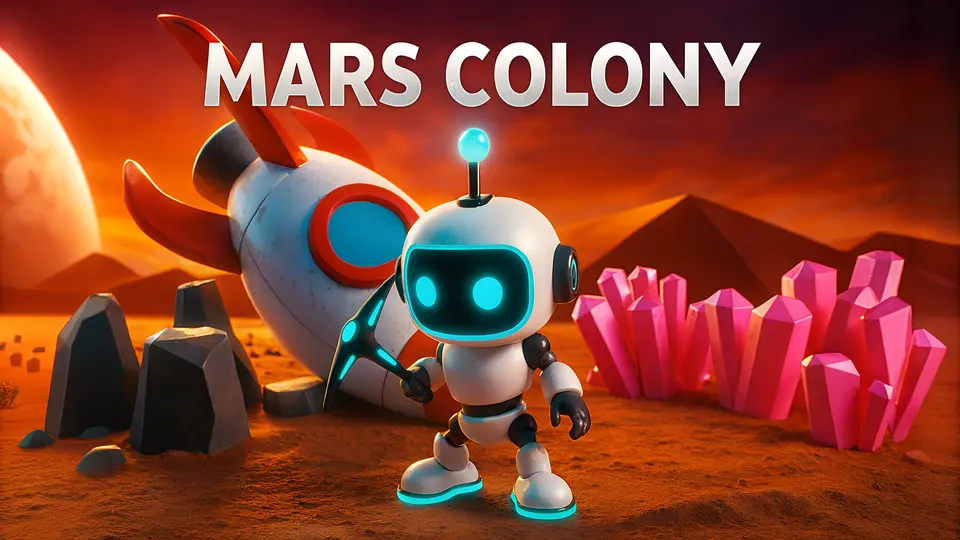
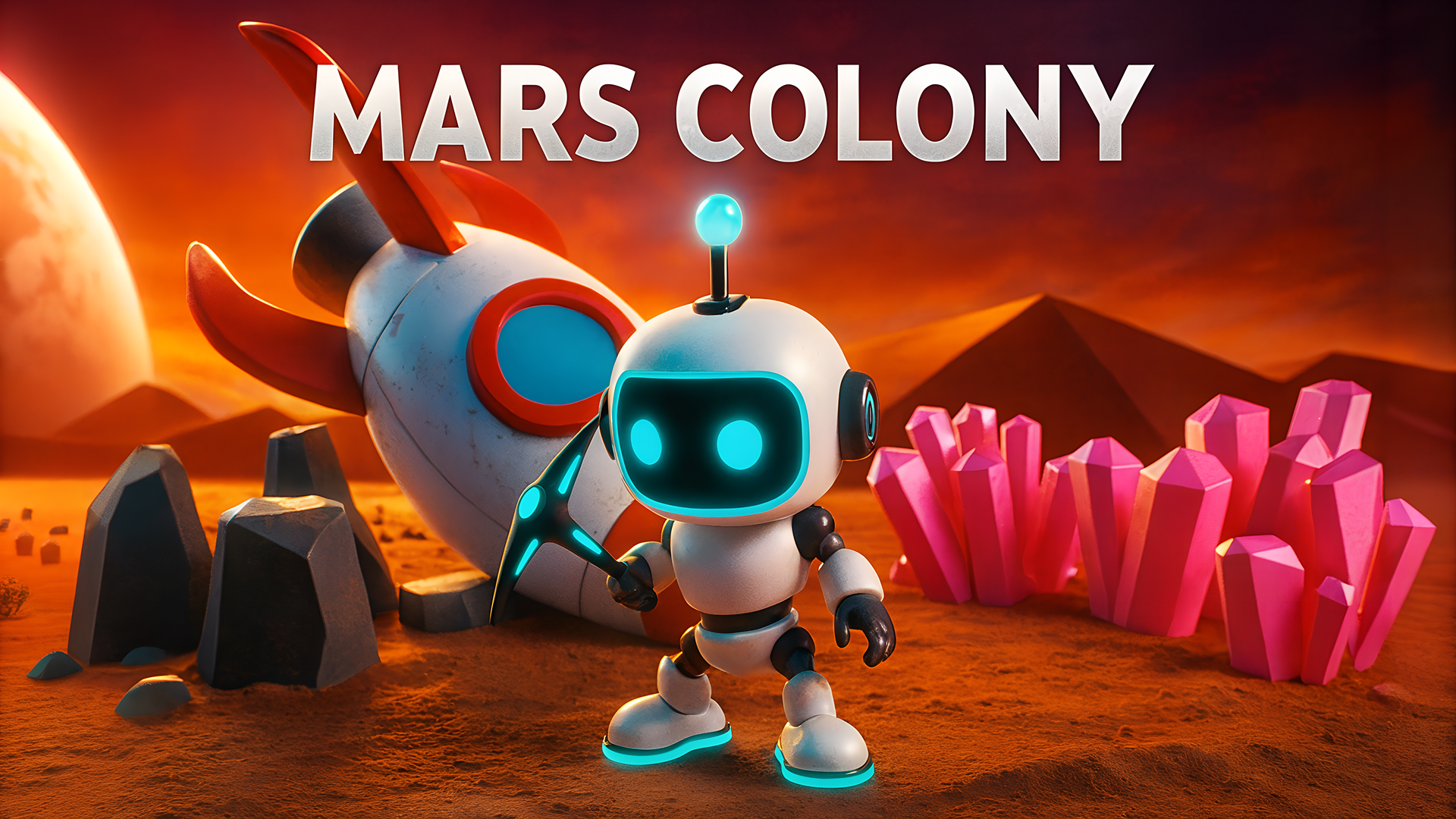
Rob the Robot, you have been given a crucial mission: to prepare Mars for human settlement! The game is similar to "My Little Universe."
Follow the game’s progression systems and review the available upgrades. Check which actions need your input and which processes continue on their own. The instructions describe joystick input. The listed controls include WASD input.
How to play Mars Colony
Controls and instructions
Move using joystick.
If you have a keyboard, you can use:
WASD or arrow keys to move.
Move Rob to a resource and he will begin mining it.
Move Rob to a production facility and he will begin processing the resource, and a production acceleration panel will appear.
To speed up resource processing, quickly click the panel that appears.
Move Rob to a construction zone and he will invest resources in the building.
Move Rob to a warehouse and the resource movement panel will open.
Move Rob to the transport assistant control zone and the assistant control panel will open.
Getting started with Mars Colony
- Read the upgrade descriptions instead of assuming every improvement has the same effect.
- Start with a short joystick movement to judge how the character responds.
- Check the action mappings as well as movement; extra actions may use different keys.
About this game
- Platform
- Web browser
- Supported devices
- Android, iOS, Desktop
- Screen orientation
- Landscape
- Languages
- American English, Arabic (Egypt), German (Germany), European Spanish, French (France), Italian (Italy), Japanese (Japan), European Portuguese, Russian (Russia), Turkish (Türkiye)
- Genres
- Strategy, Simulation, Management, Space, Idle, Mobile
- In-game purchases
- Available
- Provider
- Playgama
- Provider audience
- Male, Female
Game features and tags
- Building
- Resource Management
- Mining
- Planet Clicker
Mars Colony images

Questions about Mars Colony
How do I start playing?
Choose Play now in the game window above to load Mars Colony through Playgama. Read the controls and instructions above before you start.
Which devices can I play on?
The provider lists support for Android, iOS, Desktop. Play in your web browser using the controls described above.
Which languages does the game support?
American English, Arabic (Egypt), German (Germany), European Spanish, French (France), Italian (Italy), Japanese (Japan), European Portuguese, Russian (Russia), Turkish (Türkiye).
Does the game have in-game purchases?
The provider lists optional in-game purchases. Any available purchases are handled inside the game. Games may display advertisements.
Related game categories
Game facts and artwork supplied by Playgama. Descriptions adapted and getting-started guidance added by LookBear. Game content, ads and purchases are provided by Playgama and the game provider.