 ColorTrail 3D
Draw a Monster
Provided by Playgama

Draw a Monstervia Playgama




 Rolling Balls 3D
 Hidden Paint 3D
 Moving Balls - Going Sphere
 Santa Holiday Adventure Game
 Gravity Shift Sky Racers GT
 Space Rolling Balls Race
 Mini Car Racing Master 3D
 The cow of the apocalypse
 Sky Ball - Adventure 3D
 Rolling Balancer Ball
 Snow Rush 3D
 Extreme Balancer
 Drift Master 3D
 Jumping Bottle 3D
 Crazy Downhill! Ragdoll Fall Down!
 Arrows Disappear
 Sky Balls 3D
 Geometry Vibes 3D
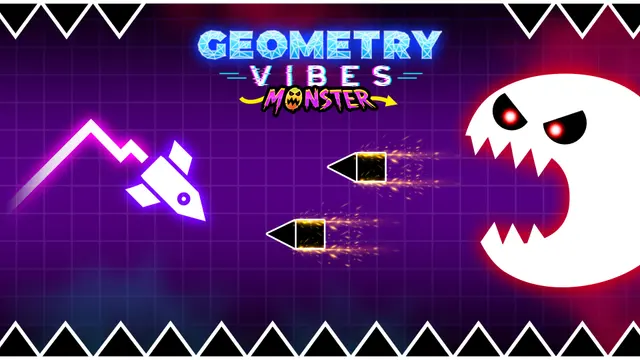 Geometry Vibes Monster
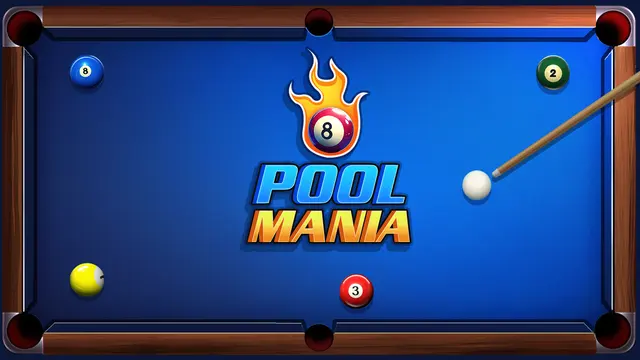 3D Pool Mania
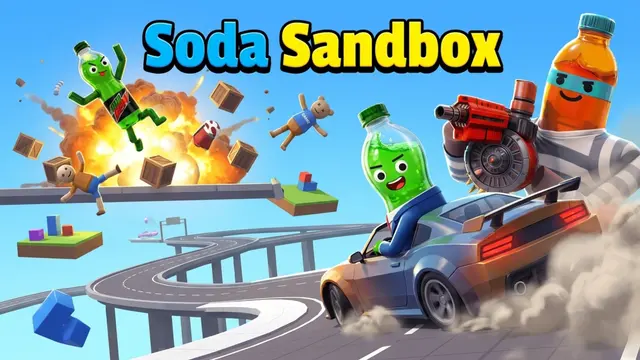 Soda Sandbox
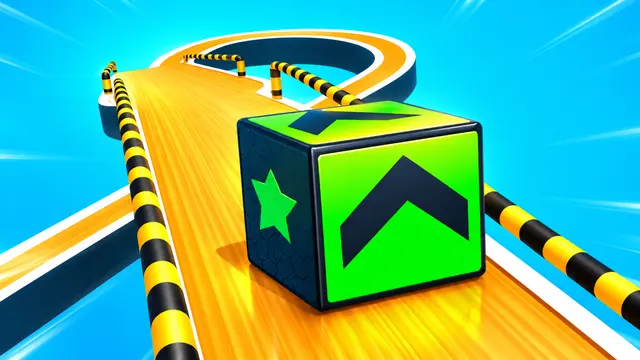 Rolling Cube 3D
 Laser Slasher
 Knife Slice 3D
 Hook King Runner
 Pop The Band
 Up Jelly! Up!
 Knife Tower
 Cube Trap
 Obby Parkour: Crazy Descent
 Mix & Paint 3D
 Ninja Obby Speed Run
 Hole Eats All: Eat Them All
 The Biggest Number
 Up, Up, and Oops!
 Color the Room
 Keyboard Escape: +1 Speed | Sweets
 Roll Rush
 Cartoon Traffic Racing Paper Derby
 Parkour Run - 3D Runner
 Race Through Traffic
 BAROHO
 IDLE Warrior Tales
 Hill Ride 3D
 Bridge Bounce: Jump Challenge
 Night Racing - Drag
 Fit in the Wall
 Backflip Master: Parkour Stunts
 Guess Drawing
 LAST CHAIR
 Spray Paint - Coloring Games
 Only Up Obby: Tower Climb
 My Gym Manager: Idle Tycoon
 Desert Gunship
 SnakeArmyDefense
 +1 Grass Cutting: Become Stronger
 Halloween monsters merge
 Speed chaos: Crazy race
 Cheat and Don't Get Caught!
 Freekick Hero
 Toy Smash
 BBlaster
 Rich Mom Family Simulator Luxury Life
 Clean The Garden
Play Draw a Monster online
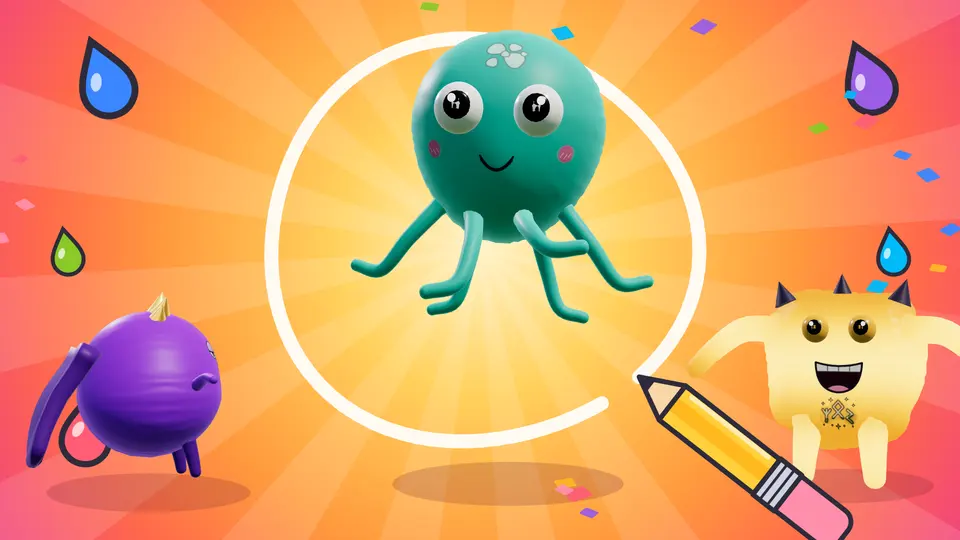
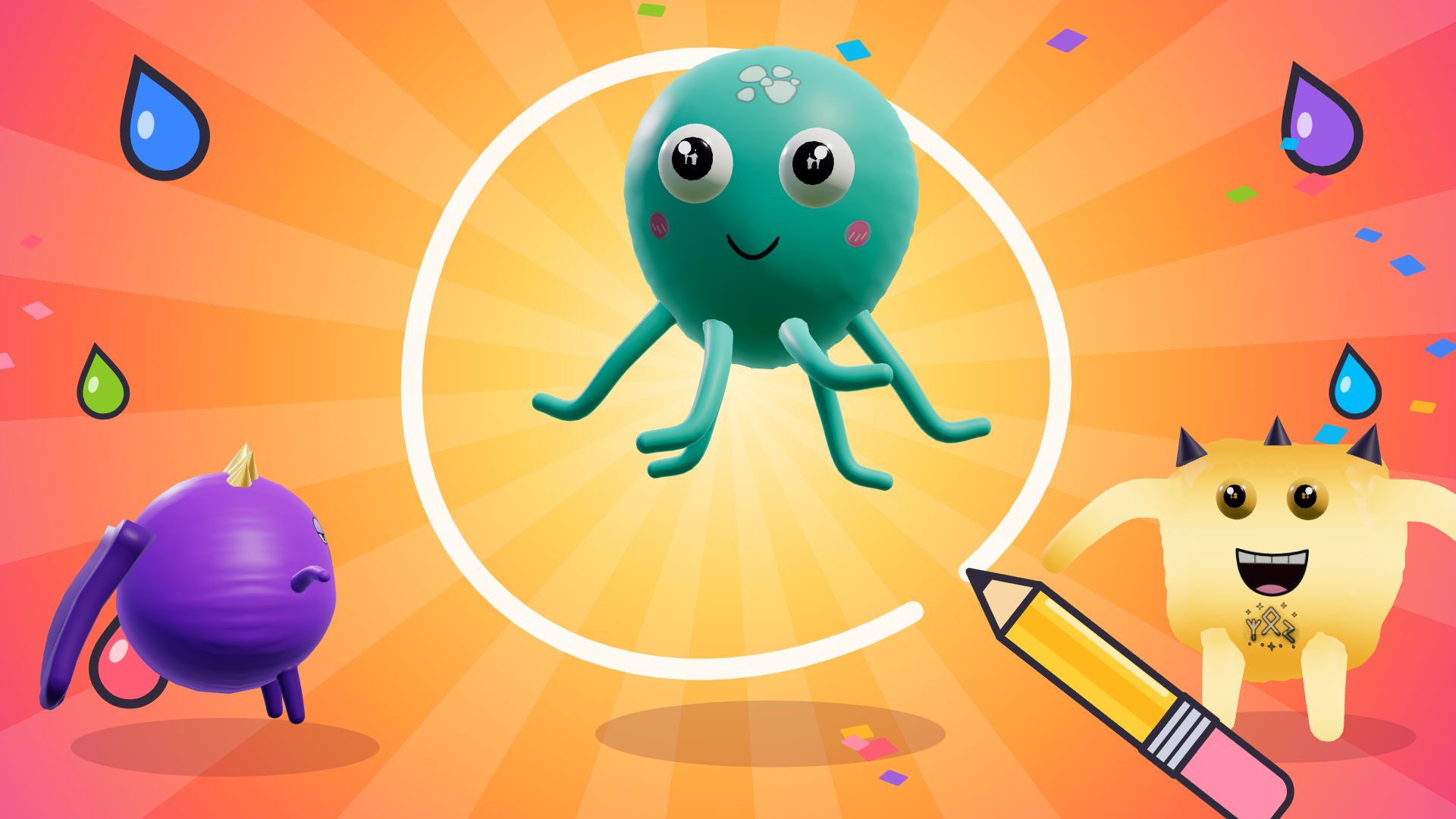
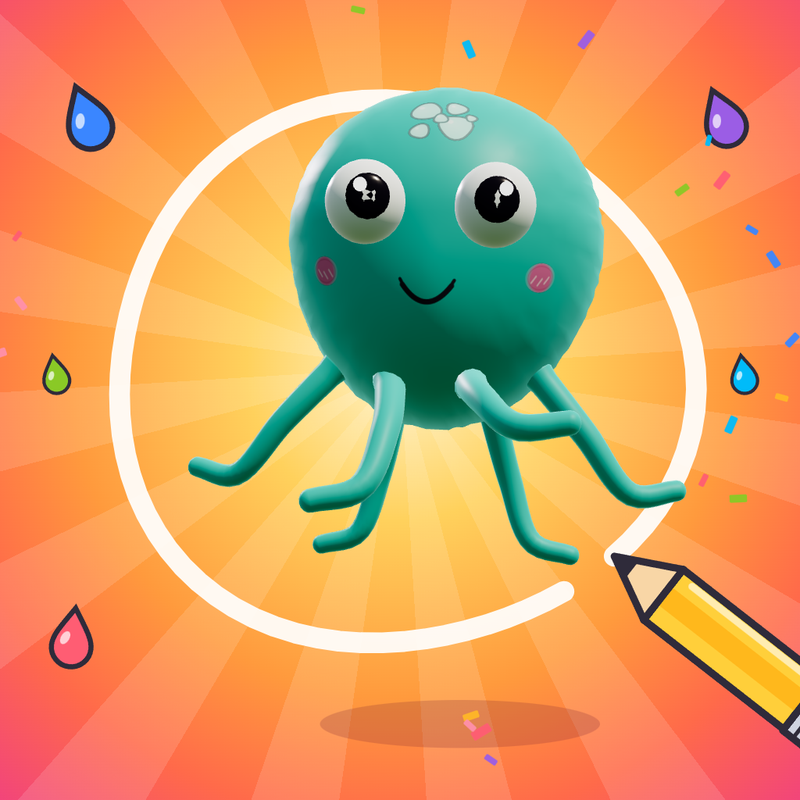
Draw a Monster is a creative 3D sandbox where your doodle comes to life. Draw an outline and it inflates into a soft 3D body, then add legs, arms, wings, eyes and stickers. Your monster walks, jumps and dances exactly the way you drew it.
Use the drawing tools and follow the picture’s requirements. Check how the game handles lines, colors and finishing an image before you begin. Finding a route through a maze is part of the challenge. The instructions describe joystick input.
How to play Draw a Monster
Controls and instructions
PC: mouse to draw and select, right mouse button to rotate the camera, wheel to zoom. WASD to move, Space to jump. In Chase: Shift to sprint, Space to dash; as the hunter, Space to lunge and R to roar.
Mobile: draw with your finger, use two fingers to rotate the camera or resize a part, the joystick to move and on-screen buttons for actions.
Getting started with Draw a Monster
- Try a small stroke first to understand how the drawing input responds.
- Use recognizable turns or landmarks to keep track of your route.
- Start with a short joystick movement to judge how the character responds.
About this game
- Platform
- Web browser
- Supported devices
- Android, iOS, Desktop
- Screen orientation
- Landscape and Portrait
- Languages
- American English, Russian (Russia)
- Genres
- Arcade, 3d, Monster, Drawing
- In-game purchases
- Available
- Provider
- Playgama
- Provider audience
- Male, Female
Game features and tags
- Customization
- Casual
- Creativity
- Cute
- Art
- 1 Player
Draw a Monster images
Questions about Draw a Monster
How do I start playing?
Choose Play now in the game window above to load Draw a Monster through Playgama. Read the controls and instructions above before you start.
Which devices can I play on?
The provider lists support for Android, iOS, Desktop. Play in your web browser using the controls described above.
Which languages does the game support?
American English, Russian (Russia).
Does the game have in-game purchases?
The provider lists optional in-game purchases. Any available purchases are handled inside the game. Games may display advertisements.
Related game categories
Game facts and artwork supplied by Playgama. Descriptions adapted and getting-started guidance added by LookBear. Game content, ads and purchases are provided by Playgama and the game provider.