 Special Ops: GO
RIVALS FPS: Online Shooter
Provided by Playgama
RIVALS FPS: Online Shootervia Playgama
 Imposter 3D
 Rift of Hell - Demons War
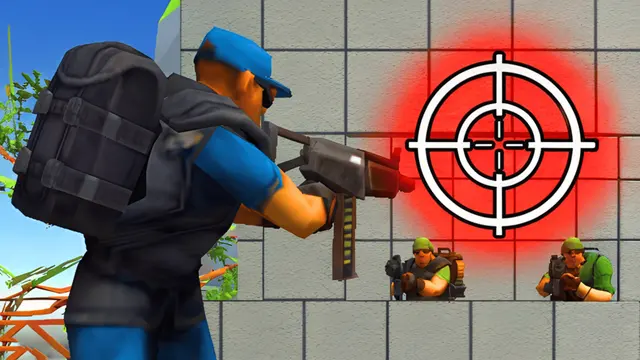 Shoot & Sprint: Warfare
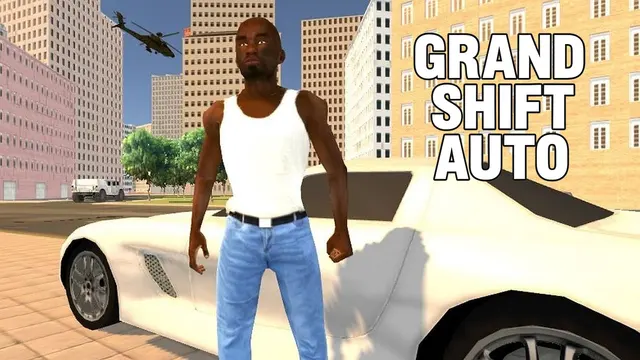 Grand Shift Auto
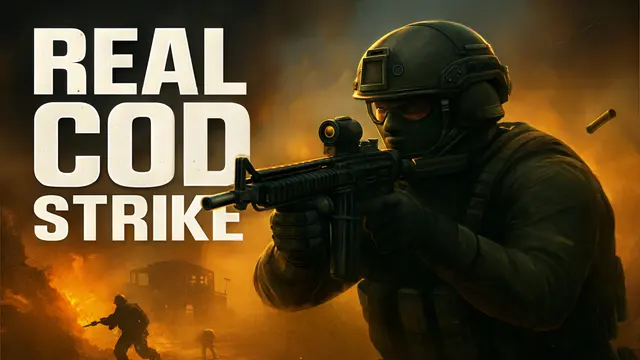 Real COD Strike
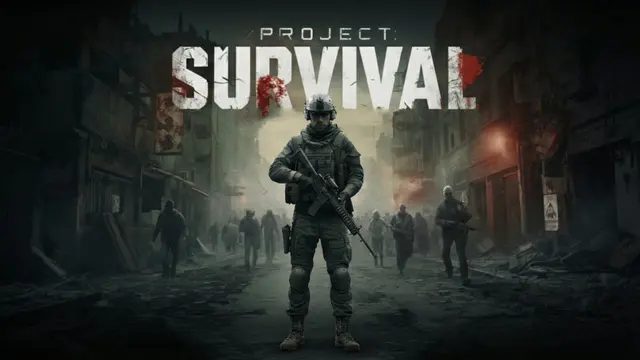 Project: Survival
 The cow of the apocalypse
 Space Break
 Mister Bullet: Arcade Shooter
 Soda Sandbox
 Slap Battle: Arena Online
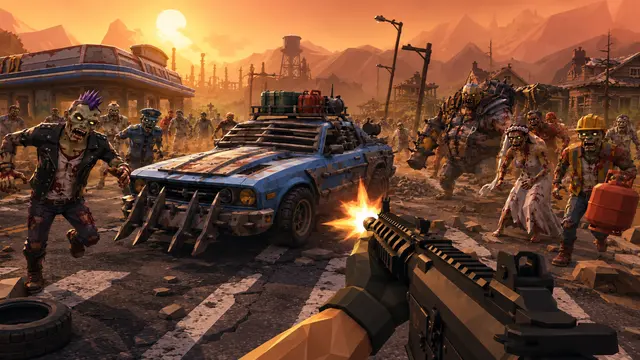 Zombie defence
 Desert Gunship
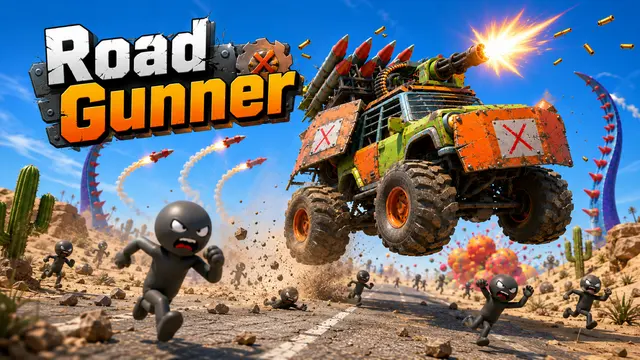 Road Gunner 3D
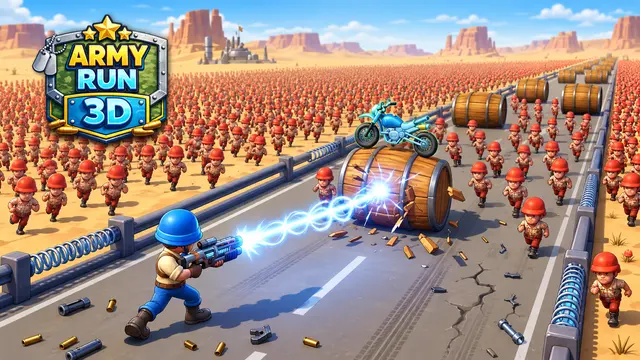 Army Run 3D
 Slime Heroes
 Jade Toss: Arrow Challenge
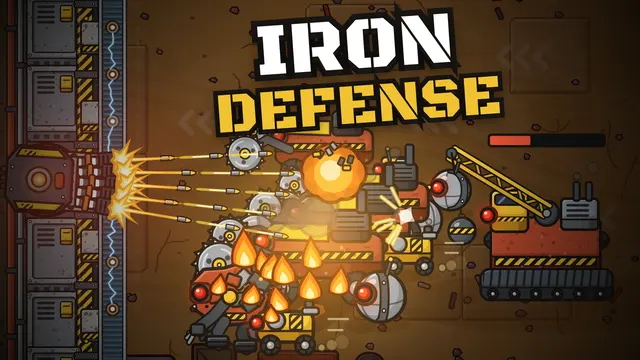 Iron Defense
 Log Splash
 Crown Guard
 SWAT OPS: Body Camera
 Sol Coalition Force
 TIME STOP
 SoccerLat: 3D Football Online
 Steal a Bird
 Feed Them All!
 Plane Crash Ragdoll Simulator
 Steal Meme And Go
 Splash Rivals
 Angry Pets: 3D Boom!
 Stickman Night Defense
 Frutiger Friends IO
 Sniper VS 99 Players
 +1 Zombie Survival
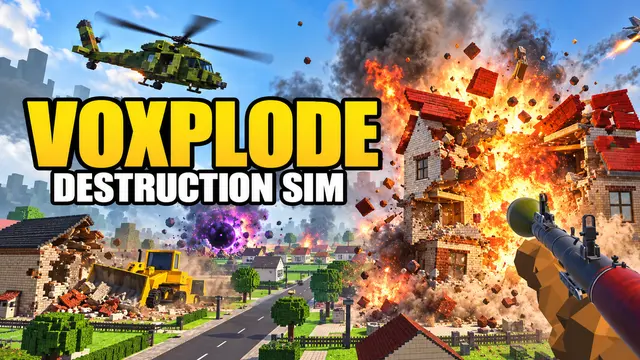 Voxplode: Destruction Sim
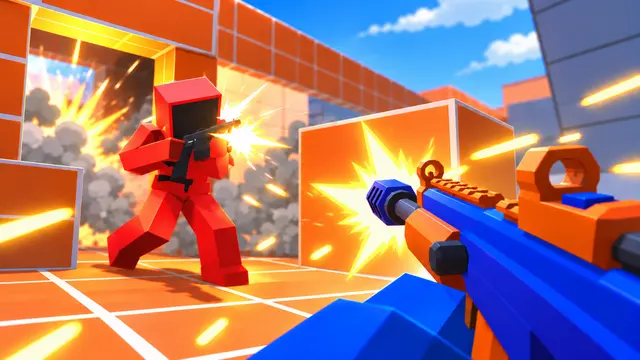 Opps
 Steal a Destruction Egg
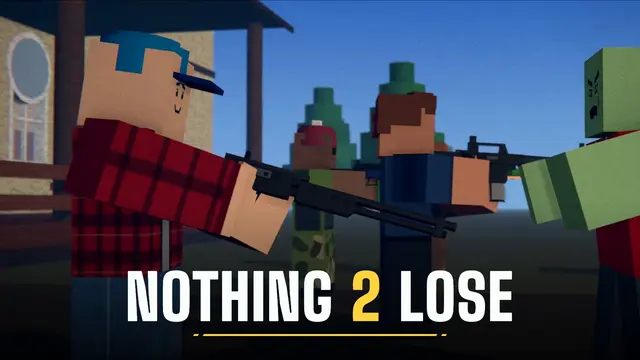 Nothing 2 Lose
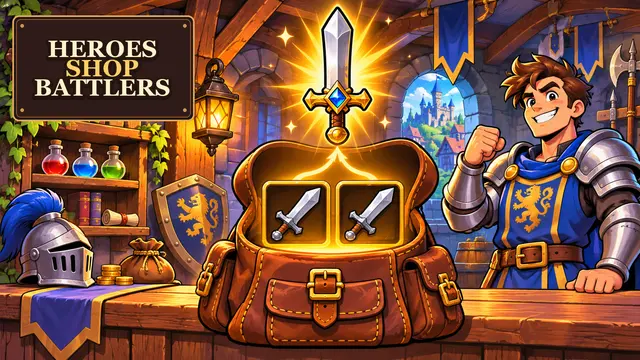 Heroes Shop Battlers
 Steel Thunder
 Cube Playground: Ragdoll Sandbox 3D
 Snipers War: FPS Strike
 Tank Tinker
 Ducks Strike
 Tank Smash
 Wasteland Gas Station
 Blocky Aces
 Paintball Squad
 Night Shift: Blackwood Lab
 GoSplash
 Zomboblox 2: Real Online
 Ragdoll Rumble: Online
 Zombie Space Episode II
 Rise of the Dead
 Heroes of Arena
 Basketball Stars
 MR RACER Stunt Mania
 Road Chase: Shooter Realistic Guns
 Dead Land: Survival
 Basket Random
 Agent Sniper City
 War V: Path of the Survivor!
 Italian Brainrot Hunting 3D
 Carvivor Ops
Play RIVALS FPS: Online Shooter online
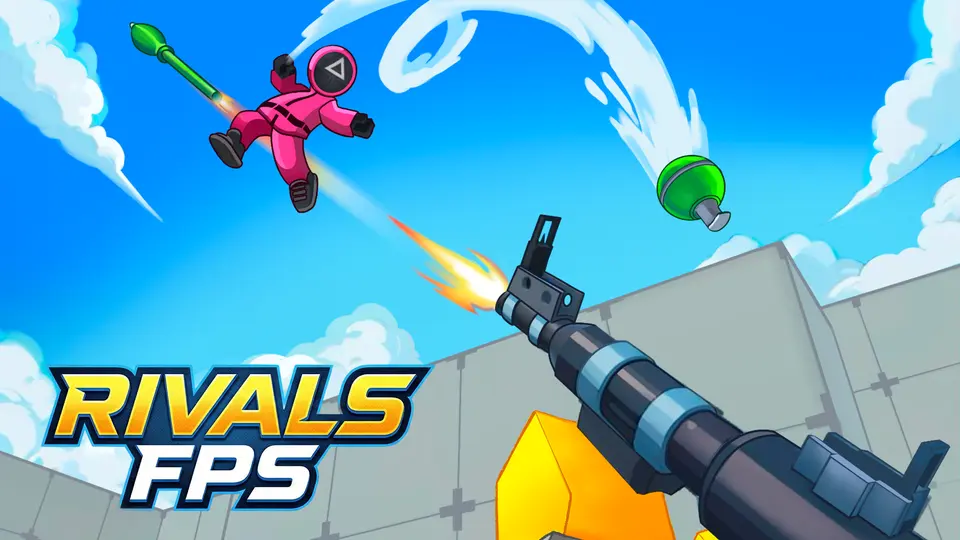
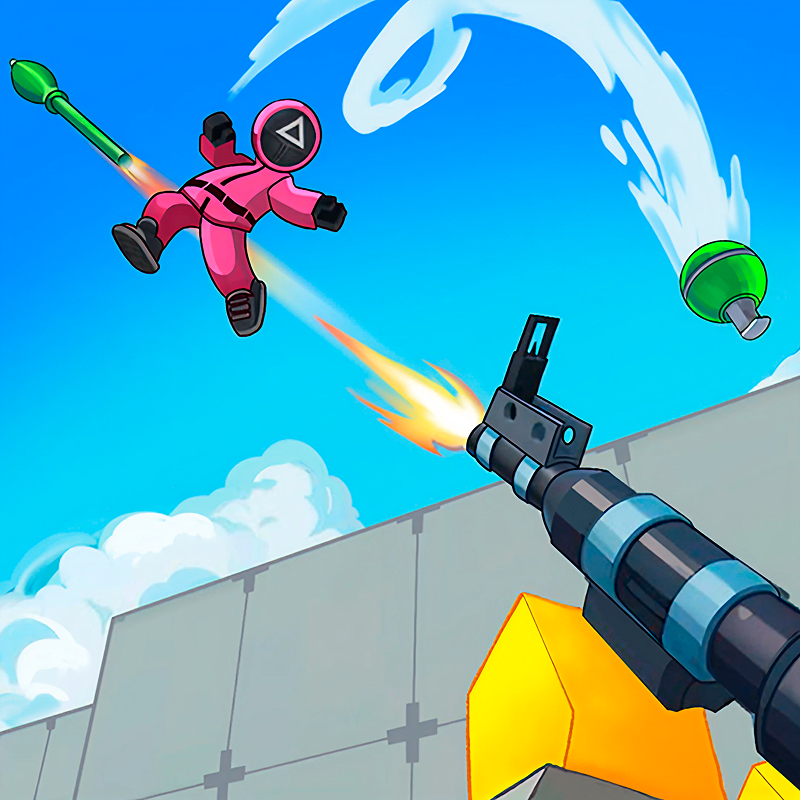
The game is inspired by top shooters like Star Wars Battlefront and Battlefield. Here you can dive into dynamic online battles, team up with friends, and show your shooting skills in the arena.
Learn the aiming and firing controls, then follow the objective shown in the game. Movement and interaction inputs may be separate from the weapon controls. Upgrades are part of the progression described by the provider. The instructions describe joystick input.
How to play RIVALS FPS: Online Shooter
Controls and instructions
To start a game, create a map or join other players.
The controls are the same as in many top shooters.
On PC:
Movement - WASD
Camera rotation - Using the mouse
Jump - Space
Crouch - C
Interact with objects - E
On mobile:
Movement - Virtual joystick on the left
Camera rotation - Swipes on the right side of the screen
Jump, reload using virtual buttons
Getting started with RIVALS FPS: Online Shooter
- Check aiming, firing and movement inputs individually before combining them.
- Compare the upgrade description with your next objective before choosing it.
- Start with a short joystick movement to judge how the character responds.
About this game
- Platform
- Web browser
- Supported devices
- Android, iOS, Desktop
- Screen orientation
- Landscape
- Languages
- American English, Russian (Russia)
- Genres
- Action, Arcade, Boys, 3d, Multiplayer, Shooting, Pvp, First Person Shooter
- In-game purchases
- Available
- Provider
- Playgama
- Provider audience
- Male
Game features and tags
- 3rd Person Shooter
- Competitive
- Arena
- Combat
- 2 Player Gun
- Arcade Shooter
- Multiplayer Horror
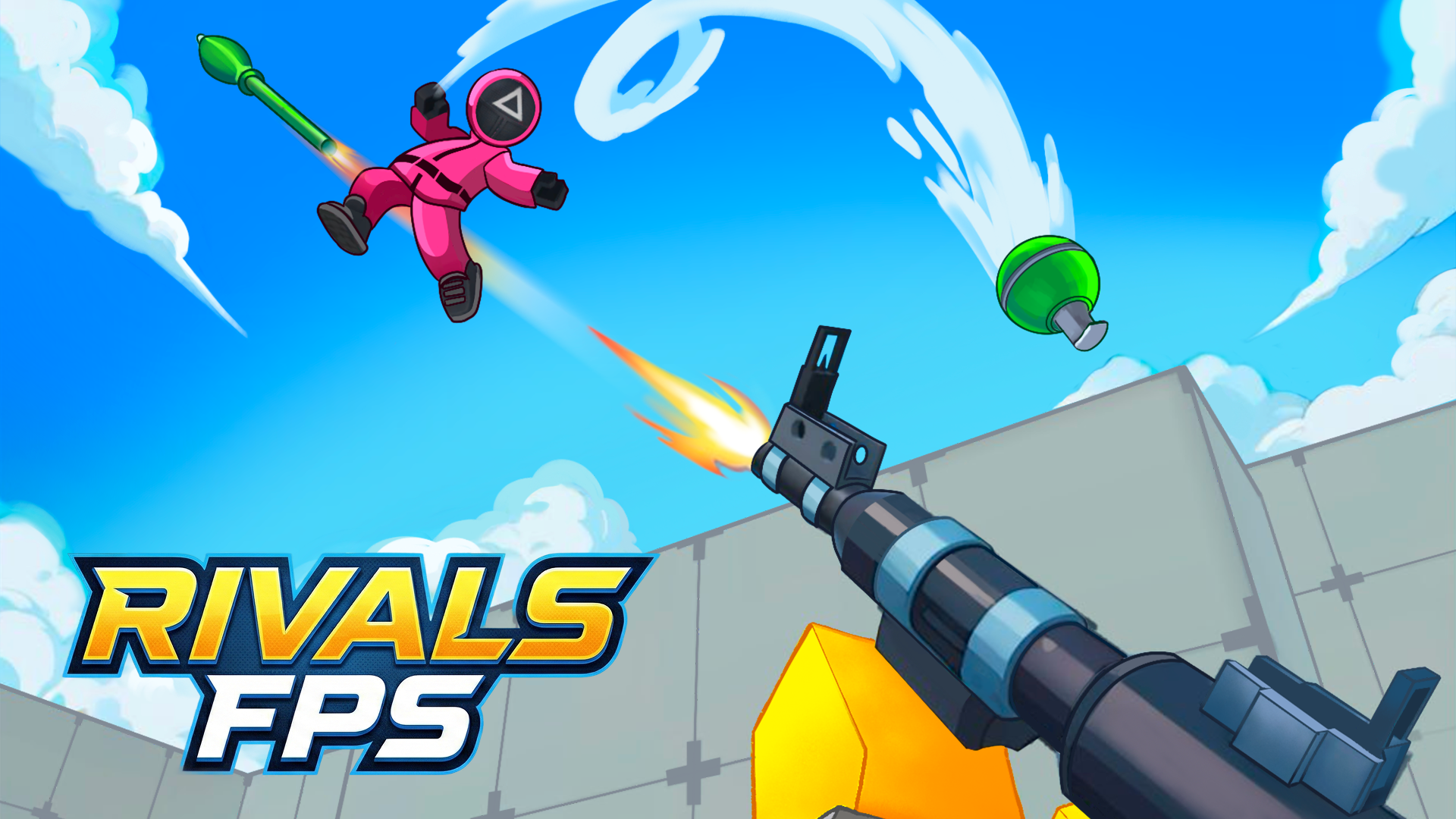
RIVALS FPS: Online Shooter images
Questions about RIVALS FPS: Online Shooter
How do I start playing?
Choose Play now in the game window above to load RIVALS FPS: Online Shooter through Playgama. Read the controls and instructions above before you start.
Which devices can I play on?
The provider lists support for Android, iOS, Desktop. Play in your web browser using the controls described above.
Which languages does the game support?
American English, Russian (Russia).
Does the game have in-game purchases?
The provider lists optional in-game purchases. Any available purchases are handled inside the game. Games may display advertisements.
Related game categories
Game facts and artwork supplied by Playgama. Descriptions adapted and getting-started guidance added by LookBear. Game content, ads and purchases are provided by Playgama and the game provider.