 Steve parkour in mine
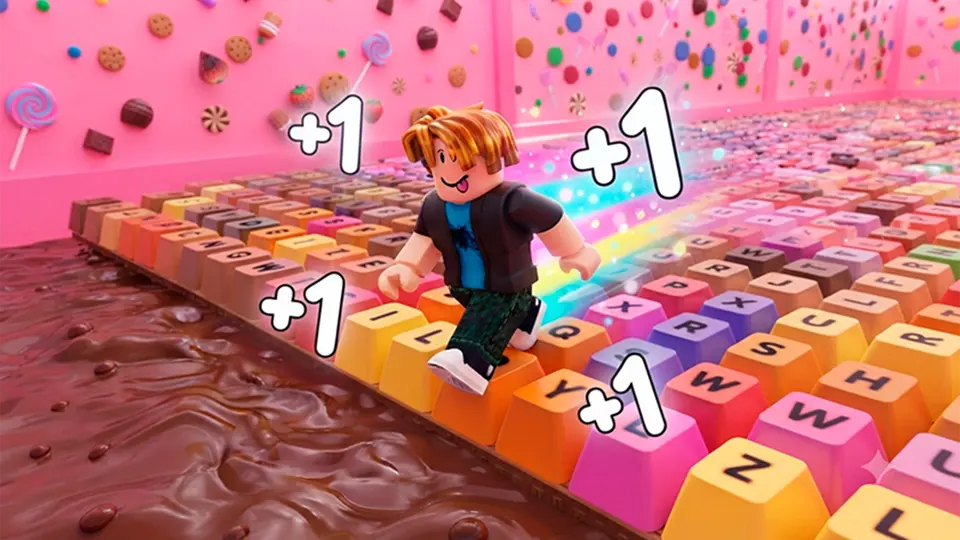
Keyboard Escape: +1 Speed | Sweets
Provided by Playgama
Keyboard Escape: +1 Speed | Sweetsvia Playgama


 Up, Up, and Oops!
 Roll Rush
 Cartoon Traffic Racing Paper Derby
 Parkour Run - 3D Runner
 Bridge Bounce: Jump Challenge
 LAST CHAIR
 Only Up Obby: Tower Climb
 +1 Grass Cutting: Become Stronger
 Steal An Egg - Grow Animals
 Obby Up: Parkour Run
 Crowd Runner
 Helix Hover
 Crowd Rush
 Horizon Racer
 Obby: +1 Jump with Brainrot
 2048 Cube Runner: 3D Merge
 Wall Rush 3D
 Squeeze'n'Slide
 Web Swing Obby: Aqualand
 Army Run 3D
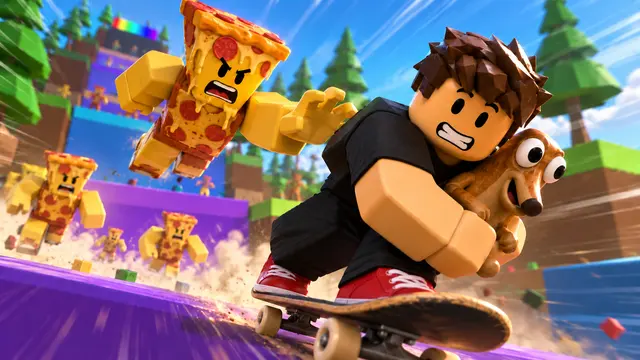 Collect Brainrots on a Skateboard Online
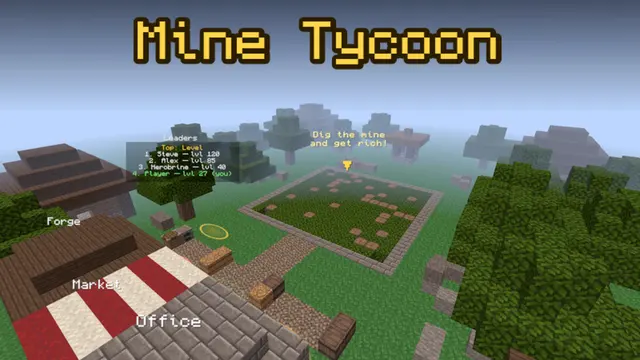 Mine Tycoon
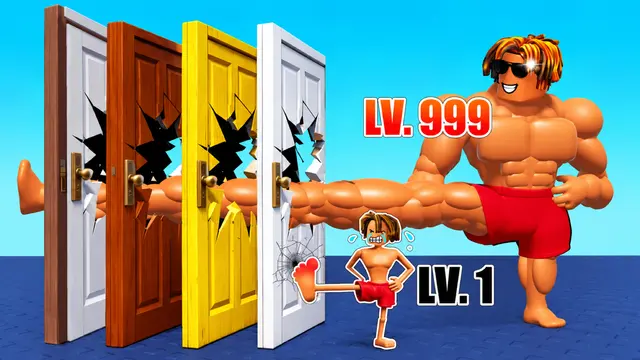 Obby: +1 Click Wall Breaker
 Food: Run and Battle
 Wooden Vest
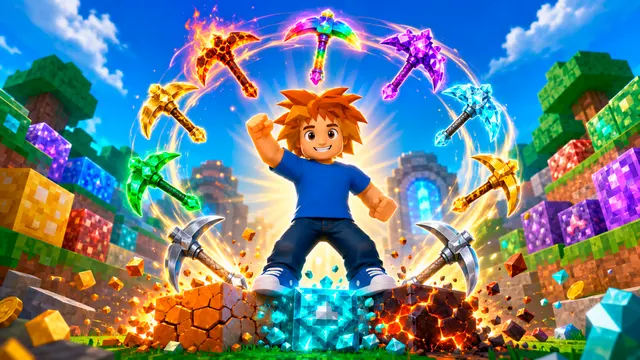 +1 Pickaxe Hit: Break Blocks
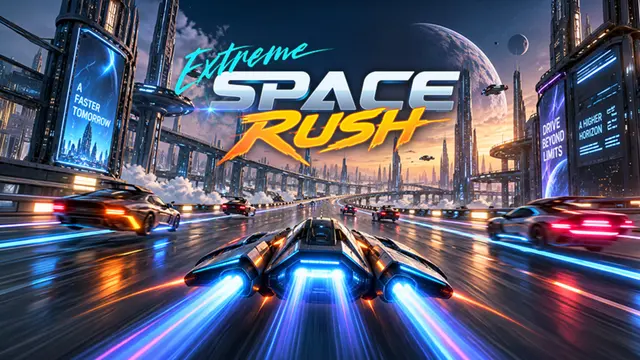 Extreme Space Rush
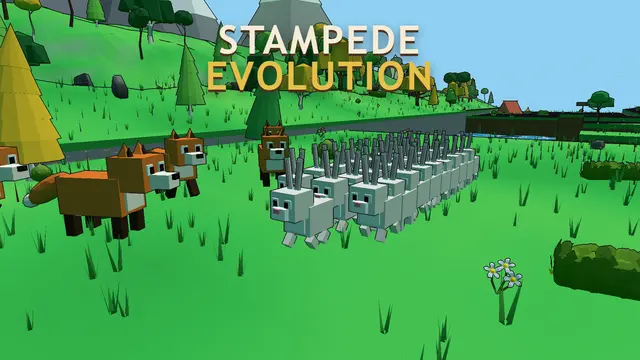 Stampede Evolution
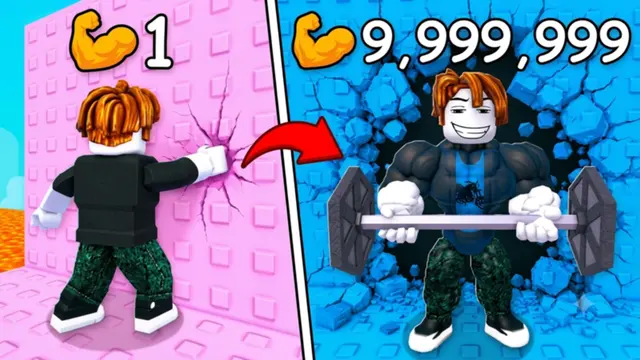 +1 Strength for escape
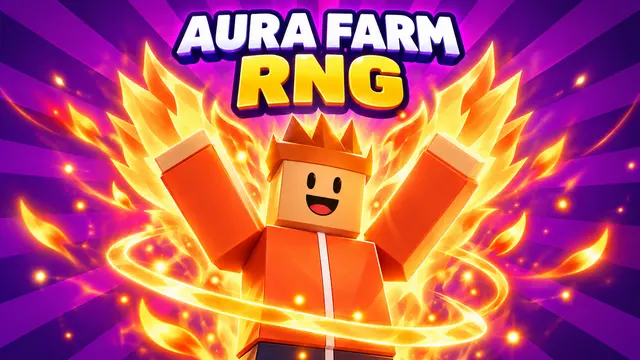 Aura Farm: RNG
 Valley Rushing Classic
 Obby Ultimate Parkour
 Sunny Bay Heroes
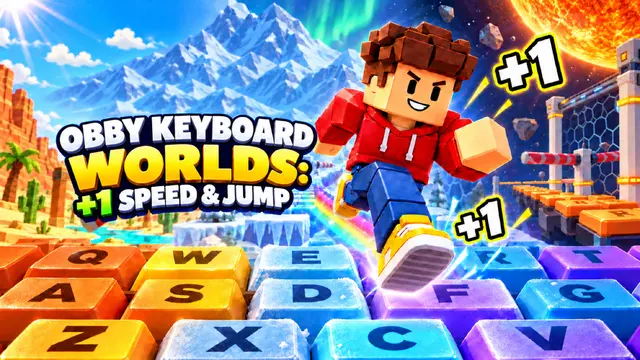 Obby Keyboard Worlds: +1 Speed & Jump
 Obby: Steal an Egg - The Great Escape
 Ball Run 2048 Space
 Break and Steal Eggs
 Build Car for Kill Zombies
 Kick & Run
 ASMR Obby Slicer
 Steal Meme And Go
 Noob: Steal the Egg
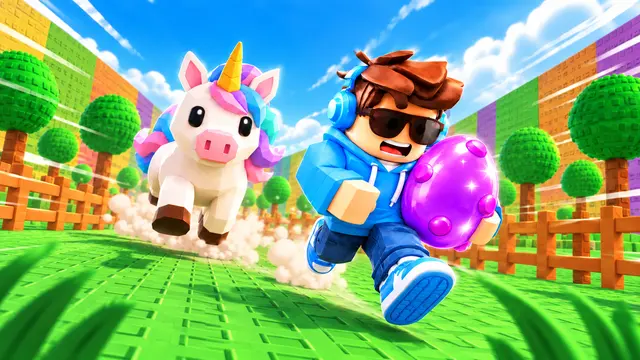 Steal an Egg: Farm
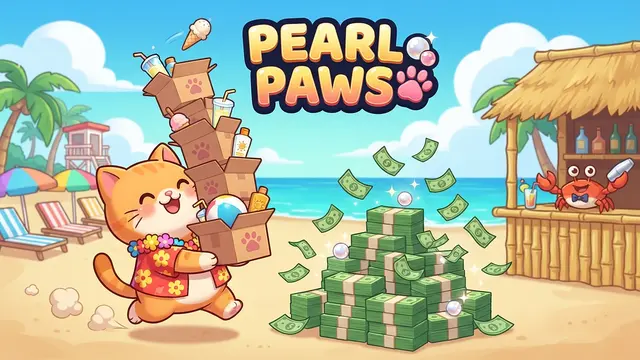 Pearl Paws
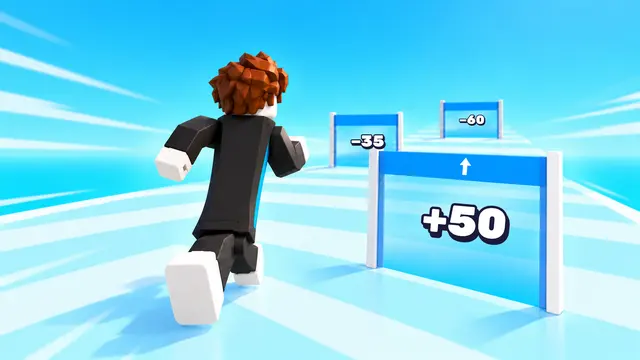 Tall Noob Man
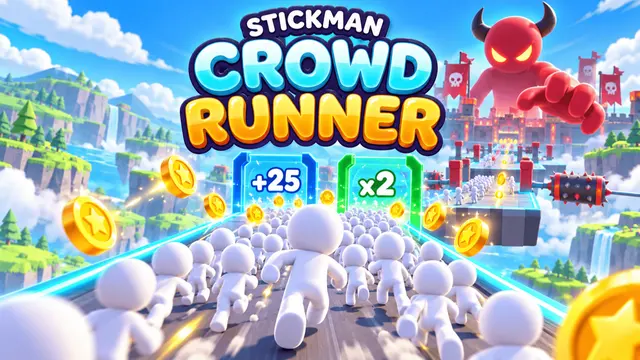 Stickman Crowd Runner 3D
 Tumble Tower Survival
 Don't Look Down, Kitty!
 Build a Skyscraper!
 Color Race Obby
 Steal an Egg 3D
 Twerk: Eat & Run
 Throw an Egg!
 2048 Merge Runner
 Obby Prison Escape: Push the Police
 Escape the Giant Cat
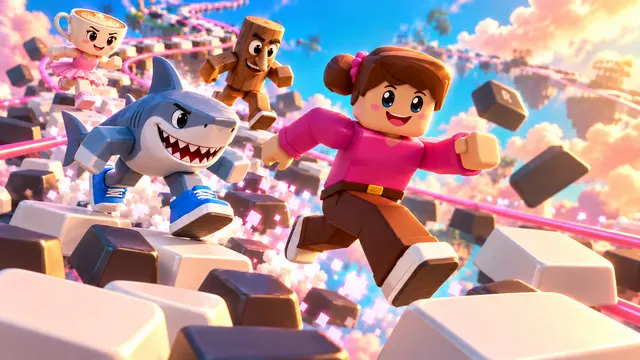 Keyboard Escape Classic
 Frutiger Friends IO
 Animal Shifting: Transform Run
 Obby +1 Roll Ice Cream
 Obby: Build a Car Farm
 Nest Heist
 Crowd Titan
 +1 Wings Escape
Play Keyboard Escape: +1 Speed | Sweets online
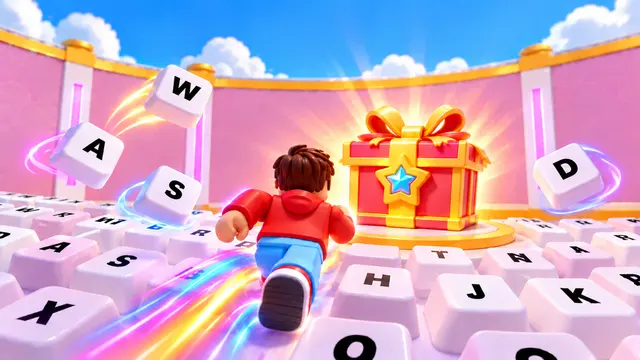
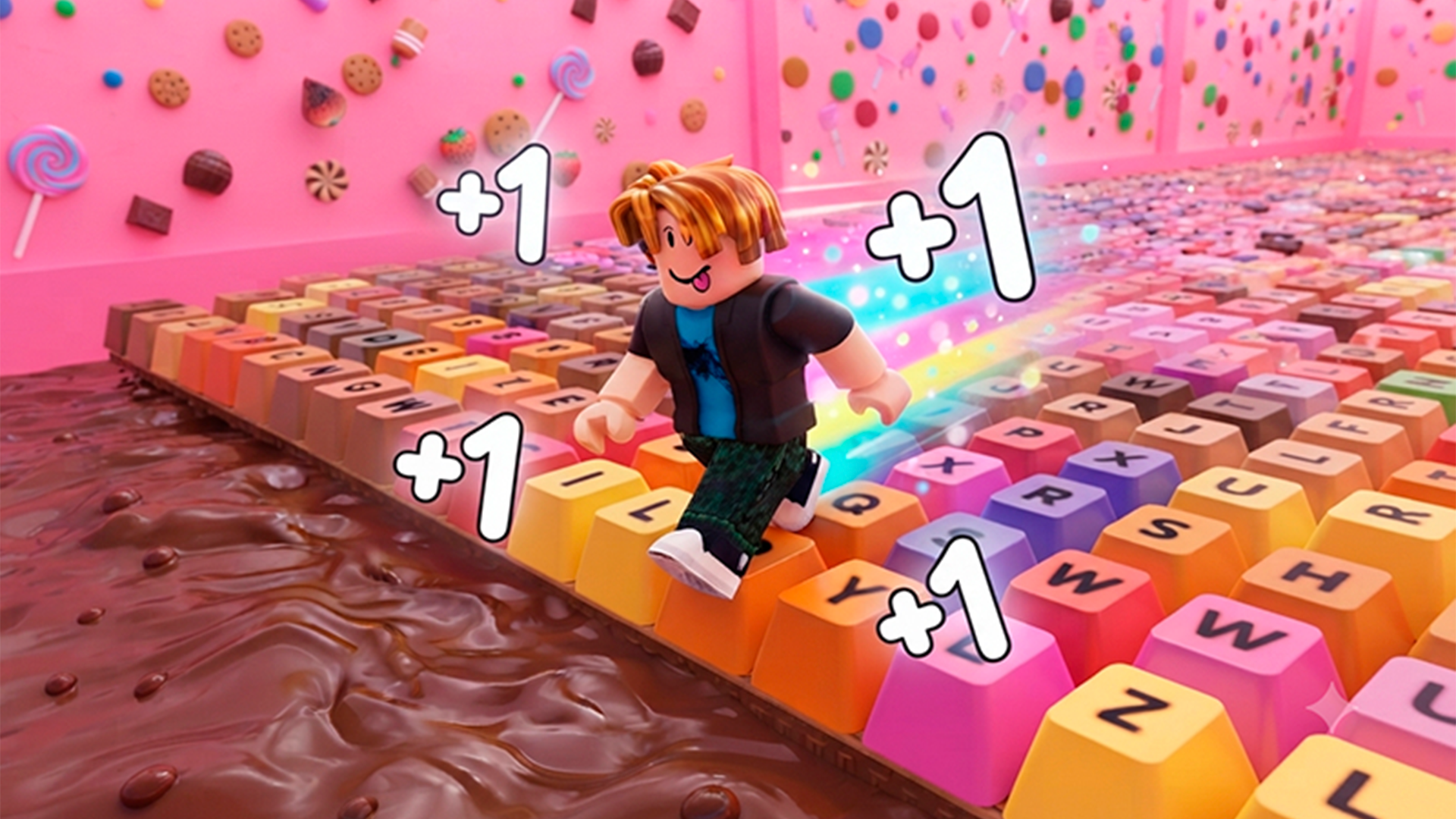
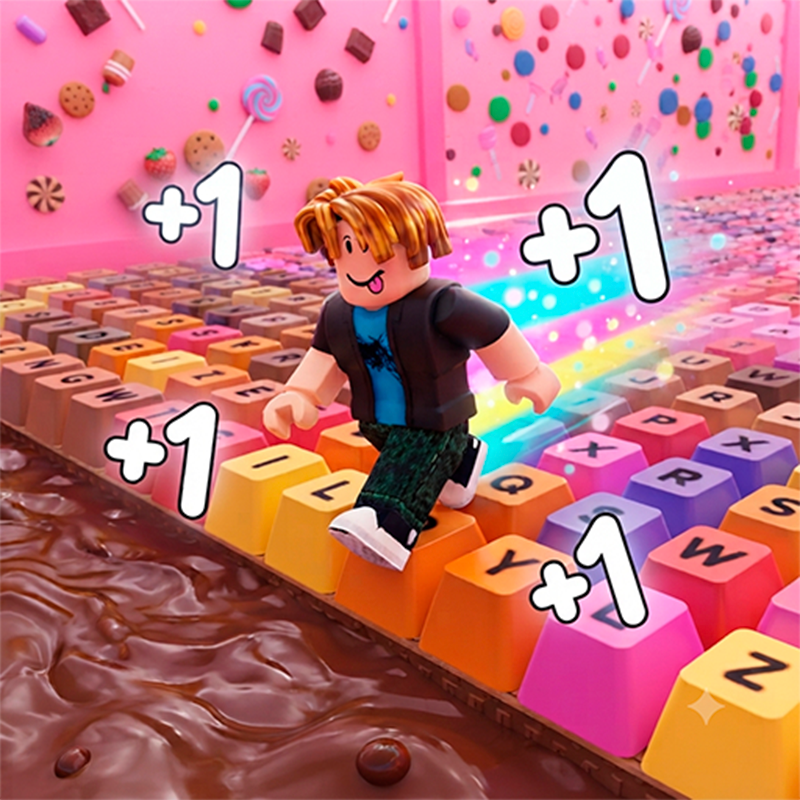
Pick up speed with every step and become a true speed machine! Begin a journey across a giant keyboard where every key is made of chocolate, caramel, and other sweets. Overcome obstacles, complete challenges, and reach the end of the track.
Work through an obstacle course by reading the route and controlling your movement. Check the available movement actions before taking on the next section. The provider describes a ranking or leaderboard feature. The instructions describe joystick input.
How to play Keyboard Escape: +1 Speed | Sweets
Controls and instructions
Desktop controls:
W A S D — move your character
Spacebar — jump
Right mouse button + mouse movement — control the camera
Mobile Controls
Virtual joystick — move your character
Swipe the screen — pan and rotate the camera
Jump button — overcome obstacles
How to Play
Race through a world made of sweet keys and boost your speed with every move!
Every step you take increases your speed—get faster and complete the tracks even more efficiently.
Explore chocolate and candy levels, avoid falls, time your jumps precisely, and make it to the finish line.
Earn victories, unlock power-ups and upgrades, and compete against other players.
The faster you go, the farther you’ll be able to run!
Getting started with Keyboard Escape: +1 Speed | Sweets
- Look at the next landing area before committing to a jump.
- Read what contributes to the ranking rather than assuming it is based on time.
- Start with a short joystick movement to judge how the character responds.
About this game
- Platform
- Web browser
- Supported devices
- Android, iOS, Desktop
- Screen orientation
- Landscape
- Languages
- American English, Russian (Russia)
- Genres
- Arcade, 3d, Running, Obby
- In-game purchases
- Available
- Provider
- Playgama
- Provider audience
- Male, Female
Game features and tags
- Reaction
- Avoid
- Speed
- Parkour Minecraft
Keyboard Escape: +1 Speed | Sweets images
Questions about Keyboard Escape: +1 Speed | Sweets
How do I start playing?
Choose Play now in the game window above to load Keyboard Escape: +1 Speed | Sweets through Playgama. Read the controls and instructions above before you start.
Which devices can I play on?
The provider lists support for Android, iOS, Desktop. Play in your web browser using the controls described above.
Which languages does the game support?
American English, Russian (Russia).
Does the game have in-game purchases?
The provider lists optional in-game purchases. Any available purchases are handled inside the game. Games may display advertisements.
Related game categories
Game facts and artwork supplied by Playgama. Descriptions adapted and getting-started guidance added by LookBear. Game content, ads and purchases are provided by Playgama and the game provider.