 Hotbath Simulator
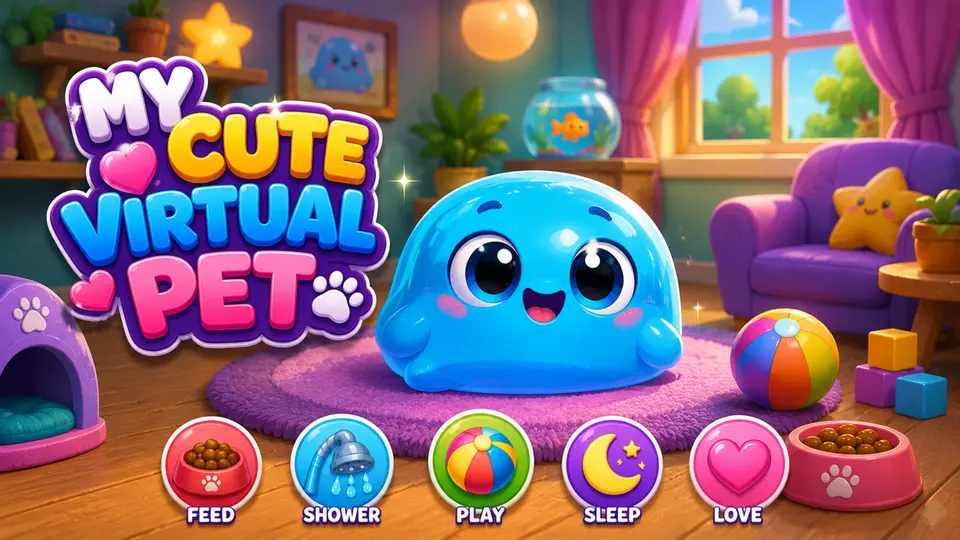
My Cute Virtual Pet
Provided by Playgama

My Cute Virtual Petvia Playgama





 Leaf Blower: Autumn Yard
 Wash Master
 ASMR Spa
 Suck It All!
 Grave: Necromancer Mortician
 Obby: Steal an Egg - The Great Escape
 Blue Tractor
 Smash and Steal an Egg!
 Leftover Screw: Furniture
 Catcha
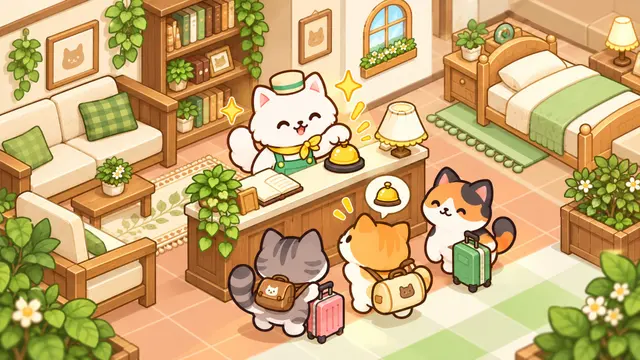 Cat Hotel 24/7
 Baolings: Mystery Dumpling Unbox
 Grow the Baby
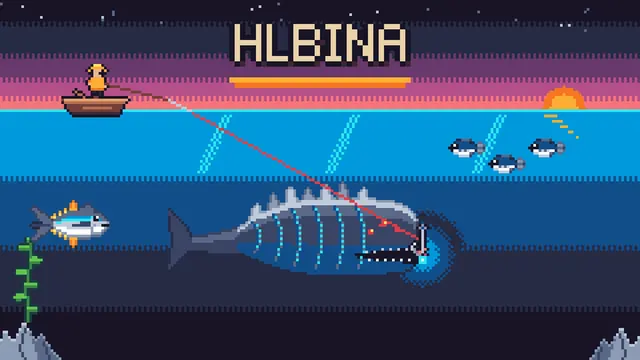 Hlbina
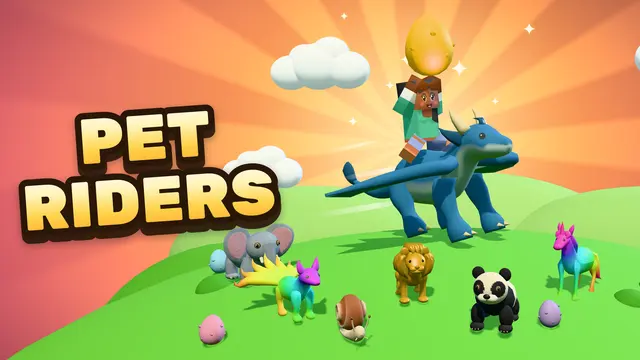 Pet Riders
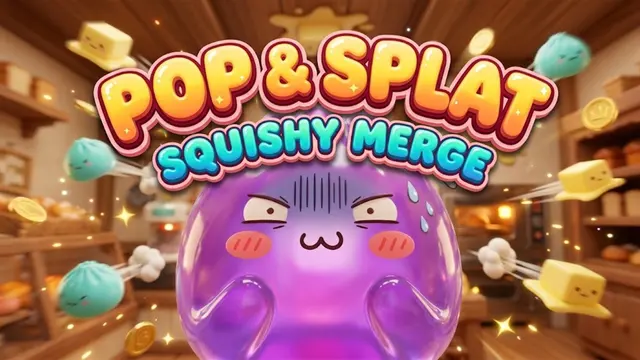 Pop & Splat: Squishy Merge
 Steal an Egg 3D
 Squishy Clicker
 Bee Simulator: Mine
 Single Dad Simulator Family Life
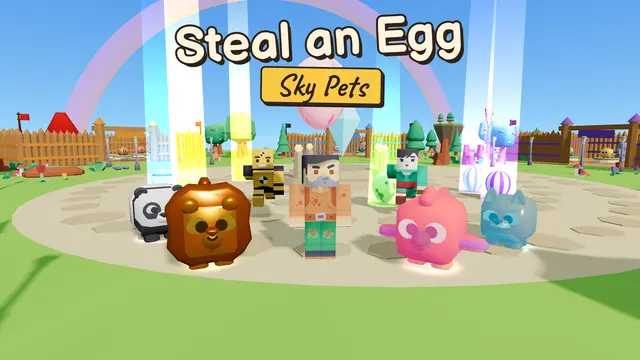 Steal an Egg: Sky Pets
 Dino Merge Island
 Nest Heist
 Yoshi Mood
 Chibi Chuu: Cute Merge Puzzle
 Alchemy Store
 I am Monkey
 Evolution Simulator
 OBBY: Throw Food for Pets!
 Throw Foods For Pets
 Fridge: Perfect Sorting
 Clean the Moon
 Ok! I Pull Up Capybay!
 Moose Cafe
 Puppy Ranch: Pet Breeder
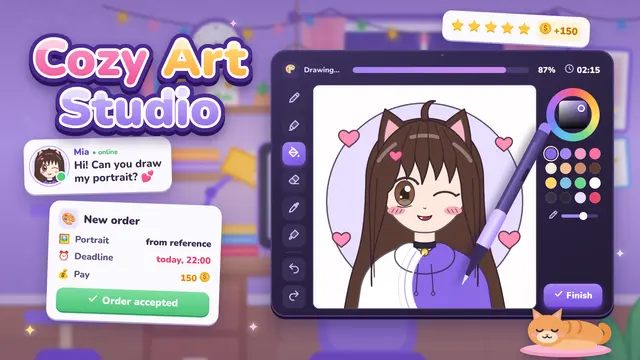 Cozy Art Studio
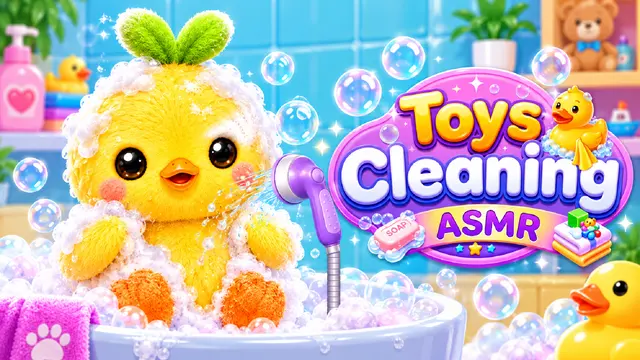 Toys Cleaning ASMR
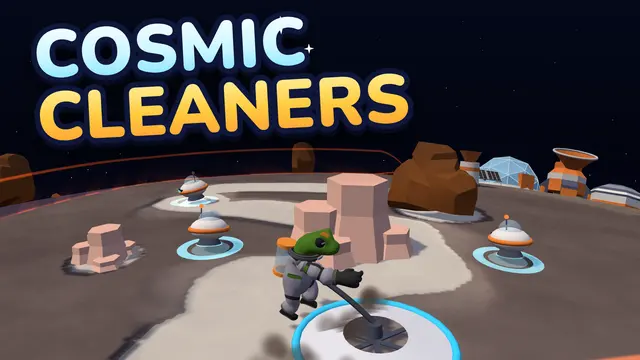 Cosmic Cleaners
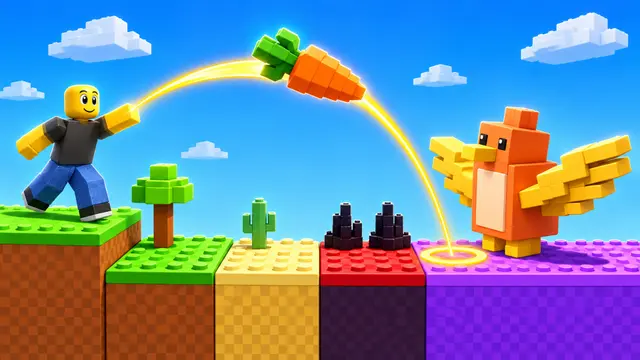 Throw Food - Catch Animals
 DIY Cake Making
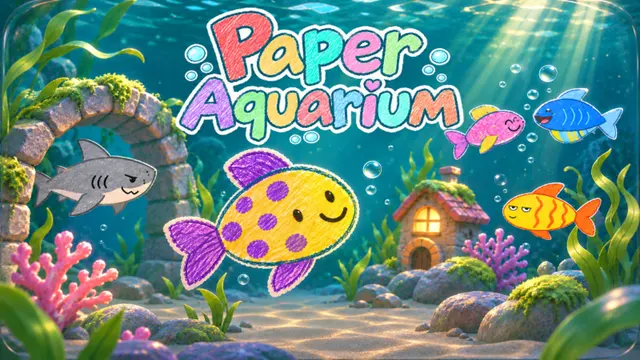 Paper Aquarium: Draw Your Own Fish!
 Ballpit Clean Master
 TB World
 Zombie Derby 2
 MR RACER Stunt Mania
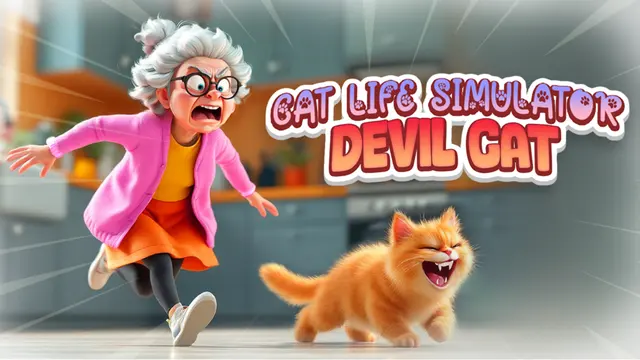 Cat Life Simulator: Devil Cat
 My Arcade Center
 My Town Home: Family Playhouse
 Fix The Hoof
 Kinder Garden
 Kitten Never Dies
 About a Frog
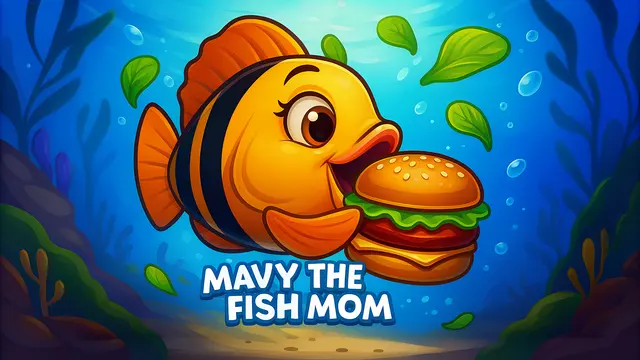 Mavy The Fish Mom
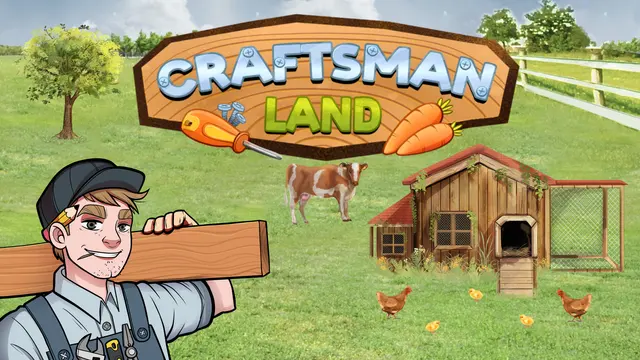 Craftsman Land
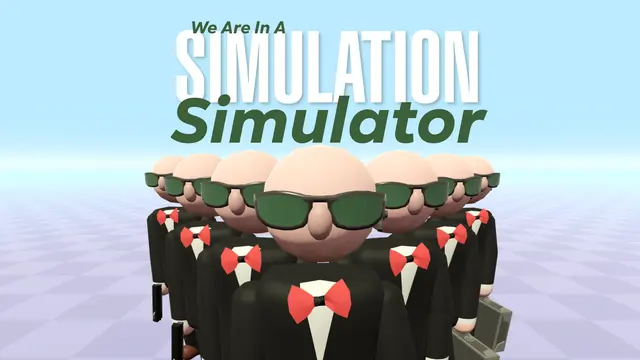 We Are In A Simulation Simulator
 Squishy Sheep
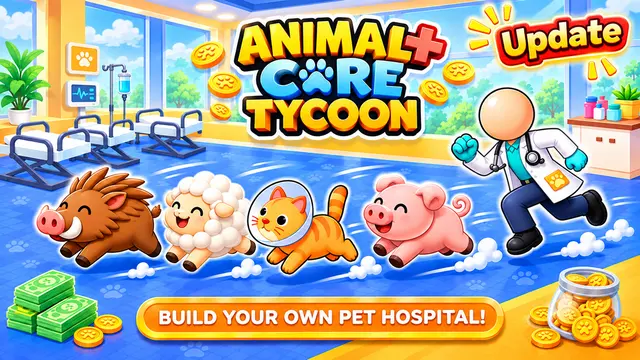 Animal Care Tycoon
 Animal Evolution Simulator
 Grow Slime
 Island Expander
 Bunny Escape
 Farmers vs. Aliens
 Mouse Survivor
 Balls Animal
Play My Cute Virtual Pet online
Ready to meet your new best friend? Your new pet relies on you for everything. It's up to you to keep their belly full, their fur clean, and their spirits high!
Explore the activity being simulated and learn which parts you can control. Read the instructions to understand how each interaction affects your next step. Drag-and-drop interactions are part of the controls.
How to play My Cute Virtual Pet
Controls and instructions
Objective
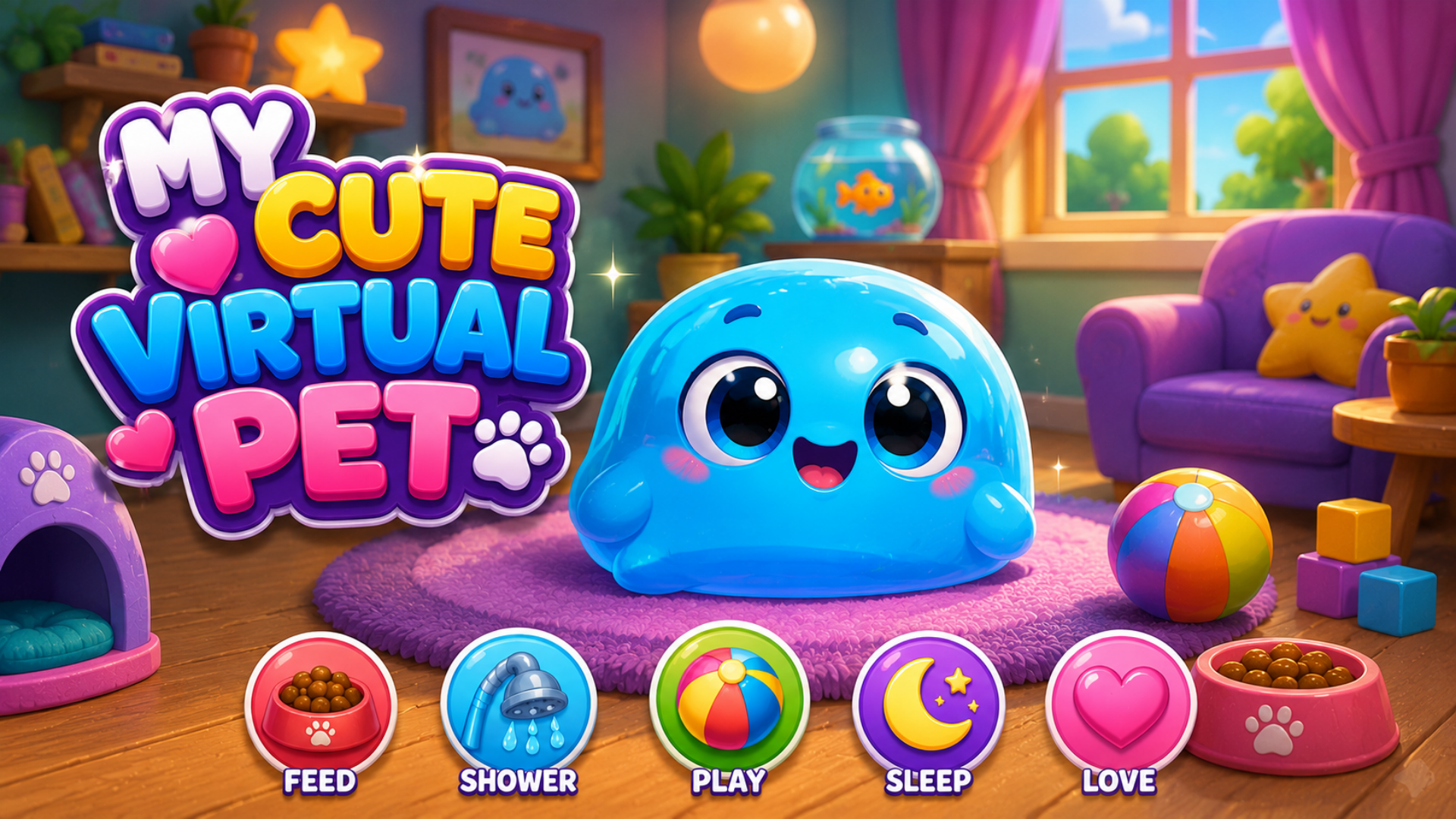
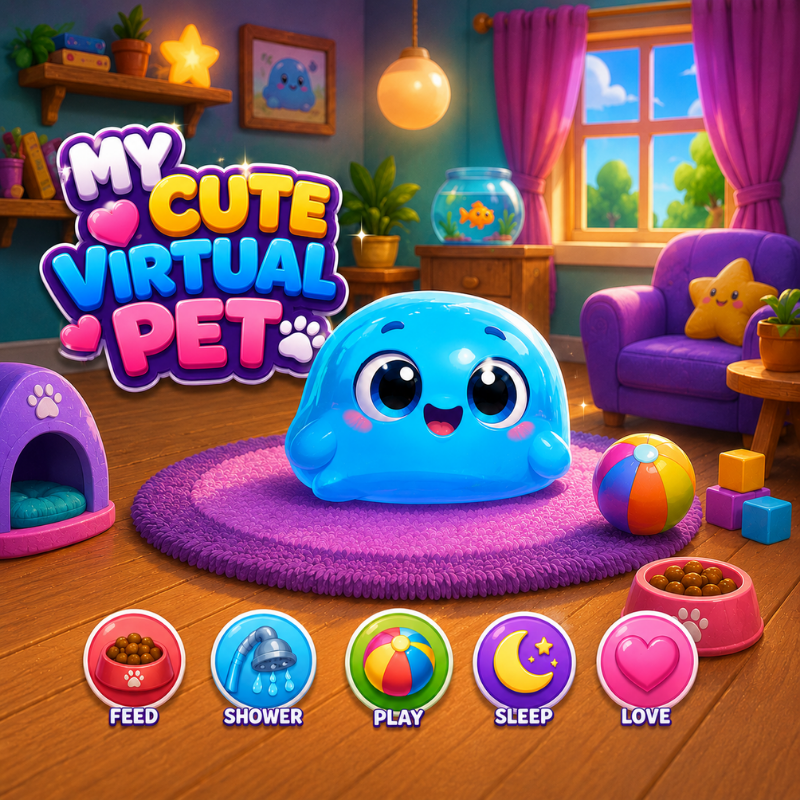
Take perfect care of your pet by managing their Needs meters (Hunger, Hygiene, Sleep, and Happiness). Keep all the bars full so your pet stays healthy and joyful!
Controls
Desktop (Mouse): Click on the action icons (Food, Bath, Toys) at the bottom of the screen. Click and hold to drag items like soap or food directly onto your pet to use them.
Mobile / Touchscreen: Tap the category buttons to open your items, then drag and drop the items onto your pet using your finger.
Getting started with My Cute Virtual Pet
- Try the main interaction first, then review the options it opens.
- Check the destination before releasing an item you are dragging.
About this game
- Platform
- Web browser
- Supported devices
- Android, iOS, Desktop
- Screen orientation
- Portrait
- Languages
- American English
- Genres
- Arcade, Simulation, Kids, Animals, Cozy
- In-game purchases
- None listed by the provider
- Provider
- Playgama
- Provider audience
- Male, Female
Game features and tags
- Minigames
- Casual
- Relaxing
- Addictive
- Pet
- Life Simulation
- Cute
- 1 Player
- Animal Clicker
My Cute Virtual Pet images
Questions about My Cute Virtual Pet
How do I start playing?
Choose Play now in the game window above to load My Cute Virtual Pet through Playgama. Read the controls and instructions above before you start.
Which devices can I play on?
The provider lists support for Android, iOS, Desktop. Play in your web browser using the controls described above.
Which languages does the game support?
American English.
Does the game have in-game purchases?
The provider lists no in-game purchases for this game. Games may display advertisements.
Related game categories
Game facts and artwork supplied by Playgama. Descriptions adapted and getting-started guidance added by LookBear. Game content, ads and purchases are provided by Playgama and the game provider.