 War Groups
Dead Land: Survival
Provided by Playgama

Dead Land: Survivalvia Playgama

 Highway of the Dead
 Wild Camp
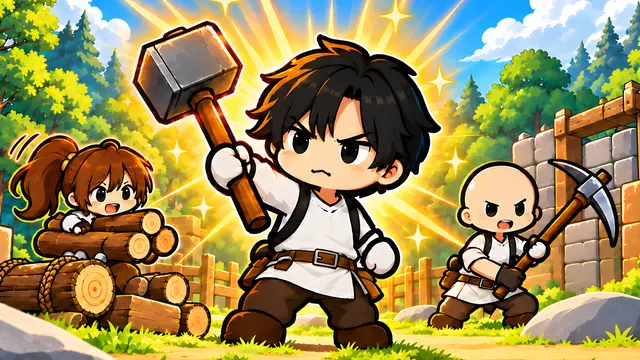
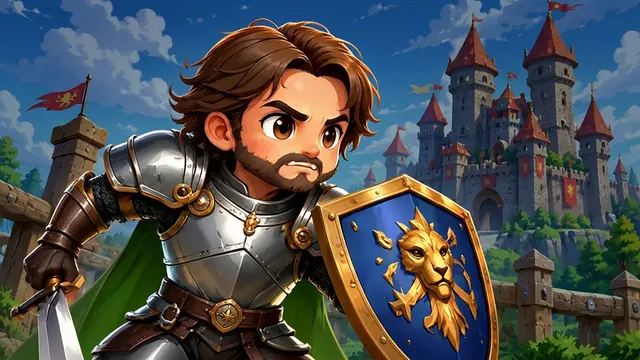
 Crown & Crafts
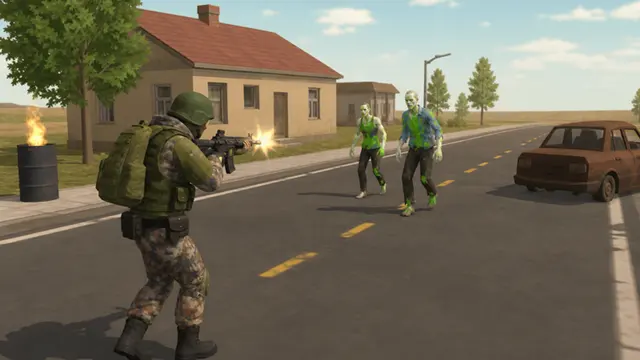 Mutant Zone: Zombie Merge Fighter
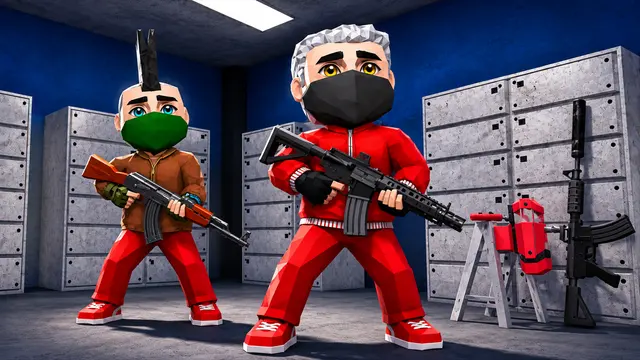 Heist Crew: Crime, Robbery and Escape
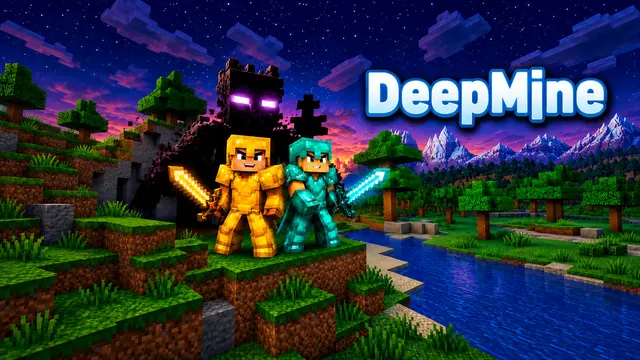 DeepMine
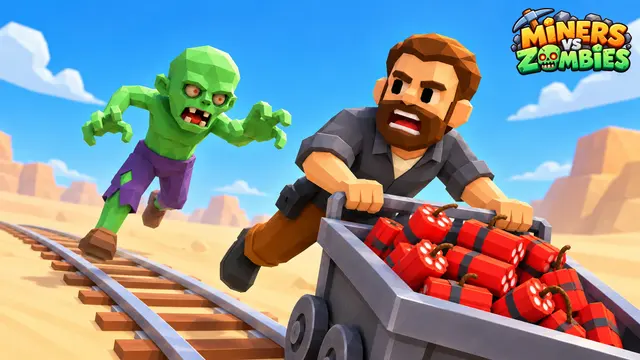 Miners vs Zombies
 Zombie Space Episode II
 Rise of the Dead
 Zombie Horde: Build & Survive
 Hedgies
 Hazmob FPS: Online Shooter
 Heroes of Arena
 Woods of Nevia: Forest Survival
 99 Nights in the Forest. Horror Multiplayer
 Far Orion: New worlds
 Plants vs Zombies Fusion Mode
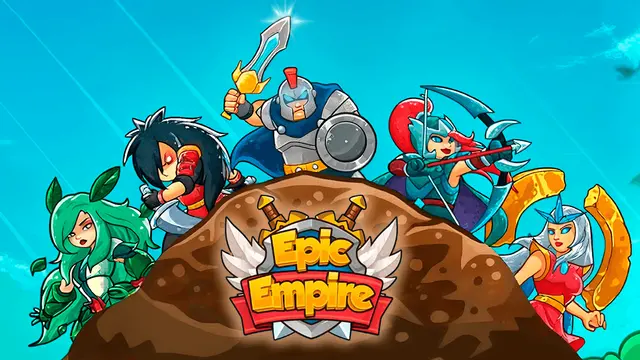 Epic Empire: Tower Defense
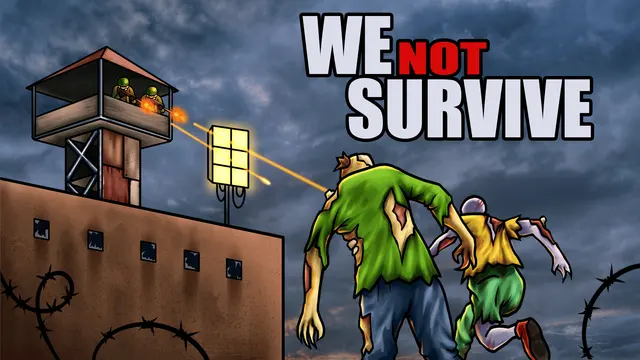 We not survive
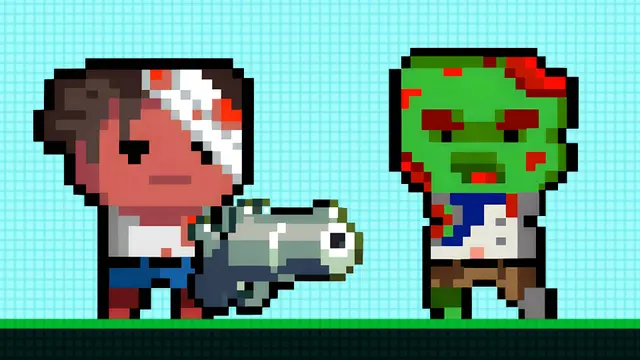 ENDLESS Z SURVIVOR
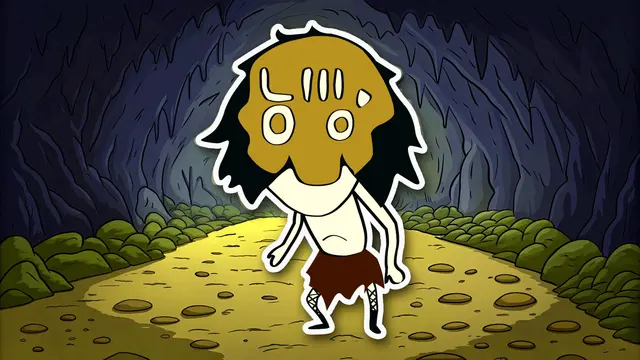 Primal Druid - Kingdom of Animals
 Skyblock 3D: Survival
 Badlands Hero
 Stalker 2033: The Path of the Survivor
 Epic Battle Simulator
 War V: Path of the Survivor!
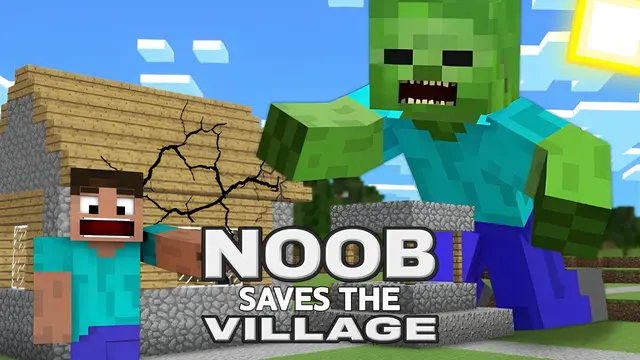 Noob saves the village
 Carvivor Ops
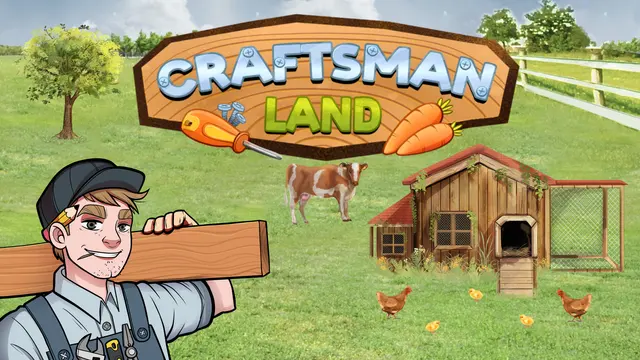 Craftsman Land
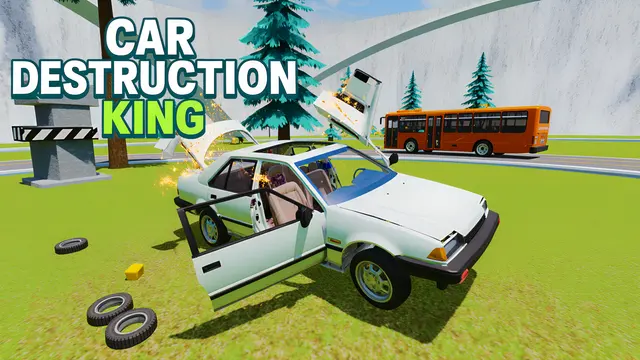 Car Destruction King
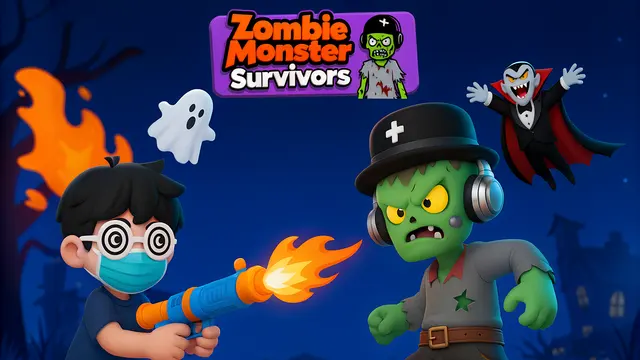 Zombie Monster Survivors
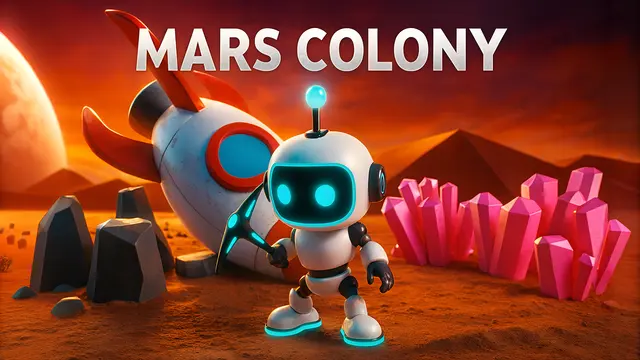 Mars Colony
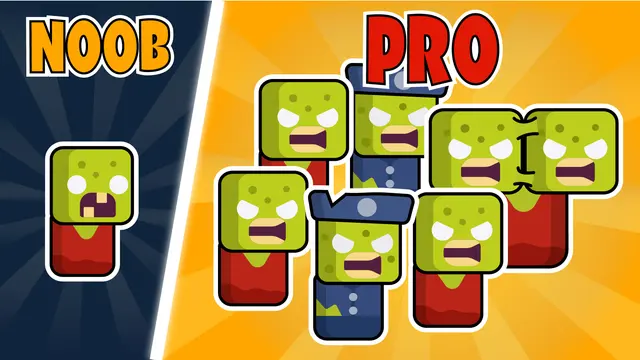 Build Your Zombie Horde
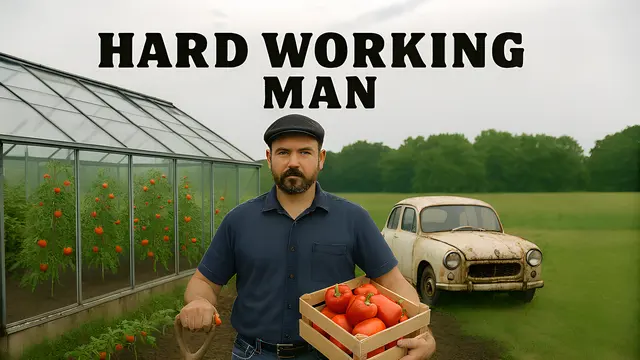 Hard Working Man
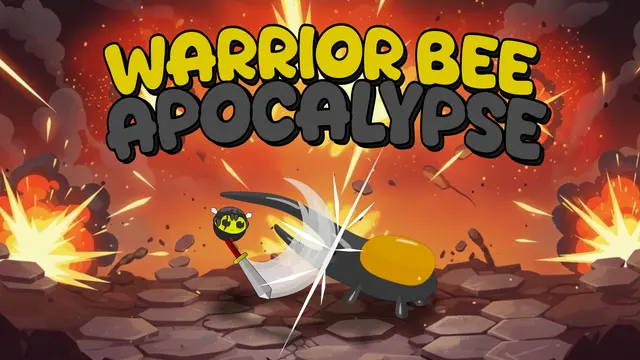 Warrior Bee Apocalypse
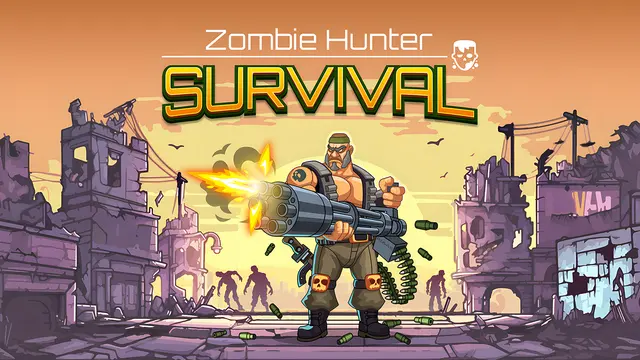 Zombie Hunter: Survival
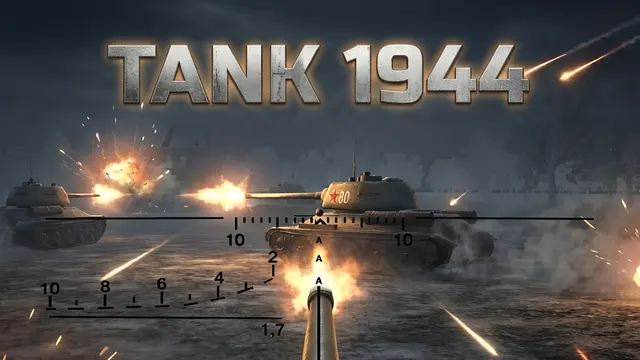 Tank 1944
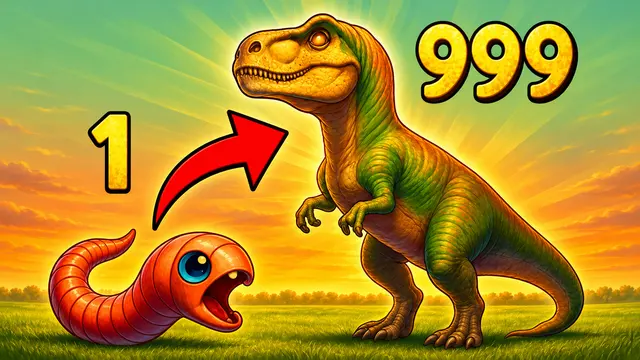 Animal Evolution Simulator
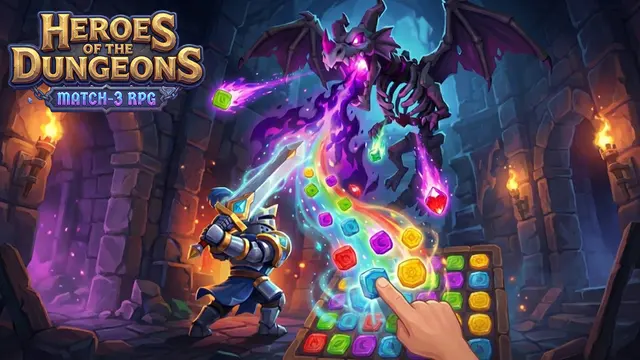 Heroes of the Dungeons: Match-3 RPG
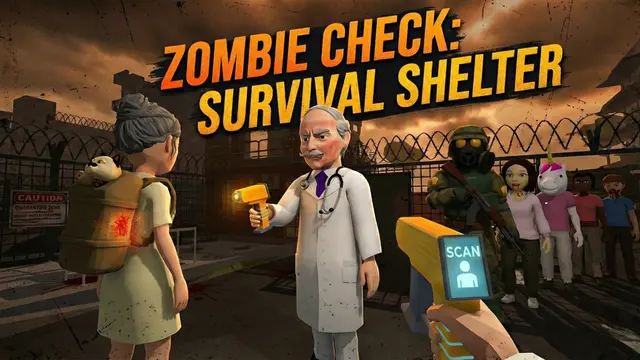 Zombie Check: Survival Shelter
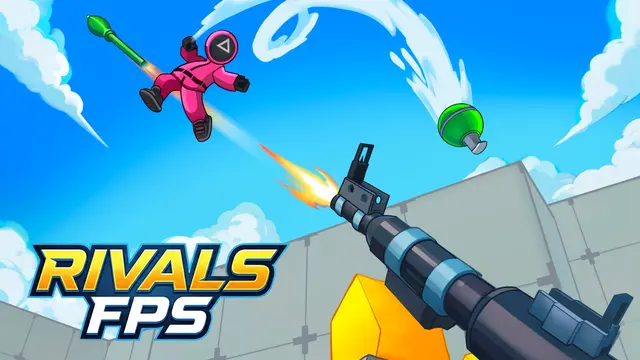 RIVALS FPS: Online Shooter
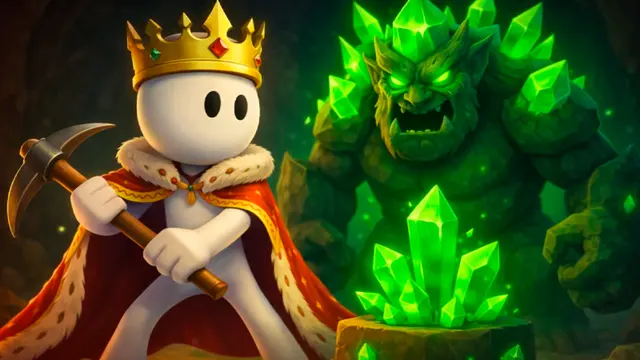 King Dungeon
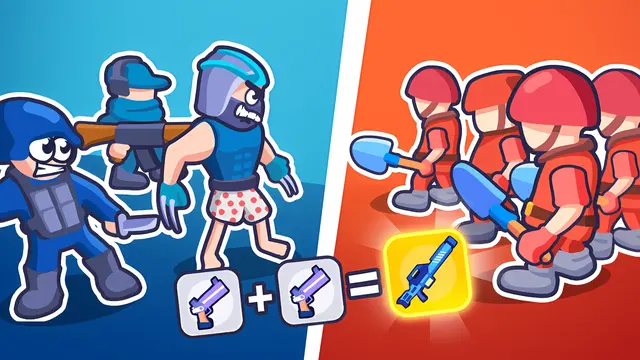 Squad Assembler: Merge
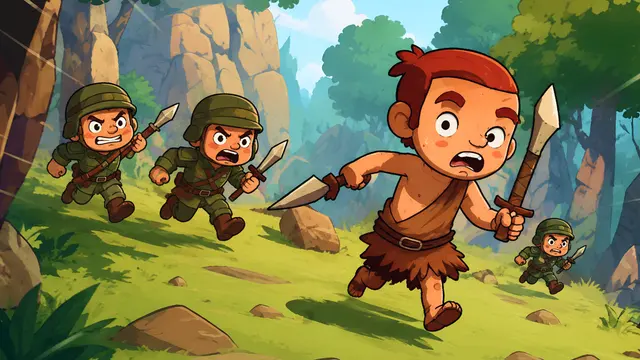 Age of Heroes
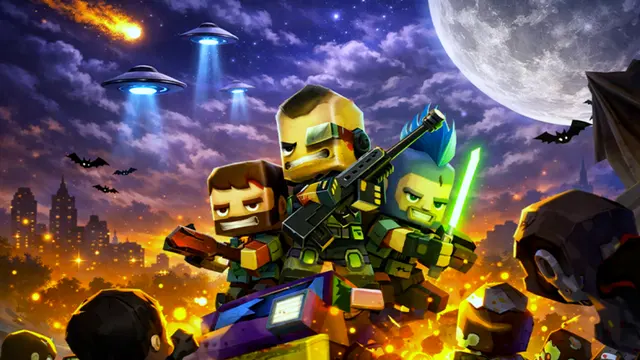 Zombie Raid
 Red & Blue: Online. Build! Destroy! Fight!
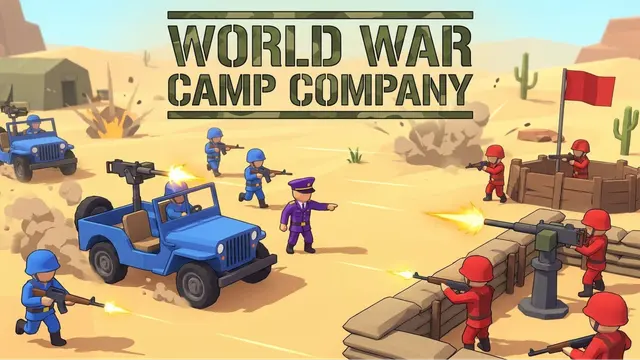 World War Camp Company
 Driver Club: Highway Racing
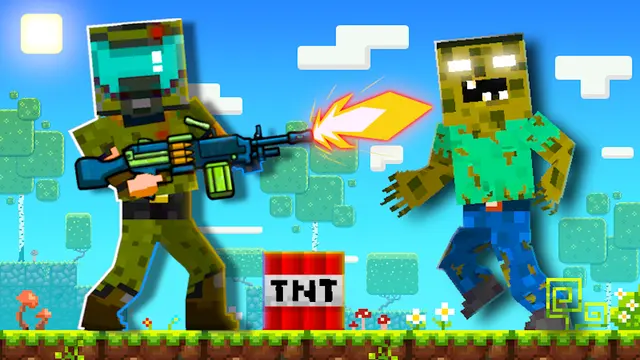 Noob Legends Dungeon Adventures
 Rift of Hell - Demons War
 Musketeers Gunpowder vs Steel
 Destruction Simulator
 Idle Crafting Empire Tycoon
 BeastForge Rival
 Archery Master - Castle Battle
 Drifting Car Master
 Farm Business Saga
 Zombies vs special forces
 99 Nights In The Forest - Survival Simulator
 Millionaire Factory
 Project: Survival
 TANKNAROK
 Farm: Nubik Vs Zombies
 The Upside Down
Play Dead Land: Survival online
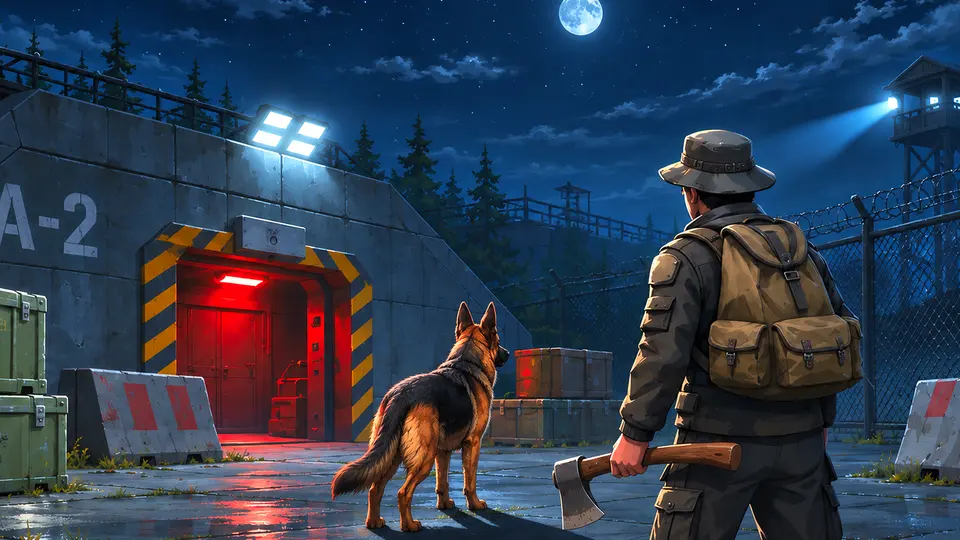
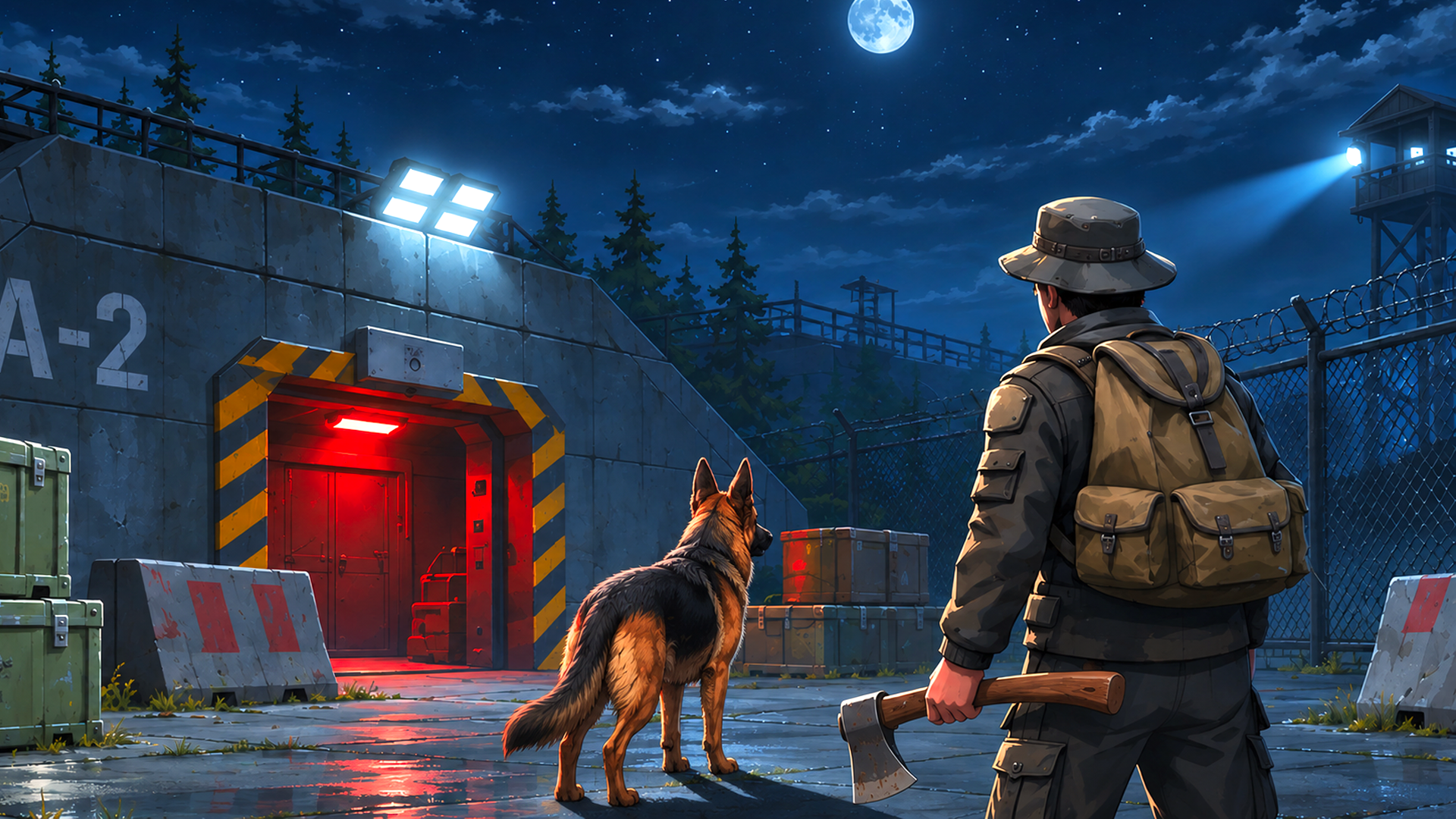
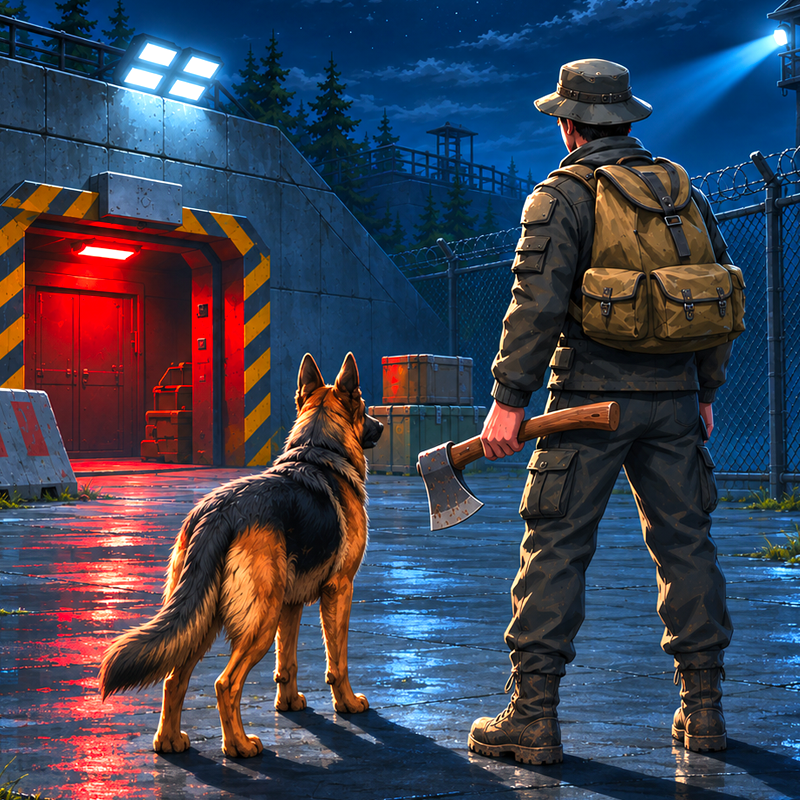
Dead Land: Survival is a multiplayer survival simulator set in a post-apocalyptic setting. The familiar world is destroyed – cities are in decay, with thousands of bloodthirsty zombies roaming their streets. Improve your hero, restore your shelter, venture beyond the safe zone in search of equipment, food, and crafting resources.
Make decisions about the resources and activities under your control. The instructions explain how purchases, tasks and improvements fit together. Character tasks or quests provide goals to work toward as you explore. Upgrades are part of the progression described by the provider.
How to play Dead Land: Survival
Controls and instructions
How to repair items?
Broken items can be repaired in the Workshop building under the Repair tab.
How to install a new chest in the warehouse? To do this, you need to free up space in the warehouse. Remove one of the installed boxes, clearing it of items, and then place the new chest in its spot.
What are lighters, cigarettes, matches, pine cones, and other items for?
Most in-game items may be needed for completing settler quests, and some items can be used to upgrade buildings and shelters. You can either accumulate items in advance or collect them as needed, selling excess items to the trader in the settlement. Choose a strategy that suits you best.
I collected 75 ears and can't enter Amelia's Diner, even though I brought them with me.
To unlock the location, move the infected ears from your inventory to the slot with the requirement 0/75.
How to start the game from the beginning?
Go to Profile, then Settings. Click on the "Start Over" button.
Getting started with Dead Land: Survival
- Find the current goal and resource requirements before making a purchase.
- Check the current task before deciding where to go next.
- Compare the upgrade description with your next objective before choosing it.
About this game
- Platform
- Web browser
- Supported devices
- Android, iOS, Desktop
- Screen orientation
- Landscape
- Languages
- American English, Russian (Russia)
- Genres
- Action, Strategy, Simulation, Boys, Multiplayer, Zombie, Pve, Survival, Management, Crafting
- In-game purchases
- Available
- Provider
- Playgama
- Provider audience
- Male
Game features and tags
- Apocalypse
- Resource Management
- Action Rpg
- Survival Horror
- 2 Player Survival
- 2 Player Zombie
Dead Land: Survival images
Questions about Dead Land: Survival
How do I start playing?
Choose Play now in the game window above to load Dead Land: Survival through Playgama. Read the controls and instructions above before you start.
Which devices can I play on?
The provider lists support for Android, iOS, Desktop. Play in your web browser using the controls described above.
Which languages does the game support?
American English, Russian (Russia).
Does the game have in-game purchases?
The provider lists optional in-game purchases. Any available purchases are handled inside the game. Games may display advertisements.
Related game categories
Game facts and artwork supplied by Playgama. Descriptions adapted and getting-started guidance added by LookBear. Game content, ads and purchases are provided by Playgama and the game provider.