 Arrows: Make It Cozy!
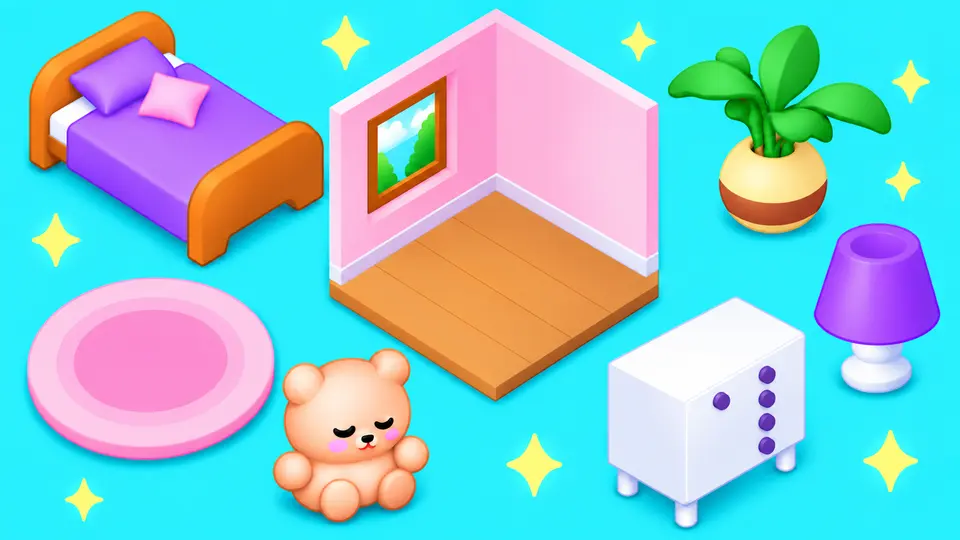
Dreamy Home
Provided by Playgama

Dreamy Homevia Playgama







 Yarn to Art: Arrow Puzzle
 Alchemy Store
 ColorPicker
 Fridge: Perfect Sorting
 Wobble Wobble Workshop
 Marble Sudoku: Color Puzzle
 Charm Studio: Jewelry Design DIY
 TB World
 Piece of Cake: Merge & Bake
 Find Match 3D
 Bridge Builder
 Kiki World: Kawaii Doll Decor
 Twisted Rope 3D
 Home Design: Decorate House
 3D Acrylic Nail: Nail Art Game
 Paper Princess - Doll Dress Up
 Rat's House - Nonogram
 Relaxing Games: 30 in 1
 Jixora – Jigsaw Solitaire Puzzle
 Dream Room
 Arrows Disappear
 Arrow Cube 3D
 Hex Mine 3D
 Arrow Escape 3D
 Screw Sort 3D
 Pop The Band
 3D Dots
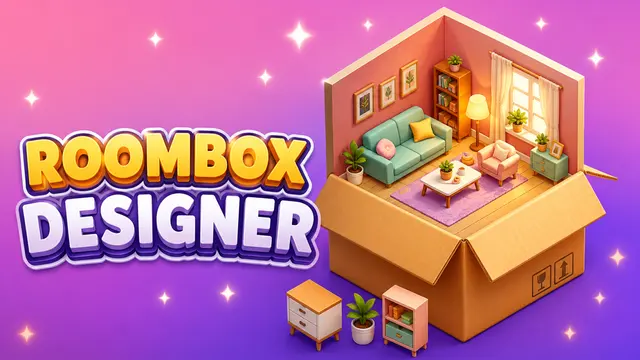 Rumbox Designer
 Petdoku: Cozy Puzzle Games
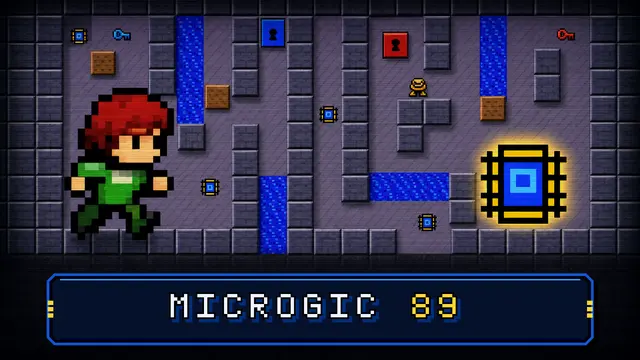 Microgic 89
 Color Sorting: Rooms
 Cube Trap
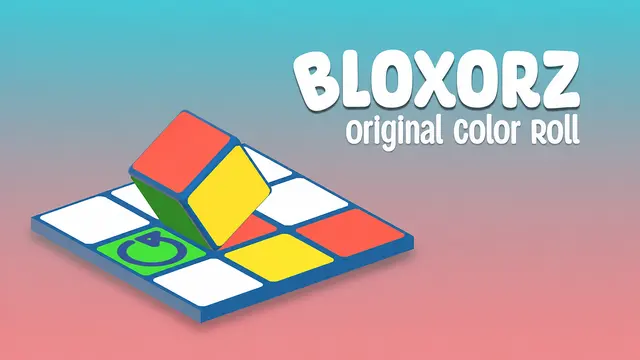 Bloxorz: Color Block Roll
 Hexa Sort
 Blob Twist – Color Puzzle
 Collection Shuffle
 Mix & Paint 3D
 Jewel Gem Puzzle
 Dream Home: Merge Story
 Color the Room
 Sort The Beads
 Ragdoll Rescue: Physics Puzzle
 Seven Down
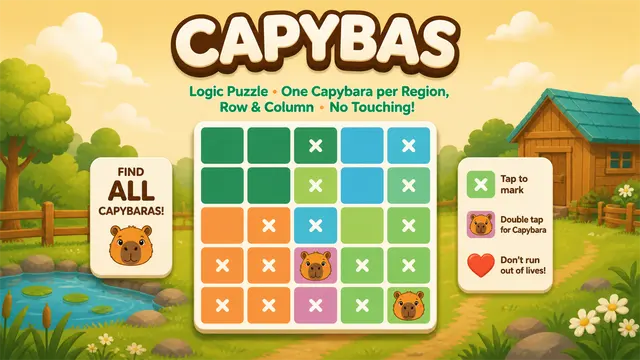 Capybas
 Arrow Free 3D
 Turnline: Relaxing Puzzle
 Spray Paint - Coloring Games
 Mini Chess 3D
 Truck Jam Puzzle
 Tasty Out Arrow Puzzle
 Where Are the Puffies?
 Toy Smash
 Rich Mom Family Simulator Luxury Life
 Sand Fall
 Clean The Garden
 Kitten Rescue
 Fruit Drop 3D
 Akagram
 Binary Drop
 Jelly Path
 Happy Zoo: Mahjong Triple Match
 ArrowGami: Arrow Puzzle
 Lantern Alley: Match 3
 Sky Kingdoms: Castle Siege
Play Dreamy Home online
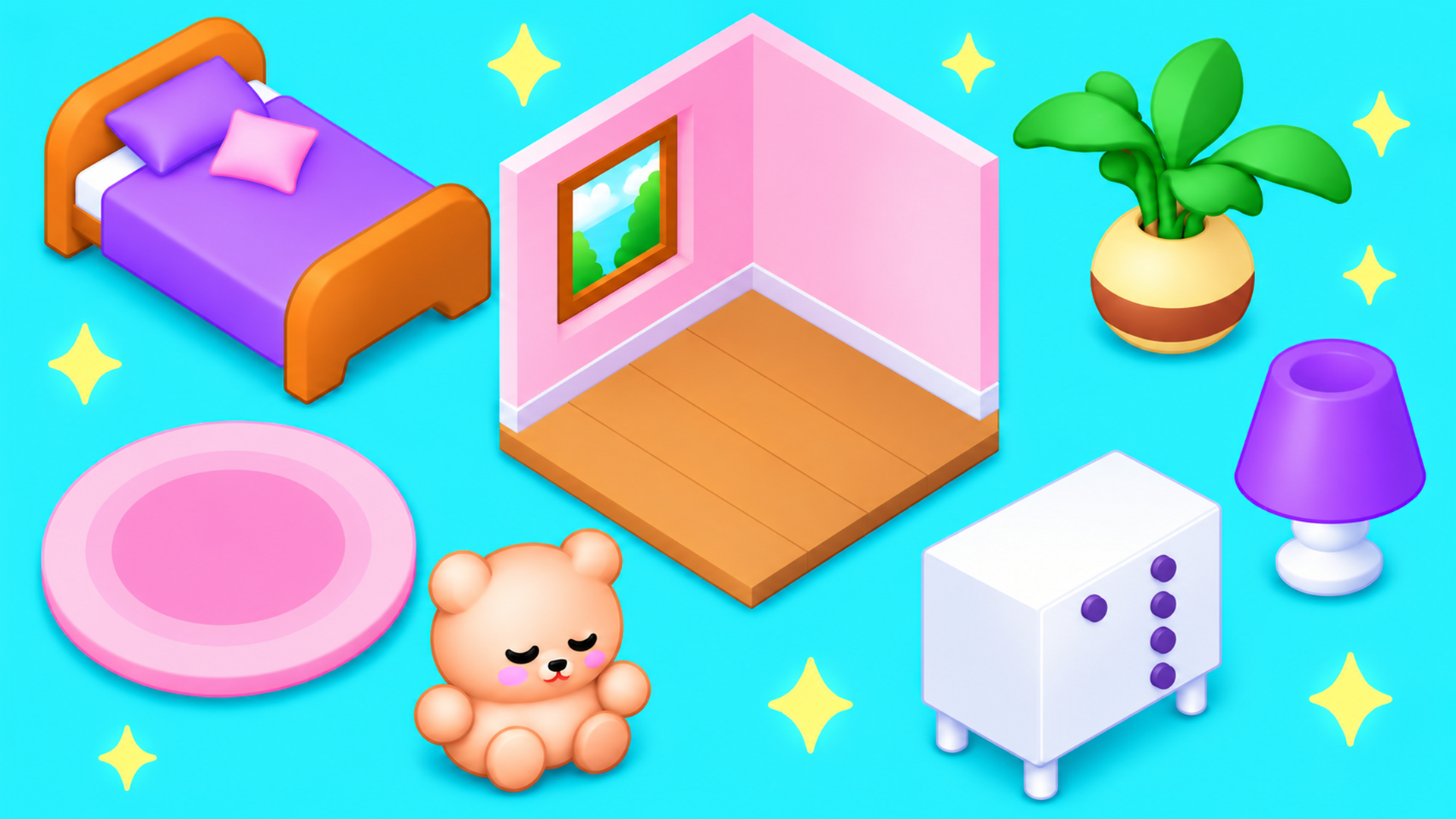
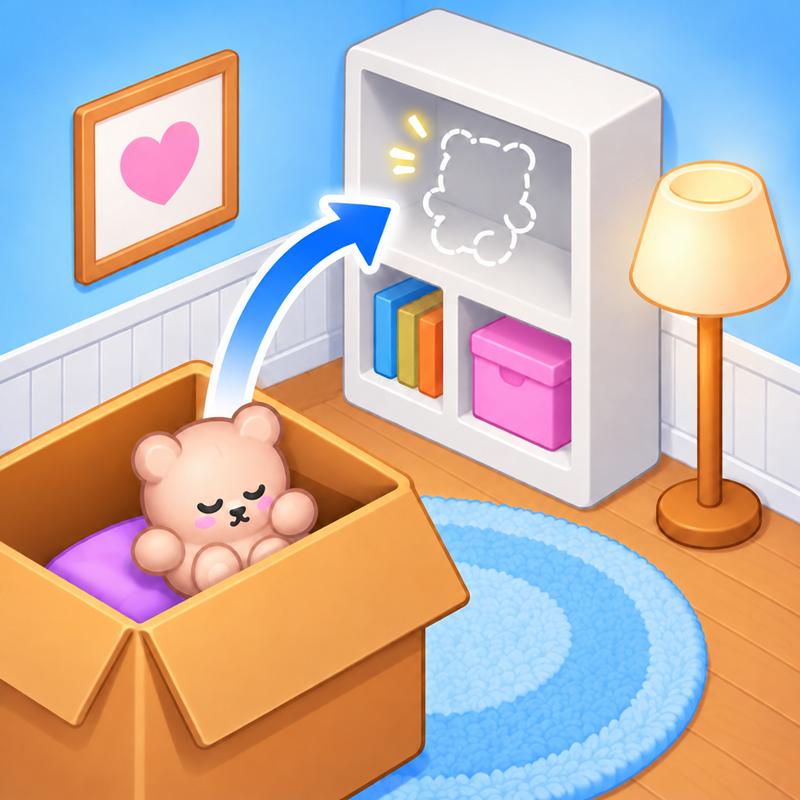
It's not just a game, but a warm and peaceful adventure that helps you feel the magic of ordinary moments. Opening box after box, you will find personal items and lovingly find the perfect place for them. Room by room, step by step, you will assemble mosaics of memories and emotional stories hidden in simple objects.
Study the current puzzle and use the rules to decide your next action. Look for the objective and any restrictions before making a move.
How to play Dreamy Home
Controls and instructions
The game has simple controls.
If you are playing on a computer:
Click on an item with the mouse;
Hold down the mouse key and drag the item to the desired location.
If you are playing on a smartphone:
Tap the item with your finger;
Hold your finger on the touchscreen and drag the item to the desired location.
There are also 3 boosters available to you:
Hint (light bulb icon). Sets the item to its correct location;
Freeze. Freezes the timer for 60 seconds;
Compass. Will show the location of any 4 items.
Getting started with Dreamy Home
- Check the goal and any move or time limit shown in the game.
About this game
- Platform
- Web browser
- Supported devices
- Android, iOS, Desktop
- Screen orientation
- Portrait
- Languages
- American English, Russian (Russia)
- Genres
- Puzzle, Arcade, Girls, 3d, Decoration, Cozy, Logic
- In-game purchases
- Available
- Provider
- Playgama
- Provider audience
- Female
Game features and tags
- Casual
- Relaxing
- Addictive
- Creativity
- Sorting
- Cute
- Collecting
- 1 Player
- Beauty
Dreamy Home images
Questions about Dreamy Home
How do I start playing?
Choose Play now in the game window above to load Dreamy Home through Playgama. Read the controls and instructions above before you start.
Which devices can I play on?
The provider lists support for Android, iOS, Desktop. Play in your web browser using the controls described above.
Which languages does the game support?
American English, Russian (Russia).
Does the game have in-game purchases?
The provider lists optional in-game purchases. Any available purchases are handled inside the game. Games may display advertisements.
Related game categories
Game facts and artwork supplied by Playgama. Descriptions adapted and getting-started guidance added by LookBear. Game content, ads and purchases are provided by Playgama and the game provider.