 Dream Home
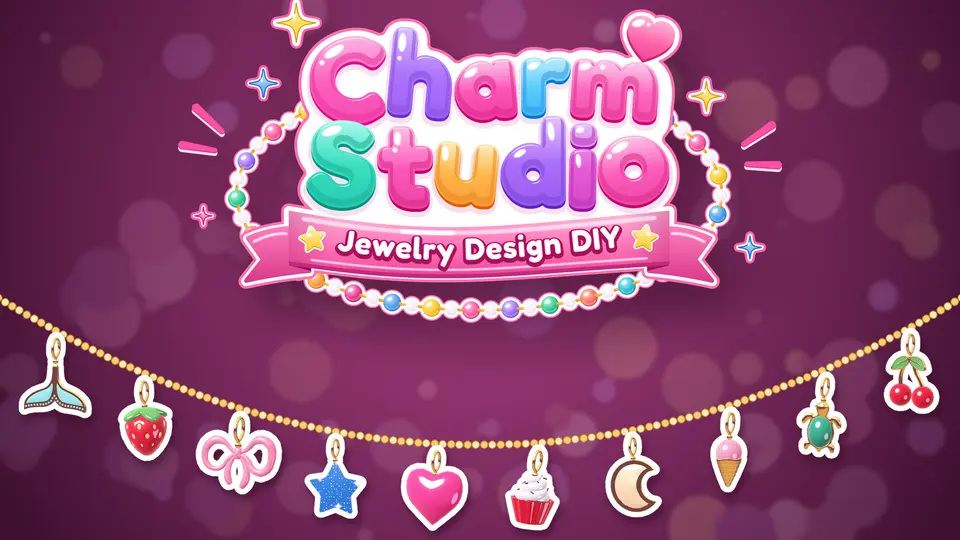
Charm Studio: Jewelry Design DIY
Provided by Playgama
Charm Studio: Jewelry Design DIYvia Playgama



 Witch's Shop: Potion Brewing
 Blue Tractor
 Hex Hamlet
 Spooky Halloween Makeover
 Leftover Screw: Furniture
 Capy Market
 Reaper’s Graveyard Shift
 Homeowner 3D
 Pearl Paws
 Grow the Baby
 Make A Dress
 Hexlands
 Chicken Farm 3D
 Relax Box: ASMR Mini Games
 Bee Simulator: Mine
 Cat on a Vacuum: Home Cleaning Simulator
 Single Dad Simulator Family Life
 Steal an Egg: Sky Pets
 Gold Rush Builder
 Nest Heist
 Makeup Stories: ASMR Beauty
 Cozy Craft Co.
 Single Mom Baby Care Prank Game
 Vet Tycoon: Pet Hospital
 Cake Shop Simulator
 Fridge: Perfect Sorting
 City Rush 2000
 Fill and Swim
 Avatar World Characters
 Fix It Garage
 Pump It Up
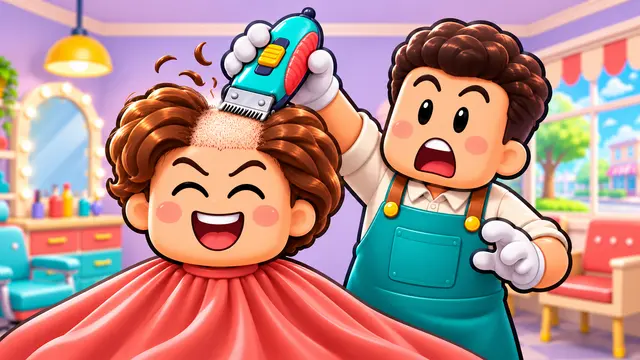 Hair Salon Master
 Clean the Moon
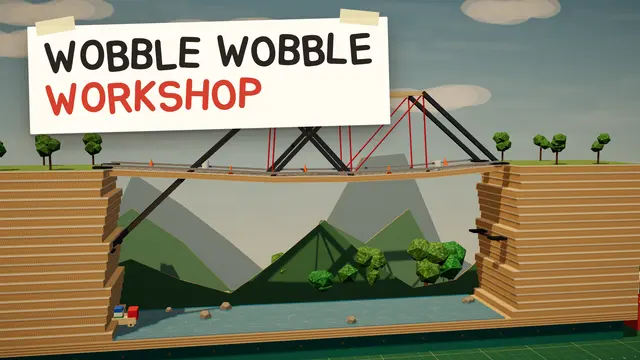 Wobble Wobble Workshop
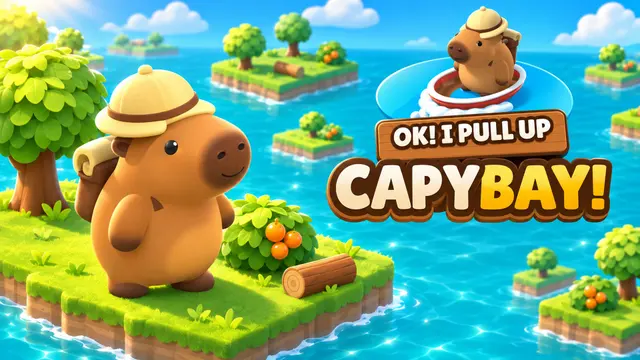 Ok! I Pull Up Capybay!
 Moose Cafe
 Puppy Ranch: Pet Breeder
 Matchbox Girl
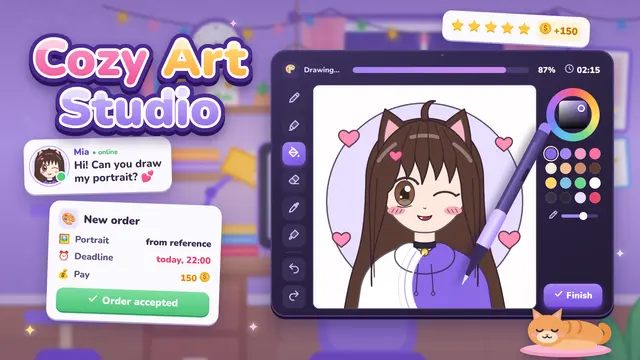 Cozy Art Studio
 Sunny Bay RP
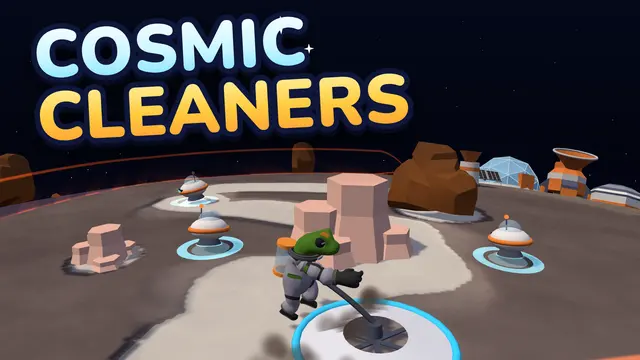 Cosmic Cleaners
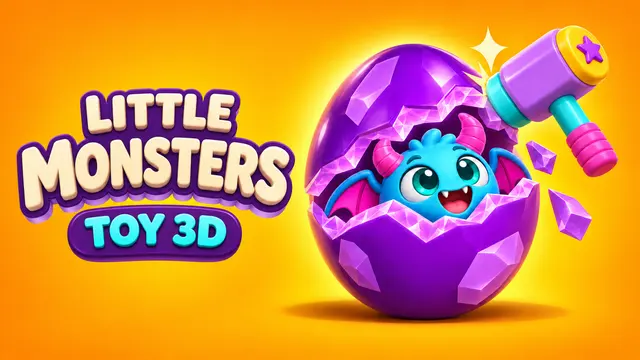 Little Monsters Toy 3D
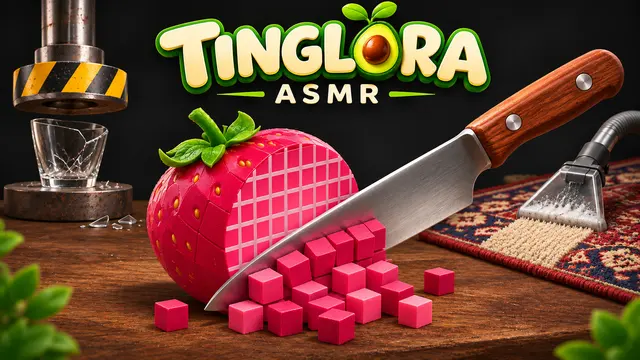 TINGLORA: ASMR
 Ballpit Clean Master
 Piece of Cake: Merge & Bake
 Hedgies
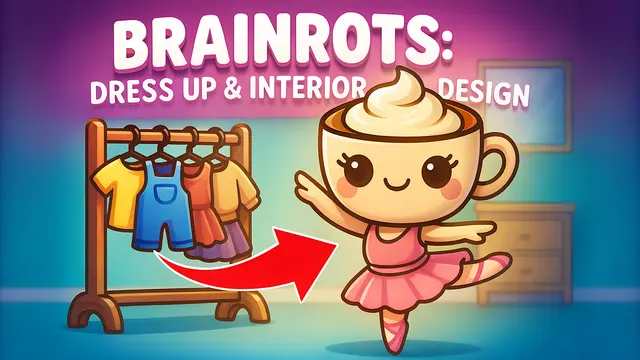 Brainrots: Dress Up & Interior Design
 Bridge Builder
 Dungeon Master - Cult & Craft
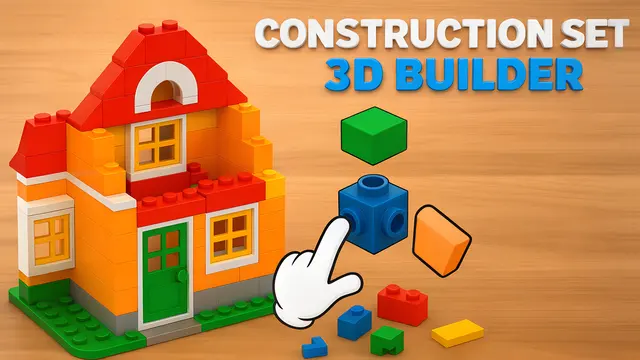 Construction Set - 3D Builder
 Grow a Garden 3D
 MR RACER Stunt Mania
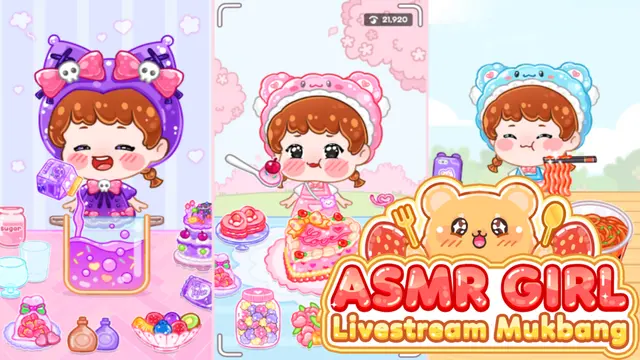 ASMR Girl: Livestream Mukbang
 Idol Livestream: Doll Dress Up
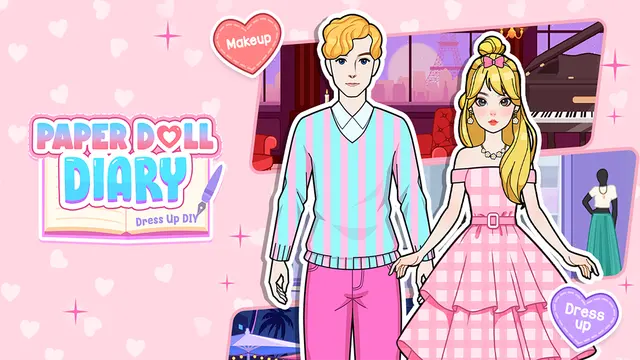 Paper Doll Diary: Dress Up DIY
 Hyper Cars Ramp Crash
 Online Car Destruction Simulator 3D
 Parking Master: Urban Challenges
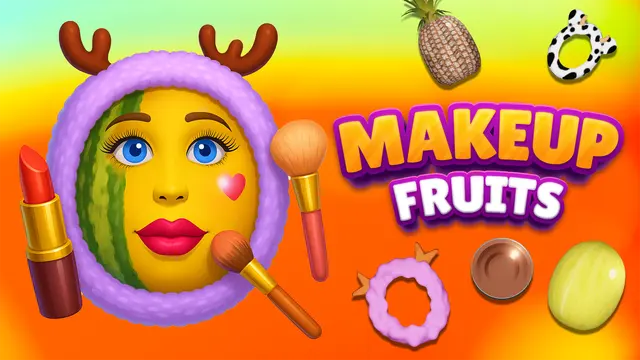 Makeup Fruits
 My Town Home: Family Playhouse
 Monster Makeup 3D
 Fix The Hoof
 Kinder Garden
 Skyblock 3D: Survival
Play Charm Studio: Jewelry Design DIY online
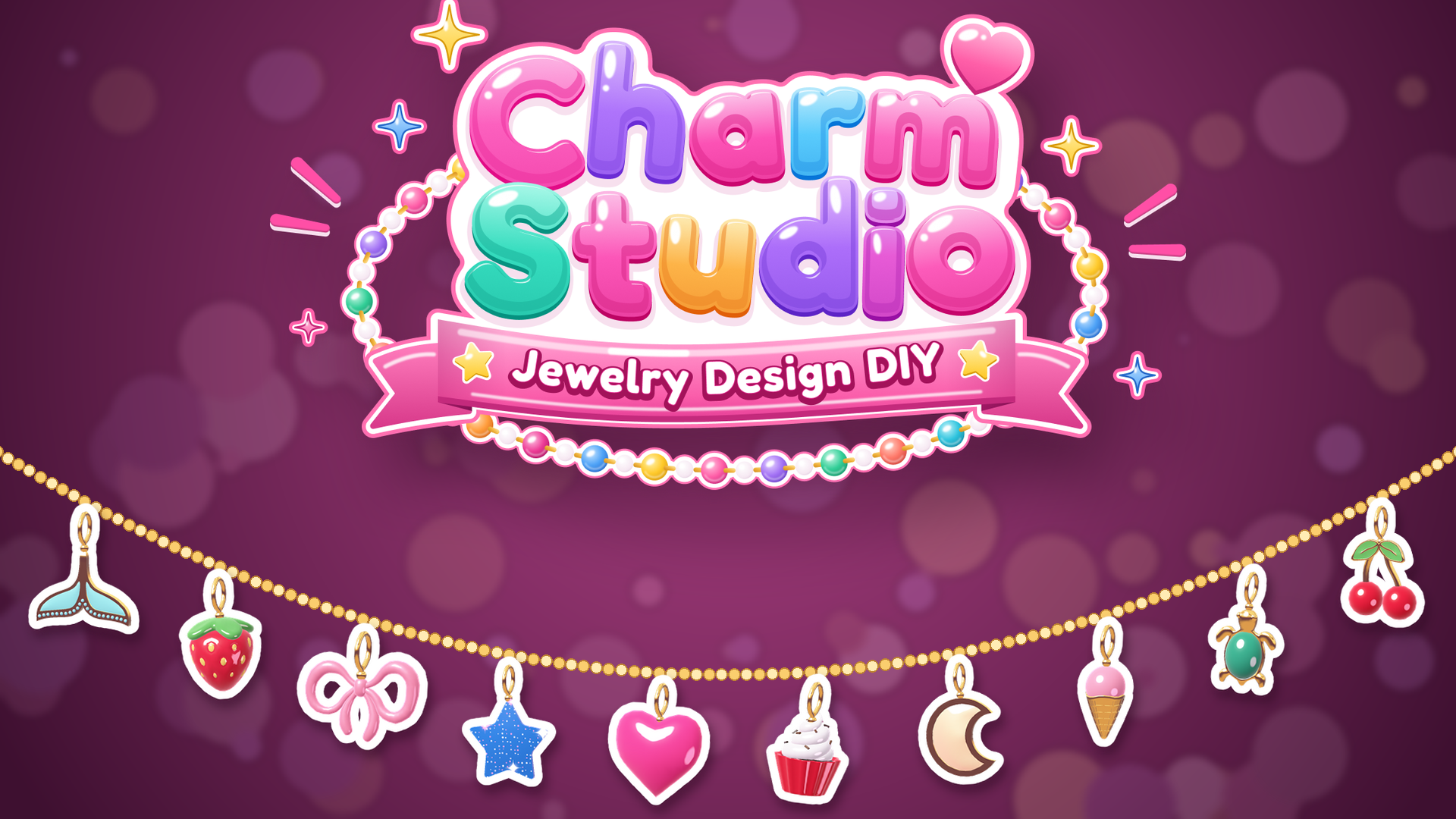
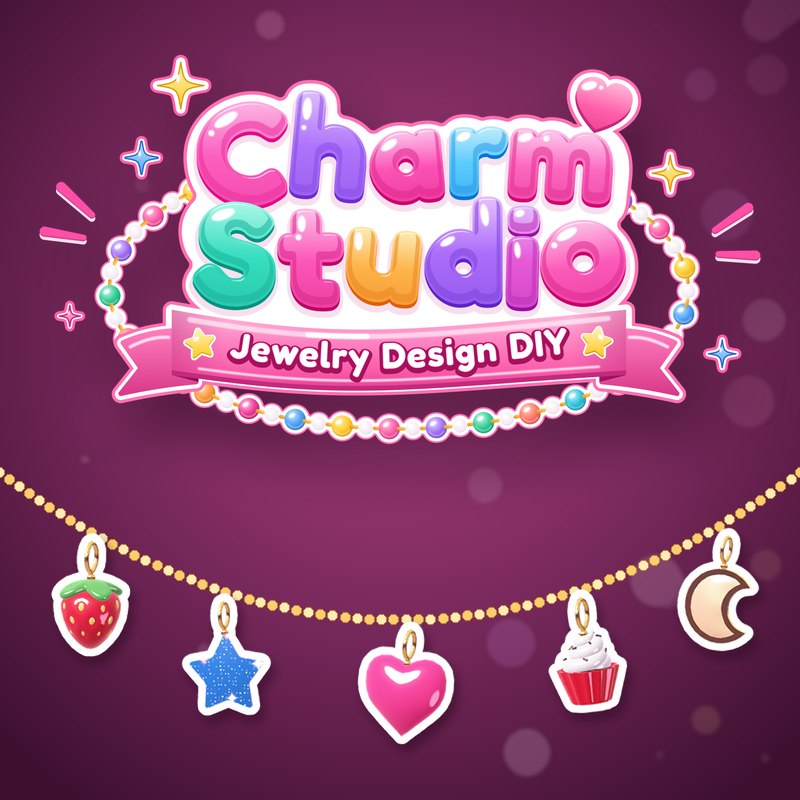
Charm Studio is a cozy 3D jewelry design game. Clients walk into your little boutique and ask for a jewelry box for someone they love: a friend, a mom, an aunt, a grandma. Every order comes with a theme, like Ocean, Sweet, Celestial, Lucky or Goth.
Explore the activity being simulated and learn which parts you can control. Read the instructions to understand how each interaction affects your next step. Coins appear in the game’s progression or objectives.
How to play Charm Studio: Jewelry Design DIY
Controls and instructions
Listen to the client's order and the themes she asks for. Tap the + on each piece in the jewelry box to make it. Pick a chain and its material, then tap a charm to hang it on the next free link, or drag it onto the link you want. Tap a hung charm to restyle its color and metal. Press Ready to put the piece in the box. Once the bracelet, necklace and ring are in, decorate the box and press Showdown! Rate each rival's box from 1 to 5 stars, then see where yours lands. Finish on the podium to sell the box and earn coins.
Desktop Controls:
Left Click: Pick a chain, charm or button, and hang a charm.
Drag: Move a charm to another link, or turn the view.
Mouse Wheel: Scroll the galleries, or zoom in and out.
Mobile Controls:
Tap: Pick a chain, charm or button, and hang a charm.
Drag: Move a charm to another link, or turn the view.
Pinch: Zoom in and out.
Getting started with Charm Studio: Jewelry Design DIY
- Try the main interaction first, then review the options it opens.
- Check what the game lets you do with coins before spending them.
About this game
- Platform
- Web browser
- Supported devices
- Android, iOS, Desktop
- Screen orientation
- Landscape and Portrait
- Languages
- American English, French (France), Italian (Italy), German (Germany), European Spanish, Brazilian Portuguese, Turkish (Türkiye), Arabic (Egypt)
- Genres
- Simulation, Girls, 3d, Decoration, Cozy
- In-game purchases
- None listed by the provider
- Provider
- Playgama
- Provider audience
- Female
Game features and tags
- Customization
- Casual
- Creativity
- Cute
- Shop
- Beauty
Charm Studio: Jewelry Design DIY images
Questions about Charm Studio: Jewelry Design DIY
How do I start playing?
Choose Play now in the game window above to load Charm Studio: Jewelry Design DIY through Playgama. Read the controls and instructions above before you start.
Which devices can I play on?
The provider lists support for Android, iOS, Desktop. Play in your web browser using the controls described above.
Which languages does the game support?
American English, French (France), Italian (Italy), German (Germany), European Spanish, Brazilian Portuguese, Turkish (Türkiye), Arabic (Egypt).
Does the game have in-game purchases?
The provider lists no in-game purchases for this game. Games may display advertisements.
Related game categories
Game facts and artwork supplied by Playgama. Descriptions adapted and getting-started guidance added by LookBear. Game content, ads and purchases are provided by Playgama and the game provider.