 Basketball Stars
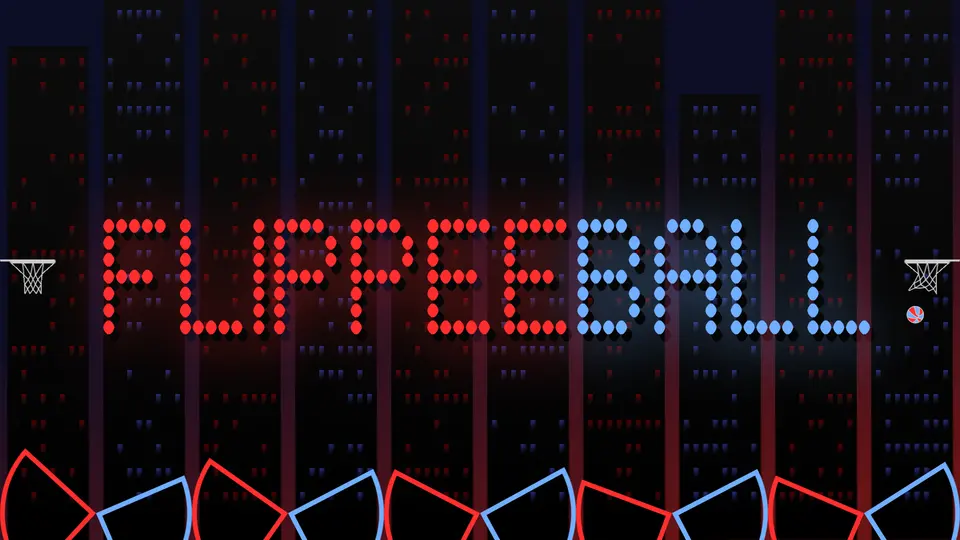
Flippee Ball
Provided by Playgama

Flippee Ballvia Playgama

 Cannon Basket
 STAIR BALL
 Neon Ball Slope
 Rolling Balancer Ball
 Sky Golf
 Snow Rush 3D
 Extreme Balancer
 Neon Goal
 Bouncy Ball
 Geometry: Black Ball
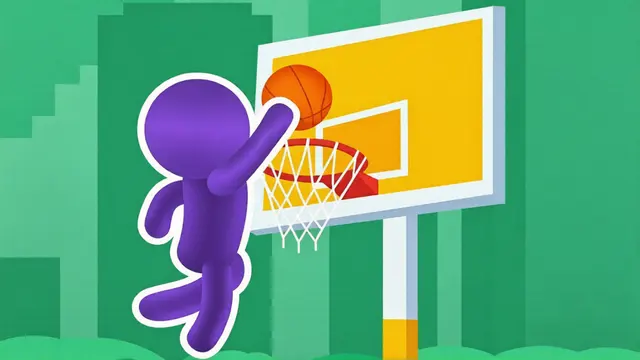 Precise Shooting
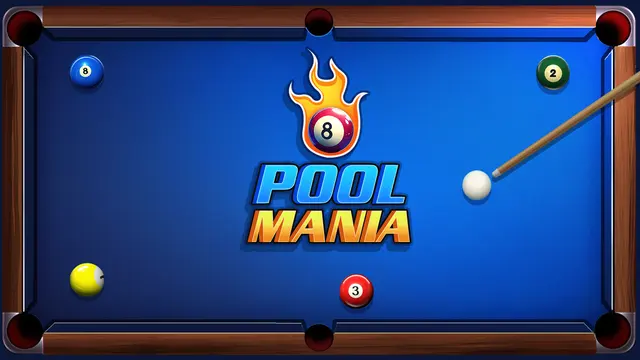 3D Pool Mania
 Dancing Road
 Ultimate Billiard 3D Game
 BOMB PONG: ONLINE
 Roll Rush
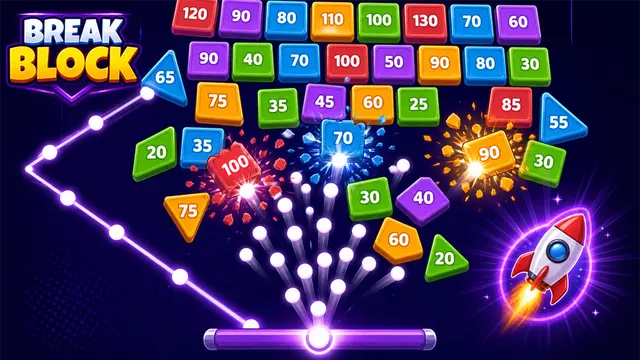 BreakBlock
 Latto-Latto
 Bounce Up!
 BBlaster
 Supernova: The "Charon" Protocol
 VOID ROLLER
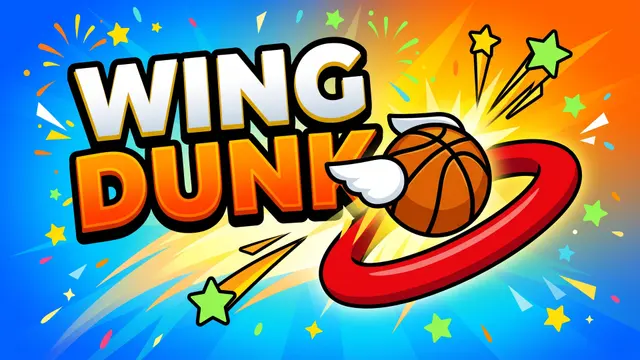 Wing Dunk
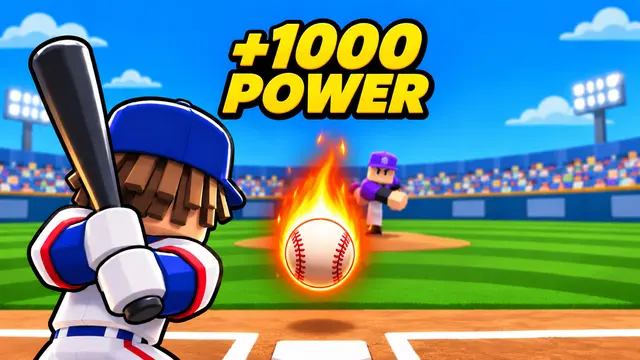 Home Run Superstars!
 Rolling In Gears
 Geometry Arrow 2
 Rooftop Run
 Only Jump RPG
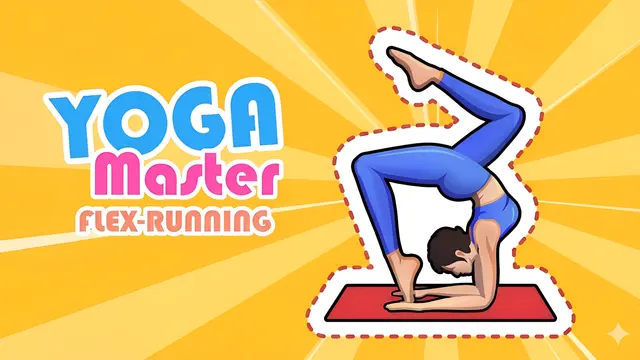 Yoga Master - Flex Running
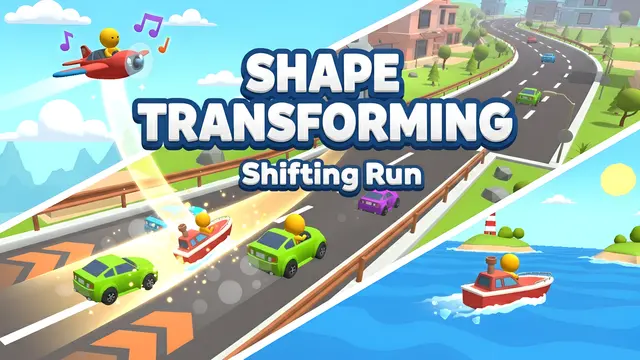 Shape Transforming: Shifting Run
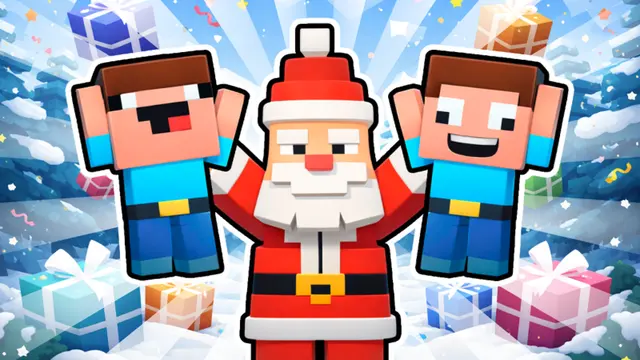 Snowy Adventures with Noob and Pro!
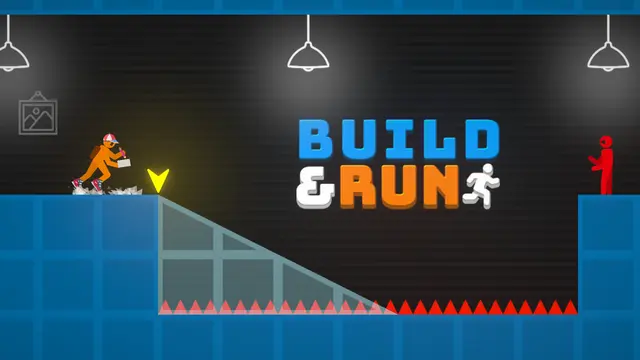 Build And Run
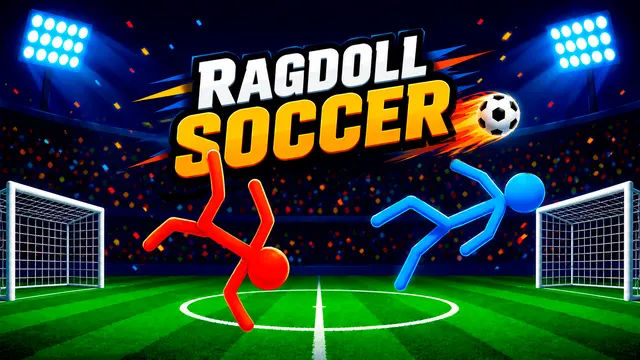 Ragdoll Soccer
 Climb Up!
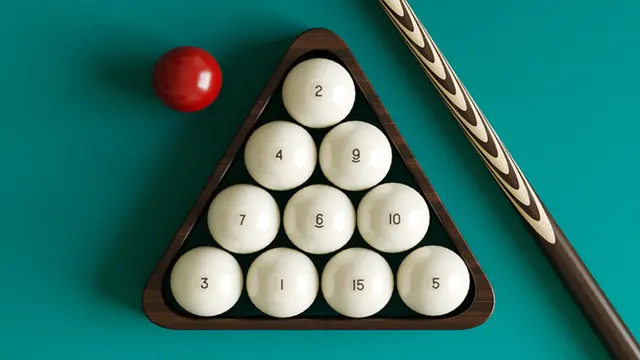 Billiards 3D: Russian Pyramid
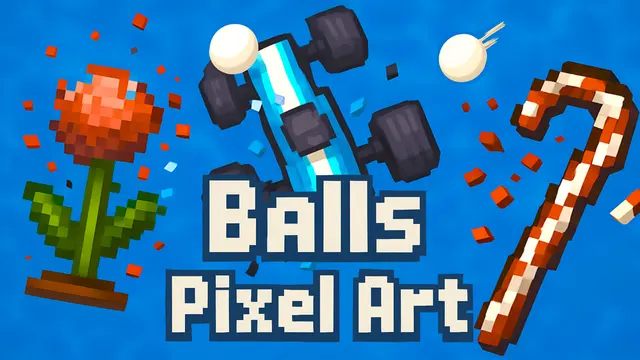 Balls: Pixel Art
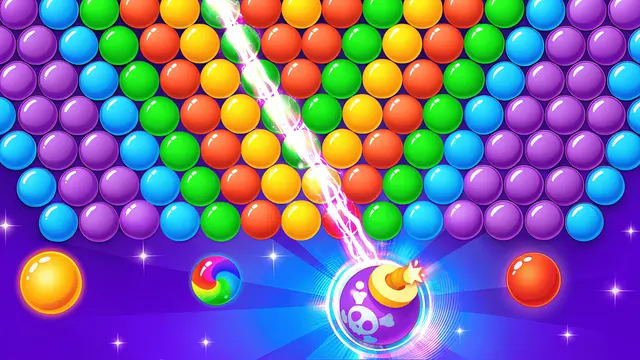 Bubble Shooter: Tap & Pop
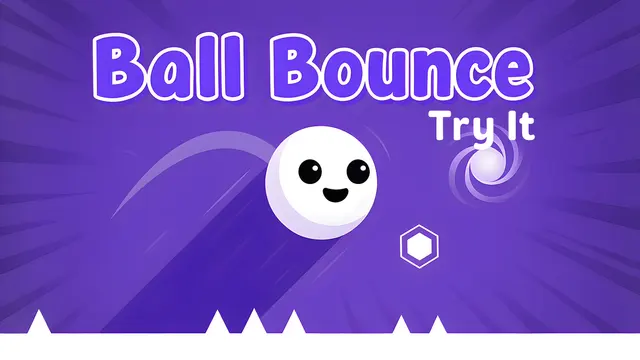 Ball Bounce: Try It
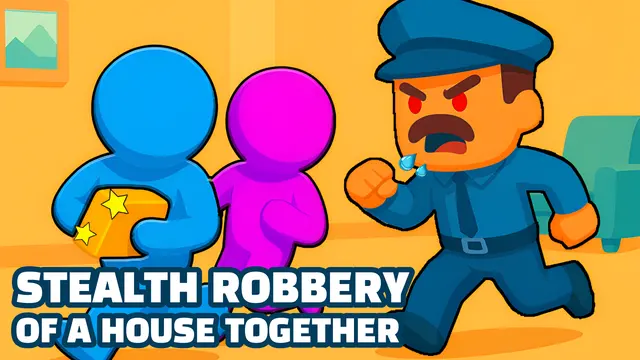 Stealth robbery of a house together
 Geometry Maze Maps V2
 Stand on the Right Color, Robby!
 Mr Shooter
 Dunkin Beanz
 Knife vs Fruits
 Slice & Soar
 Resize Stickman
 Catoom! - Bomb Barrel
 Fristailo Granny!
 Knock Down
 Obby Football Soccer 3D
 Golf Orbit
 Street Racer 2D
 Ball Jump Switch The Colors
 Bowling Stars
 Cricket Mania
 Spin&Mow
 Super Bowling Mania
 Canyon Drifter
 SlowMo Sniper
 Finger Soccer Tournament
 Stunsteval Siderollers
 Darts Pro
 Robbie: TikTak Slot Machines
 Mouse Survivor
Play Flippee Ball online
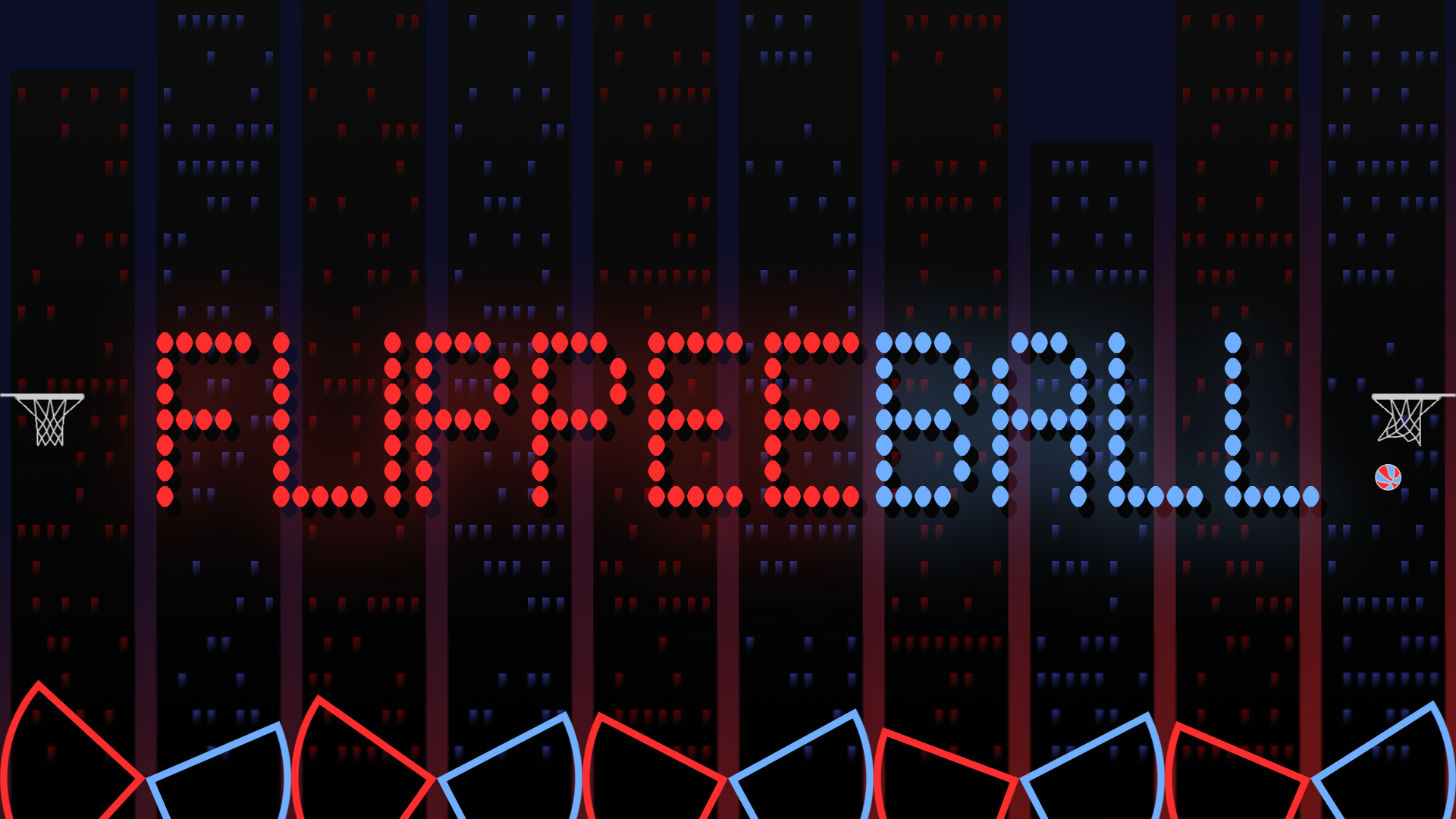
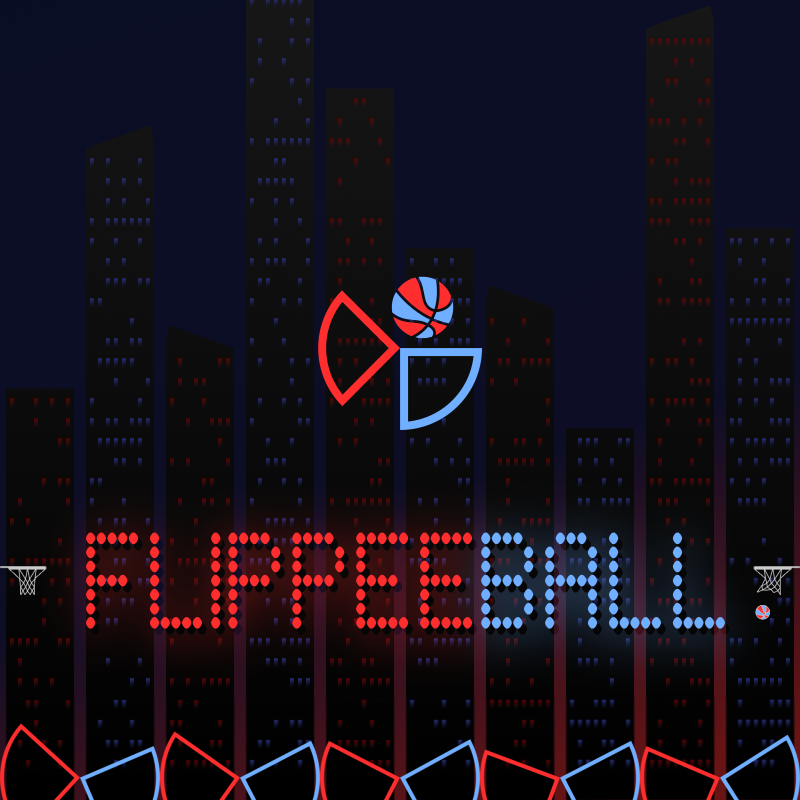
A HYBRID ARCADE GAME OF PINBALL & BASKETBALL -Flip the flippers and try to hit the ball into the basket. -Play against the CPU or another player on the same device. -Perfect your technique in the Academy - 100 increasingly challenging "assists" for you to try to score from.
Learn the sport-specific controls and follow the current match or challenge objective. Check whether movement and the main sporting action use different inputs.
How to play Flippee Ball
Controls and instructions
You control one set of flippers - either red or blue. Flipping uses just one button and flips all five of your flippers. See if you have what it takes to beat the computer. The default settings are "AMATEUR" speed against the computer on "EASY" difficulty with "AIM ASSIST" enabled (this gives you a little help with shot accuracy). Once you feel comfortable, try the other difficulties, "PROFFESSIONAL" speed, then switch "AIM ASSIST" off!
If that's not enough, try the "FLIPPEE ACADEMY" - 100 levels (50 each at "AMATEUR" & "PROFESSIONAL" speeds) where the ball is launched and you must try to score - but each level only allows for a certain number of touches - and you must score before the ball hits your opponent's flippers.
Navigate menus using:
Mouse
Touch
Keyboard (arrow keys and space to action)
Controller - direction pad and any of the main four buttons
The left of the scoreboard to select between 7 game modes: using game mode button.
Longest Streak - see how many games in a row you can win against the computer:
Easy
Medium
Hard
Progressive (difficulty increases with every game)
Career - difficulty increases with every game, but losing doesn't reset progress
Player v Player - play against another human on the same device
Academy - 100 "assists" for you to try to score from
To flip:
Single player:
Mouse - click the screen
Touch - tap the screen
Keyboard - LEFT CTRL
Controller - any of the four main buttons
Player vs Player:
Mouse - click the top left or top right of the screen to control either the left or right flippers
Touch - tap the top left or top right of the screen
Keyboard - LEFT CTRL (left flipper) & RIGHT ARROW (right flippers)
Controller - any of the four main buttons (supports 2 controllers for player v player)
To pause:
Mouse - click the scoreboard
Touch - tap the scoreboard
Keyboard - Press "P"
Controller - "Start" button
To win:
SCORE MORE THAN YOUR OPPONENT!
Change the game speed from "AMATEUR" to "PROFESSIONAL" and disable "AIM ASSIST" (if you're up for a challeng!) in the SETTINGS menu.
A quick start guide is shown when the game is first run and full instructions can be found in the built-in help guide.
Getting started with Flippee Ball
- Practice the main input before trying to combine it with movement.
About this game
- Platform
- Web browser
- Supported devices
- Android, iOS, Desktop
- Screen orientation
- Landscape
- Languages
- American English, Chinese (China)
- Genres
- Arcade, Sports, Skill, Two Player, Basketball, Ball
- In-game purchases
- None listed by the provider
- Provider
- Playgama
- Provider audience
- Male, Female
Game features and tags
- Addictive
- Flip
- Pinball
- 2 Player Basketball
- 2 Player Arcade
Flippee Ball images
Questions about Flippee Ball
How do I start playing?
Choose Play now in the game window above to load Flippee Ball through Playgama. Read the controls and instructions above before you start.
Which devices can I play on?
The provider lists support for Android, iOS, Desktop. Play in your web browser using the controls described above.
Which languages does the game support?
American English, Chinese (China).
Does the game have in-game purchases?
The provider lists no in-game purchases for this game. Games may display advertisements.
Related game categories
Game facts and artwork supplied by Playgama. Descriptions adapted and getting-started guidance added by LookBear. Game content, ads and purchases are provided by Playgama and the game provider.