 Swipe Swoosh

Tennis Orbit
Provided by Playgama

Tennis Orbitvia Playgama

 Ball: Path Through Obstacles
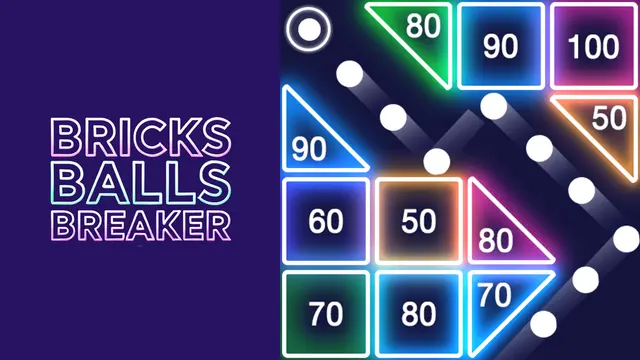 Bricks Balls Breaker
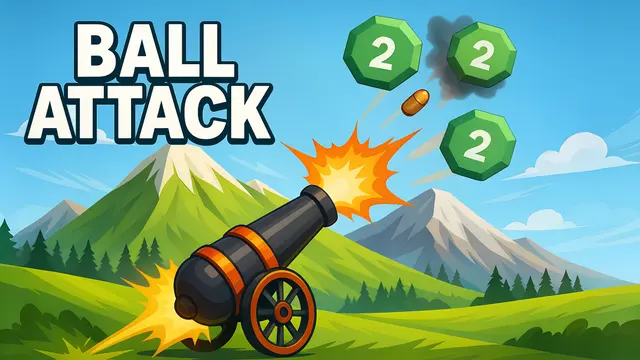 Ball Attack
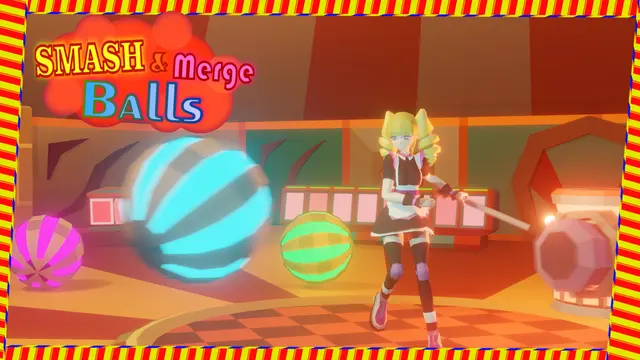 Smash & Merge Balls
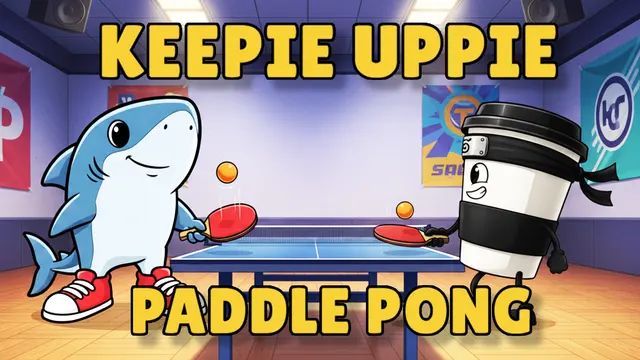 Keepie Uppie Paddle Pong
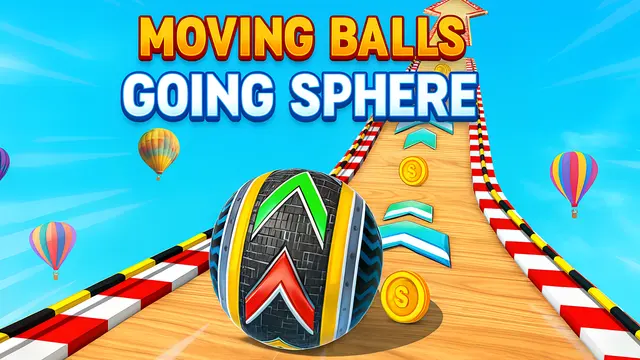 Moving Balls - Going Sphere
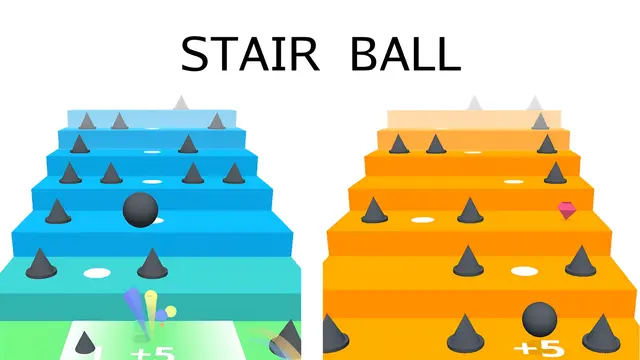 STAIR BALL
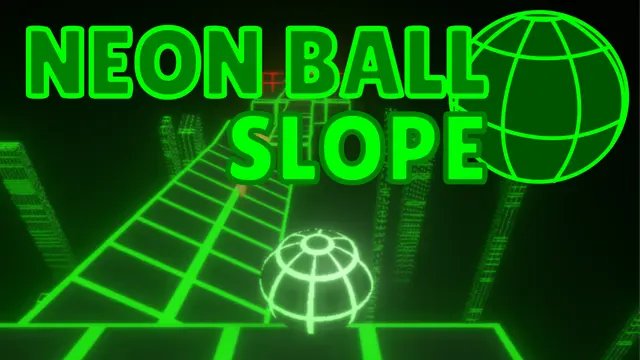 Neon Ball Slope
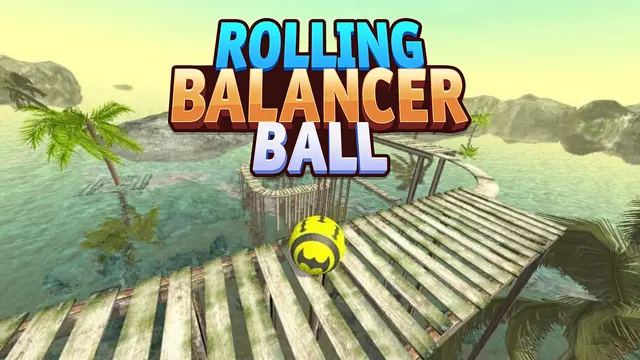 Rolling Balancer Ball
 Neon Goal
 Bottle Bottle
 Bouncy Ball
 Bottle Flip
 Geometry: Black Ball
 Egging On
 Cut In Half
 Sky Balls 3D
 Precise Shooting
 Dancing Road
 Soccer Jump
 Wheelchair parkour: No limits
 Roll Rush
 BAROHO
 Latto-Latto
 Bounce Up!
 Sponge Strike: Clean & Smash
 Backflip Master: Parkour Stunts
 Cut it : Voxel Crusher
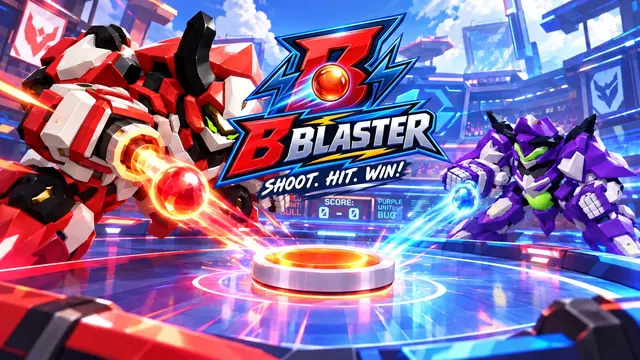 BBlaster
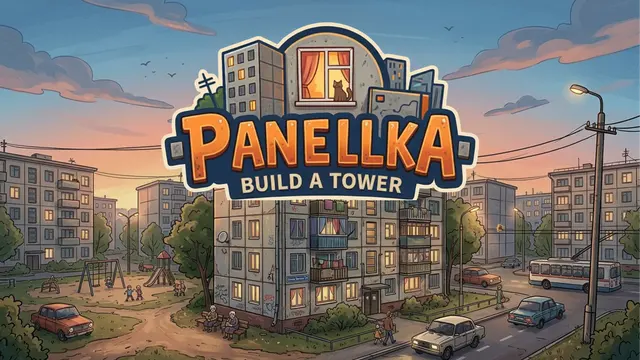 Panellka: Build a Tower
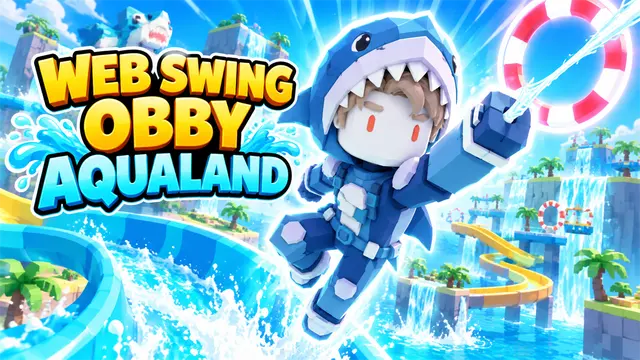 Web Swing Obby: Aqualand
 Jade Toss: Arrow Challenge
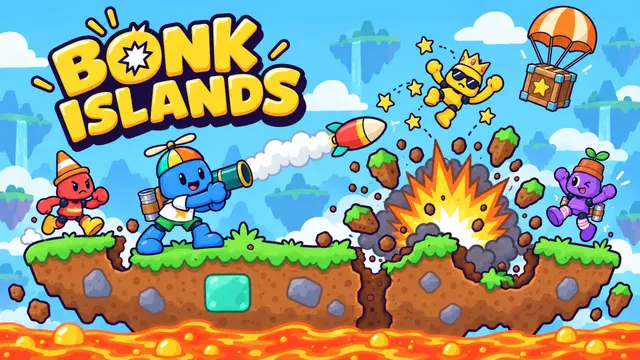 Bonk Islands
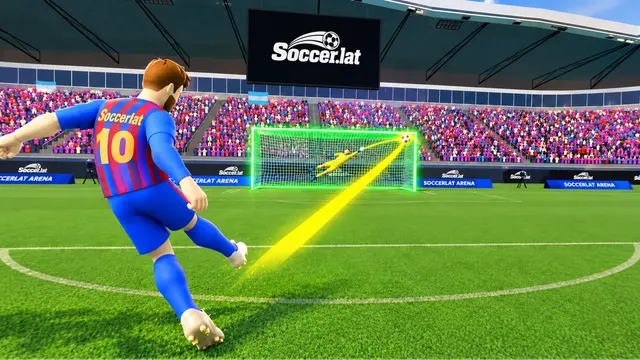 SoccerLat: 3D Football Online
 Wing Dunk
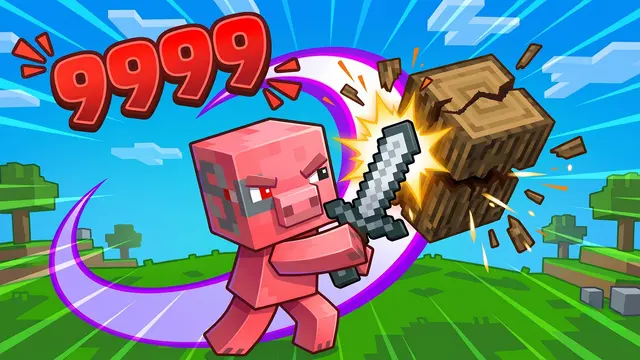 Mine: Block Breaker
 Modified Hill Climb 2D
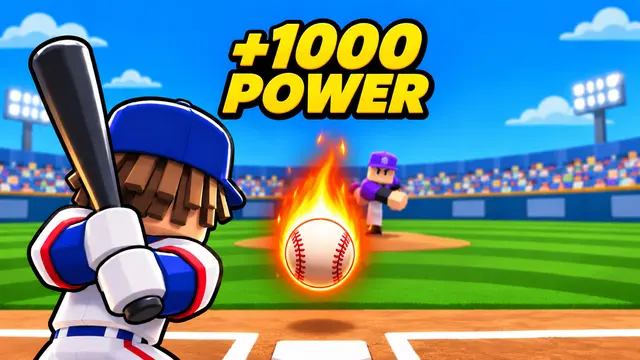 Home Run Superstars!
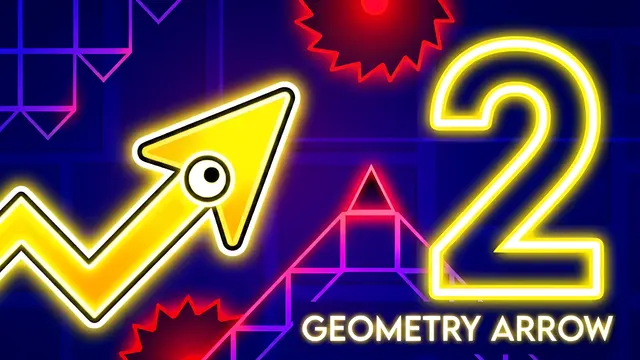 Geometry Arrow 2
 Rooftop Run
 Bridge Builder
 Only Jump RPG
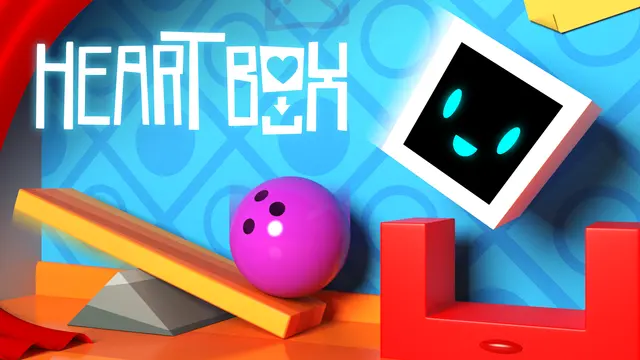 Heart Box
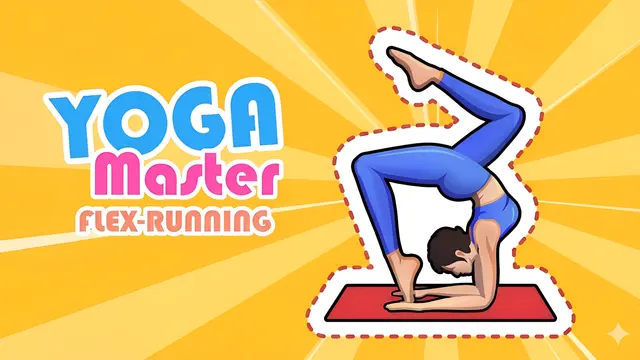 Yoga Master - Flex Running
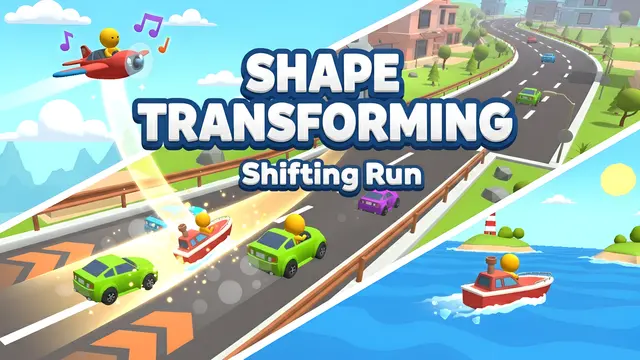 Shape Transforming: Shifting Run
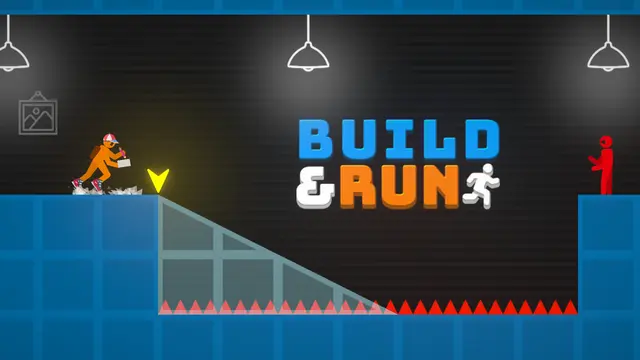 Build And Run
 Wood Nuts Master: Screw Puzzle
 Climb Up!
 Billiards 3D: Russian Pyramid
 Balls: Pixel Art
 Bubble Shooter: Tap & Pop
 Ball Bounce: Try It
 Geometry Maze Maps V2
 Stand on the Right Color, Robby!
 Mr Shooter
 Cannon Balls
 Knife vs Fruits
 Slice & Soar
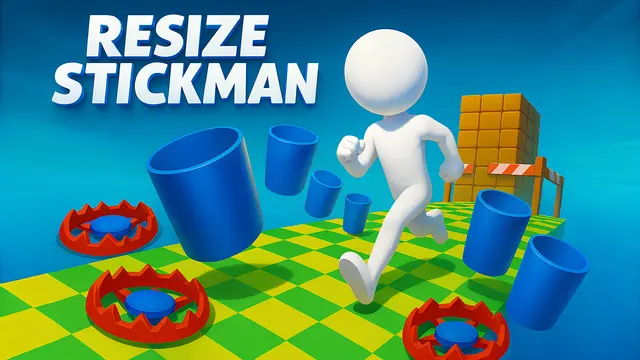 Resize Stickman
 Adventure Crazy Ramp Bike Stunt Game
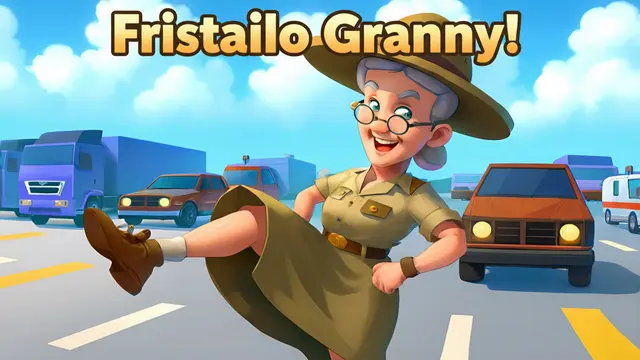 Fristailo Granny!
 Santa Stunt Racer Christmas Delivery
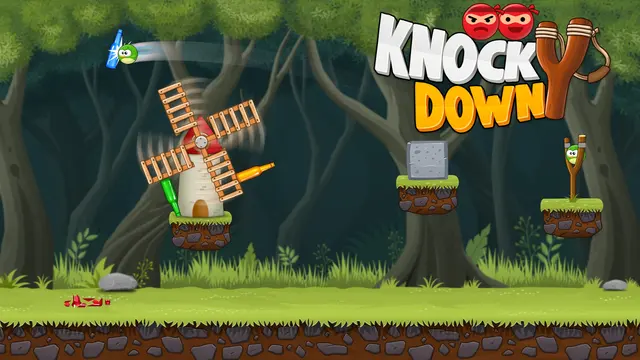 Knock Down
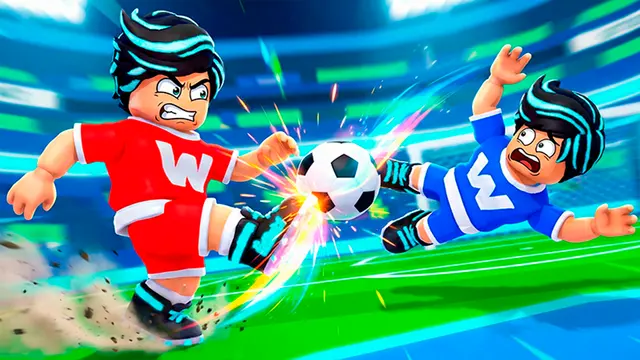 Obby Football Soccer 3D
Play Tennis Orbit online
Tennis Orbit is a one-tap tennis launch game. Stop the power meter in the green and serve: the ball flies, bounces and rolls as far as it can, from Paris through the seasons to London, New York, Tokyo, Rio, Sydney and finally into space. Every metre earns coins, a drop shot in a clay court pays ×3 and an ACE pays ×10.
Explore how objects react to your actions and to one another. Watch the result of a small change before making a more complicated move. Coins appear in the game’s progression or objectives. Upgrades are part of the progression described by the provider.
How to play Tennis Orbit
Controls and instructions
Goal: serve the ball as far as you can, earn coins and upgrade.
Space / ↑ / W / Enter or tap: stop the power meter and serve (green = Perfect!)
Tap again in the air: topspin
Tap just before the ball lands: perfect bounce
Ball stops in a clay court: tap for a drop shot into the basket (×3)
Space / Enter: collect coins
P / Esc: pause
Getting started with Tennis Orbit
- Use the first interaction to learn how objects move and settle.
- Check what the game lets you do with coins before spending them.
- Compare the upgrade description with your next objective before choosing it.
About this game
- Platform
- Web browser
- Supported devices
- Android, iOS, Desktop
- Screen orientation
- Landscape and Portrait
- Languages
- American English, Arabic (Egypt), Chinese (China), German (Germany), Dutch (Netherlands), European Spanish, French (France), Indonesian (Indonesia), Italian (Italy), Japanese (Japan), Korean (South Korea), Polish (Poland), European Portuguese, Russian (Russia), Turkish (Türkiye), Vietnamese (Vietnam)
- Genres
- Arcade, Sports, Skill, Ball, Physics, Tennis
- In-game purchases
- Available
- Provider
- Playgama
- Provider audience
- Male, Female
Game features and tags
- Reaction
- Customization
- Casual
- Hyper Casual
- Endless
- One Button
- Collecting
- 1 Player
- Timing
Tennis Orbit images


Questions about Tennis Orbit
How do I start playing?
Choose Play now in the game window above to load Tennis Orbit through Playgama. Read the controls and instructions above before you start.
Which devices can I play on?
The provider lists support for Android, iOS, Desktop. Play in your web browser using the controls described above.
Which languages does the game support?
American English, Arabic (Egypt), Chinese (China), German (Germany), Dutch (Netherlands), European Spanish, French (France), Indonesian (Indonesia), Italian (Italy), Japanese (Japan), Korean (South Korea), Polish (Poland), European Portuguese, Russian (Russia), Turkish (Türkiye), Vietnamese (Vietnam).
Does the game have in-game purchases?
The provider lists optional in-game purchases. Any available purchases are handled inside the game. Games may display advertisements.
Related game categories
Game facts and artwork supplied by Playgama. Descriptions adapted and getting-started guidance added by LookBear. Game content, ads and purchases are provided by Playgama and the game provider.