 Rolling In Gears
Geometry: Black Wave
Provided by Playgama

Geometry: Black Wavevia Playgama



 Backflip Master: Parkour Stunts
 Only Up Obby: Tower Climb
 Web Swing Obby: Aqualand
 VOID ROLLER
 Bridge
 Stampede Evolution
 Bean Tower
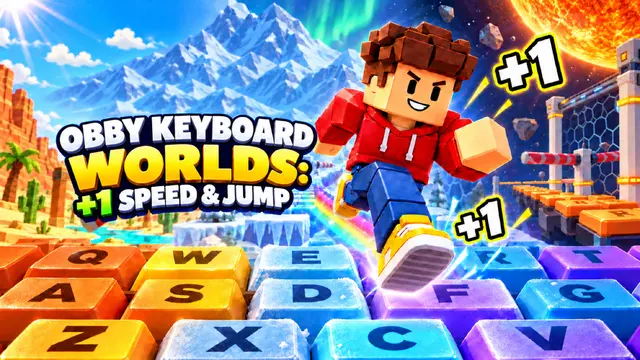 Obby Keyboard Worlds: +1 Speed & Jump
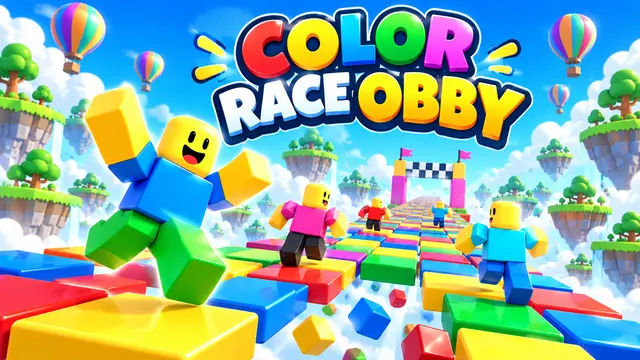 Color Race Obby
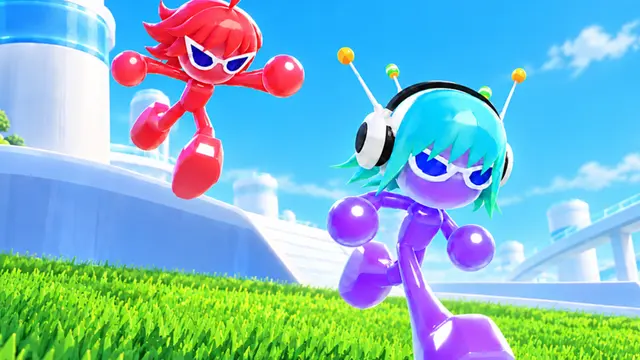 Frutiger Friends IO
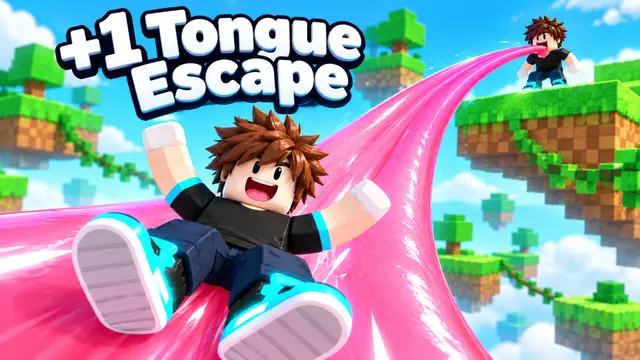 +1 Tongue Escape
 Obby: Skateboard Race
 Sprunki: Collect All Characters!
 Geometry Arrow 2
 Soccer Dash
 Origin
 Obby: +1 Jump per Click
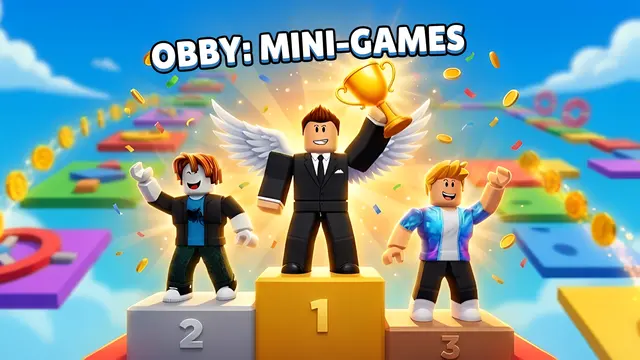 Obby: Mini-Games
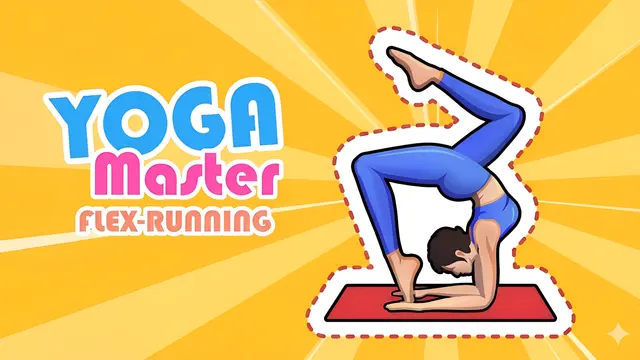 Yoga Master - Flex Running
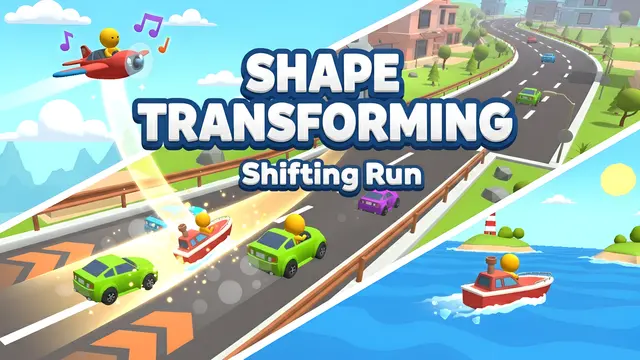 Shape Transforming: Shifting Run
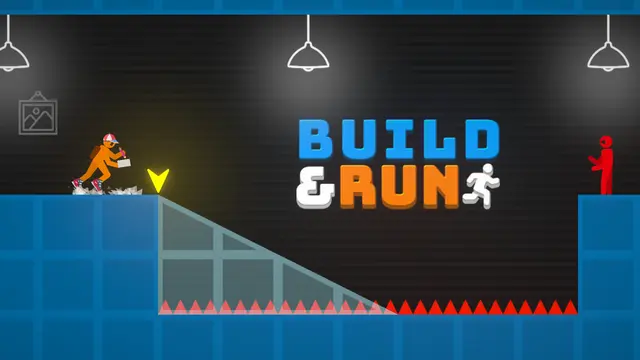 Build And Run
 Leap and Avoid 2
 Stack Ball 3D
 Bubble Shooter: Tap & Pop
 Ball Bounce: Try It
 Planet 404. Episode 1
 Stand on the Right Color, Robby!
 Mr Shooter
 A Block Too Many
 Knife vs Fruits
 Slice & Soar
 Jim's World: Adventure Games
 Resize Stickman
 Fristailo Granny!
 Parkour Runner 3D
 Impossible Parkour 3D
 On Fire Basketball Shots
 Street Racer 2D
 Spartan fruits
 Spin&Mow
 PLAYMUSIC
 Epicrolla
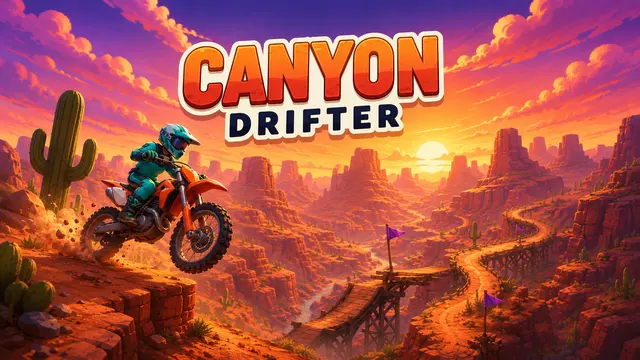 Canyon Drifter
 SlowMo Sniper
 Bunny Escape
 Stunsteval Siderollers
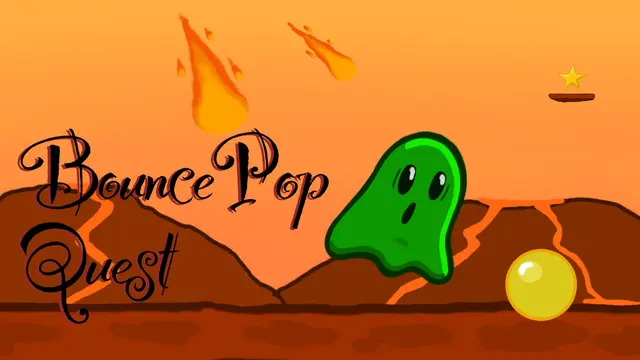 BouncePop Quest
 Robbie: TikTak Slot Machines
 Mouse Survivor
 Turbo Racer Extreme
 Golf Invaders
 Zigzag Snow Adventure
 Snowball Dash
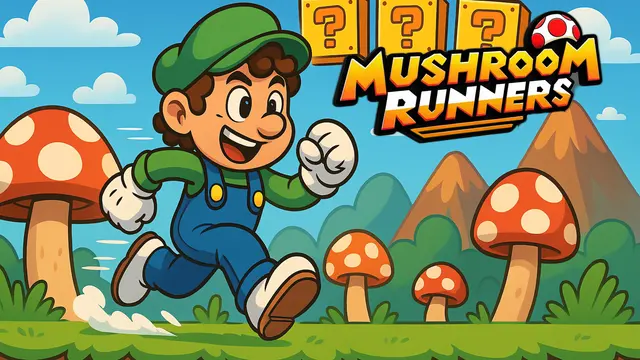 Mushroom Runners
 Raised Knight
 Snake of Balls
 Drone Dash - Time Challenges!
 Neko's Adventure
 Super Frog Adventure
 JUMPER
 Cut It 3D
 Mega Jump
 Super Fruit Runner - Hyper Casual
 Tilt & Tumble
Play Geometry: Black Wave online
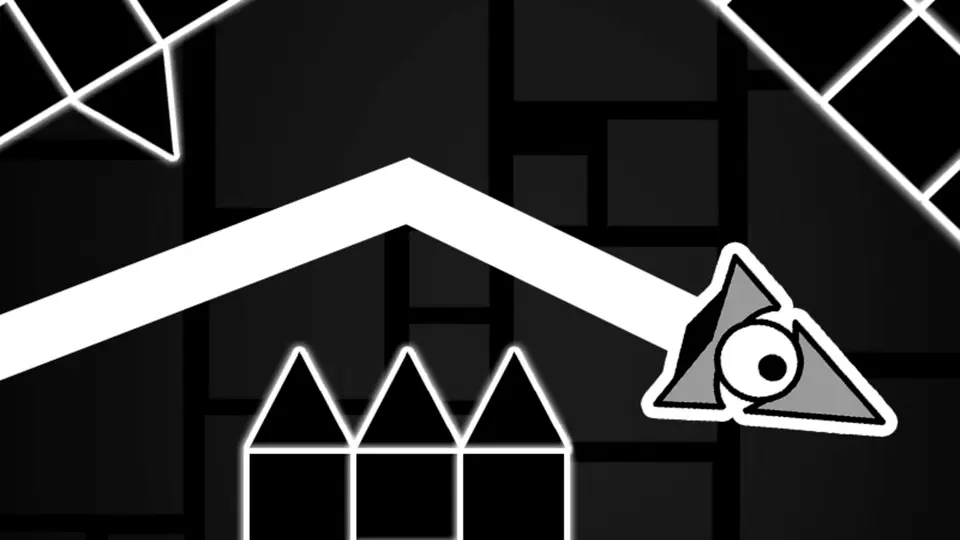
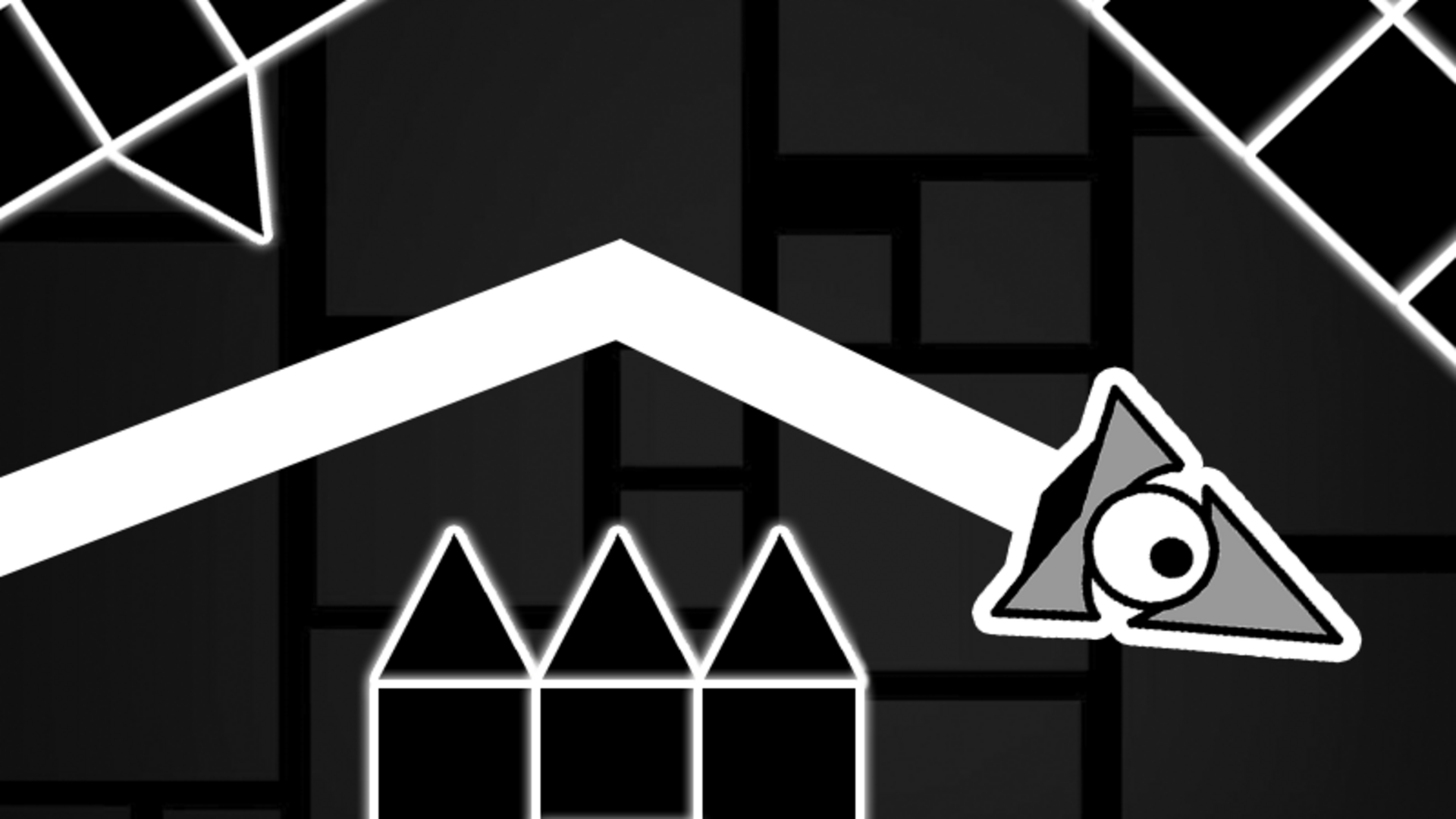
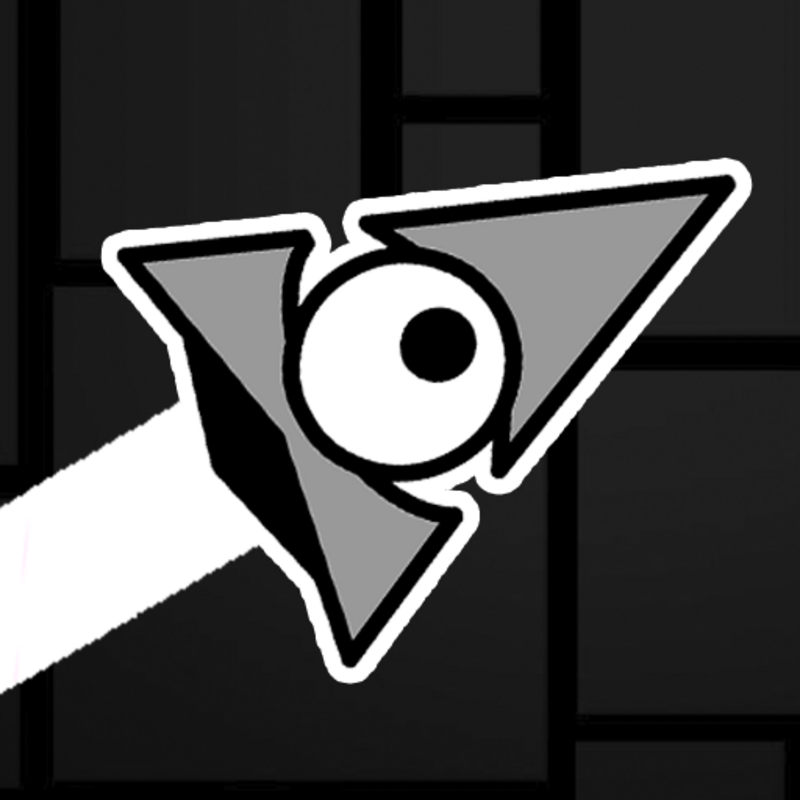
“Geometry: Black Wave” is a musical platformer game in which the player controls a small arrow, overcoming various obstacles and hurdles on the way to the finish line. The available activities include black and white graphics and an soundtrack that is synchronized with the gameplay. The available activities include many levels of varying difficulty, each with its own music.
Navigate the platforms and obstacles using the movement controls provided. Learn how movement and jumping work together before attempting a difficult gap.
How to play Geometry: Black Wave
Controls and instructions
"Geometry: Black Wave" can be tricky, but with these detailed instructions, you'll be able to master it in no time:
1. Start the game and select a level. The difficulty of the level depends on the emoji drawn on the button.
3. To move up, tap and hold the screen. The longer you press the screen, the higher the wave will rise, but until it hits the wall.
4. To move downward, release the screen. This will cause the wave to start moving downward until it reaches the ground.
7. The wave can overcome various obstacles such as spikes, blocks and other obstacles. But be careful: if the wave touches any obstacle, you will lose.
8. Ride the wave to the finish line to overcome the level and get a high score.
These are the basic instructions for "Geometry: Black Wave". Don't be afraid to experiment and practice to become the best in this game.
Getting started with Geometry: Black Wave
- Test a short movement or jump first, then judge the next obstacle.
About this game
- Platform
- Web browser
- Supported devices
- Android, iOS, Desktop
- Screen orientation
- Landscape
- Languages
- American English, Russian (Russia), Turkish (Türkiye)
- Genres
- Arcade, Skill, Platform
- In-game purchases
- None listed by the provider
- Provider
- Playgama
- Provider audience
- Male, Female
Game features and tags
- Reaction
- Agility
- 1 Player
- Rhythm
Geometry: Black Wave images
Questions about Geometry: Black Wave
How do I start playing?
Choose Play now in the game window above to load Geometry: Black Wave through Playgama. Read the controls and instructions above before you start.
Which devices can I play on?
The provider lists support for Android, iOS, Desktop. Play in your web browser using the controls described above.
Which languages does the game support?
American English, Russian (Russia), Turkish (Türkiye).
Does the game have in-game purchases?
The provider lists no in-game purchases for this game. Games may display advertisements.
Related game categories
Game facts and artwork supplied by Playgama. Descriptions adapted and getting-started guidance added by LookBear. Game content, ads and purchases are provided by Playgama and the game provider.