 Impossible Parkour 3D
Obby: Mini-Games
Provided by Playgama
Obby: Mini-Gamesvia Playgama

 Catch a Brainrot From Bosses
 Mine Block Party: World of Minigames
 Jiffy
 Gravity Speed Run
 Obby: Dumb or Genius IQ Test
 Your Obby Size
 Head Jump
 Winged Wheels 2
 Chroma Trek
 Cosmic Dash
 Fluffy Jump
 Froggy Hop
 Stickman Jump
 STAIR BALL
 RECOIL
 Your Obby Escape
 Robot Unicorn Dash
 Sky Golf
 Escape Tsunami for Brainrots
 Geometry Dash: Infinity
 Parkour World
 Parkour World 2
 Only Up Parkour 2
 Neon Goal
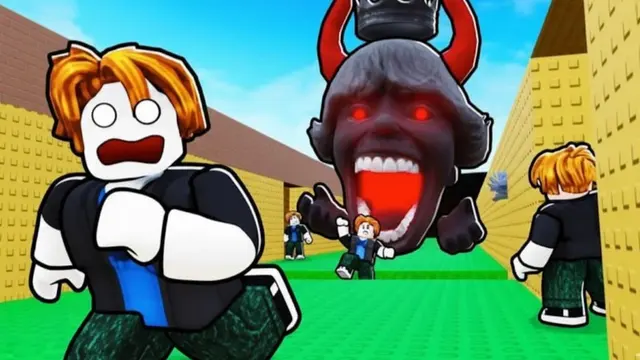 Dont Get Crashed by 67
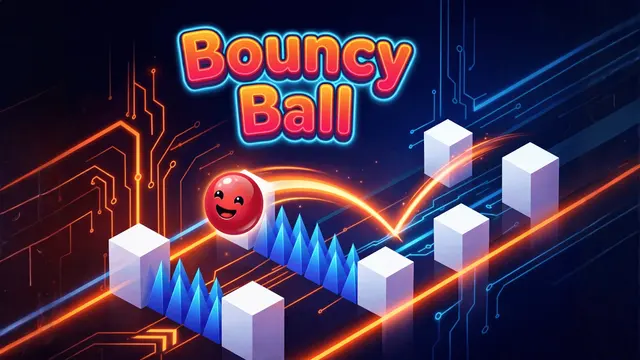 Bouncy Ball
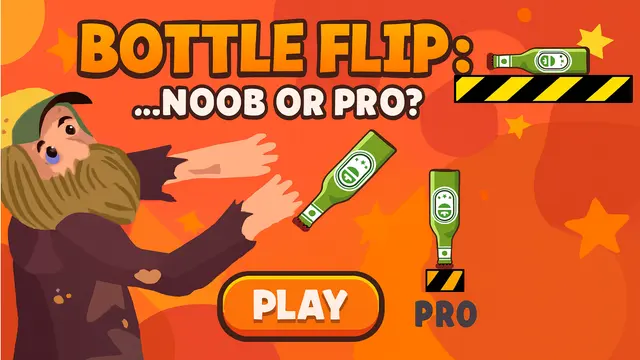 Bottle Flip
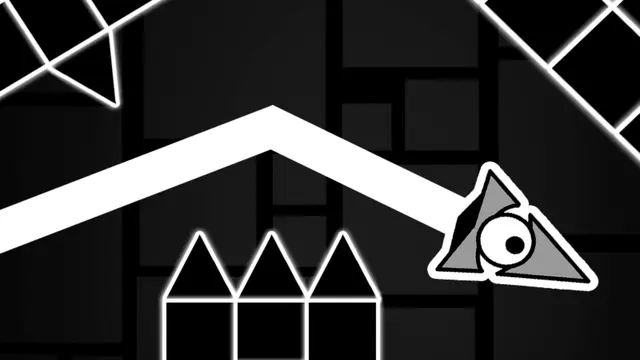 Geometry: Black Wave
 Obby: Survival Island
 Egging On
 Steal and Catch Obby: Mini-Games
 Cut In Half
 Rolling Balls Sea Race
 Be like a Lucky Block
 Obby Rainbow Tower
 Obby: Extreme Cart Ride
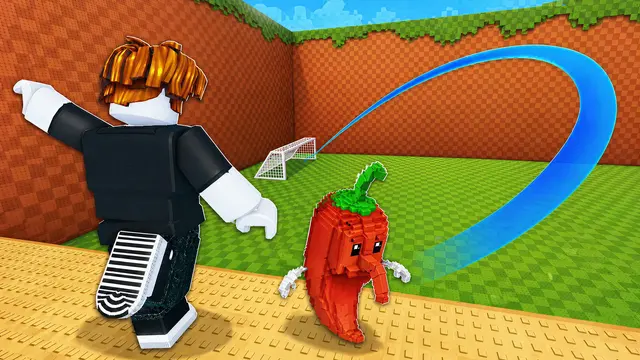 Kick a Lucky Block: Tsunami Waves
 Mine Obby 3D: Minigame World
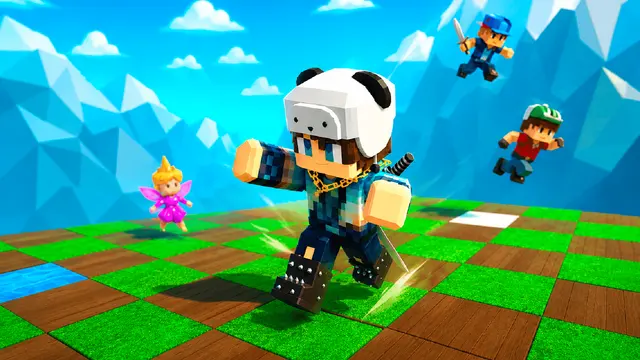 Robby Mini Games
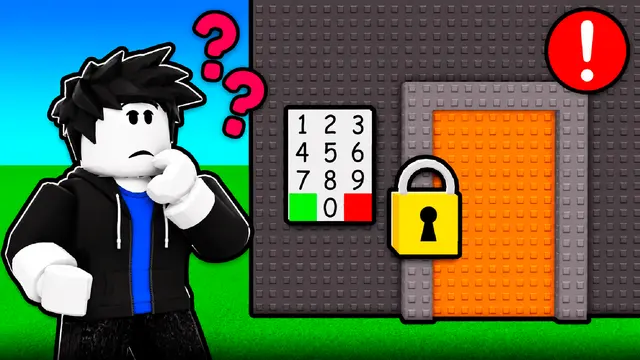 Robby: Escape The Rooms
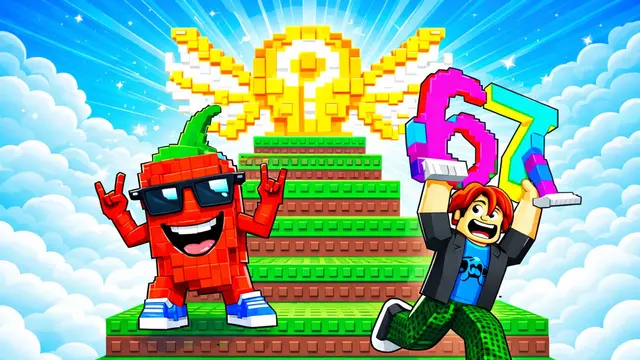 Jump And Run For Brainrot
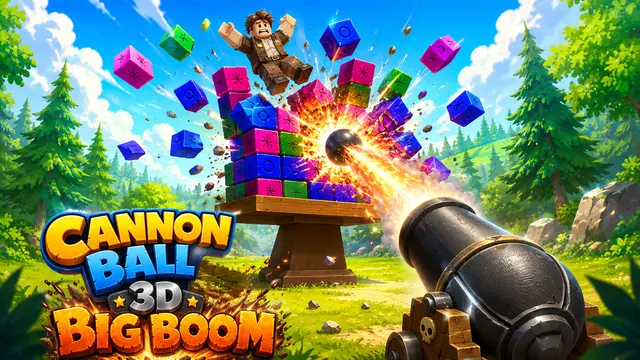 Cannon Ball 3D : Big Boom Obby
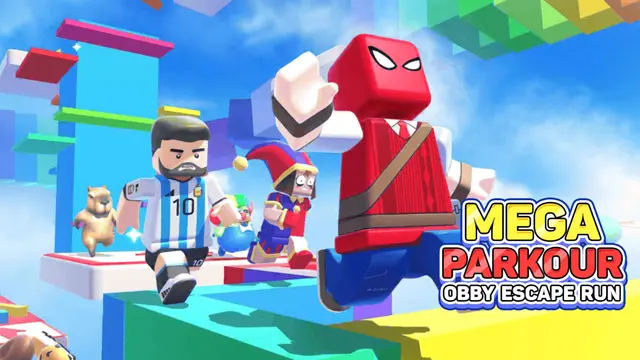 Mega Parkour: Obby Escape Run
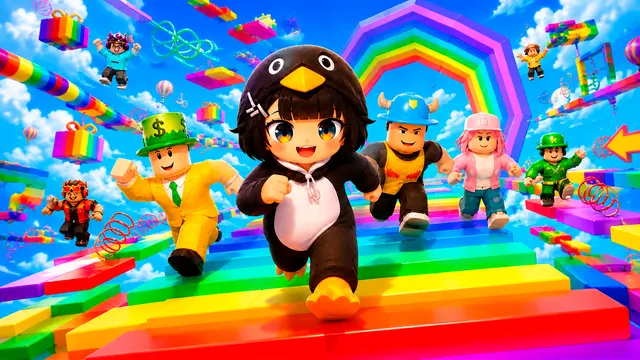 Obby All Games: Dash or Die
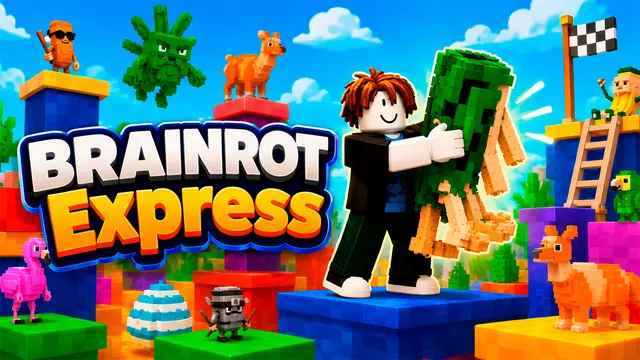 Brainrot Express
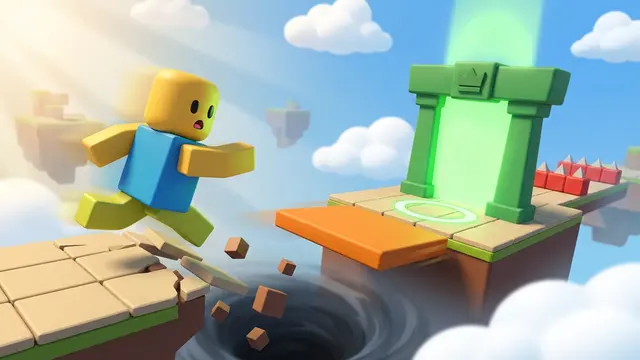 Cube Trap
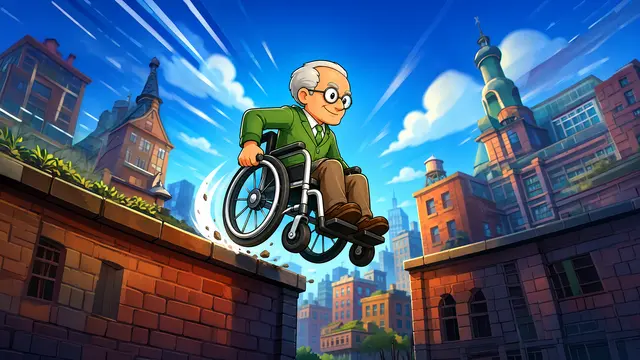 Wheelchair parkour: No limits
 Go Balloons!
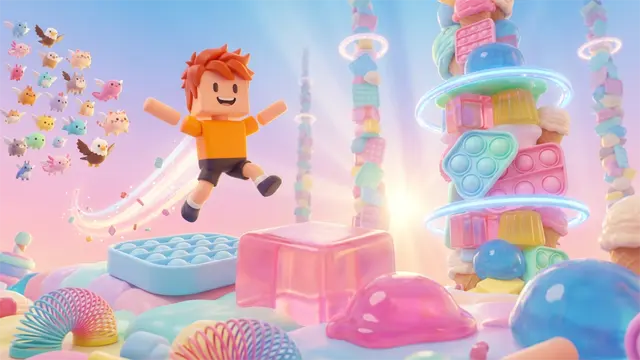 Tower Of ASMR
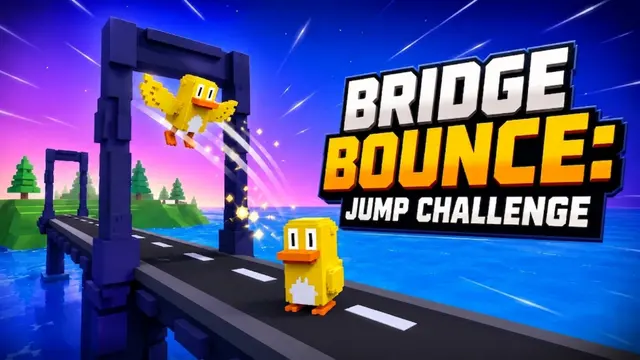 Bridge Bounce: Jump Challenge
 Swing Hero
 Game Mania
 Backflip Master: Parkour Stunts
 Obby Up: Parkour Run
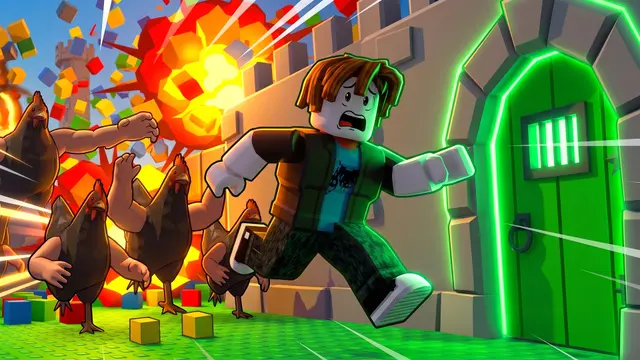 Obby Way
 Obby: +1 Jump with Brainrot
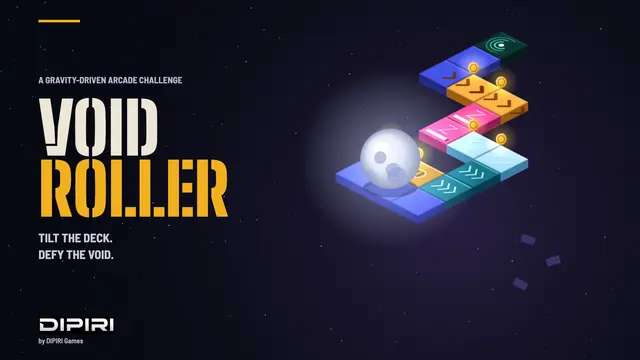 VOID ROLLER
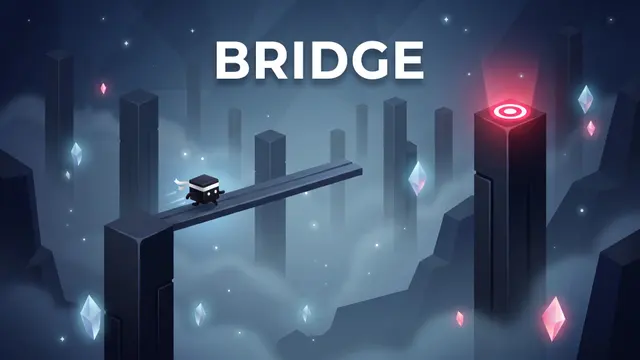 Bridge
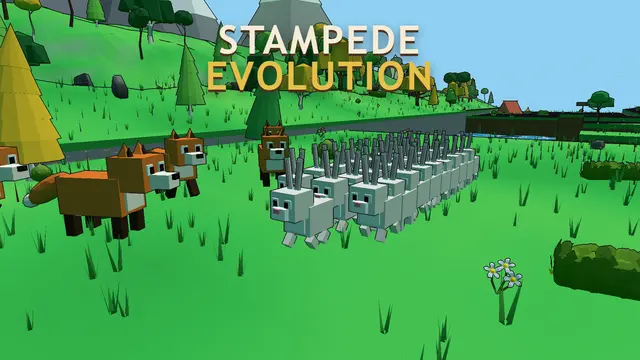 Stampede Evolution
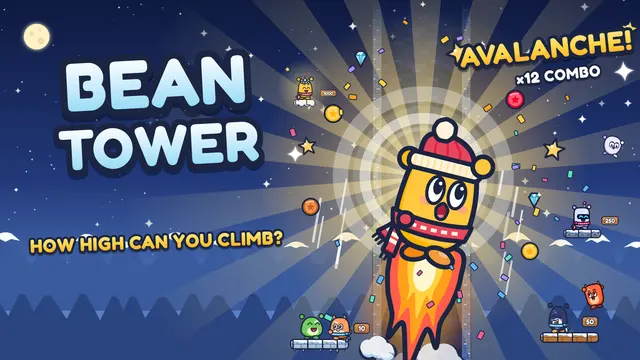 Bean Tower
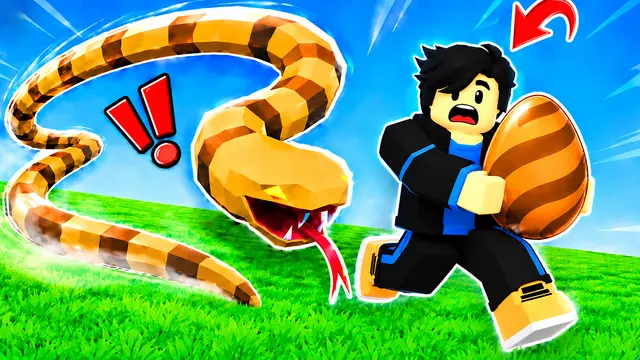 Steals Eggs From Animals
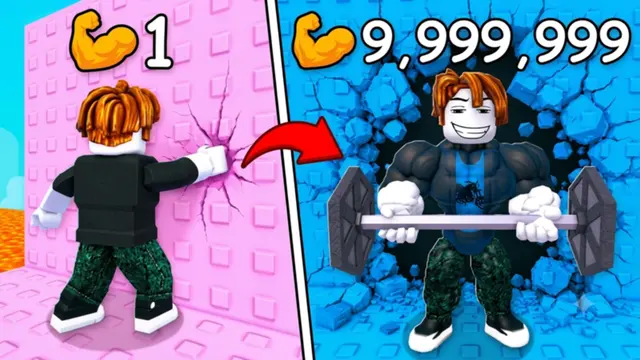 +1 Strength for escape
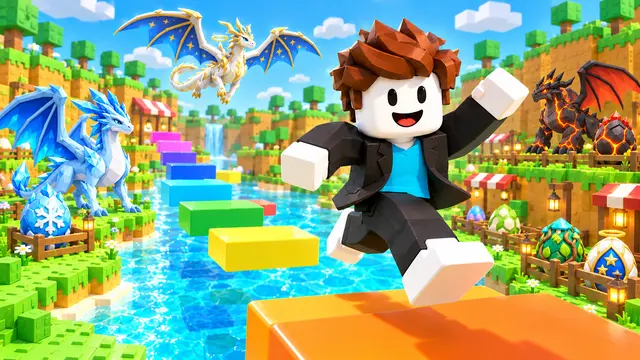 Obby Ultimate Parkour
 Obby: Steal an Egg - The Great Escape
Play Obby: Mini-Games online
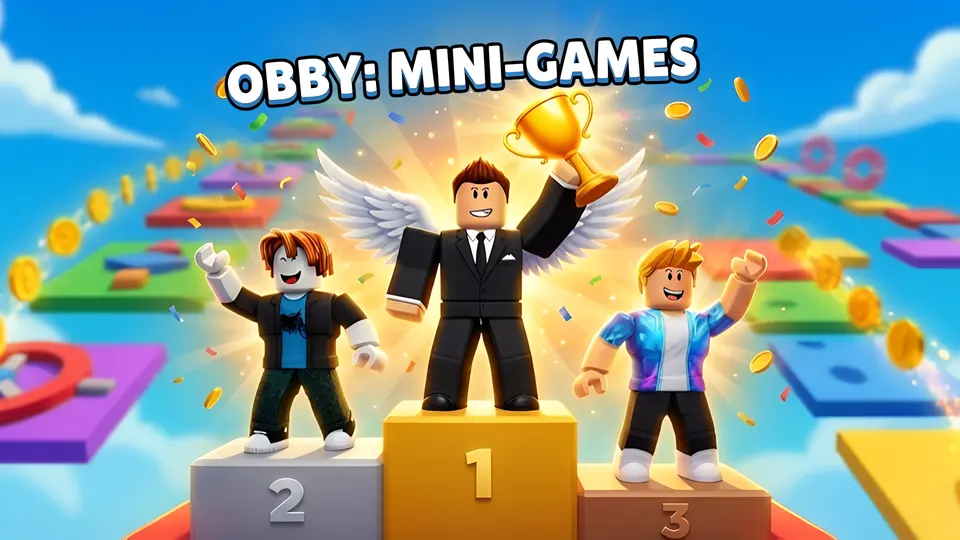
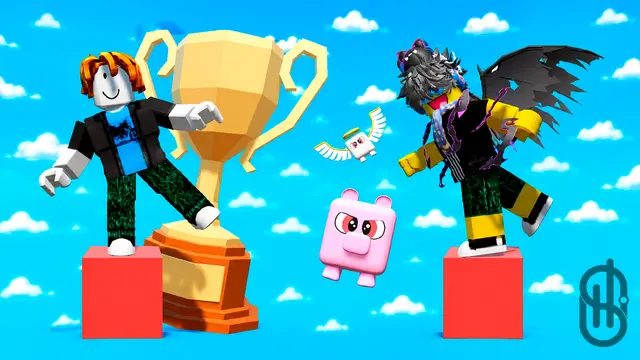
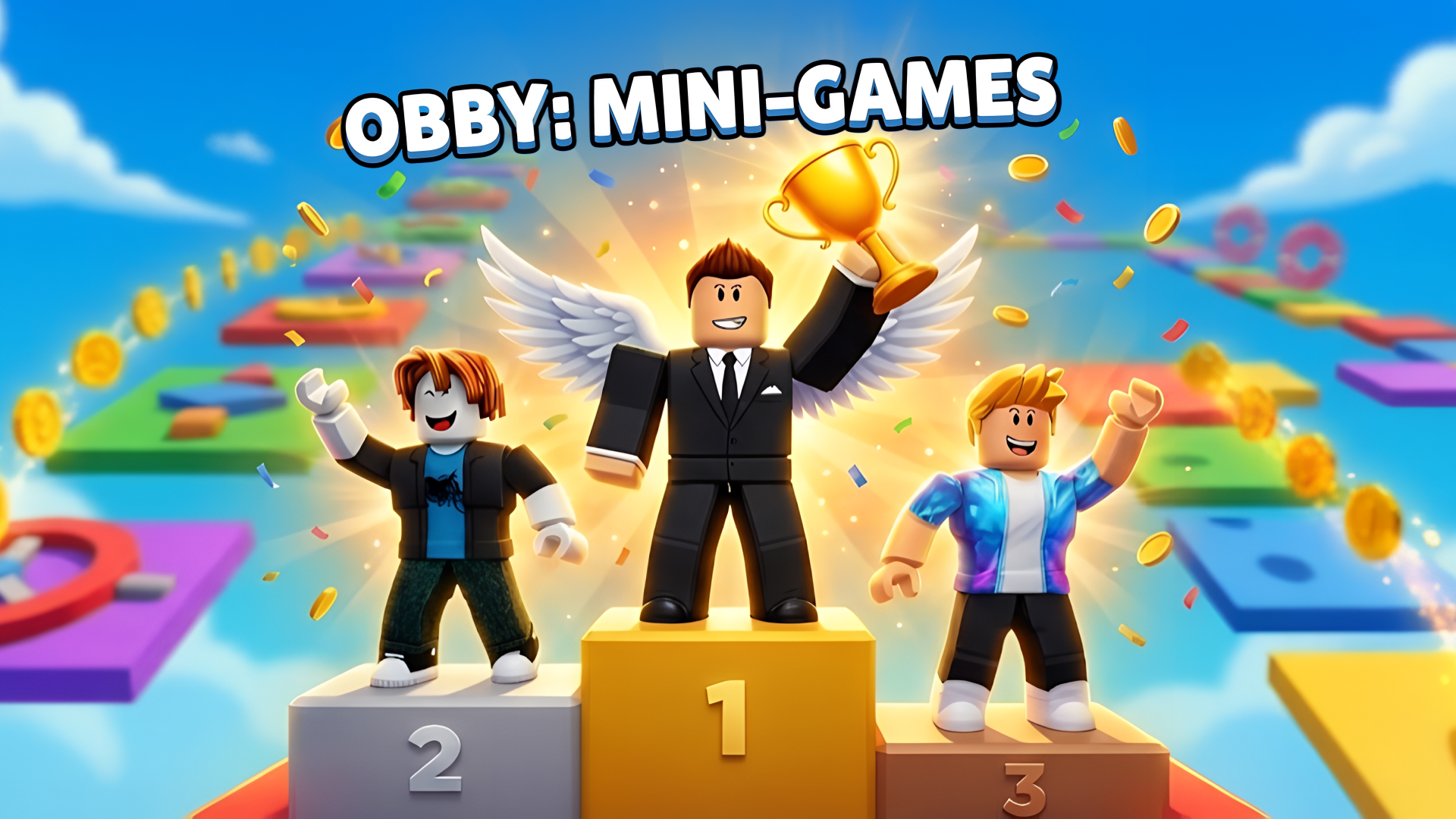
Obby: Mini-Games - play against other players and win Cups! Triumph in each mode and stand on the golden winner's pedestal! MODES PARKOUR Complete colorful levels on the parkour map and reach the end!
Navigate the platforms and obstacles using the movement controls provided. Learn how movement and jumping work together before attempting a difficult gap. The instructions describe joystick input. The listed controls include WASD input.
How to play Obby: Mini-Games
Controls and instructions
Desktop:
WASD — Movement
Spacebar — Jump
Tab — Mouse Cursor
Smartphone:
Movement — Joystick on the left side of the screen
Jump — Button on the bottom right of the screen
Camera Rotation — Finger movements on the right side of the screen
Getting started with Obby: Mini-Games
- Test a short movement or jump first, then judge the next obstacle.
- Start with a short joystick movement to judge how the character responds.
- Check the action mappings as well as movement; extra actions may use different keys.
About this game
- Platform
- Web browser
- Supported devices
- Android, iOS, Desktop
- Screen orientation
- Landscape
- Languages
- American English
- Genres
- Skill, Platform, Obby, Mini
- In-game purchases
- Available
- Provider
- Playgama
- Provider audience
- Male, Female
Game features and tags
- Minigames
- Roblox
- Obstacles
- Challenging
- Jumping
- Timing
- Gam Supported
Obby: Mini-Games images

Questions about Obby: Mini-Games
How do I start playing?
Choose Play now in the game window above to load Obby: Mini-Games through Playgama. Read the controls and instructions above before you start.
Which devices can I play on?
The provider lists support for Android, iOS, Desktop. Play in your web browser using the controls described above.
Which languages does the game support?
American English.
Does the game have in-game purchases?
The provider lists optional in-game purchases. Any available purchases are handled inside the game. Games may display advertisements.
Related game categories
Game facts and artwork supplied by Playgama. Descriptions adapted and getting-started guidance added by LookBear. Game content, ads and purchases are provided by Playgama and the game provider.