 Keyboard Rush
Obby Keyboard Worlds: +1 Speed & Jump
Provided by Playgama
Obby Keyboard Worlds: +1 Speed & Jumpvia Playgama


 Ball: Path Through Obstacles
 Winged Wheels 2
 Chroma Trek
 Slap Master
 STAIR BALL
 RECOIL
 Robot Unicorn Dash
 Only Up Parkour 2
 Bottle Bottle
 Bouncy Ball
 Rolling Balls Sea Race
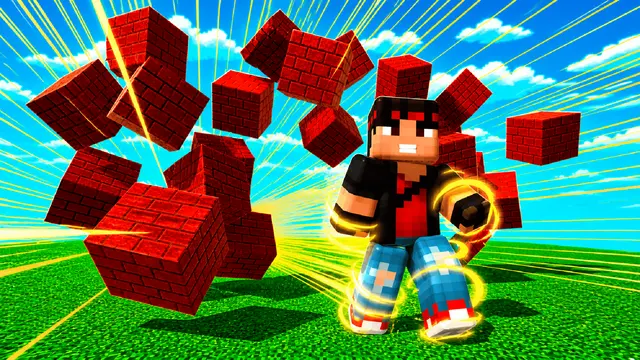 Robby Superhero Obby
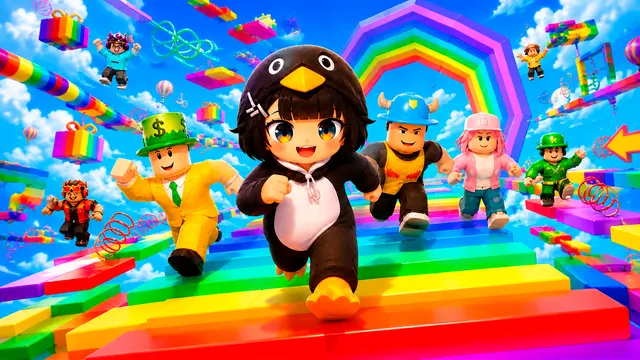 Obby All Games: Dash or Die
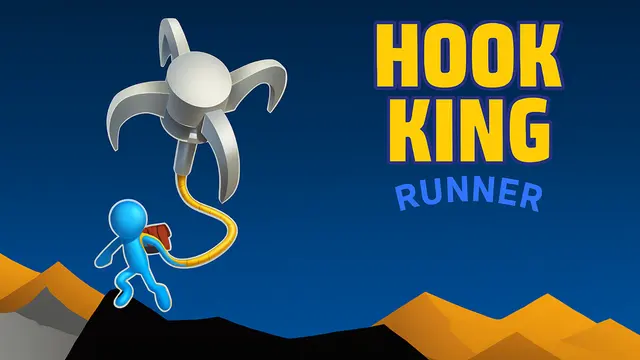 Hook King Runner
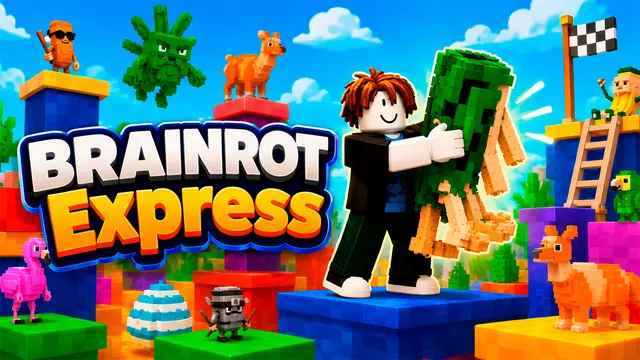 Brainrot Express
 Obby Parkour: Crazy Descent
 Wheelchair parkour: No limits
 Go Balloons!
 Roll Rush
 Parkour Run - 3D Runner
 Bridge Bounce: Jump Challenge
 Swing Hero
 Backflip Master: Parkour Stunts
 Crowd Runner
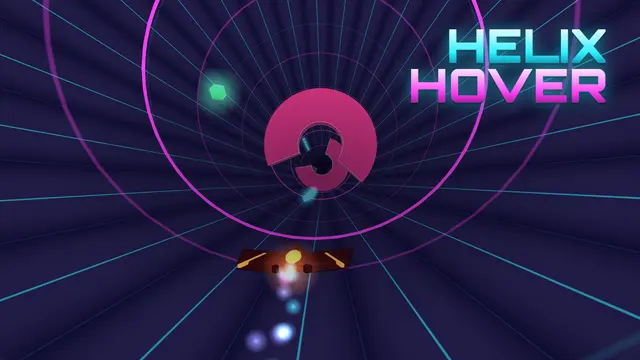 Helix Hover
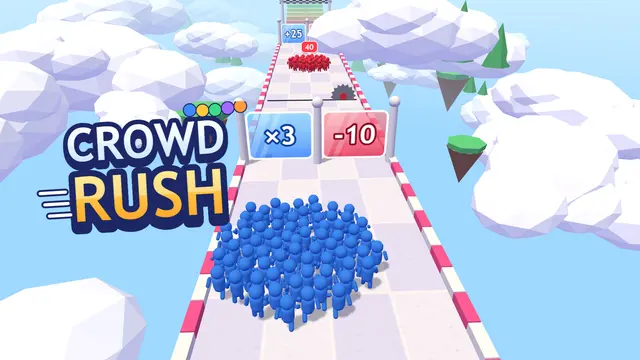 Crowd Rush
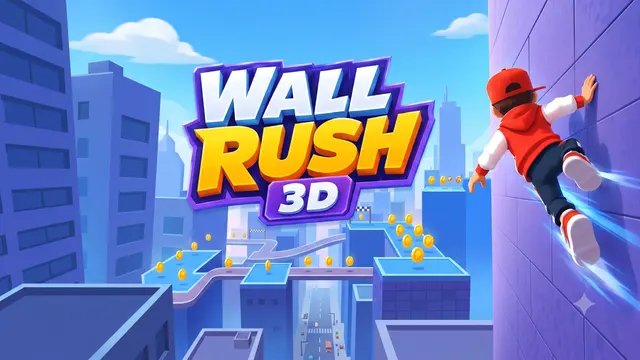 Wall Rush 3D
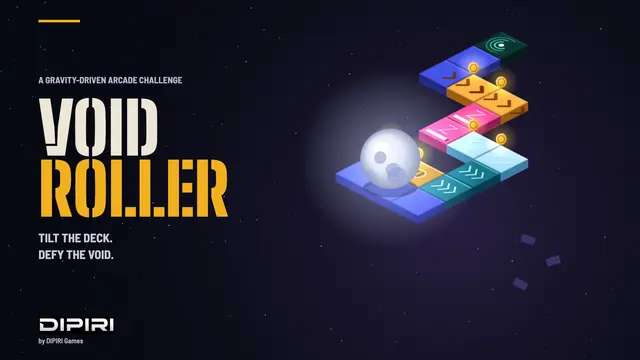 VOID ROLLER
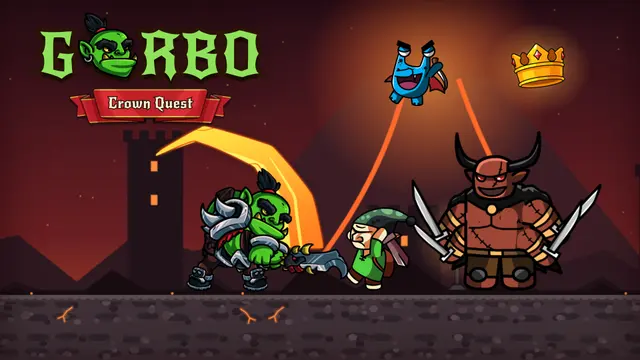 Gorbo the Orc: Crown Quest
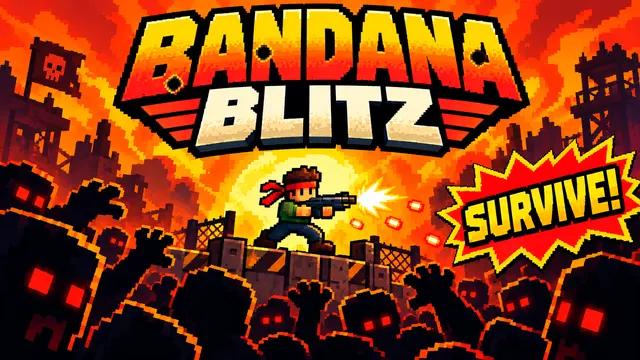 Bandana Blitz
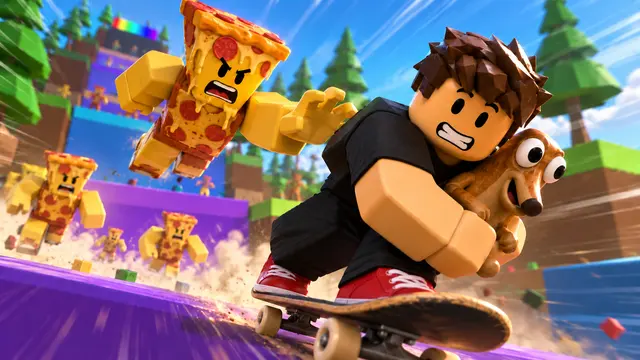 Collect Brainrots on a Skateboard Online
 Steal a Pet!
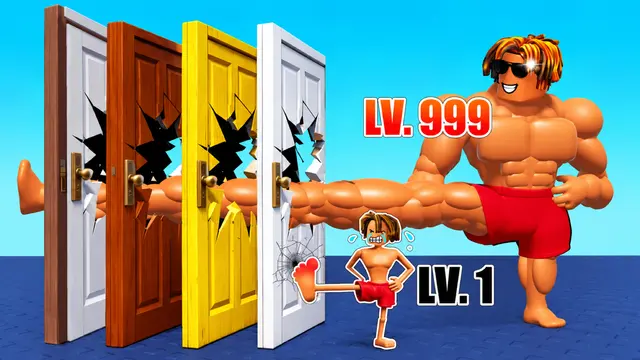 Obby: +1 Click Wall Breaker
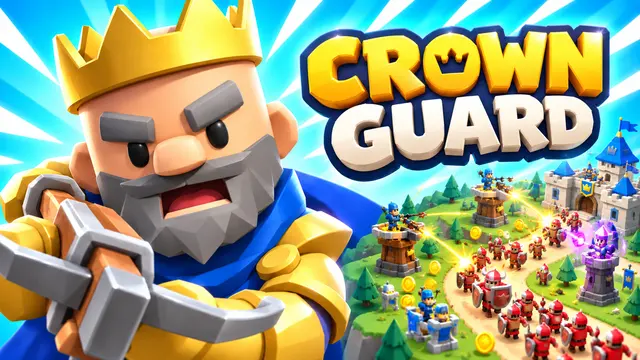 Crown Guard
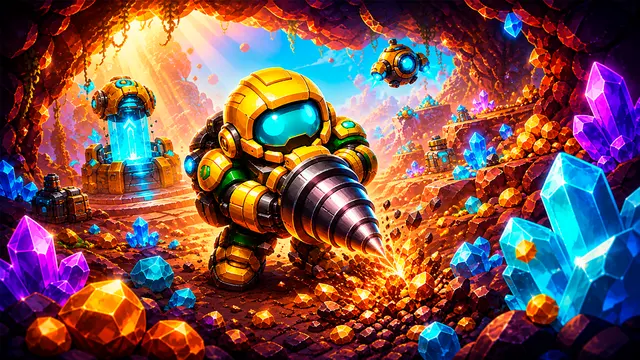 Deep Drill Run
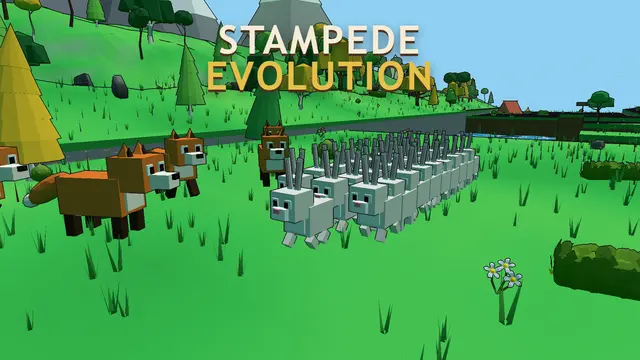 Stampede Evolution
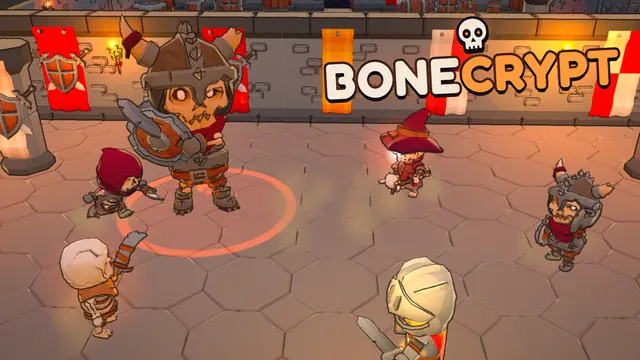 Bonecrypt
 Bean Tower
 +1 Strength for escape
 Aura Farm: RNG
 Sunny Bay Heroes
 City Pop Drive
 Log Flyer: Grandpa Takes Off
 Steal Meme And Go
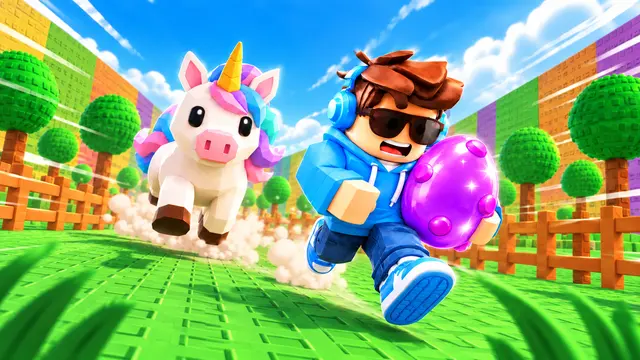 Steal an Egg: Farm
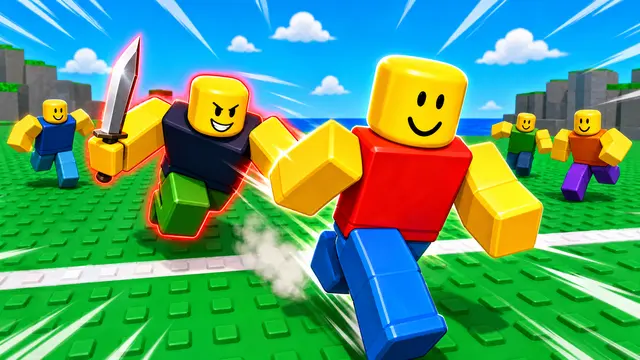 Tag Valley
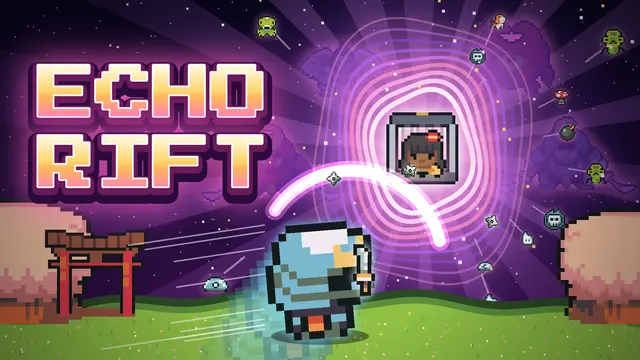 Echo Rift
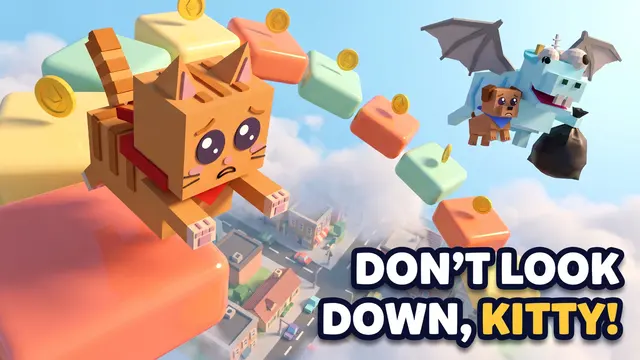 Don't Look Down, Kitty!
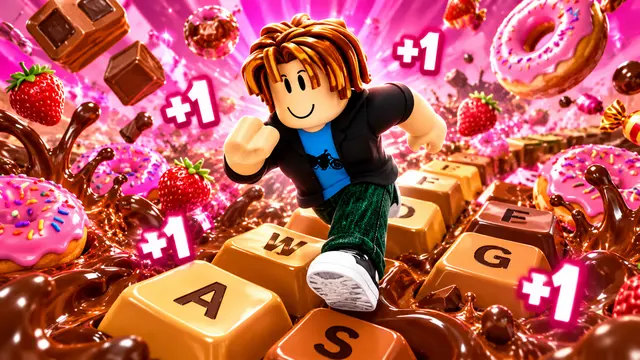 ASMR Keyboard Escape Classic
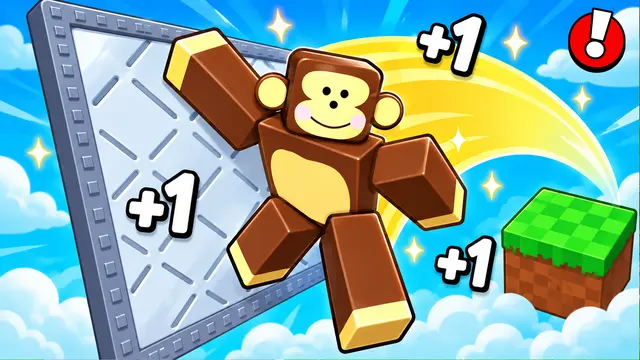 +1 Monkey Escape Speed: Obby Mode
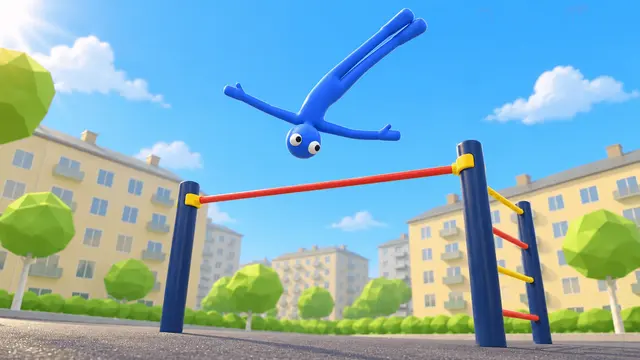 Pull-up Bar Tricks
 Steal an Egg 3D
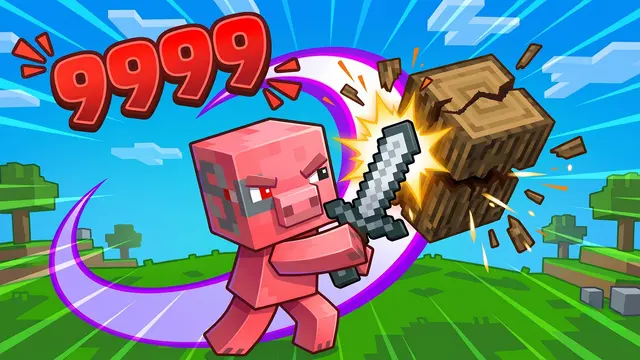 Mine: Block Breaker
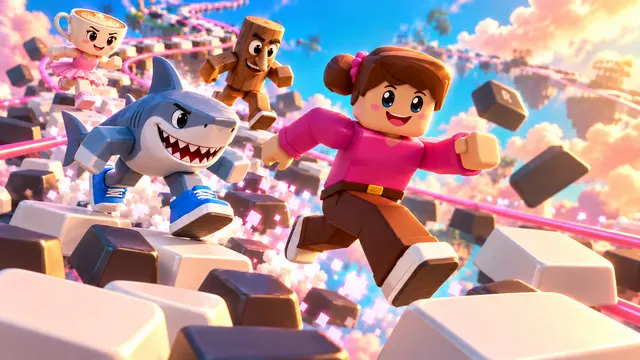 Keyboard Escape Classic
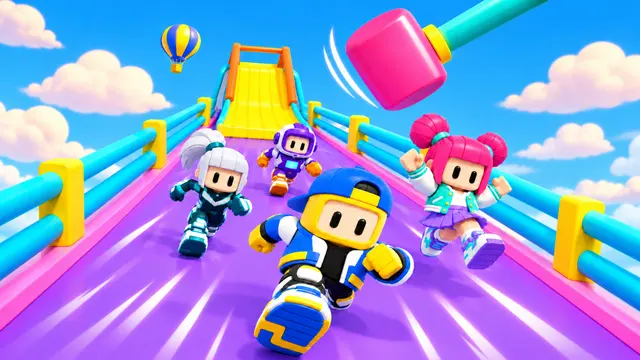 Bonk Royale
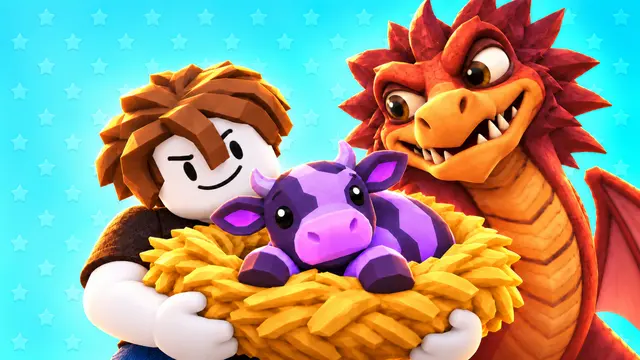 Hatch or Steal: Online
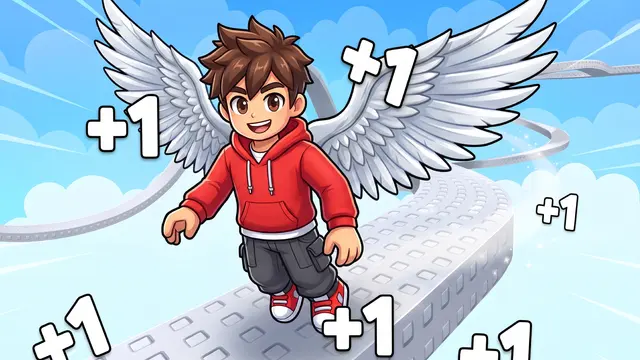 +1 Wings Escape
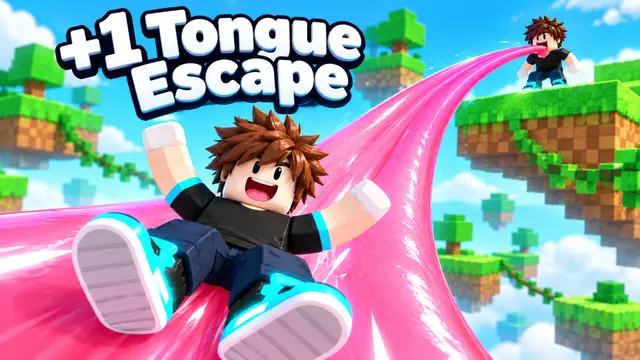 +1 Tongue Escape
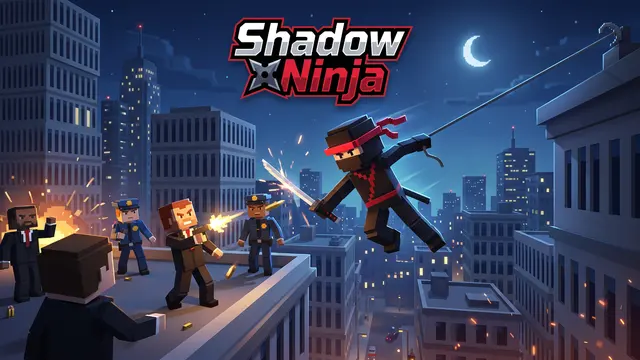 Shadow Ninja
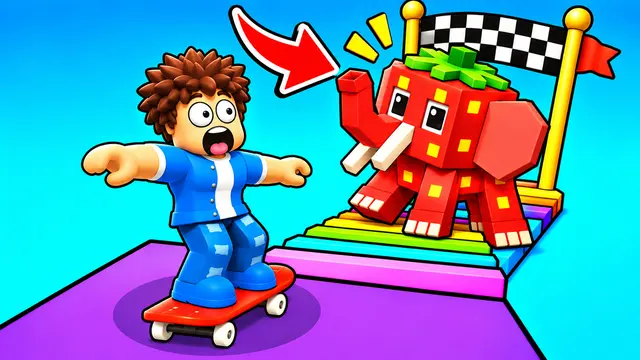 Obby: Skateboard Race
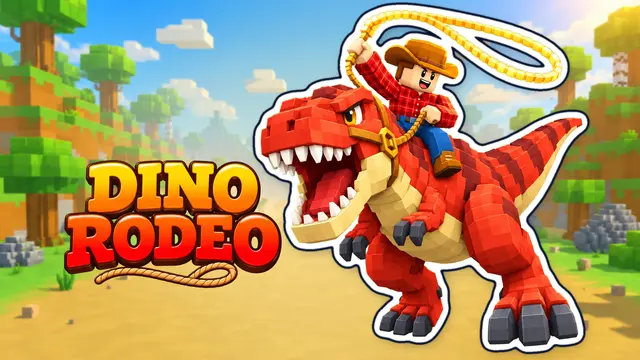 Dino Rodeo 3D
 Swing Wild! Web Parkour
 Trash Surfer
 Sprunki: Collect All Characters!
Play Obby Keyboard Worlds: +1 Speed & Jump online
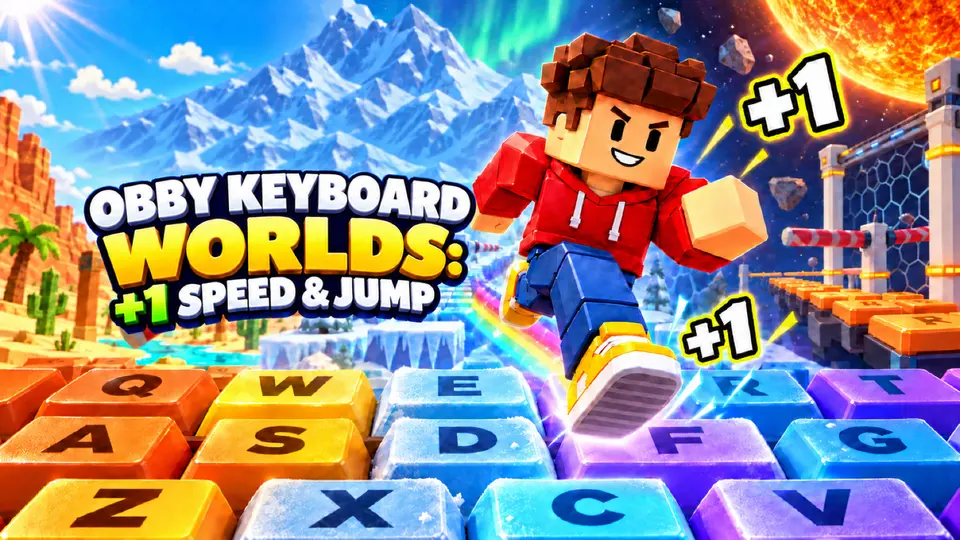
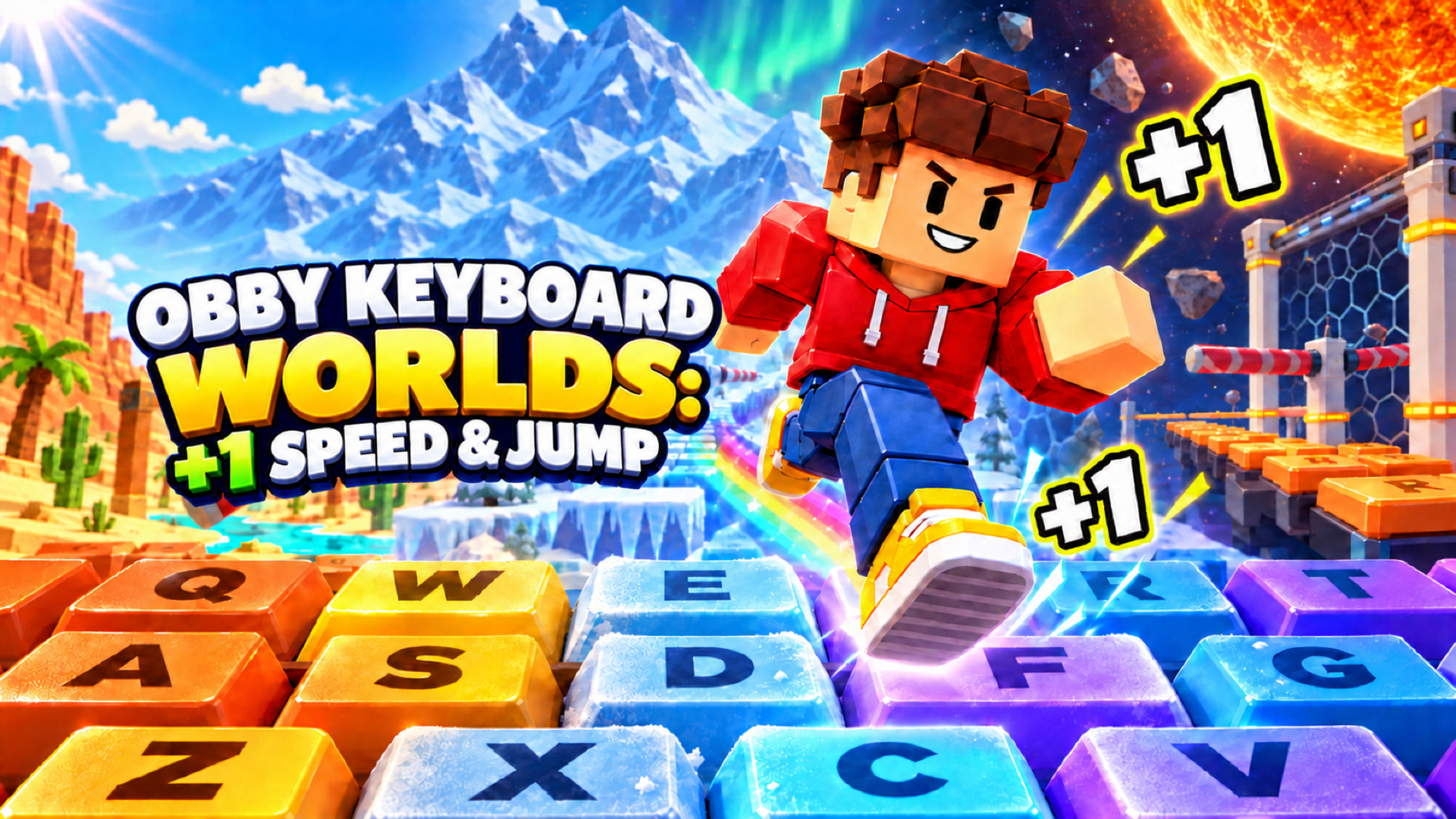
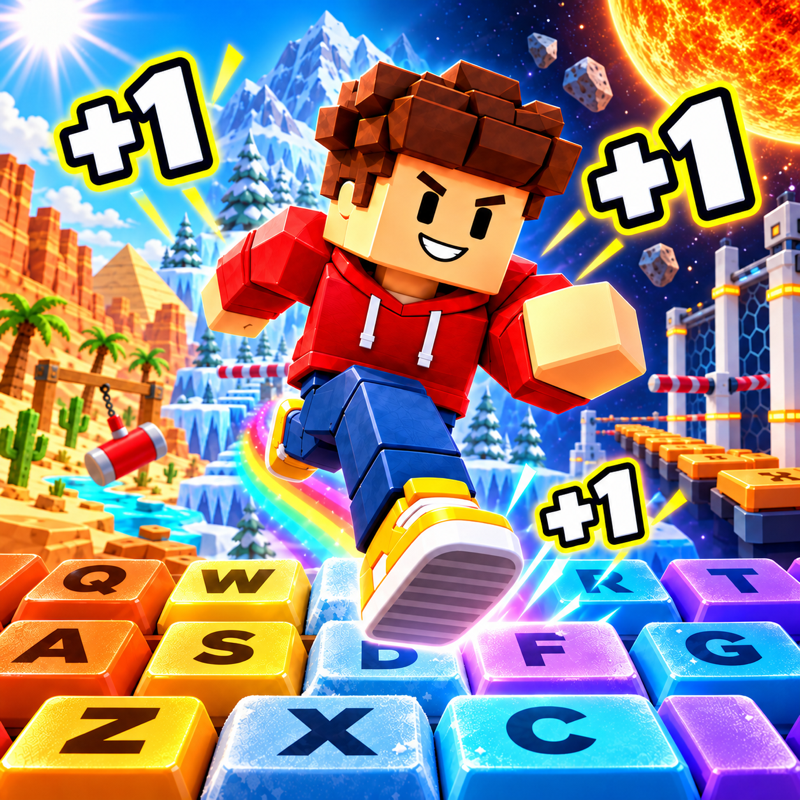
Train to run faster, unlock extra midair jumps, and leap between islands while dodging swinging hammers and tricky obstacles. Earn trophies, upgrade your sneakers, and rebirth to boost your progress. Can you reach the finish in every world?
Navigate the platforms and obstacles using the movement controls provided. Learn how movement and jumping work together before attempting a difficult gap. Upgrades are part of the progression described by the provider. The instructions describe joystick input.
How to play Obby Keyboard Worlds: +1 Speed & Jump
Controls and instructions
Desktop
WASD or arrow keys: move.
Space: jump. Press again or hold to use your available midair jumps.
Mouse: look around. When the cursor is visible, hold the right mouse button and drag to rotate the camera.
Mouse wheel: zoom in or out.
Tab: show or hide the cursor.
Hold E near sneakers: buy or equip them.
Adjust your speed and camera zoom using on-screen controls.
Mobile
Move and swipe on the right to look around. Tap the jump button to jump, or hold it to use your available midair jumps. Use the on-screen buttons and sliders to interact, adjust speed, and zoom using joystick on the left.
Getting started with Obby Keyboard Worlds: +1 Speed & Jump
- Test a short movement or jump first, then judge the next obstacle.
- Compare the upgrade description with your next objective before choosing it.
- Start with a short joystick movement to judge how the character responds.
About this game
- Platform
- Web browser
- Supported devices
- Android, iOS, Desktop
- Screen orientation
- Landscape
- Languages
- American English, Russian (Russia)
- Genres
- Action, Arcade, Adventure, Skill, Running, Platform, Obby, Parkour
- In-game purchases
- None listed by the provider
- Provider
- Playgama
- Provider audience
- Male, Female
Game features and tags
- Customization
- Addictive
- Obstacles
- Jumping
- Speed
- Collecting
- Agility
- 1 Player
- Parkour Minecraft
- Action Adventure
- 67 Obby
Obby Keyboard Worlds: +1 Speed & Jump images
Questions about Obby Keyboard Worlds: +1 Speed & Jump
How do I start playing?
Choose Play now in the game window above to load Obby Keyboard Worlds: +1 Speed & Jump through Playgama. Read the controls and instructions above before you start.
Which devices can I play on?
The provider lists support for Android, iOS, Desktop. Play in your web browser using the controls described above.
Which languages does the game support?
American English, Russian (Russia).
Does the game have in-game purchases?
The provider lists no in-game purchases for this game. Games may display advertisements.
Related game categories
Game facts and artwork supplied by Playgama. Descriptions adapted and getting-started guidance added by LookBear. Game content, ads and purchases are provided by Playgama and the game provider.