 Epic Empire: Tower Defense

Kingdom Realms: Tower Defense
Provided by Playgama

Kingdom Realms: Tower Defensevia Playgama







 Get Off My Farm!
 Underground Heroes
 Summon Tribe
 Plants vs Brainrots 2D
 Hero Defense King
 PVZ Fusion Cheats
 Age of Heroes
 Chicken Merge 2
 King Rugni Tower Defense
 Egg Thief
 Fortress of the Sinister
 BOMBAMAN 3D
 Destruction Simulator
 Bomber Quest
 Tower Necromancer's
 Warlock King - Castle Defense
 Limited Defense
 Idle Tower Defense
 BeastForge Rival
 Archery Master - Castle Battle
 Kingdom Defender - Tower Defense
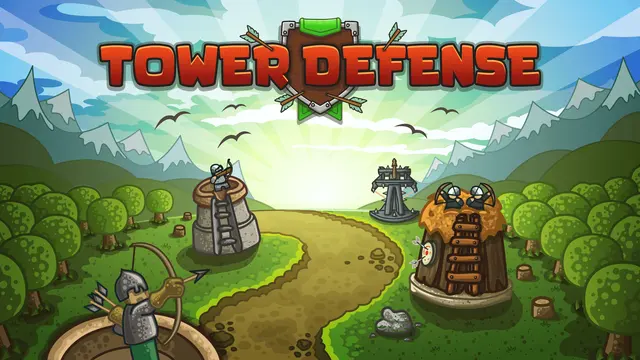 Tower Defense
 DEAD FREQUENCY
 Nubiks build a defense vs zombies
 TANKNAROK
 Archer Defense
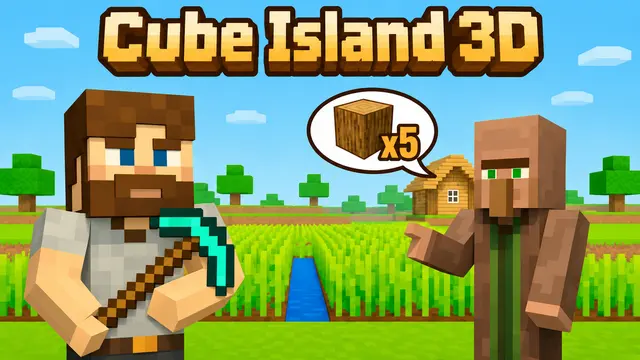 Cube Island 3D
 The Upside Down
 Brainrot Tower Defense
 Drago Warrior Tower Defense
 Space Craft: Ship War
 Swat Force VS Terrorists
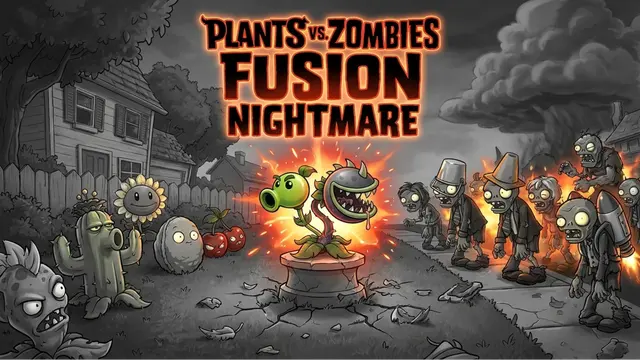 Plants vs Zombies Fusion Nightmare
 Kingdom Defense Mega
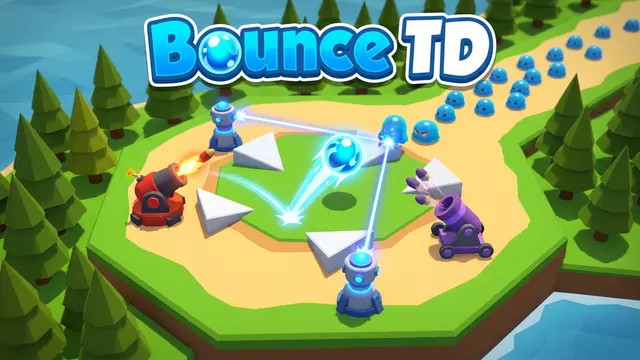 Bounce TD
 Clash of Tanks
 Beach Defense: Merge Tower
 Towers 505
 Castle Claw
 Plants vs Zombies Hybrids
 Line Control
 Clash of Skulls
 Merge Fruit Monster Defense: Tower Defense
 Dicey Chickens
 Archer Madness: Crystal Defense
 Mole Kingdom Defense
 SHADOW FORGE
 Onigiri - Demons Wrath
 Spore Guard
 3D Chess - Arcane Edition
 Lane Clash
 Fortress Clash
 Guardians of Tower
 Savage Defenders
 Mech Frontline: Last Stand
 Merge Rockets: Obby
 Zombie vs Gorilla
 Cat Snack Defense
 Merge Elementals: Castle Defense
 Adventure Squad
 Planet Blast: Rockets
 Clash of Armour
 My Little Kingdom
 Mini Chess 3D
Play Kingdom Realms: Tower Defense online
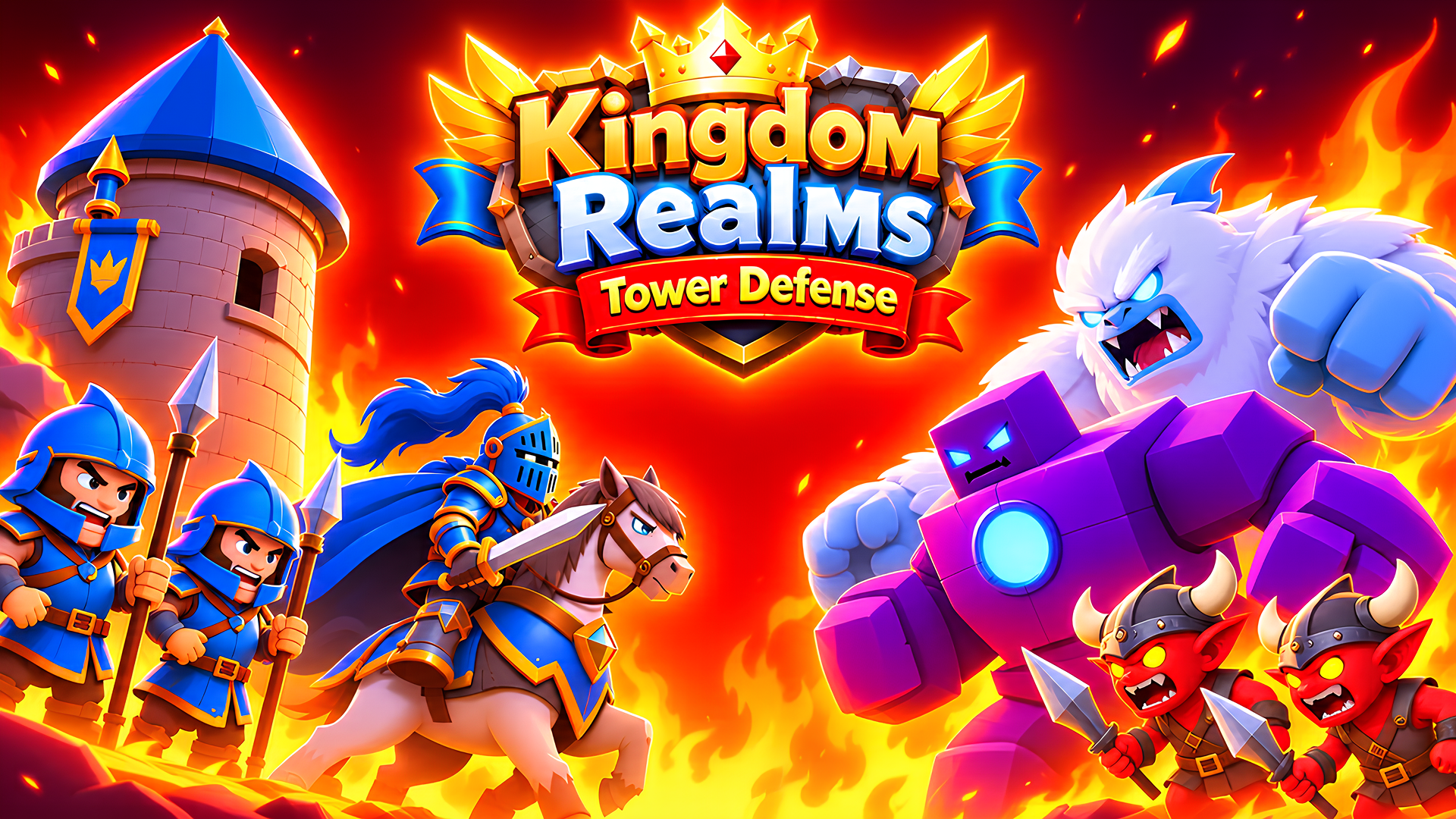
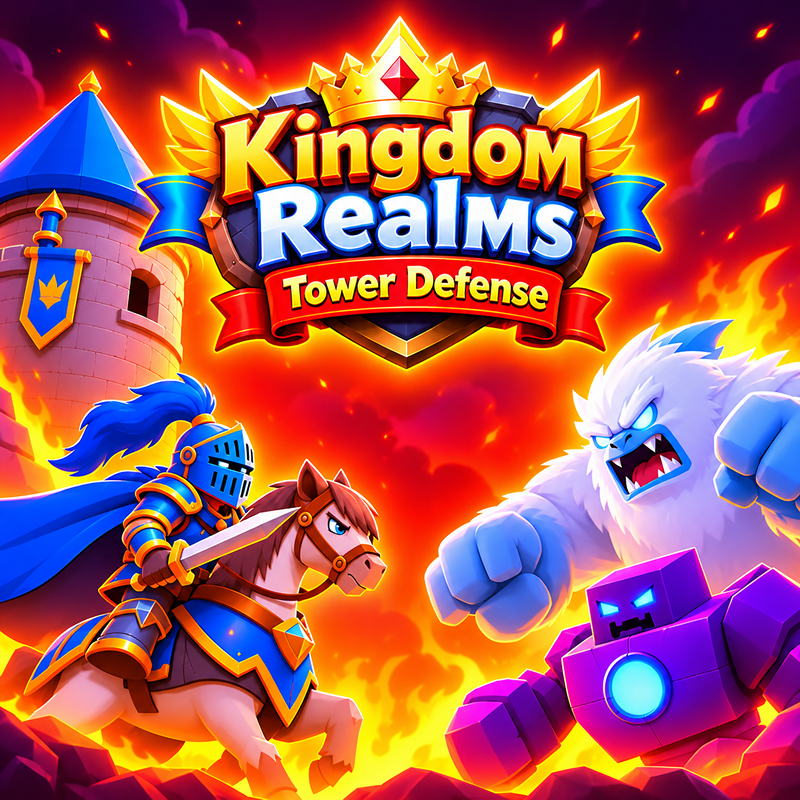
In Kingdom Realms: Tower Defense, defend your castle gate against endless goblin hordes and fantasy monsters. Build towers on glowing slots along the road, upgrade them, and pick a specialization to turn simple turrets into devastating war machines. Fight through 200 levels across five lands - lush forests, burning deserts, frozen snowfields, volcanoes and glowing crystal caverns - each with its own look, weather, wildlife and creatures.
Protect a route by deciding where your defenses belong. Placement and upgrades are the main decisions to understand before a wave begins. Upgrades are part of the progression described by the provider.
How to play Kingdom Realms: Tower Defense
Controls and instructions
Goal: stop every enemy before it reaches your castle gate. If too many get through, you lose.
Pick a tower from the panel and tap a glowing slot beside the road to build it (you start each level with 200 gold).
Press “Start Wave” (or wait for the timer) - calling the next wave early gives bonus gold.
Tap a tower to upgrade it, repair it, sell it, or change its target mode (First / Last / Strongest / Closest). At level 3 choose one of two specializations.
Use abilities (Meteor Shower, Reinforcements, Ice Storm) and castle troops at critical moments - abilities recharge only while a wave is active.
Check enemy weaknesses on the wave preview: use frost to slow, fire to burn, magic against armor, and anti-air towers against flyers.
Finish all 8 waves to win; keep more lives for 3 stars and bonus gems, then spend gems in the Workshop for permanent upgrades.
Controls: Mouse or touch to build and drag the map, mouse wheel / pinch to zoom. Keyboard: 1-0 select towers, Space start wave, Q/W/E abilities, R/T troops, F speed, P pause, C toggle panel.
Getting started with Kingdom Realms: Tower Defense
- Start by reading how defenders are placed and upgraded.
- Compare the upgrade description with your next objective before choosing it.
About this game
- Platform
- Web browser
- Supported devices
- Android, iOS, Desktop
- Screen orientation
- Landscape and Portrait
- Languages
- American English, Chinese (China), German (Germany), Dutch (Netherlands), French (France), Indonesian (Indonesia), Japanese (Japan), Korean (South Korea), Polish (Poland), European Portuguese, Russian (Russia), Turkish (Türkiye), Ukrainian (Ukraine), Vietnamese (Vietnam)
- Genres
- Strategy, 3d, Monster, Tower Defense
- In-game purchases
- Available
- Provider
- Playgama
- Provider audience
- Male, Female
Game features and tags
- Mission
- Fantasy
- Medieval
- Webgl
- Defense
- 1 Player
- Castle
Kingdom Realms: Tower Defense images
Questions about Kingdom Realms: Tower Defense
How do I start playing?
Choose Play now in the game window above to load Kingdom Realms: Tower Defense through Playgama. Read the controls and instructions above before you start.
Which devices can I play on?
The provider lists support for Android, iOS, Desktop. Play in your web browser using the controls described above.
Which languages does the game support?
American English, Chinese (China), German (Germany), Dutch (Netherlands), French (France), Indonesian (Indonesia), Japanese (Japan), Korean (South Korea), Polish (Poland), European Portuguese, Russian (Russia), Turkish (Türkiye), Ukrainian (Ukraine), Vietnamese (Vietnam).
Does the game have in-game purchases?
The provider lists optional in-game purchases. Any available purchases are handled inside the game. Games may display advertisements.
Related game categories
Game facts and artwork supplied by Playgama. Descriptions adapted and getting-started guidance added by LookBear. Game content, ads and purchases are provided by Playgama and the game provider.