 Alderun
Adventure Squad
Provided by Playgama
Adventure Squadvia Playgama

 Last Archer
 Lacoria Castle Defense
 Naval Base
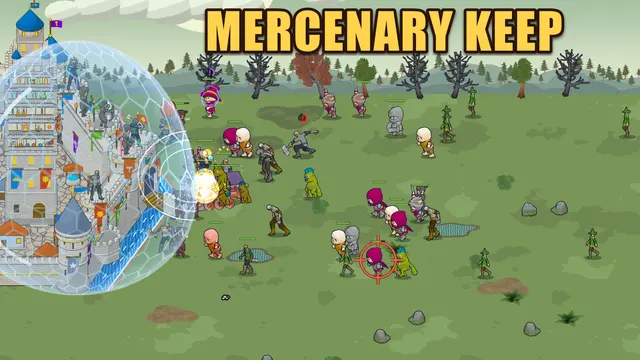 Mercenary Keep: Siege Defense
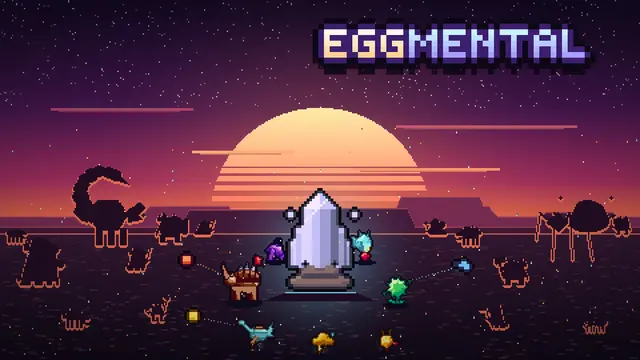 Eggmental
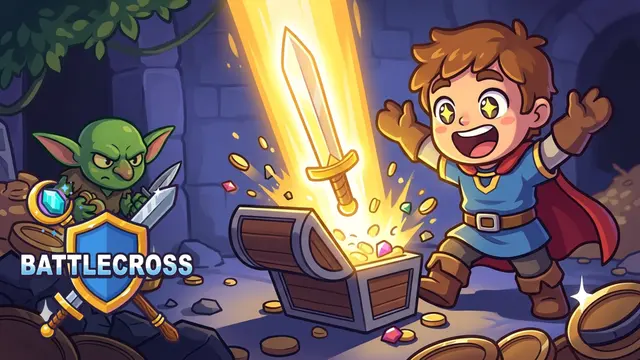 Battlecross
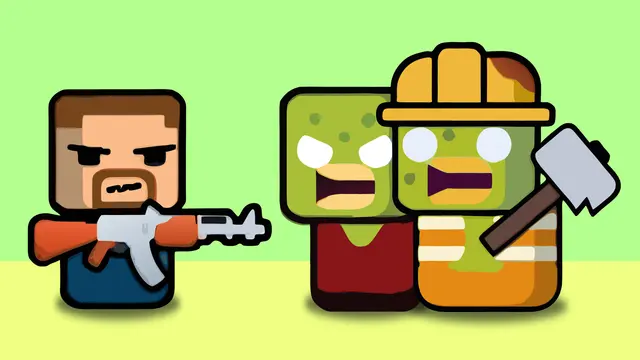 Zombie Horde: Build & Survive
 One Man Army: Battle Game
 AOD - Art Of Defense
 Age of Tanks Warriors: TD War
 Pocket ZONE
 Knight Legend
 Runic Curse
 Only Jump RPG
 Grow Empire
 Chicken Merge
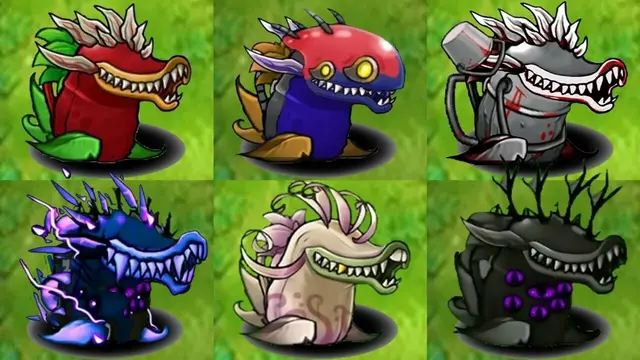 Plants vs Zombies Fusion Mode
 Revoxel 3D - Voxel RPG Shooter
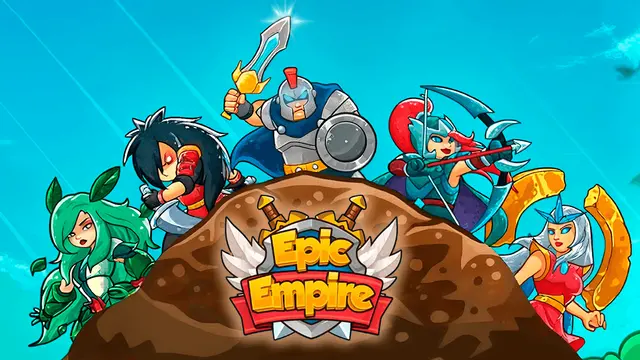 Epic Empire: Tower Defense
 Dead Land: Survival
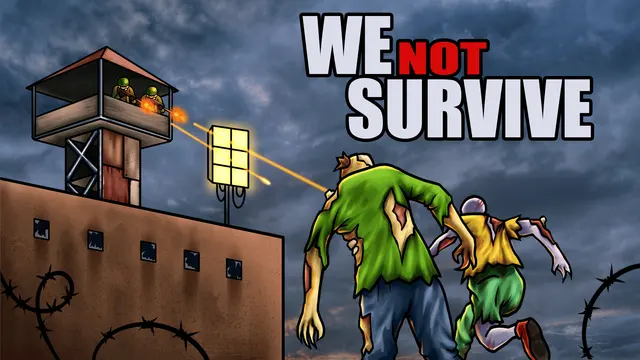 We not survive
 Primal Druid - Kingdom of Animals
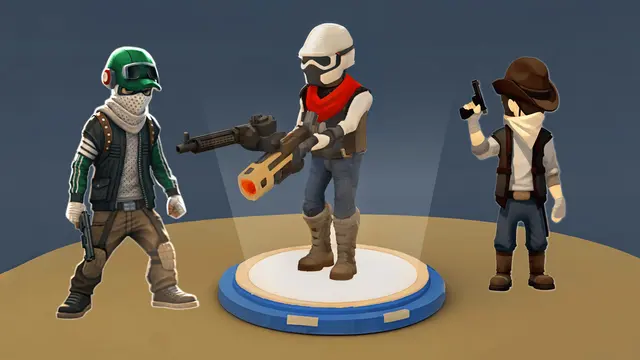 Badlands Hero
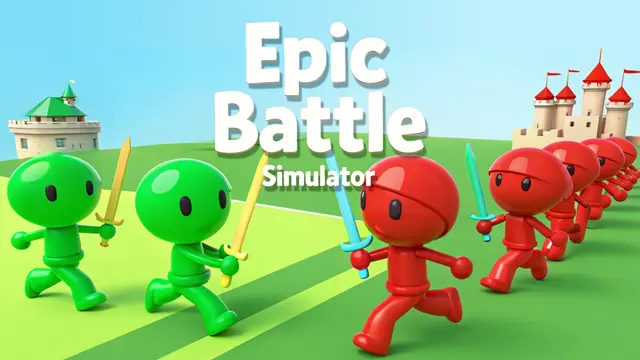 Epic Battle Simulator
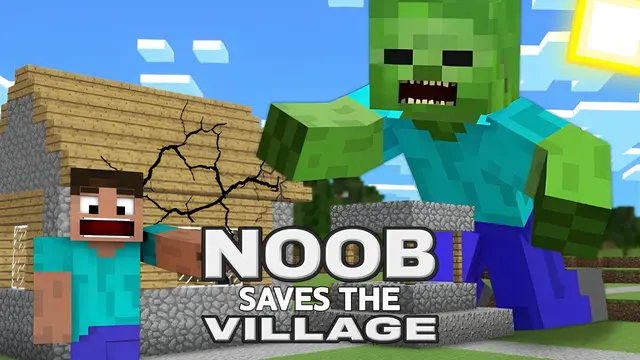 Noob saves the village
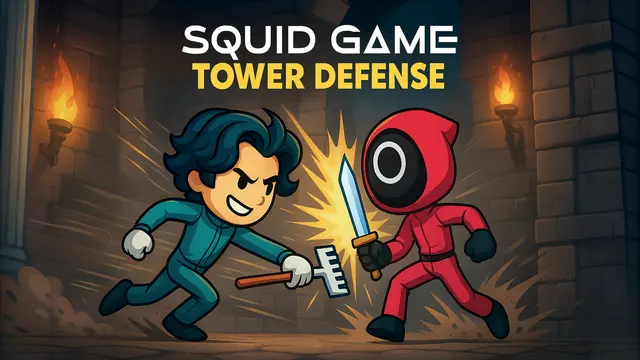 Squid Game Tower Defense
 Wednesday’s Battle: Monster Symphony
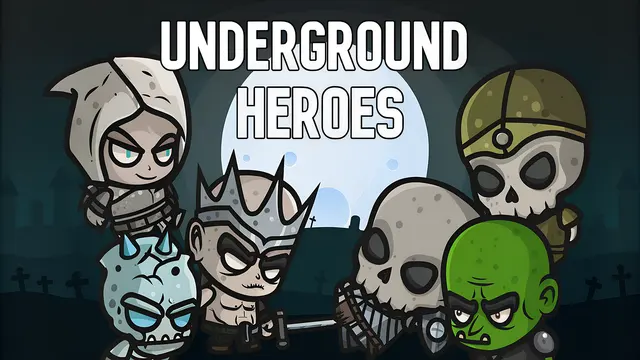 Underground Heroes
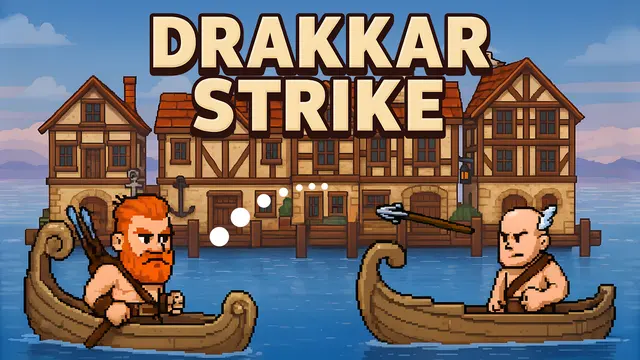 Drakkar Strike
 Echolocation Shooter
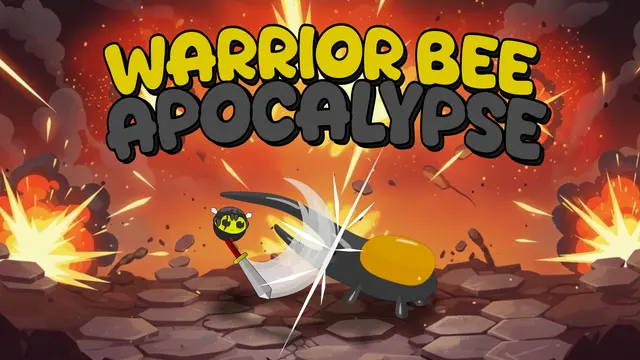 Warrior Bee Apocalypse
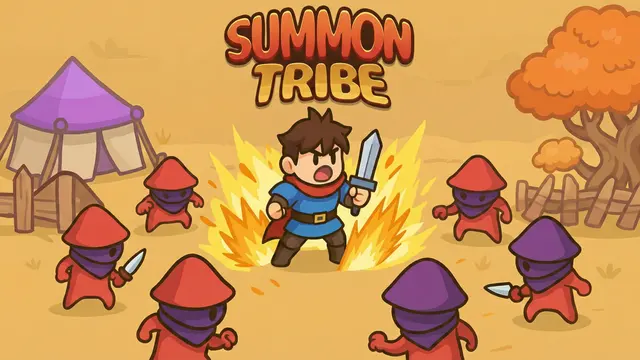 Summon Tribe
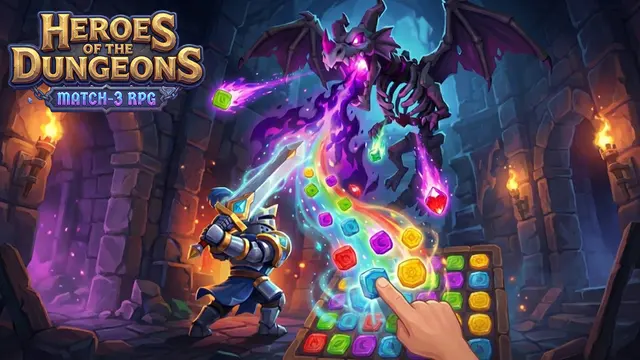 Heroes of the Dungeons: Match-3 RPG
 Plants vs Brainrots 2D
 PVZ Fusion Cheats
 World War Camp Company
 Archer: Trial by Fate
 Doodle RPG Survivor
 Chicken Merge 2
 King Rugni Tower Defense
 Yenemy
 Destruction Simulator
 Tower Necromancer's
 Warlock King - Castle Defense
 Hero Merge
 Limited Defense
 Vikings
 Blade & Bedlam
 Idle Tower Defense
 Kingdom Defender - Tower Defense
 Clawler Fight
 Wasteland Hunter: puzzle RPG
 CrowdGate
 Tower Defense
 Clash of Cars: Arena
 Pixel Conquest
 TANKNAROK
 TANK ARENA MULTIPLAYER
 Loopvival
 Far Island: Tactical Warfare
 Brainrot Tower Defense
 Drago Warrior Tower Defense
 Swat Force VS Terrorists
 skyfall siege
Play Adventure Squad online
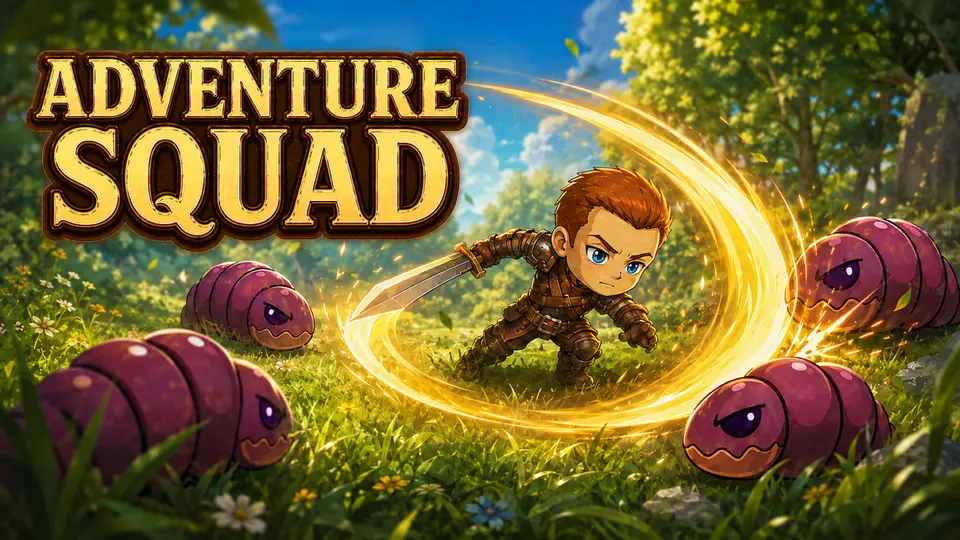
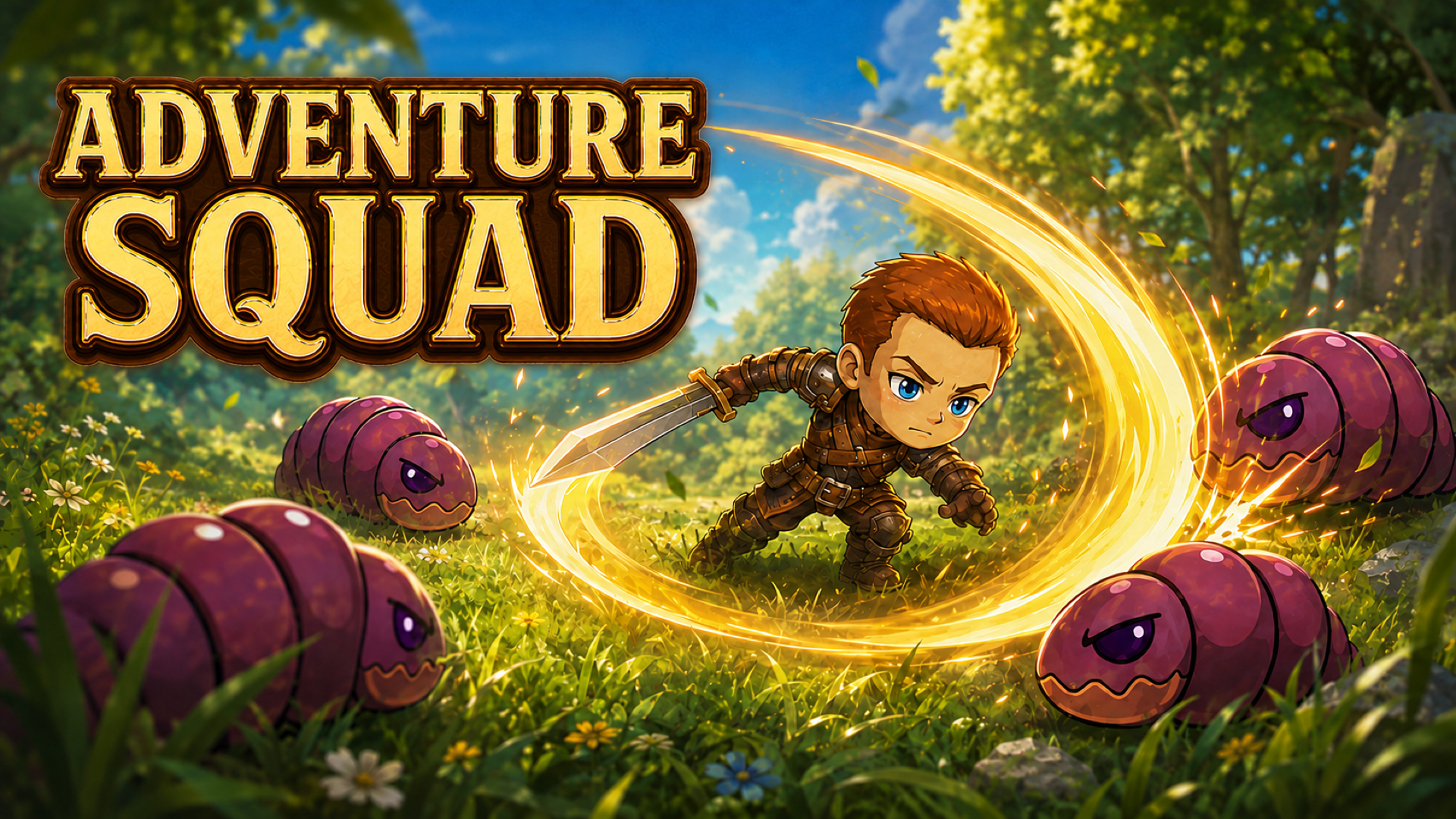
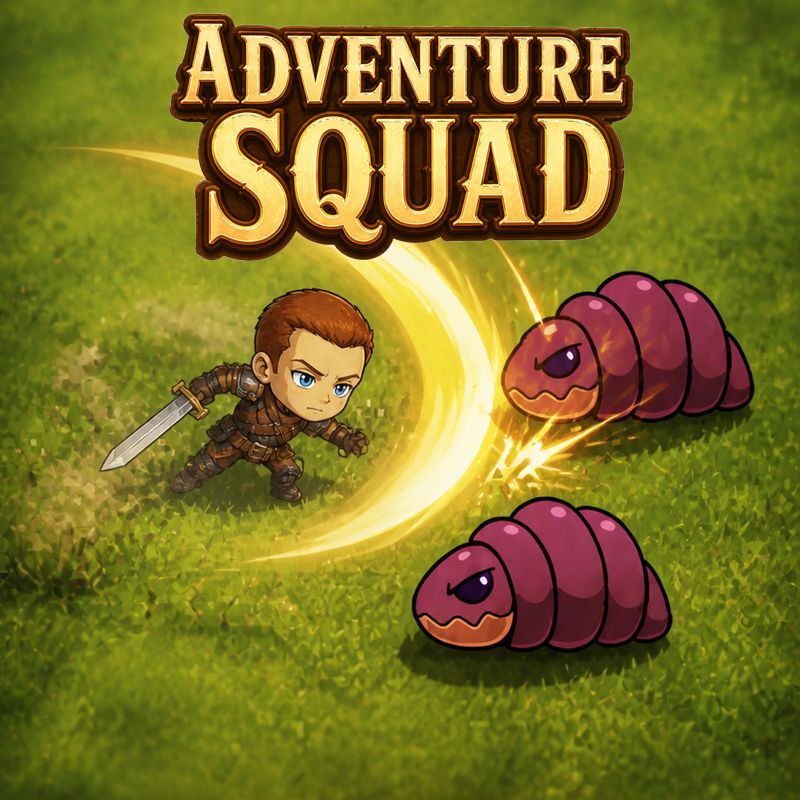
In Adventure Squad, assemble a party from 60 classes and lead it through dangerous campaigns. Recruit heroes of different classes, arrange them on the battlefield, and combine tanks, fighters, archers, and mages. Your heroes battle waves of monsters while you control their active abilities and choose the right moment to turn the fight around.
Protect a route by deciding where your defenses belong. Placement and upgrades are the main decisions to understand before a wave begins. Upgrades are part of the progression described by the provider.
How to play Adventure Squad
Controls and instructions
1. On the squad screen, recruit heroes and drag them onto empty slots. Place defenders in front and keep archers and mages behind them.
2. Open the mission map and select an available battle.
3. Heroes attack automatically. Tap a ready hero ability and select a highlighted target when required. You can pause the battle.
4. Enable Auto mode to cast abilities automatically. Each automatic cast consumes one AutoCoin.
5. Defeat enemy waves, earn gold, recruit new fighters, and upgrade hero classes. If your squad is defeated, adjust the formation or strengthen the team, then retry the mission.
Controls: click or tap buttons and characters; drag heroes between squad slots.
Getting started with Adventure Squad
- Start by reading how defenders are placed and upgraded.
- Compare the upgrade description with your next objective before choosing it.
About this game
- Platform
- Web browser
- Supported devices
- Android, iOS, Desktop
- Screen orientation
- Portrait
- Languages
- American English, Russian (Russia)
- Genres
- Action, Strategy, Tower Defense, Rpg
- In-game purchases
- Available
- Provider
- Playgama
- Provider audience
- Male, Female
Game features and tags
- Mission
- Fantasy
- Quests
- Heroes
- Arena
- Defense
- Tactical
- Action Rpg
Adventure Squad images
Questions about Adventure Squad
How do I start playing?
Choose Play now in the game window above to load Adventure Squad through Playgama. Read the controls and instructions above before you start.
Which devices can I play on?
The provider lists support for Android, iOS, Desktop. Play in your web browser using the controls described above.
Which languages does the game support?
American English, Russian (Russia).
Does the game have in-game purchases?
The provider lists optional in-game purchases. Any available purchases are handled inside the game. Games may display advertisements.
Related game categories
Game facts and artwork supplied by Playgama. Descriptions adapted and getting-started guidance added by LookBear. Game content, ads and purchases are provided by Playgama and the game provider.