 Zombie Horde: Build & Survive
Lane Clash
Provided by Playgama

Lane Clashvia Playgama
 Nubiks build a defense vs zombies
 Archer Defense
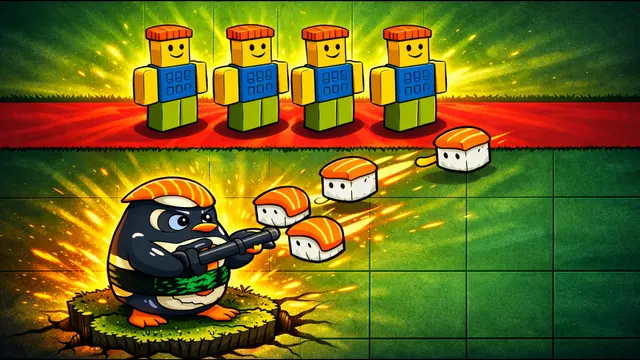 Brainrot Tower Defense
 Drago Warrior Tower Defense
 Swat Force VS Terrorists
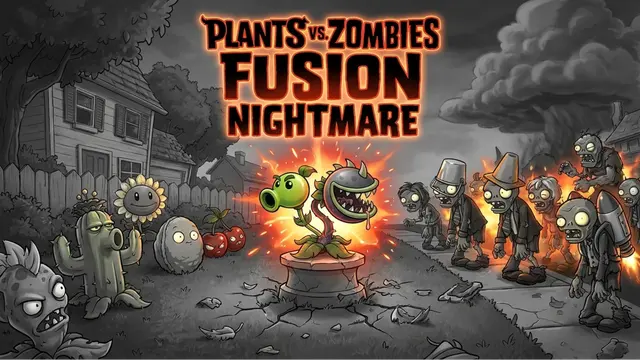 Plants vs Zombies Fusion Nightmare
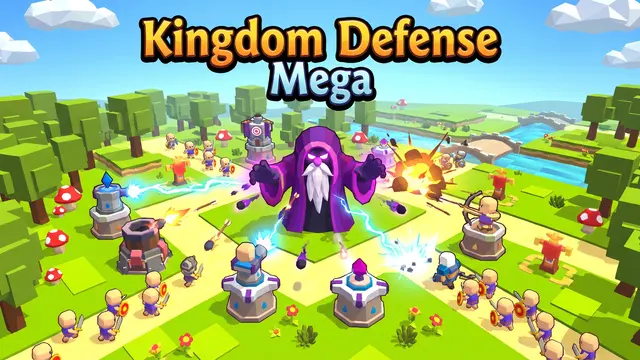 Kingdom Defense Mega
 Lucky Clash
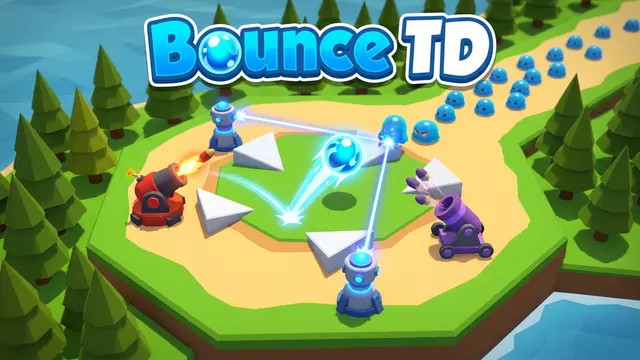 Bounce TD
 Clash of Tanks
 Beach Defense: Merge Tower
 Towers 505
 Castle Claw
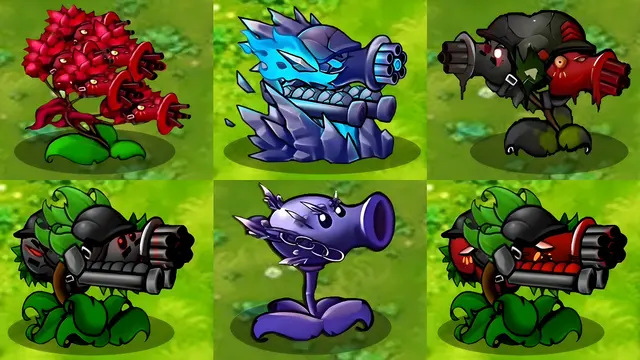 Plants vs Zombies Hybrids
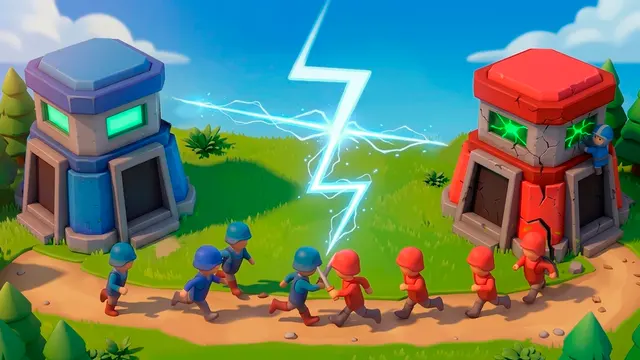 Line Control
 Clash of Skulls
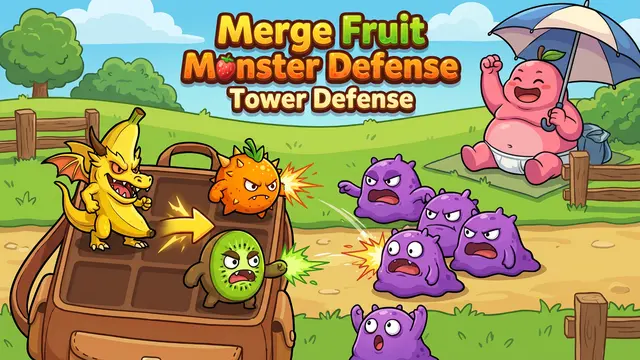 Merge Fruit Monster Defense: Tower Defense
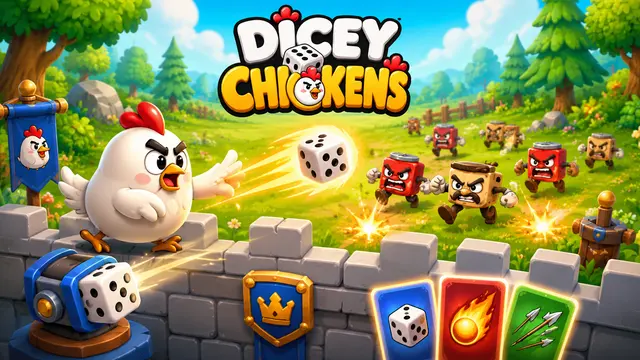 Dicey Chickens
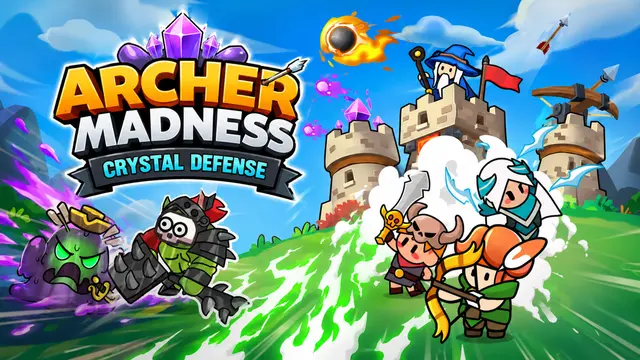 Archer Madness: Crystal Defense
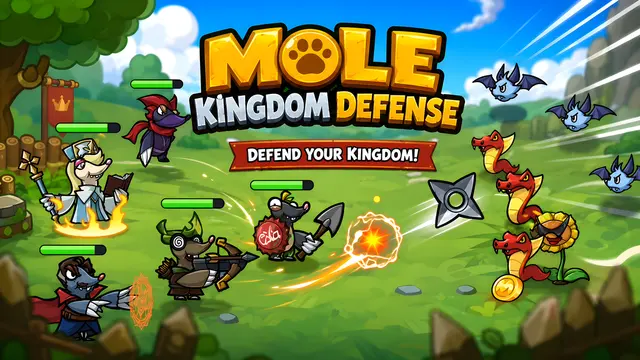 Mole Kingdom Defense
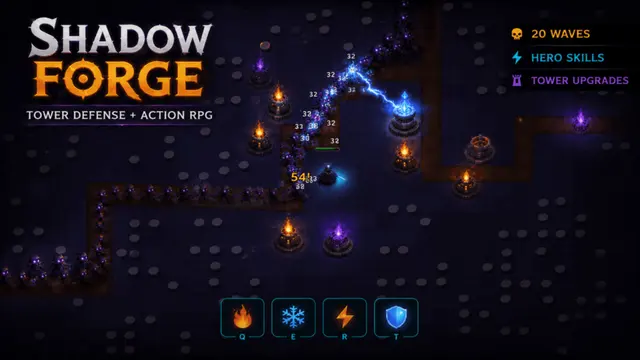 SHADOW FORGE
 Onigiri - Demons Wrath
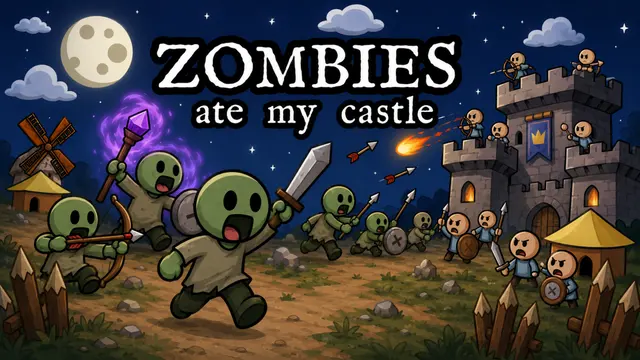 Zombies ate my Castle
 Fortress Clash
 Dragon Annihilation
 Guardians of Tower
 Savage Defenders
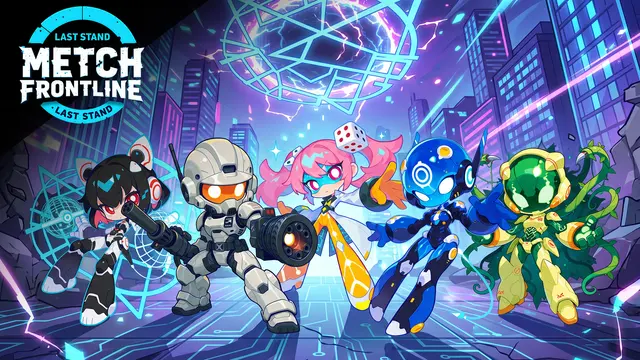 Mech Frontline: Last Stand
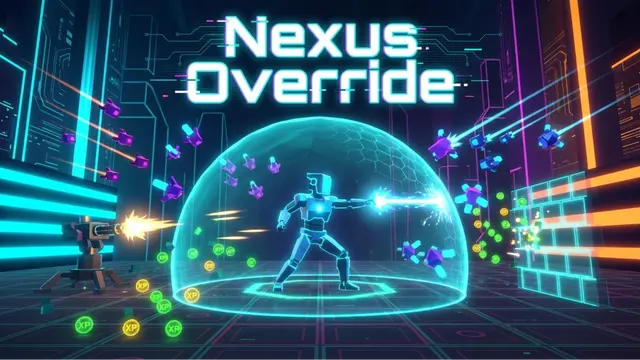 Nexus Override
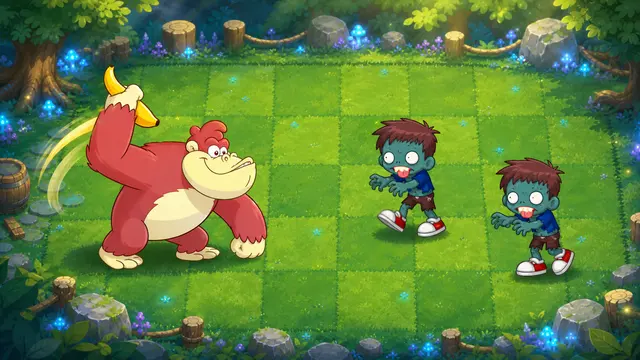 Zombie vs Gorilla
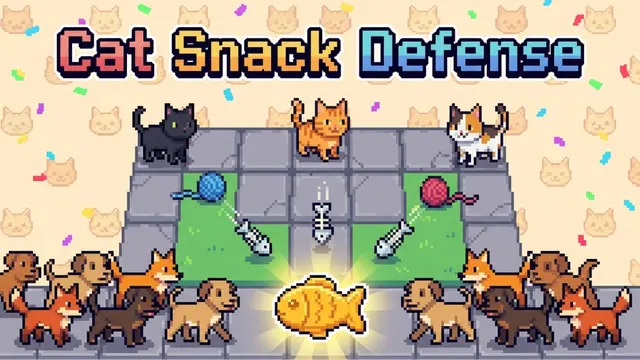 Cat Snack Defense
 Merge Elementals: Castle Defense
 Cockroach Tower Defense
 Adventure Squad
 Clash of Armour
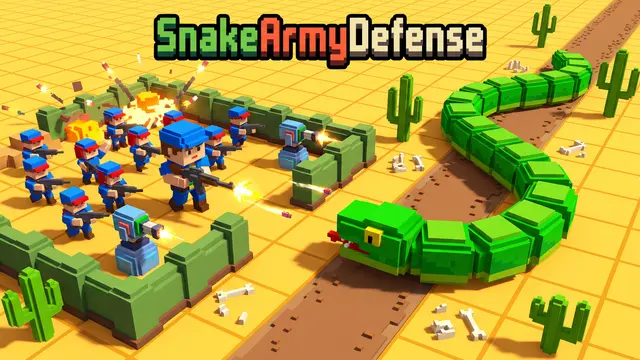 SnakeArmyDefense
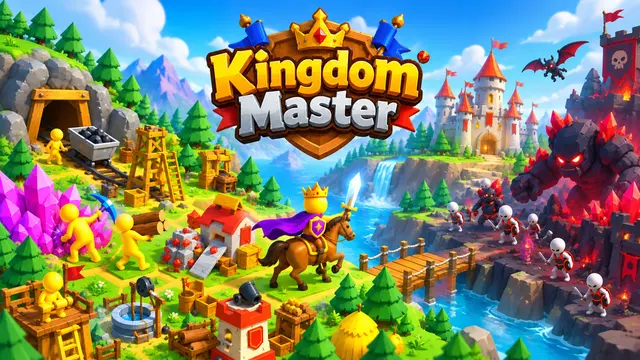 Kingdom Master
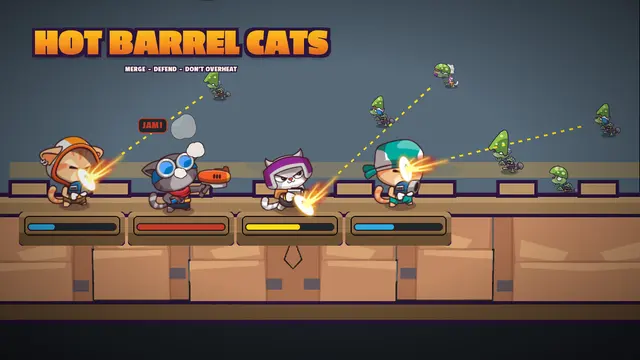 Hot Barrel Cats
 Bee Rise
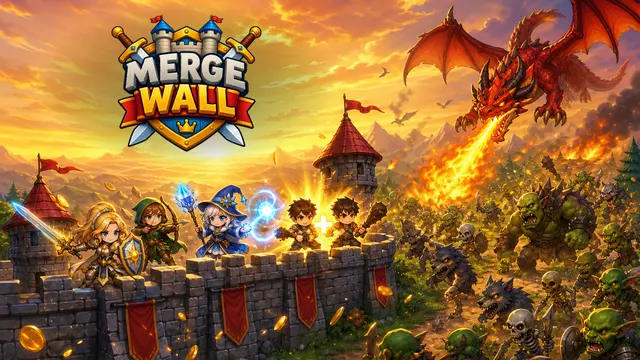 Merge Wall: Last Stand
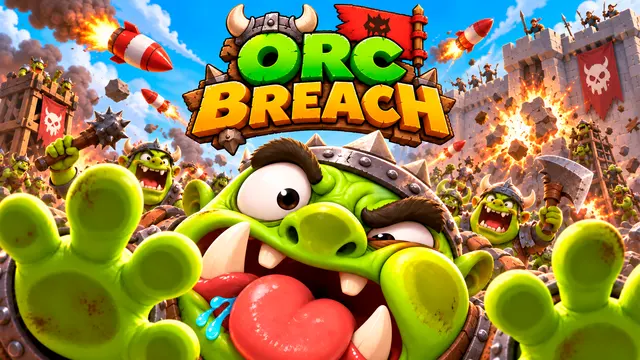 Orc Breach
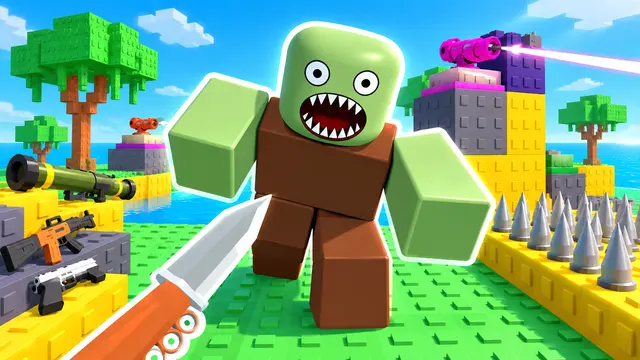 Build and Defend your Base
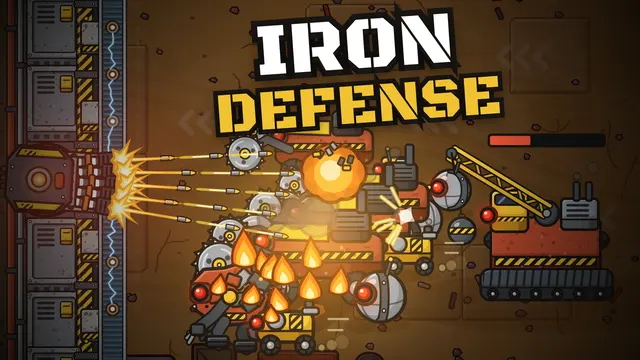 Iron Defense
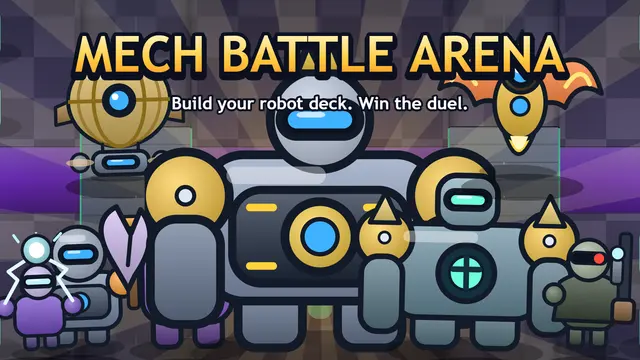 Mech Battle Arena
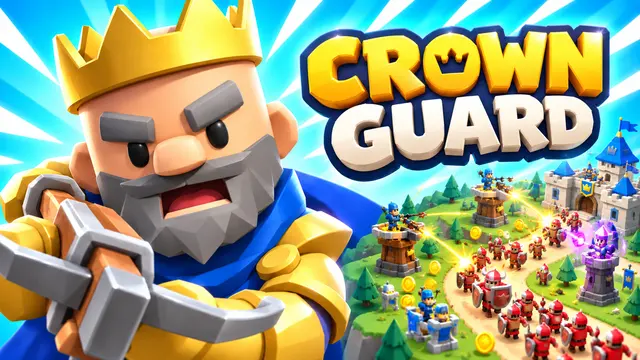 Crown Guard
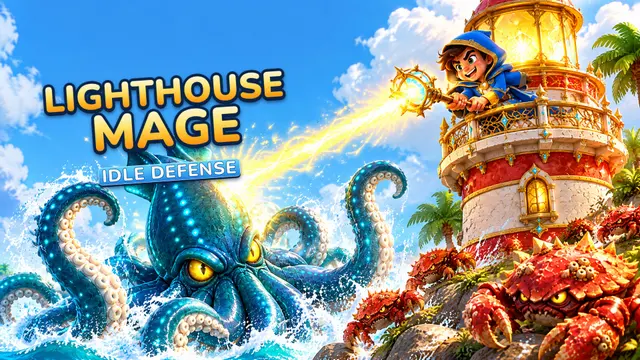 Lighthouse Mage: Idle Defense
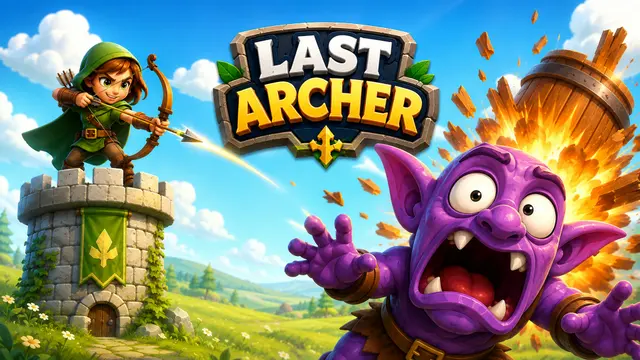 Last Archer
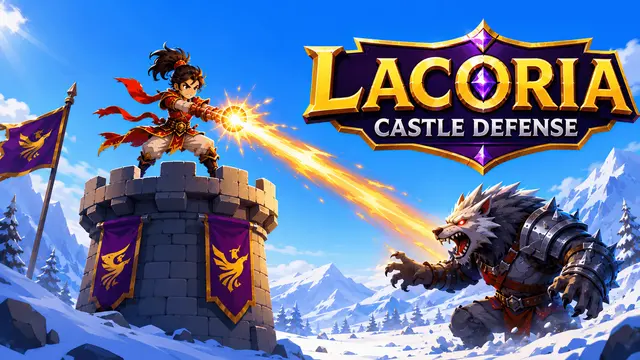 Lacoria Castle Defense
 Naval Base
 Mercenary Keep: Siege Defense
 Milord, We Have a Zombie Problem
 Trench Tycoon: Toy Army Defense
 Potion Siege
 Jelly Pop Defense
 Eggmental
 Alderun
 Outpost Siege
 Tower Clash
 Rootbound
 Survivors Vs Zombies
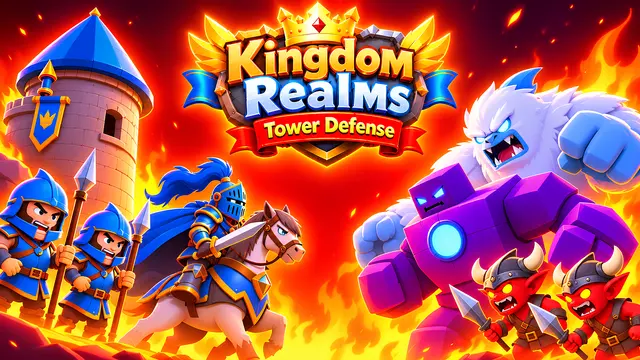 Kingdom Realms: Tower Defense
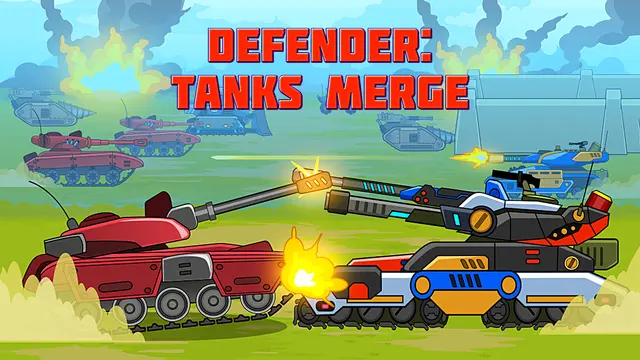 Defender: Tanks Merge
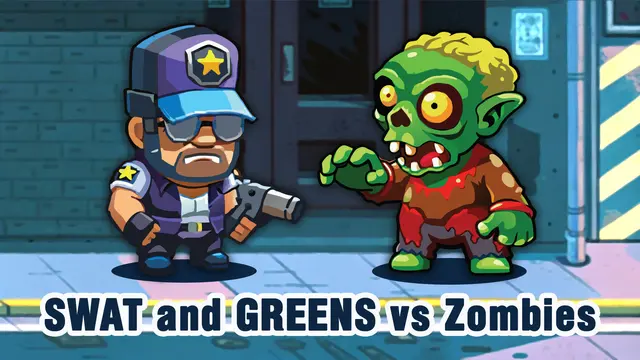 SWAT and GREENS vs Zombies
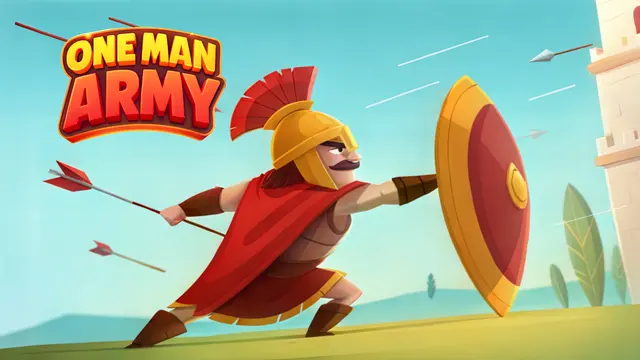 One Man Army: Battle Game
Play Lane Clash online
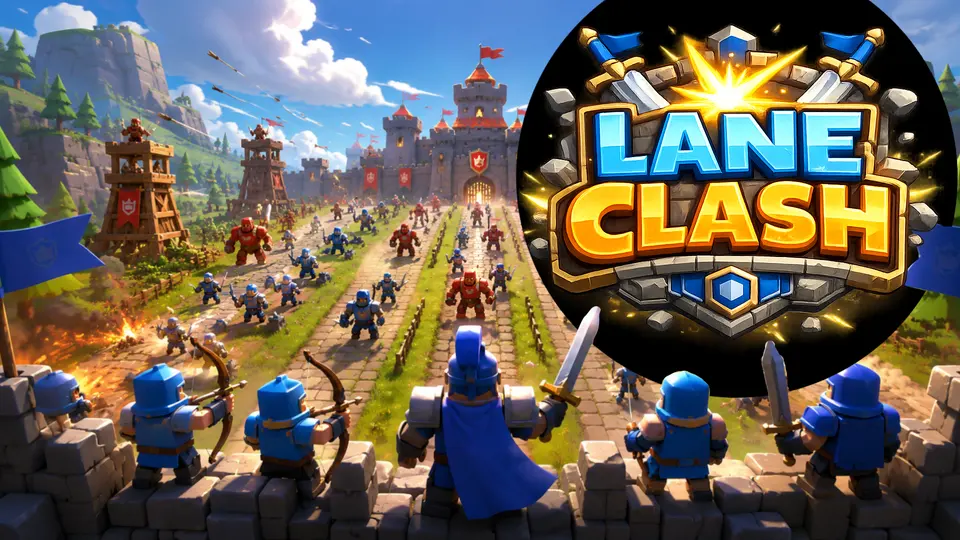
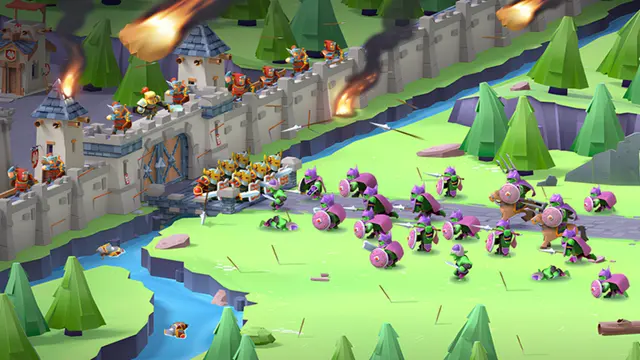
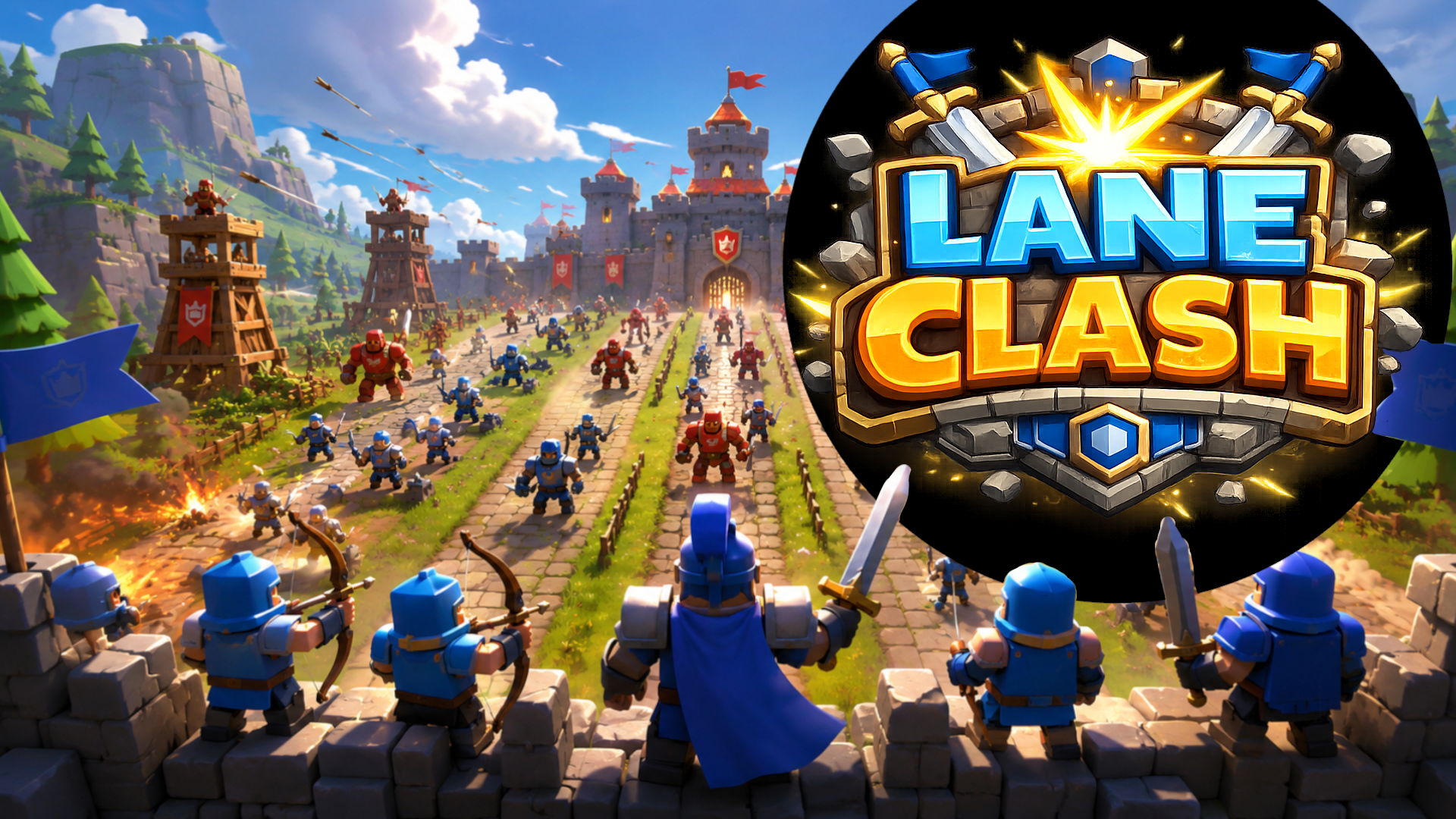
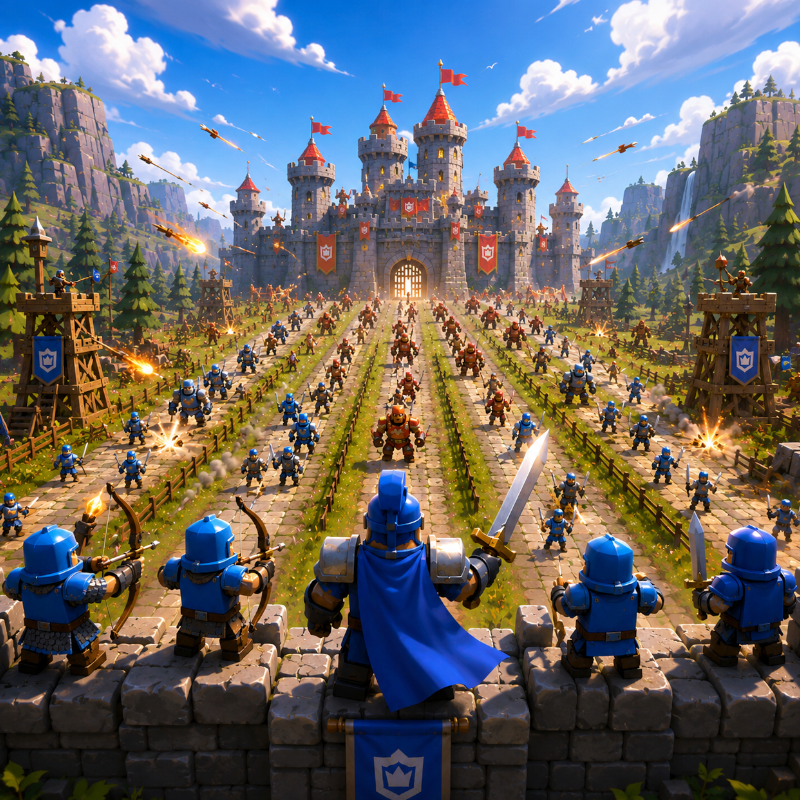
Lane Hold is a casual 3D lane-defense game. Hold your fortress across five parallel lanes: tap a lane shield to spawn warriors, clash power head-on, and stop enemies before they breach the wall. Clear short waves, upgrade lanes and the base between rounds, and use Shield, Bomb, and Freeze when the pressure rises — no joystick, no chasing camera, just tense lane battles.
Protect a route by deciding where your defenses belong. Placement and upgrades are the main decisions to understand before a wave begins. Coins appear in the game’s progression or objectives. Upgrades are part of the progression described by the provider.
How to play Lane Clash
Controls and instructions
Defend your fortress across five lanes. Enemies run toward your wall — tap a lane shield to spawn warriors (when cooldown is ready). When units clash, their power cancels out: the weaker is destroyed, the stronger keeps going with the leftover power. If an enemy reaches the wall, your base loses HP equal to that enemy’s power.
How to win
Clear each wave by defeating or blocking all enemies before your base HP drops to zero. Survive the wave to earn rewards, upgrade your lanes, and advance to the next wave.
Upgrades & items
Lane gears: upgrade tier and power with coins, cooldown with gems
Wall HP bar: base upgrades and repair
Inventory: Shield (arm a lane), Bomb (clear nearby enemies), Freeze (slow a lane)
Tap coins on the field to collect them
Ad Rewards: watch ads for gems and coins
Items shop (tap an empty inventory slot): buy items with gems; in-apps when payments are available
Controls
Mouse / touch: tap a lane shield to spawn
Inventory buttons: use Shield, Bomb, or Freeze during a wave
Continue: after a win
Soft Retry (watch an ad for an easier wave) or Back: after a defeat
Getting started with Lane Clash
- Start by reading how defenders are placed and upgraded.
- Check what the game lets you do with coins before spending them.
- Compare the upgrade description with your next objective before choosing it.
About this game
- Platform
- Web browser
- Supported devices
- Android, iOS, Desktop
- Screen orientation
- Landscape and Portrait
- Languages
- American English, Chinese (China), German (Germany), European Spanish, French (France), Italian (Italy), Japanese (Japan), Korean (South Korea), Polish (Poland), Russian (Russia), Turkish (Türkiye)
- Genres
- Strategy, Tower Defense
- In-game purchases
- Available
- Provider
- Playgama
- Provider audience
- Male, Female
Game features and tags
- Defense
Lane Clash images
Questions about Lane Clash
How do I start playing?
Choose Play now in the game window above to load Lane Clash through Playgama. Read the controls and instructions above before you start.
Which devices can I play on?
The provider lists support for Android, iOS, Desktop. Play in your web browser using the controls described above.
Which languages does the game support?
American English, Chinese (China), German (Germany), European Spanish, French (France), Italian (Italy), Japanese (Japan), Korean (South Korea), Polish (Poland), Russian (Russia), Turkish (Türkiye).
Does the game have in-game purchases?
The provider lists optional in-game purchases. Any available purchases are handled inside the game. Games may display advertisements.
Related game categories
Game facts and artwork supplied by Playgama. Descriptions adapted and getting-started guidance added by LookBear. Game content, ads and purchases are provided by Playgama and the game provider.