 Steal Meme And Go
Merge Rockets: Obby
Provided by Playgama
Merge Rockets: Obbyvia Playgama


 Ludo
 Zomboblox 2: Real Online
 Defender: Tanks Merge
 SWAT and GREENS vs Zombies
 Hazmob FPS: Online Shooter
 Dungeon Master - Cult & Craft
 Obby: Click and Grow
 Pirates Merge: War Path
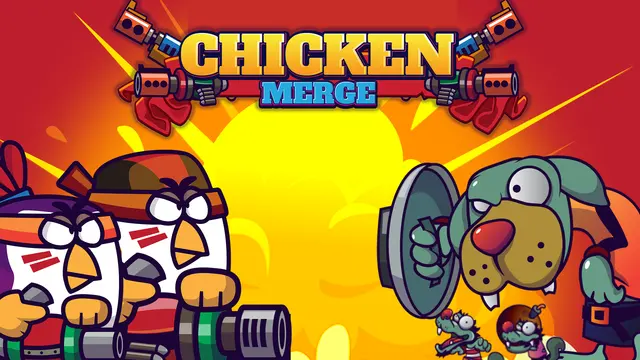 Chicken Merge
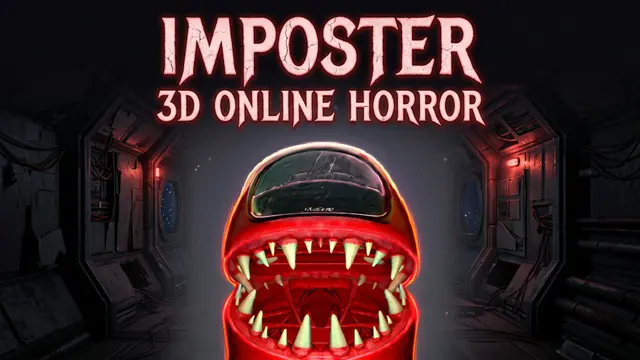 Imposter 3D online horror
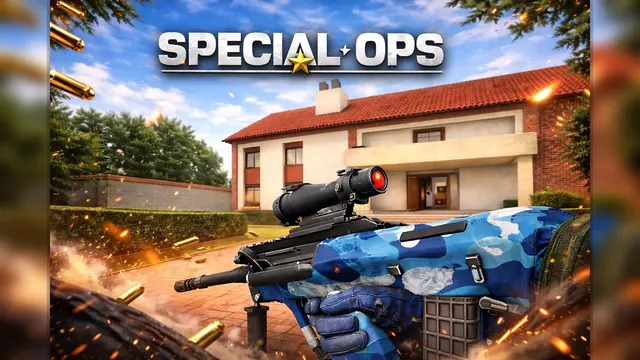 Special Ops: GO
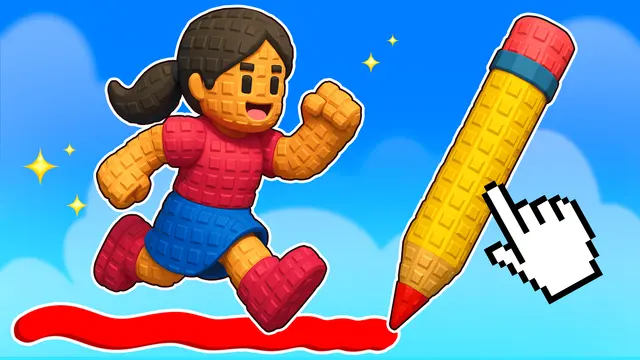 Obby online with friends: Draw and Jump!
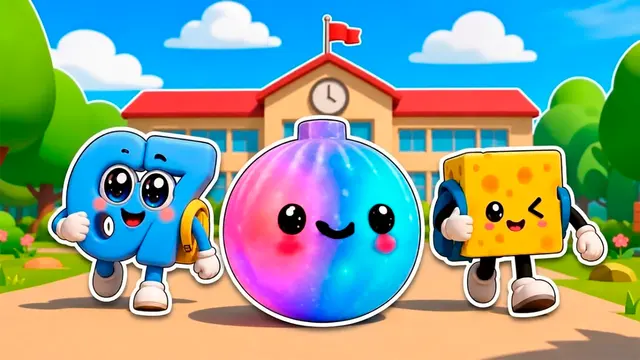 Baby Brainrots - Multiplayer with Friends!
 Dead Land: Survival
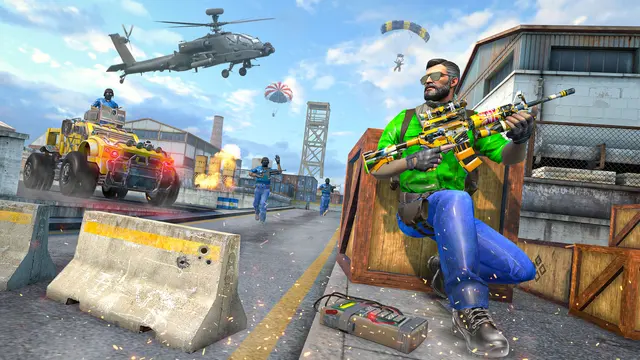 FPS Gun Shooting Game 3D
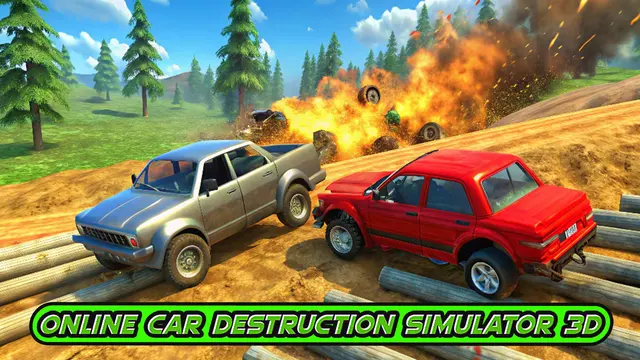 Online Car Destruction Simulator 3D
 Left 4 Die
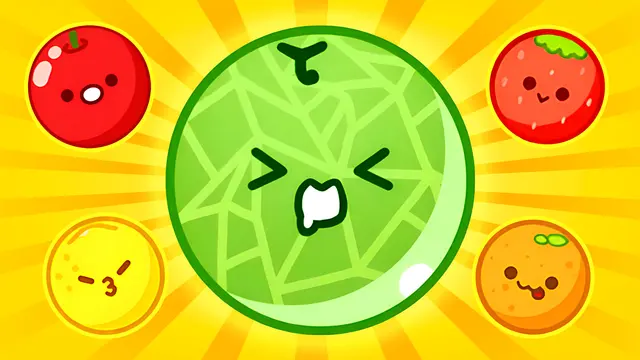 Melon Maker : Fruit Game
 Your Obby Labyrinth
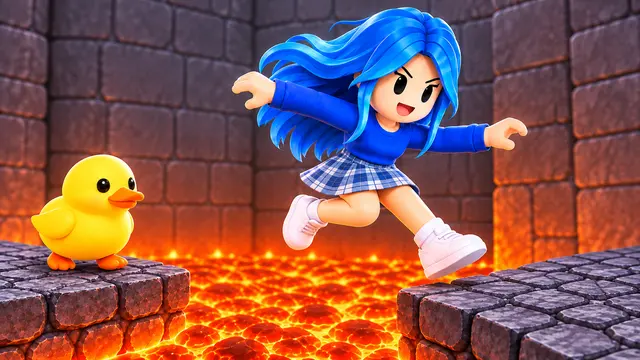 Your Obby Parkour
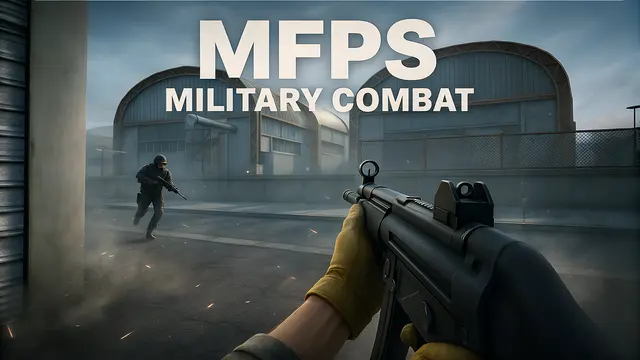 MFPS:Military Combat
 Drift King Racing Multiplayer
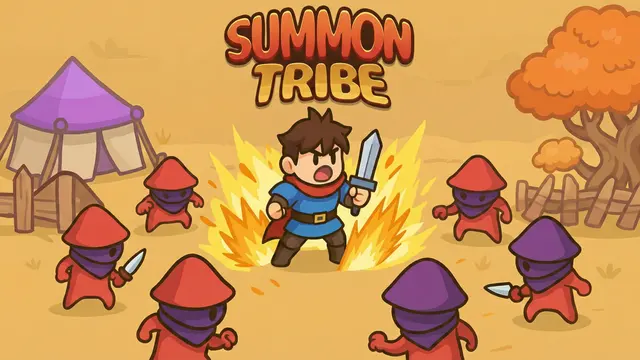 Summon Tribe
 Blocks Shooter 3D! Run, Shoot, Merge Weapons!
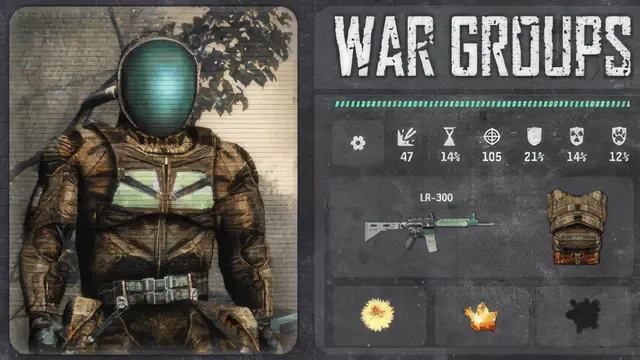 War Groups
 Impossible Parkour 3D
 RIVALS FPS: Online Shooter
 Find The Pets
 Obby: Save the Brainrots Online
 Obby: Defend your base from 67
 Chicken Merge 2
 Yenemy
 Egg Thief
 Stairs Trivia
 Imposter 3D
 Strategy of war: Tanks and helicopters
 Fortress of the Sinister
 Obby Royal races in flight
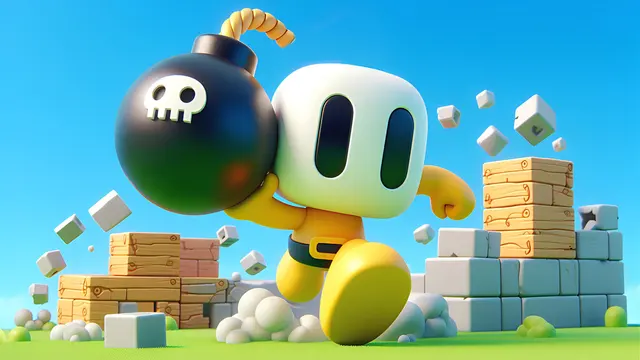 BOMBAMAN 3D
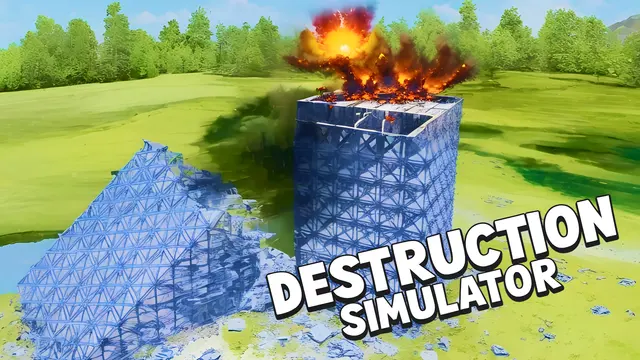 Destruction Simulator
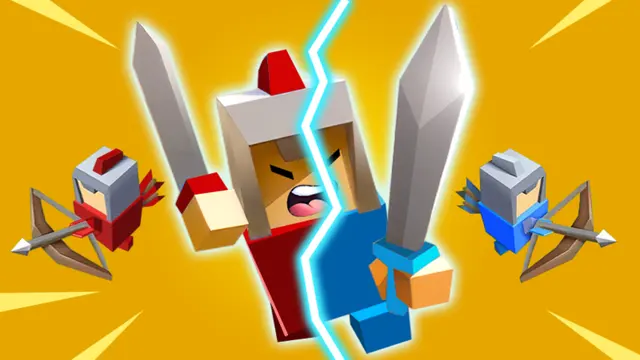 Legions: Way of War
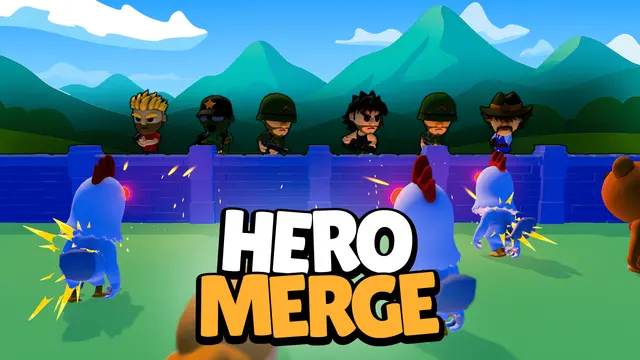 Hero Merge
 Ball: Path Through Obstacles
 Blockadventure io
 BeastForge Rival
 Steve parkour in mine
 Nubiks build a defense vs zombies
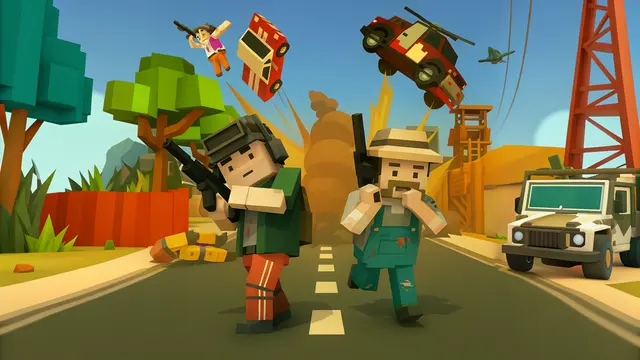 Cube shooter
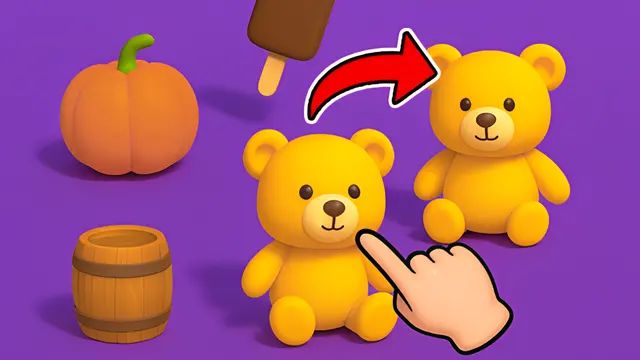 Find a Pair 3D
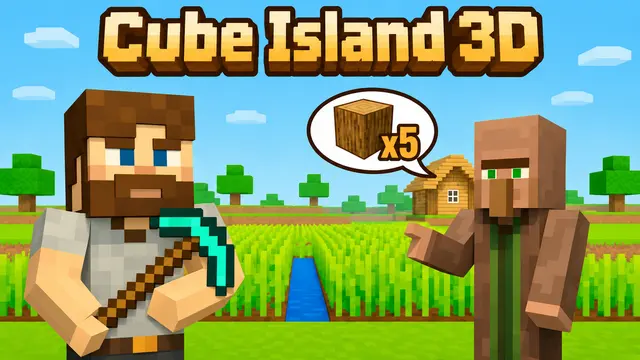 Cube Island 3D
 Flowers: Garden Merge
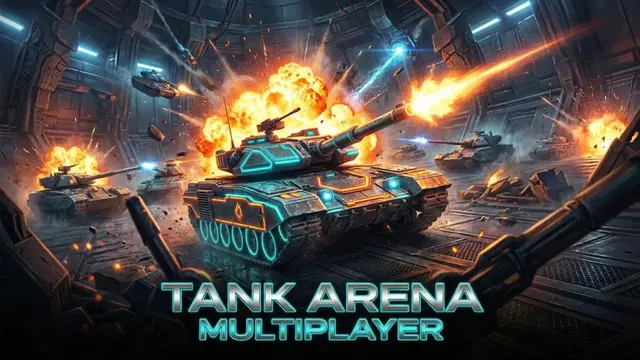 TANK ARENA MULTIPLAYER
 Parkour World
 Parkour World 2
 Crime and Vice City Police
 Battle of Banners
 Brainrots Merge
 Noob Fuse
 Space Craft: Ship War
 Zombie Rage: Merge 3D
 Ninja Survival Simulator
 Catch a Fish Obby
 Mine Obby 3D: Minigame World
 Lucky Clash
Play Merge Rockets: Obby online
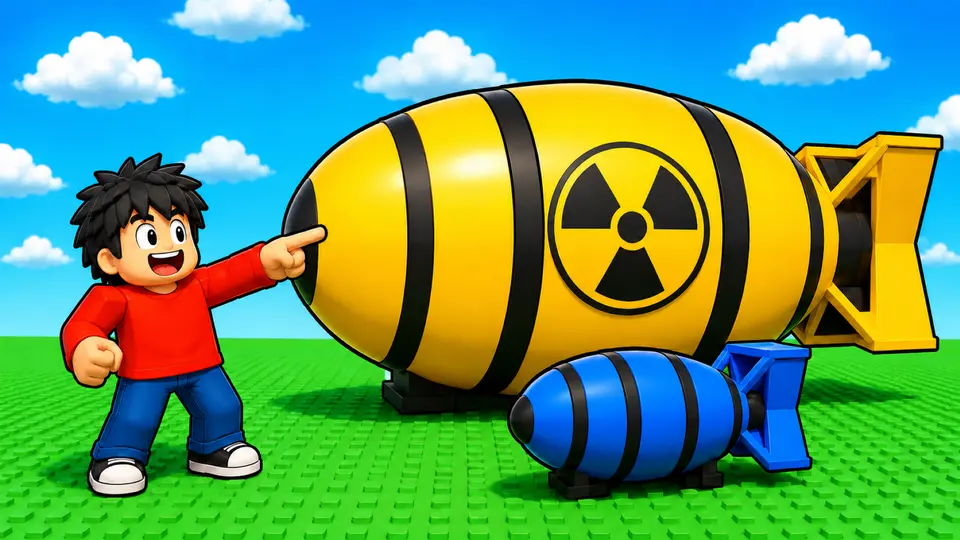
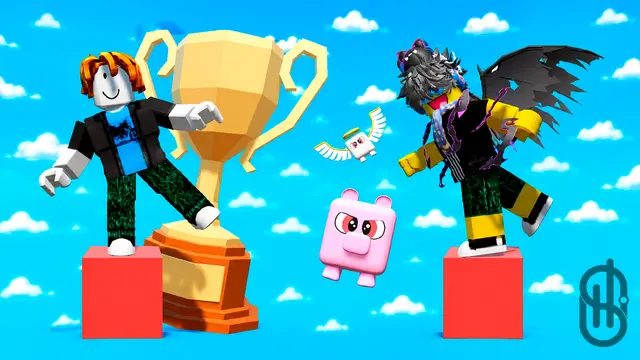
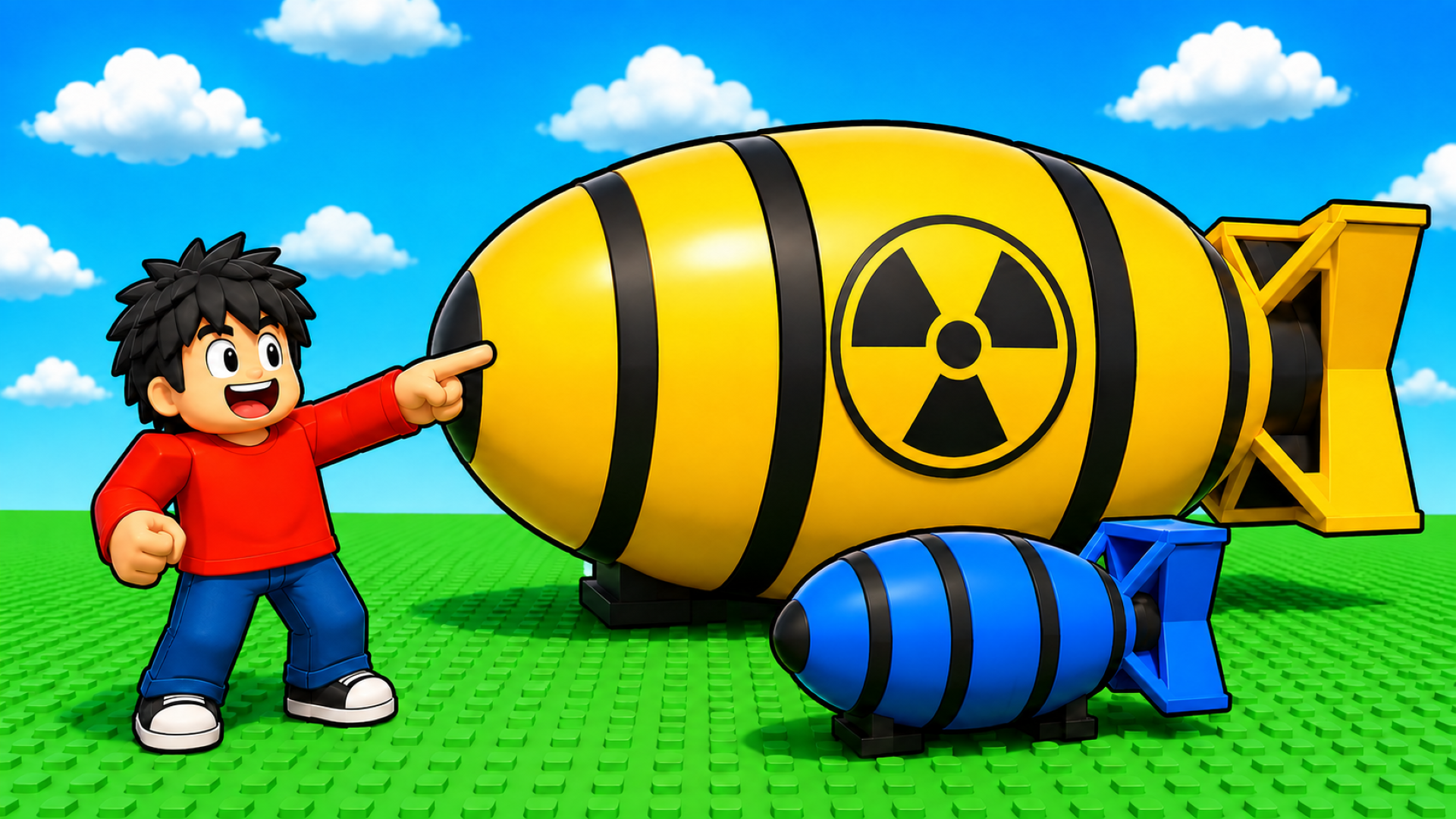
“Merge Rockets: Obby” is a fast-paced 3D game inspired by 2048, where the rockets you merge can be launched straight at your opponents! Merge two identical rockets to create a more powerful rocket of the next level. Expand your arsenal, choose a target, and attack other players bases.
Bring matching pieces together and consider how each combination changes your available space or resources. The instructions explain which items can be combined. The instructions describe joystick input. The listed controls include WASD input.
How to play Merge Rockets: Obby
Controls and instructions
Controls
Computers:
WASD - character movement.
Space - jump.
Mobile Devices:
Joystick - character movement.
Getting started with Merge Rockets: Obby
- Check the matching requirements before combining pieces.
- Start with a short joystick movement to judge how the character responds.
- Check the action mappings as well as movement; extra actions may use different keys.
About this game
- Platform
- Web browser
- Supported devices
- Android, iOS, Desktop
- Screen orientation
- Landscape and Portrait
- Languages
- American English, German (Germany), European Spanish, French (France), Russian (Russia)
- Genres
- Strategy, 3d, Multiplayer, Obby, Merge
- In-game purchases
- Available
- Provider
- Playgama
- Provider audience
- Male, Female
Game features and tags
- Destruction
- Roblox
- Rocket
Merge Rockets: Obby images

Questions about Merge Rockets: Obby
How do I start playing?
Choose Play now in the game window above to load Merge Rockets: Obby through Playgama. Read the controls and instructions above before you start.
Which devices can I play on?
The provider lists support for Android, iOS, Desktop. Play in your web browser using the controls described above.
Which languages does the game support?
American English, German (Germany), European Spanish, French (France), Russian (Russia).
Does the game have in-game purchases?
The provider lists optional in-game purchases. Any available purchases are handled inside the game. Games may display advertisements.
Related game categories
Game facts and artwork supplied by Playgama. Descriptions adapted and getting-started guidance added by LookBear. Game content, ads and purchases are provided by Playgama and the game provider.